Louisiana Affidavit on Verification of Judge's Handwriting
What this document covers
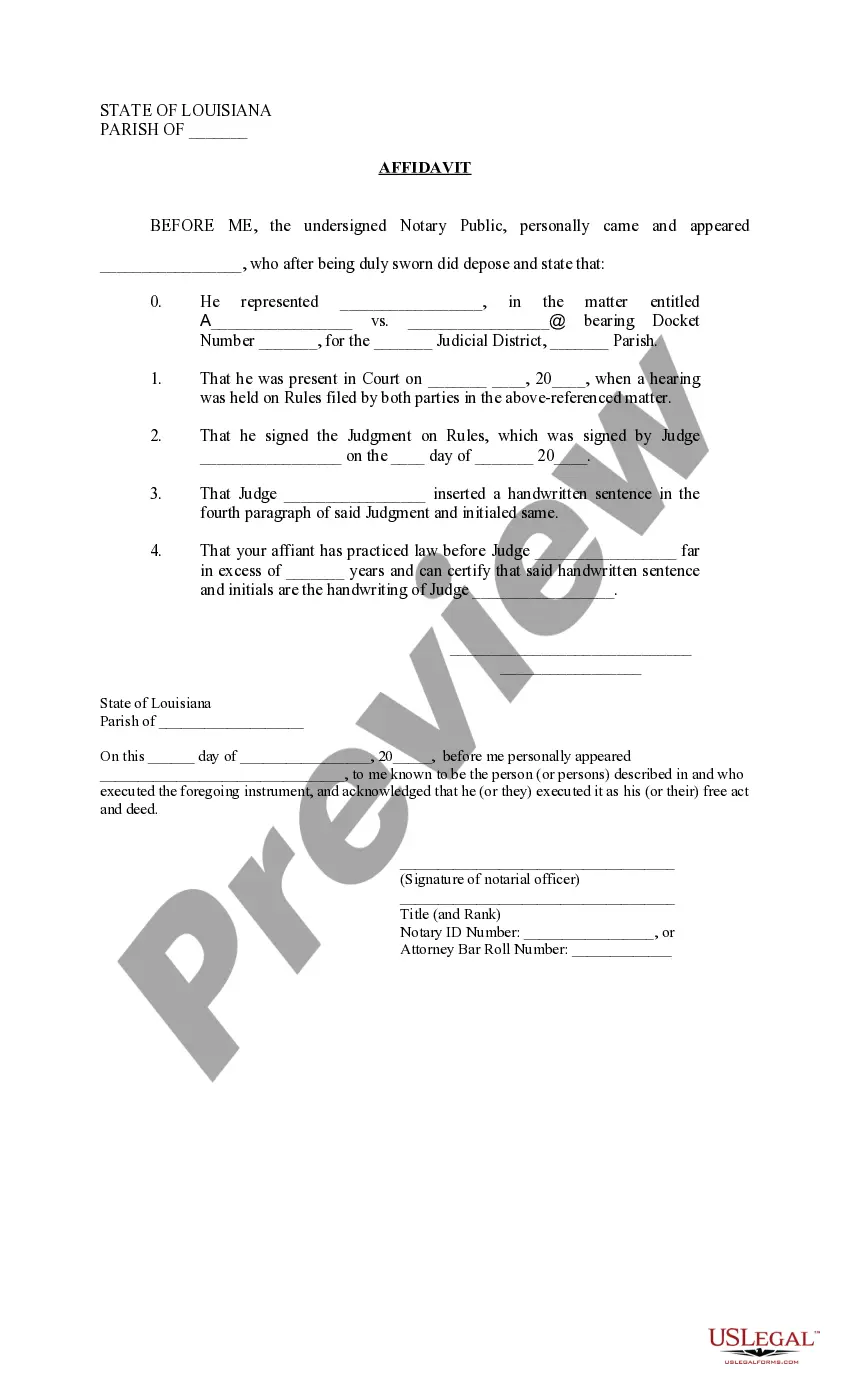
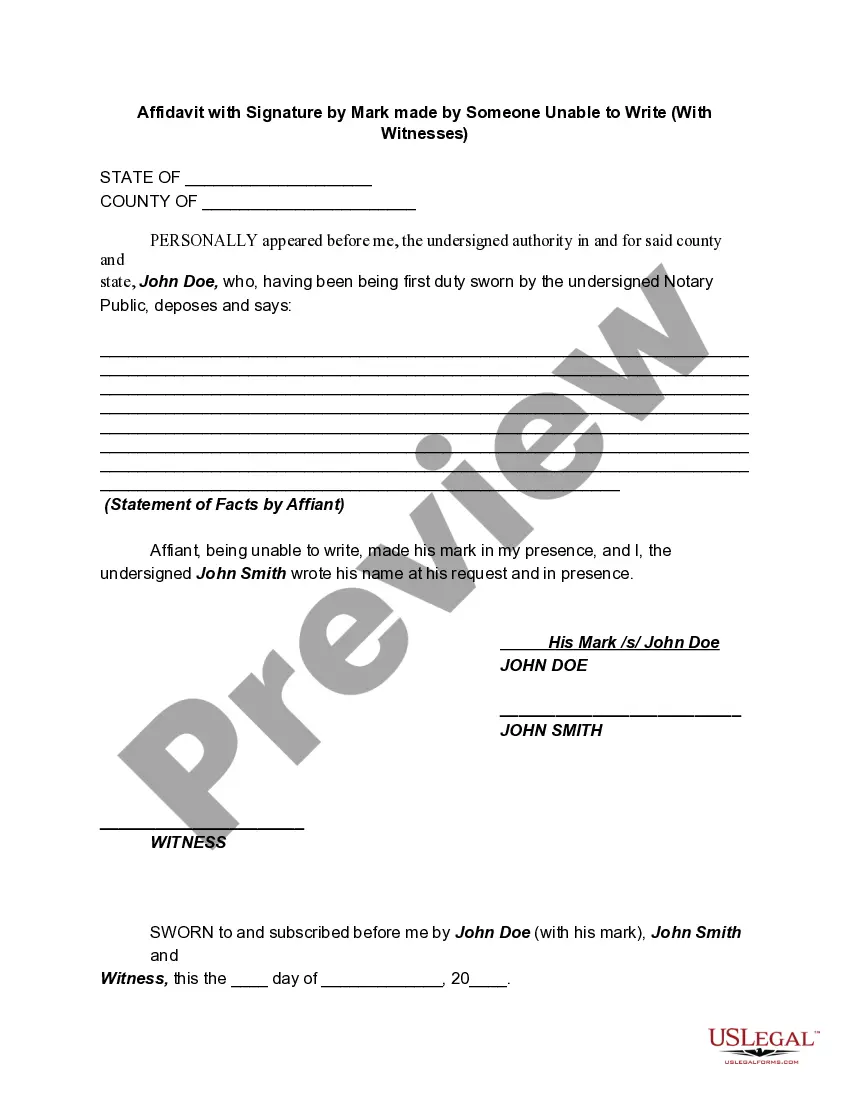
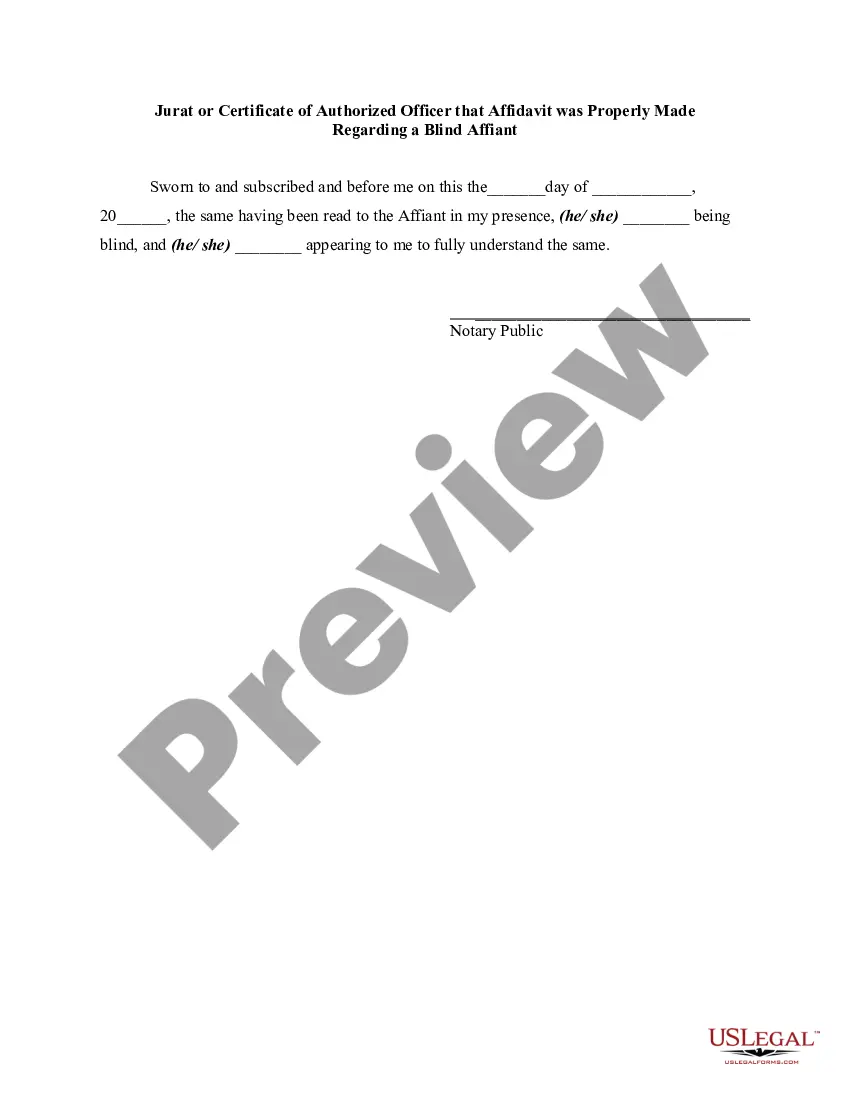
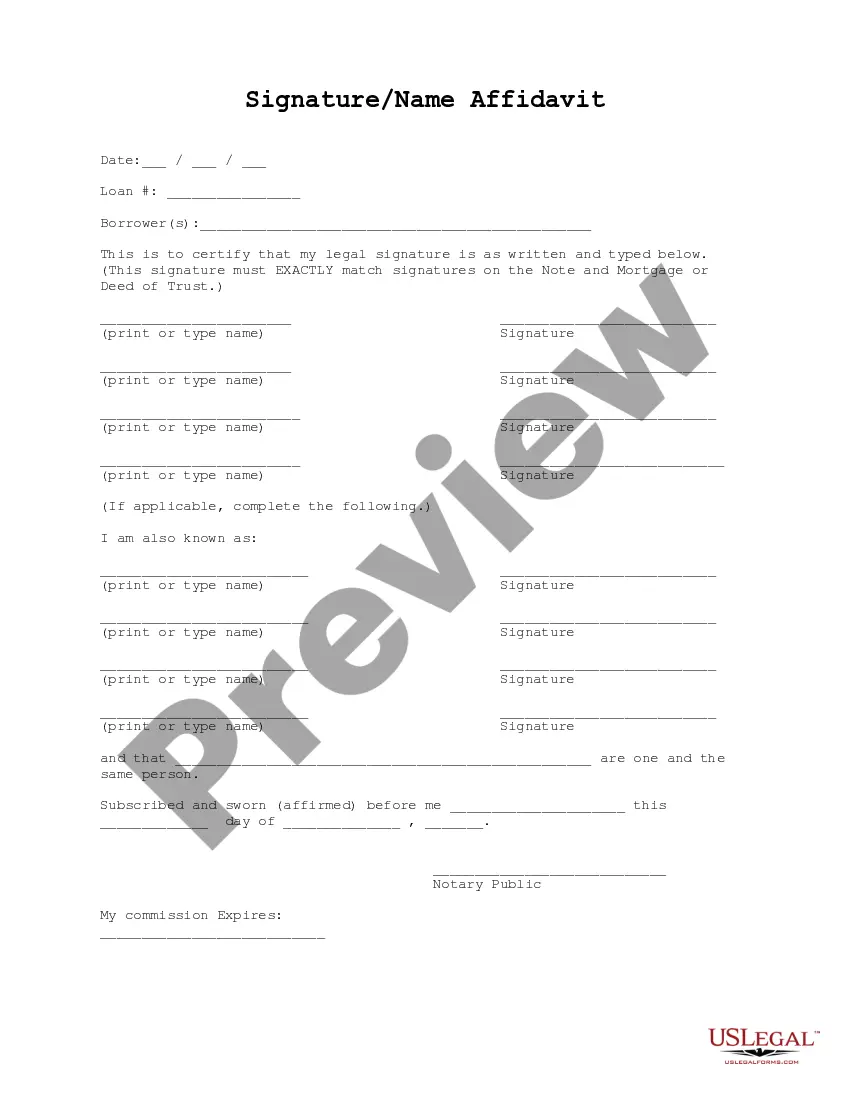
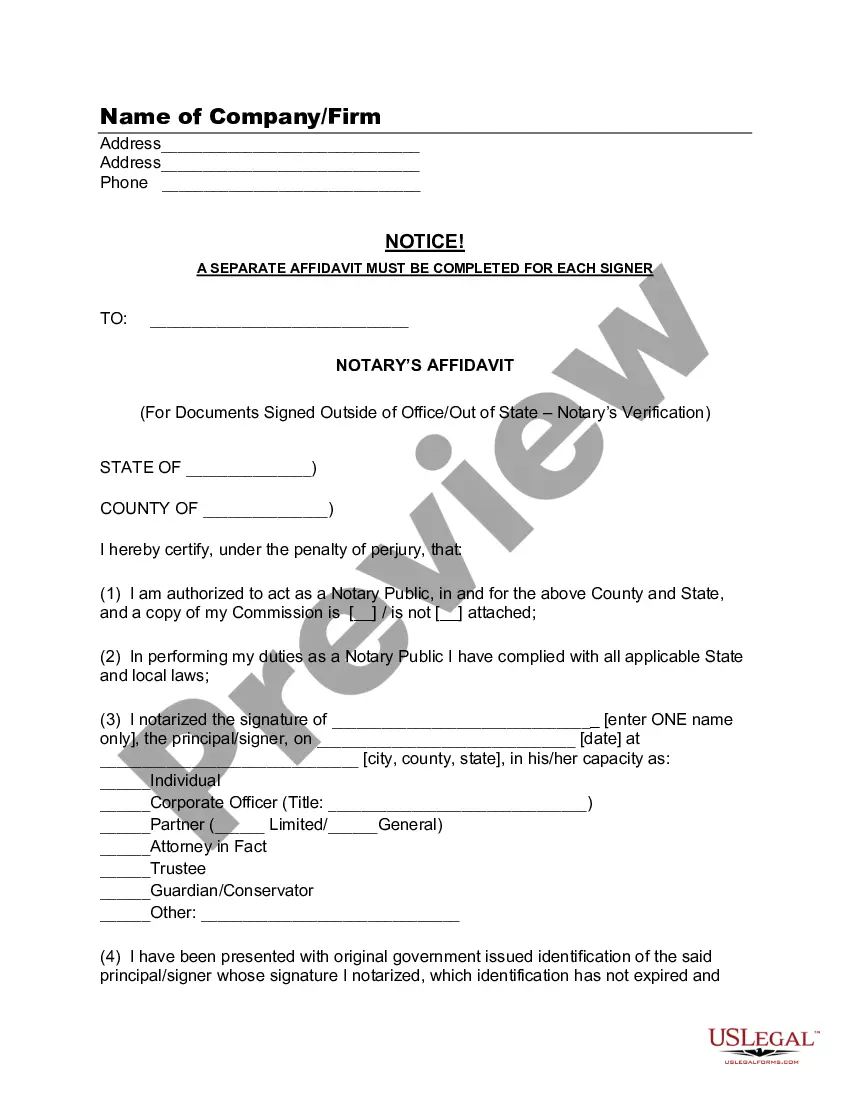
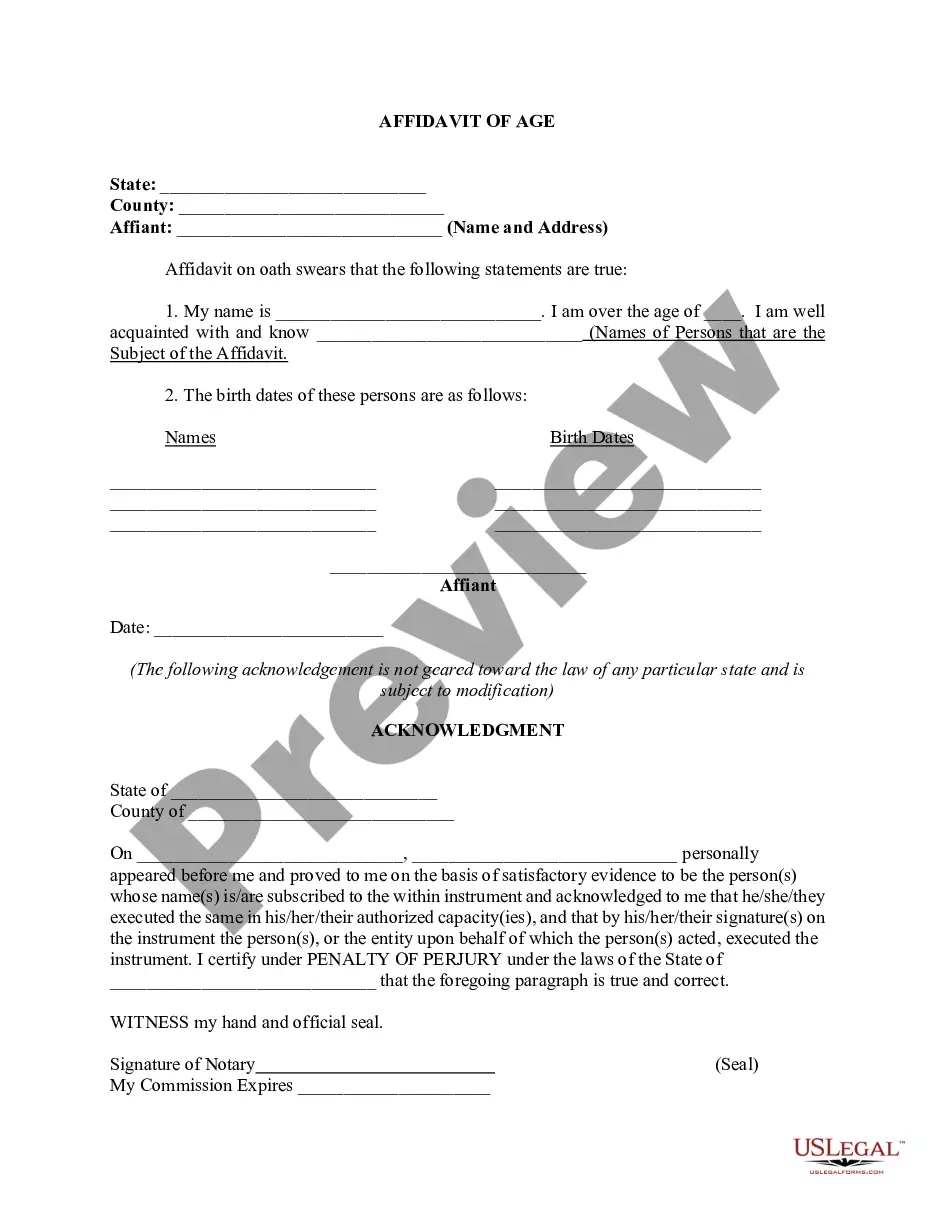
The Affidavit on Verification of Judge's Handwriting is a legal document used to confirm the authenticity of a judge's handwritten note and initials on a judgment. This affidavit is crucial in legal proceedings where there is a dispute regarding the judge's additions to a document. Unlike other affidavits, this form specifically focuses on verifying a judge's handwriting, which can be critical in legal disputes or appeals.
Form components explained
- Affiant's details, including name and representation in the case.
- The case title and docket number where the affidavit is relevant.
- Date and description of the court hearing.
- Specific details of the handwritten sentence and initials by the judge.
- Affiant's qualifications and years of experience with the judge.
- Signature and notarization section to validate the affidavit.
When to use this document
This affidavit should be used in situations where there is uncertainty or dispute about a judge's handwritten notes or initials included in a legal judgment. Common scenarios include appeals, motions for reconsideration, or when verifying the authenticity of judicial instructions that may affect the caseâs outcome.
Who can use this document
- Legal practitioners who have appeared before the judge in question.
- Individuals involved in a case where the judge's handwritten notes are being disputed.
- Parties seeking to establish the authenticity of a judgment through this form.
Completing this form step by step
- Identify the affiant, filling in their name and the party they represent.
- Provide the case title and docket number clearly.
- Enter the date of the hearing and details of the judgment signed by the judge.
- Describe the handwritten sentence and initials made by the judge.
- Certify the affiant's experience with the judge and sign the document.
- Have the affidavit witnessed and notarized as required.
Does this document require notarization?
Yes, this form must be notarized to be legally valid. US Legal Forms provides an integrated online notarization service available 24/7 through secure video calls, ensuring convenience and compliance with legal standards.
Get your form ready online
Our built-in tools help you complete, sign, share, and store your documents in one place.
Make edits, fill in missing information, and update formatting in US Legal Forms—just like you would in MS Word.
Download a copy, print it, send it by email, or mail it via USPS—whatever works best for your next step.
Sign and collect signatures with our SignNow integration. Send to multiple recipients, set reminders, and more. Go Premium to unlock E-Sign.
If this form requires notarization, complete it online through a secure video call—no need to meet a notary in person or wait for an appointment.
We protect your documents and personal data by following strict security and privacy standards.

Make edits, fill in missing information, and update formatting in US Legal Forms—just like you would in MS Word.

Download a copy, print it, send it by email, or mail it via USPS—whatever works best for your next step.

Sign and collect signatures with our SignNow integration. Send to multiple recipients, set reminders, and more. Go Premium to unlock E-Sign.

If this form requires notarization, complete it online through a secure video call—no need to meet a notary in person or wait for an appointment.

We protect your documents and personal data by following strict security and privacy standards.
Typical mistakes to avoid
- Failing to provide accurate details about the case or the judge.
- Leaving sections incomplete or unsigned.
- Not having a qualified notary public witness the affidavit.
- Misquoting the handwritten text by the judge.
Why use this form online
- Convenience of completing the form from any location.
- Editability allows users to fill in required information easily.
- Access to templates that adhere to legal standards and requirements.
- Time-saving when compared to drafting the document from scratch.
Legal use & context
- The affidavit must clearly establish the affiant's qualifications to attest to the judge's handwriting.
- It provides a formal approach to seek clarification or confirmation in legal disputes.
- This document should be kept readily available for court proceedings concerning the judgment.
Quick recap
- The Affidavit on Verification of Judge's Handwriting is essential for validating judge's notes.
- Use this form when discrepancies arise regarding handwritten elements of a judgment.
- Ensure proper completion and notarization to uphold its legal validity.
Looking for another form?

Form popularity
FAQ
Step 1: Name Your Document. Step 2: Identify the Deponent / Affiant. Step 3: Write a Statement of Truth. Step 4: State the Facts. Step 5: Sample Notary Public Statements for an Affidavit.
Full name of the deponent and their signature. Statement indicating whether the affidavit has been sworn or not. Date and place where the affidavit is being signed. Designation and full name of the Notary or Magistrate (person attesting the affidavit)
I am _____ and my name _______, appearing on the enclosed ID proof, is single name.Both names denote one and the same person. I solemnly state that the contents of this affidavit are true to the best of my knowledge and belief and that it conceals nothing and that no part of it is false.
Title the affidavit. First, you'll need to title your affidavit. Craft a statement of identity. The very next section of your affidavit is what's known as a statement of identity. Write a statement of truth. State the facts. Reiterate your statement of truth. Sign and notarize.
In a nutshell, an affidavit is a sworn statement that is in writing. Affidavits are usually used in a court or in negotiations. They are common in family law cases and bankruptcy cases. They are also used in civil and criminal cases, though not as often as family or bankruptcy law cases.
To write a sworn statement, prepare a numbered list of each fact to which you want to swear, and then sign the bottom below a sentence that indicates the statement is sworn and made under penalty of perjury.
In the sentence, the person writing the statement must state that he or she is stating that the information is accurate. (Example: I, Jane Doe, solemnly swear that the contents of this document are true and correct, and that I agree to abide by the terms in this affidavit.)