Kansas Resume for Acrobats
Description
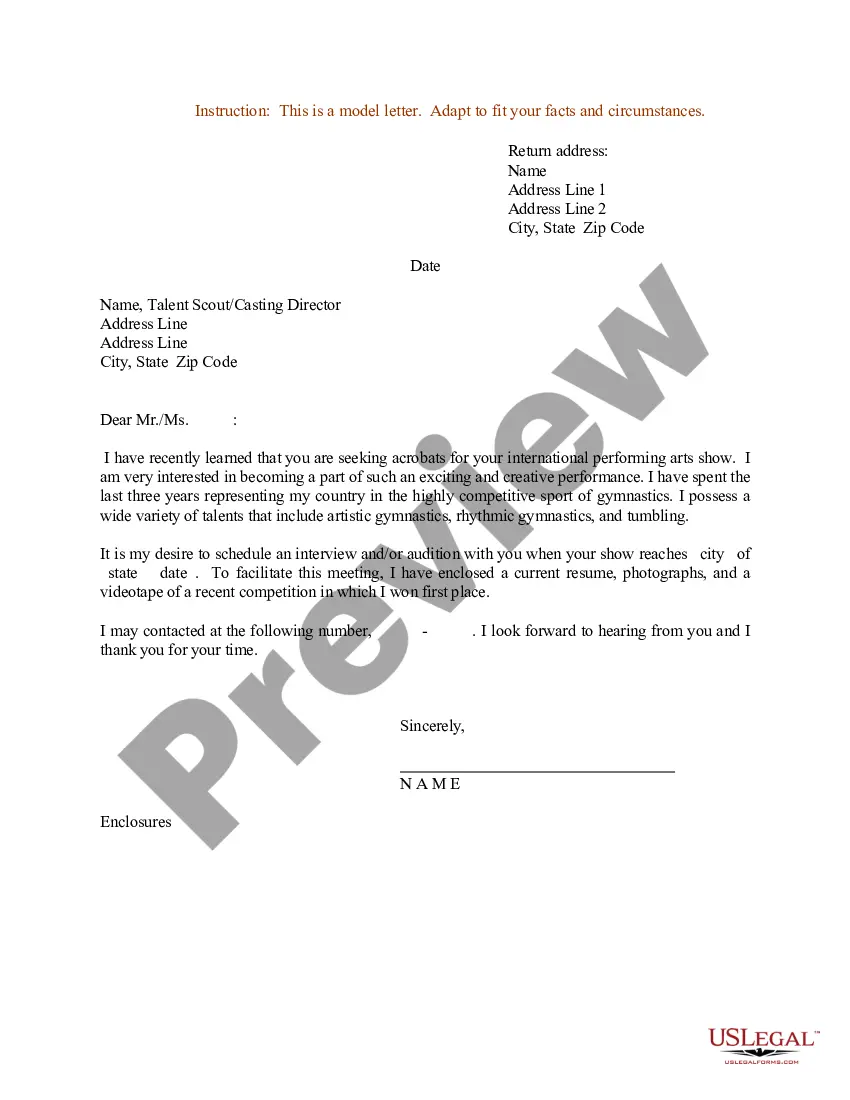
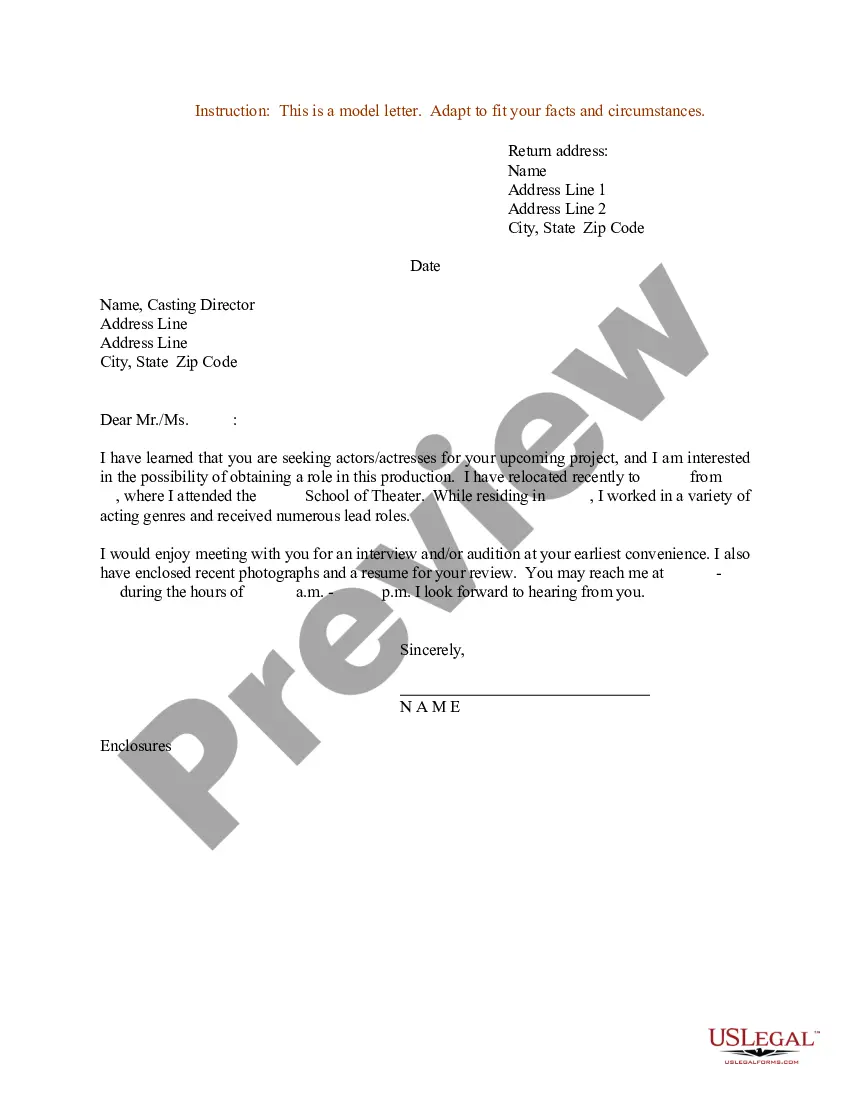
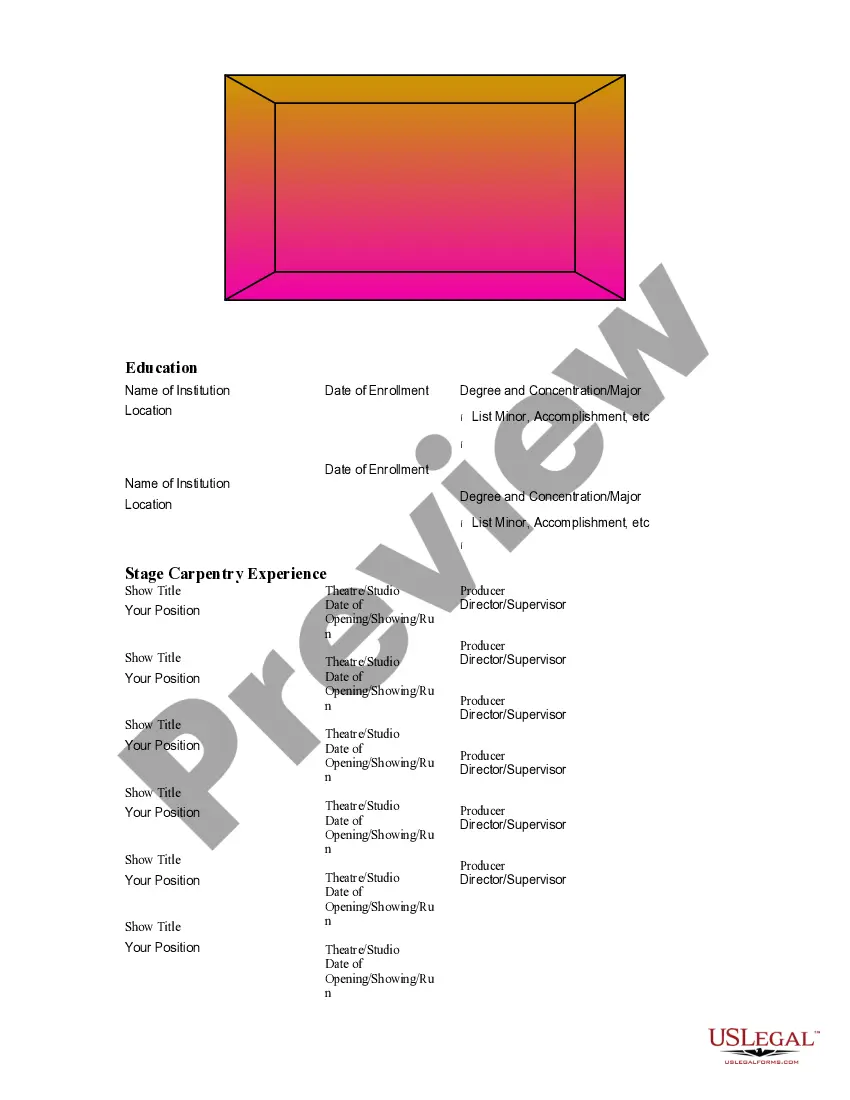
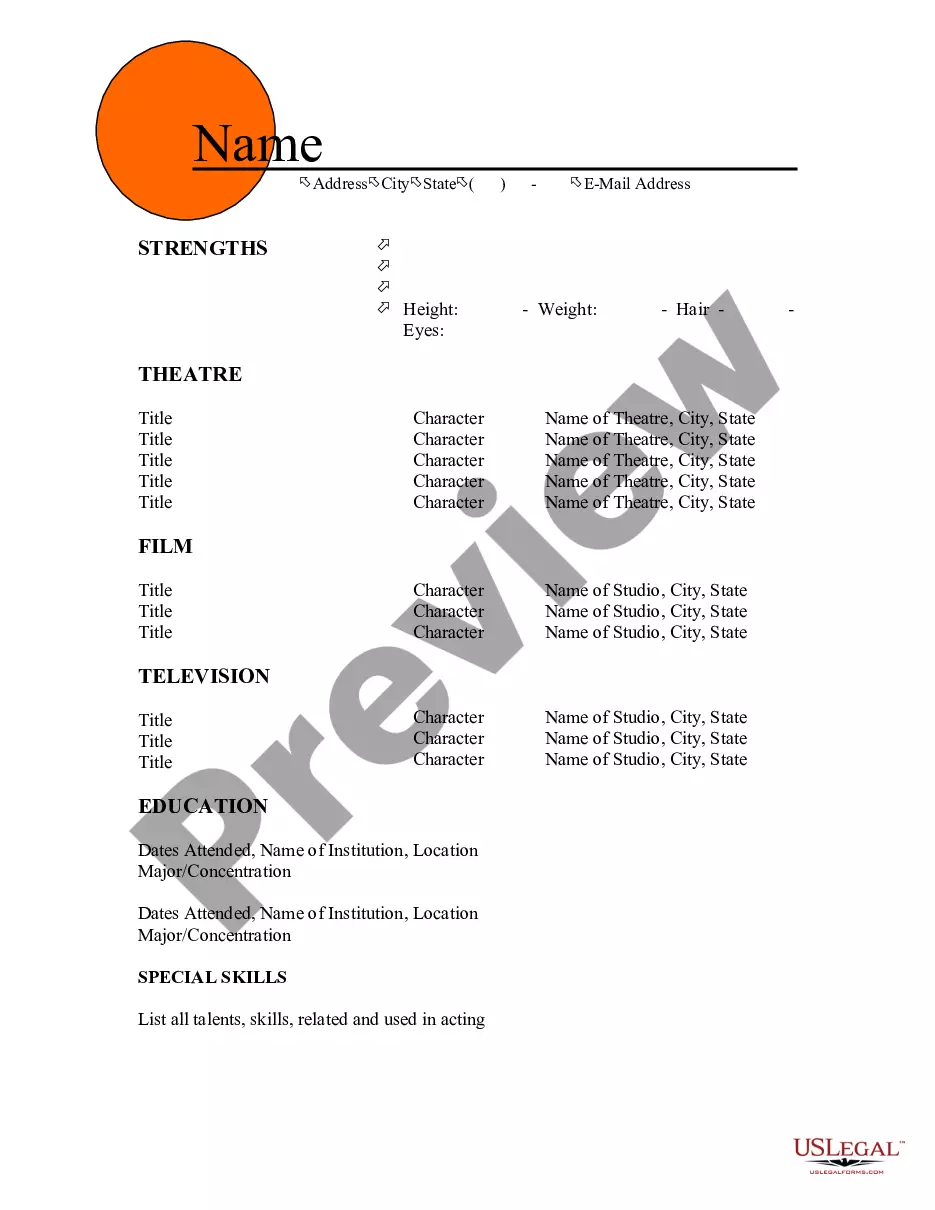



How to fill out Resume For Acrobats?
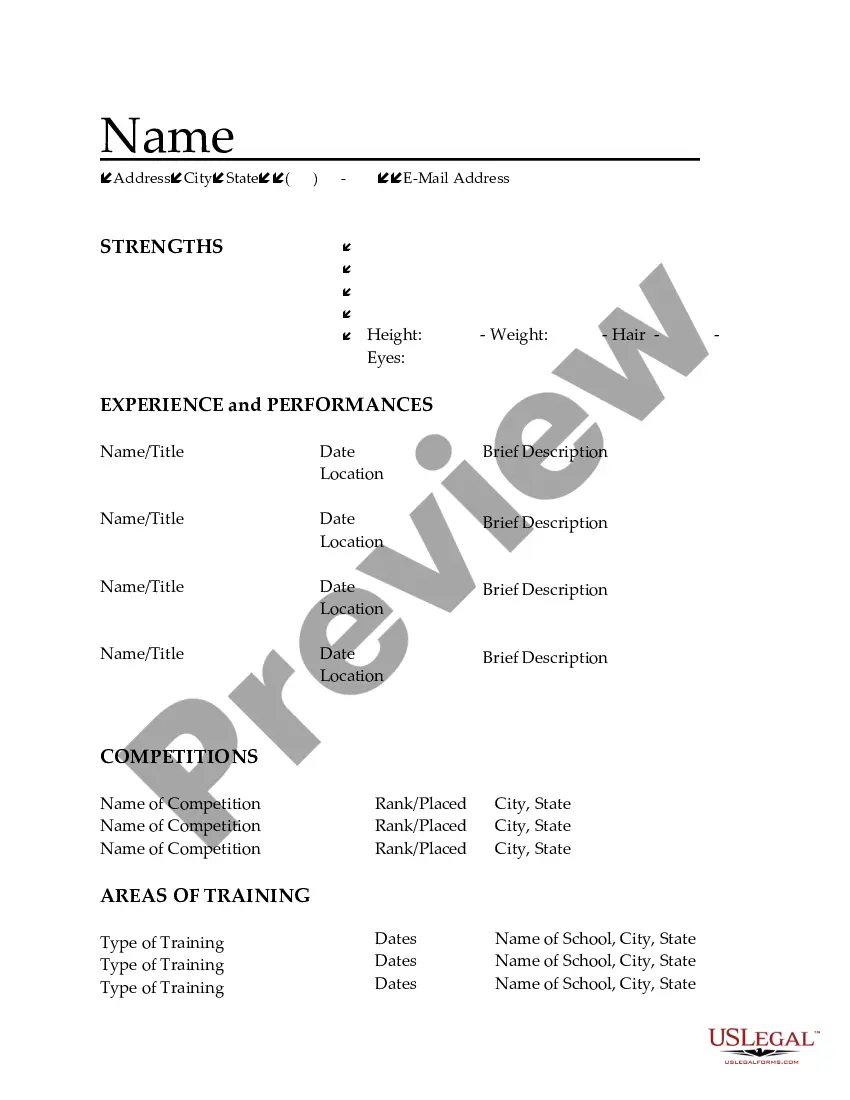
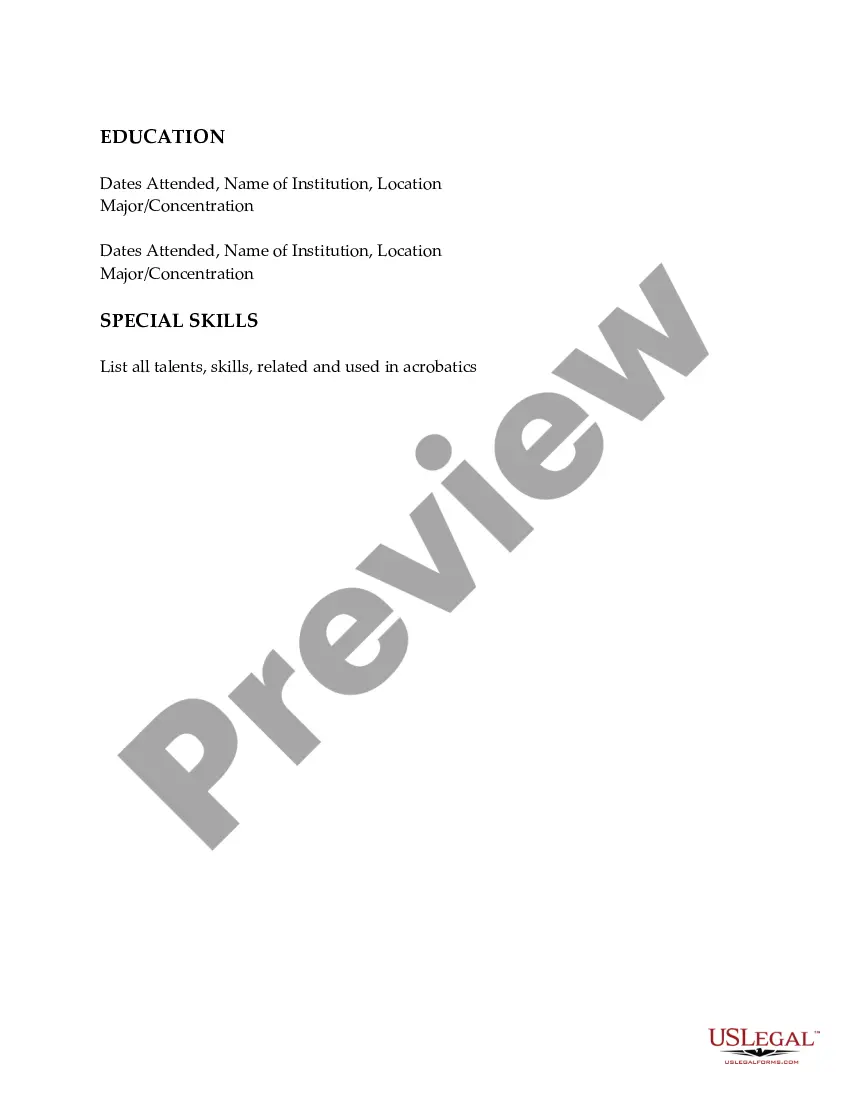
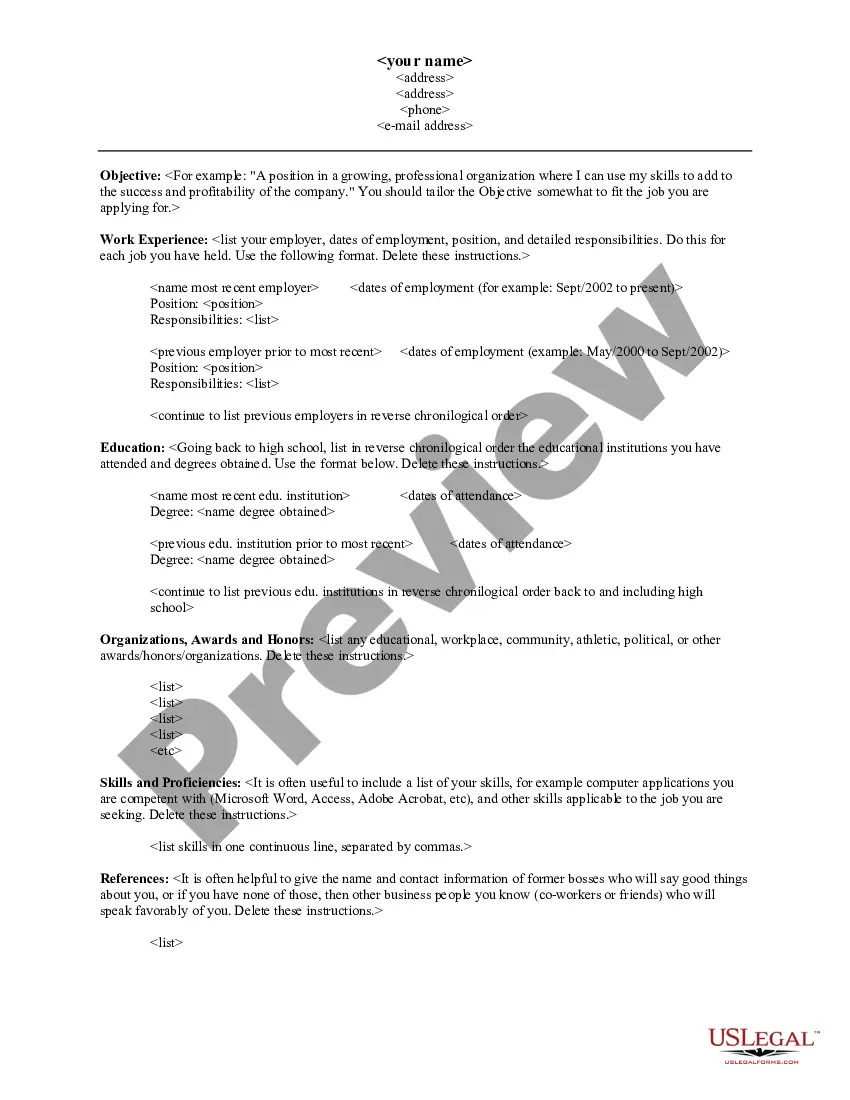
You can dedicate several hours online trying to locate the legal document template that fulfills the federal and state requirements you have. US Legal Forms offers a vast array of legal forms that can be assessed by professionals. You can obtain or print the Kansas Resume for Acrobats from my services.
If you already possess a US Legal Forms account, you can Log In and then select the Acquire option. After that, you can complete, modify, print, or sign the Kansas Resume for Acrobats. Each legal document template you purchase is yours permanently. To access an additional copy of the acquired form, visit the My documents tab and then select the corresponding option.
If you are using the US Legal Forms website for the first time, follow the simple instructions below: First, ensure that you have selected the correct document template for the region/area of your choice. Review the form details to confirm you have chosen the appropriate document. If available, utilize the Preview option to examine the document template as well.
Utilize professional and state-specific templates to address your business or personal requirements.
- If you wish to find another version of the document, use the Search field to locate the template that fits your needs.
- Once you have identified the template you desire, click Buy now to proceed.
- Select the pricing plan you prefer, enter your details, and create an account on US Legal Forms.
- Complete the transaction. You can use your credit card or PayPal account to purchase the legal document.
- Select the format of the document and download it to your device.
- Make modifications to the document if necessary. You can complete, edit, and sign and print the Kansas Resume for Acrobats.
- Obtain and print numerous document templates using the US Legal Forms website, which provides the largest collection of legal forms.
Form popularity
FAQ
A good short summary for a resume efficiently highlights your most relevant skills and experiences. For instance, a summary for a Kansas Resume for Acrobats might read, 'Enthusiastic performer with a background in acrobatics and aerial arts, committed to delivering captivating performances.' This summary clearly communicates your focus and sets the stage for the details that follow.
To become a circus performer, you typically need strong physical skills and a passion for performance. Many performers have backgrounds in gymnastics, dance, or theater, but there are no formal qualifications required. Training and practice are essential, so consider enrolling in classes or workshops to improve your skills. A well-crafted Kansas Resume for Acrobats can help you showcase your qualifications and experiences to potential employers.
A strong opening statement should clearly convey your career goals and what you bring to the table. For a Kansas Resume for Acrobats, consider starting with a brief overview of your skills and experience in acrobatics, along with your passion for performing. This sets a positive tone and captures the reader's interest right away, encouraging them to read further.
Writing a dance resume without experience can be challenging, but it is certainly possible. Start by showcasing your training, workshops, and any performances you may have participated in, even if they were informal. You can also highlight relevant skills, such as flexibility, strength, and creativity. Utilizing templates available on UsLegalForms can help you structure your Kansas Resume for Acrobats effectively.
The 7 second rule in resume writing refers to the brief amount of time a recruiter typically spends reviewing a resume. This emphasizes the importance of making your Kansas Resume for Acrobats clear and engaging from the very start. Focus on highlighting your skills and experiences that relate specifically to acrobatics, ensuring that the most relevant information stands out. This approach will capture attention quickly and effectively.
To add sports experience to your Kansas Resume for Acrobats, begin by highlighting relevant skills and accomplishments. Include your role in the sports team, any leadership positions held, and specific achievements that demonstrate your teamwork and discipline. Make sure to connect this experience to your acrobatics career, showing how it contributes to your overall skill set and dedication.
The three C's of a resume are clarity, conciseness, and consistency. When creating your Kansas Resume for Acrobats, ensure that your information is clear and easy to understand. Keep your content concise to maintain the reader's attention, and maintain a consistent format throughout the document. This approach will help you effectively showcase your skills and experience.