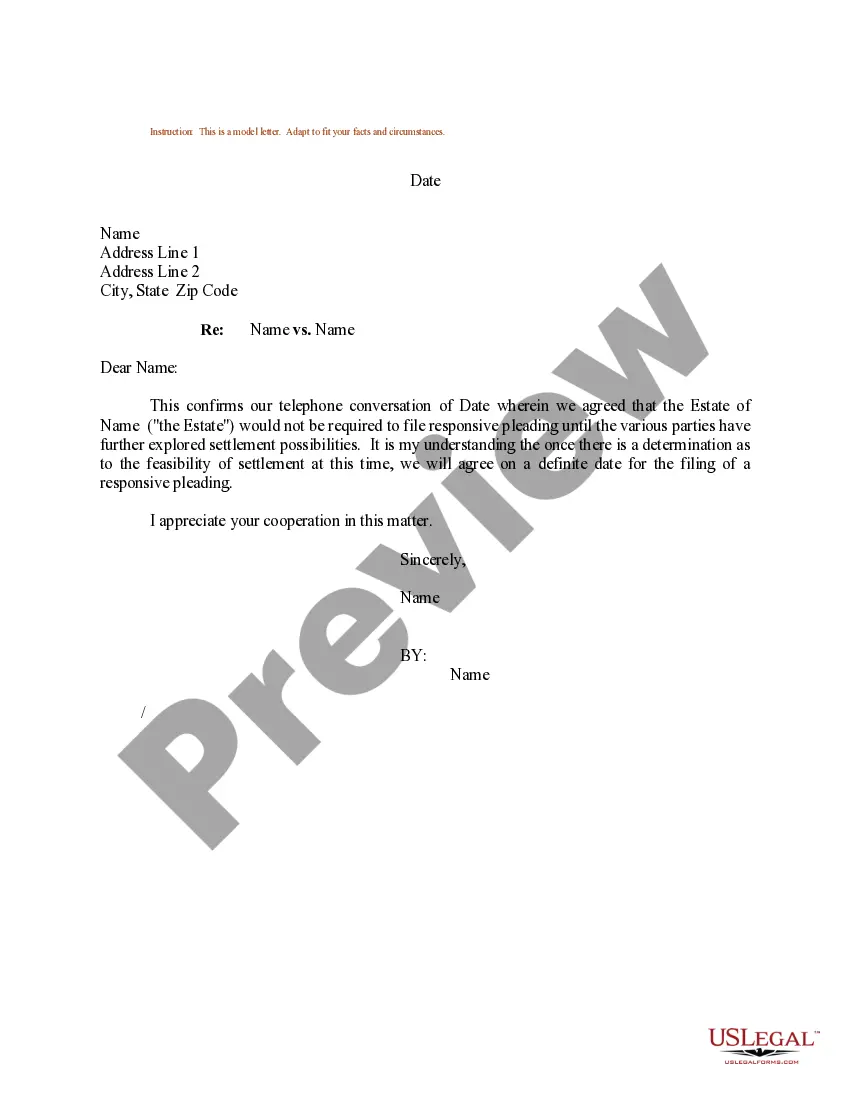
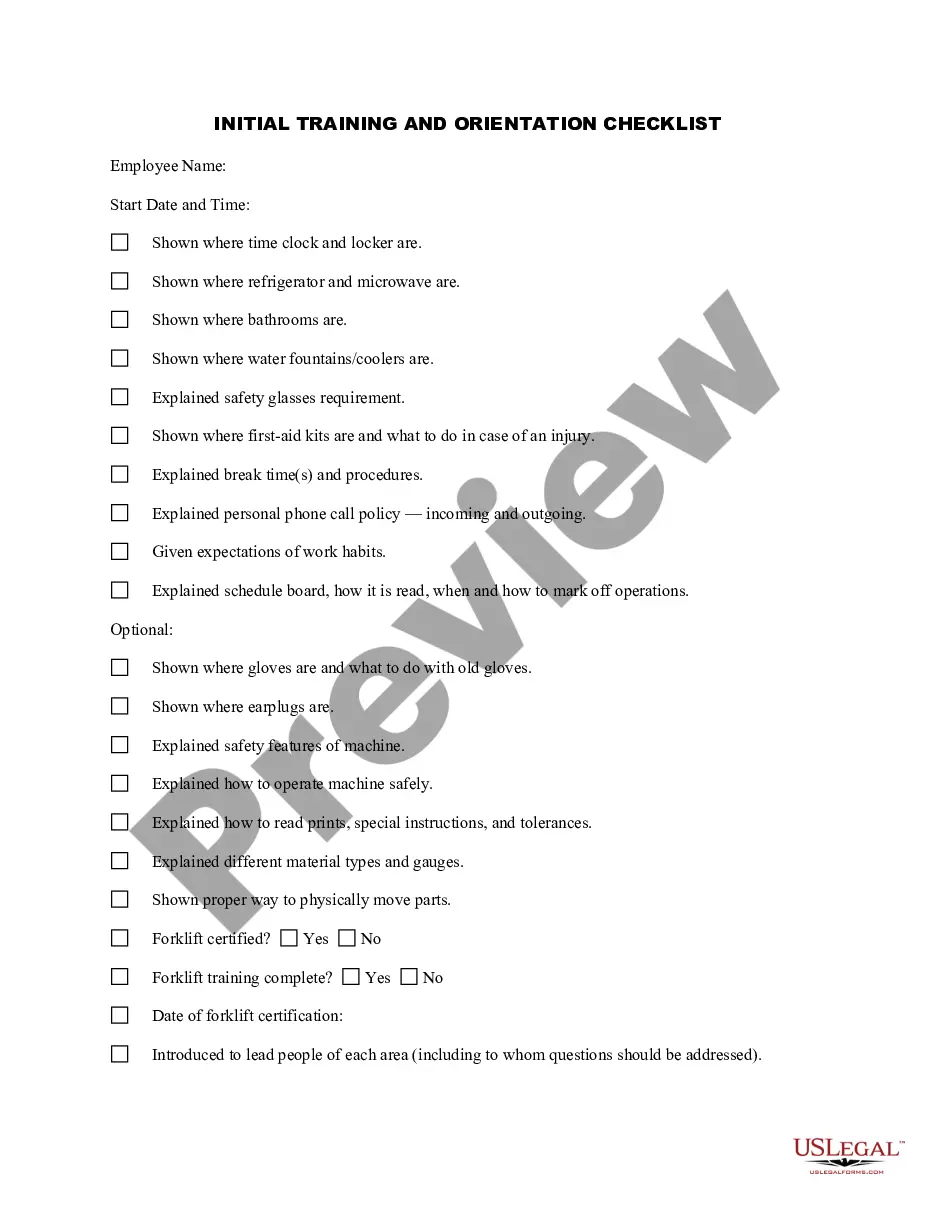
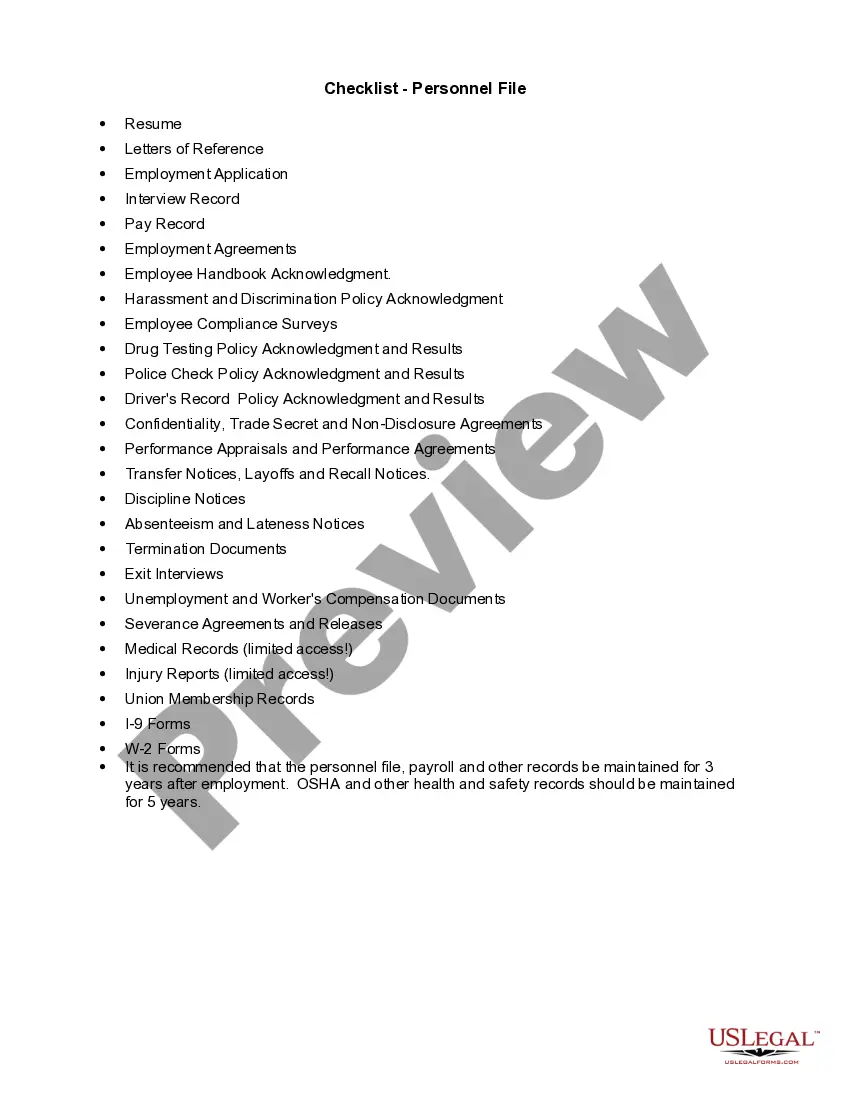
Indiana Initial Training and Orientation Checklist
Description
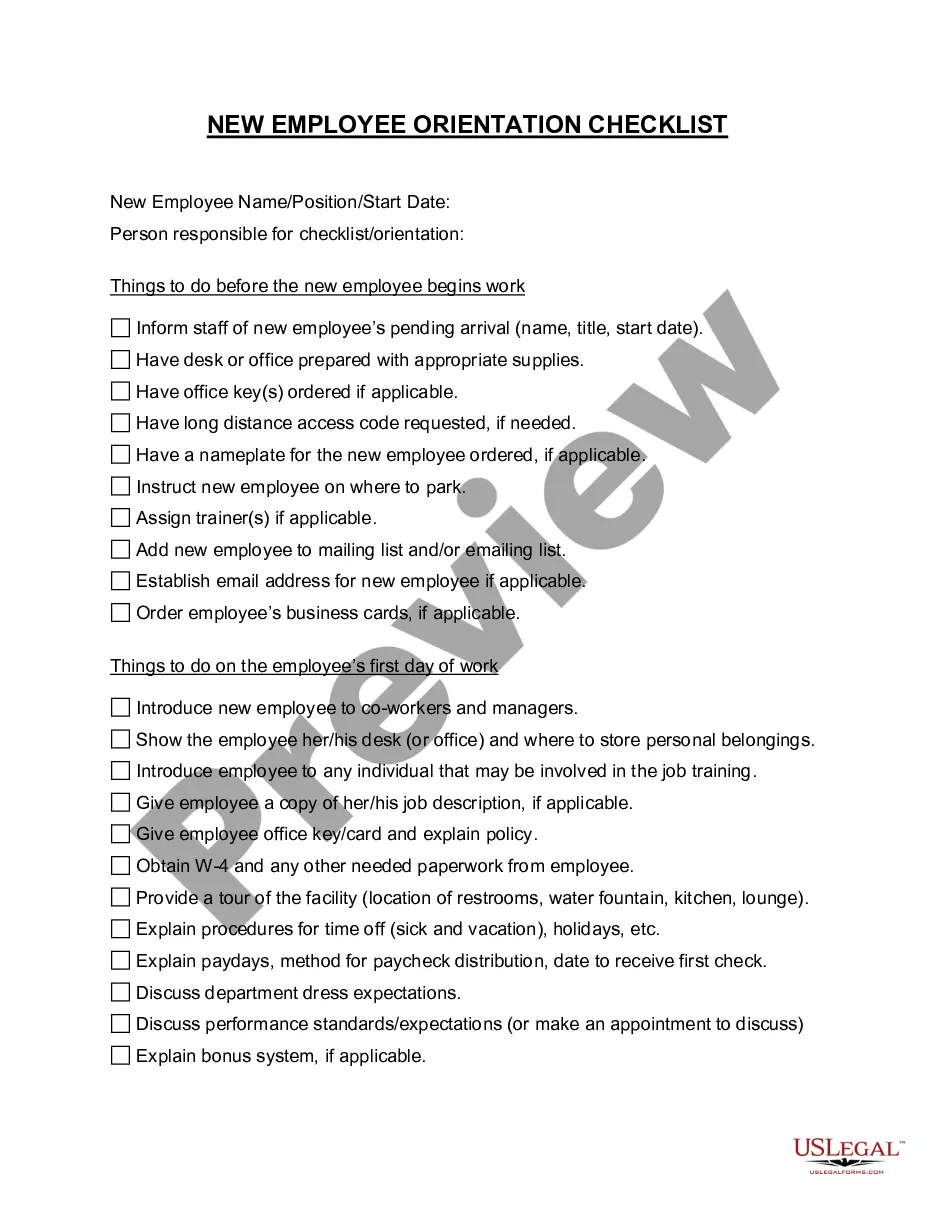
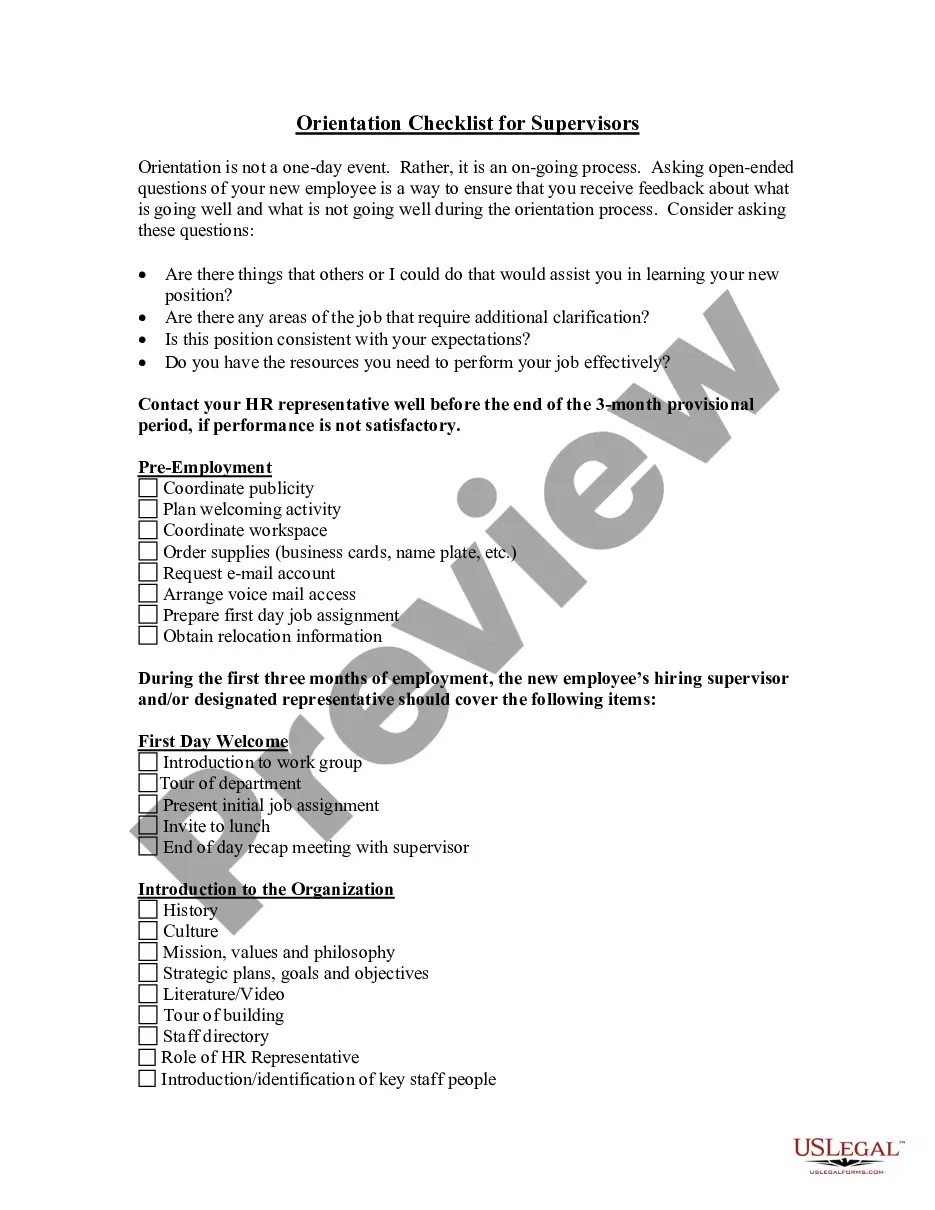
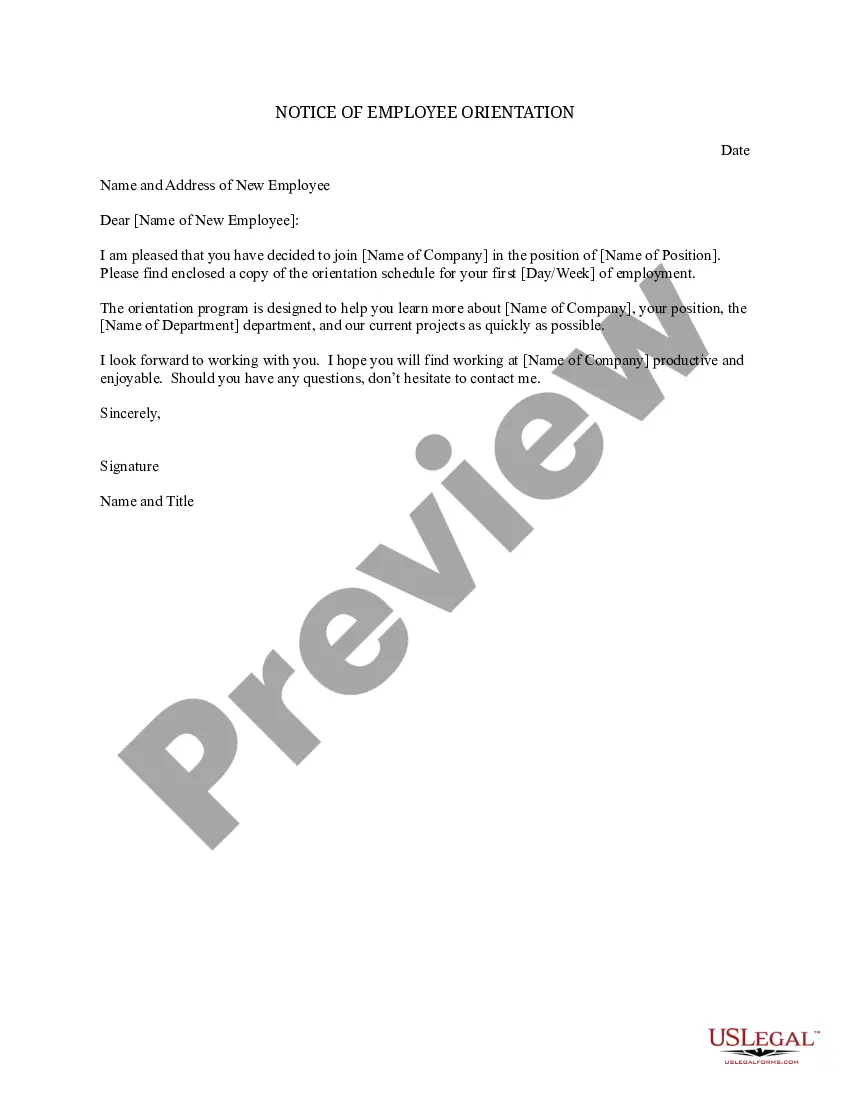
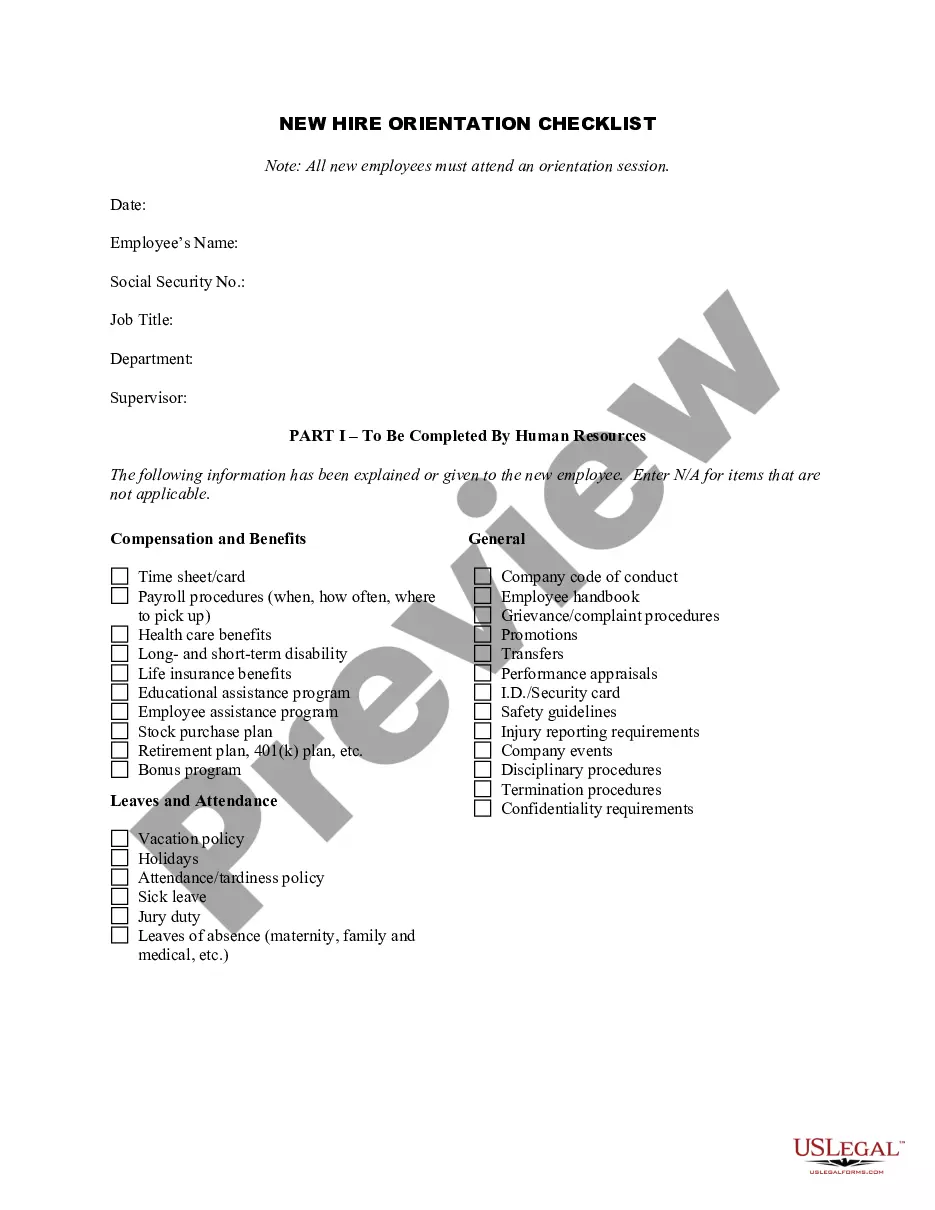
Get your form ready online
Our built-in tools help you complete, sign, share, and store your documents in one place.
Make edits, fill in missing information, and update formatting in US Legal Forms—just like you would in MS Word.
Download a copy, print it, send it by email, or mail it via USPS—whatever works best for your next step.
Sign and collect signatures with our SignNow integration. Send to multiple recipients, set reminders, and more. Go Premium to unlock E-Sign.
If this form requires notarization, complete it online through a secure video call—no need to meet a notary in person or wait for an appointment.
We protect your documents and personal data by following strict security and privacy standards.

Make edits, fill in missing information, and update formatting in US Legal Forms—just like you would in MS Word.

Download a copy, print it, send it by email, or mail it via USPS—whatever works best for your next step.

Sign and collect signatures with our SignNow integration. Send to multiple recipients, set reminders, and more. Go Premium to unlock E-Sign.

If this form requires notarization, complete it online through a secure video call—no need to meet a notary in person or wait for an appointment.

We protect your documents and personal data by following strict security and privacy standards.
Looking for another form?



How to fill out Initial Training And Orientation Checklist?
If you wish to acquire, obtain, or print permitted document templates, utilize US Legal Forms, the largest collection of legal documents available online.
Make use of the site’s straightforward and user-friendly search tool to locate the paperwork you require.
A wide array of templates for business and personal use are organized by categories and states, or keywords.
Step 4. Once you have found the form you need, click on the Purchase now option. Choose your preferred pricing plan and enter your information to create an account.
Step 5. Process the payment. You may use your credit card or PayPal account to complete the transaction.
- Use US Legal Forms to access the Indiana Initial Training and Orientation Checklist with just a few clicks.
- If you are already a US Legal Forms customer, Log In to your account and select the Download option to locate the Indiana Initial Training and Orientation Checklist.
- You can also access forms you saved previously in the My documents section of your account.
- If you are using US Legal Forms for the first time, follow the instructions below.
- Step 1. Ensure you have selected the form for your specific city/state.
- Step 2. Use the Preview feature to review the content of the form. Remember to read the description.
- Step 3. If you are dissatisfied with the form, utilize the Search bar at the top of the screen to find other versions of the legal form template.
Form popularity
FAQ
Please visit to report new hires. Find Frequently Asked Questions on New Hire reporting here.
The most common types of employment forms to complete are:W-4 form (or W-9 for contractors)I-9 Employment Eligibility Verification form.State Tax Withholding form.Direct Deposit form.E-Verify system: This is not a form, but a way to verify employee eligibility in the U.S.
How to Prepare for a Job Orientation:Know who they need to meet. Make sure they know who will be handling their orientation on the first day.Tell them what to wear.Tell them what to bring.Know how the job supports the company mission.Do paperwork outside of the orientation.
It refers to the actions a company takes during a new hire's first days to help them: Adjust to their new work environment. Complete tasks required by law. Learn about key company policies. Prepare themselves to take on their job duties.
New Hire Onboarding ChecklistMake it official with HR.Prepare new hire paperwork.Procure devices and equipment.Set up accounts and create logins.Set up the workspace.Schedule new hire orientation.Send a welcome email to your new employee.Perform a building tour.More items...?
DEPARTMENTAL, JOB-SPECIFIC ORIENTATIONExplain hours of work/shift.Pay Days.Grooming & dress code.Vacation time.Sick leave.Breaks.Explain training procedures & expectations.Explain performance evaluation.More items...
Employees must submit basic information including name, Social Security number and citizenship status. Employees also must supply documentation along with this form to prove they are eligible to work in the United States. Documentation examples include a current passport, state issued I.D. and Social Security card.
Paperwork. The tax documents and Form I-9 must be completed on or before your first day of employment. To comply with federal law, we must verify the identity and employment authorization of each person we hire, and retain a Form I-9 for each employee. Indiana state government is an E-verify employer.