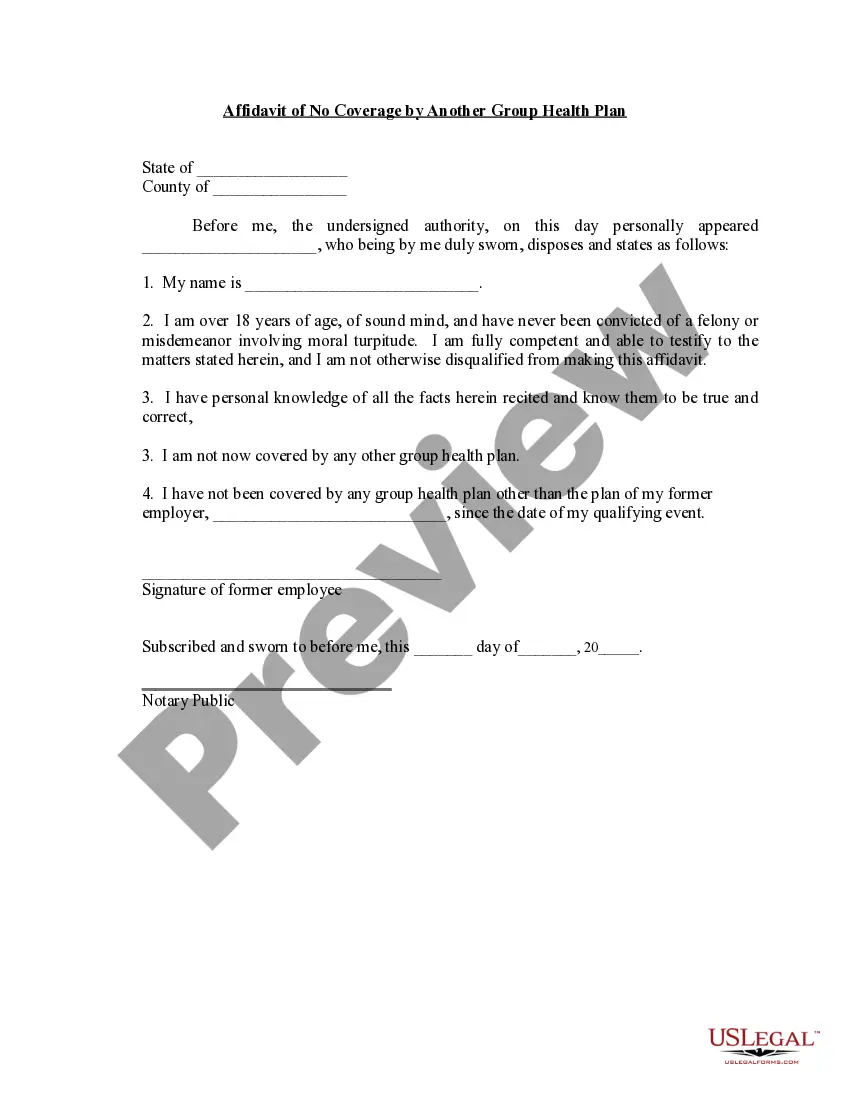
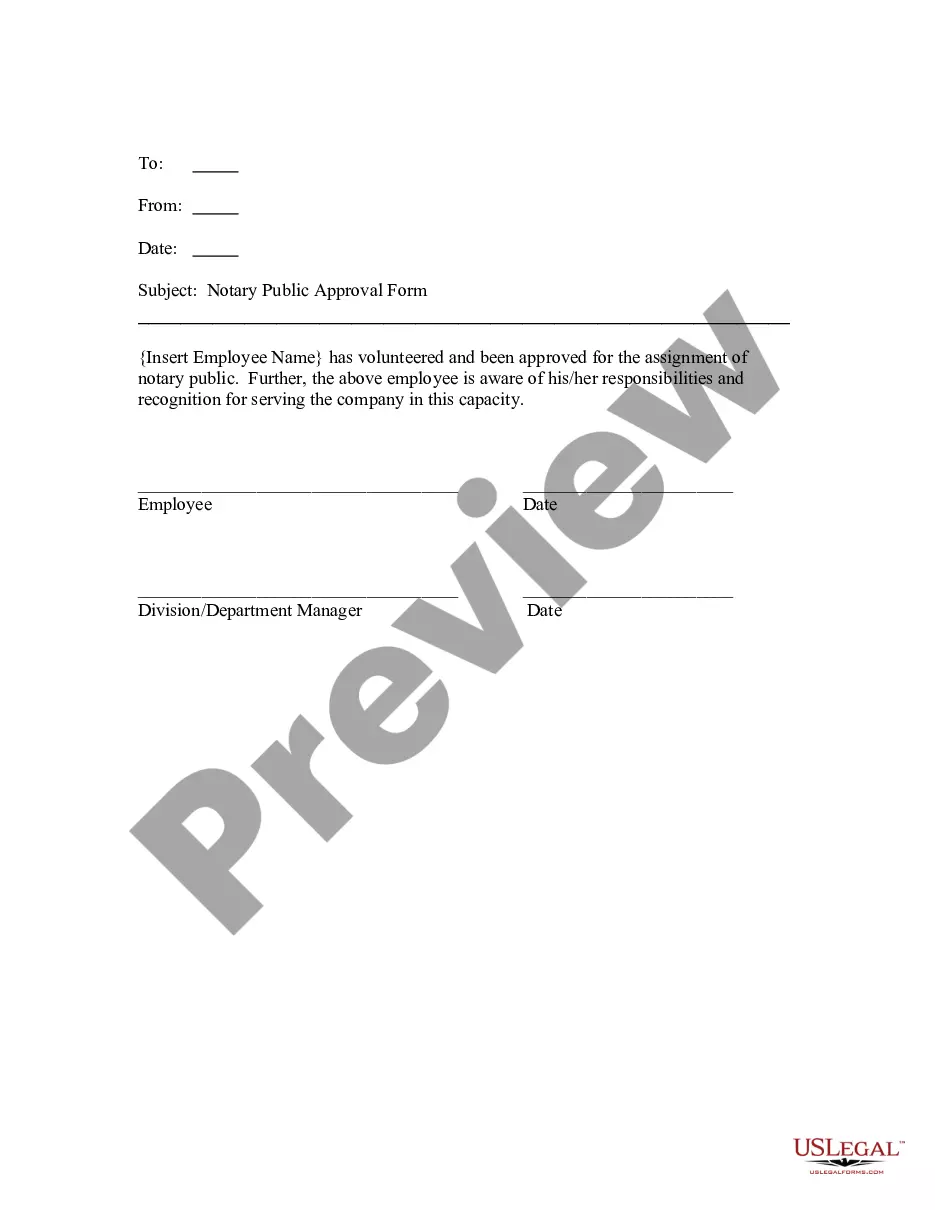
Indiana Notary Public Approval Form
Description

Get your form ready online
Our built-in tools help you complete, sign, share, and store your documents in one place.
Make edits, fill in missing information, and update formatting in US Legal Forms—just like you would in MS Word.
Download a copy, print it, send it by email, or mail it via USPS—whatever works best for your next step.
Sign and collect signatures with our SignNow integration. Send to multiple recipients, set reminders, and more. Go Premium to unlock E-Sign.
If this form requires notarization, complete it online through a secure video call—no need to meet a notary in person or wait for an appointment.
We protect your documents and personal data by following strict security and privacy standards.

Make edits, fill in missing information, and update formatting in US Legal Forms—just like you would in MS Word.

Download a copy, print it, send it by email, or mail it via USPS—whatever works best for your next step.

Sign and collect signatures with our SignNow integration. Send to multiple recipients, set reminders, and more. Go Premium to unlock E-Sign.

If this form requires notarization, complete it online through a secure video call—no need to meet a notary in person or wait for an appointment.

We protect your documents and personal data by following strict security and privacy standards.
Looking for another form?





How to fill out Notary Public Approval Form?
If you need to acquire, procure, or print legal document templates, utilize US Legal Forms, the largest repository of legal forms available on the internet.
Take advantage of the site's straightforward and user-friendly search to find the documents you need.
Various templates for business and personal purposes are categorized by types and states, or keywords.
Step 3. If you are not satisfied with the template, use the Search field at the top of the screen to find other versions of the legal document.
Step 4. Once you have found the form you need, click the Get Now button. Choose the pricing plan you prefer and provide your details to sign up for the account.
- Use US Legal Forms to obtain the Indiana Notary Public Approval Form within a few clicks.
- If you are already a US Legal Forms user, Log In to your account and click the Download button to receive the Indiana Notary Public Approval Form.
- You can also access forms you previously acquired in the My documents tab of your account.
- If you are using US Legal Forms for the first time, follow these steps.
- Step 1. Ensure you have selected the form for your correct city/state.
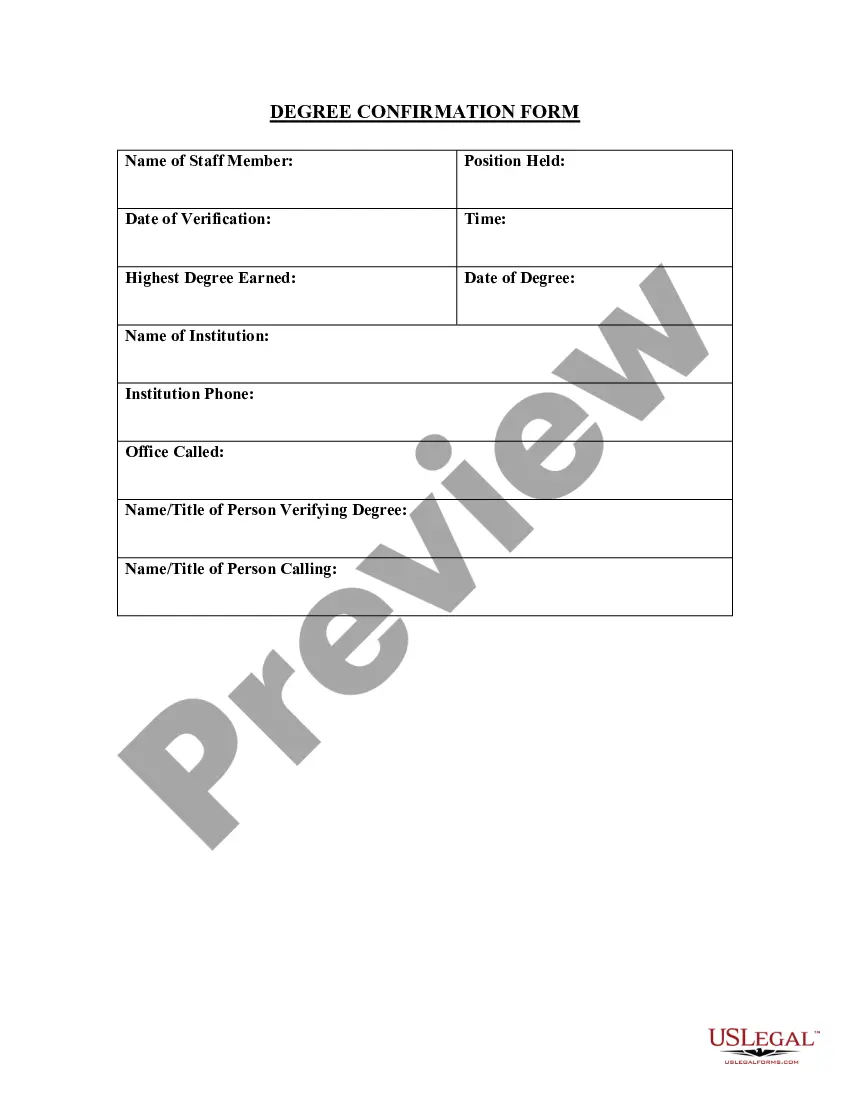
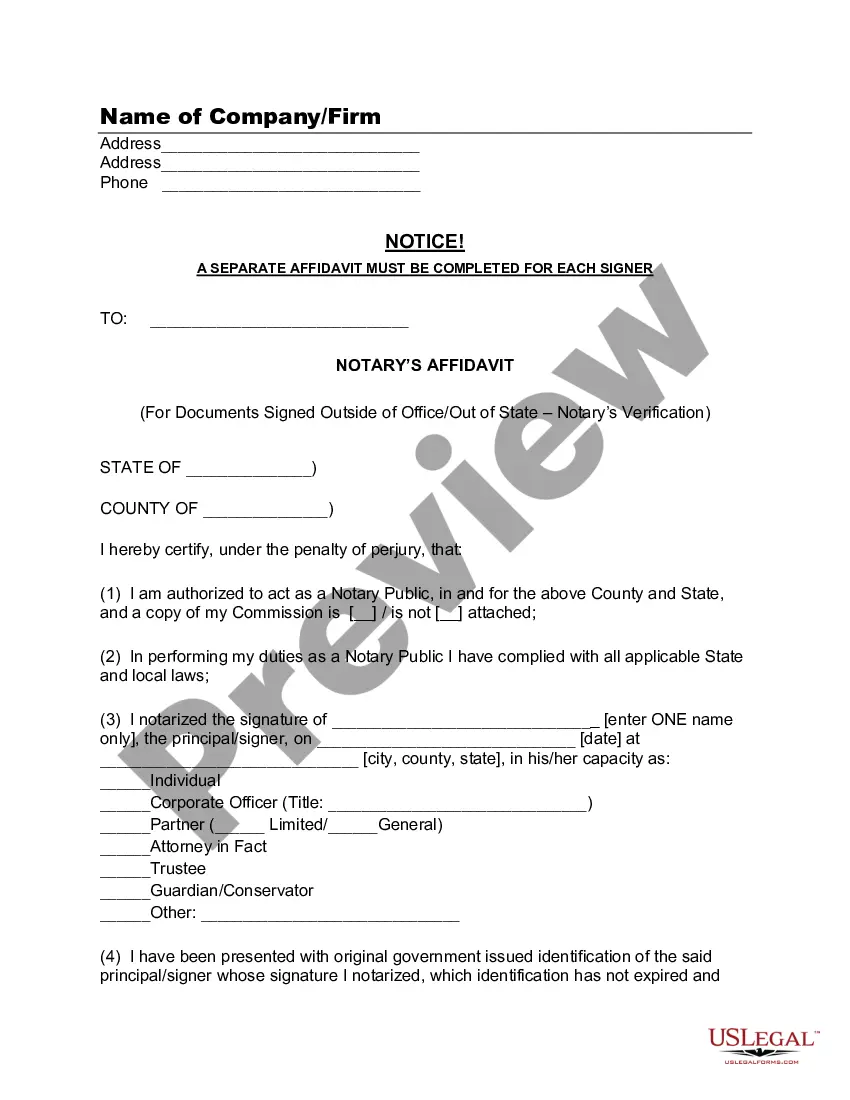
- Step 2. Use the Preview feature to review the content of the form. Be sure to read through the details.
Form popularity
FAQ
Even though some notaries public are authorized to certify copies, this does not mean that they are allowed to produce certified copies of official records. In the states that authorize it, notaries public can, on the other hand, make an attested copy.
The applicant for a notary public commission will be required to submit a copy of the surety bond as part of the application process. This can be submitted by the notary applicant. Upon completing the application, the applicant must also submit a sample of their signature to the Secretary of State's office.
These documents include birth certificates, death certificates and marriage and divorce records. Even though some notaries public are authorized to certify copies, this does not mean that they are allowed to produce certified copies of official records.
Yes the signature of Notary Lawyer is valid for attestation of documents. You can get a document signed and sealed by a notary lawyer. His signature is valid because he is a gazette officer. And he signs the the document only after verifying the details.
Firstly, a notary public can certify that your documents are genuine in the case of photocopies, transcripts, etc. 2. Secondly, they can assist you with documents that give someone authority to do something on your behalf. One example might be in the case of a power of attorney.
Yes, remote online notarization is legal in the Hoosier State. On March 31, 2020, the Indiana Secretary of State adopted final rules for both remote and traditional notarization laws. Remote Indiana Notaries have jurisdiction within the boundaries of the state.
Complete a detailed record in a bound journal about the facts of the notarization: the date and time, a description of the document, the type of notarization, the signer's name and address, how the signer was identified, the fee collected, and the signer's signature.
Step 1 Download the Indiana Notary Acknowledgment Form in Adobe PDF, Microsoft Word, or ODT. Step 2 The first two empty fields must be completed by providing the name of the county and the name of the signer. Step 3 Next, enter the date and provide a notary seal, signature, title, and commission expiration date.
A remote notary public who is physically present in Indiana may perform the following notarial acts as remote notarial acts: (1) Taking an acknowledgment. (2) Administering an affirmation or oath. (3) Taking a verification on an oath or affirmation.
Notaries are prohibited from notarizing documents for themselves, their spouse, or any party that may directly benefit the notary or their spouse. Continuing education - Every two years, commissioned notaries will be required to take a short continuing education course.