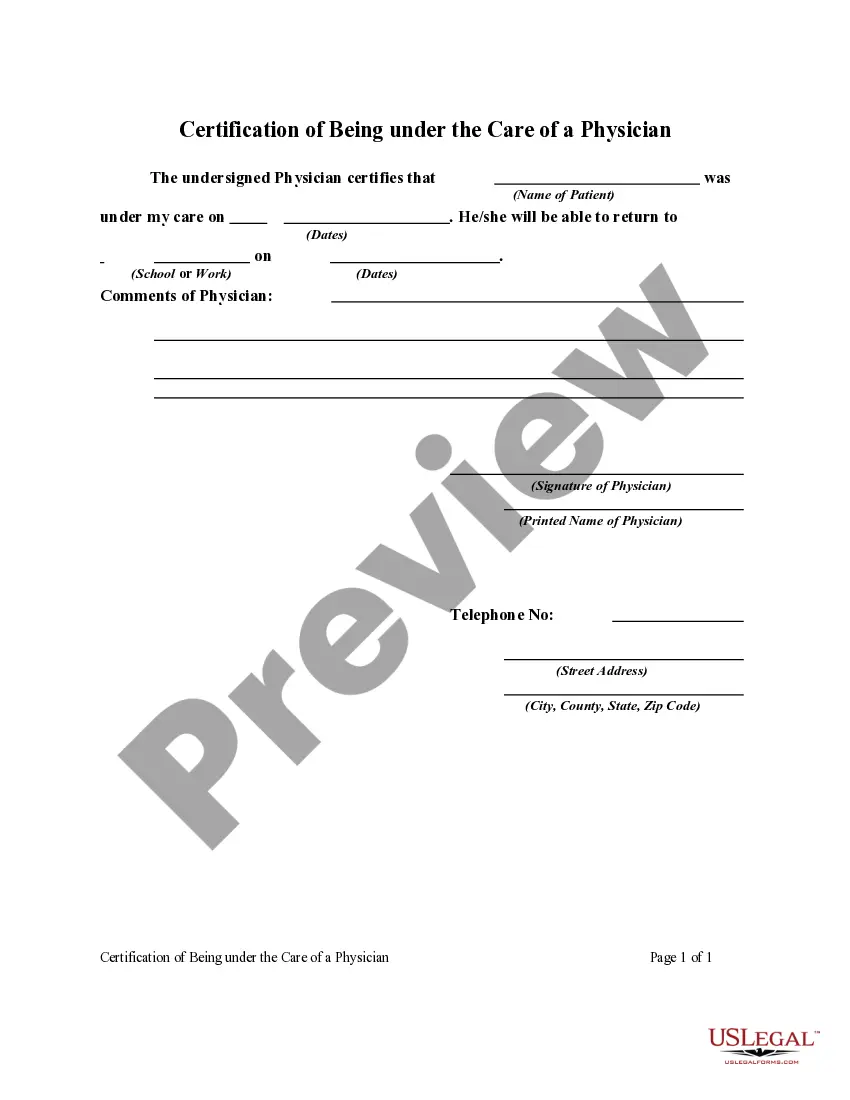
Indiana Employment Form
Description



Get your form ready online
Our built-in tools help you complete, sign, share, and store your documents in one place.
Make edits, fill in missing information, and update formatting in US Legal Forms—just like you would in MS Word.
Download a copy, print it, send it by email, or mail it via USPS—whatever works best for your next step.
Sign and collect signatures with our SignNow integration. Send to multiple recipients, set reminders, and more. Go Premium to unlock E-Sign.
If this form requires notarization, complete it online through a secure video call—no need to meet a notary in person or wait for an appointment.
We protect your documents and personal data by following strict security and privacy standards.

Make edits, fill in missing information, and update formatting in US Legal Forms—just like you would in MS Word.

Download a copy, print it, send it by email, or mail it via USPS—whatever works best for your next step.

Sign and collect signatures with our SignNow integration. Send to multiple recipients, set reminders, and more. Go Premium to unlock E-Sign.

If this form requires notarization, complete it online through a secure video call—no need to meet a notary in person or wait for an appointment.

We protect your documents and personal data by following strict security and privacy standards.
Looking for another form?







How to fill out Employment Form?
US Legal Forms - one of the most significant collections of legal documents in the United States - offers a vast selection of legal templates you can download or print.
Through the website, you can access thousands of forms for business and personal needs, organized by categories, states, or keywords. You can obtain the latest editions of forms such as the Indiana Employment Form in just a few minutes.
If you already have a membership, Log In and download the Indiana Employment Form from the US Legal Forms library. The Download button will appear on every form you view. You can access all previously downloaded forms in the My documents tab of your account.
Select the format and download the form to your device.
Make modifications. Fill out, edit, and print and sign the downloaded Indiana Employment Form. Each template you add to your account has no expiration date and is yours permanently. Therefore, if you want to download or print another copy, simply go to the My documents section and click on the form you need.
- Ensure you have selected the correct form for your city/state. Click the Preview button to view the form's details.
- Review the form information to confirm you have selected the appropriate form.
- If the form does not meet your requirements, use the Search field at the top of the page to find one that does.
- If you are satisfied with the document, confirm your selection by clicking on the Get Now button.
- Then, choose the payment plan you prefer and provide your information to register for the account.
- Process the transaction. Use your credit card or PayPal account to complete the transaction.
Form popularity
FAQ
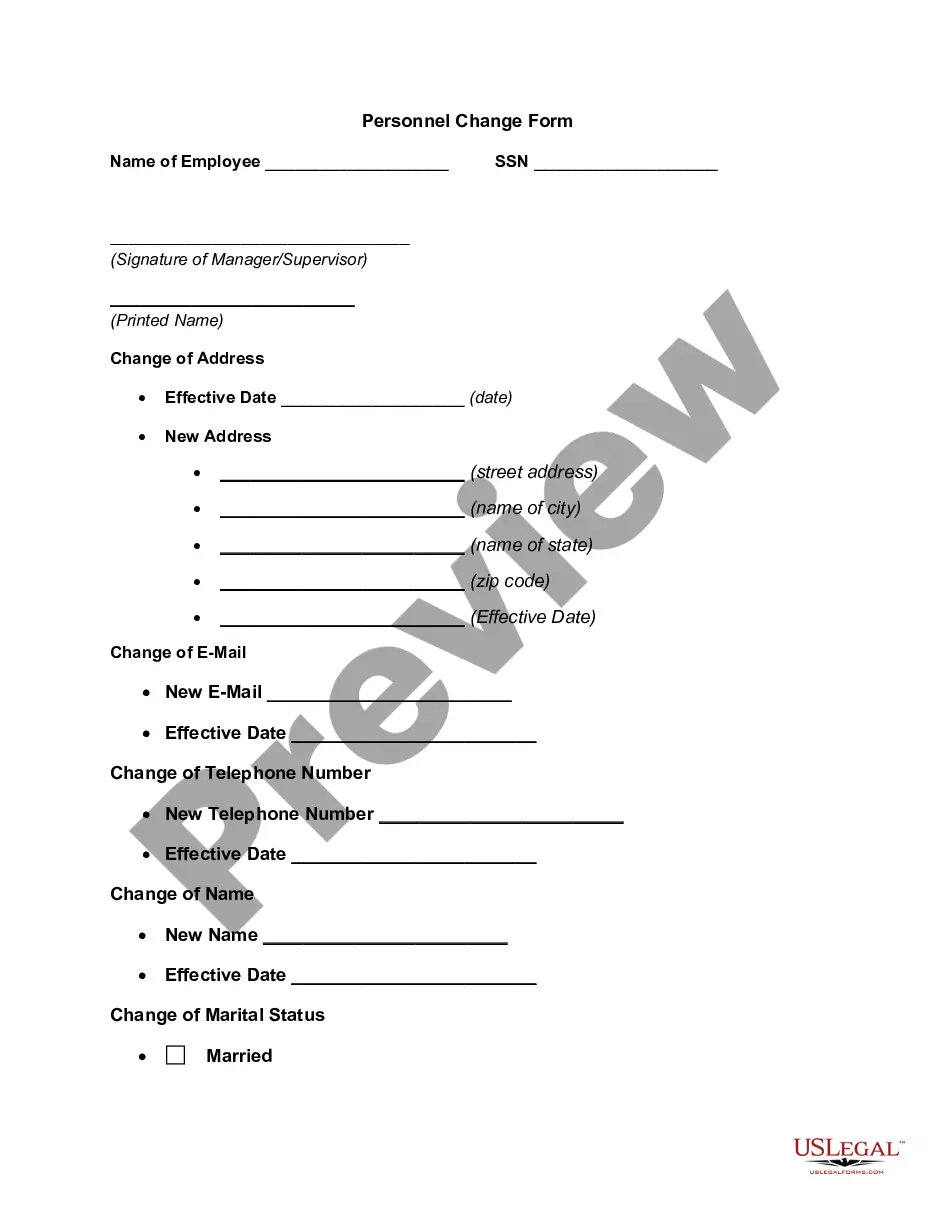
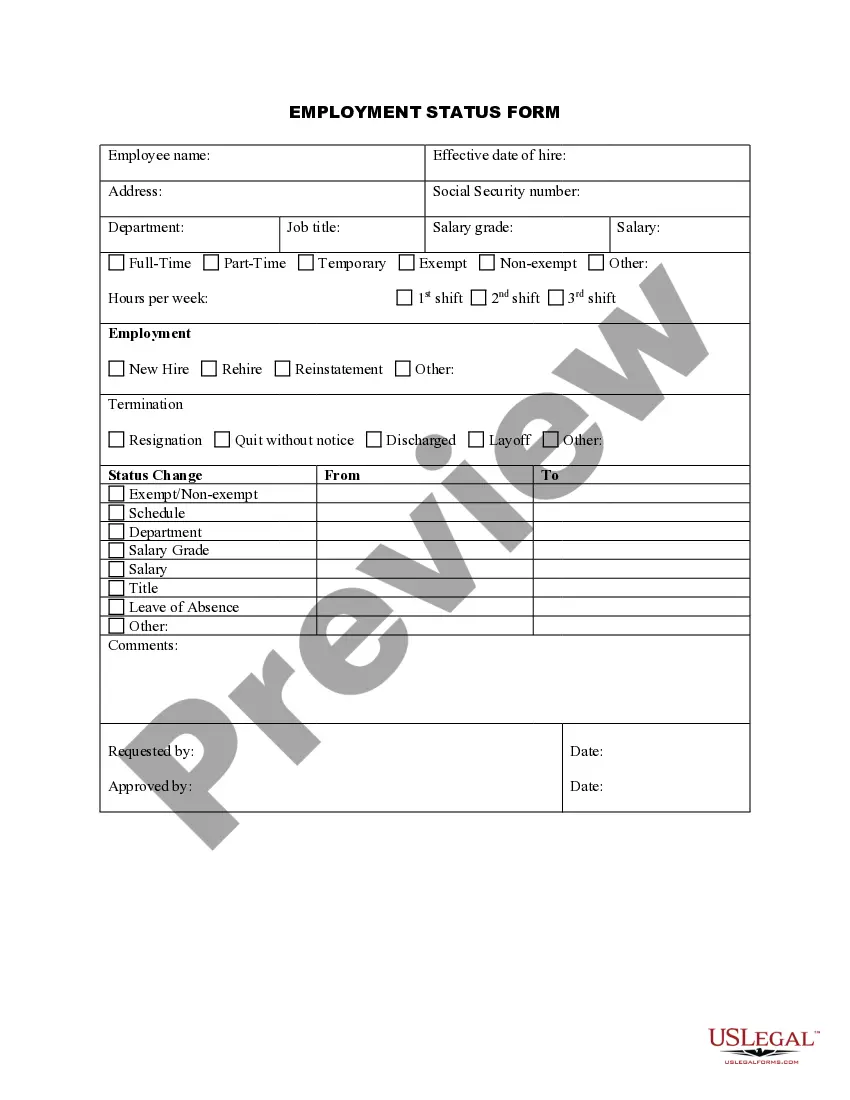
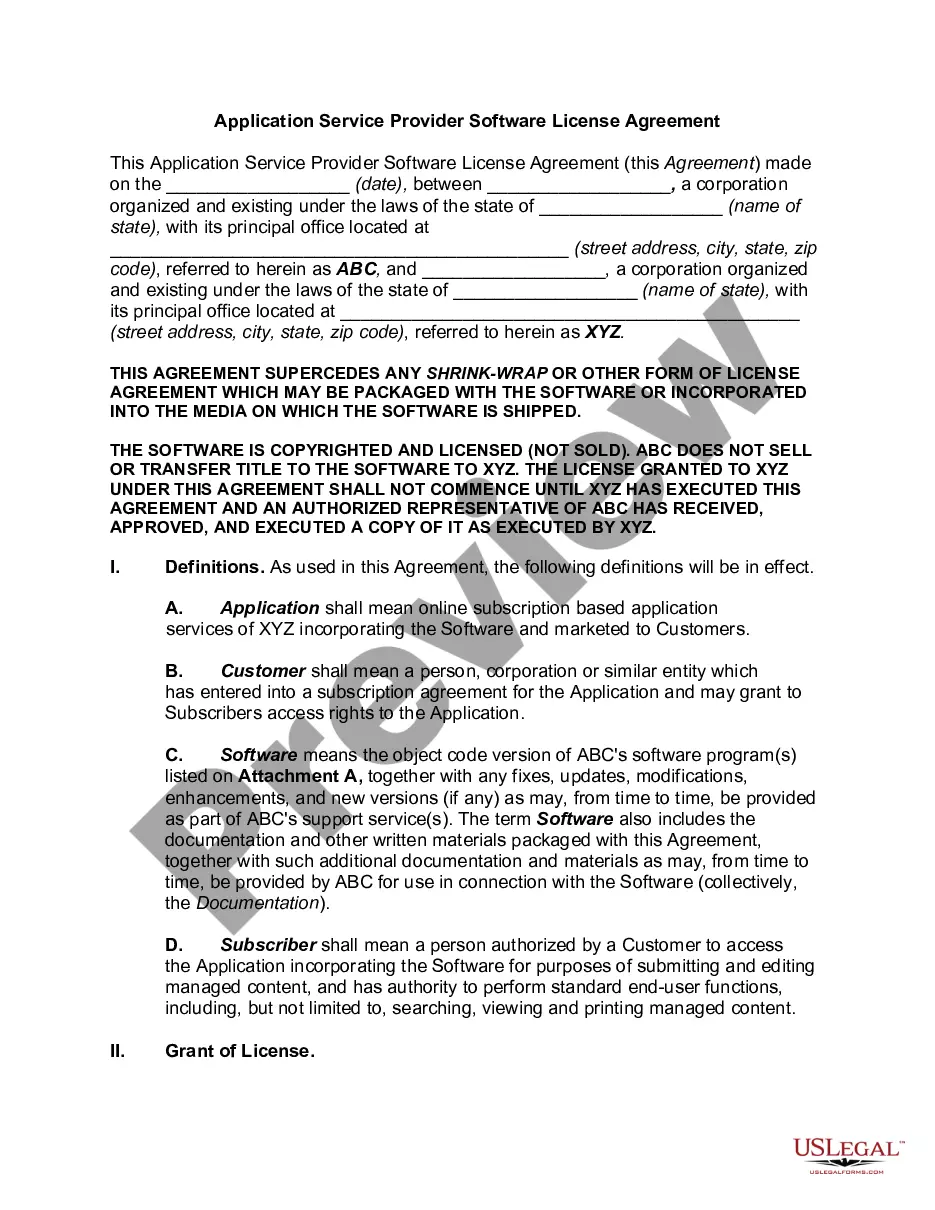
Here are some forms you can expect to fill out when you begin a new job:Job-specific forms. Employers usually create forms unique to specific positions in a company.Employee information.CRA and tax forms.Compensation forms.Benefits forms.Company policy forms.Job application form.Signed offer letter.More items...?
Steps to Hiring your First Employee in IndianaStep 1 Register as an Employer.Step 2 Employee Eligibility Verification.Step 3 Employee Withholding Allowance Certificate.Step 4 New Hire Reporting.Step 5 Payroll Taxes.Step 6 Workers' Compensation Insurance.Step 7 Labor Law Posters and Required Notices.More items...?
Companies who pay employees in Indiana must register with the IN Department of Revenue for a Taxpayer ID Number and the IN Department of Workforce Development for a SUTA Account Number. Apply online using the IN BT-1 Online Application and receive a Taxpayer ID number in 2-3 business days.
Steps to Hiring your First Employee in IndianaStep 1 Register as an Employer.Step 2 Employee Eligibility Verification.Step 3 Employee Withholding Allowance Certificate.Step 4 New Hire Reporting.Step 5 Payroll Taxes.Step 6 Workers' Compensation Insurance.Step 7 Labor Law Posters and Required Notices.More items...?14-Apr-2021
On Jan. 31, 2020, USCIS published the Form I-9 Federal Register notice announcing a new version of Form I-9, Employment Eligibility Verification, that the Office of Management and Budget approved on Oct.
You can upload proof of employment. click on the blue box that says, Go to DWD Secure File Exchange. to submit your proof of employment or self-employment to become eligible or to continue to be eligible for Pandemic Unemployment Assistance (PUA) benefits.
Paperwork. The tax documents and Form I-9 must be completed on or before your first day of employment. To comply with federal law, we must verify the identity and employment authorization of each person we hire, and retain a Form I-9 for each employee. Indiana state government is an E-verify employer.
Required Employment Forms in IndianaSigned Job Offer Letter.W2 Tax Form.I-9 Form and Supporting Documents.Direct Deposit Authorization Form (Template)Federal W-4 Form.Indiana State/County Withholding WH-4 form.Employee Personal Data Form (Template)Company Health Insurance Policy Forms.More items...?23-Feb-2018