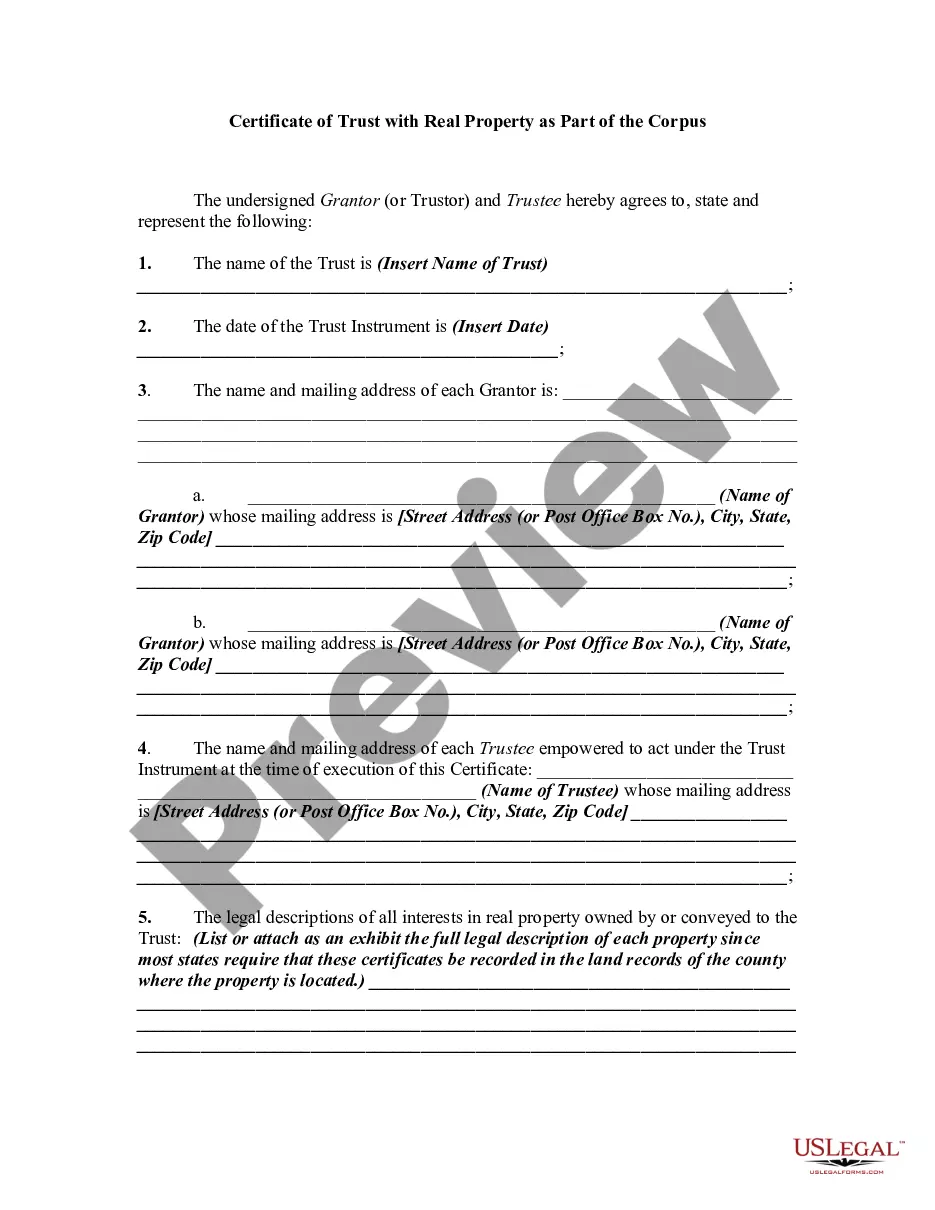
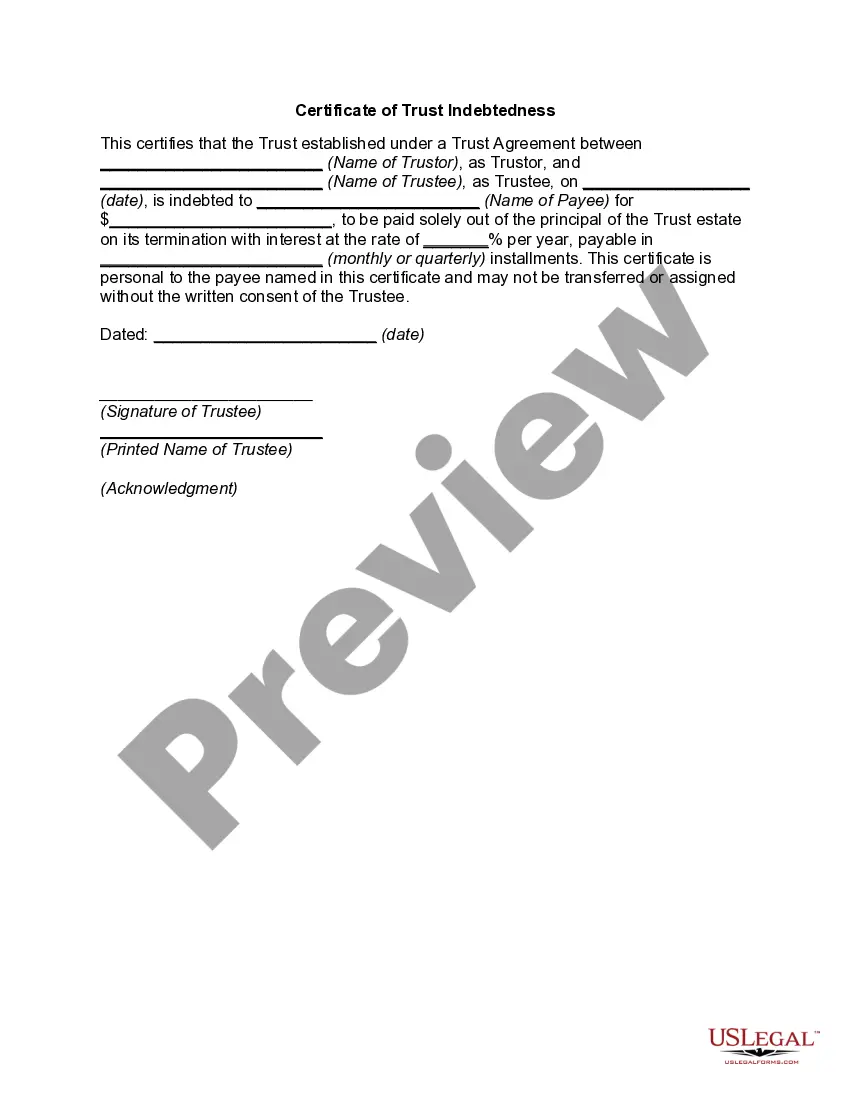
Indiana Certificate of Trust - Indebtedness
Description
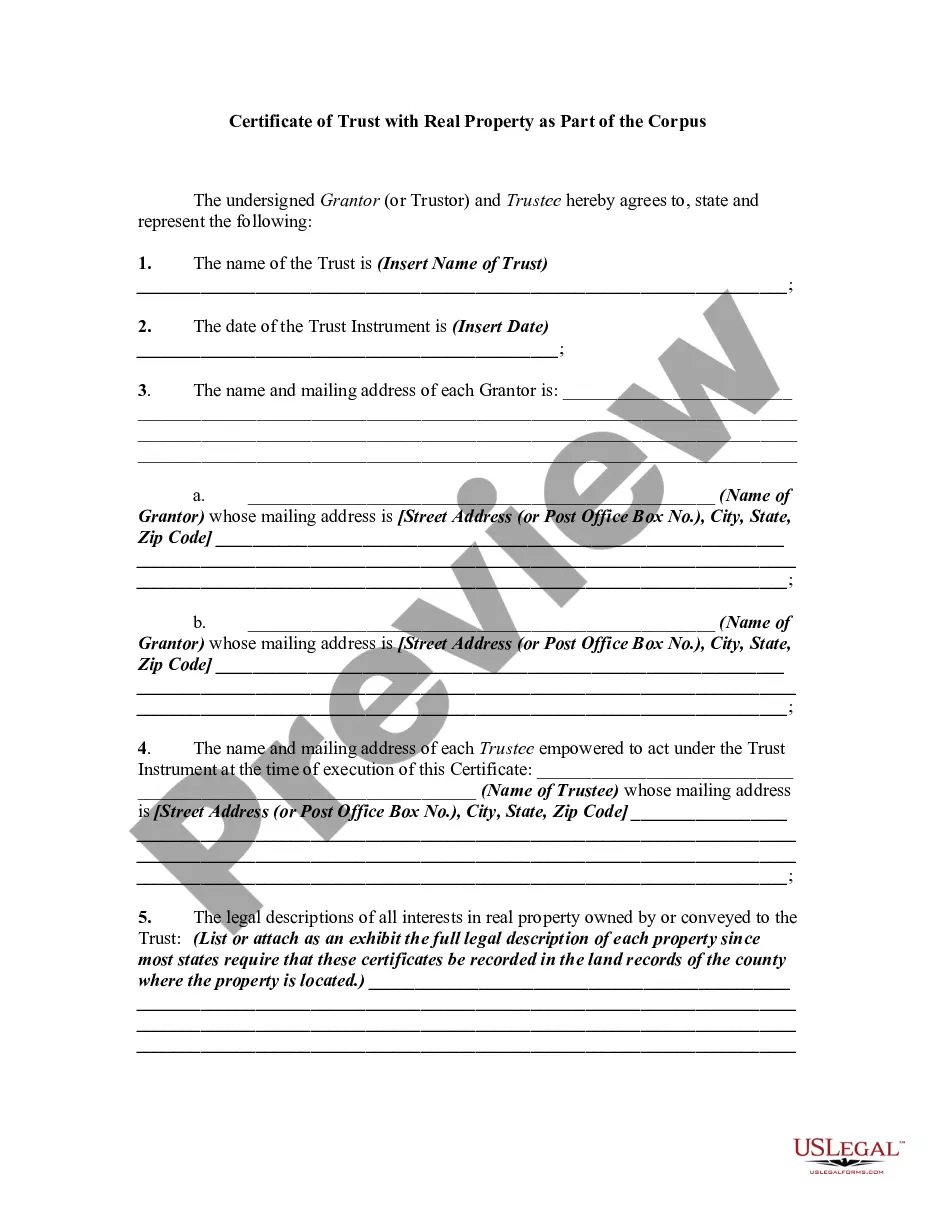
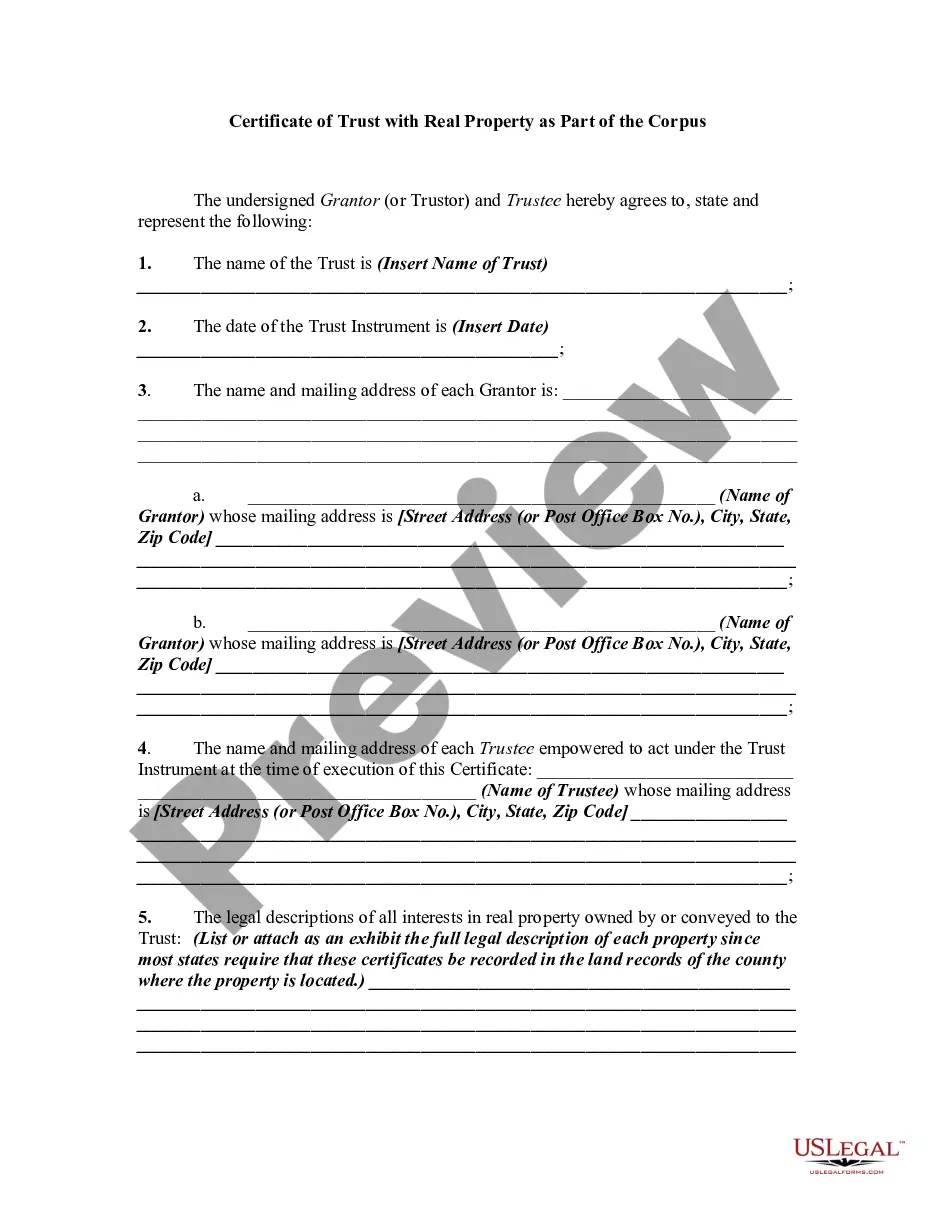
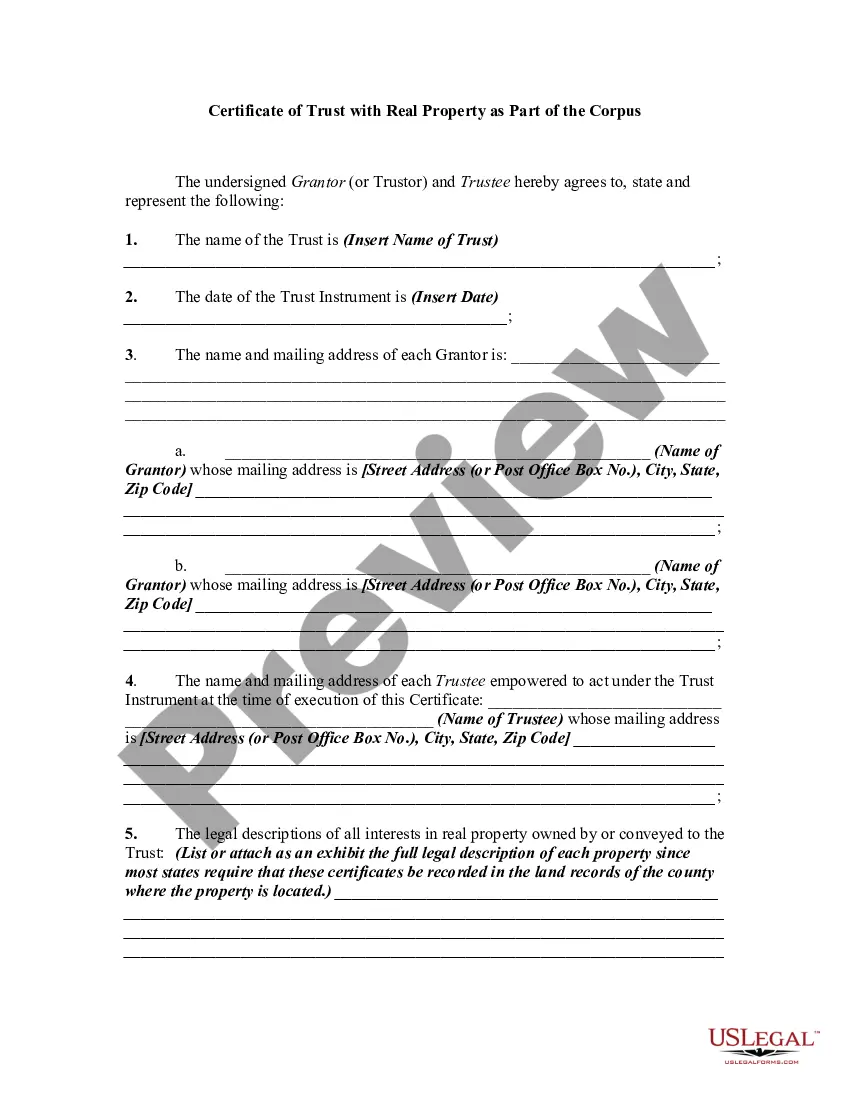
Get your form ready online
Our built-in tools help you complete, sign, share, and store your documents in one place.
Make edits, fill in missing information, and update formatting in US Legal Forms—just like you would in MS Word.
Download a copy, print it, send it by email, or mail it via USPS—whatever works best for your next step.
Sign and collect signatures with our SignNow integration. Send to multiple recipients, set reminders, and more. Go Premium to unlock E-Sign.
If this form requires notarization, complete it online through a secure video call—no need to meet a notary in person or wait for an appointment.
We protect your documents and personal data by following strict security and privacy standards.

Make edits, fill in missing information, and update formatting in US Legal Forms—just like you would in MS Word.

Download a copy, print it, send it by email, or mail it via USPS—whatever works best for your next step.

Sign and collect signatures with our SignNow integration. Send to multiple recipients, set reminders, and more. Go Premium to unlock E-Sign.

If this form requires notarization, complete it online through a secure video call—no need to meet a notary in person or wait for an appointment.

We protect your documents and personal data by following strict security and privacy standards.
Looking for another form?

How to fill out Certificate Of Trust - Indebtedness?
If you need to compile, obtain, or print authorized document templates, utilize US Legal Forms, the largest collection of legal forms available online. Take advantage of the site's easy and user-friendly search feature to locate the documents you need. Various templates for business and personal purposes are organized by categories and terms, or keywords. Use US Legal Forms to find the Indiana Certificate of Trust for Property with just a few clicks.
If you are already a US Legal Forms user, sign in to your account and click the Download button to access the Indiana Certificate of Trust for Property. You can also retrieve forms you previously saved in the My documents section of your account.
If you are using US Legal Forms for the first time, follow the steps outlined below: Step 1. Ensure you have selected the form for the correct city/state. Step 2. Utilize the Preview option to review the form's contents. Don’t forget to read the details. Step 3. If you are not satisfied with the form, use the Search area at the top of the page to find alternative versions of the legal form template. Step 4. Once you have found the form you need, click the Purchase now button. Choose the pricing plan you prefer and enter your details to register for an account. Step 5. Complete the transaction. You can use your credit card or PayPal account to finalize the purchase. Step 6. Select the format of the legal form and download it to your device. Step 7. Complete, edit, and print or sign the Indiana Certificate of Trust for Property.
- Every legal document template you acquire is yours indefinitely.
- You will have access to every form you saved in your account.
- Visit the My documents section and select a form to print or download again.
- Stay competitive and obtain and print the Indiana Certificate of Trust for Property with US Legal Forms.
- There are millions of professional and state-specific forms available for your business or personal needs.
Form popularity
FAQ
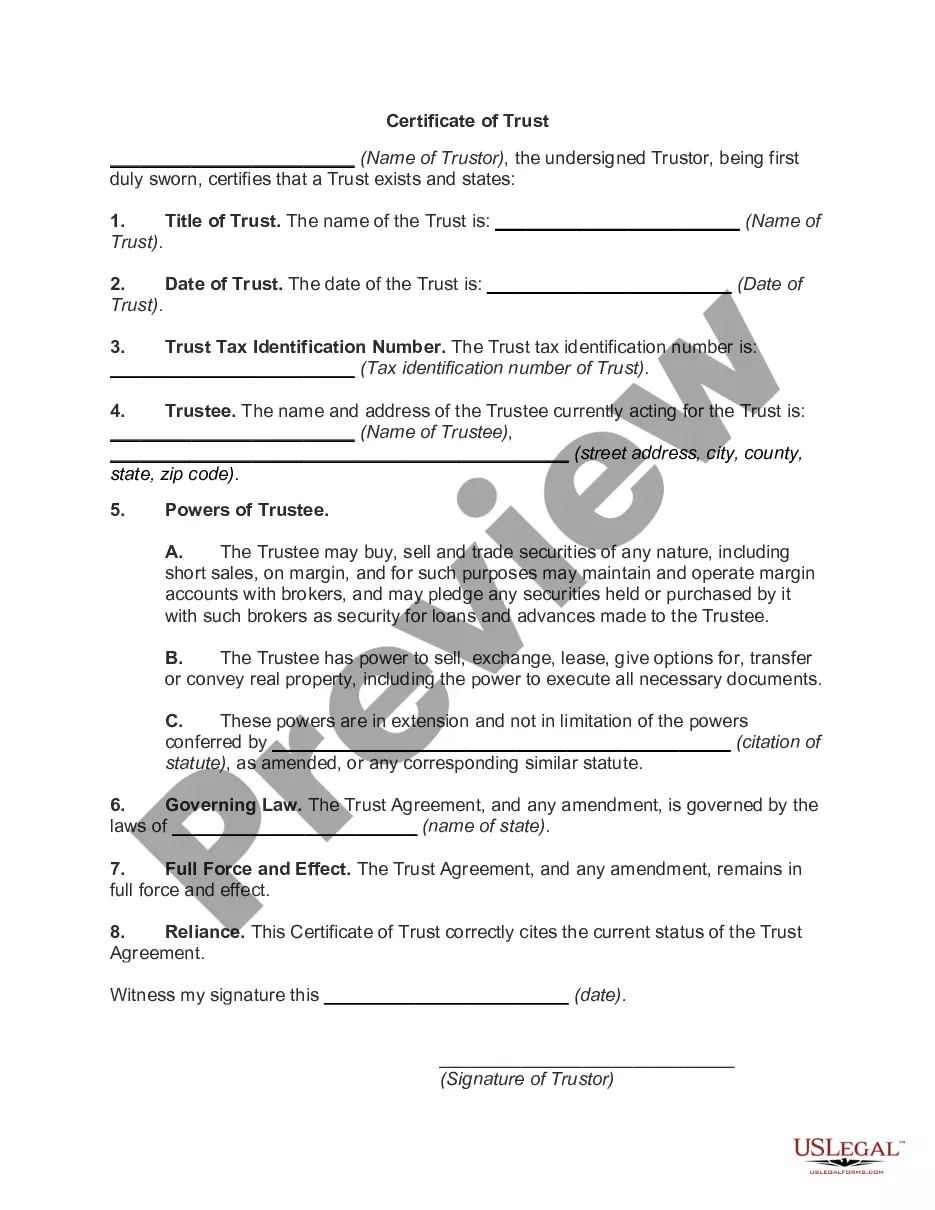
A certification of trust is a document certifying that a trust was established, exists, and is under the management of a certain trustee. Certifications of trust prove the trustee's legal authority to act as such. Certifications of trust also serve as an abbreviated version of the trust.
The trust agreement is the parent document that details anything and everything regarding the trust, including its agreements. Meanwhile, the certificate of trust is used in tandem to keep nonessential information confidential.
Codified at Indiana Code 30-4-4-5, a certification of trust is a document presented by a trustee as evidence of the trustee's authority to act on behalf of a trust. Lending institutions or other third parties might request a certification of trust before they enter into any transactions with a trustee.
Create the trust document. You can get help from an attorney or use Willmaker & Trust (see below). Sign the document in front of a notary public. Change the title of any trust property that has a title document?such as your house or car?to reflect that you now own the property as trustee of the trust.
A certificate of trust ? also called a ?trust certificate? or ?memorandum of trust? ? is a legal document that's often used to prove (or ?certify?) a trust exists and to provide information about its important terms.
A Certification of Trust is a legal document that can be used to certify both the existence of a Trust, as well as to prove a Trustee's legal authority to act. It's shorter than the actual Trust document, and it can offer pertinent information without making every aspect of the Trust public.
Once a declaration of trust has been executed, subsequent declarations can be issued to confirm current terms or amend the existing agreement. Depending on the jurisdiction, the declaration of trust can also be referred to as a trust agreement or a trust document.
There are three ways to get a certificate of trust made: With a lawyer. An estate planning attorney can draft a certificate of trust for you to accompany your trust. With estate planning software. ... With a state-specific form from a financial institution or notary public.