Indiana Certificate of Trust for Mortgage
Description
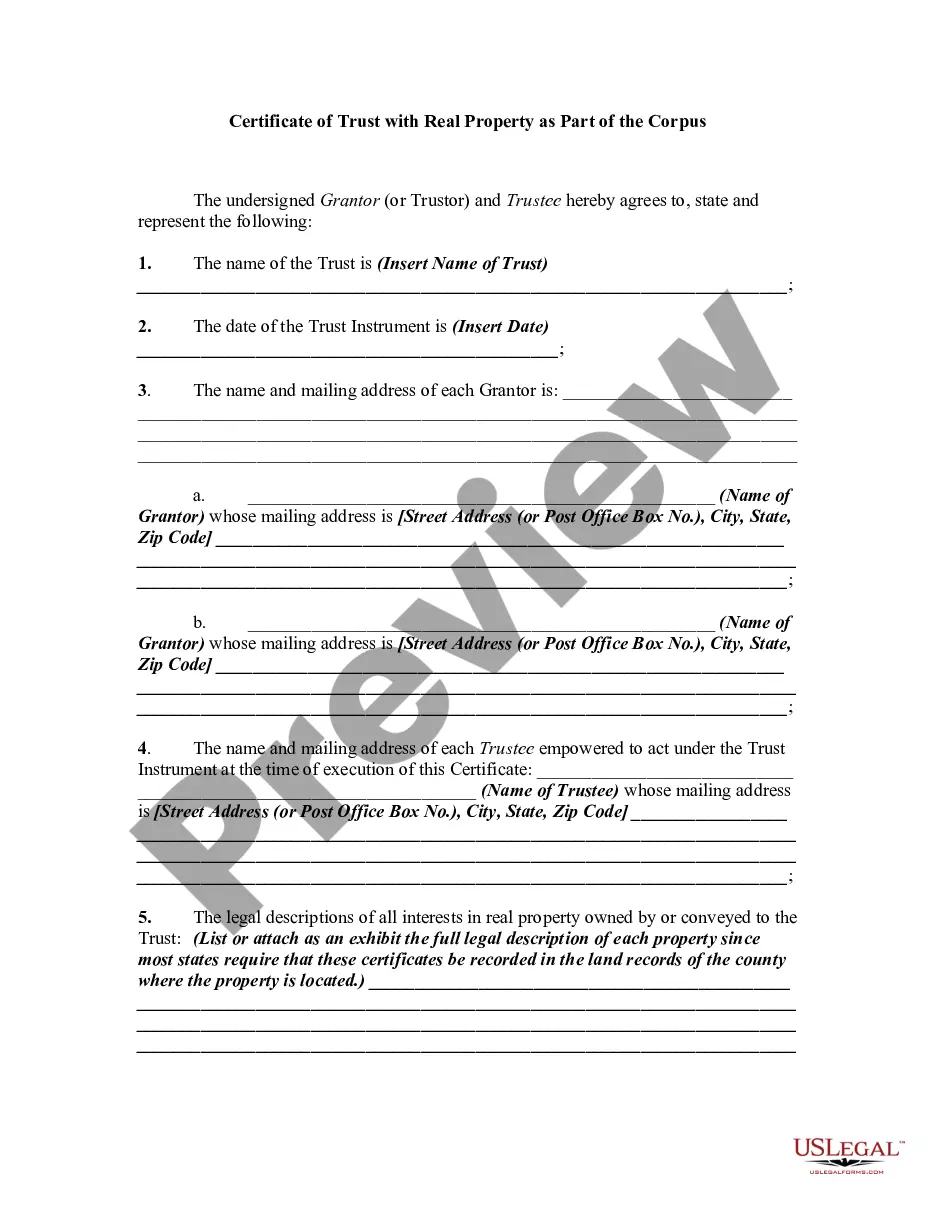
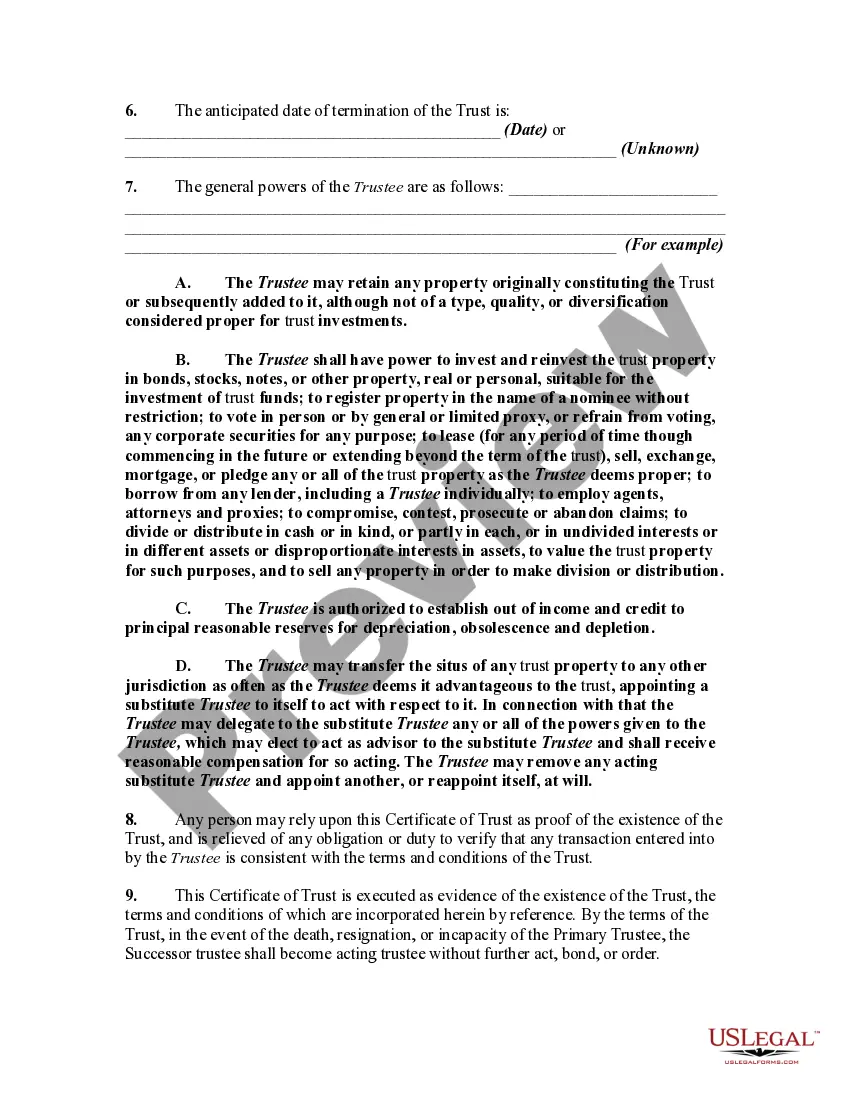
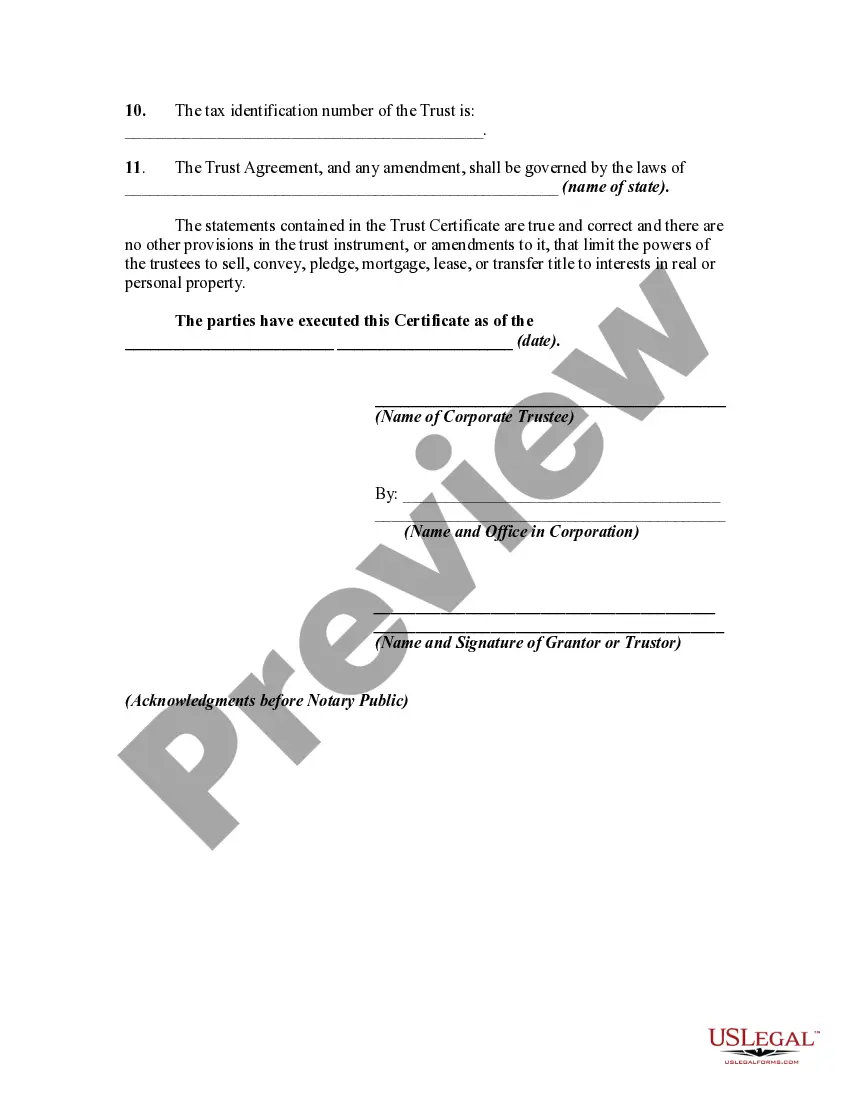
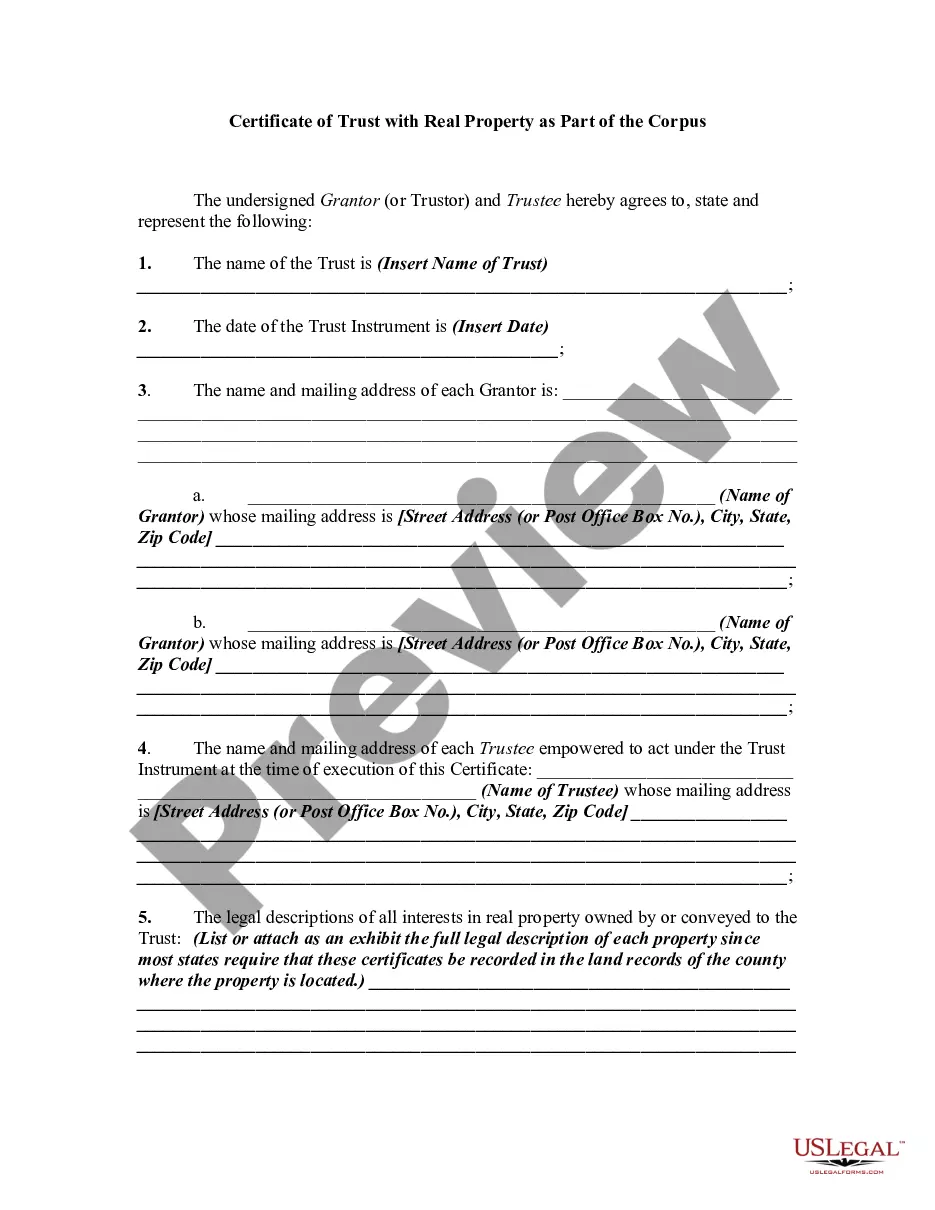
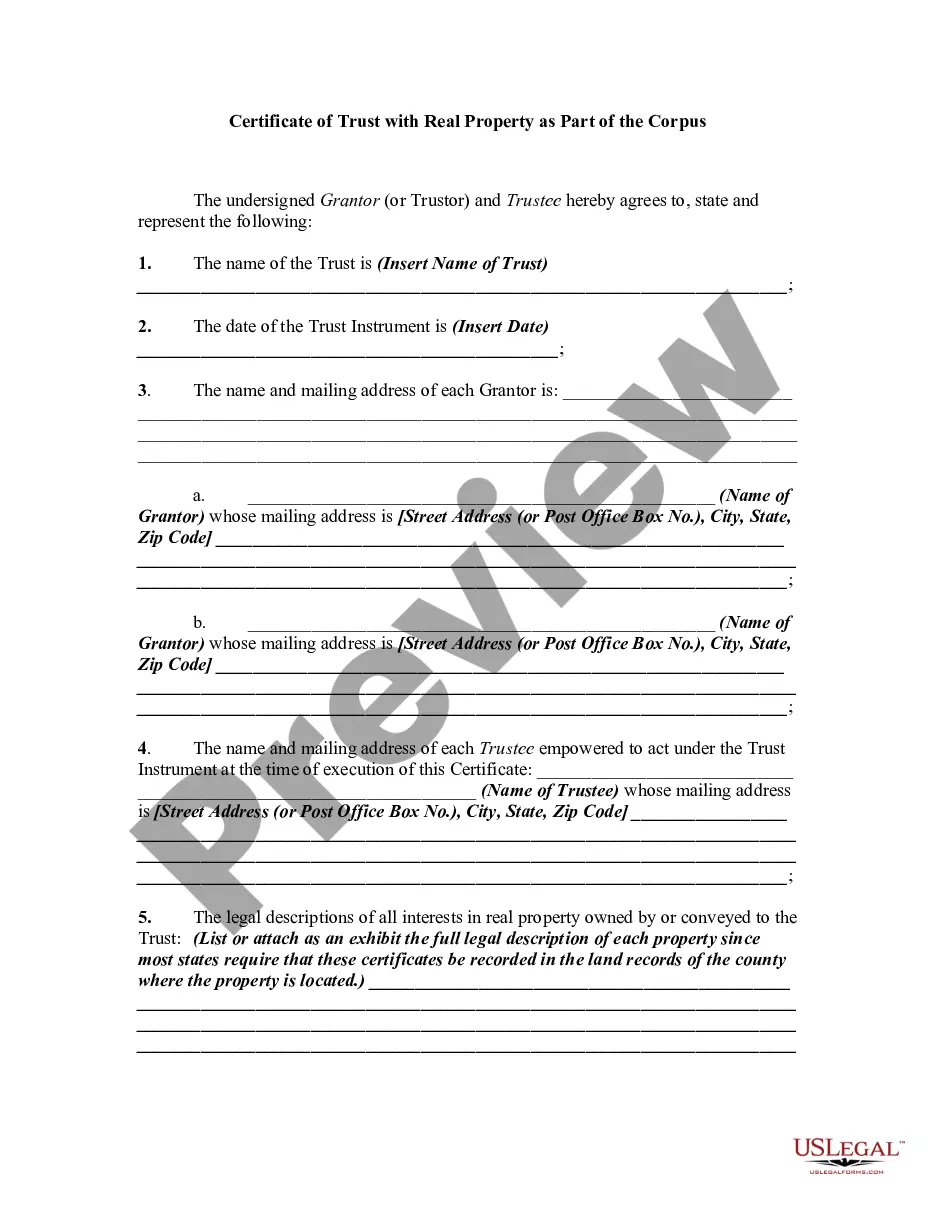
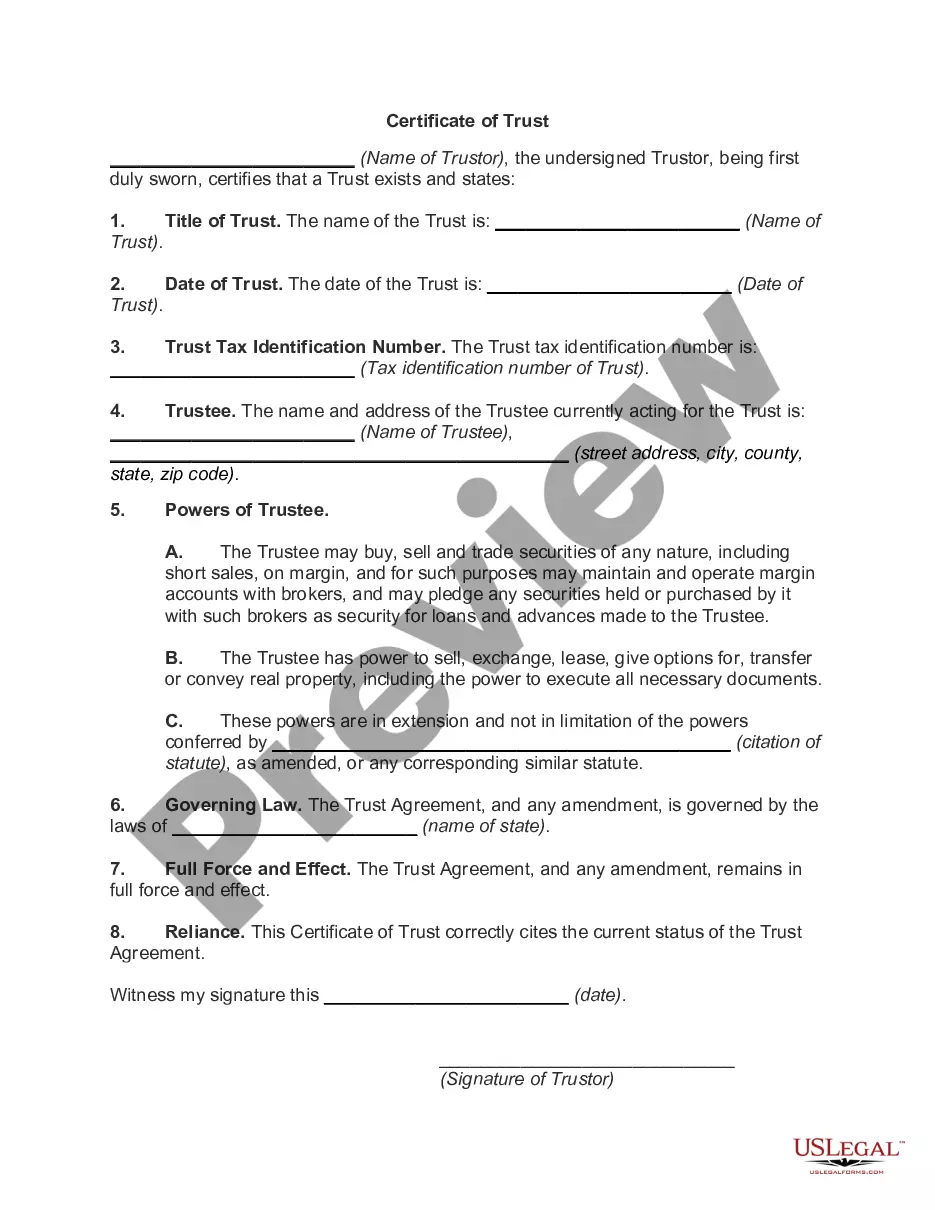
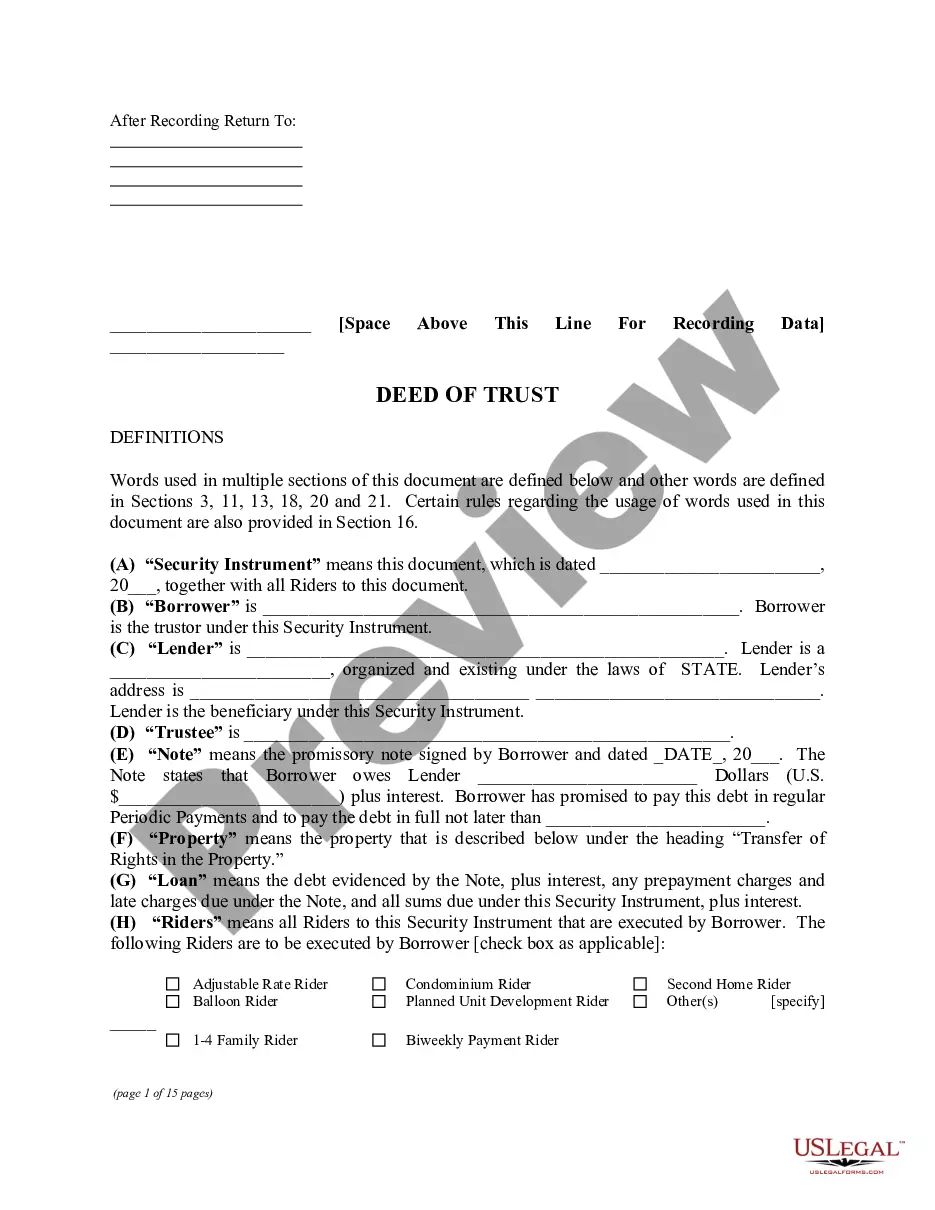
Get your form ready online
Our built-in tools help you complete, sign, share, and store your documents in one place.
Make edits, fill in missing information, and update formatting in US Legal Forms—just like you would in MS Word.
Download a copy, print it, send it by email, or mail it via USPS—whatever works best for your next step.
Sign and collect signatures with our SignNow integration. Send to multiple recipients, set reminders, and more. Go Premium to unlock E-Sign.
If this form requires notarization, complete it online through a secure video call—no need to meet a notary in person or wait for an appointment.
We protect your documents and personal data by following strict security and privacy standards.

Make edits, fill in missing information, and update formatting in US Legal Forms—just like you would in MS Word.

Download a copy, print it, send it by email, or mail it via USPS—whatever works best for your next step.

Sign and collect signatures with our SignNow integration. Send to multiple recipients, set reminders, and more. Go Premium to unlock E-Sign.

If this form requires notarization, complete it online through a secure video call—no need to meet a notary in person or wait for an appointment.

We protect your documents and personal data by following strict security and privacy standards.
Looking for another form?
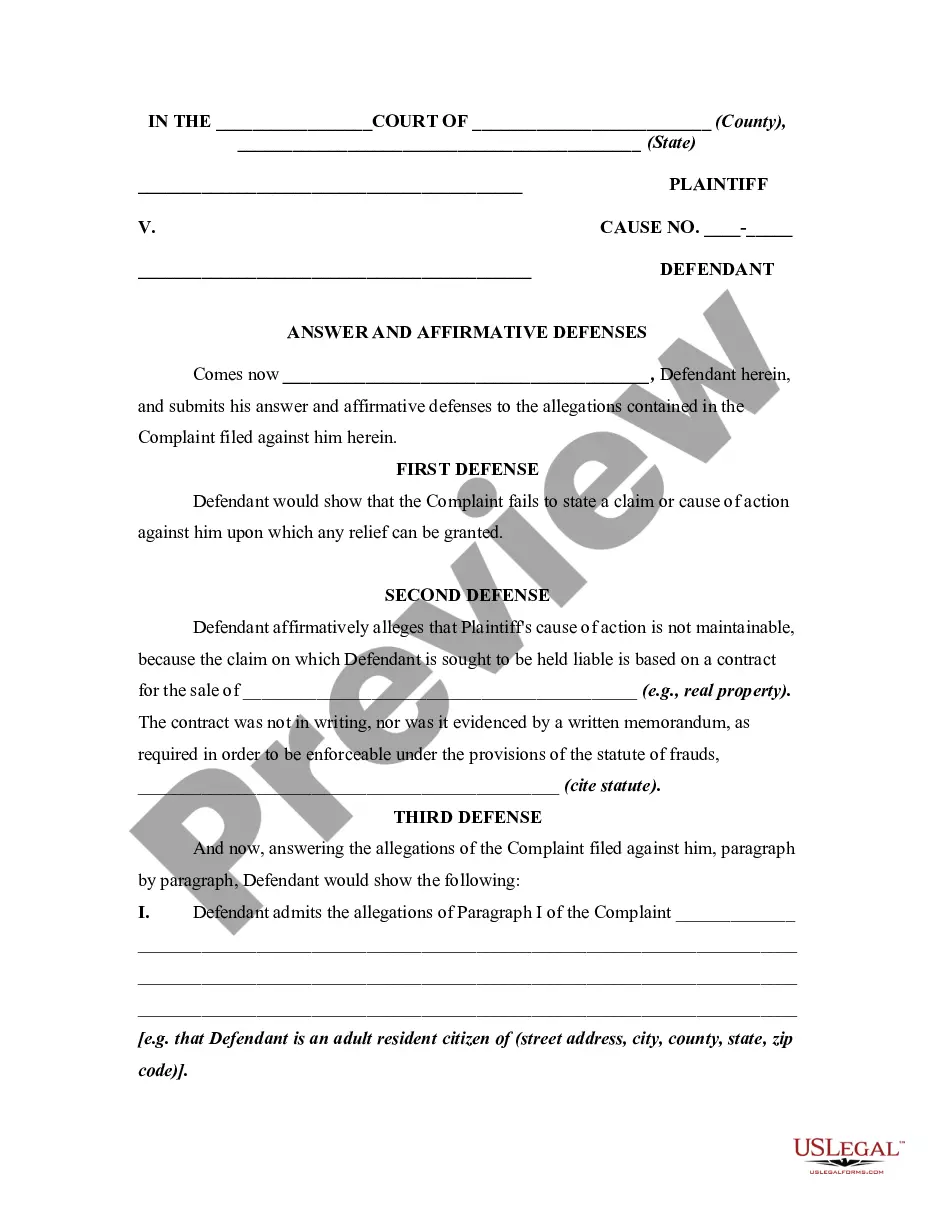
How to fill out Certificate Of Trust For Mortgage?
US Legal Forms - one of the largest collections of approved forms in the United States - provides an assortment of legitimate document templates that you can download or print. By utilizing the website, you can access a vast array of forms for business and personal purposes, organized by categories, states, or keywords. You can find the most recent versions of forms such as the Indiana Certificate of Trust for Mortgage in just a few seconds.
If you already hold a membership, Log In and retrieve the Indiana Certificate of Trust for Mortgage from the US Legal Forms library. The Download option will appear on every type you view. You can access all previously acquired forms in the My documents section of your account.
To utilize US Legal Forms for the first time, here are some simple tips to help you get started: Ensure you have chosen the correct form for your city/region. Select the Preview option to review the form's details. Check the form description to make sure you have selected the right one. If the form does not meet your needs, use the Search field at the top of the screen to find one that does. If you are satisfied with the form, confirm your selection by clicking the Purchase now button. Then, choose the pricing plan you prefer and provide your information to register for an account. Process the transaction. Use your credit card or PayPal account to complete the transaction. Select the format and download the form to your device. Make modifications. Complete, edit, print, and sign the acquired Indiana Certificate of Trust for Mortgage. Every template you added to your account has no expiration date and is yours forever. Therefore, if you wish to download or print another version, simply navigate to the My documents section and click on the form you need.
- Access the Indiana Certificate of Trust for Mortgage with US Legal Forms, one of the most extensive libraries of approved document templates.
- Utilize a wide variety of professional and state-specific templates that meet your business or personal needs and requirements.
Form popularity
FAQ
You may want to put your house in an irrevocable trust if you need to lower your taxable estate for Medicaid eligibility or other income-restricted programs. Assets in an irrevocable trust usually cannot be claimed by a creditor, offering you asset protection in the event you need to repay someone.
Estate planning in Indiana involves creating legal documents to manage assets, taxes, and burial arrangements, including wills, durable power of attorney, and healthcare power of attorney. The costs vary based on complexity, with wills typically around $500 and trusts approximately $2,000.
In order to establish a trust, Indiana law requires that a person be over the age of 18 and be of sound mind. A person must describe the trust in writing.
A Trust Certification gives a Trustee the ability to provide anyone who needs it (think: financial institutions or other third parties) important information about the Trust - like the date it was formed, the legal/formal name of the Trust, who the Trustee is (or Trustees are) and other information institutions may ...
Create the trust document. You can get help from an attorney or use Willmaker & Trust (see below). Sign the document in front of a notary public. Change the title of any trust property that has a title document?such as your house or car?to reflect that you now own the property as trustee of the trust.
There are three ways to get a certificate of trust made: With a lawyer. An estate planning attorney can draft a certificate of trust for you to accompany your trust. With estate planning software. ... With a state-specific form from a financial institution or notary public.
Domestic Asset Protection Trusts. State law governs whether a DAPT can be established and/or recognized within a state as well as what the rules are for creating or enforcing a DAPT. As of 2022, just over one-third of the states allow Domestic Asset Protection Trusts; including the State of Indiana.
Codified at Indiana Code 30-4-4-5, a certification of trust is a document presented by a trustee as evidence of the trustee's authority to act on behalf of a trust. Lending institutions or other third parties might request a certification of trust before they enter into any transactions with a trustee.