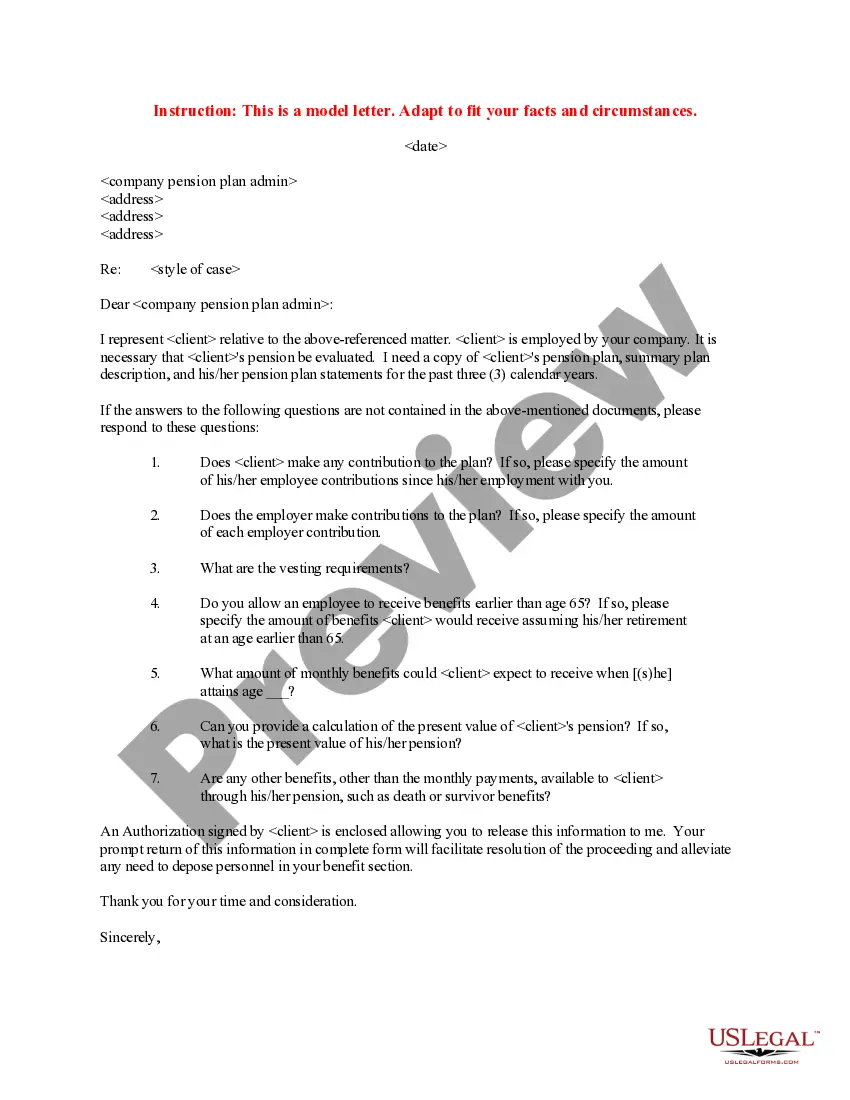
Illinois Telecommuting Application Form
Description


Get your form ready online
Our built-in tools help you complete, sign, share, and store your documents in one place.
Make edits, fill in missing information, and update formatting in US Legal Forms—just like you would in MS Word.
Download a copy, print it, send it by email, or mail it via USPS—whatever works best for your next step.
Sign and collect signatures with our SignNow integration. Send to multiple recipients, set reminders, and more. Go Premium to unlock E-Sign.
If this form requires notarization, complete it online through a secure video call—no need to meet a notary in person or wait for an appointment.
We protect your documents and personal data by following strict security and privacy standards.

Make edits, fill in missing information, and update formatting in US Legal Forms—just like you would in MS Word.

Download a copy, print it, send it by email, or mail it via USPS—whatever works best for your next step.

Sign and collect signatures with our SignNow integration. Send to multiple recipients, set reminders, and more. Go Premium to unlock E-Sign.

If this form requires notarization, complete it online through a secure video call—no need to meet a notary in person or wait for an appointment.

We protect your documents and personal data by following strict security and privacy standards.
Looking for another form?
How to fill out Telecommuting Application Form?
It is feasible to spend hours online searching for the legal document template that satisfies the federal and state criteria you need.
US Legal Forms provides thousands of legal templates that have been reviewed by experts.
You can easily obtain or print the Illinois Telecommuting Application Form from this service.
If available, use the Preview option to review the document template as well.
- If you already possess a US Legal Forms account, you can Log In and click on the Acquire button.
- After that, you can complete, modify, print, or sign the Illinois Telecommuting Application Form.
- Every legal document template you purchase is your property permanently.
- To obtain an additional copy of the purchased form, navigate to the My documents section and select the corresponding option.
- If you are using the US Legal Forms website for the first time, follow the simple instructions below.
- First, make sure you have selected the correct document template for the state/city of your choice.
- Check the form description to ensure you have chosen the right one.
Form popularity
FAQ
To fill out the Illinois state withholding form, begin by entering your personal details and selecting your filing status. Proceed to indicate your withholding allowances and any additional withholdings that apply to your situation. Ensure you review all input for accuracy before submitting. The Illinois Telecommuting Application Form can provide guidance and make the process simpler for you.
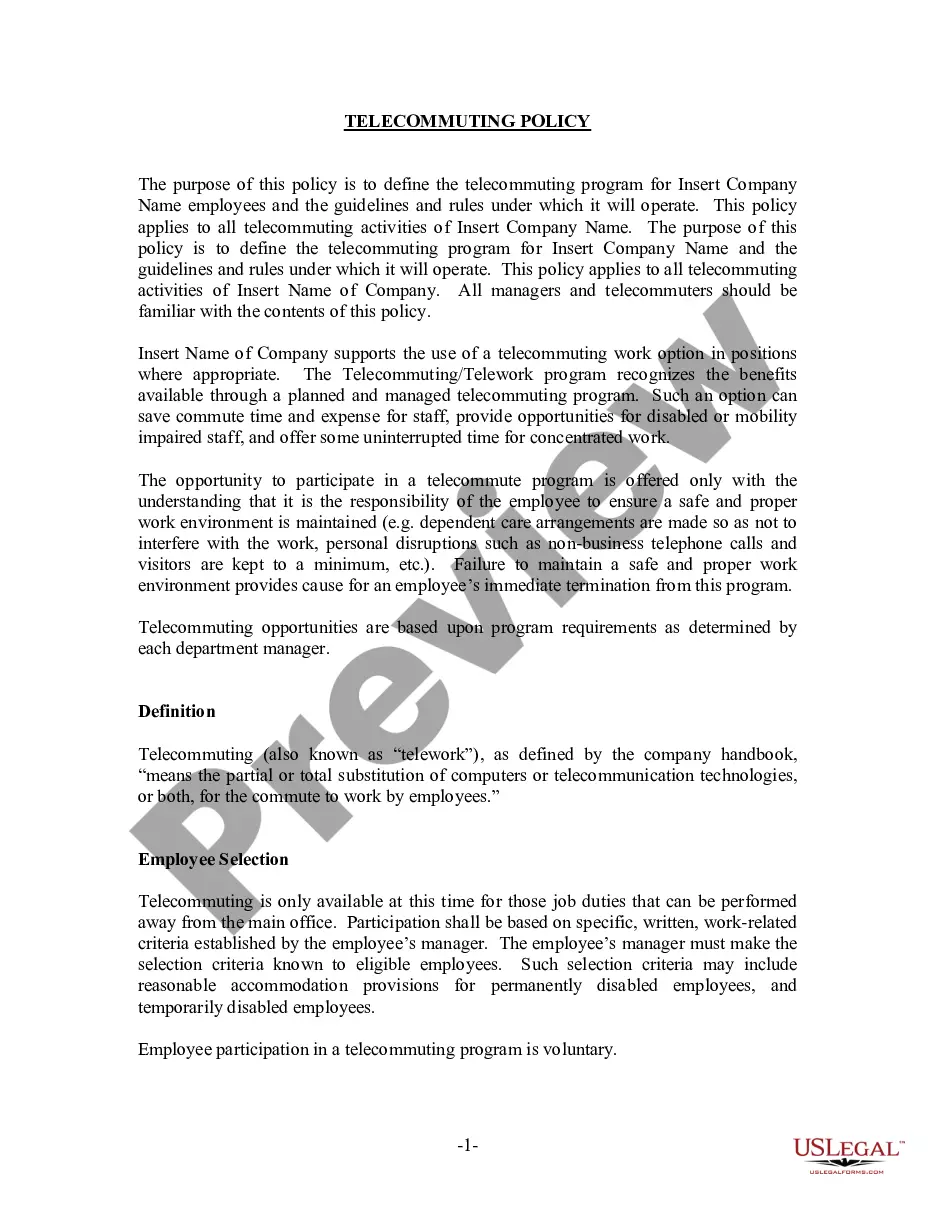
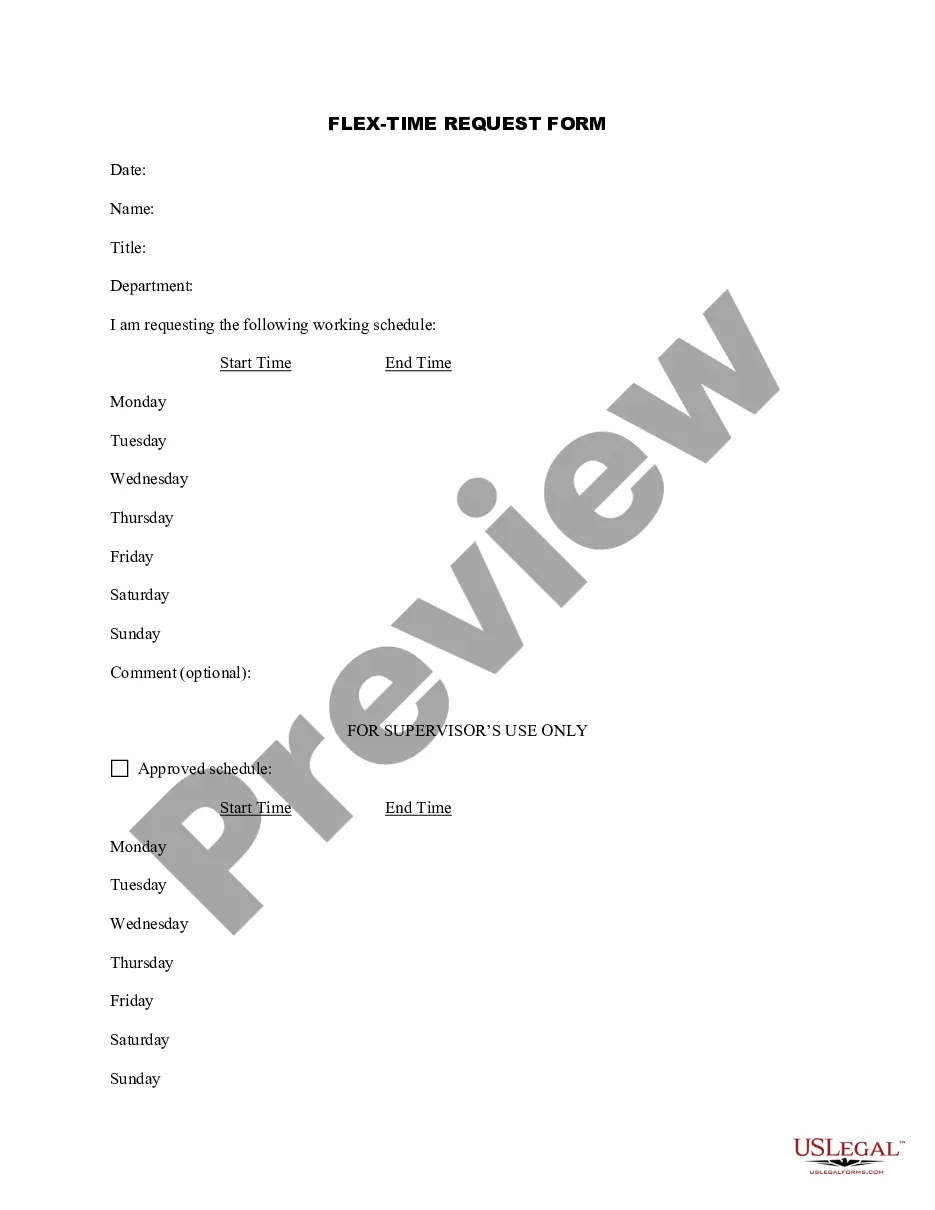
It should include:Days and hours the employee is expected to be working in the department.Hours the employee is expected to be working and reachable at the telecommuting site.Methods of contact (such as dedicated phone line, voice mail, email, videoconference, etc.)Times and frequency of contact (in both directions)More items...
For example, teleworking employees must be able to take telephone calls and participate in online video meetings with minimal distraction and while maintaining appropriate confidentiality.
Research the landscape in your industry and organization.Emphasize the benefits to your organization.Create a clear and specific remote work plan.Time your request carefully.Ask in-person, not via email.Come prepared to lead the meeting.Expect some discomfort, but don't be dissuaded.More items...
Consider these six tips for creating effective telecommuting programs:Contact your legal experts.Invite managers to share their input.Choose the right tech tools.Keep things cohesive.Don't micromanage.Be fair to on-site employees.
If you're having trouble getting started with your telecommuting policy, here's a list of things to include:Define which positions are eligible to work from home.Be specific about the policy.Create an effective power structure.Outline which tools your employees should use.Be open.
Though often away from the office, a teleworker is different from a remote employee because there occasionally some in-person office attendance required though this is not always the case. Another key difference is that a teleworker is often geographically closer to the main office location than a remote worker.
Send your supervisor a letter or an email, outlining the reasons why you think working from home would benefit the company. This initial written request may need to be followed by a formal application, forms, and documentation as required by your employer.
Working from home or remotely requires more than a laptop. In order to set employees up for success, organizations need to provide them with the proper tools and resources. This equipment includes desks and furniture, collaboration and communication software, authentication and VPNs, monitors and productivity tools.
5 Key Characteristics of Successful TelecommutersFocus.Collaborative attitude.Adaptabilty.While you may have established a routine that works well for your day-to-day work, it's vital that those working from home are flexible.Trust.Self-starter.