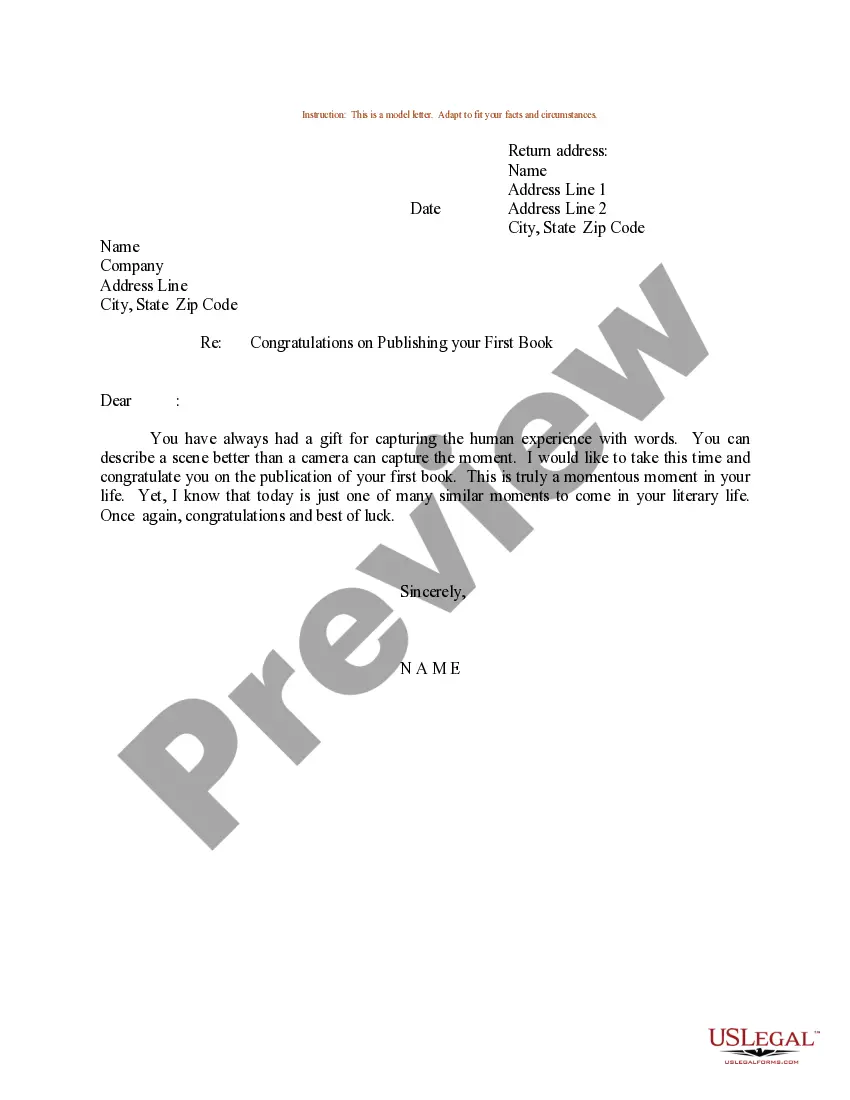
Illinois Sample Letter for Congratulations on Publishing First Book
Description
Get your form ready online
Our built-in tools help you complete, sign, share, and store your documents in one place.
Make edits, fill in missing information, and update formatting in US Legal Forms—just like you would in MS Word.
Download a copy, print it, send it by email, or mail it via USPS—whatever works best for your next step.
Sign and collect signatures with our SignNow integration. Send to multiple recipients, set reminders, and more. Go Premium to unlock E-Sign.
If this form requires notarization, complete it online through a secure video call—no need to meet a notary in person or wait for an appointment.
We protect your documents and personal data by following strict security and privacy standards.

Make edits, fill in missing information, and update formatting in US Legal Forms—just like you would in MS Word.

Download a copy, print it, send it by email, or mail it via USPS—whatever works best for your next step.

Sign and collect signatures with our SignNow integration. Send to multiple recipients, set reminders, and more. Go Premium to unlock E-Sign.

If this form requires notarization, complete it online through a secure video call—no need to meet a notary in person or wait for an appointment.

We protect your documents and personal data by following strict security and privacy standards.
Looking for another form?





How to fill out Sample Letter For Congratulations On Publishing First Book?
Selecting the appropriate authorized document template can be challenging.
Certainly, there are numerous templates available online, but how do you find the legal form you require.
Utilize the US Legal Forms website. The service provides a vast array of templates, such as the Illinois Sample Letter for Congratulations on Publishing First Book, which you can utilize for both business and personal purposes.
You can review the form using the Preview button and check the form details to verify it is suitable for your needs.
- All templates are reviewed by experts and comply with state and federal regulations.
- If you are already registered, Log In to your account and click the Download button to obtain the Illinois Sample Letter for Congratulations on Publishing First Book.
- Use your account to browse the legal forms you have acquired before.
- Navigate to the My documents section of your account and retrieve another copy of the document you need.
- If you are a new user of US Legal Forms, here are straightforward steps to follow.
- First, ensure you have selected the correct form for your city/region.
Form popularity
FAQ
Please accept my sincere congratulations on your achievement! You have worked hard to earn this position, and I'm sure you will do an outstanding job in motivating your team to new, heightened levels of sales performance. Best wishes for your continued success.
Phrasesare to be commended for.congratulations on.copy of your new book.delighted to receive.have set a new standard.how much I enjoyed.in such a prestigious.in last month's issue of.More items...
More FormalCongratulations on your well-deserved success.Heartfelt congratulations to you.Warmest congratulations on your achievement.Congratulations and best wishes for your next adventure!So pleased to see you accomplishing great things.
How to write a congratulation letter for an accomplishmentCreate a subject. If you're sending a congratulations letter or note through email, choose a subject that's brief and relevant to the purpose of the message.Include a greeting.Open with congratulations.Include details about the accomplishment.Add a closing.
More FormalCongratulations on your well-deserved success.Heartfelt congratulations to you.Warmest congratulations on your achievement.Congratulations and best wishes for your next adventure!So pleased to see you accomplishing great things.
SentencesI look forward to your next article. Please share it with me when it comes out.Please let me know if there is anything I can do to help you with future articles of interest to our company.Keep up the good work.Best wishes in your future endeavors.I hope to see more of your work in the future.
Complimenting AccomplishmentsI am so proud of you, and I hope you are too!You are making a difference.You deserve a hug right now.You're a great example to others.Actions speak louder than words, and yours tell an incredible story.
"Congratulations! That is so awesome!" "Wow, I am proud even to know someone who has written a book." "I just ordered my copy and can't wait to read it."
How to Begin the Letter. If you're going to send the congratulations by email, put Congratulations or Thank You and the title of the project in the subject line. That way your employee will be sure to open the email right away.