Contractor Equipment Pass
About this form
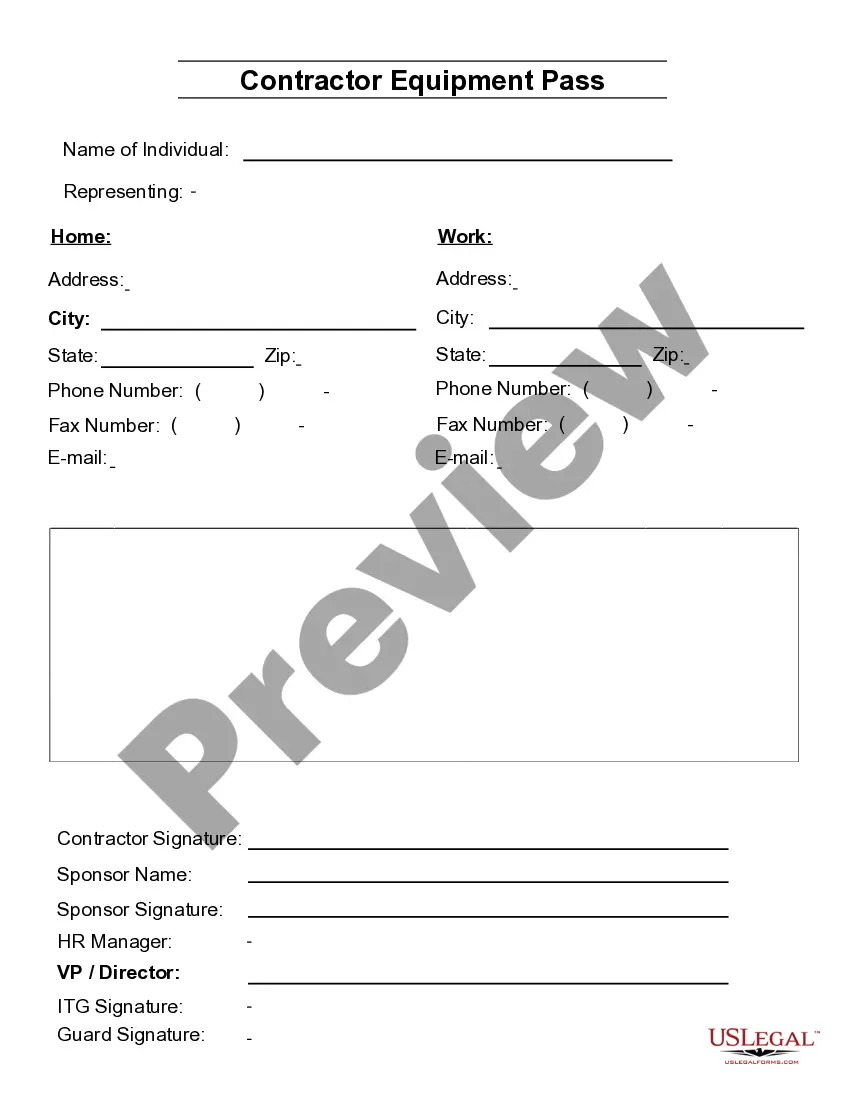
The Contractor Equipment Pass is a legal document designed for businesses involved in construction or contracting. It serves to grant access to specific equipment and materials for contractors while ensuring accountability and tracking. Unlike generic access permits, this form is tailored to address the specific needs of contractor operations, making it a vital document for managing on-site equipment handling effectively.
Main sections of this form
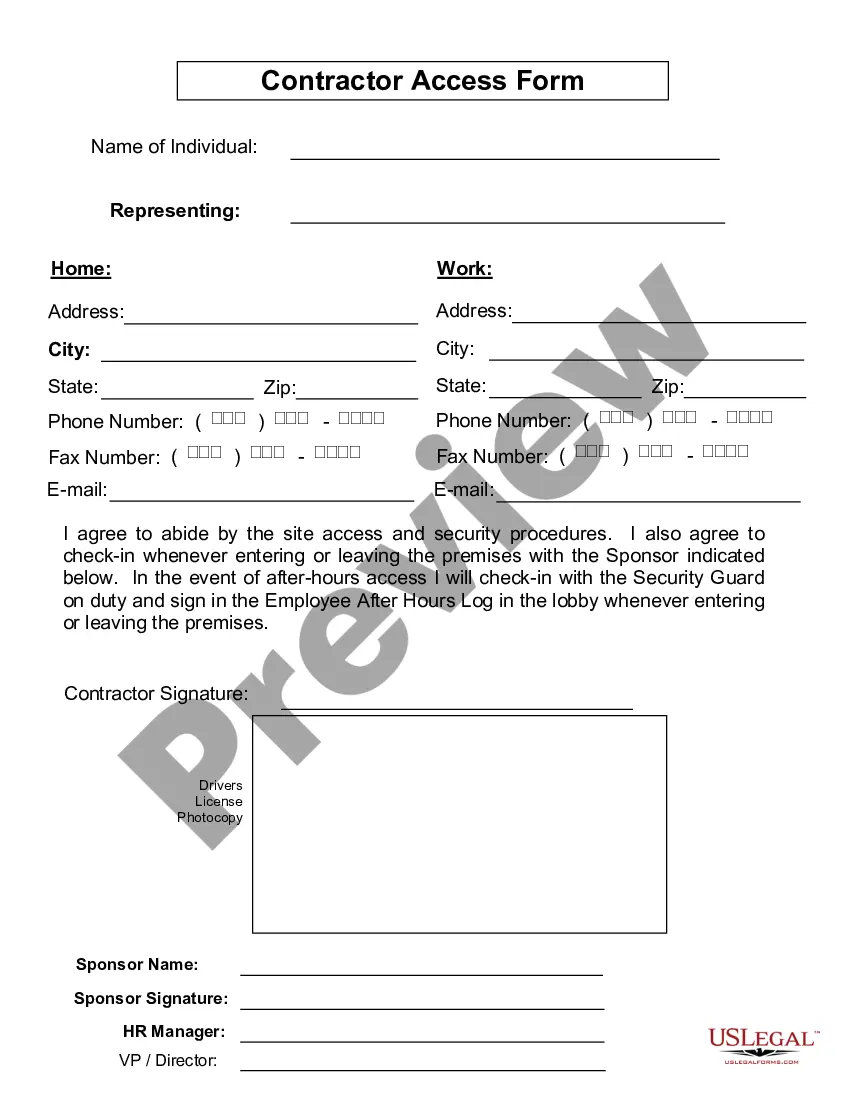
- Home work address: Enter the location where the work will be conducted.
- Contractor signature: Signature of the contractor, confirming the agreement.
- Sponsor name: The name of the individual or company sponsoring the equipment usage.
- Sponsor signature: Signature of the sponsor to validate the authorization.
- HR manager and ITG signatures: Required for corporate approvals, ensuring all parties are informed.
- Contact information: Includes fields for phone numbers, fax numbers, and email addresses for communication.


Situations where this form applies
This form should be used when a contractor needs to access equipment or materials for a specific project. It is applicable when multiple contractors are applying for access, or when different approval levels are required for equipment usage on a construction site. Moreover, it can be useful during audits or project evaluations to reflect equipment assignments and responsibility.
Who this form is for
This form is intended for:
- Contractors who need to access company equipment.
- Project managers overseeing construction sites.
- HR personnel involved in contractor management and equipment tracking.
- Sponsors of contractors who authorize equipment use.
Instructions for completing this form
- Identify the contractor and sponsor by filling in their names and contact details.
- Enter the home work address and project details relevant to the equipment usage.
- Collect signatures from the contractor, sponsor, HR manager, and ITG as required.
- Ensure all contact information fields are completed for future communication.
- Review the form for accuracy before submission.
Does this form need to be notarized?
This form does not typically require notarization to be legally valid. However, some jurisdictions or document types may still require it. US Legal Forms provides secure online notarization powered by Notarize, available 24/7 for added convenience.
Get your form ready online
Our built-in tools help you complete, sign, share, and store your documents in one place.
Make edits, fill in missing information, and update formatting in US Legal Forms—just like you would in MS Word.
Download a copy, print it, send it by email, or mail it via USPS—whatever works best for your next step.
Sign and collect signatures with our SignNow integration. Send to multiple recipients, set reminders, and more. Go Premium to unlock E-Sign.
If this form requires notarization, complete it online through a secure video call—no need to meet a notary in person or wait for an appointment.
We protect your documents and personal data by following strict security and privacy standards.

Make edits, fill in missing information, and update formatting in US Legal Forms—just like you would in MS Word.

Download a copy, print it, send it by email, or mail it via USPS—whatever works best for your next step.

Sign and collect signatures with our SignNow integration. Send to multiple recipients, set reminders, and more. Go Premium to unlock E-Sign.

If this form requires notarization, complete it online through a secure video call—no need to meet a notary in person or wait for an appointment.

We protect your documents and personal data by following strict security and privacy standards.
Common mistakes to avoid
- Failure to collect all required signatures.
- Incomplete contact information, making it difficult to reach the parties involved.
- Missing the home work address, which could lead to access issues.
- Not reviewing the form for accuracy before submission.
Benefits of using this form online
- Easy accessibility: Download and complete from anywhere at any time.
- Editable format: Fillable fields in Adobe Acrobat or Word enhance convenience.
- Time-saving: Quickly generate the form without delays typically associated with in-person processes.
- Ensures compliance: Use a professionally drafted template to avoid legal pitfalls.
Quick recap
- The Contractor Equipment Pass authorizes contractors to use equipment on site.
- Clear communication and permissions are critical to avoiding disputes.
- Complete contact information and signatures ensure legality and accountability.