Idaho Jurat Acknowledgment
What is this form?
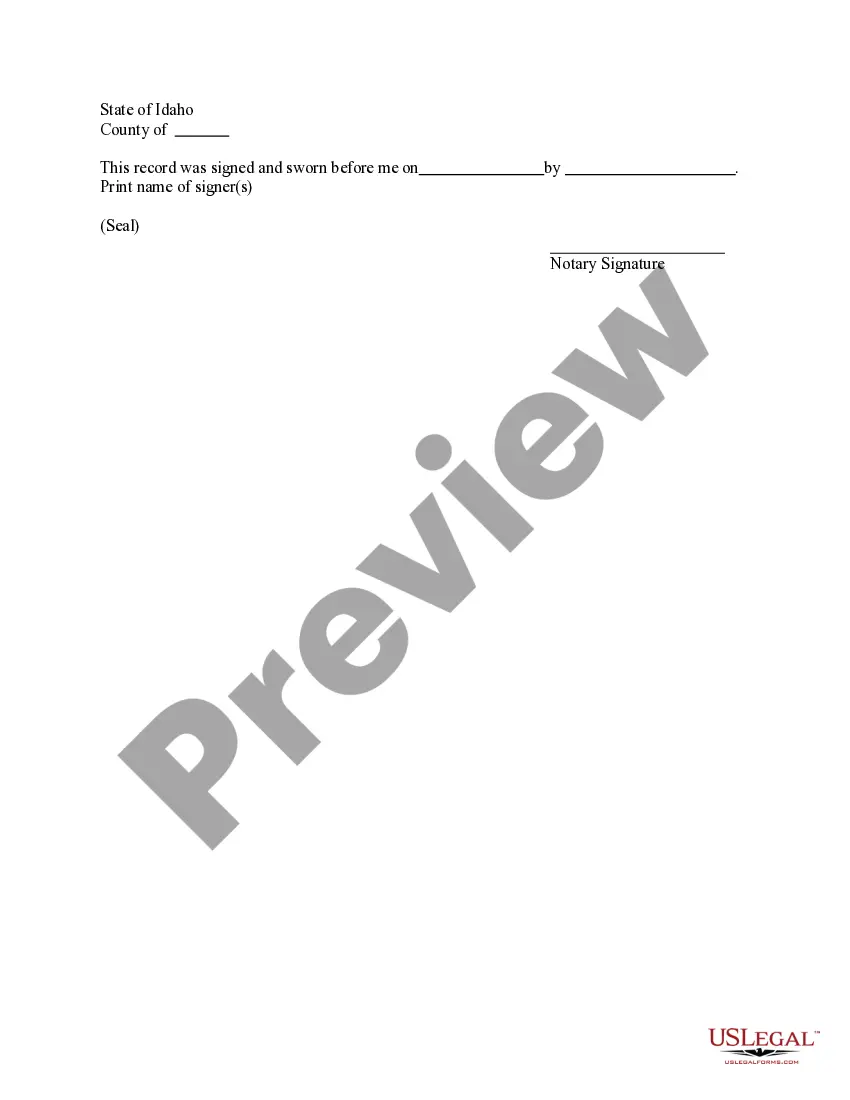
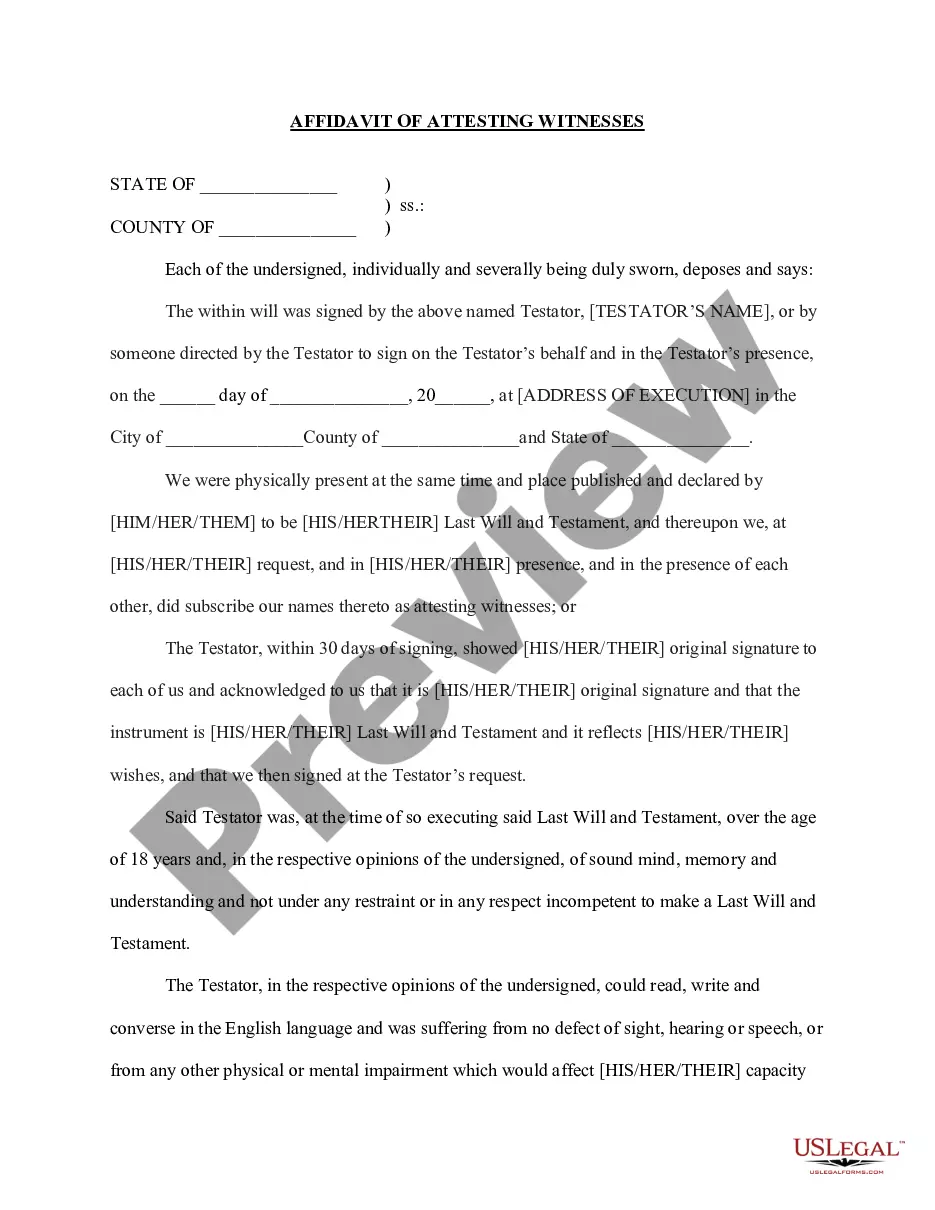
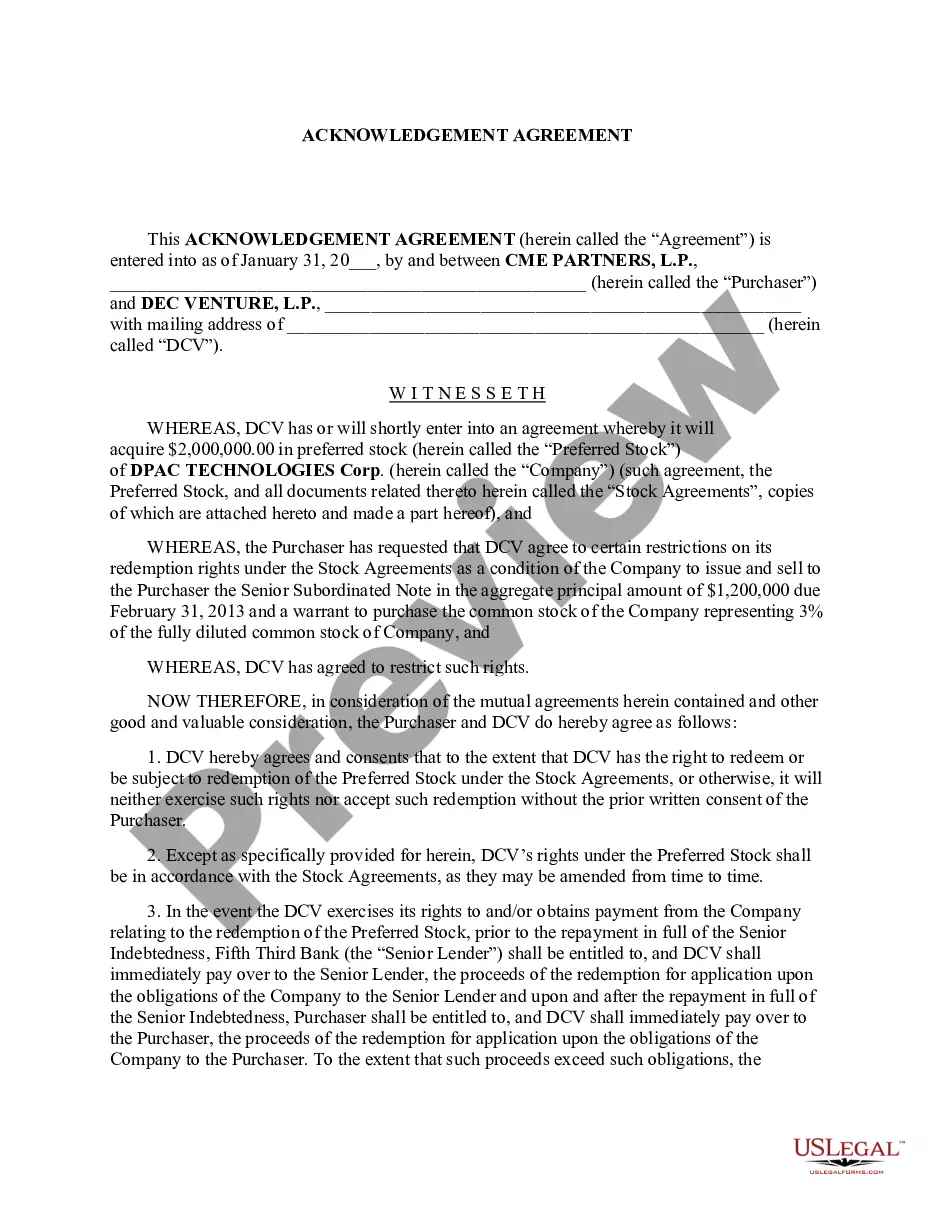
The Jurat Acknowledgment is a legal document used to confirm that a signer swore to the truthfulness of the content of a document before a notary public. This form serves as a verification of identity and the act of signing. It is different from other acknowledgments because it specifically entails an oath regarding the accuracy of statements or documents presented.
Key parts of this document
- Identification of the signer(s): This section requires the printed name of the person signing.
- Certification by the notary: The notaryâs signature and seal are essential for validating the document.
- Date and place of signing: This information indicates when and where the oath was taken.

Common use cases
This form should be used when a document requires a sworn statement to verify the truthfulness of its contents. Common scenarios include legal filings, financial documents, and situations where identity verification is needed for compliance and transparency.
Who should use this form
- Individuals submitting legal documents that require validation.
- Businesses needing to establish the authenticity of signatures for contracts.
- Parties entering into agreements that necessitate a sworn statement.
Instructions for completing this form
- Identify the signer(s): Write the printed name of the individual swearing the document.
- Provide the date: Enter the date when the Jurat is executed.
- Include the location: Specify the county and state where the document is signed.
- Notary acknowledgment: The notary public must sign and affix their seal in the designated section.
Notarization requirements for this form
Yes, this form must be notarized to be legally valid. Utilizing US Legal Formsâ integrated online notarization service, you can have your documents reviewed and notarized securely over a video call, offering convenience without the need for travel.
Get your form ready online
Our built-in tools help you complete, sign, share, and store your documents in one place.
Make edits, fill in missing information, and update formatting in US Legal Forms—just like you would in MS Word.
Download a copy, print it, send it by email, or mail it via USPS—whatever works best for your next step.
Sign and collect signatures with our SignNow integration. Send to multiple recipients, set reminders, and more. Go Premium to unlock E-Sign.
If this form requires notarization, complete it online through a secure video call—no need to meet a notary in person or wait for an appointment.
We protect your documents and personal data by following strict security and privacy standards.

Make edits, fill in missing information, and update formatting in US Legal Forms—just like you would in MS Word.

Download a copy, print it, send it by email, or mail it via USPS—whatever works best for your next step.

Sign and collect signatures with our SignNow integration. Send to multiple recipients, set reminders, and more. Go Premium to unlock E-Sign.

If this form requires notarization, complete it online through a secure video call—no need to meet a notary in person or wait for an appointment.

We protect your documents and personal data by following strict security and privacy standards.
Typical mistakes to avoid
- Failing to have the signer present before the notary during the signing.
- Neglecting to include the notaryâs seal or signature.
- Improperly filling out the date or location fields.
Benefits of using this form online
- Convenience of downloading and printing the form as needed.
- Editability allows for quick customization to fit specific circumstances.
- Access to forms drafted by licensed attorneys, ensuring legal compliance.
Legal use & context
- A Jurat Acknowledgment is enforceable once notarized, serving as official confirmation of the signerâs identity and the truth of the document signed.
- It is crucial in legal proceedings to ensure documents meet evidentiary standards.
Key takeaways
- The Jurat Acknowledgment confirms that the signer swore to the truthfulness of the document before a notary.
- Proper completion involves identifying the signer and obtaining the notaryâs certification.
- This form is necessary for legal compliance in various documentation scenarios.
Looking for another form?

Form popularity
FAQ
The appropriate verbal wording for an oath for a jurat is as follows: Do you solemnly swear that the statements in this document are true to the best of your knowledge and belief, so help you God?
For an oath: "Do you solemnly state that the evidence you shall give in this issue (or matter) shall be the truth, the whole truth, and nothing but the truth, so help you God?"
The purpose of an acknowledgment is for a signer, whose identity has been verified, to declare to a Notary or notarial officer that he or she has willingly signed a document.The signer may either sign the document before appearing before you, or in your presence.
An oath is a solemn promise about your behavior or your actions. Often, when you take an oath, the promise invokes a divine being. For example, you might swear to God that something is true or swear on the Bible that something is true.
Yes, you may notarize a signature on a document that includes handwritten paragraphs. A document can be typed or handwritten. If the notarial certificate under the signature is not included, be sure to attach a loose certificate chosen by your customer.
As nouns the difference between oath and jurat is that oath is a solemn pledge or promise to a god, king, or another person, to attest to the truth of a statement or contract while jurat is (legal) the written statement by a notary public that he or she has administered and witnessed an oath or affirmation.
Unlike jurats, an acknowledgment does not need to be signed in the presence of a notary. However, the affiant does need to swear or affirm that they signed under their own free will.
It depends. You may notarize a document that does not have pre-printed notarial wording as long as the signer tells you what type of notarization is needed.As nonattorneys, Notaries cannot decide the type of notarization to perform on a document because the choice can have important legal ramifications.