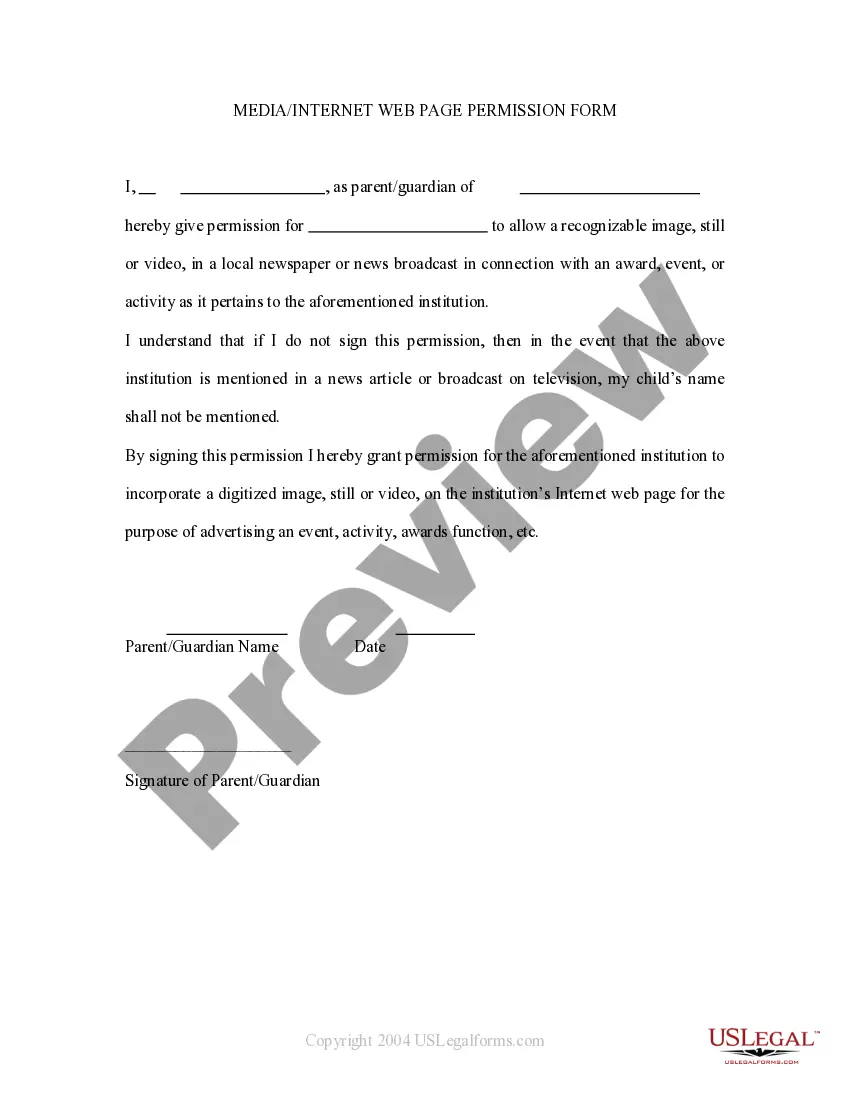
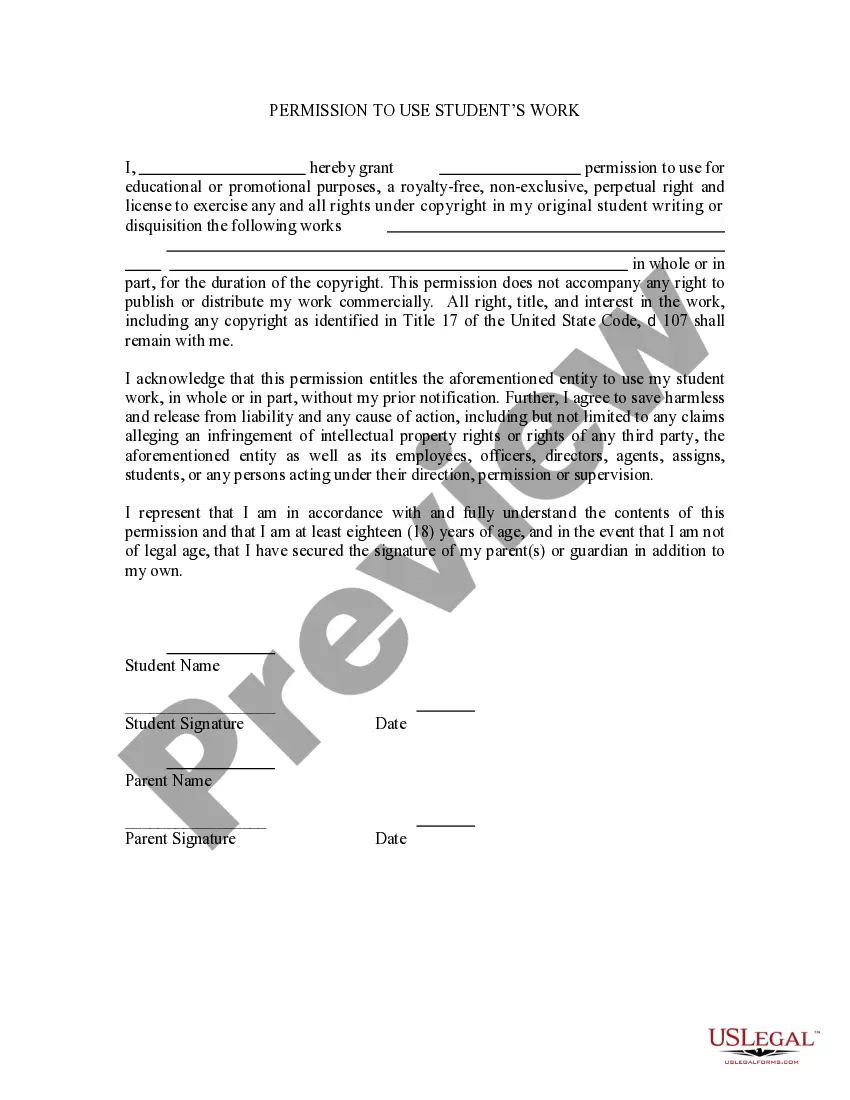
This is a permission form signed by parents allowing a child's name to be mentioned in broadcast form. If the child wins an award then permission is thereby granted to mention the child in a newspaper or on televised news. It also grants permission for the child's name to be mentioned on the school's web site.
Hawaii Media - Internet Web Page Permission Form
Category:
State:
Multi-State
Control #:
US-PRM-22
Format:
Word;
Rich Text
Instant download
Description

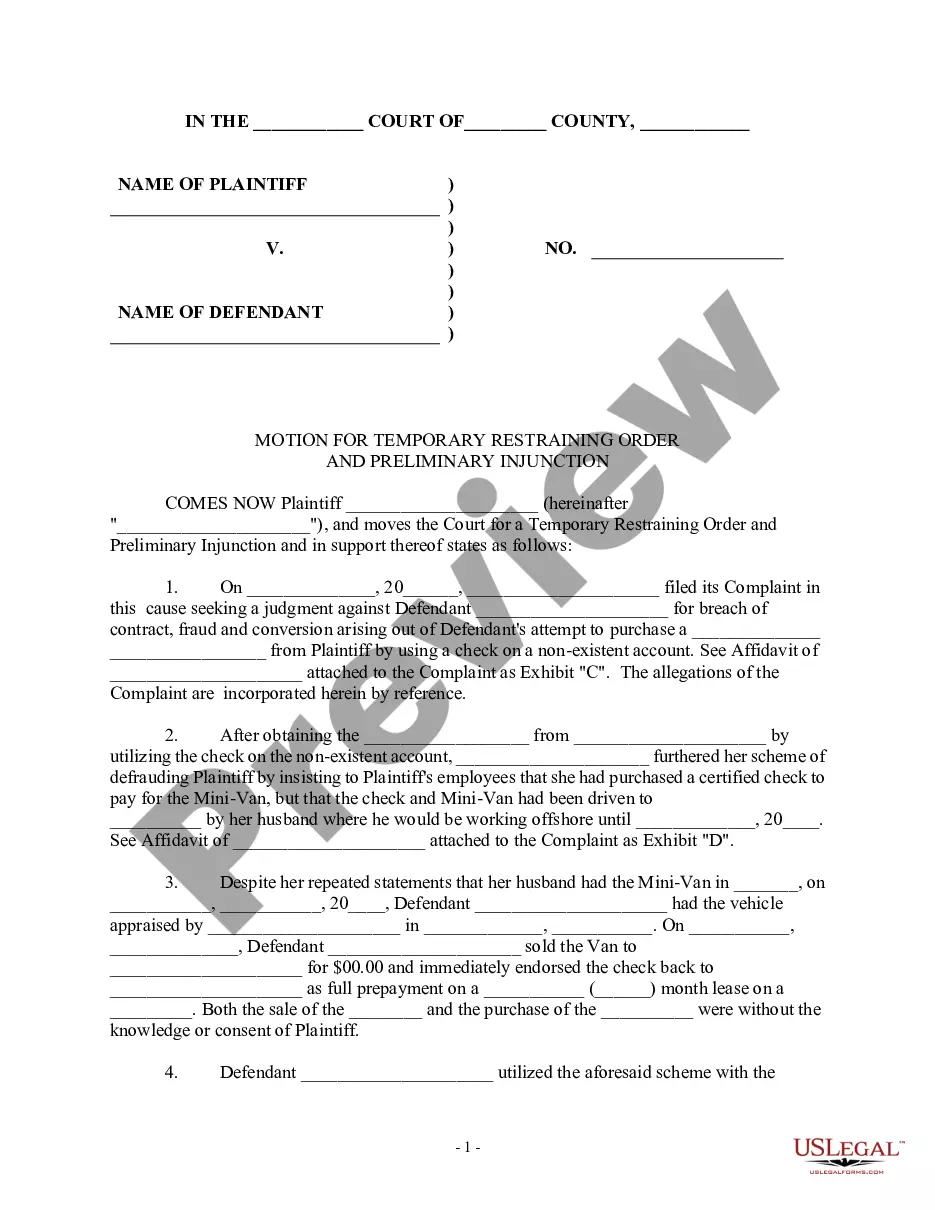
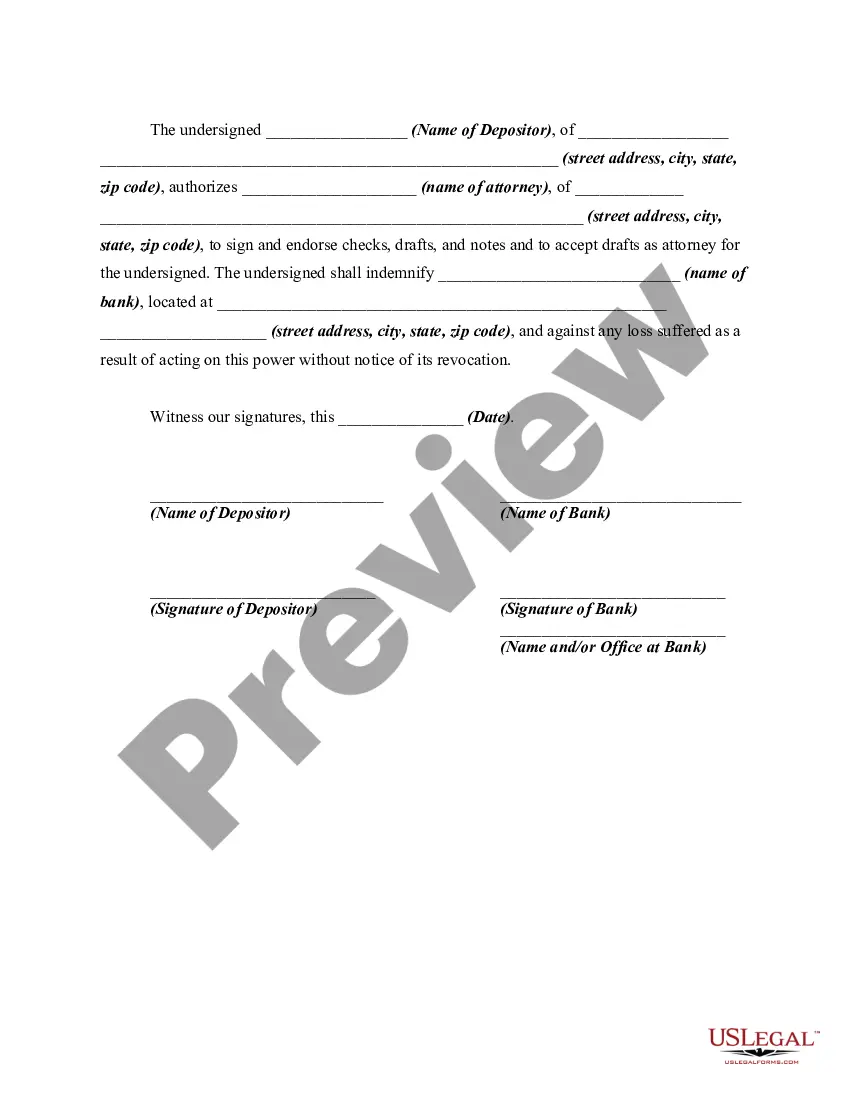
How to fill out Media - Internet Web Page Permission Form?
Are you presently situated in a location where you need documents for either business or personal reasons almost every workday.
There are numerous legal document templates accessible online, but finding forms you can trust is challenging.
US Legal Forms offers thousands of form templates, including the Hawaii Media - Internet Web Page Permission Form, which are designed to meet federal and state requirements.
Select the pricing plan you prefer, provide the required information to create your account, and complete the purchase using your PayPal or credit card.
Choose a suitable document format and download your copy. Find all of the document templates you have purchased in the My documents section. You can obtain another copy of the Hawaii Media - Internet Web Page Permission Form anytime, if necessary. Click on the required form to download or print the document template. Utilize US Legal Forms, the largest collection of legal forms, to save time and avoid mistakes. The service offers professionally crafted legal document templates that you can use for various purposes. Create an account on US Legal Forms and start making your life easier.
- If you are currently familiar with the US Legal Forms website and have an account, simply Log In.
- Then, you can download the Hawaii Media - Internet Web Page Permission Form template.
- If you do not have an account and wish to start using US Legal Forms, follow these steps.
- Obtain the form you need and ensure it is for the correct city/region.
- Use the Review button to check the form.
- Examine the description to confirm that you have selected the correct form.
- If the form is not what you are looking for, use the Search field to find the form that fits your needs.
- Once you locate the appropriate form, click Get now.
Form popularity
FAQ
Yes, while many public records in Hawaii are accessible, there are certain restrictions in place. Some records may be sealed or restricted due to privacy laws, ongoing investigations, or sensitive information. To facilitate your search for public records, you can make use of the Hawaii Media - Internet Web Page Permission Form through US Legal Forms, which can guide you through the necessary steps.
Yes, you can sue someone for recording you without your consent in Hawaii. If a person violates your privacy rights by recording you illegally, you may have grounds for a lawsuit. This action can help you seek damages for any harm caused. To help you navigate this process, consider using the Hawaii Media - Internet Web Page Permission Form from US Legal Forms for legal documentation.
Recording a conversation without consent is not typically allowed in Hawaii, especially in situations where there is an expectation of privacy. This means that both parties should be aware of and agree to the recording. Failing to do so can result in legal repercussions. For further assistance, check out the Hawaii Media - Internet Web Page Permission Form on US Legal Forms to understand the nuances of this law.
No, in most cases, someone cannot legally record you without your permission if you are in a situation where you expect privacy. Hawaii law protects individuals from being recorded without their consent in private settings. If you find yourself in such a situation, it is advisable to seek legal guidance. The Hawaii Media - Internet Web Page Permission Form from US Legal Forms can provide clarity on your rights.
In Hawaii, it is generally illegal to record someone without their consent if they have a reasonable expectation of privacy. This law applies to both audio and video recordings. Violating this law can lead to legal consequences. To ensure compliance, consider using the Hawaii Media - Internet Web Page Permission Form available on US Legal Forms.
Yes, Hawaii is an open record state, which means that many public records are accessible to the public. This includes documents related to government operations and activities. However, certain records may be restricted for privacy or security reasons. To navigate the complexities of accessing these records, you can utilize the Hawaii Media - Internet Web Page Permission Form through US Legal Forms.
Google Chrome :Click the Security tab > Trusted Sites icon, then click Sites. Enter the URL of your Trusted Site, then click Add. Click Close > OK.
Change a site's camera & microphone permissionsOpen Chrome .At the top right, click More. Settings.Click Privacy and security Site settings. Camera or Microphone.Select the option you want as your default setting. Review your blocked and allowed sites.
Google Chrome Just click the icon to the left of the web page's address in the address bar to access and view the permissions for the current website. Chrome uses the global default settings unless you choose special settings for individual websites.
Open Not Secure Website in Google ChromeOpen In Incognito Mode (PC Only) The first fix you can try is opening that page in the Incognito window.Check Date & Time. As mentioned earlier, most of the websites have already adopted HTTPS.Proceed To Unsafe.Turn Off The Not Secure Warnings.