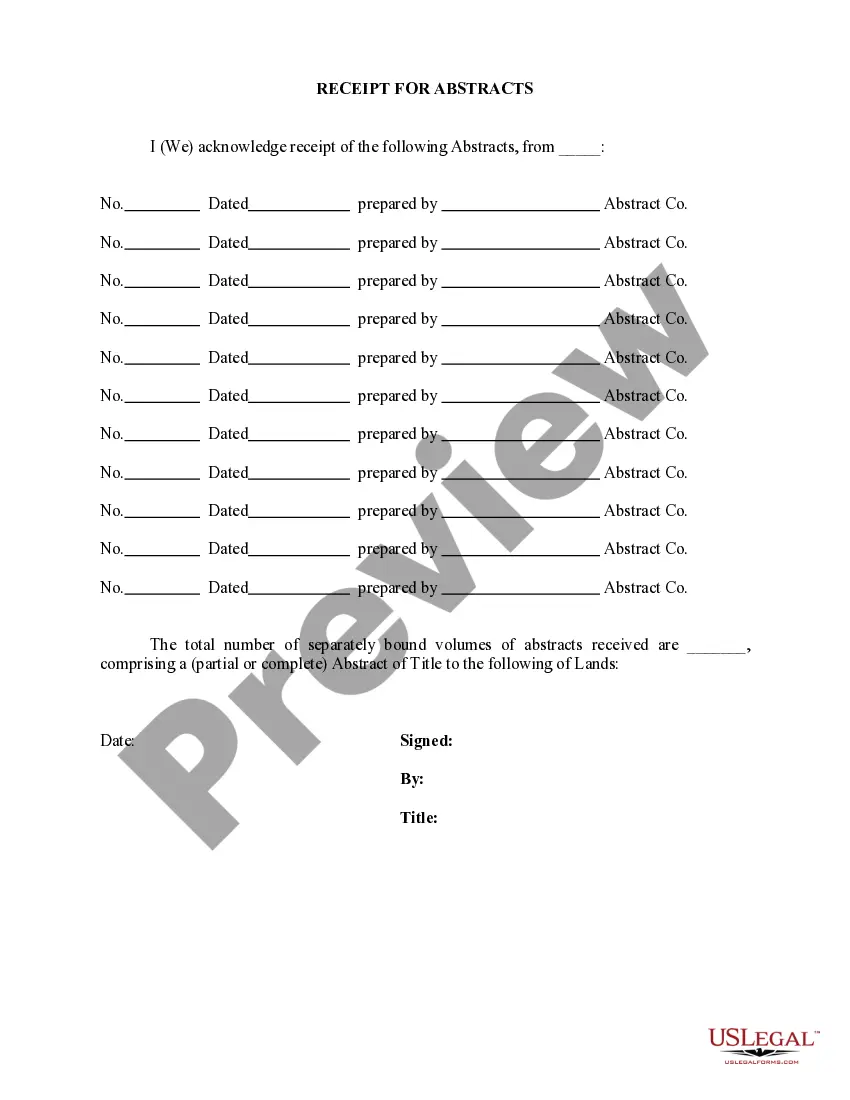
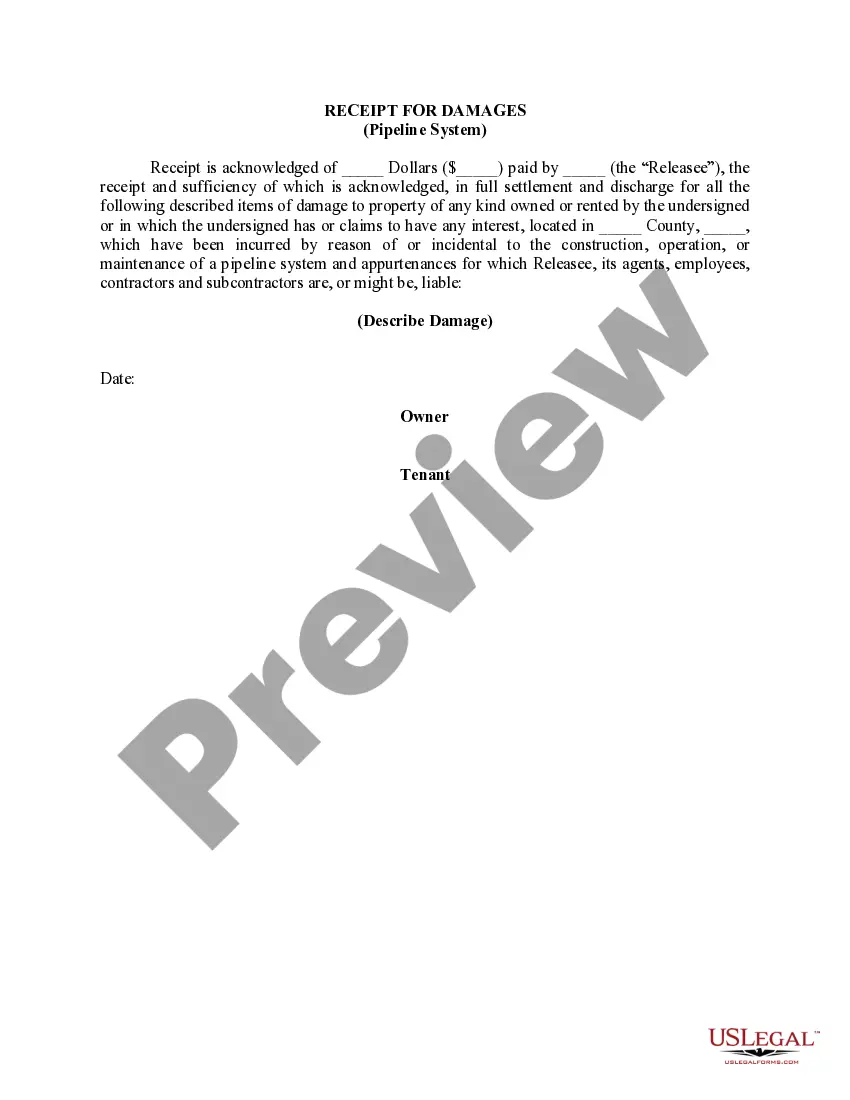
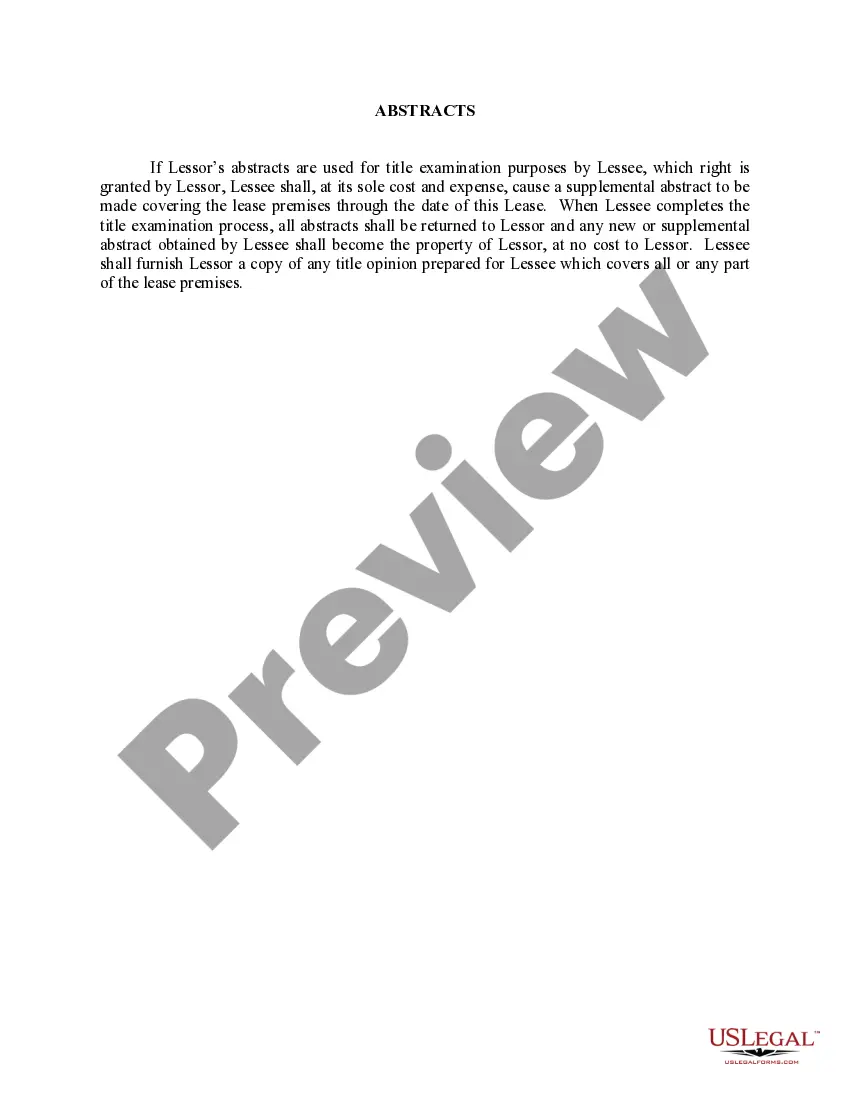
Guam Receipt For Abstracts
Description
Get your form ready online
Our built-in tools help you complete, sign, share, and store your documents in one place.
Make edits, fill in missing information, and update formatting in US Legal Forms—just like you would in MS Word.
Download a copy, print it, send it by email, or mail it via USPS—whatever works best for your next step.
Sign and collect signatures with our SignNow integration. Send to multiple recipients, set reminders, and more. Go Premium to unlock E-Sign.
If this form requires notarization, complete it online through a secure video call—no need to meet a notary in person or wait for an appointment.
We protect your documents and personal data by following strict security and privacy standards.

Make edits, fill in missing information, and update formatting in US Legal Forms—just like you would in MS Word.

Download a copy, print it, send it by email, or mail it via USPS—whatever works best for your next step.

Sign and collect signatures with our SignNow integration. Send to multiple recipients, set reminders, and more. Go Premium to unlock E-Sign.

If this form requires notarization, complete it online through a secure video call—no need to meet a notary in person or wait for an appointment.

We protect your documents and personal data by following strict security and privacy standards.
Looking for another form?
How to fill out Receipt For Abstracts?
US Legal Forms - one of many greatest libraries of legitimate kinds in the States - offers a wide array of legitimate document themes you may acquire or print out. While using internet site, you may get a huge number of kinds for company and person uses, sorted by categories, says, or key phrases.You will find the newest versions of kinds such as the Guam Receipt For Abstracts in seconds.
If you have a registration, log in and acquire Guam Receipt For Abstracts from your US Legal Forms local library. The Acquire key will show up on every single develop you see. You have access to all previously saved kinds in the My Forms tab of your own account.
In order to use US Legal Forms the first time, allow me to share basic recommendations to get you started:
- Be sure to have picked the best develop for the city/state. Go through the Review key to review the form`s content material. See the develop description to ensure that you have chosen the appropriate develop.
- In case the develop doesn`t suit your specifications, make use of the Lookup industry towards the top of the screen to find the the one that does.
- Should you be happy with the form, validate your selection by clicking the Purchase now key. Then, select the prices plan you favor and provide your credentials to sign up to have an account.
- Process the deal. Make use of your Visa or Mastercard or PayPal account to perform the deal.
- Pick the file format and acquire the form on the system.
- Make alterations. Fill up, change and print out and indicator the saved Guam Receipt For Abstracts.
Each design you added to your account lacks an expiry date which is your own property permanently. So, if you want to acquire or print out yet another copy, just proceed to the My Forms section and then click about the develop you need.
Get access to the Guam Receipt For Abstracts with US Legal Forms, one of the most substantial local library of legitimate document themes. Use a huge number of skilled and status-certain themes that meet up with your small business or person demands and specifications.
Form popularity
FAQ
No person shall own, possess, use, carry or acquire any firearm which is lawful under § 60103 unless he shall have first obtained from the Department an identification card evidencing his right to such ownership, Page 9 .handgunlaw.us 9 possession, use or carrying, concealed or otherwise, as stated upon the face of ...
Registering each Firearm - $49.00 per firearm [Cost breakdown] ? Application fee - $40.00 ea. ? Safety check fee - $9.00 ea. Visit the Guam Police Department Records and ID Section for registration process.
Q: How do I obtain a Police Clearance? A: Bring your valid photo ID to the GPD Records & ID Section, ITC Building 1st floor, Suite 131, between the hours of a.m. to p.m., Monday thru Friday. The cost is $15.00 and $1.00 per extra copy (cash, credit or check payable to "TREASURE OF GUAM").
If you are having a firearm transferred: Your valid firearms ID card; AND. A safety inspection form issued by GPD Armory; AND. Payment of $49.00 (Cash or On-Island Check includes $9.00 Inspection Fee) per firearm. Both parties must be present at the Armory Section to conduct the transfer.