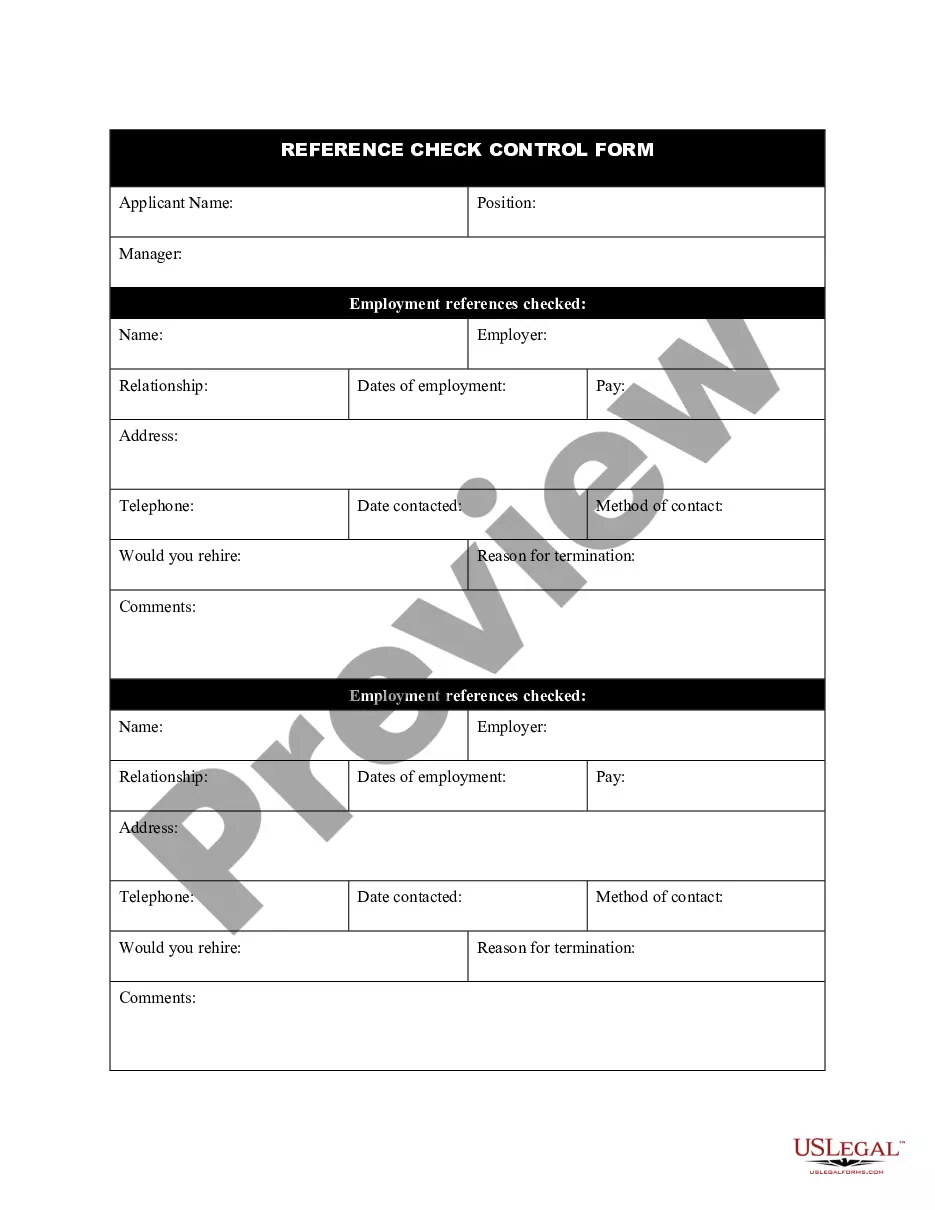
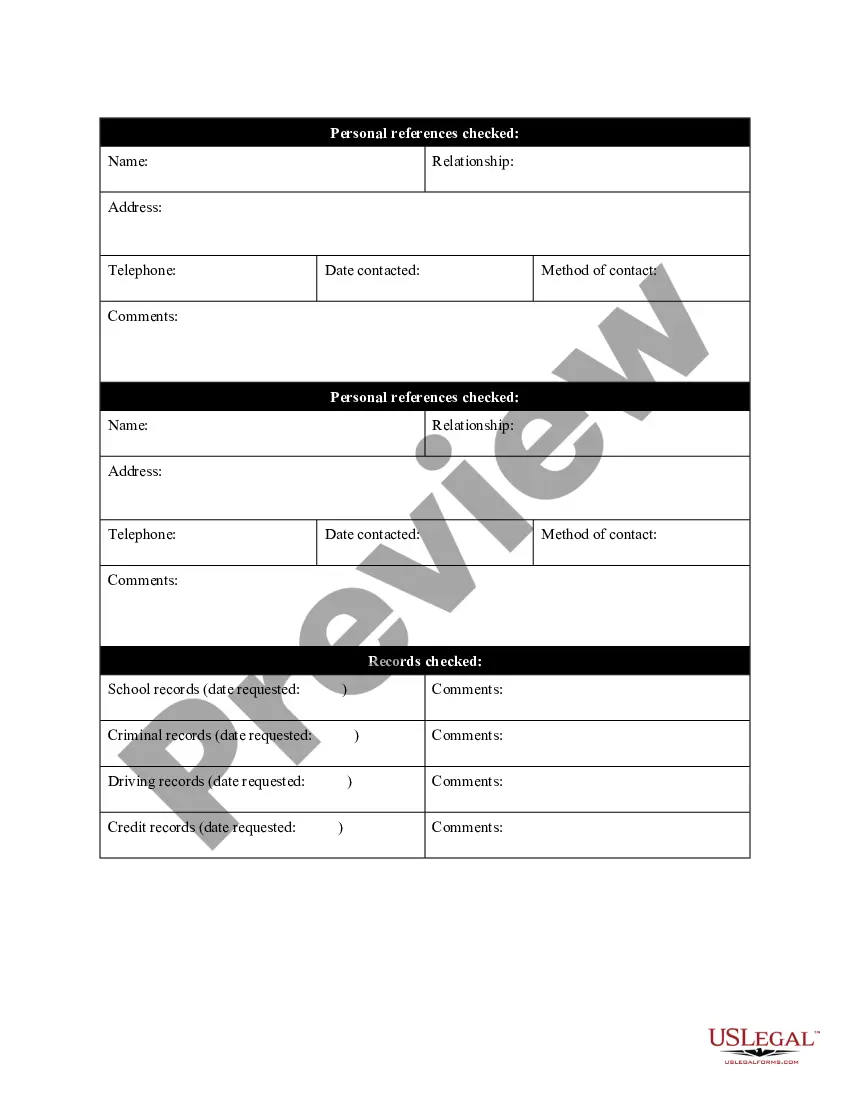
Guam Reference Check Control Form
Description
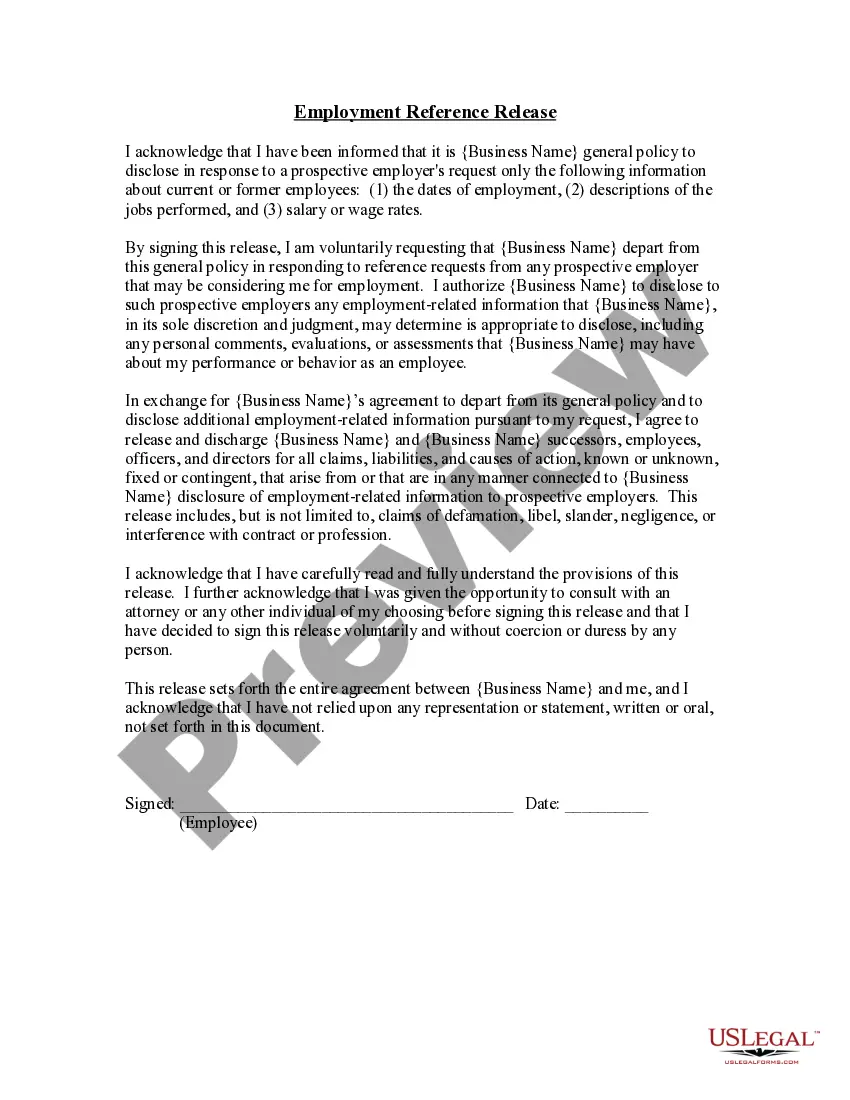
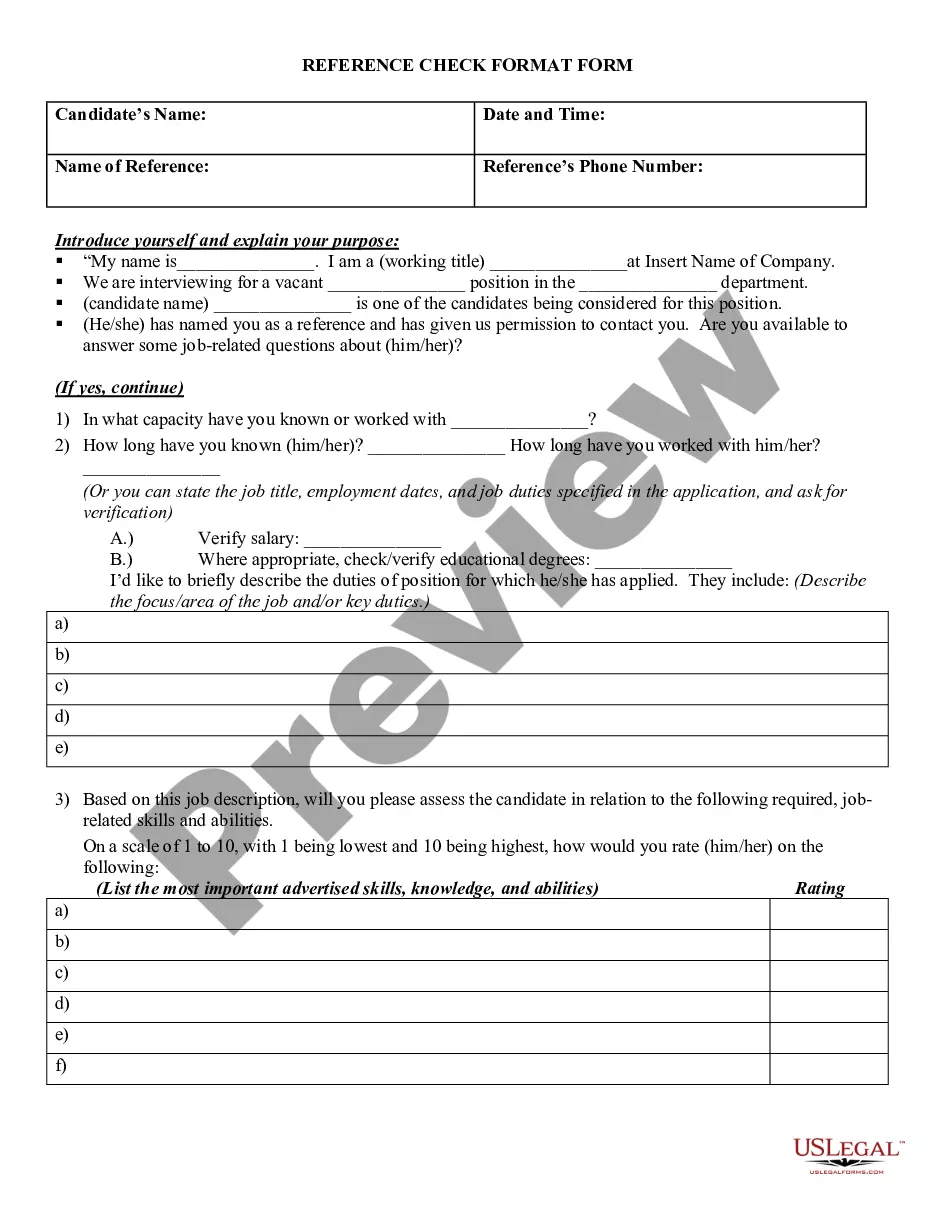
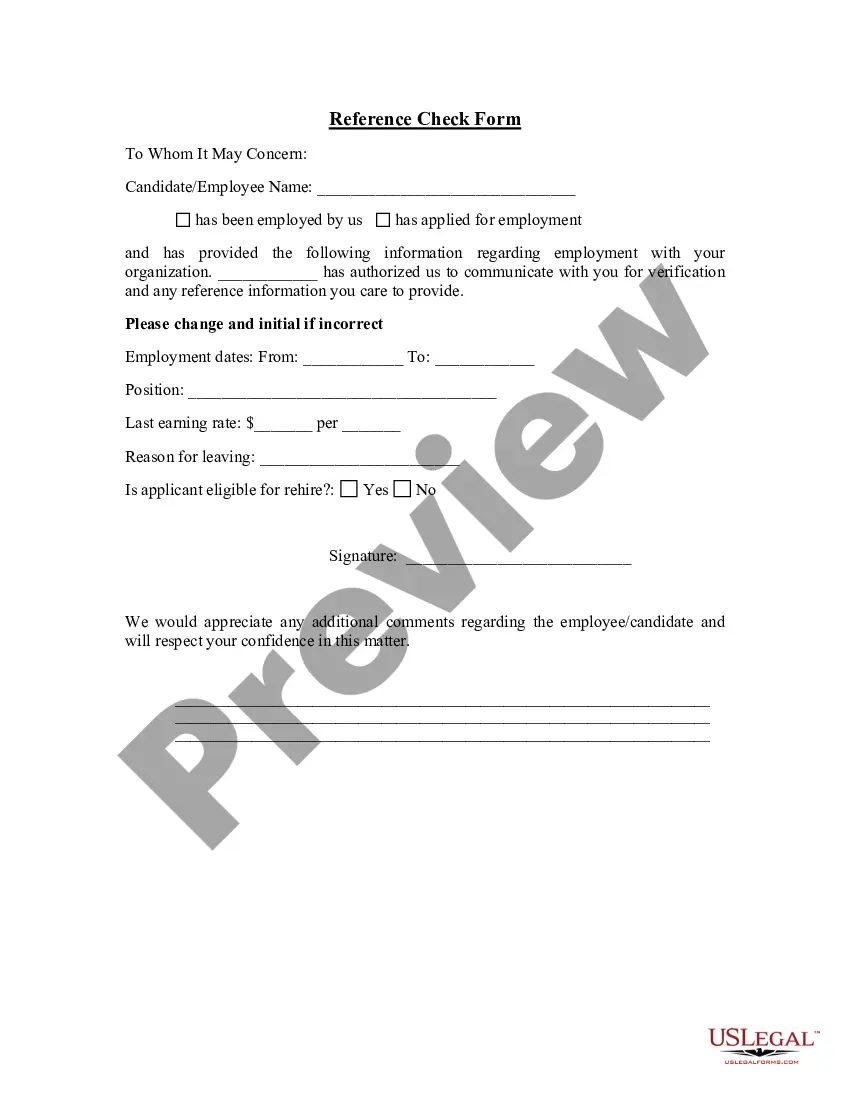
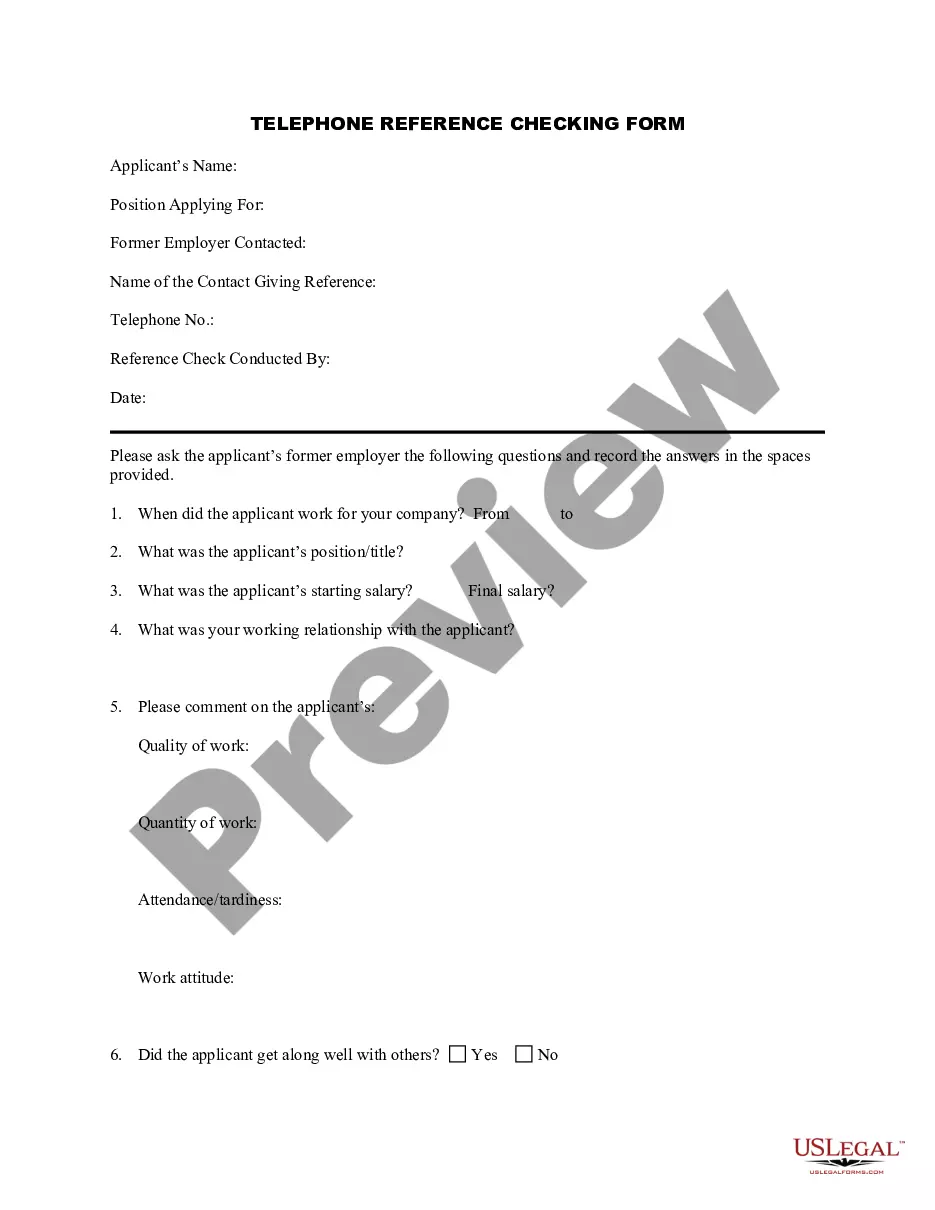
Get your form ready online
Our built-in tools help you complete, sign, share, and store your documents in one place.
Make edits, fill in missing information, and update formatting in US Legal Forms—just like you would in MS Word.
Download a copy, print it, send it by email, or mail it via USPS—whatever works best for your next step.
Sign and collect signatures with our SignNow integration. Send to multiple recipients, set reminders, and more. Go Premium to unlock E-Sign.
If this form requires notarization, complete it online through a secure video call—no need to meet a notary in person or wait for an appointment.
We protect your documents and personal data by following strict security and privacy standards.

Make edits, fill in missing information, and update formatting in US Legal Forms—just like you would in MS Word.

Download a copy, print it, send it by email, or mail it via USPS—whatever works best for your next step.

Sign and collect signatures with our SignNow integration. Send to multiple recipients, set reminders, and more. Go Premium to unlock E-Sign.

If this form requires notarization, complete it online through a secure video call—no need to meet a notary in person or wait for an appointment.

We protect your documents and personal data by following strict security and privacy standards.
Looking for another form?

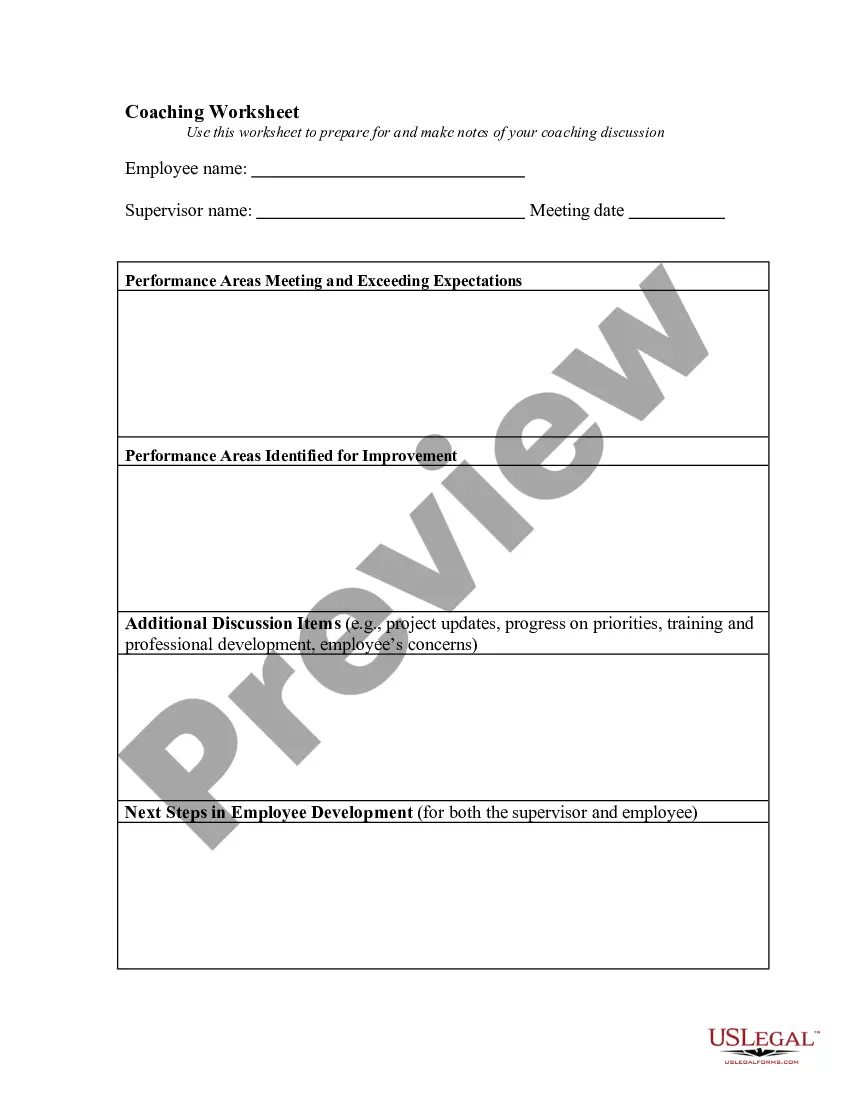
How to fill out Reference Check Control Form?
You might spend hours online searching for the authentic document template that aligns with the state and federal regulations you require.
US Legal Forms offers thousands of legal documents that have been reviewed by professionals.
You can easily download or print the Guam Reference Check Control Form from the service.
If available, utilize the Preview button to review the document template as well.
- If you already have a US Legal Forms account, you can sign in and click on the Download button.
- After that, you can complete, modify, print, or sign the Guam Reference Check Control Form.
- Each legal document template you obtain is yours permanently.
- To get another copy of a purchased form, navigate to the My documents tab and click on the appropriate button.
- If you're using the US Legal Forms website for the first time, follow the simple instructions below.
- First, ensure you have selected the correct document template for the region/city of your choice.
- Check the form description to confirm you have chosen the right template.
Form popularity
FAQ
20 Best Reference Check questionsWhat was your relationship with the candidate?How long did you work with each other?How would you rate their work?What were their daily duties?What were their main responsibilities?Were they dependable?Did they complete the tasks and assignments given to them?More items...?
Typical Reference Check QuestionsHow do you know the candidate?How did you work with the candidate?How did the candidate's employment end?What were the candidate's job titles or roles?Did the candidate receive any promotions at this company?Does the candidate possess the job skills required for this position?More items...?
Typical Reference Check QuestionsHow do you know the candidate?How did you work with the candidate?How did the candidate's employment end?What were the candidate's job titles or roles?Did the candidate receive any promotions at this company?Does the candidate possess the job skills required for this position?More items...?
Details About The Candidate & Reference CheckIntroduce yourself, the company you're with, and your title.Explain that the candidate has listed them as a reference.Indicate how long it will take to complete the reference check form.Include details like when you would like the reference check form returned to you.More items...?
Let Your Company's Policy Be Your GuideReference Checks in Writing.Never Provide Without the Subject's Approval.Keep Your Answers Basic Confirm the Facts.Provide Warm Recommendations When Possible.Only Speak to Your Direct Knowledge & Experience.Work with HR to Provide Safe Negative References.More items...?
Marital Status, Family, and Children An applicant's marital status and family life, including current or planned children, have no place in a reference check. For example, if a hiring manager asks about a candidate's family and does not hire the applicant, the company could be liable for discrimination.
How do reference checks work? Traditionally, a reference check is often conducted through a lengthy phone interview. During this process, it is not uncommon for recruiters or hiring managers to spend hours of time chasing down references and verifying data.
You shouldn't discuss personal details about an employee, which can include references to her race, religion, age or disability status. Also, you should never discuss ethnic origin, marital status, parenting responsibilities or sexual orientation during a reference request.