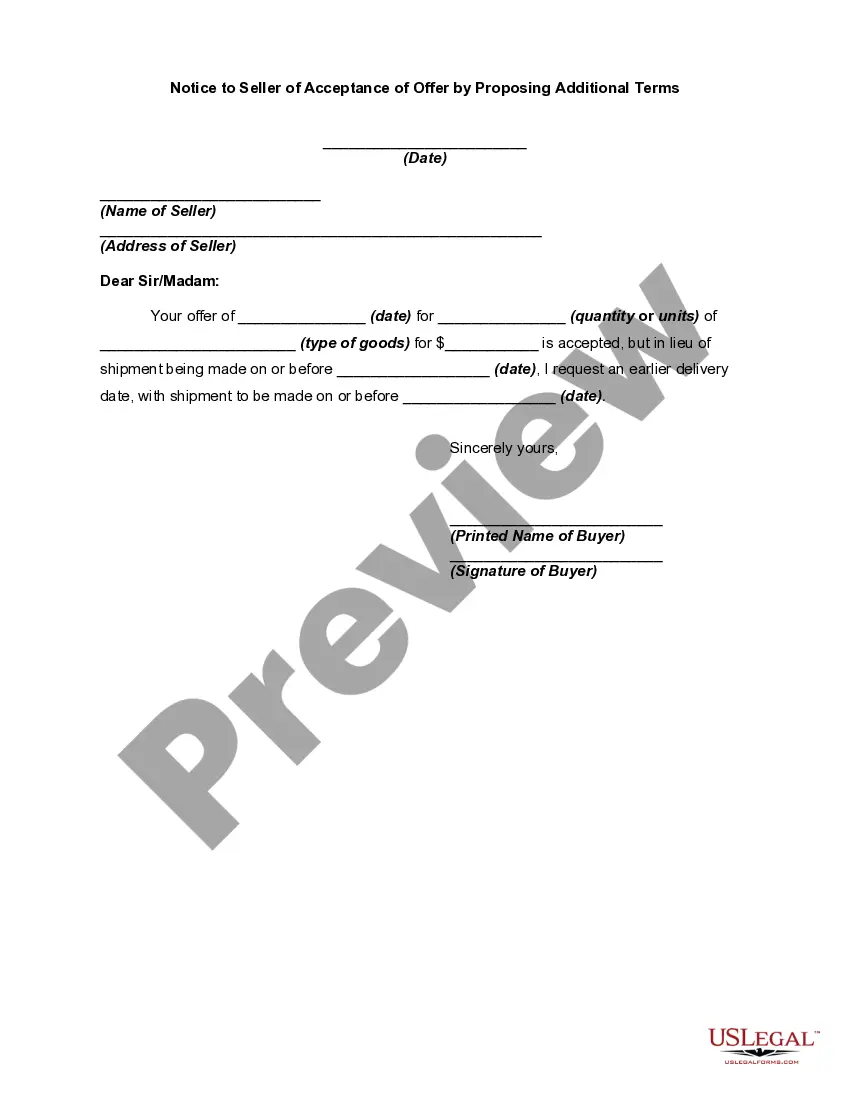
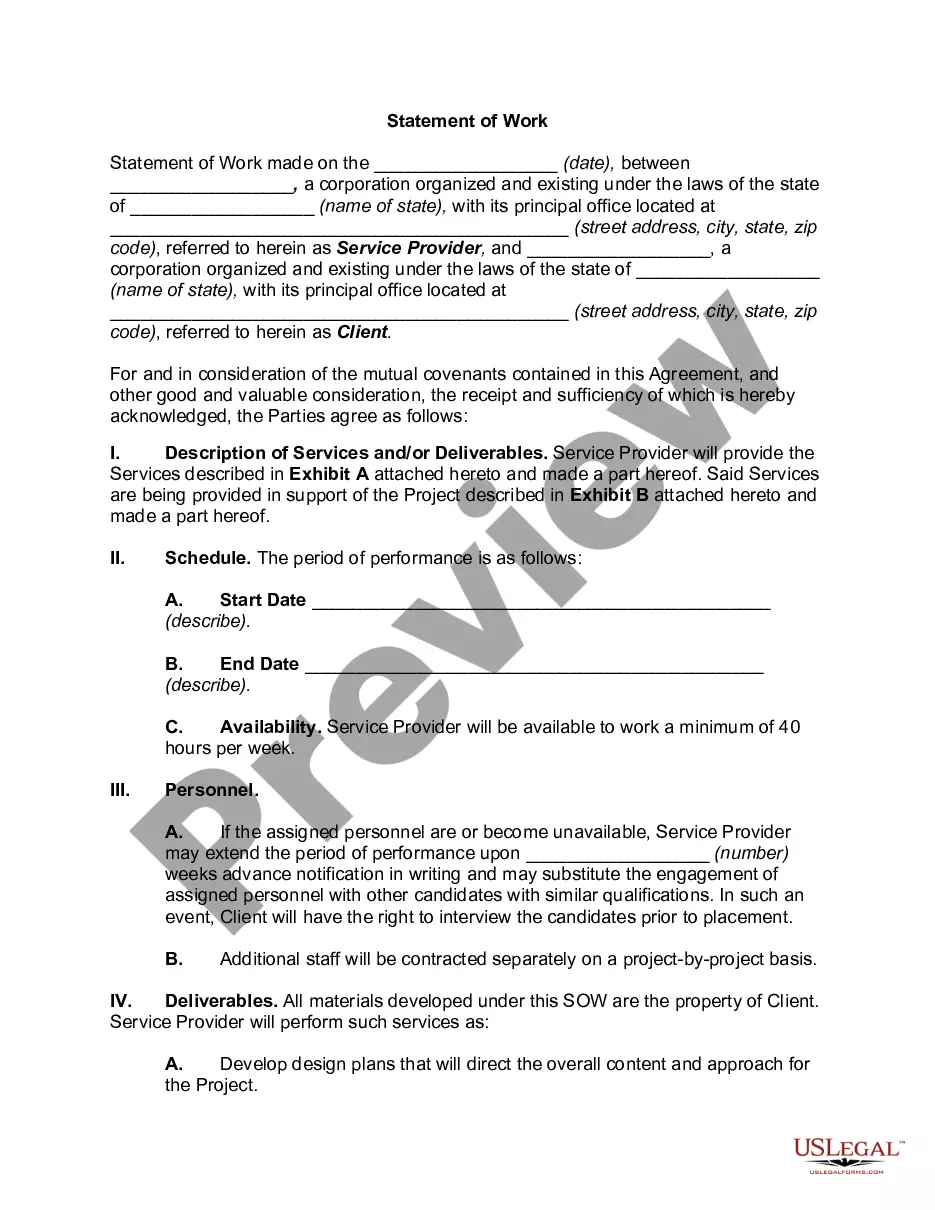
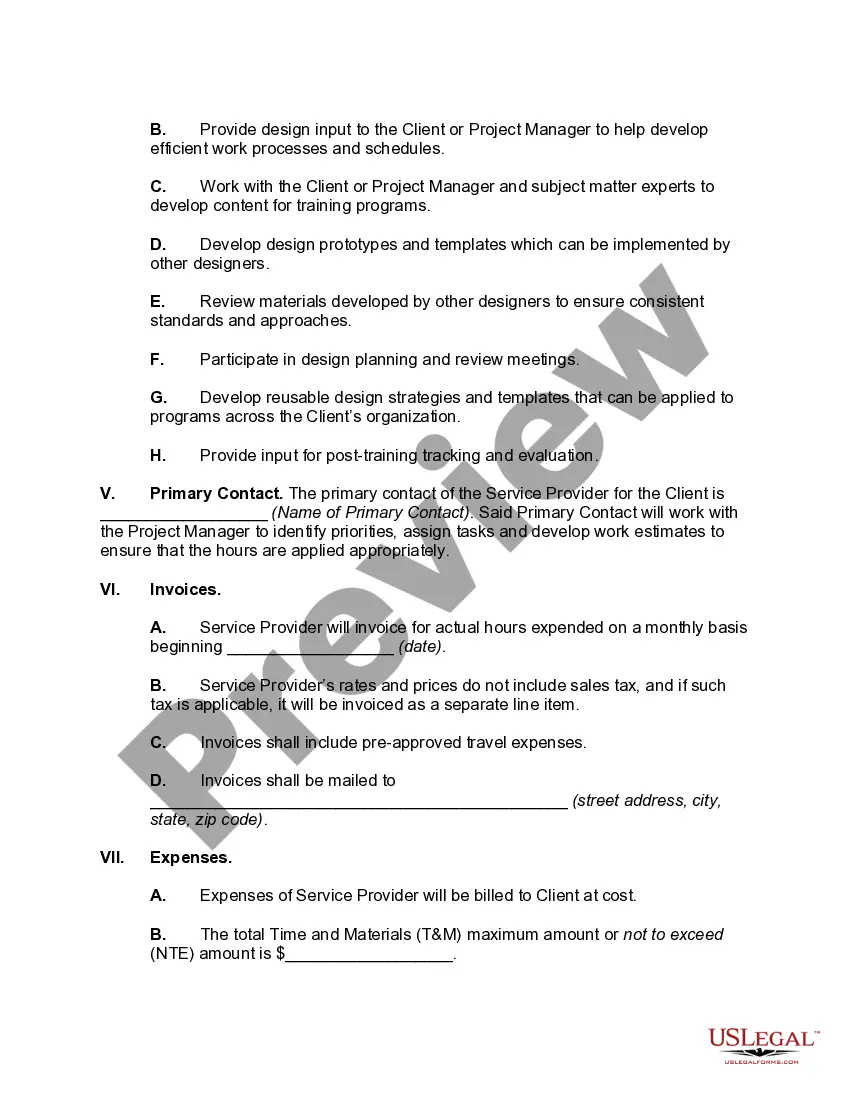
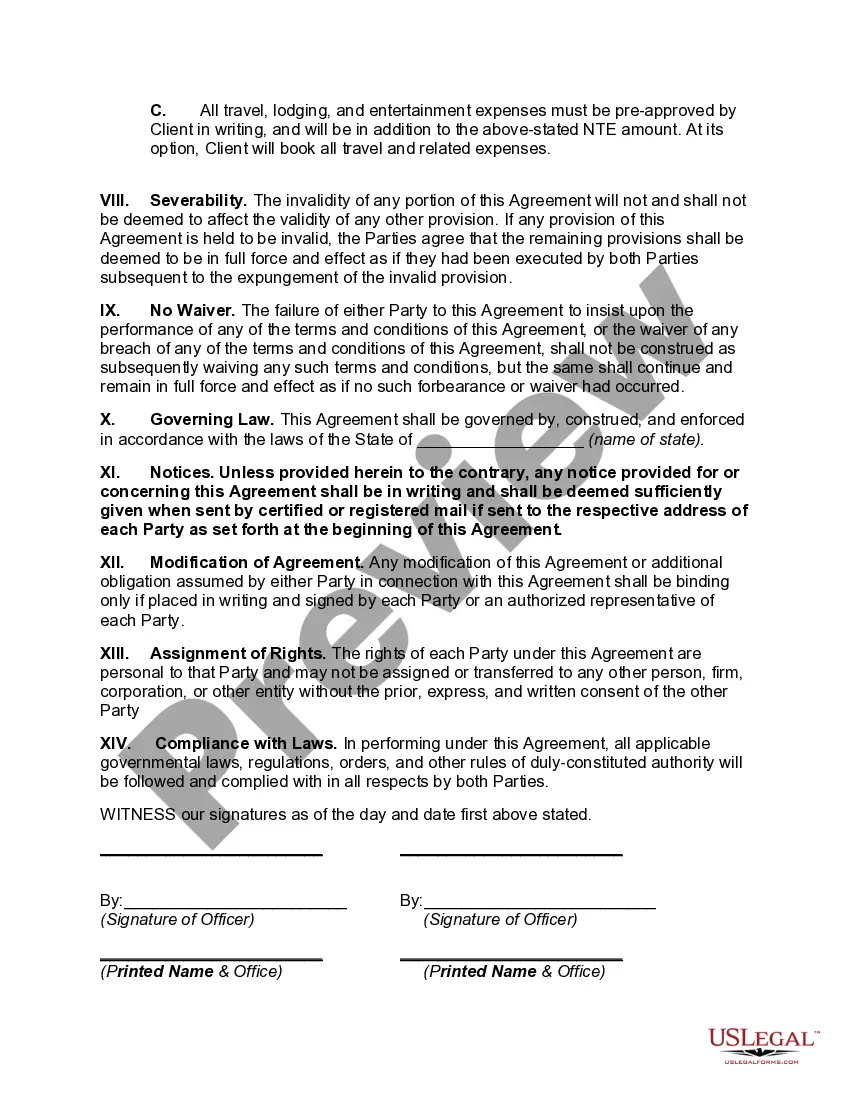
Guam Statement of Work
Description

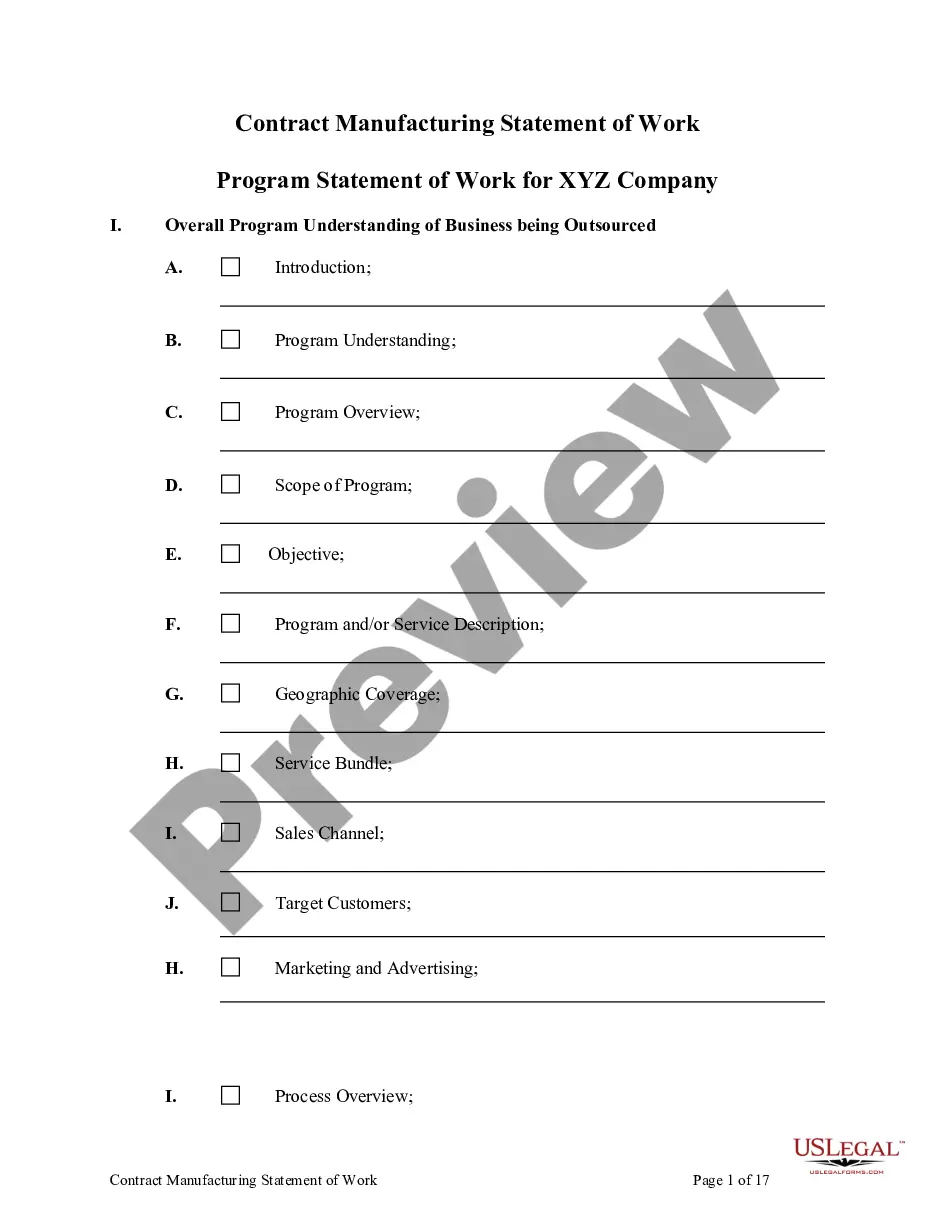
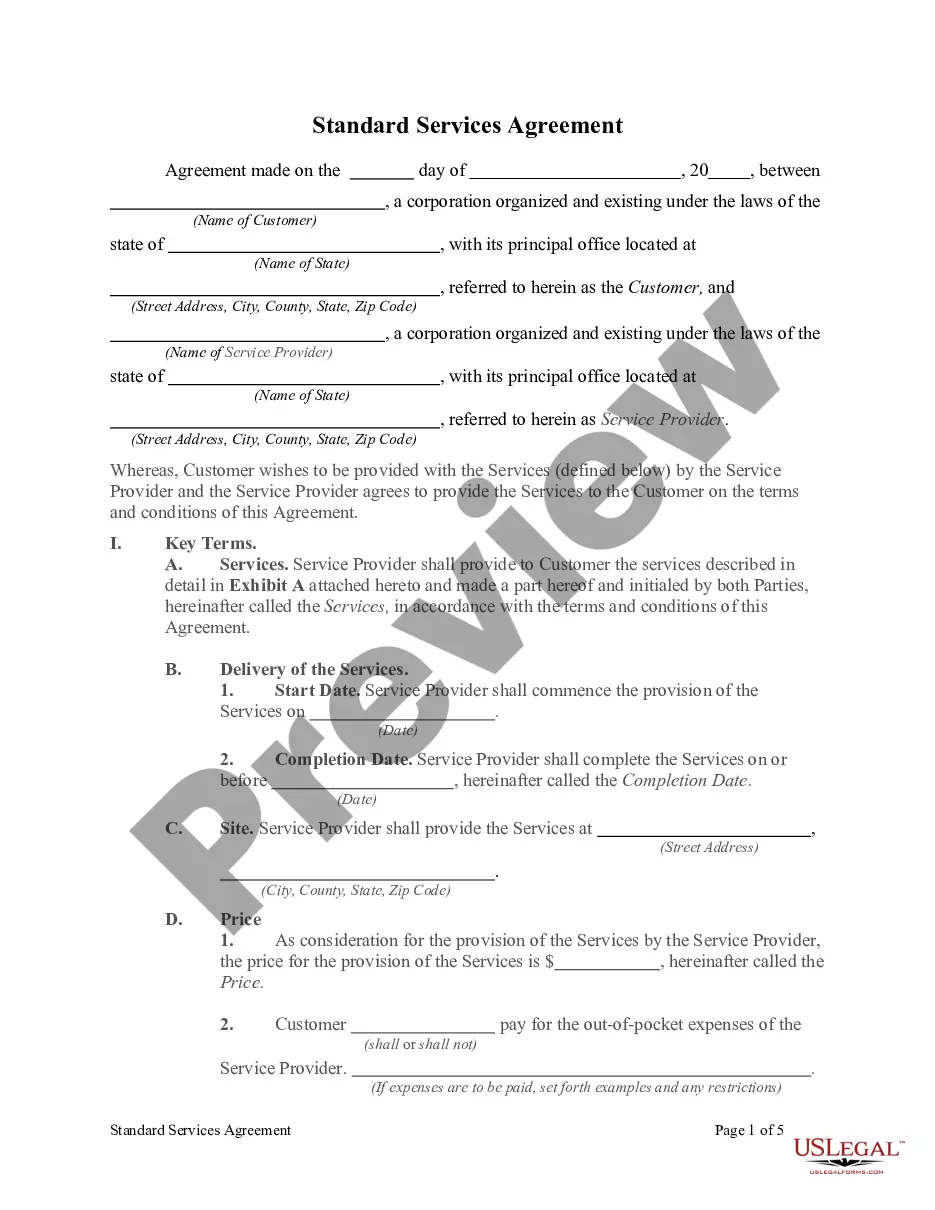
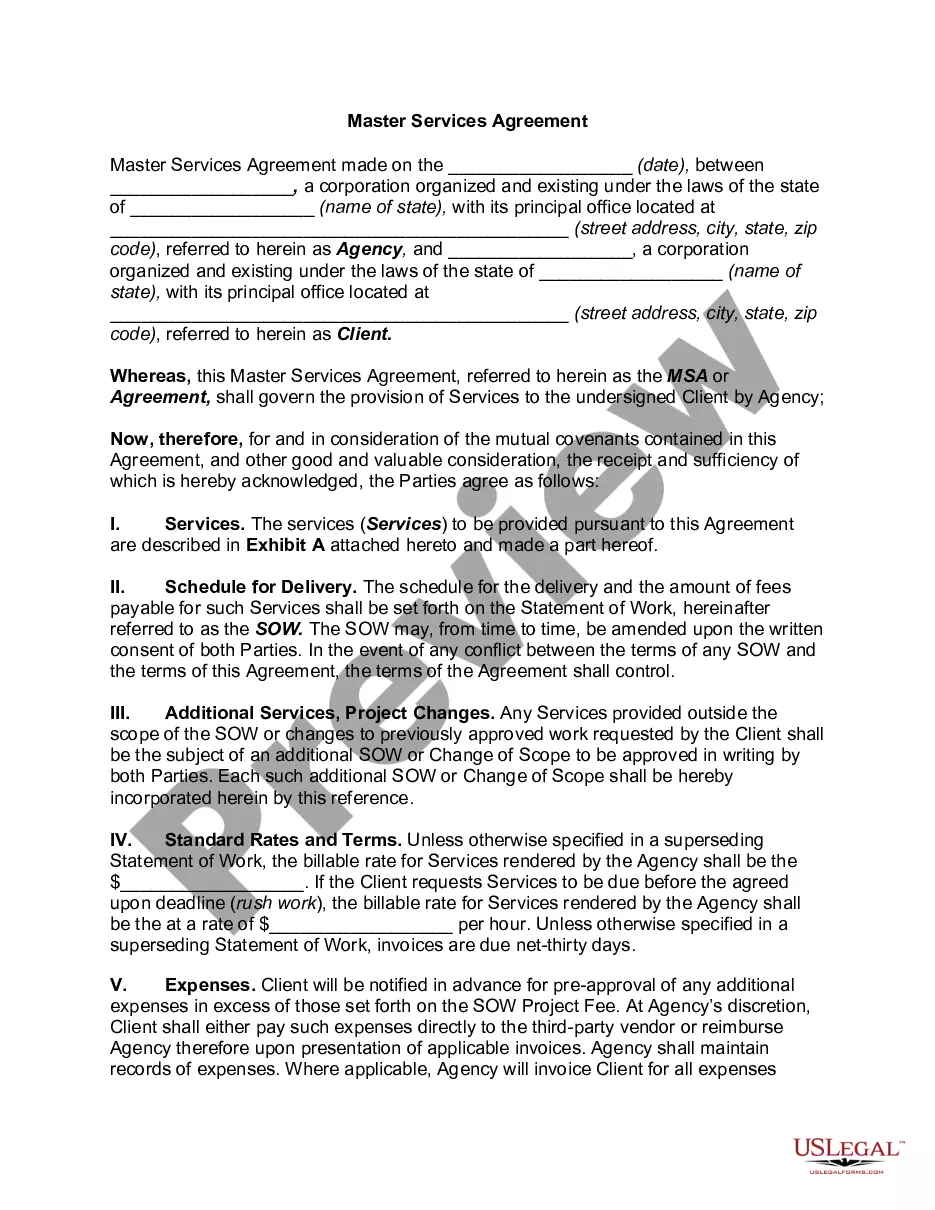
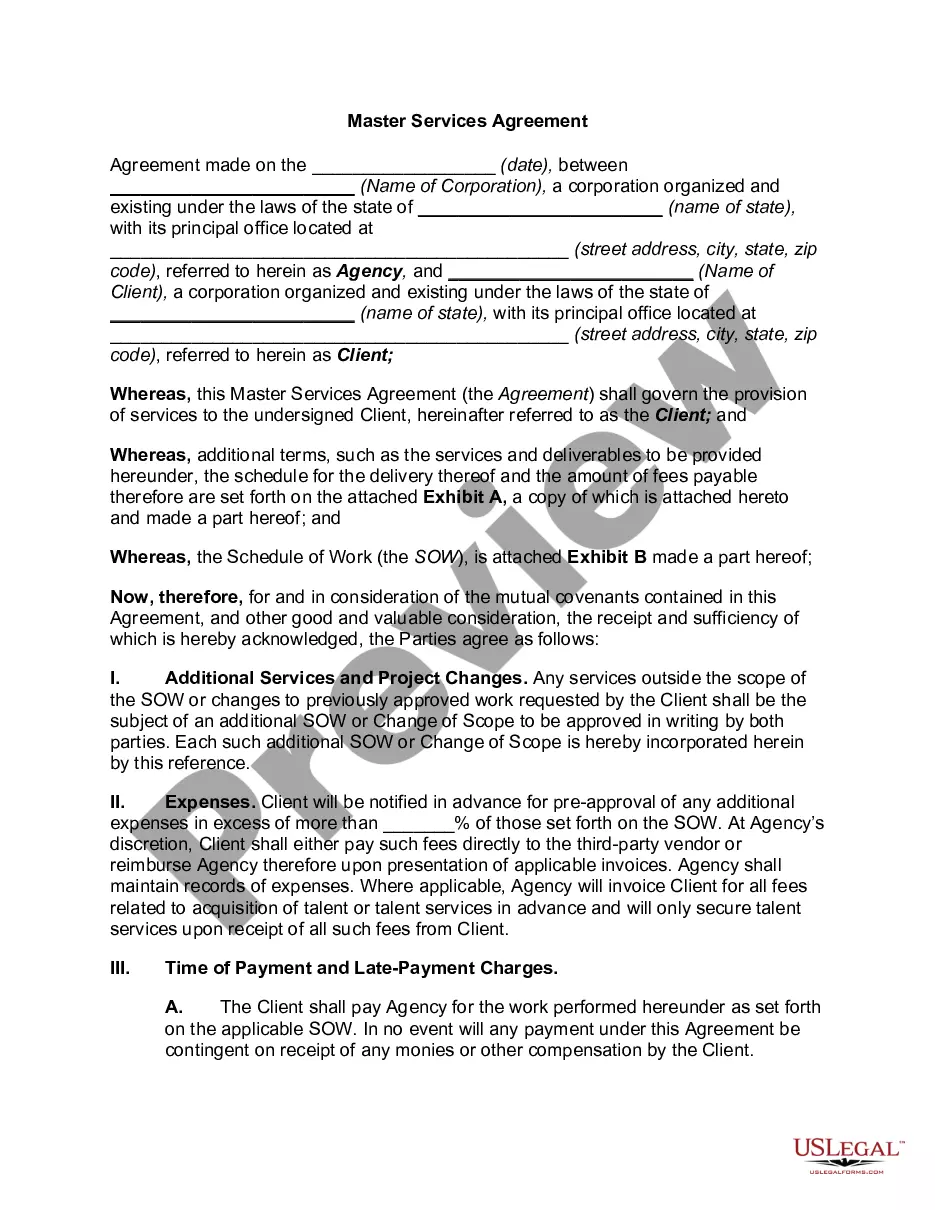
Get your form ready online
Our built-in tools help you complete, sign, share, and store your documents in one place.
Make edits, fill in missing information, and update formatting in US Legal Forms—just like you would in MS Word.
Download a copy, print it, send it by email, or mail it via USPS—whatever works best for your next step.
Sign and collect signatures with our SignNow integration. Send to multiple recipients, set reminders, and more. Go Premium to unlock E-Sign.
If this form requires notarization, complete it online through a secure video call—no need to meet a notary in person or wait for an appointment.
We protect your documents and personal data by following strict security and privacy standards.

Make edits, fill in missing information, and update formatting in US Legal Forms—just like you would in MS Word.

Download a copy, print it, send it by email, or mail it via USPS—whatever works best for your next step.

Sign and collect signatures with our SignNow integration. Send to multiple recipients, set reminders, and more. Go Premium to unlock E-Sign.

If this form requires notarization, complete it online through a secure video call—no need to meet a notary in person or wait for an appointment.

We protect your documents and personal data by following strict security and privacy standards.
Looking for another form?







How to fill out Statement Of Work?
Locating the appropriate legal document format can be a challenge.
Clearly, there are numerous templates available online, but how do you find the legal document you require.
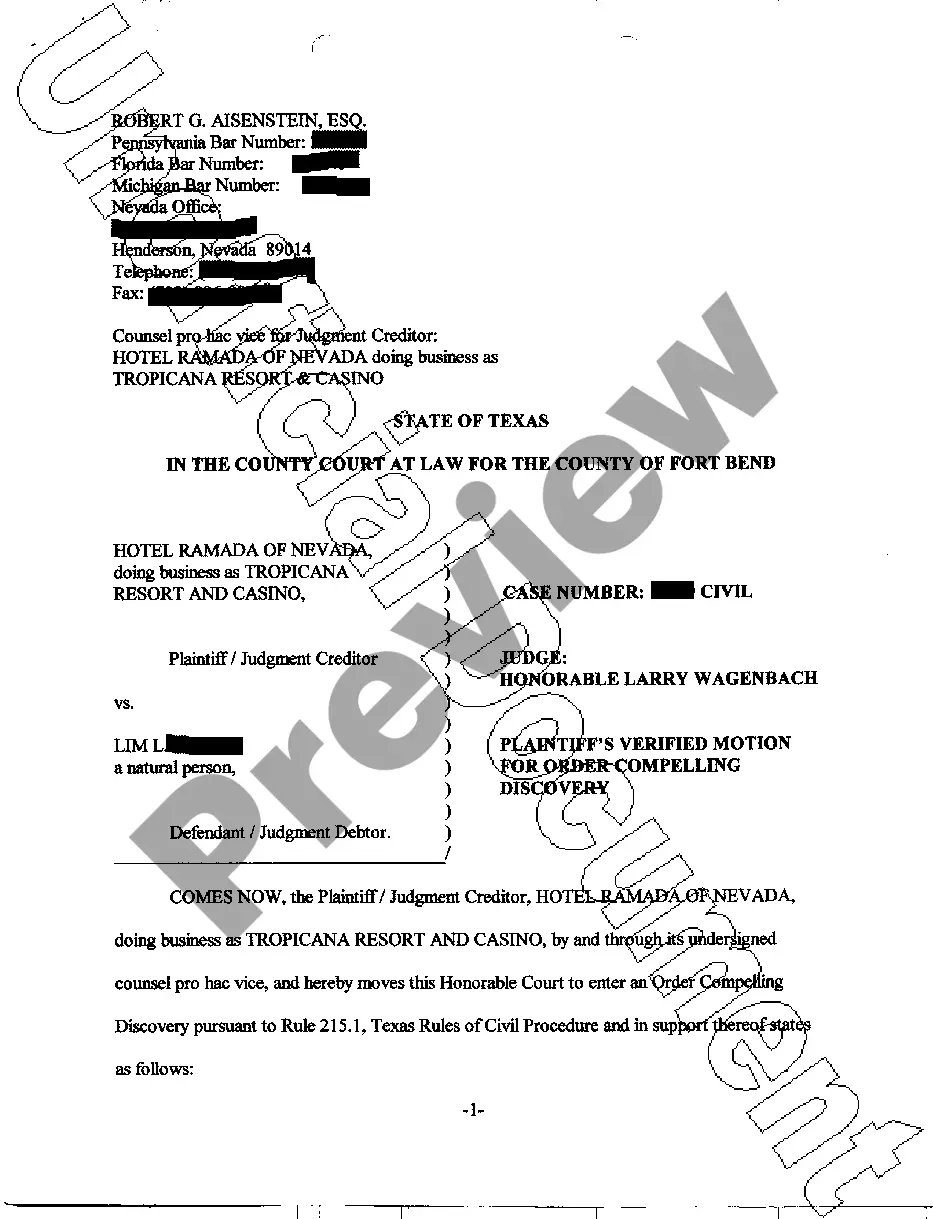
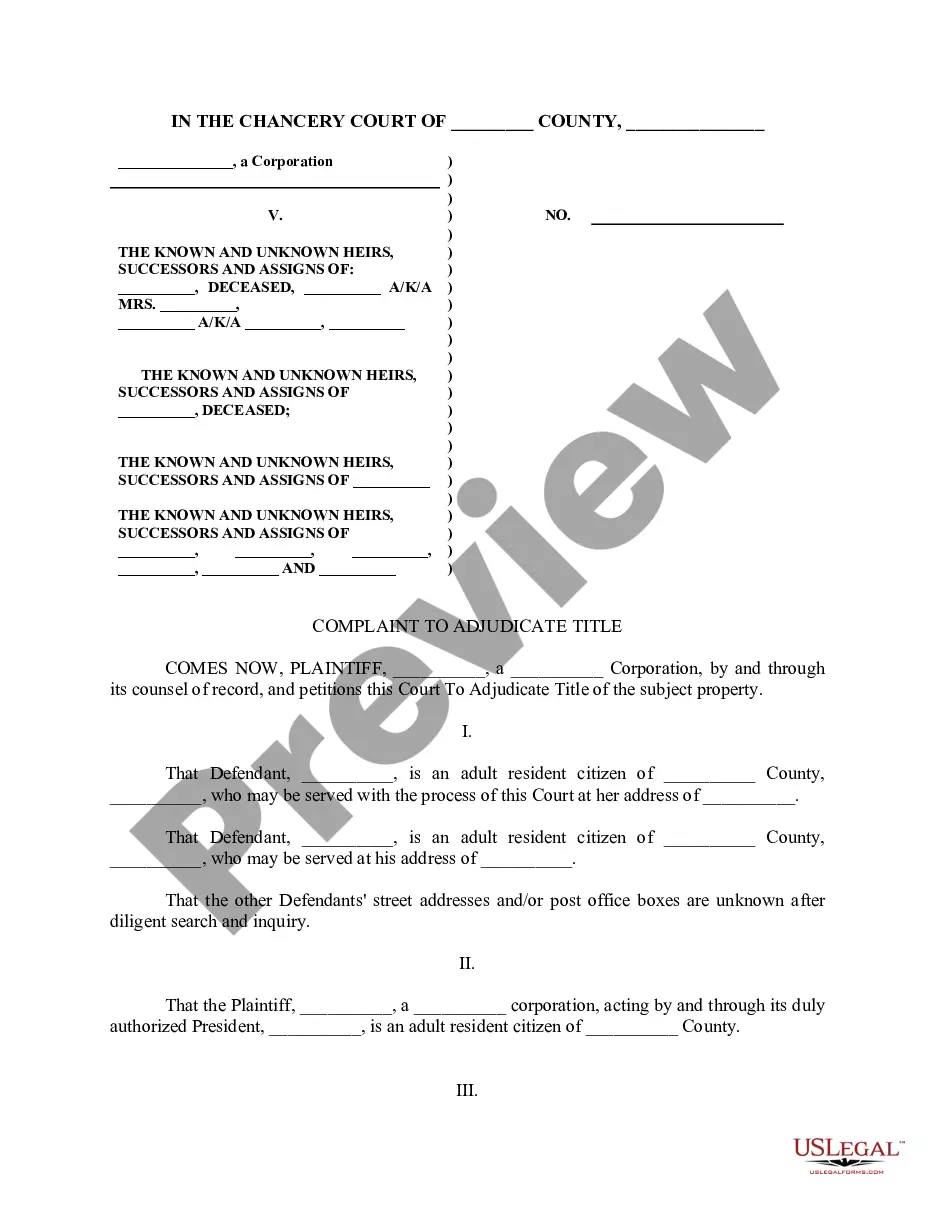
Utilize the US Legal Forms website. This service offers thousands of templates, including the Guam Statement of Work, which you can utilize for business and personal purposes.
You can review the form using the Review button and read the form description to confirm it is the right one for you.
- All the forms are reviewed by experts and satisfy federal and state requirements.
- If you're already a registered user, Log In to your account and click on the Obtain button to access the Guam Statement of Work.
- Use your account to view the legal forms you have previously purchased.
- Go to the My documents section of your account and download another copy of the document you need.
- If you are a new user of US Legal Forms, here are simple steps you can follow.
- First, ensure you have selected the correct form for your city/region.
Form popularity
FAQ
To obtain a statement from your employer, you should directly request it through formal communication, such as an email or a written letter. Clearly state the purpose of your request, whether it relates to taxes or employment verification. If you face challenges, using a Guam Statement of Work framework can provide you with guidance on how to approach your employer effectively.
Guam does not use a state withholding form because there is no personal income tax in Guam.
If you are a bona fide resident of Guam for the entire tax year, then you must file a tax return with Guam reporting gross income from worldwide sources. If you are also a U.S. citizen or resident alien, you must file a U.S. Tax Return reporting your worldwide income, with the exception of income from Guam.
What are my Guam payroll tax obligations? Employers in Guam withhold income taxes from their employees' wages. There is no unemployment insurance program in Guam, thus there are no employer contributions.
You can file your 1040EZ online using MyGuamTax.com, an official service of the Guam Department of Revenue and Taxation. You will need to create a separate user account on MyGuamTax to file your 1040EZ online.
Form W-2GU Guam. Wage and Tax Statement. EDEl. Copy DFor Employer. Department of the TreasuryInternal Revenue Service.
TurboTax does not support the Guam return. However, the Guam return is a mirror copy of the U.S. return. If you wish to mail in your Guam return, you can prepare your return in TurboTax as a U.S. return.
2GU form is used to report wage and salary information for employees earning Guam wages. Example use: Those with one or more employees use this form to report Guam wages and salary with U.S. income tax withheld.
2VI form is used to report wage and salary information for employees earning Virgin Island wages. Example use: Those with one or more employees use this form to report Virgin Island wages and salary with U.S. income tax withheld.
Department of Revenue and Taxation Though Guam pays federal taxes, it doesn't use the United States tax code. The island has its own tax system, which is based on the U.S. laws. The Guam tax system is managed by the Guam Department of Revenue and Taxation.