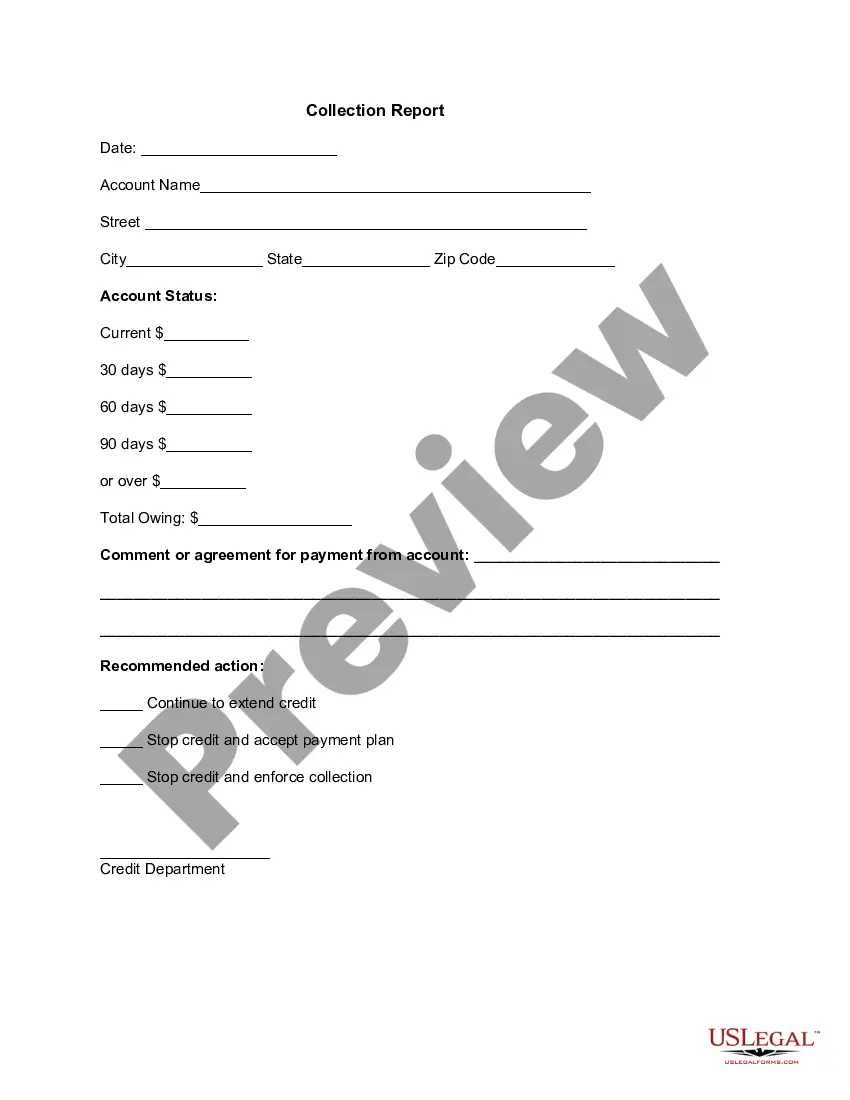
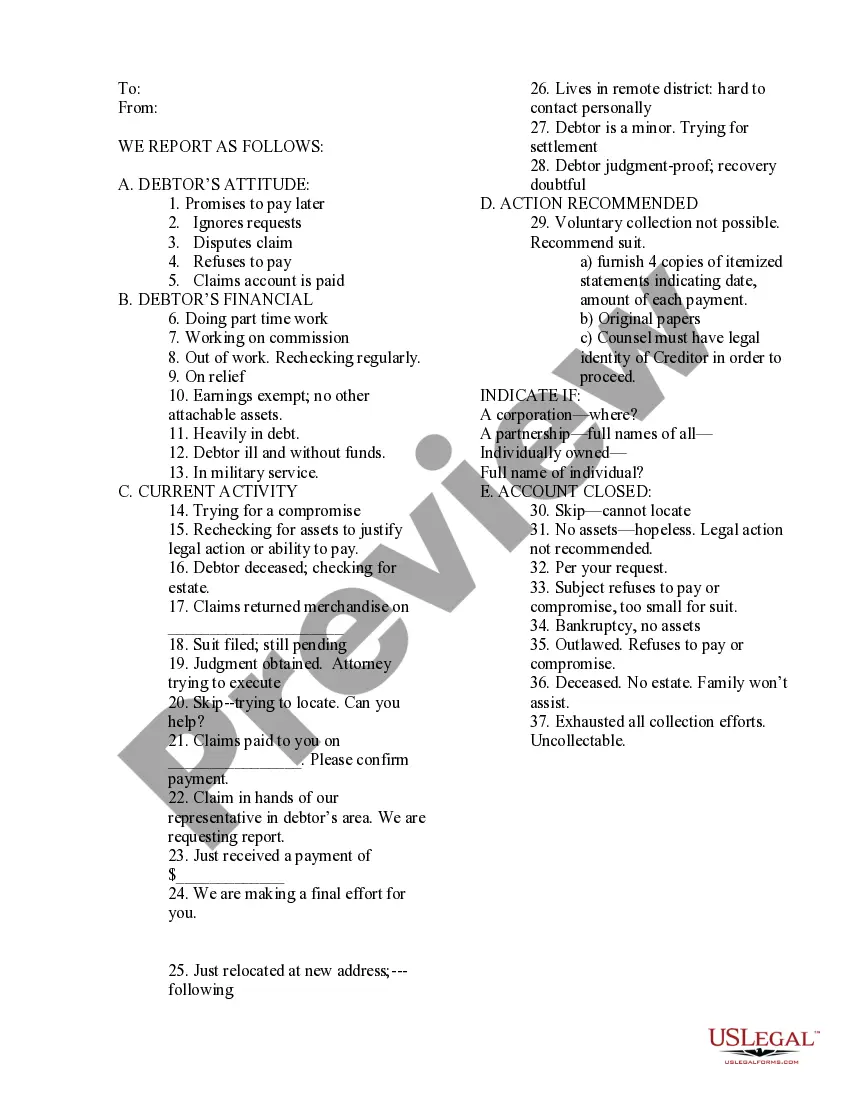
Guam Collection Report
Description


Get your form ready online
Our built-in tools help you complete, sign, share, and store your documents in one place.
Make edits, fill in missing information, and update formatting in US Legal Forms—just like you would in MS Word.
Download a copy, print it, send it by email, or mail it via USPS—whatever works best for your next step.
Sign and collect signatures with our SignNow integration. Send to multiple recipients, set reminders, and more. Go Premium to unlock E-Sign.
If this form requires notarization, complete it online through a secure video call—no need to meet a notary in person or wait for an appointment.
We protect your documents and personal data by following strict security and privacy standards.

Make edits, fill in missing information, and update formatting in US Legal Forms—just like you would in MS Word.

Download a copy, print it, send it by email, or mail it via USPS—whatever works best for your next step.

Sign and collect signatures with our SignNow integration. Send to multiple recipients, set reminders, and more. Go Premium to unlock E-Sign.

If this form requires notarization, complete it online through a secure video call—no need to meet a notary in person or wait for an appointment.

We protect your documents and personal data by following strict security and privacy standards.
Looking for another form?




How to fill out Collection Report?
If you want to collect, acquire, or print authentic document templates, utilize US Legal Forms, the primary collection of legal forms that are available online.
Make use of the site's simple and convenient search to find the documents you require.
Different templates for professional and personal purposes are organized by categories and states, or keywords.
Step 4. Once you have located the form you need, click the Purchase now button. Choose the pricing plan you prefer and enter your credentials to register for an account.
Step 5. Complete the transaction. You can use your Visa, MasterCard, or PayPal account to finish the transaction.
- Use US Legal Forms to access the Guam Collection Report with just a few clicks.
- If you are already a US Legal Forms customer, Log In to your account and click the Download button to get the Guam Collection Report.
- You can also view forms you previously downloaded in the My documents section of your account.
- If you are using US Legal Forms for the first time, follow the steps listed below.
- Step 1. Ensure you have selected the form for the correct region/country.
- Step 2. Utilize the Review option to examine the form's content. Be sure to read the information.
- Step 3. If you are unsatisfied with the form, use the Search box at the top of the screen to discover other models of the legal form format.
Form popularity
FAQ
Mail in your payment. Mail your check payable to "Treasurer of Guam" to the Department of Revenue and Taxation, P.O. Box 23607, GMF, Guam 96921.
Who do I file my sworn annual report with? It should be filed with the Director of the Department of Revenue and Taxation.
You can file your 1040EZ online using MyGuamTax.com, an official service of the Guam Department of Revenue and Taxation. You will need to create a separate user account on MyGuamTax to file your 1040EZ online.
See GRT E-Filing Help.Email grt@revtax.gov.gu.Call 671-635-1835/1836.Write to Department of Revenue and Taxation, BPTB, P.O. Box 23607, GMF, Guam, 96921.
EMPLOYER'S QUARTERLY STATE WAGE REPORT. General. Information. INSTRUCTIONS. Public Law 19-22 created the State Wage and Information Collection Agency (SWICA)
How can a government agency submit W-3/W-2GU reports online? Complete the E-Filing Registration Form for Government of Guam Agencies and fax it to us at (671) 633-2643 or mail it to the Department of Revenue and Taxation Attn. GuamTax PIN Administrator, P.O. Box 23607 GMF, Guam 96921.
An individual who has income from American Samoa, the Commonwealth of the Northern Mariana Islands (CNMI), Guam, Puerto Rico or the U.S. Virgin Islands will usually have to file a tax return with the tax department of one of these territories.
Walk in to the Department of Revenue and Taxation, Collection branch. Make sure to bring a copy of your e-filed return with the watermark "E-Filed" shown across the page. Mail in your payment. Mail your check payable to "Treasurer of Guam" to the Department of Revenue and Taxation, P.O. Box 23607, GMF, Guam 96921.