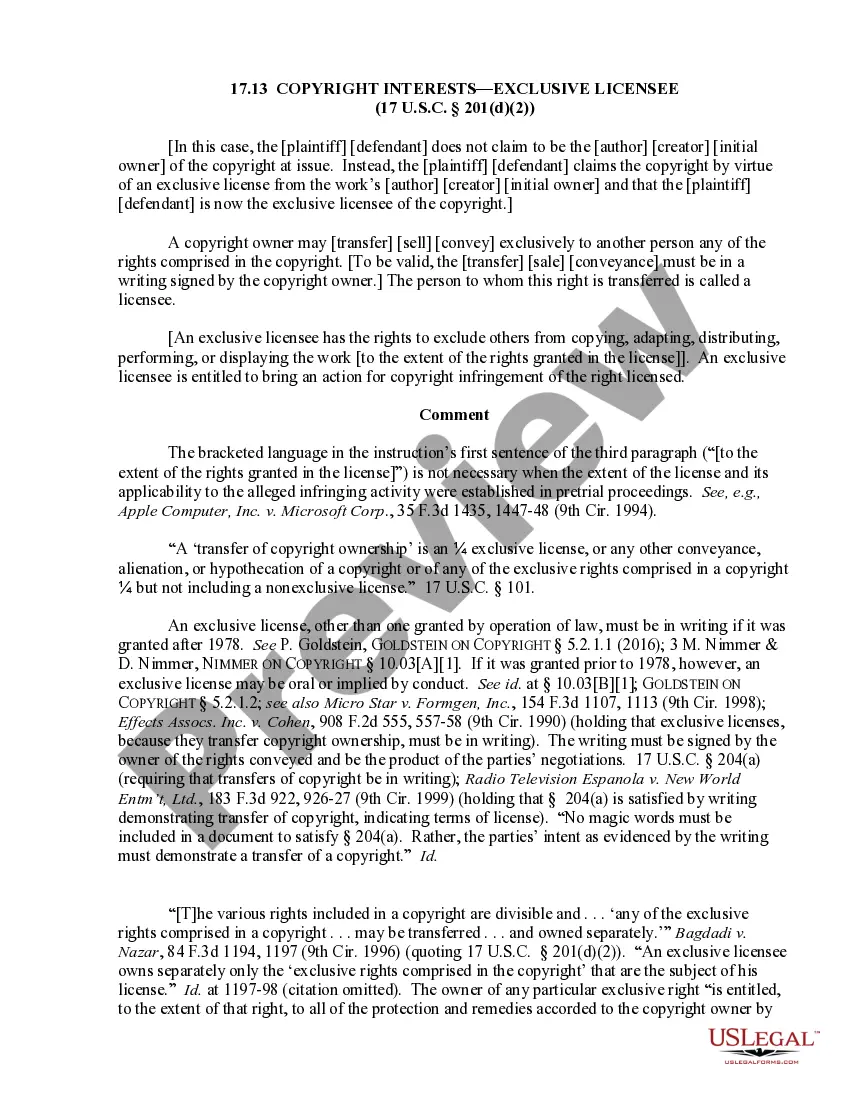
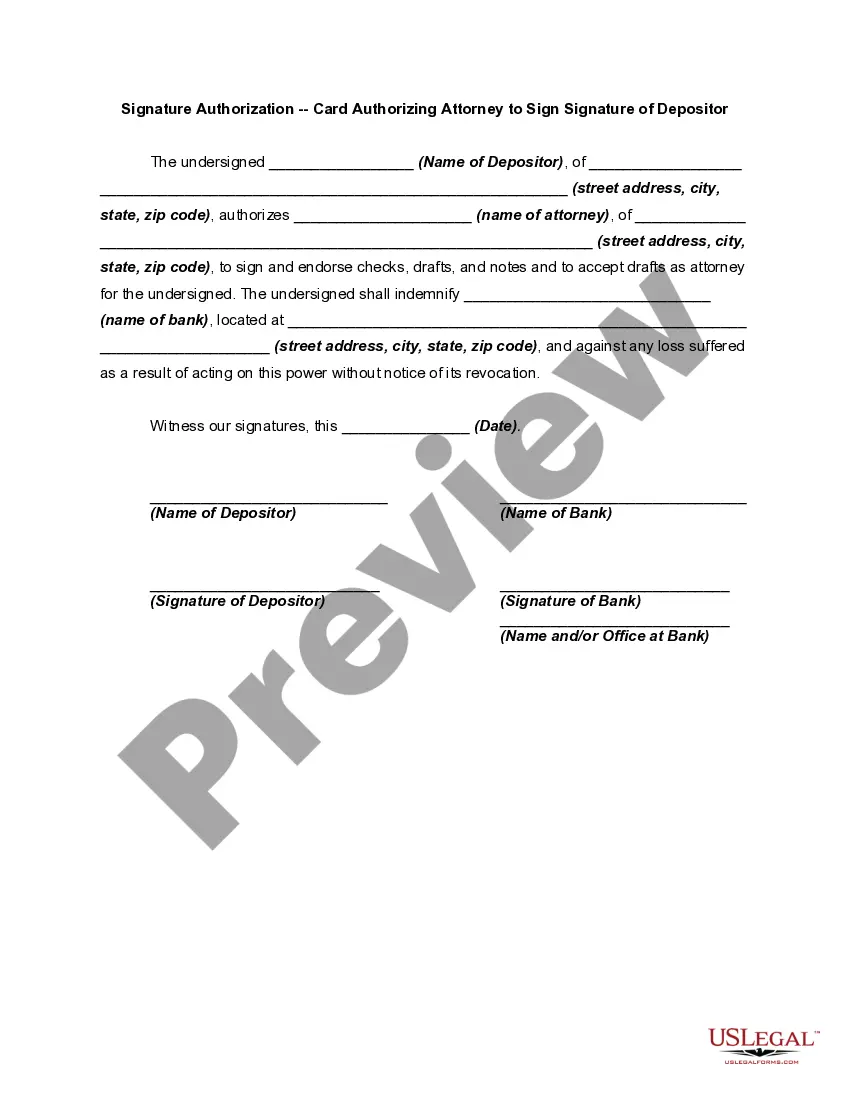
If a person acting, or purporting to act, as a representative signs an instrument by signing either the name of the represented person or the name of the signer, the represented person is bound by the signature to the same extent the represented person would be bound if the signature were on a simple contract. If the represented person is bound, the signature of the representative is the authorized signature of the represented person, and the represented person is liable on the instrument, whether or not identified in the instrument.
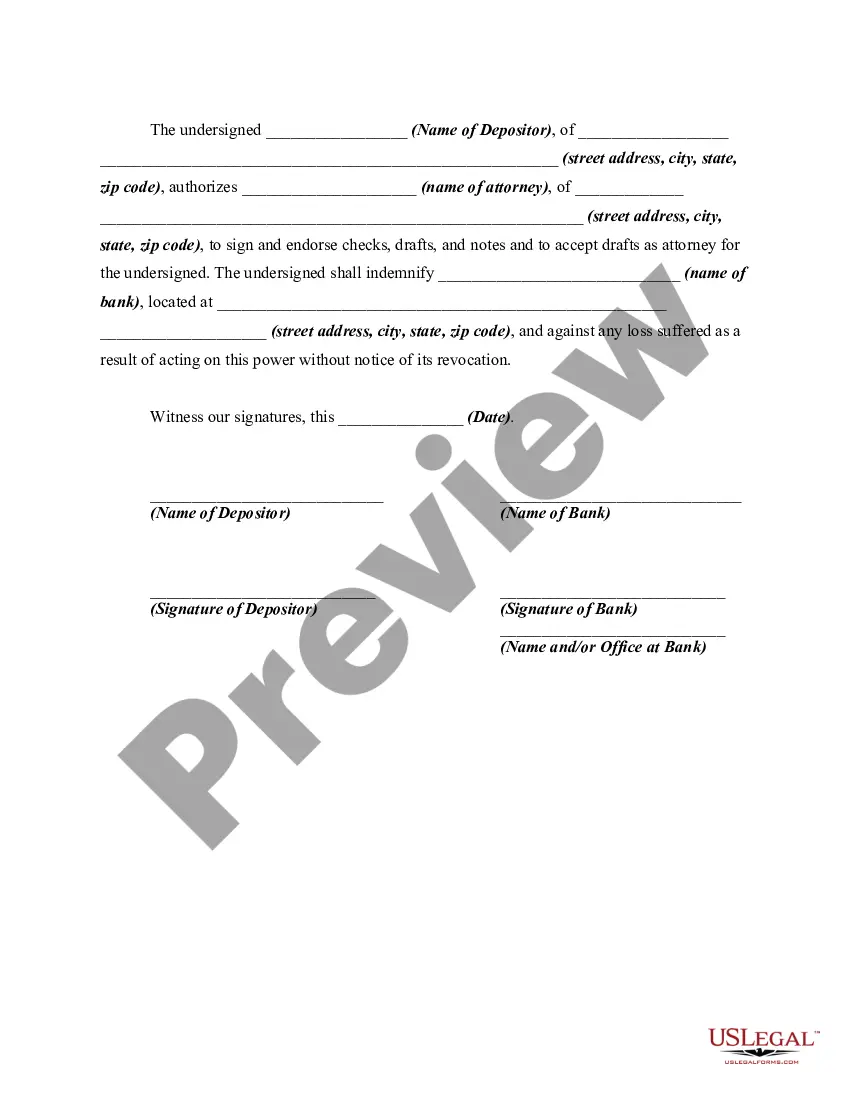
Guam Signature Authorization - Card Authorizing Attorney to Sign Signature of Depositor
Category:
State:
Multi-State
Control #:
US-01314BG
Format:
Word;
Rich Text
Instant download
Description
Get your form ready online
Our built-in tools help you complete, sign, share, and store your documents in one place.
Built-in online Word editor
Make edits, fill in missing information, and update formatting in US Legal Forms—just like you would in MS Word.
Export easily
Download a copy, print it, send it by email, or mail it via USPS—whatever works best for your next step.
E-sign your document
Sign and collect signatures with our SignNow integration. Send to multiple recipients, set reminders, and more. Go Premium to unlock E-Sign.
Notarize online 24/7
If this form requires notarization, complete it online through a secure video call—no need to meet a notary in person or wait for an appointment.
Store your document securely
We protect your documents and personal data by following strict security and privacy standards.

Make edits, fill in missing information, and update formatting in US Legal Forms—just like you would in MS Word.

Download a copy, print it, send it by email, or mail it via USPS—whatever works best for your next step.

Sign and collect signatures with our SignNow integration. Send to multiple recipients, set reminders, and more. Go Premium to unlock E-Sign.

If this form requires notarization, complete it online through a secure video call—no need to meet a notary in person or wait for an appointment.

We protect your documents and personal data by following strict security and privacy standards.
Looking for another form?
How to fill out Signature Authorization - Card Authorizing Attorney To Sign Signature Of Depositor?
If you desire to compile, acquire, or print legal document templates, utilize US Legal Forms, the largest compilation of legal forms available online.
Take advantage of the site’s straightforward and convenient search to obtain the documents you need.
A variety of templates for commercial and personal purposes are categorized by type and jurisdiction, or keywords.
Step 4. Once you have found the form you need, click the Purchase now button. Choose the payment plan you prefer and enter your information to register for an account.
Step 5. Process the transaction. You can use your Visa or MasterCard or PayPal account to finalize the transaction. Step 6. Select the format of the legal form and download it to your device. Step 7. Complete, modify, and print or sign the Guam Signature Authorization - Card Authorizing Attorney to Sign Signature of Depositor.
Every legal document template you acquire is yours forever. You will have access to every form you obtained with your account. Check the My documents section and select a form to print or download again.
Be proactive and acquire, and print the Guam Signature Authorization - Card Authorizing Attorney to Sign Signature of Depositor with US Legal Forms. There are thousands of professional and state-specific forms you can utilize for your business or personal requirements.
- Utilize US Legal Forms to acquire the Guam Signature Authorization - Card Authorizing Attorney to Sign Signature of Depositor with just a few clicks.
- If you are currently a US Legal Forms user, Log Into your account and click the Obtain button to locate the Guam Signature Authorization - Card Authorizing Attorney to Sign Signature of Depositor.
- You can also retrieve forms you previously obtained in the My documents section of your account.
- If you are using US Legal Forms for the first time, follow the instructions below.
- Step 1. Ensure you have selected the form for the correct city/state.
- Step 2. Use the Preview option to review the form’s details. Don’t forget to read the description.
- Step 3. If you are not satisfied with the form, use the Search field at the top of the screen to find alternative versions in the legal form template.
Form popularity
FAQ
Form 2848, Power of Attorney and Declaration of RepresentativePDF when you want to authorize an individual to represent you before the IRS, or. Form 8821, Tax Information AuthorizationPDF, when you want to name an individual to inspect confidential tax return information related to the bond issuance.
The IRS is required by federal law to keep your tax information confidential. If you'd like a tax professional, lawyer, or bank loan officer to look at your current or previous returns, you will need Form 8821.
Generally, Form 8821 can be signed by: (a) an officer having legal authority to bind the corporation, (b) any person designated by the board of directors or other governing body, (c) any officer or employee on written request by any principal officer and attested to by the secretary or other officer, and (d) any other ...
File Form 8821 to: Authorize any individual, corporation, firm, organization, or partnership you designate to inspect and/or receive your confidential information verbally or in writing for the type of tax and the years or periods listed on the form. Delete or revoke prior tax information authorizations.
IRS Form 2848 authorizes individuals or organizations to represent a taxpayer when appearing before the IRS. Authorized representatives, include attorneys, CPAs, and enrolled agents. Signing Form 2848 and authorizing someone to represent you does not relieve a taxpayer of any tax liability.
File Form 8821 to: Authorize any individual, corporation, firm, organization, or partnership you designate to inspect and/or receive your confidential information verbally or in writing for the type of tax and the years or periods listed on the form. Delete or revoke prior tax information authorizations.
Save time with Tax Guard and Form 8821 A far more straightforward request form than Form 4506-C, Tax Guard's use of this form and intuitive process has a rejection rate of only 5% and no rejection costs.