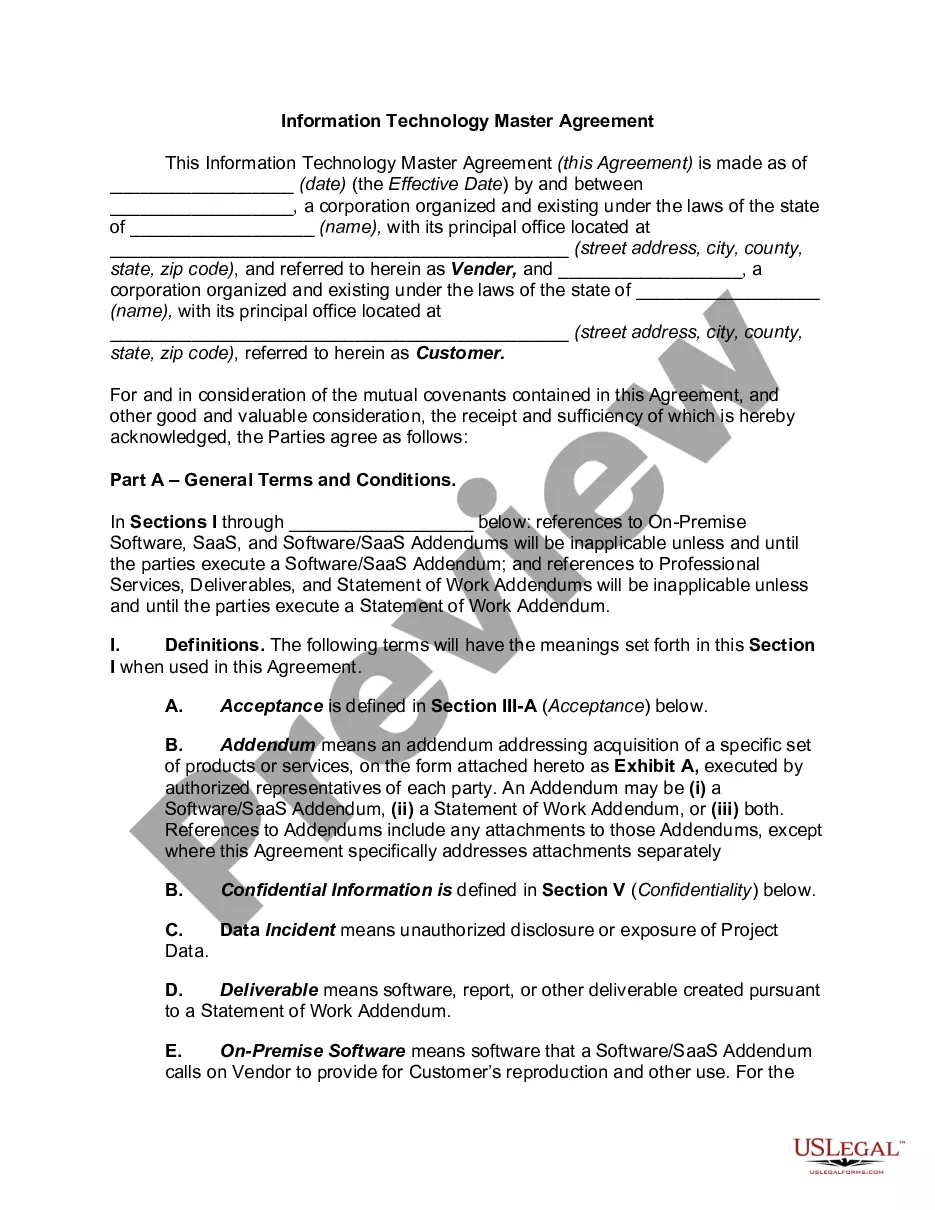
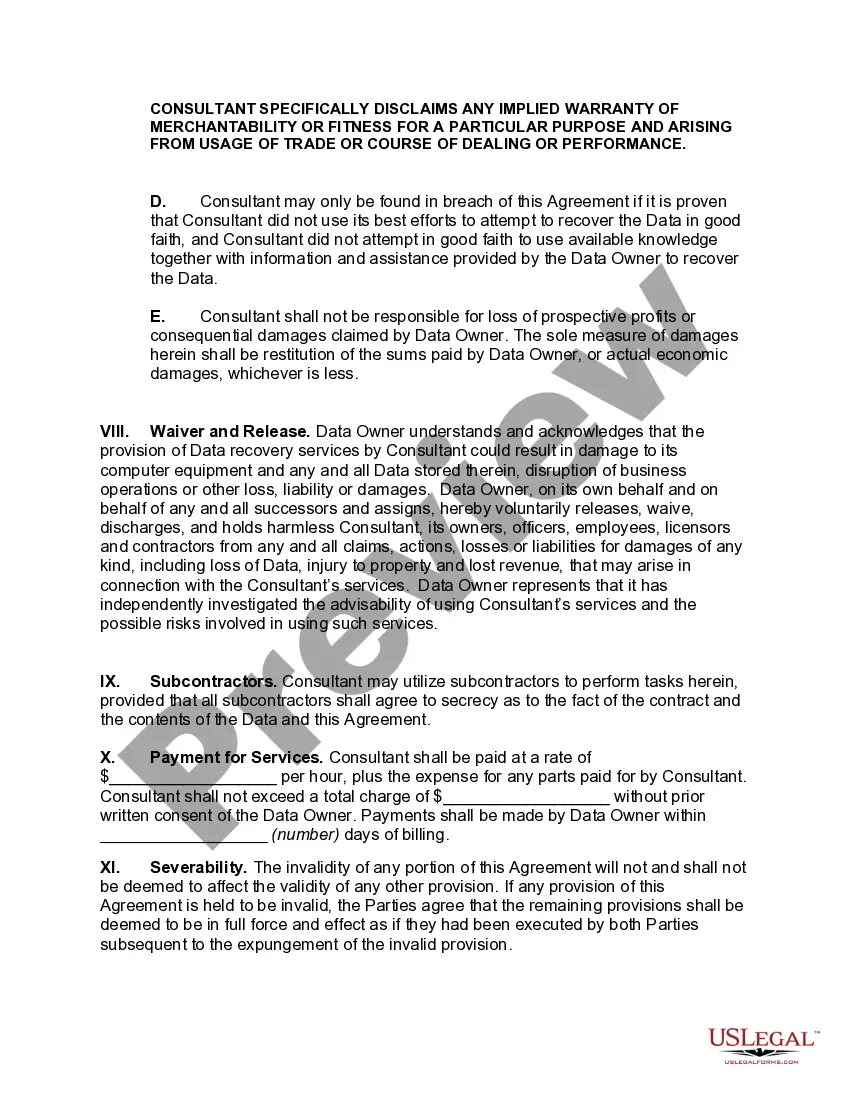
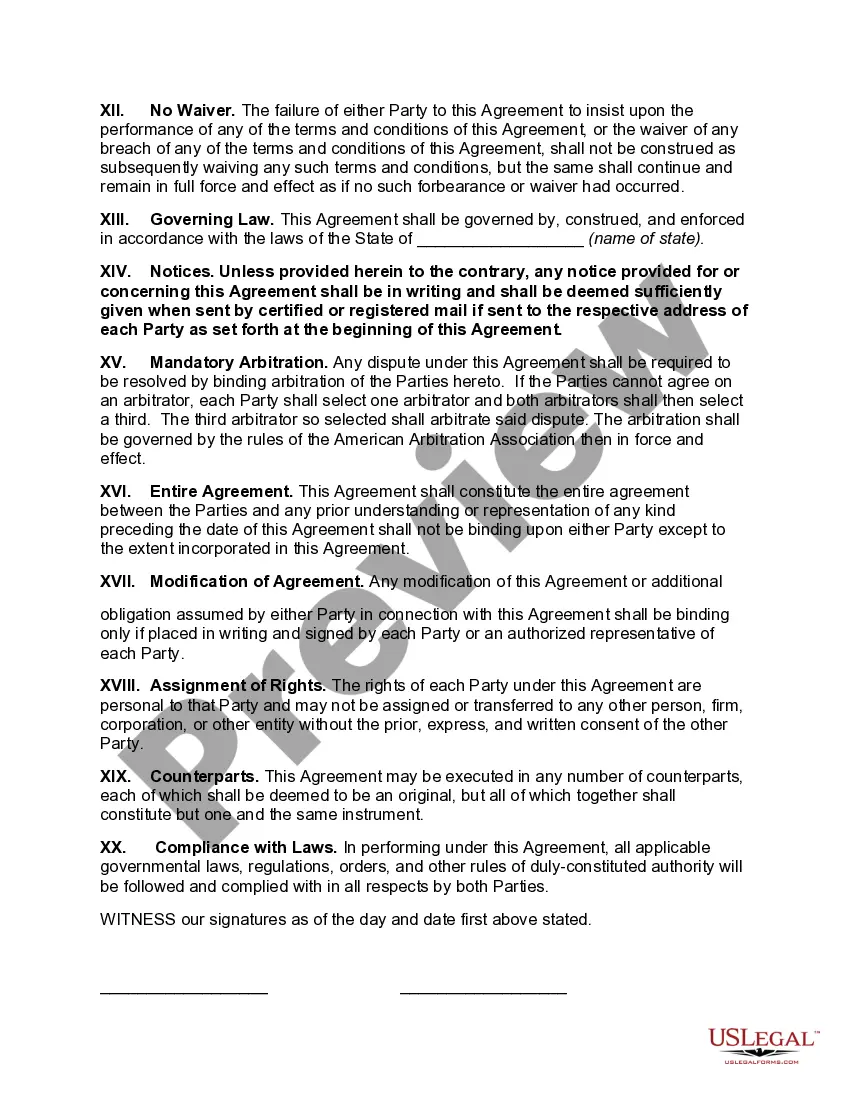
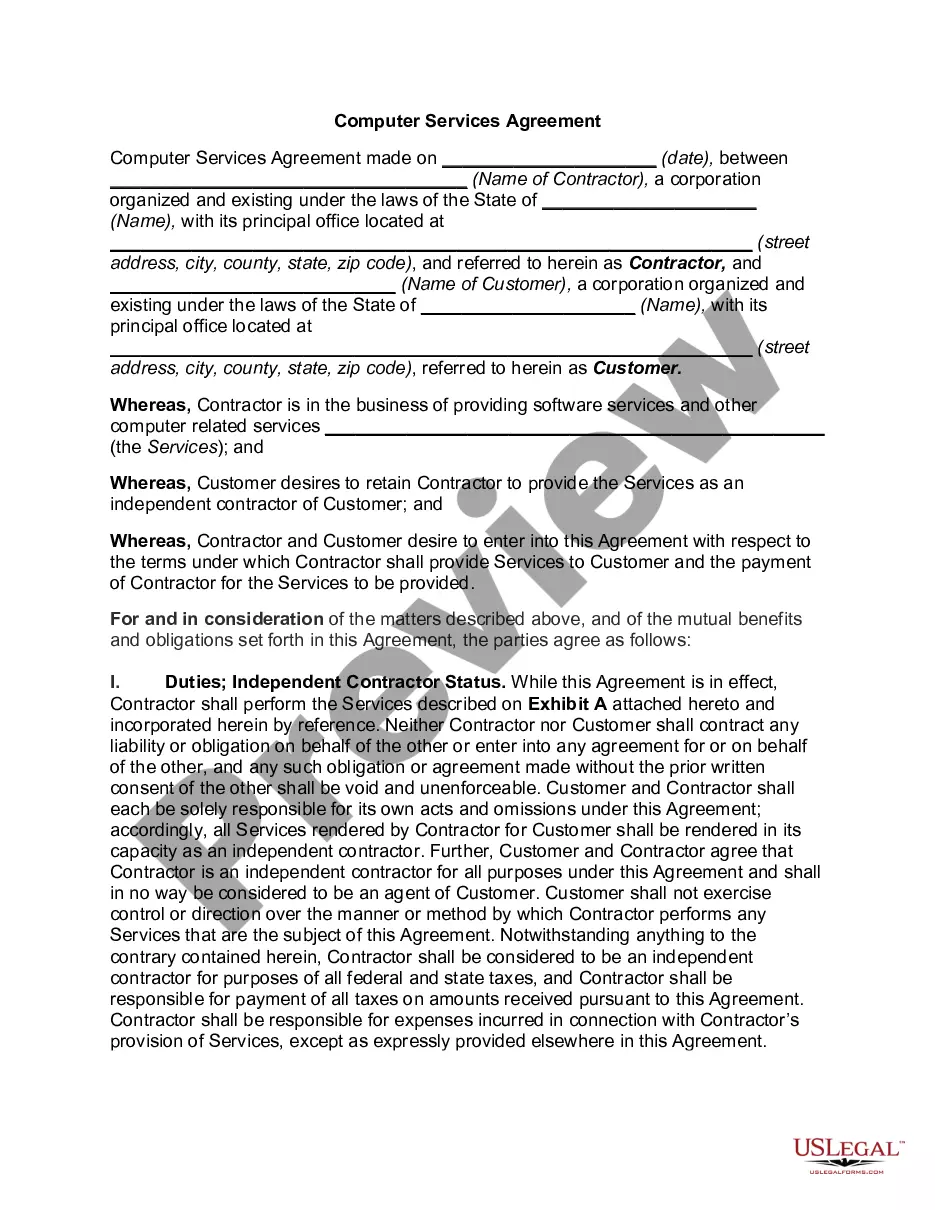
Georgia Data Recovery Agreement
Description
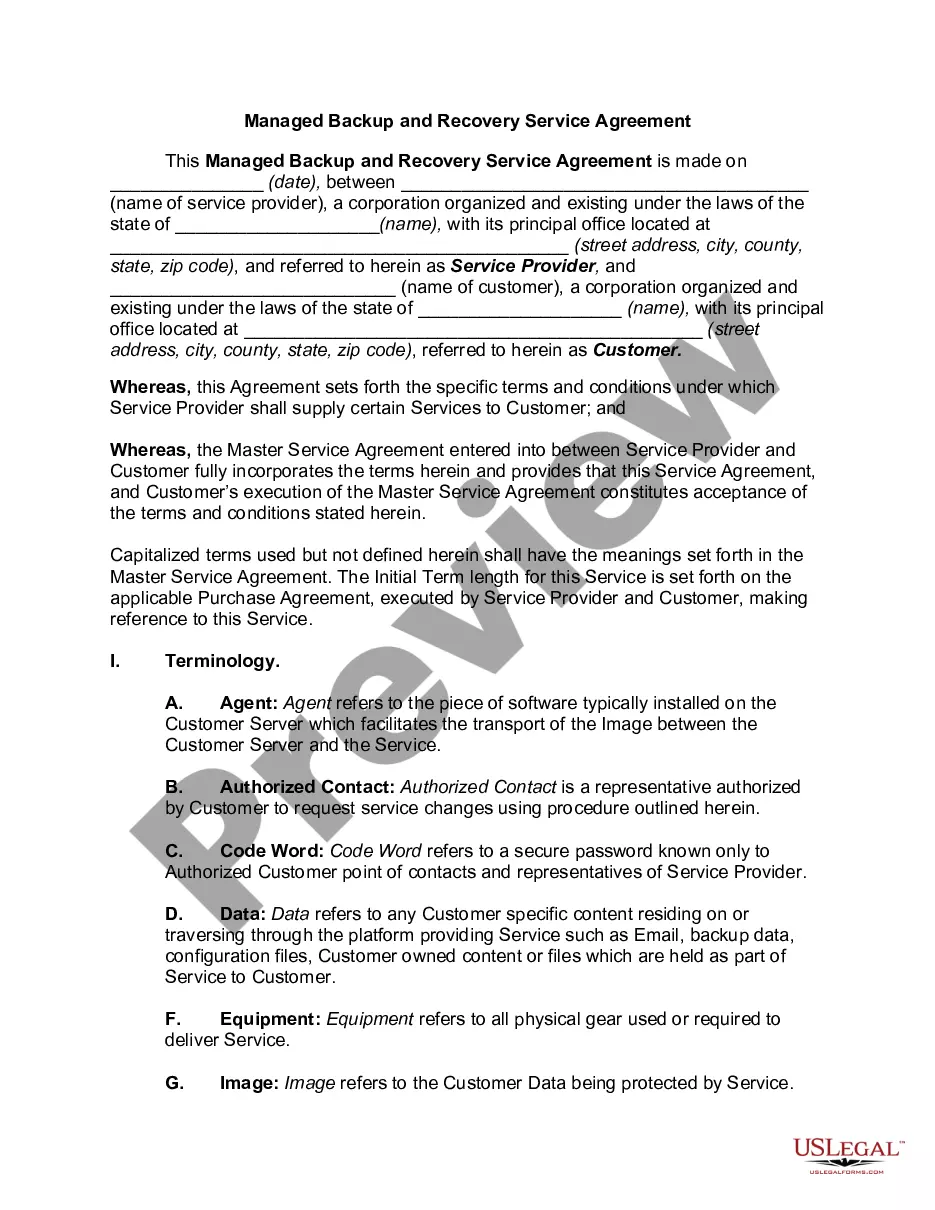
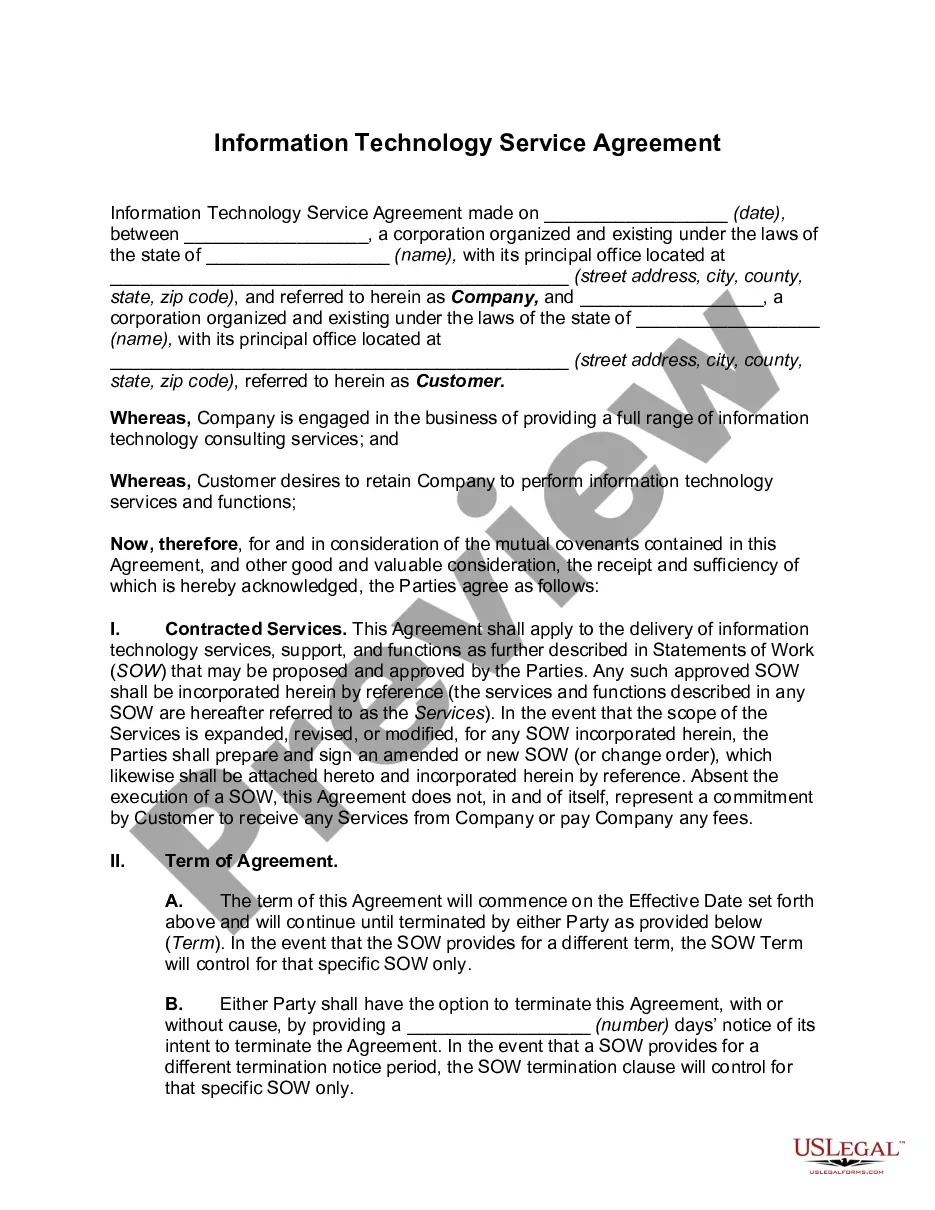
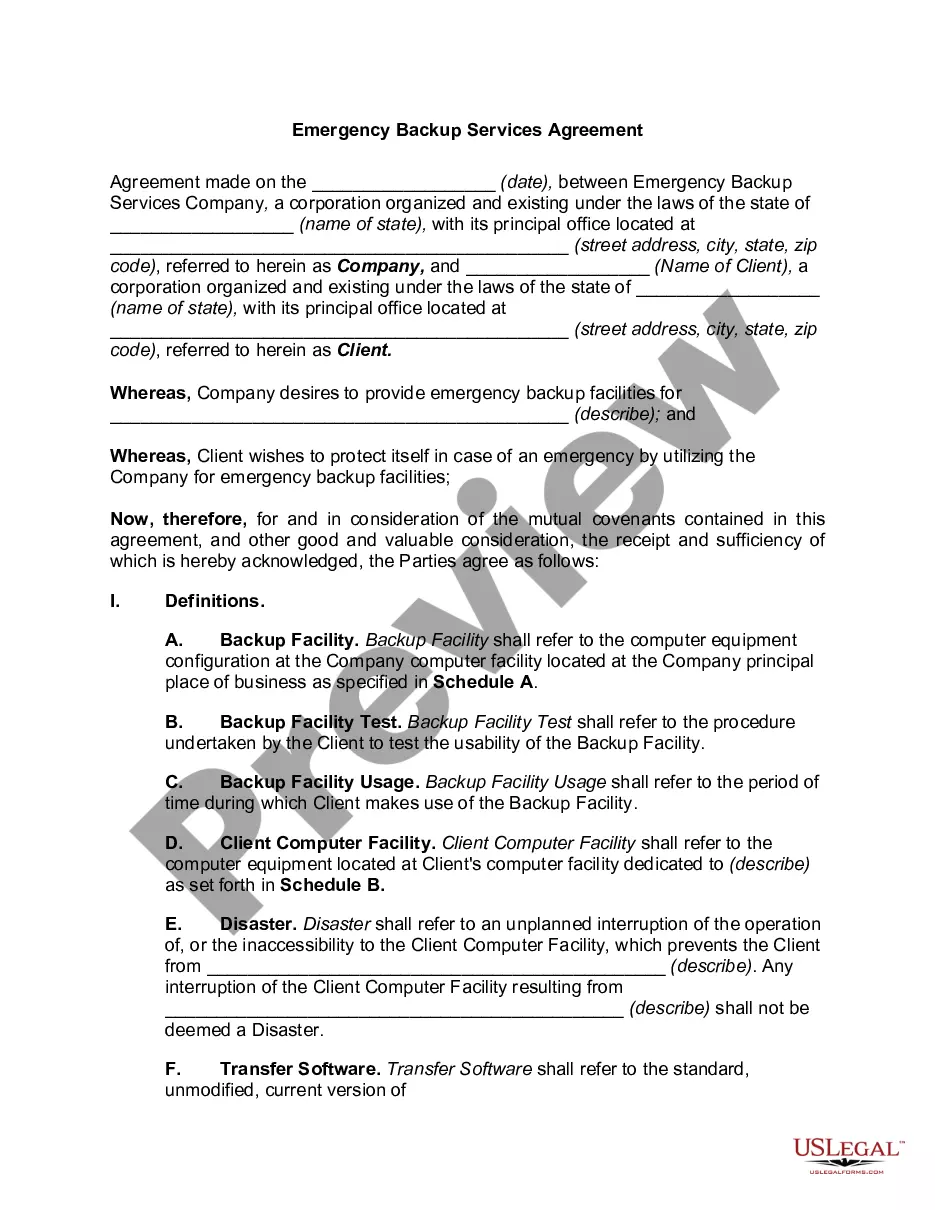
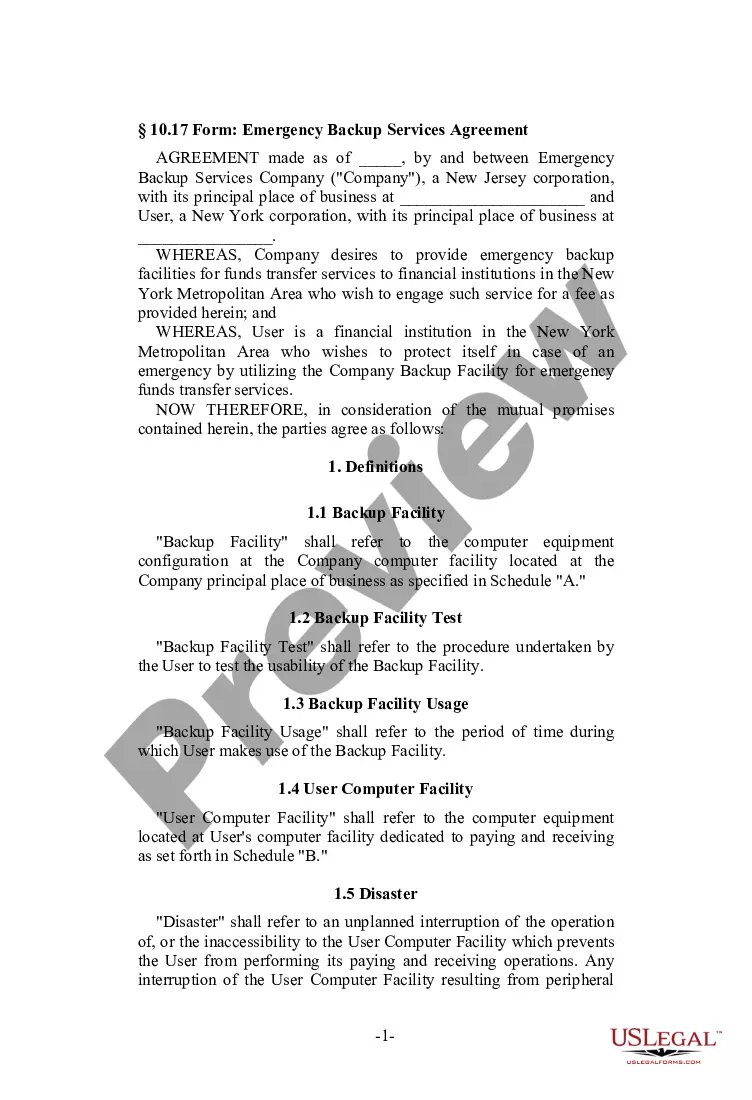
Get your form ready online
Our built-in tools help you complete, sign, share, and store your documents in one place.
Make edits, fill in missing information, and update formatting in US Legal Forms—just like you would in MS Word.
Download a copy, print it, send it by email, or mail it via USPS—whatever works best for your next step.
Sign and collect signatures with our SignNow integration. Send to multiple recipients, set reminders, and more. Go Premium to unlock E-Sign.
If this form requires notarization, complete it online through a secure video call—no need to meet a notary in person or wait for an appointment.
We protect your documents and personal data by following strict security and privacy standards.

Make edits, fill in missing information, and update formatting in US Legal Forms—just like you would in MS Word.

Download a copy, print it, send it by email, or mail it via USPS—whatever works best for your next step.

Sign and collect signatures with our SignNow integration. Send to multiple recipients, set reminders, and more. Go Premium to unlock E-Sign.

If this form requires notarization, complete it online through a secure video call—no need to meet a notary in person or wait for an appointment.

We protect your documents and personal data by following strict security and privacy standards.
Looking for another form?



How to fill out Data Recovery Agreement?
Locating the appropriate legal document format can be quite challenging.
Certainly, numerous templates are accessible online, but how can you locate the specific legal type you need.
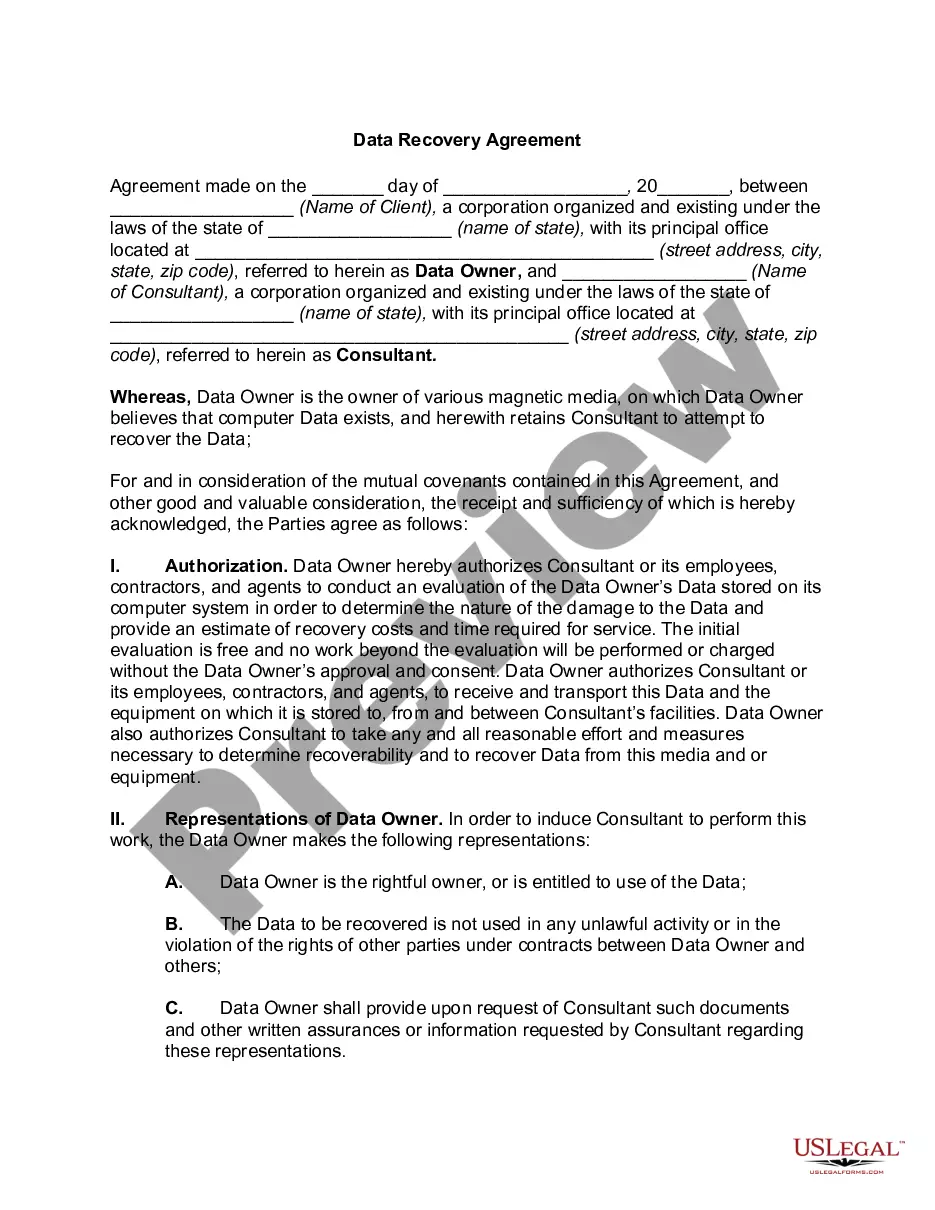
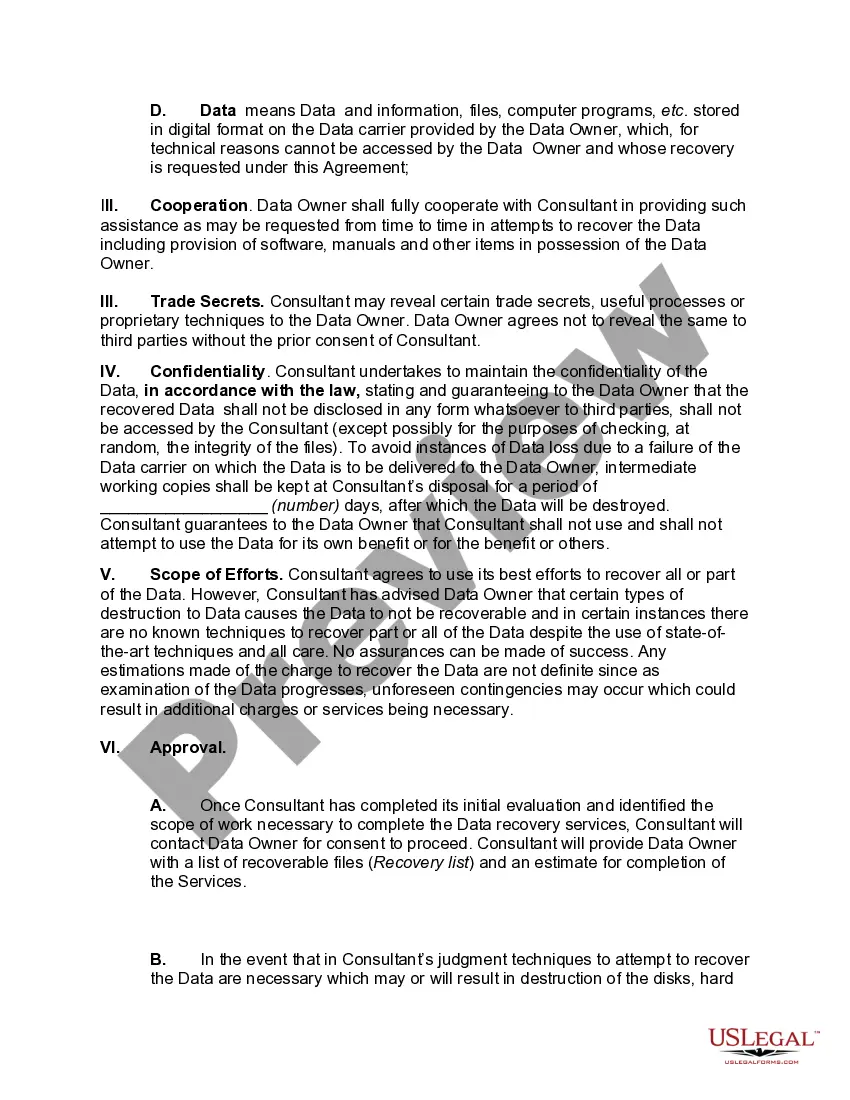
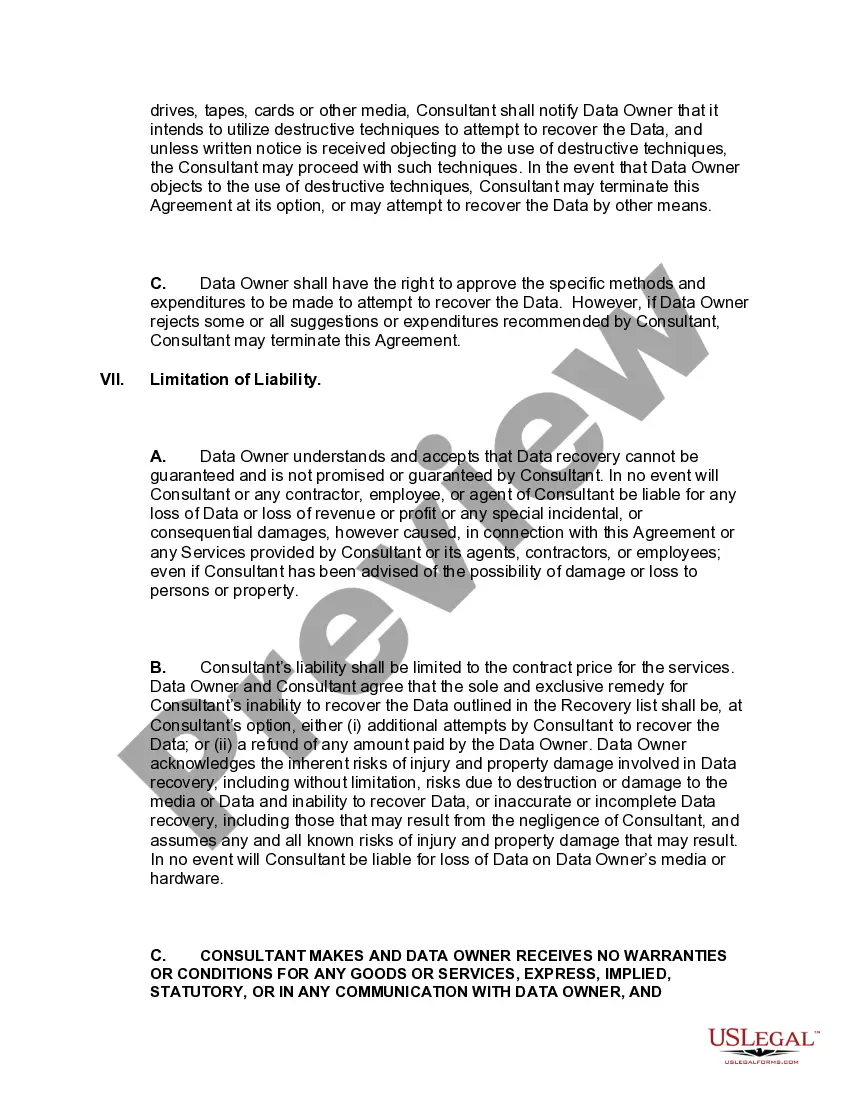
Utilize the US Legal Forms website. This service offers thousands of templates, including the Georgia Data Recovery Agreement, applicable for business and personal uses.
You can review the document using the Review button and examine the document summary to confirm it is the proper one for your needs.
- All templates are reviewed by professionals and comply with federal and state regulations.
- If you are already registered, Log In to your account and then click the Download button to access the Georgia Data Recovery Agreement.
- Use your account to browse through the legal documents you have acquired earlier.
- Proceed to the My documents section of your account and download another copy of the document you require.
- If you are a new user of US Legal Forms, here are some basic steps to follow.
- First, ensure you have selected the correct document for your city/state.
Form popularity
FAQ
Main Disaster Recovery techniques are three: synchronous replication, asynchronous replication and mixed technique.
Generally, data recovery will take 2-5 days. However, the amount of time it takes to recover data will vary depending on the problem. After a technician takes a look and diagnoses the problem you will be able to get a better estimate of the time it will take to recover your data.
Steps to Recover Data from a Corrupted or Crashed Hard DriveDownload and Install Disk Drill for Windows or Mac OS X.Launch Disk Drill recovery software, select the crashed hard disk and click:Preview the files you found with Quick or Deep Scan.Click Recover to recover your lost data.
Even though the type of corruption can vary, there are usually just four phases to data recovery: repair the hard drive, image the drive to a new drive, recover file system structures and files, and finally repair damaged files.
What is data recovery. Enterprise data recovery is the process of restoring lost, corrupted, accidentally deleted, or otherwise inaccessible data to its server, computer, mobile device, or storage device (or to a new device if the original device no longer works).
Steps to Recover Data from a Corrupted or Crashed Hard DriveDownload and Install Disk Drill for Windows or Mac OS X.Launch Disk Drill recovery software, select the crashed hard disk and click:Preview the files you found with Quick or Deep Scan.Click Recover to recover your lost data.
Data recovery is the process of restoring data that has been lost, accidentally deleted, corrupted or made inaccessible. In enterprise IT, data recovery typically refers to the restoration of data to a desktop, laptop, server or external storage system from a backup.
Recovery is the rebuilding of a database or table space after a problem such as media or storage failure, power interruption, or application failure. If you have backed up your database, or individual table spaces, you can rebuild them should they become damaged or corrupted in some way.
There are two types of recoveries, logical data recovery and physical data recovery.