Georgia Worksheet - Telecommuting

State:
Multi-State
Control #:
US-04022BG
Format:
Word; 
Rich Text
Instant download

Description

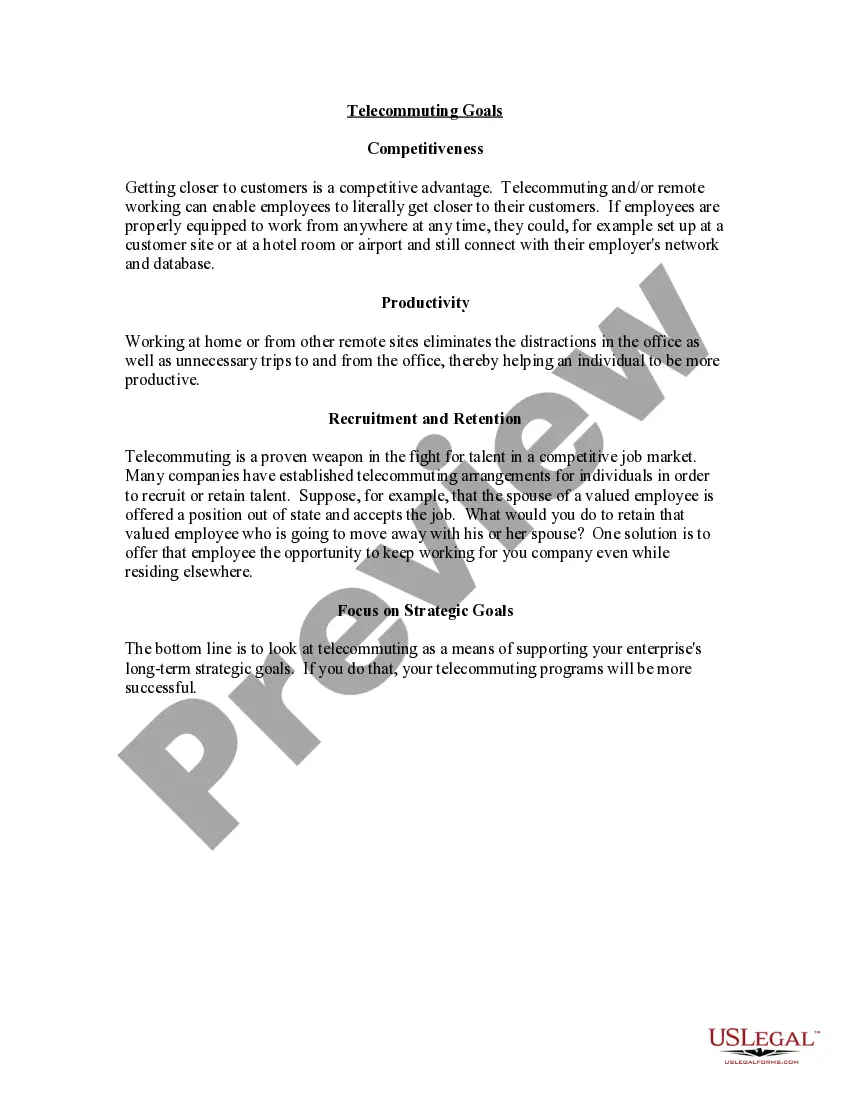
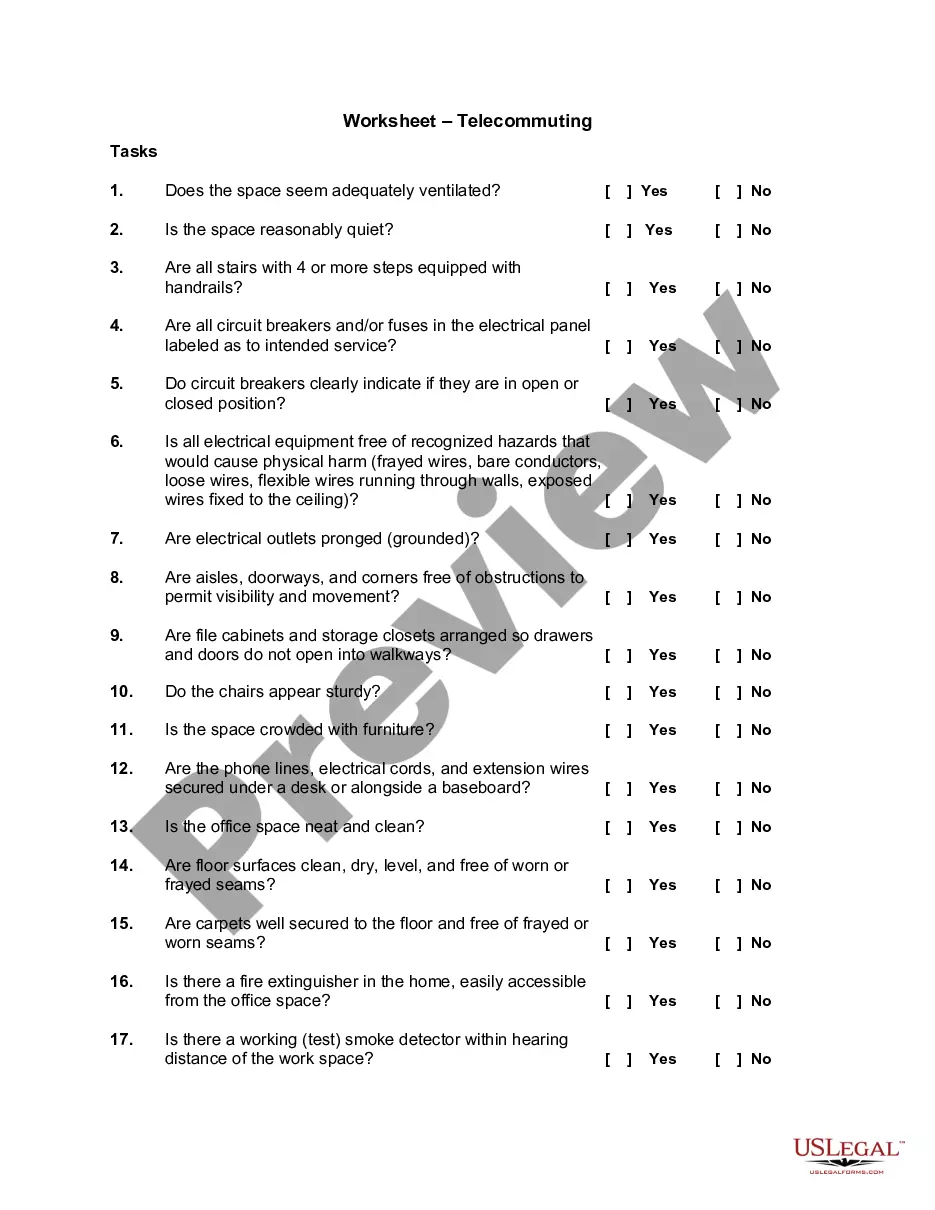
Telecommuting is a cooperative agreement between an employee and the State involving work that an employee performs on a routine basis, independent of others, and can be accomplished by the employee outside of the office environment. Anticipated benefits may include:


" Trip Reduction;

" Energy Conservation;

" Better Employee Morale;

" Increased Productivity; and

" Increased Employee Retention.


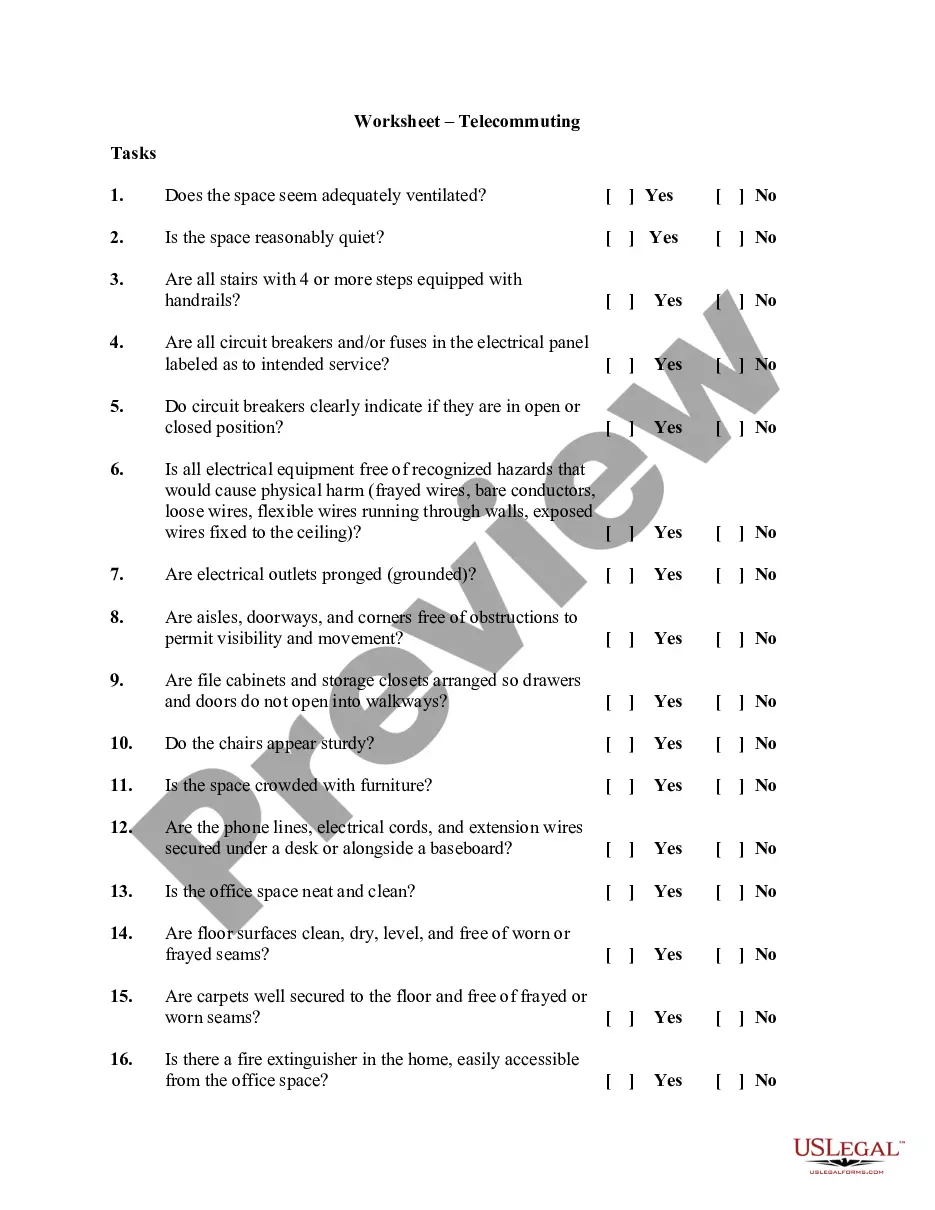
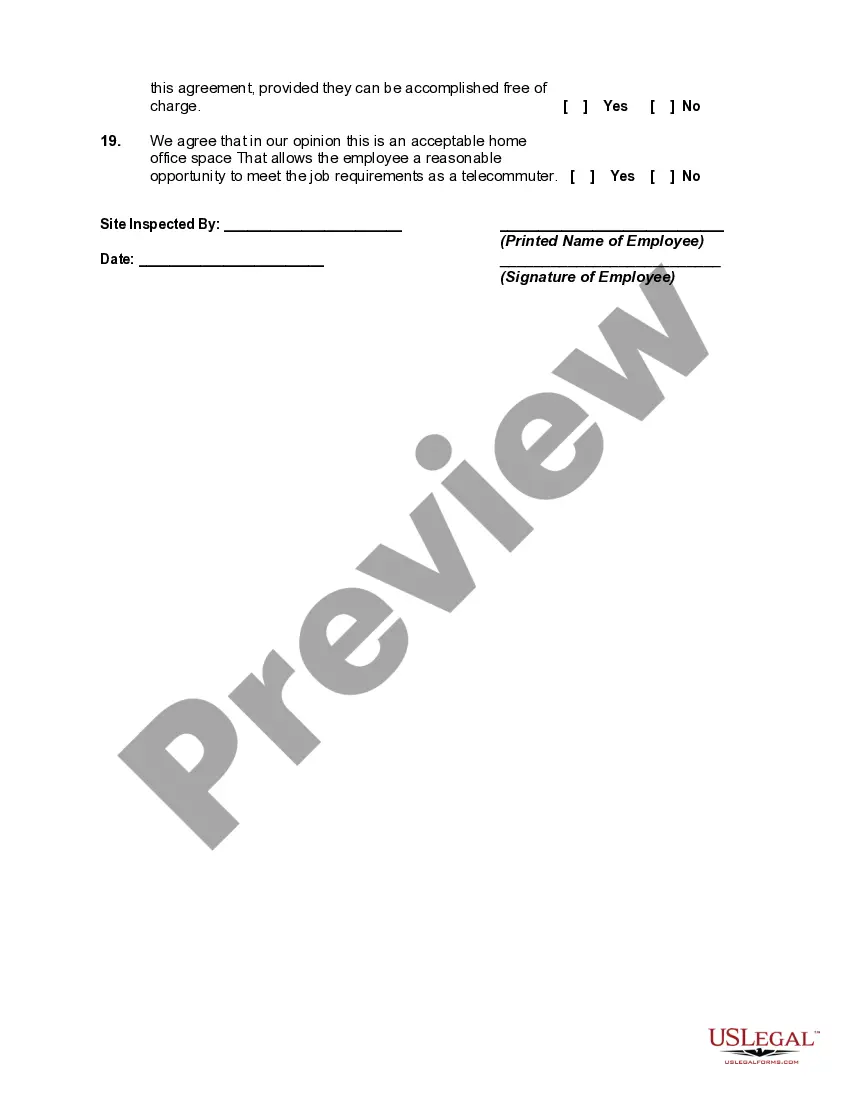
This worksheet should be completed before setting up your employees' office space. The success of the telecommuting arrangement depends on the assessment of the work space and the ability of the employees to successfully complete the required work in this environment.
Free preview
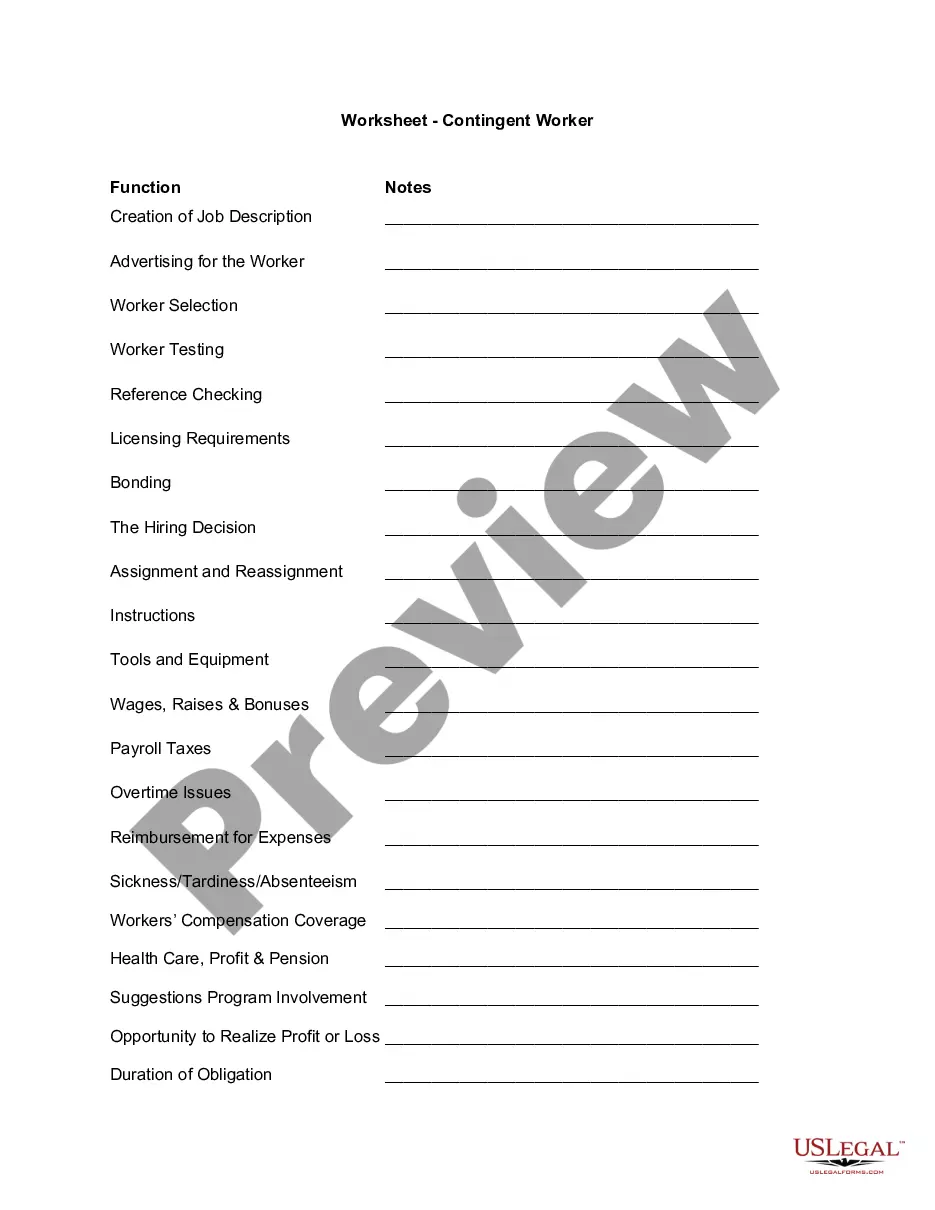
  • Preview Worksheet - Telecommuting
  • Preview Worksheet - Telecommuting

How to fill out Worksheet - Telecommuting?

US Legal Forms - one of the largest collections of legal forms in the United States - offers a variety of legal document templates that you can download or print.

By using the website, you can access thousands of forms for both business and personal purposes, organized by categories, states, or keywords. You can find the latest versions of forms such as the Georgia Worksheet - Telecommuting in no time.

If you are registered, Log In and download the Georgia Worksheet - Telecommuting from the US Legal Forms library. The Download button will appear on every form you view. You can access all previously acquired forms from the My documents tab in your account.

Process the payment. Use your credit card or PayPal account to complete the transaction.

Select the format and download the form to your device.

  1. Ensure you have selected the correct form for your city/county.
  2. Click the Preview button to review the content of the form.
  3. Check the form description to confirm that you have chosen the correct form.
  4. If the form does not meet your needs, use the Search feature at the top of the screen to find one that does.
  5. Once you are satisfied with the form, confirm your selection by clicking the Acquire now button.
  6. Then, choose the pricing plan you prefer and provide your credentials to register for an account.

Form popularity

FAQ

The self-employed do not qualify as telecommuters because they lack employee status.

INSTRUCTIONS FOR COMPLETING FORM G-4Enter your full name, address and social security number in boxes 1 a through 2b. Line 3: Write the number of allowances you are claiming in the brackets beside your marital status. Line 4: Enter the number of dependent allowances you are entitled to claim.

In general, if you're working remotely you'll only have to file and pay income taxes in the state where you live. However, in some cases, you may be required to file tax returns in two different states. This depends on your particular situation, the company you work for, and the tax laws of the states involved.

Should I 0 or 1 on a Form W4 for Tax Withholding Allowance being a dependent? If you put "0" then more will be withheld from your pay for taxes than if you put "1"--so that is correct. The more "allowances" you claim on your W-4 the more you get in your take-home pay.

If you want an extra set amount withheld from each paycheck to cover taxes on freelance income or other income, you can enter it on lines 4(a) and 4(c) of Form W-4.

Telecommuting is an employment arrangement in which the employee works outside of the employer's office. Often this means working from home or at a location close to home, such as a coffee shop, library, or co-working space.

Telecommuting is the ability for an employee to complete work assignments from outside the traditional workplace by using telecommunications tools such as email, phone, chat and video apps.

Though often away from the office, a teleworker is different from a remote employee because there occasionally some in-person office attendance required though this is not always the case. Another key difference is that a teleworker is often geographically closer to the main office location than a remote worker.

How to Complete the W-4 Tax FormDetermine your allowances.Fill out your personal information.Claim an exemption if it applies.Fill out itemized deductions, if you're using them.Figure out how much additional withholding you need.

Potential Tax Liability Unfortunately, Georgia or the surrounding states do not have such an agreement currently in force, meaning Georgia businesses with remote workers may be required to pay additional taxes.

Trusted and secure by over 3 million people of the world’s leading companies

Georgia Worksheet - Telecommuting