Georgia Website Linking Agreement
Description
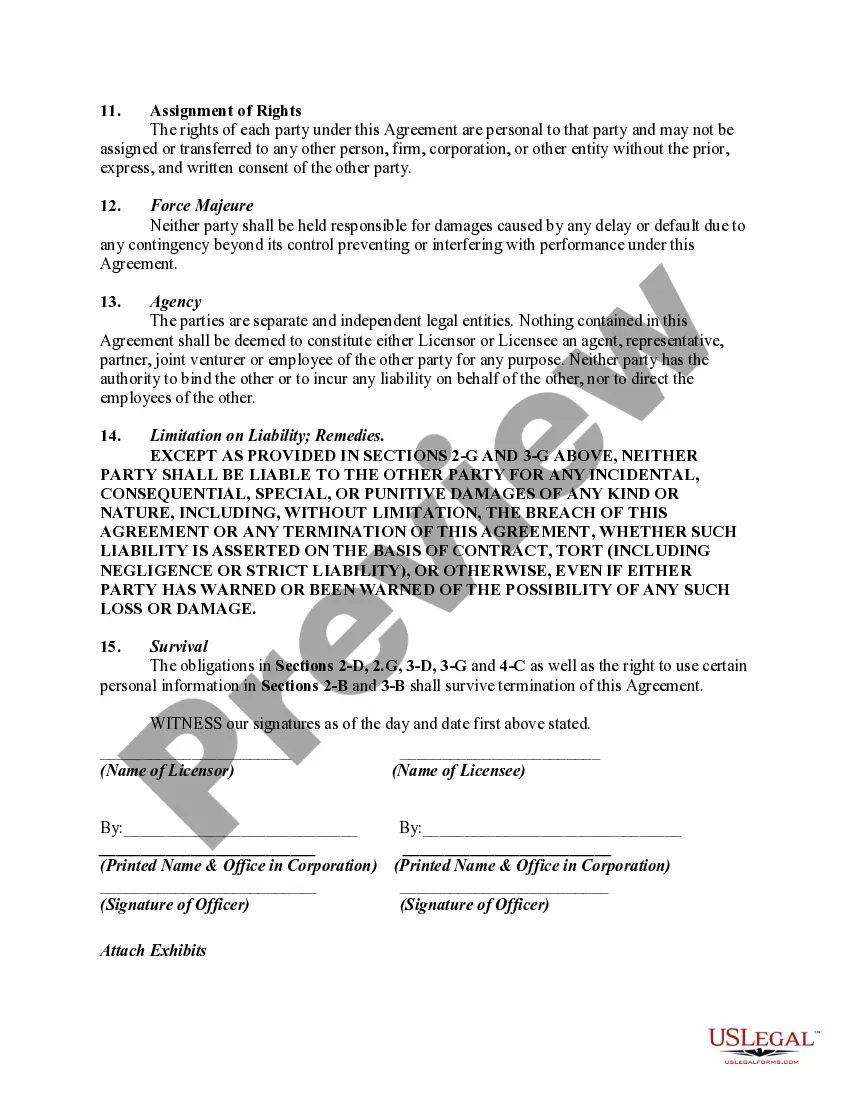
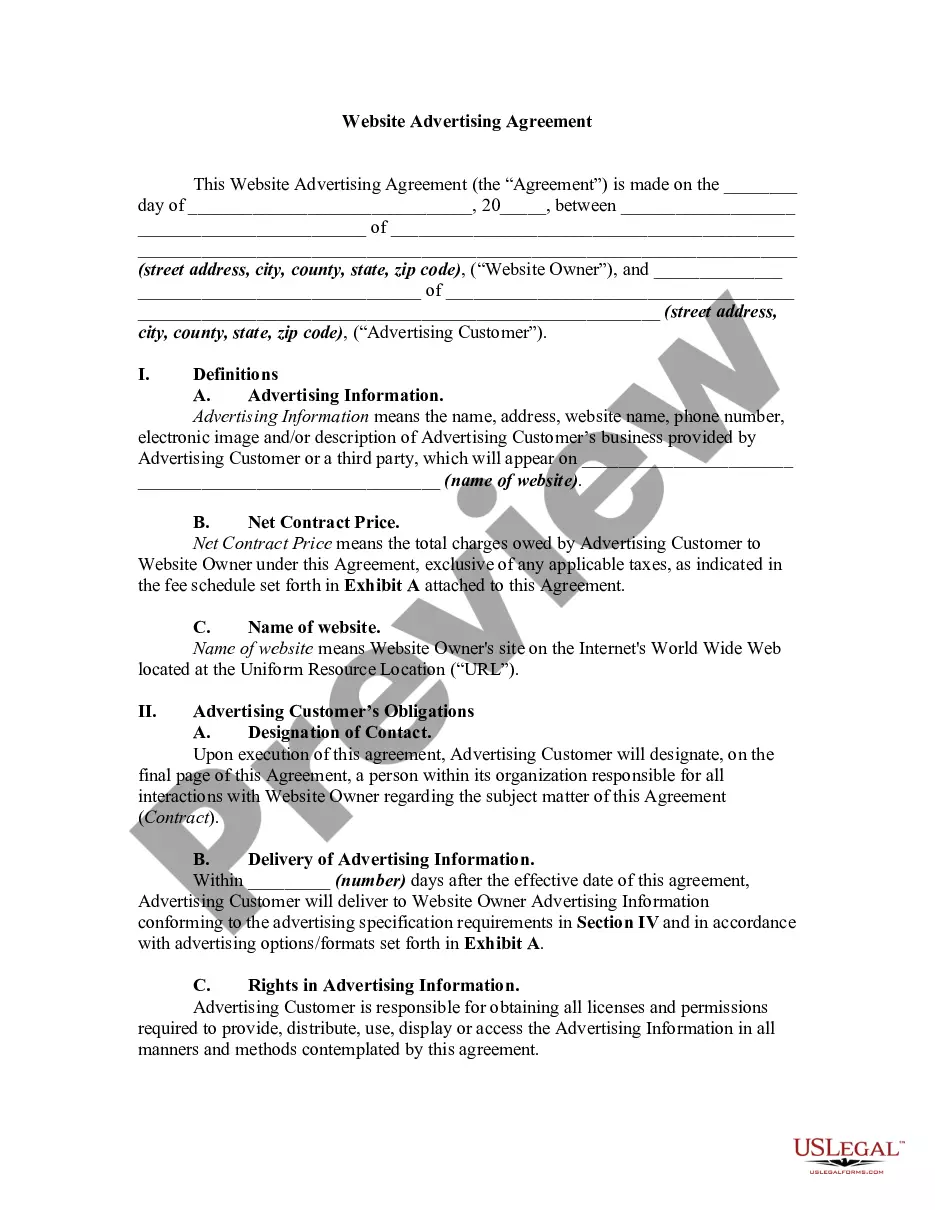
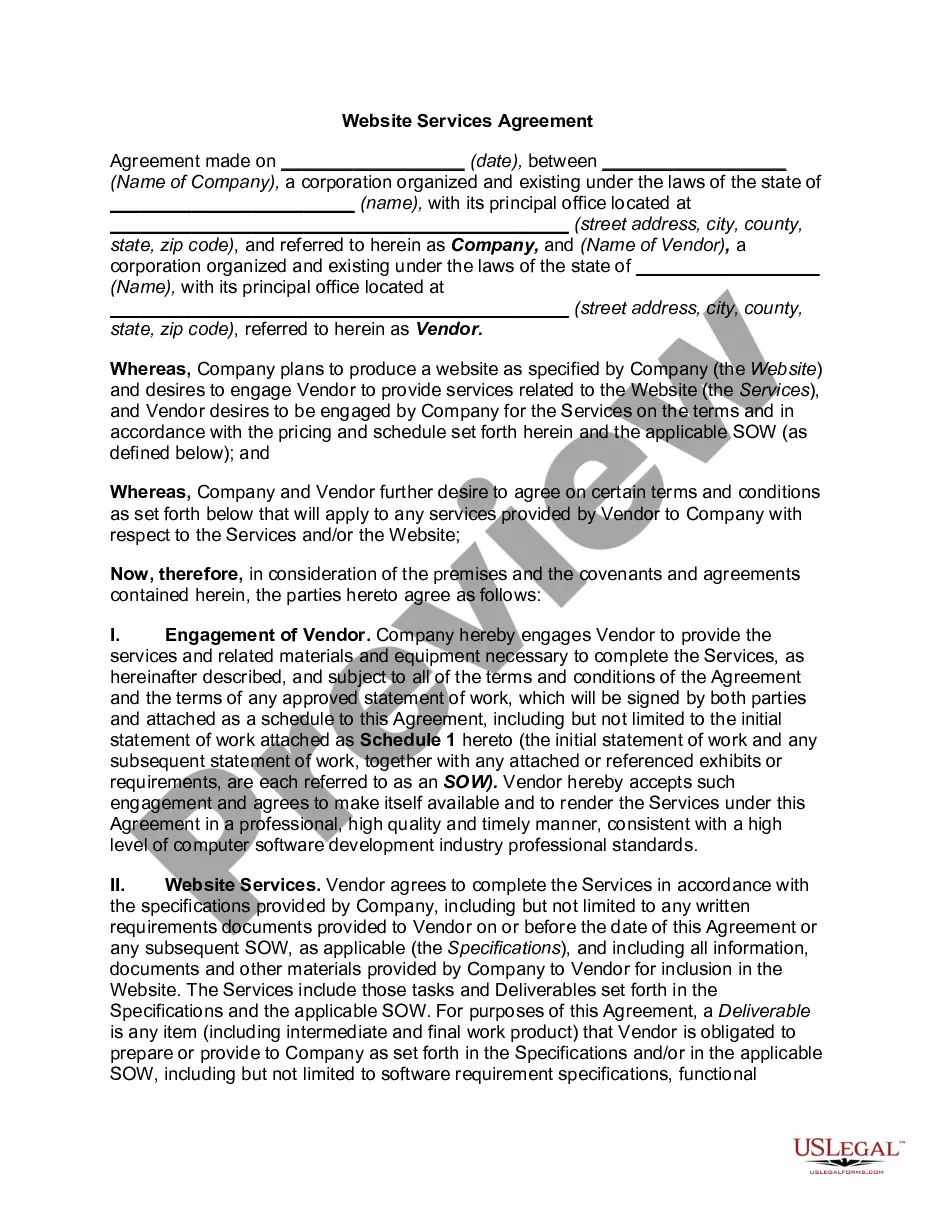
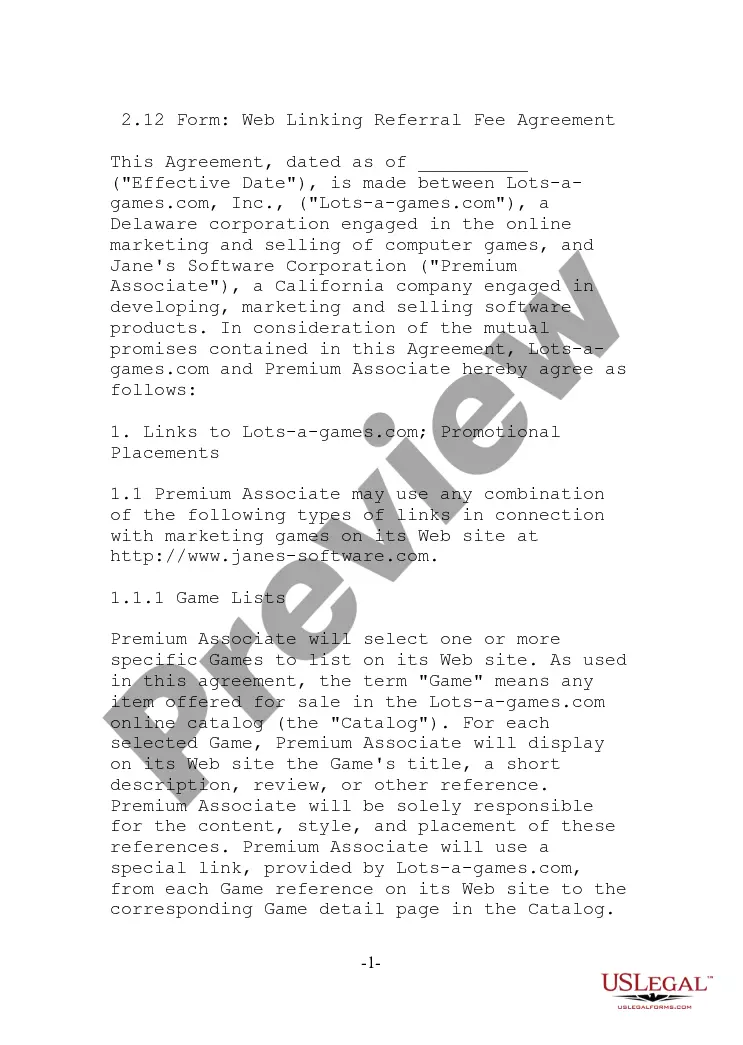
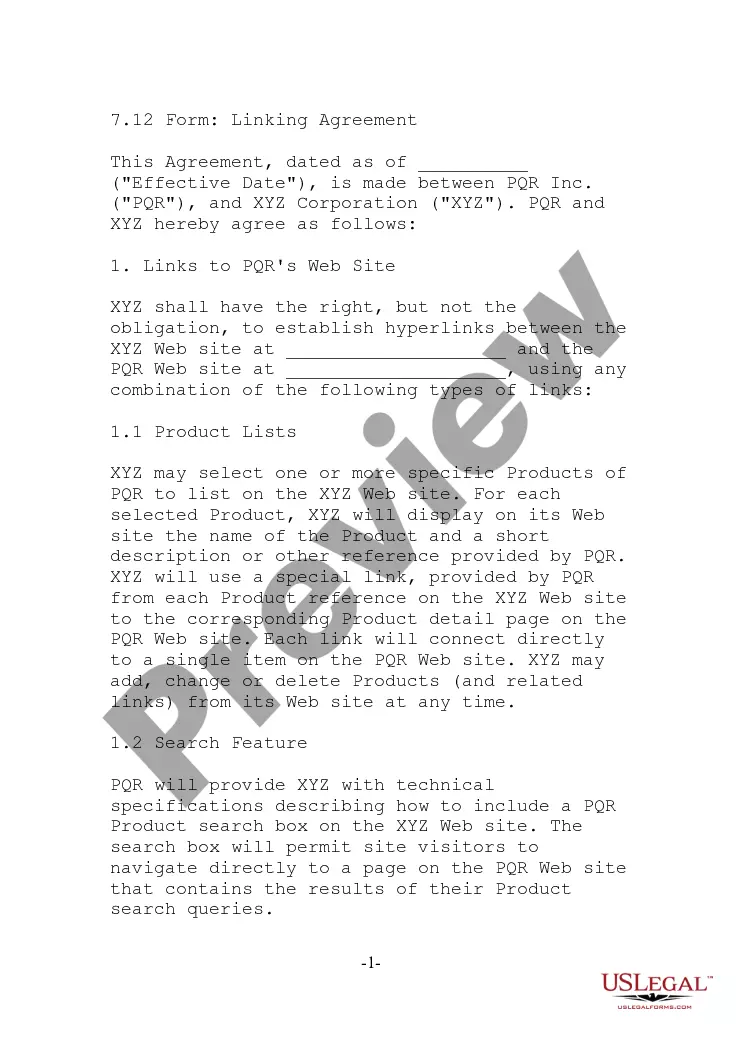
Get your form ready online
Our built-in tools help you complete, sign, share, and store your documents in one place.
Make edits, fill in missing information, and update formatting in US Legal Forms—just like you would in MS Word.
Download a copy, print it, send it by email, or mail it via USPS—whatever works best for your next step.
Sign and collect signatures with our SignNow integration. Send to multiple recipients, set reminders, and more. Go Premium to unlock E-Sign.
If this form requires notarization, complete it online through a secure video call—no need to meet a notary in person or wait for an appointment.
We protect your documents and personal data by following strict security and privacy standards.

Make edits, fill in missing information, and update formatting in US Legal Forms—just like you would in MS Word.

Download a copy, print it, send it by email, or mail it via USPS—whatever works best for your next step.

Sign and collect signatures with our SignNow integration. Send to multiple recipients, set reminders, and more. Go Premium to unlock E-Sign.

If this form requires notarization, complete it online through a secure video call—no need to meet a notary in person or wait for an appointment.

We protect your documents and personal data by following strict security and privacy standards.
Looking for another form?

How to fill out Website Linking Agreement?
Should you require thorough, procure, or produce valid document templates, utilize US Legal Forms, the largest collection of legal forms available online.
Employ the site's straightforward and user-friendly search to find the files you need.
Numerous templates for business and personal purposes are organized by categories and states, or keywords.
Step 4. Once you have found the form you need, click the Purchase now button. Choose the payment plan you prefer and enter your credentials to register for an account.
Step 5. Process the payment. You can use your credit card or PayPal account to complete the transaction.
- Utilize US Legal Forms to acquire the Georgia Website Linking Agreement with just a few clicks.
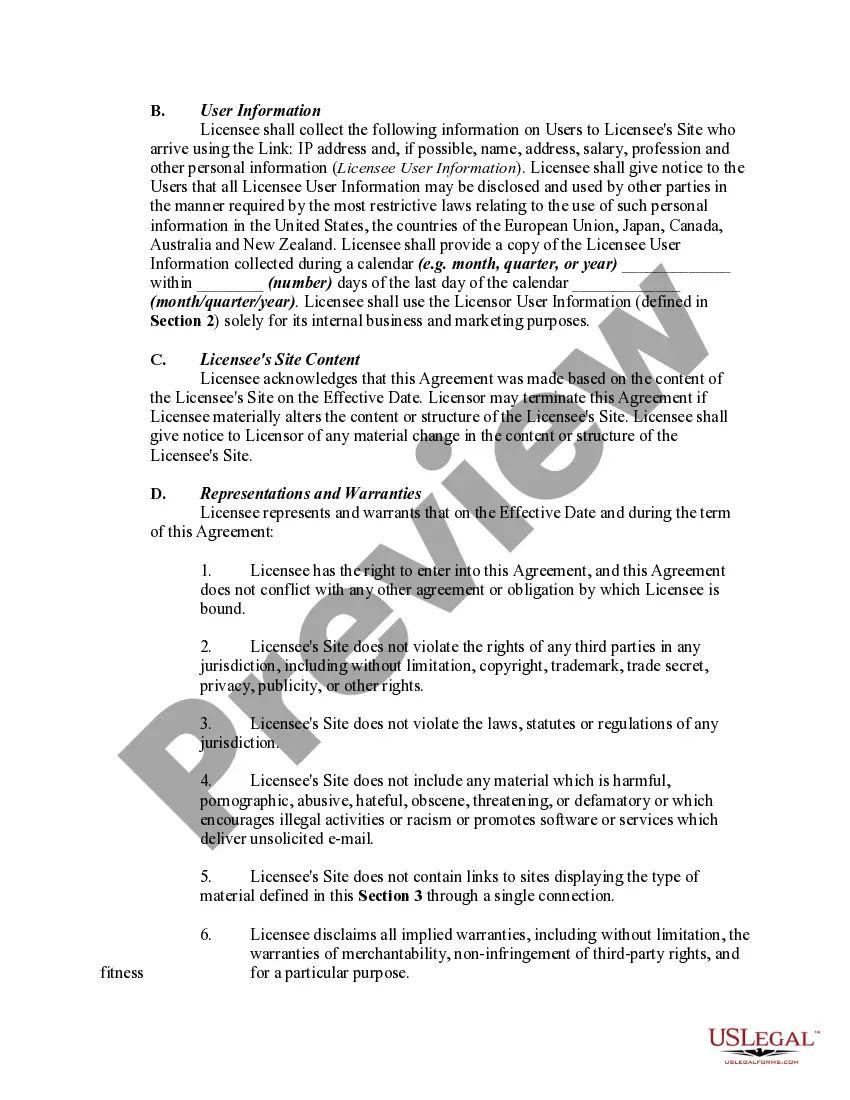
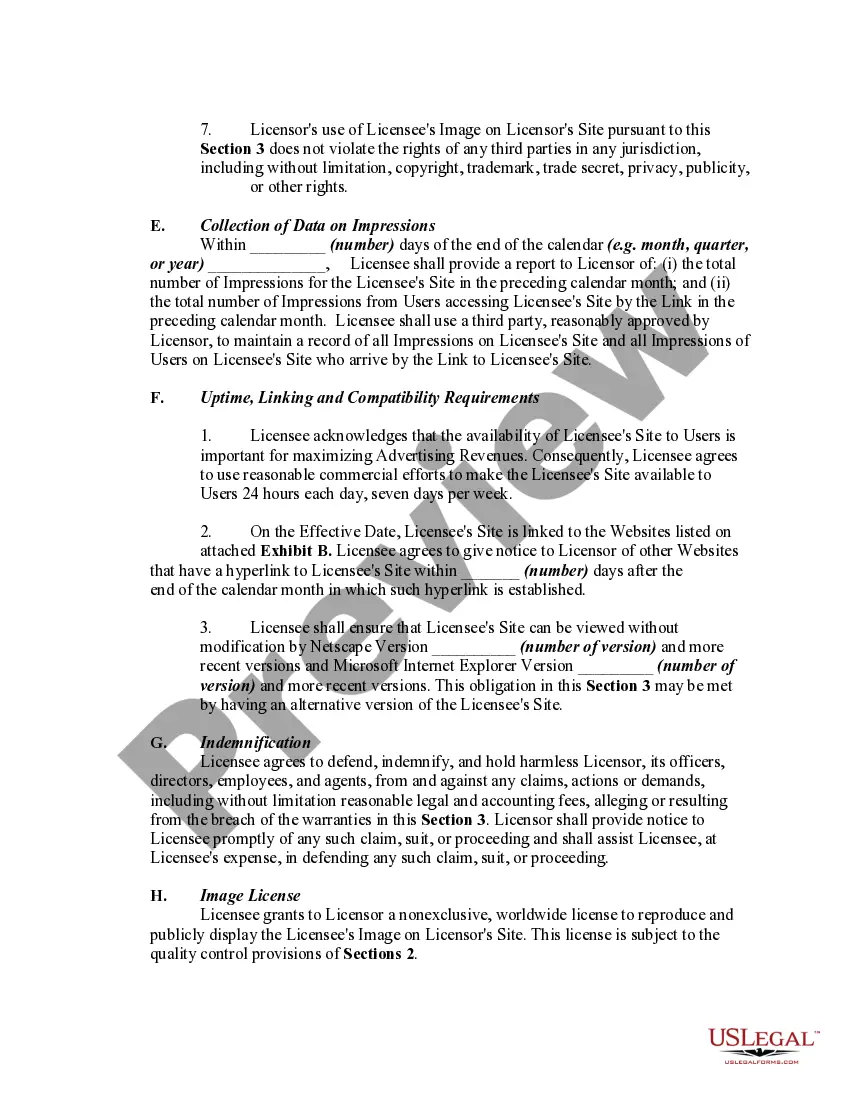
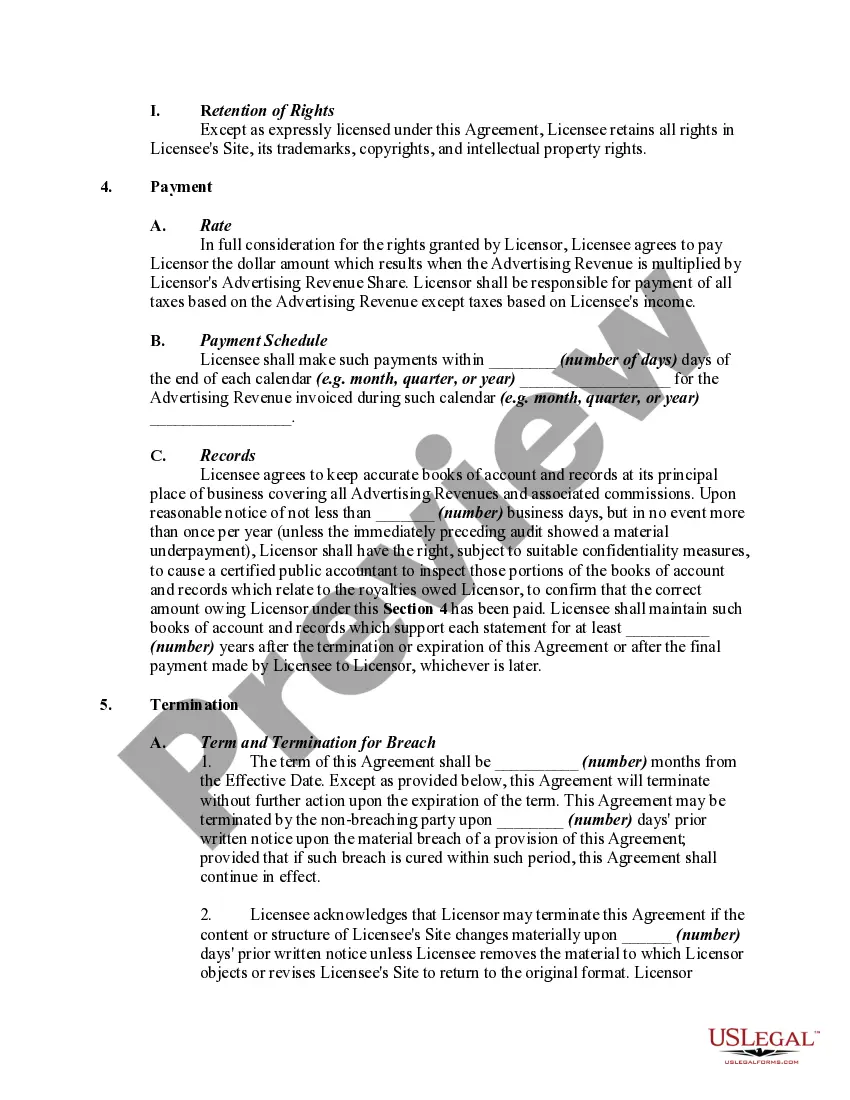
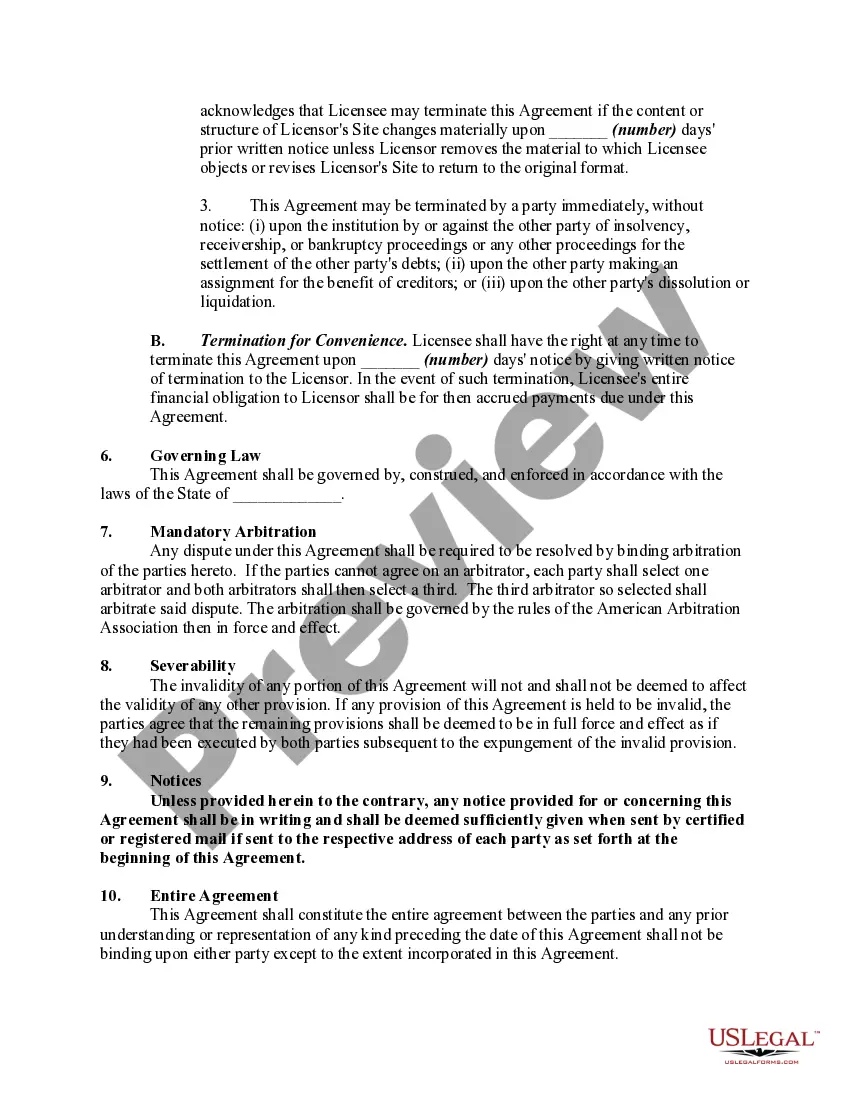
- If you are already a US Legal Forms client, Log In to your account and click the Download button to obtain the Georgia Website Linking Agreement.
- You can also access forms you previously obtained in the My documents tab of your account.
- If you're using US Legal Forms for the first time, follow the instructions below.
- Step 1. Ensure you have selected the form for the appropriate state/region.
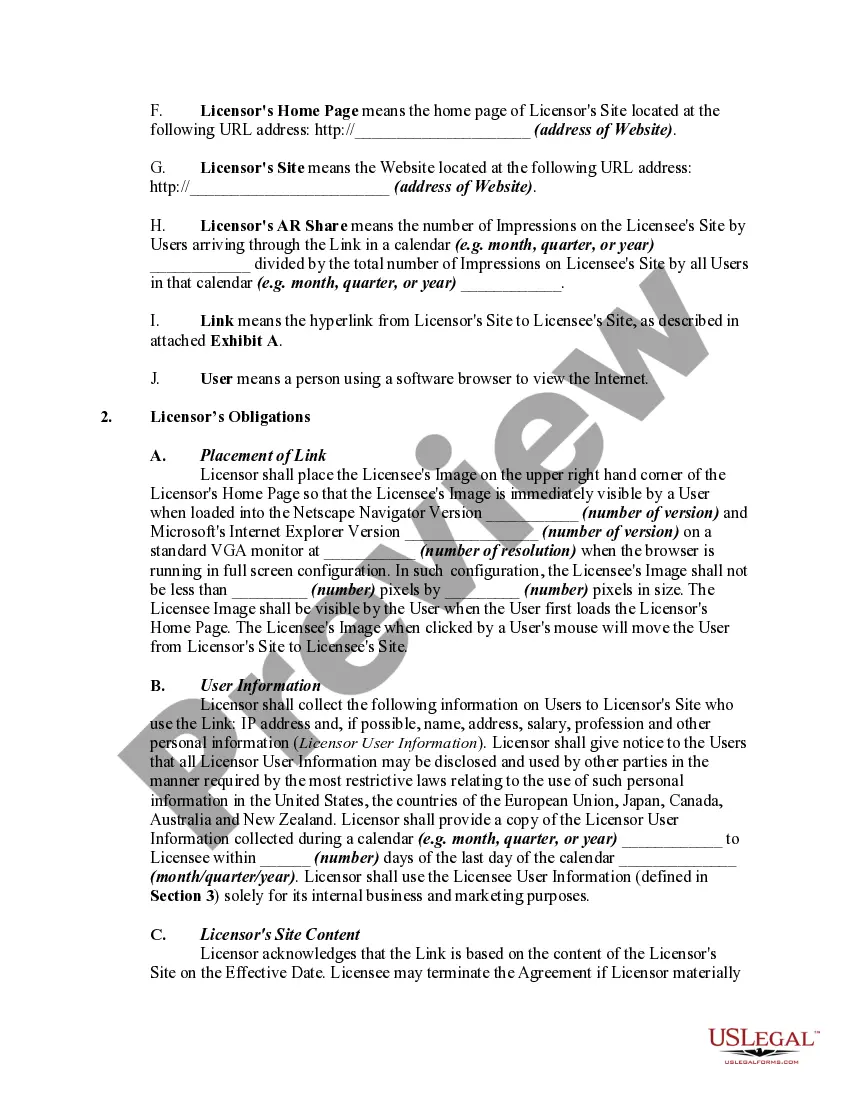
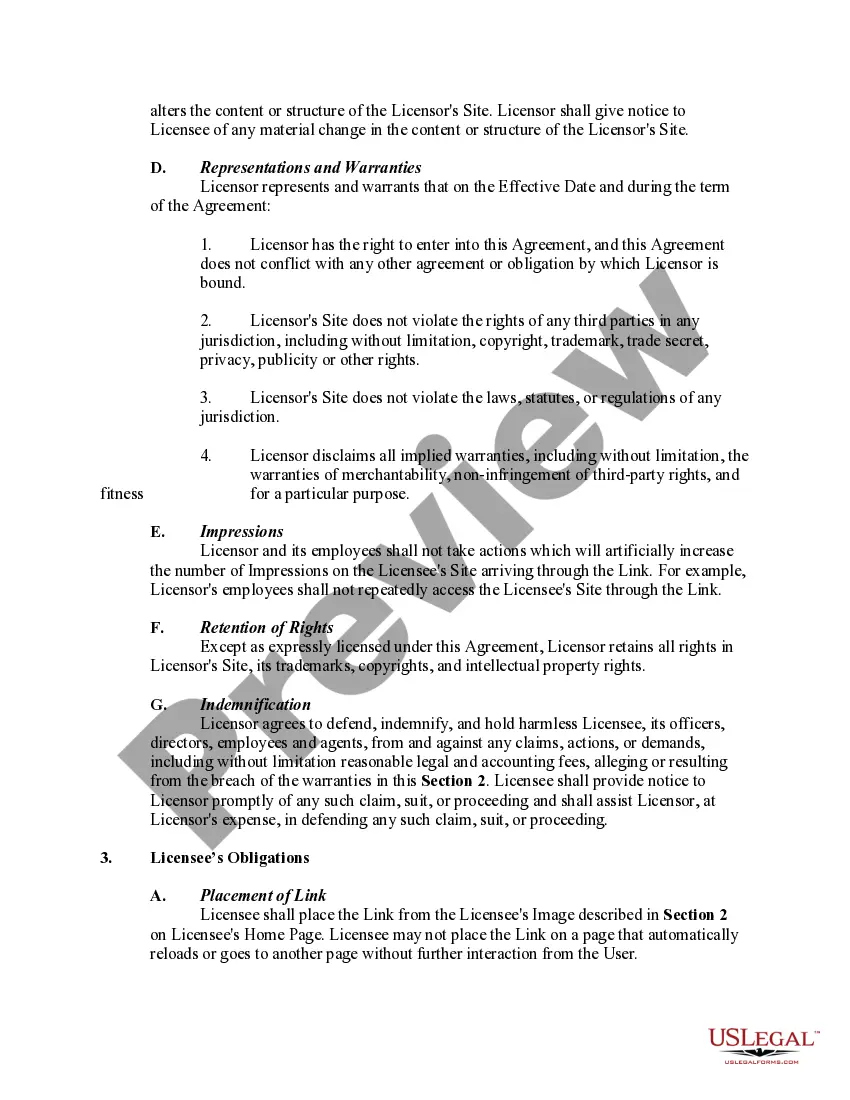
- Step 2. Utilize the Preview feature to review the form's content. Be sure to check the summary.
- Step 3. If you are not satisfied with the form, use the Search area at the top of the screen to find other versions of the legal document template.
Form popularity
FAQ
To write up a simple Georgia Website Linking Agreement, start with a clear and concise title. Follow with a brief introduction that defines the purpose and scope of the agreement. Ensure to include the parties involved, their obligations, and any required terms. Utilizing a straightforward template can greatly assist in streamlining this process and ensuring completeness.
A linking agreement, such as a Georgia Website Linking Agreement, is a legal contract between two parties to share links between their websites. This agreement typically outlines the expectations, responsibilities, and benefits of both parties involved. The primary goal is to enhance visibility and drive traffic to each other's websites through mutual linking.
To fill out a Georgia Website Linking Agreement, start by gathering all required information about the parties and the linking terms. Clearly write out any obligations, benefits, and legal stipulations both parties must follow. It’s advisable to review the completed document to ensure clarity and accuracy, as this helps prevent any misunderstandings later.
The format for a Georgia Website Linking Agreement typically includes a title, an introduction that outlines the purpose, and sections detailing terms and conditions. These sections should be organized logically, using headings and bullet points where appropriate. Always conclude with spaces for signatures from both parties to indicate acceptance of the agreement.
Filling out a Georgia Website Linking Agreement requires careful attention to detail. Start by clearly stating the purpose of the agreement and identifying all parties. Include information such as the duration of the agreement, any obligations, and rights that each party holds. Using a reliable template from a trusted source can simplify this process.
To complete a Georgia Website Linking Agreement, begin by reviewing the necessary terms and conditions relevant to both parties. Make sure to include all essential details, such as the names of the parties involved, the effective date, and the specific links being exchanged. It’s helpful to double-check the document for any missing information before finalizing it.