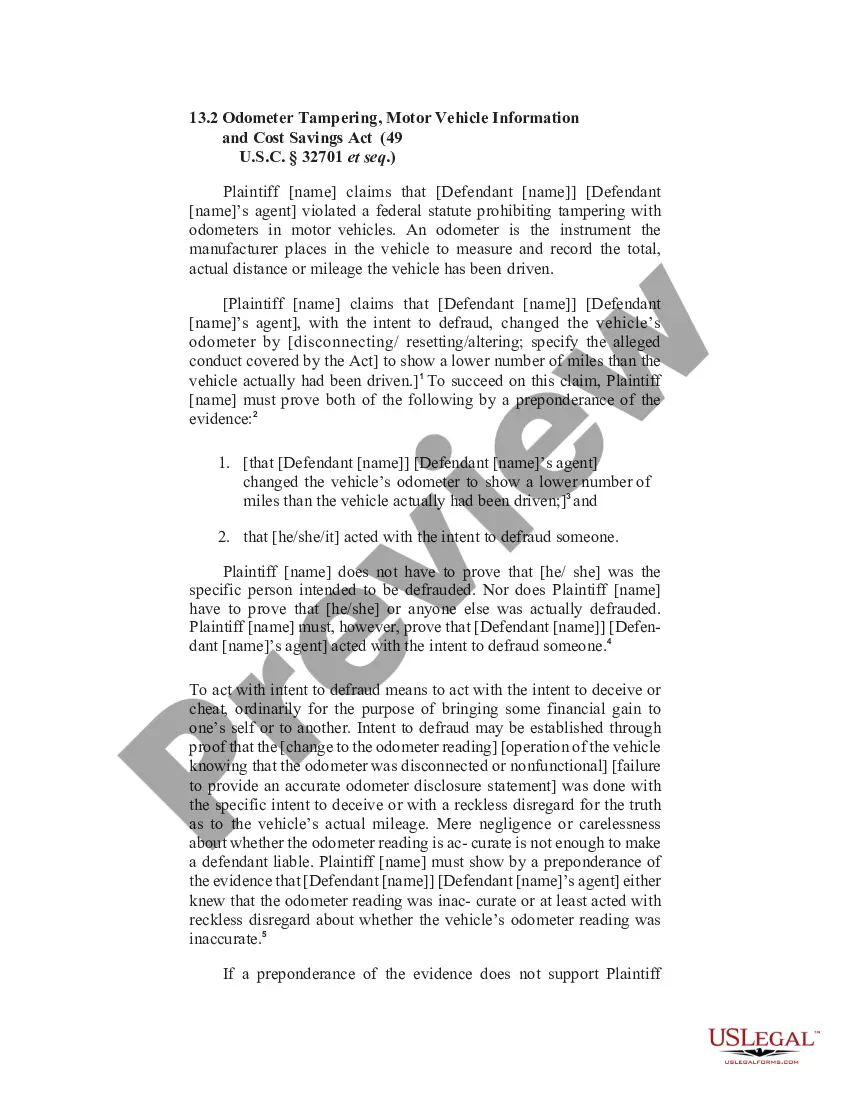
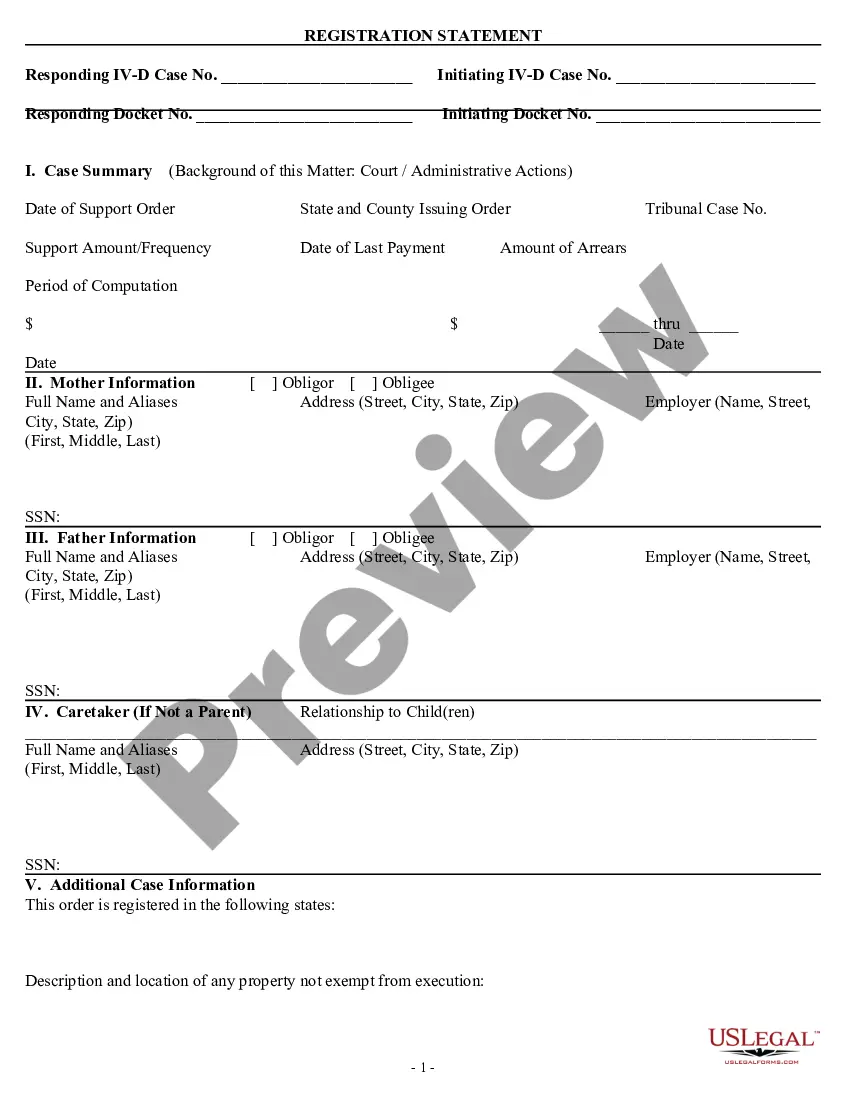
Florida Registration Statement
Description


Get your form ready online
Our built-in tools help you complete, sign, share, and store your documents in one place.
Make edits, fill in missing information, and update formatting in US Legal Forms—just like you would in MS Word.
Download a copy, print it, send it by email, or mail it via USPS—whatever works best for your next step.
Sign and collect signatures with our SignNow integration. Send to multiple recipients, set reminders, and more. Go Premium to unlock E-Sign.
If this form requires notarization, complete it online through a secure video call—no need to meet a notary in person or wait for an appointment.
We protect your documents and personal data by following strict security and privacy standards.

Make edits, fill in missing information, and update formatting in US Legal Forms—just like you would in MS Word.

Download a copy, print it, send it by email, or mail it via USPS—whatever works best for your next step.

Sign and collect signatures with our SignNow integration. Send to multiple recipients, set reminders, and more. Go Premium to unlock E-Sign.

If this form requires notarization, complete it online through a secure video call—no need to meet a notary in person or wait for an appointment.

We protect your documents and personal data by following strict security and privacy standards.
Looking for another form?
How to fill out Registration Statement?
Have you been in a situation where you require documents for potential business or personal use nearly every day? There is a multitude of legal document templates available online, but locating trustworthy ones can be challenging. US Legal Forms offers an extensive collection of form templates, including the Florida Registration Statement, designed to meet federal and state requirements.
If you are already familiar with the US Legal Forms website and possess an account, simply Log In. Subsequently, you can download the Florida Registration Statement template.
If you do not have an account and wish to start using US Legal Forms, follow these steps: Obtain the form you need and ensure it is for your specific city/county. Utilize the Review button to examine the form. Check the details to confirm that you have selected the correct form. If the form is not what you are looking for, use the Lookup field to find the form that meets your requirements. When you locate the suitable form, click on Buy now. Choose the pricing plan you prefer, fill in the necessary information to create your account, and complete the purchase using your PayPal or Visa or Mastercard. Select a convenient file format and download your copy. Access all the document templates you have purchased in the My documents section. You can obtain another copy of the Florida Registration Statement anytime, if needed. Click on the desired form to download or print the document template.
- Use US Legal Forms, the most comprehensive collection of legal forms, to save time and avoid mistakes.
- The service offers professionally crafted legal document templates that can be utilized for various purposes.
- Create an account on US Legal Forms and start simplifying your life.
Form popularity
FAQ
Visit FloridaDrivingRecord.com to request an official vehicle status report. You can also enter a vehicle's license plate number on the website to determine if the tag is registered to a different vehicle.
A registration certificate in the possession of the operator of the motor vehicle or carried in the vehicle at all times per section 320.0605, Florida Statutes. A registration decal is a sticker that is provided on the registration certificate.
If any stops appear on the registration, customers must go into an office or call FLHSMV Customer Service at (850) 617-2000 for information regarding your stop. Customers using MyDMV Portal will receive their registration in the mail within 7-10 business days from the transaction.
Owners may verify the current title (electronic or printed) and lien status at .
The following motor vehicle services are offered through MyDMV Portal: One or two-year registration renewals for motor vehicles. One or two-year registration renewals for vessels. Obtain a duplicate registration if the customers registration is lost.
A driver can visit any tax collectors office to replace their vehicles registration. This option is also available online and through the MyFlorida app.
Under Florida law, motor vehicle and driver license information are public information. Requesting parties can request personal information only if they meet an exemption covered by law.