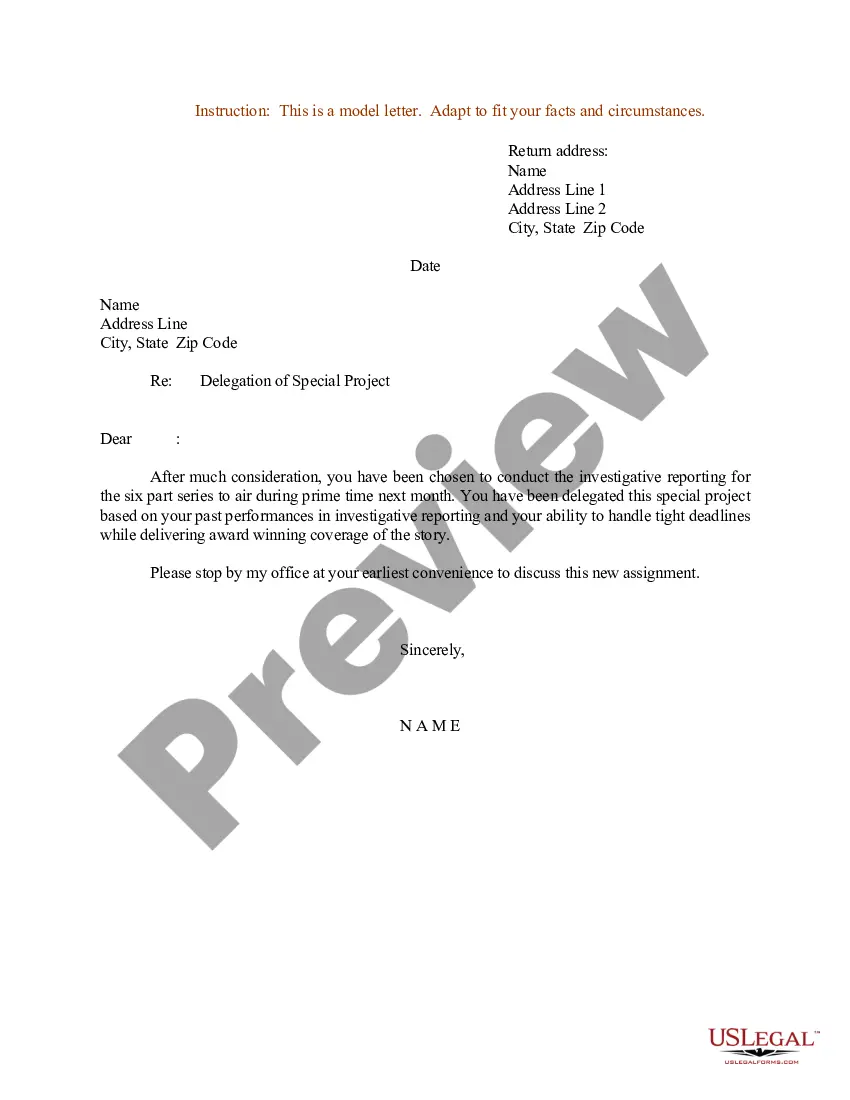
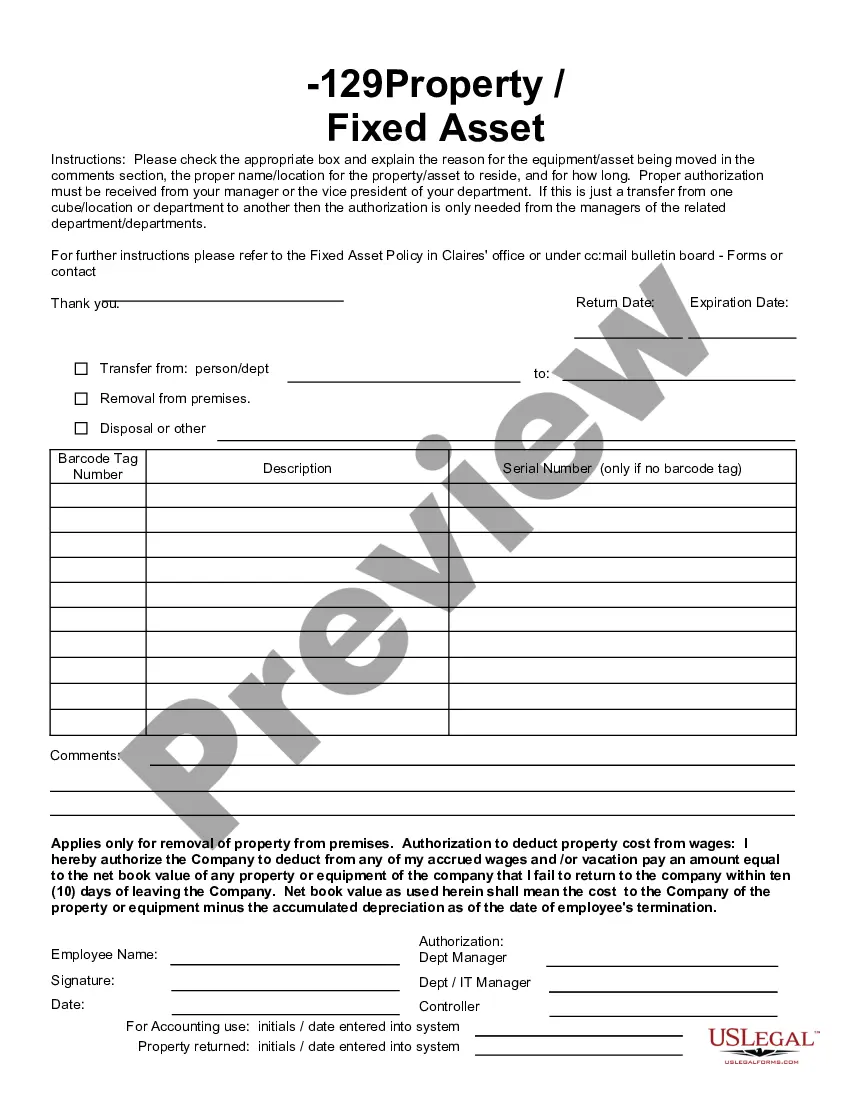
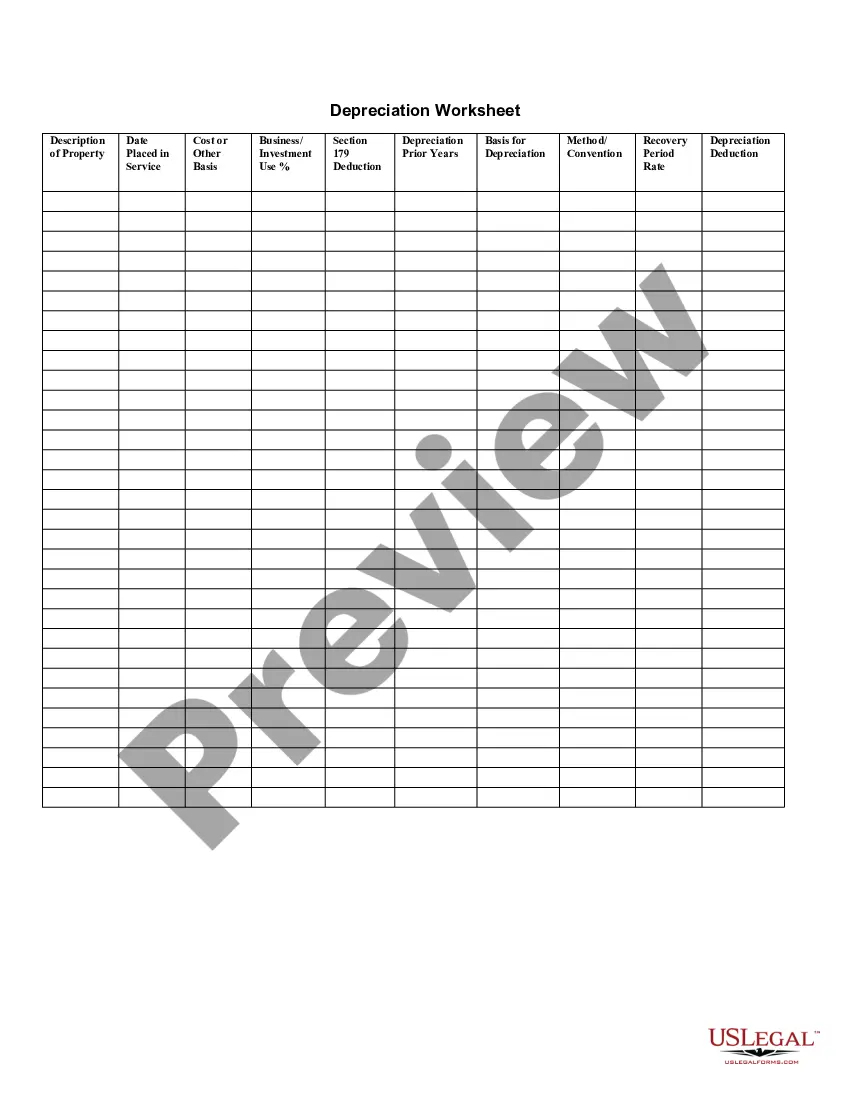
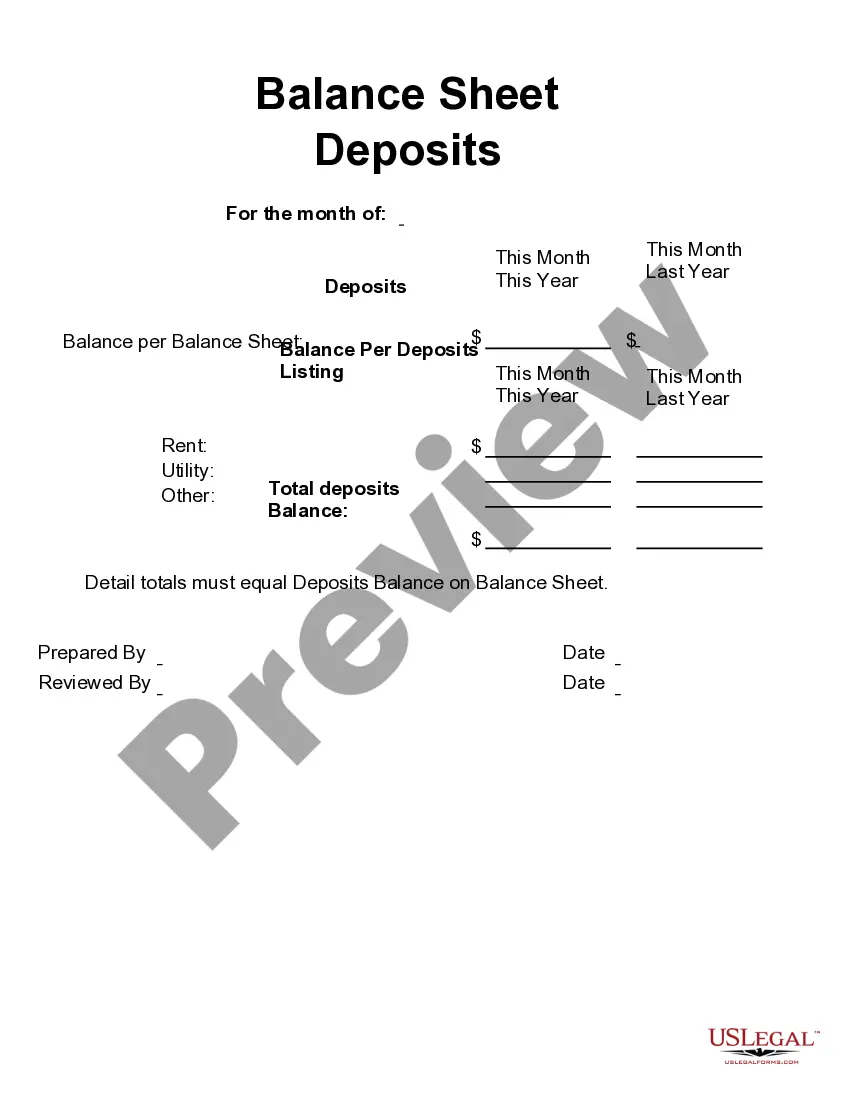
This form is a business type form that is formatted to allow you to complete the form using Adobe Acrobat or Word. The word files have been formatted to allow completion by entry into fields. Some of the forms under this category are rather simple while others are more complex. The formatting is worth the small cost.
Delaware Fixed Asset Removal Form
Category:
State:
Multi-State
Control #:
US-142-AZ
Format:
Word;
PDF;
Rich Text
Instant download
Description
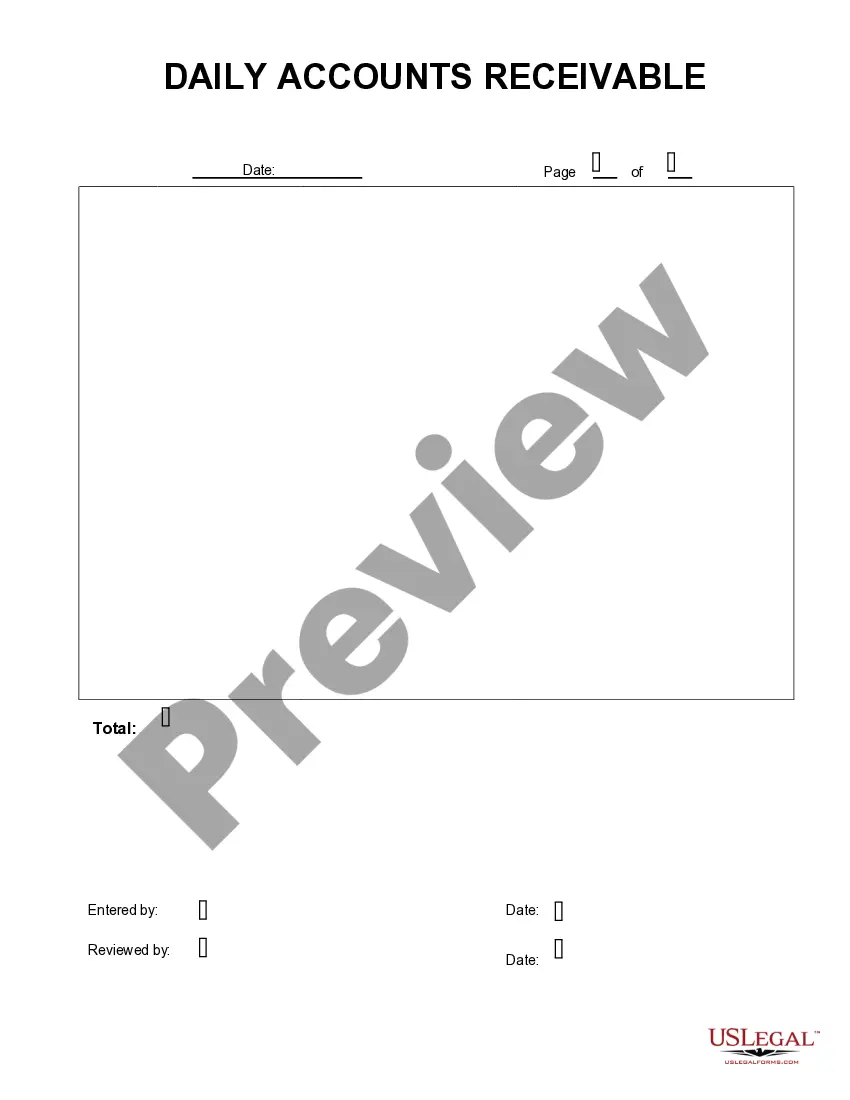
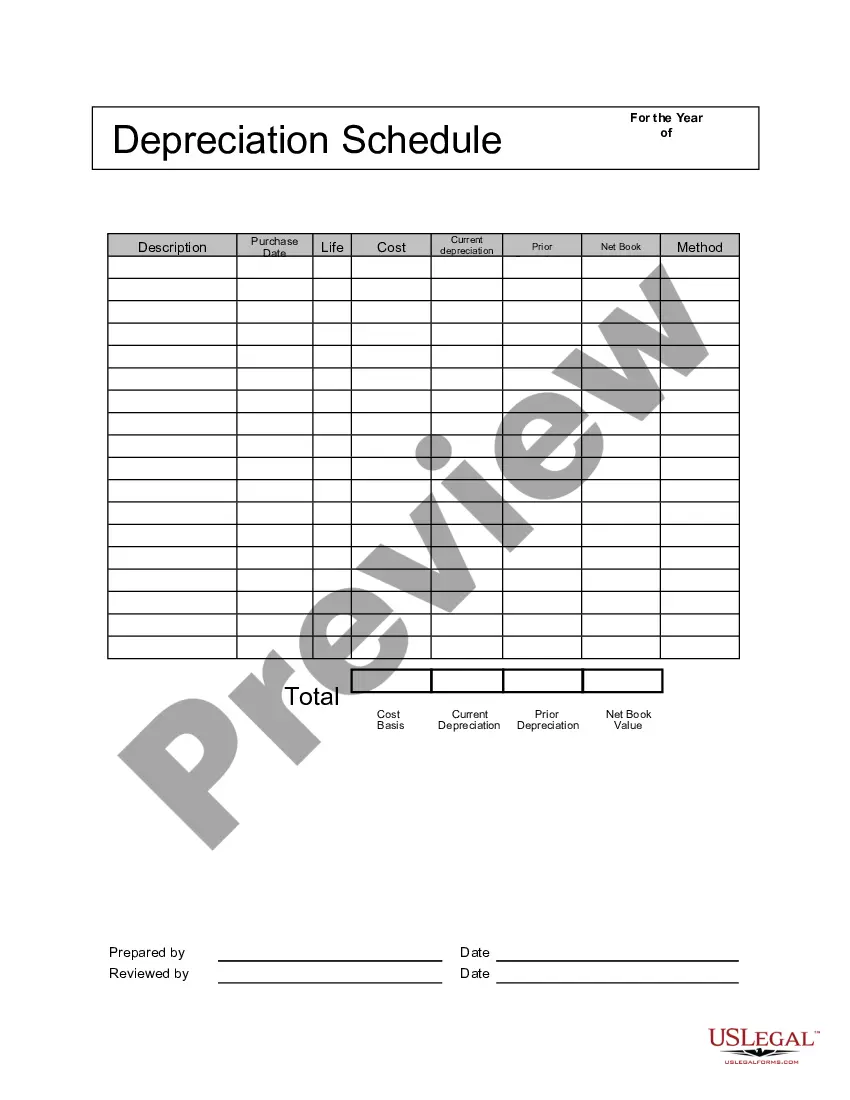
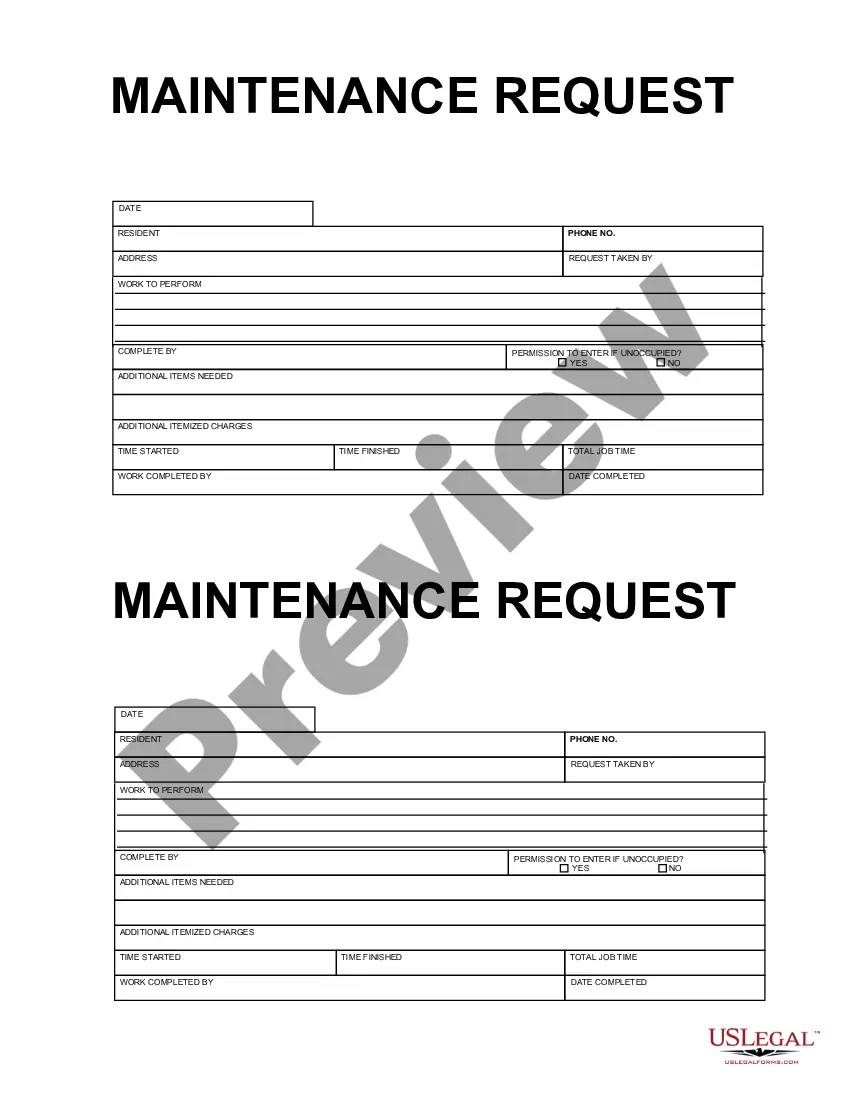
Get your form ready online
Our built-in tools help you complete, sign, share, and store your documents in one place.
Built-in online Word editor
Make edits, fill in missing information, and update formatting in US Legal Forms—just like you would in MS Word.
Export easily
Download a copy, print it, send it by email, or mail it via USPS—whatever works best for your next step.
E-sign your document
Sign and collect signatures with our SignNow integration. Send to multiple recipients, set reminders, and more. Go Premium to unlock E-Sign.
Notarize online 24/7
If this form requires notarization, complete it online through a secure video call—no need to meet a notary in person or wait for an appointment.
Store your document securely
We protect your documents and personal data by following strict security and privacy standards.

Make edits, fill in missing information, and update formatting in US Legal Forms—just like you would in MS Word.

Download a copy, print it, send it by email, or mail it via USPS—whatever works best for your next step.

Sign and collect signatures with our SignNow integration. Send to multiple recipients, set reminders, and more. Go Premium to unlock E-Sign.

If this form requires notarization, complete it online through a secure video call—no need to meet a notary in person or wait for an appointment.

We protect your documents and personal data by following strict security and privacy standards.
Looking for another form?
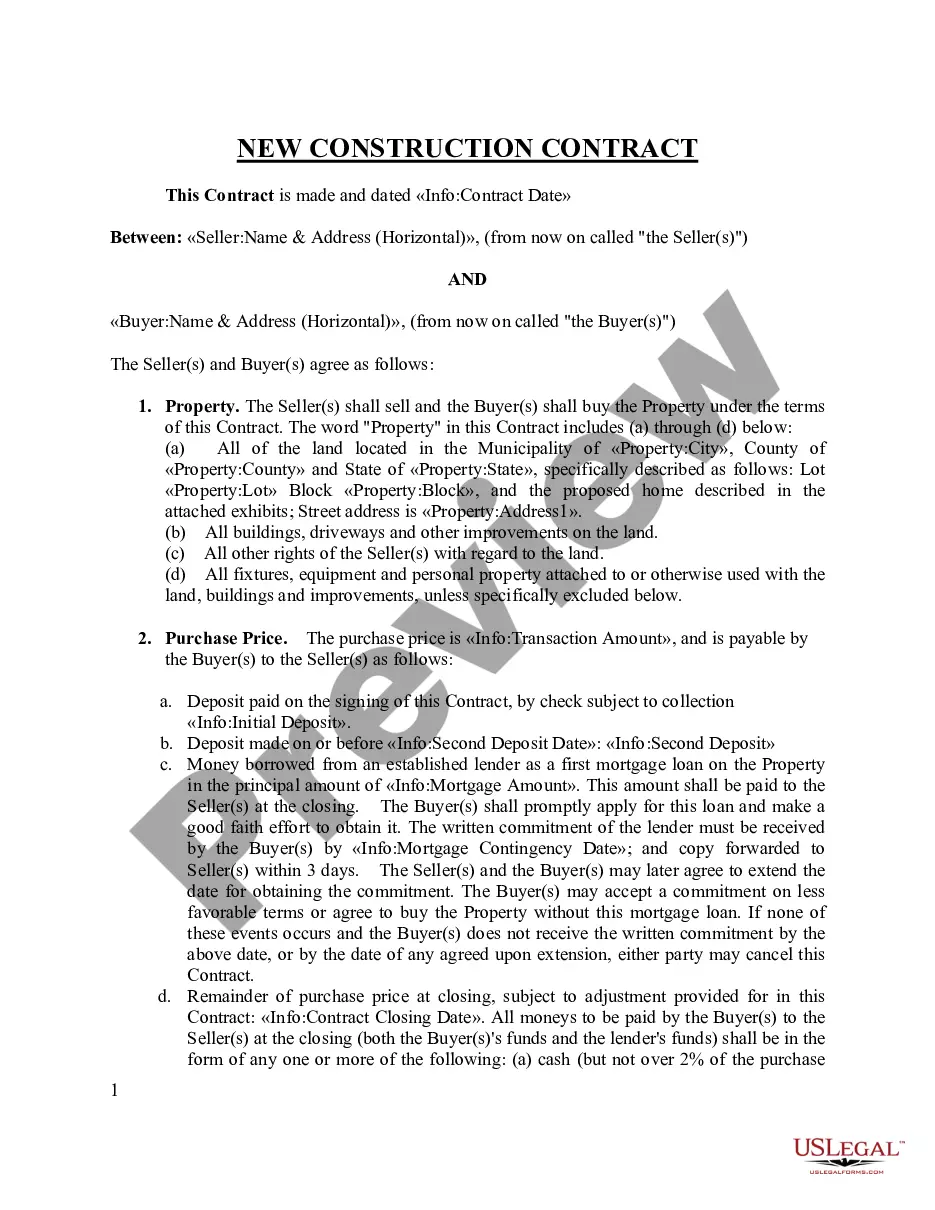




How to fill out Fixed Asset Removal Form?
It is feasible to spend time online searching for the sanctioned document template that satisfies the state and federal requirements you need.
US Legal Forms provides thousands of legal forms that are reviewed by experts.
You can effortlessly download or print the Delaware Fixed Asset Removal Form from my services.
If available, utilize the Review button to examine the document template as well.
- If you have an account with US Legal Forms, you can Log In and click the Download button.
- Then, you can fill out, modify, print, or sign the Delaware Fixed Asset Removal Form.
- Each legal document template you receive is yours permanently.
- To obtain another copy of any purchased form, visit the My documents tab and click the corresponding button.
- If this is your first time using the US Legal Forms website, follow the simple instructions provided below.
- First, ensure you have selected the correct document template for the county/city that you choose.
- Review the form outline to confirm you selected the appropriate form.
Form popularity
FAQ
If you do not dissolve your Delaware corporation, it may continue to incur statutory fees and obligations, potentially leading to penalties. Ongoing registration requirements can accumulate, and you may jeopardize your corporate liability protection. Using the Delaware Fixed Asset Removal Form will help in properly handling your assets in the context of dissolution. Taking action helps you avoid complications in the future.
Writing an asset off in business is the same as claiming that it no longer serves a purpose and has no future value. You're effectively telling the IRS that the value of the asset is now zero. Old equipment can be written off even if it still has some potential functionality.
In the Accounting menu, select Advanced, then click Fixed assets.Select the status tab for the asset you want to delete.Click the asset number to open the asset details.Click Options, then click Delete.Click Delete to confirm.
When there is a loss on the sale of a fixed asset, debit cash for the amount received, debit all accumulated depreciation, debit the loss on sale of asset account, and credit the fixed asset.
When there is a loss on the sale of a fixed asset, debit cash for the amount received, debit all accumulated depreciation, debit the loss on sale of asset account, and credit the fixed asset.
The entry to remove the asset and its contra account off the balance sheet involves decreasing (crediting) the asset's account by its cost and decreasing (crediting) the accumulated depreciation account by its account balance.
When an asset reaches the end of its useful life and is fully depreciated, asset disposal occurs by means of a single entry in the general journal. The accumulated depreciation account is debited, and the relevant asset account is credited.
Disposal of fixed assets is accounted for by removing cost of the asset and any related accumulated depreciation and accumulated impairment losses from balance sheet, recording receipt of cash and recognizing any resulting gain or loss in income statement.
To remove a group disposition:Select Asset List (tab).Go to Assets > Group Disposition.Highlight the group disposition you want to remove.Click Delete.
The Fixed Asset Disposition (FD) document records the disposition of assets. This results from a sale, destruction, obsolescence, etc. of an asset.