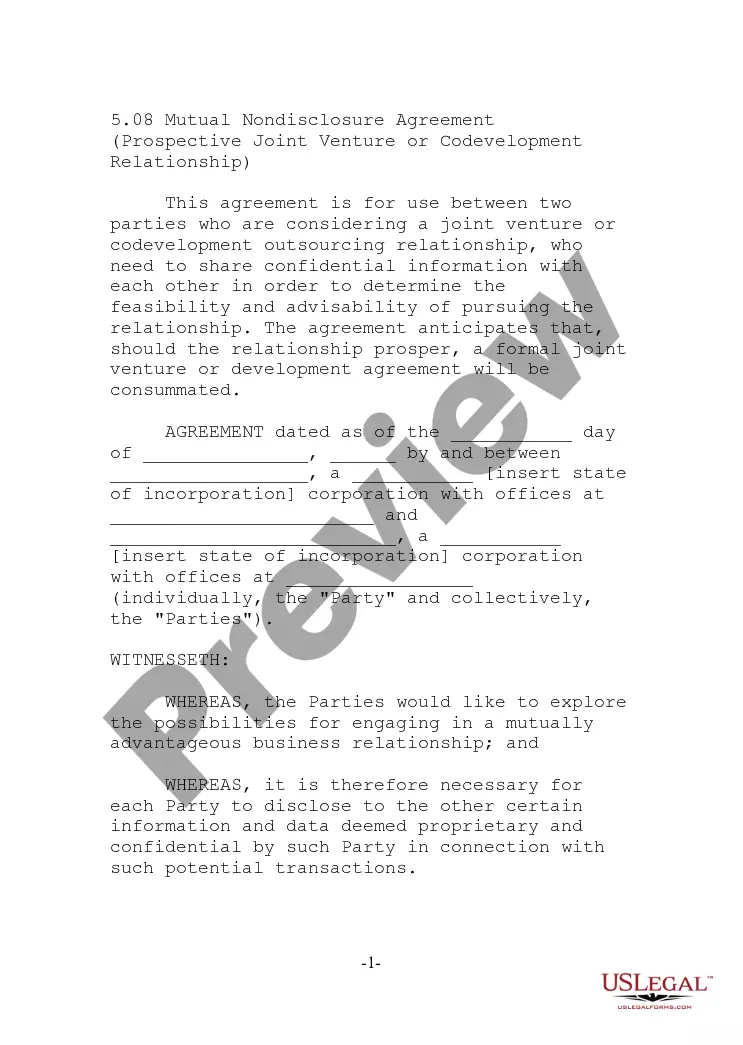
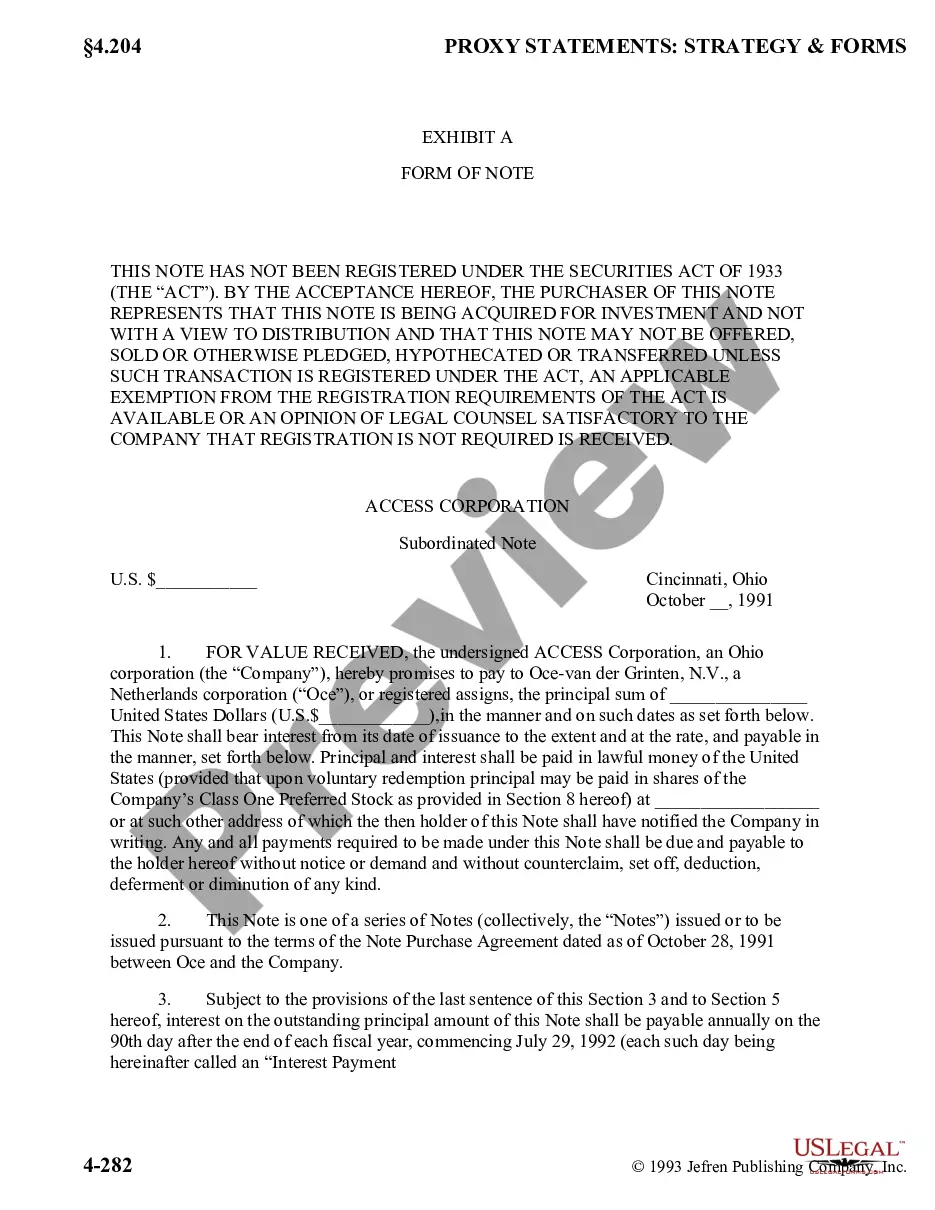
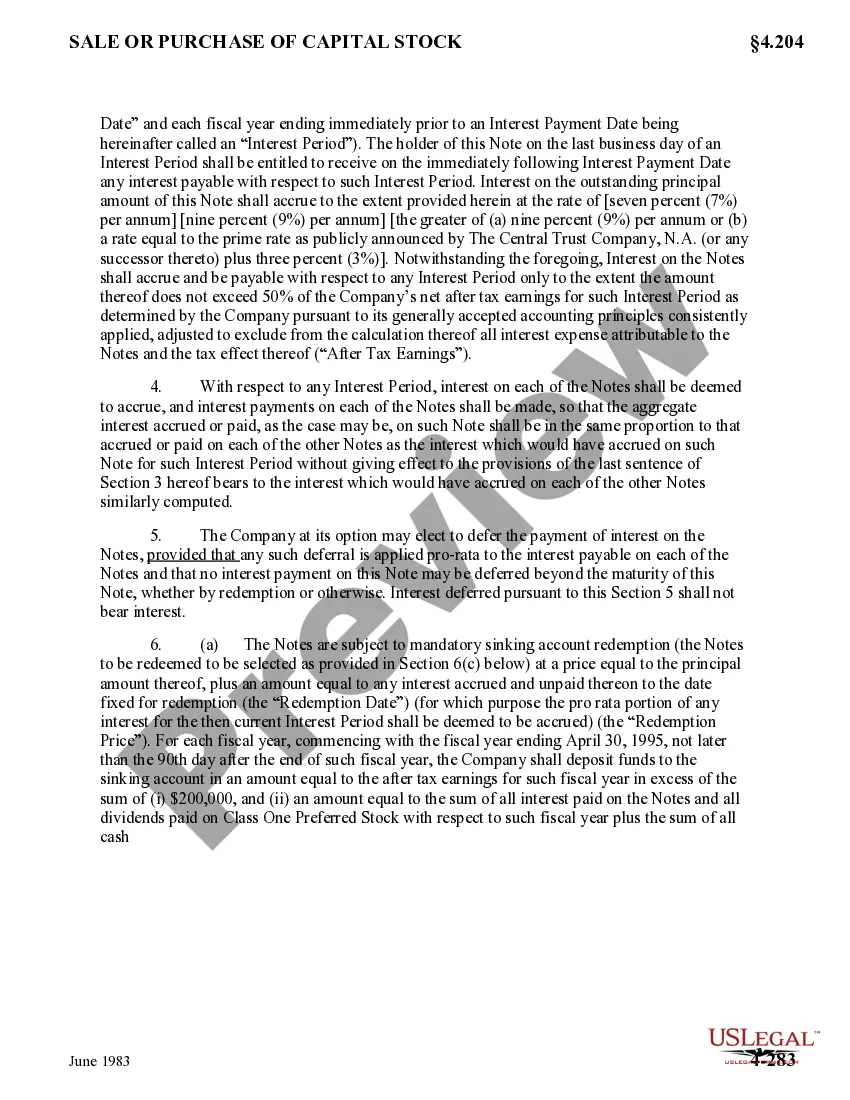
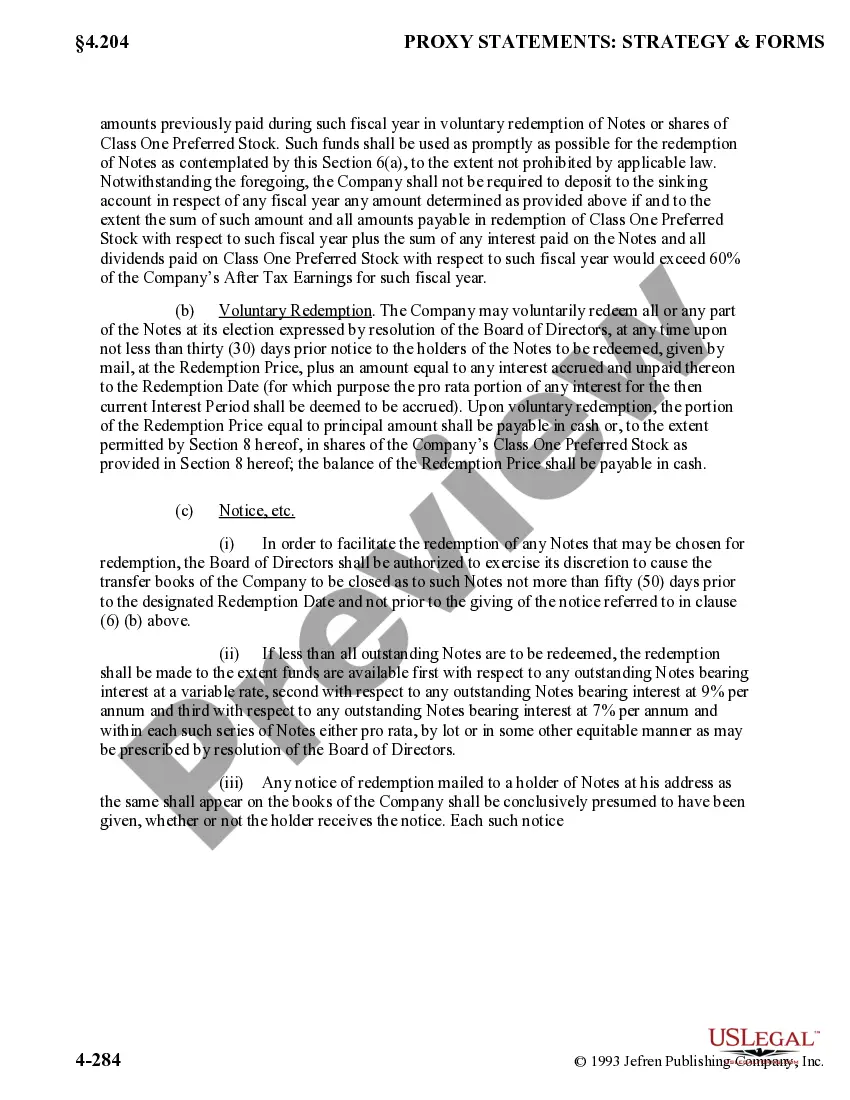
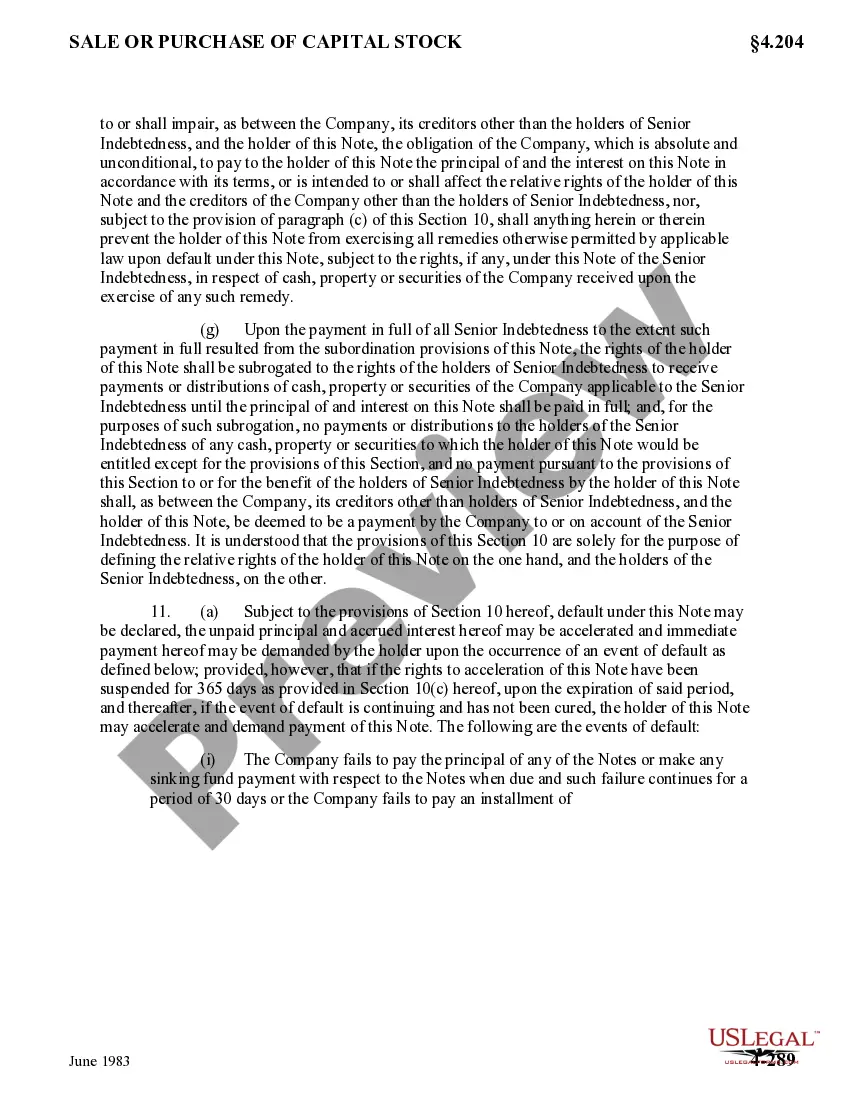
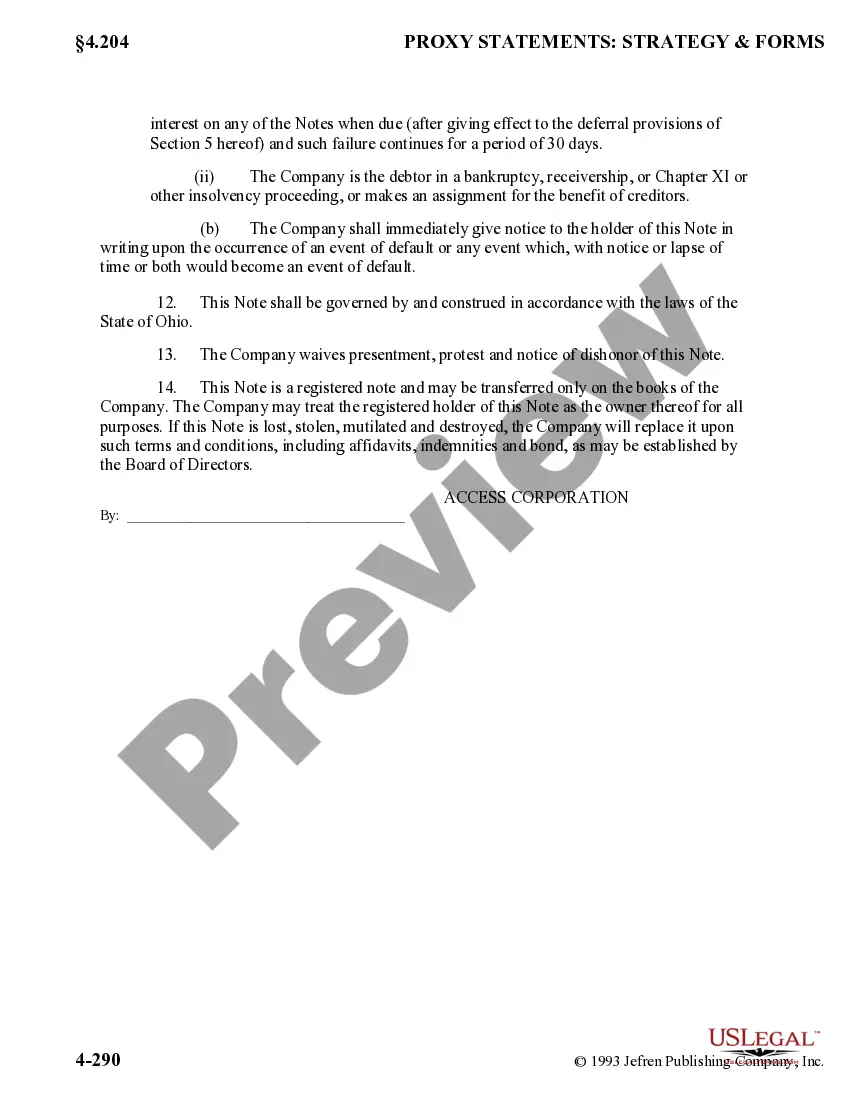
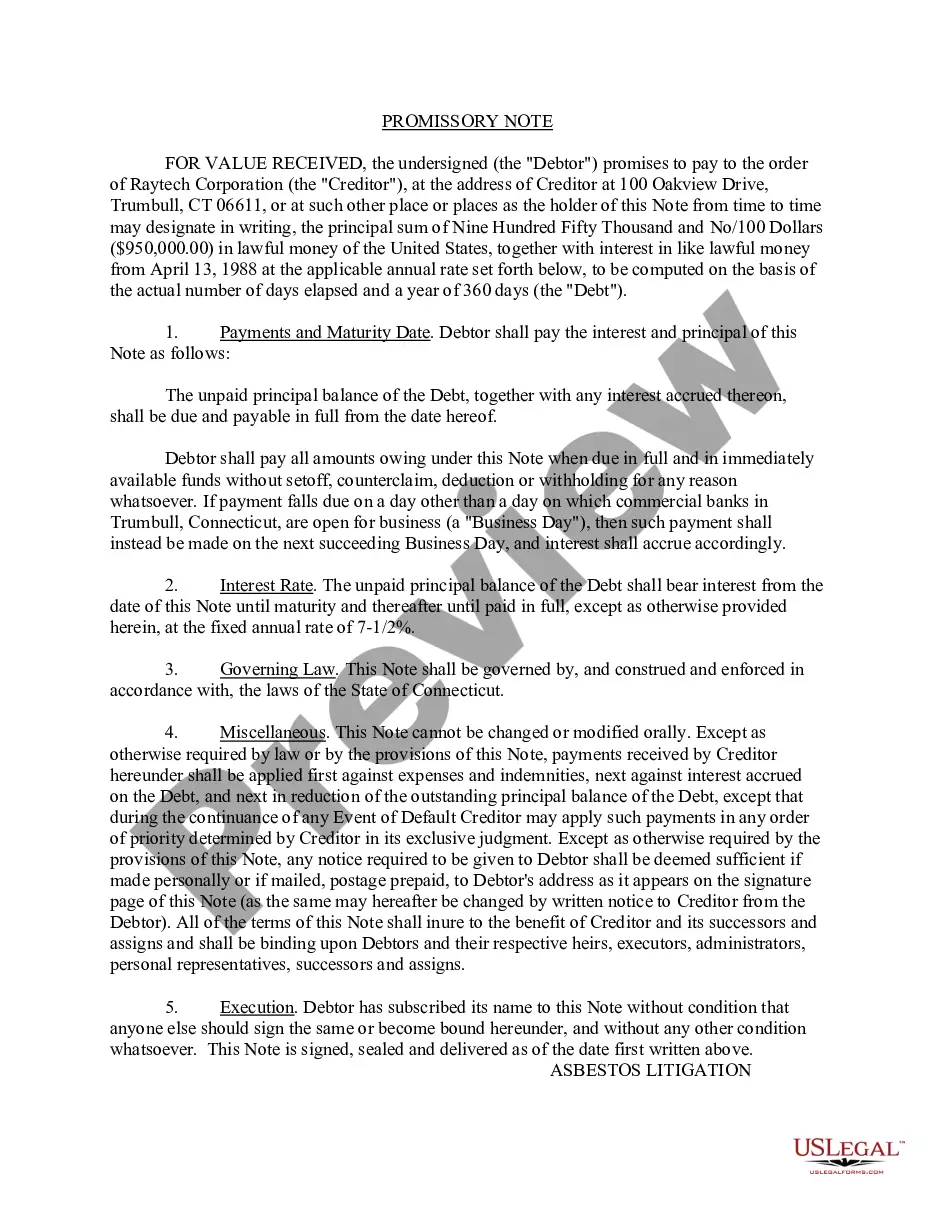
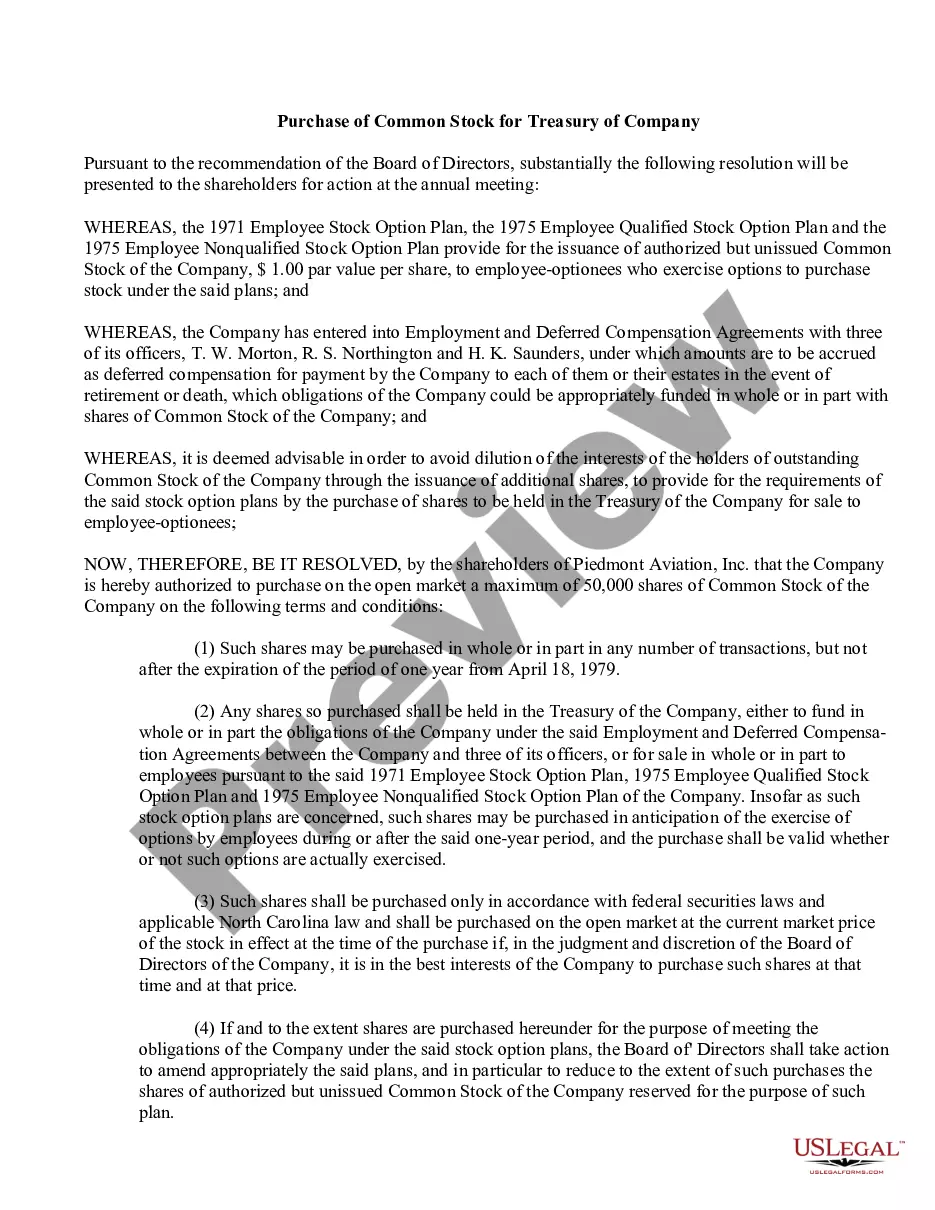
District of Columbia Form of Note
Description
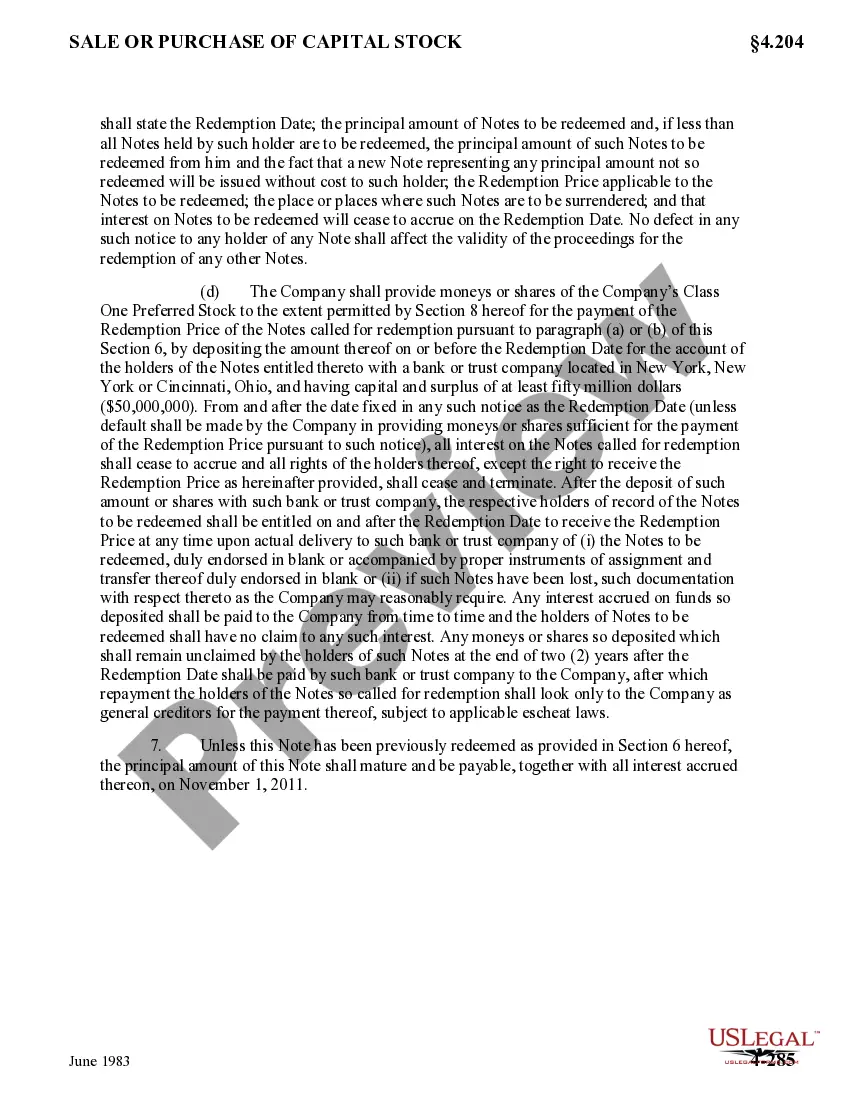
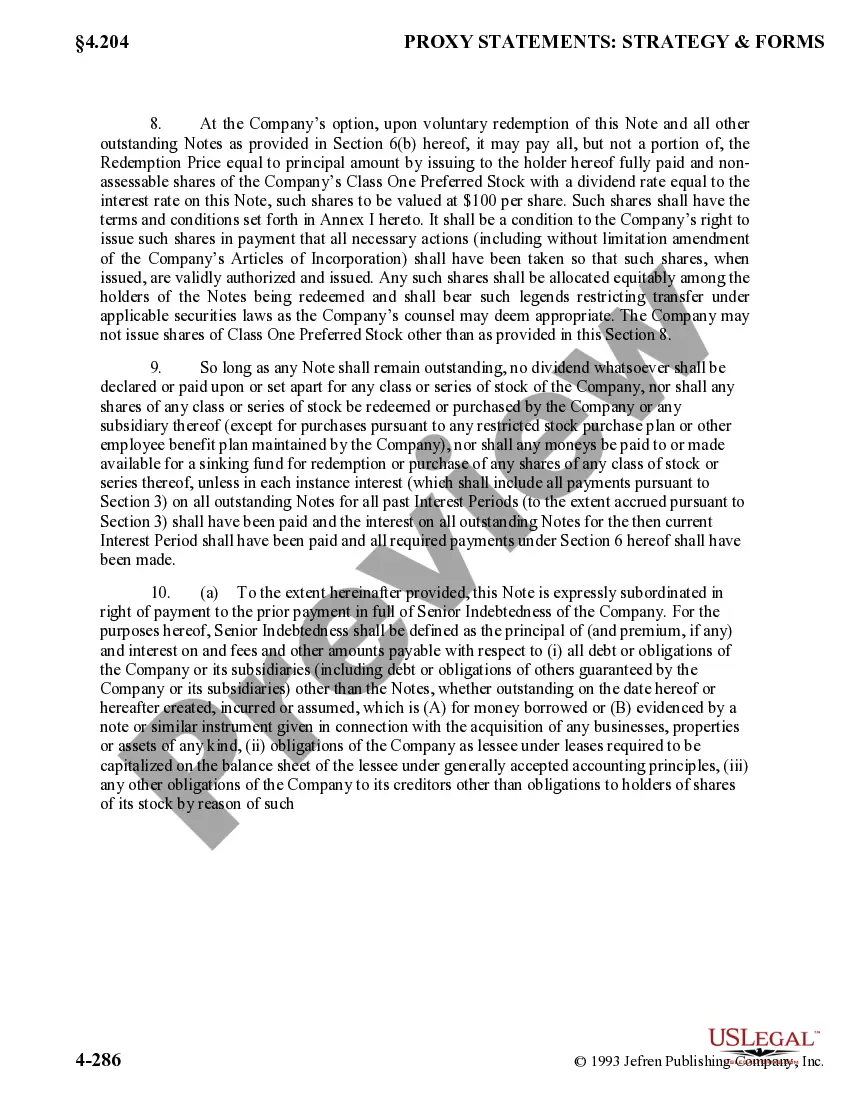
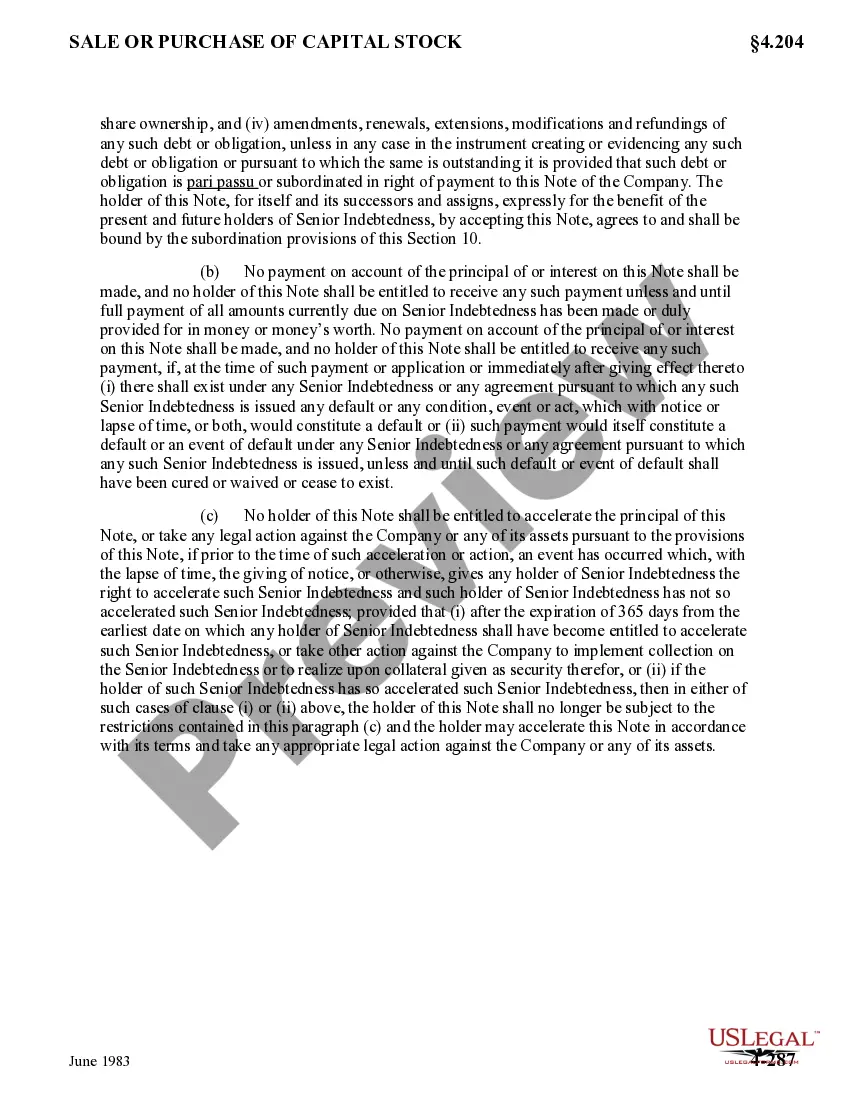
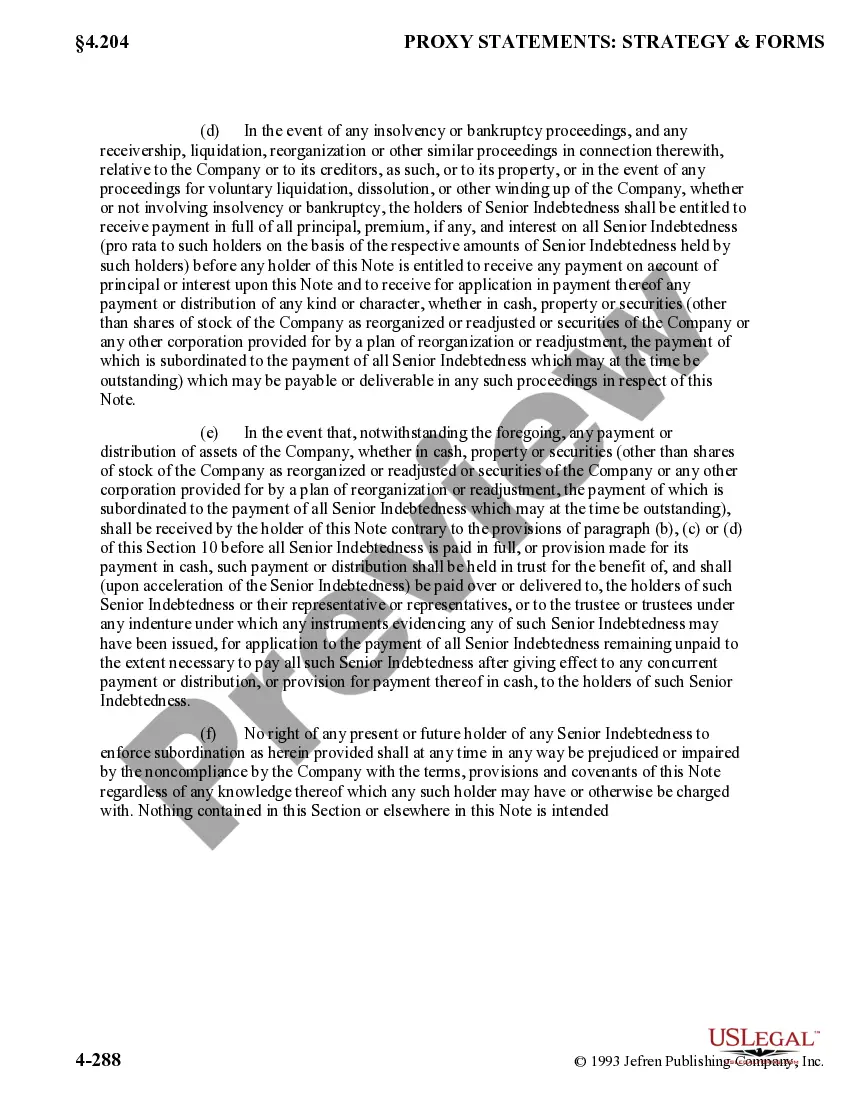
Get your form ready online
Our built-in tools help you complete, sign, share, and store your documents in one place.
Make edits, fill in missing information, and update formatting in US Legal Forms—just like you would in MS Word.
Download a copy, print it, send it by email, or mail it via USPS—whatever works best for your next step.
Sign and collect signatures with our SignNow integration. Send to multiple recipients, set reminders, and more. Go Premium to unlock E-Sign.
If this form requires notarization, complete it online through a secure video call—no need to meet a notary in person or wait for an appointment.
We protect your documents and personal data by following strict security and privacy standards.

Make edits, fill in missing information, and update formatting in US Legal Forms—just like you would in MS Word.

Download a copy, print it, send it by email, or mail it via USPS—whatever works best for your next step.

Sign and collect signatures with our SignNow integration. Send to multiple recipients, set reminders, and more. Go Premium to unlock E-Sign.

If this form requires notarization, complete it online through a secure video call—no need to meet a notary in person or wait for an appointment.

We protect your documents and personal data by following strict security and privacy standards.
Looking for another form?

How to fill out Form Of Note?
Are you currently in the place in which you require files for sometimes business or personal functions virtually every time? There are tons of authorized document templates available on the net, but discovering ones you can depend on isn`t simple. US Legal Forms provides a large number of form templates, like the District of Columbia Form of Note, that are written to fulfill federal and state specifications.
When you are currently knowledgeable about US Legal Forms web site and also have a free account, simply log in. Next, you can down load the District of Columbia Form of Note web template.
If you do not come with an bank account and want to begin using US Legal Forms, abide by these steps:
- Get the form you will need and ensure it is for the correct city/county.
- Use the Preview switch to examine the shape.
- See the description to ensure that you have chosen the correct form.
- In the event the form isn`t what you are seeking, use the Research discipline to find the form that meets your requirements and specifications.
- When you discover the correct form, click on Acquire now.
- Opt for the pricing prepare you desire, fill out the required info to create your bank account, and purchase the order utilizing your PayPal or Visa or Mastercard.
- Select a convenient document formatting and down load your backup.
Find all the document templates you possess purchased in the My Forms menus. You may get a extra backup of District of Columbia Form of Note whenever, if needed. Just go through the required form to down load or produce the document web template.
Use US Legal Forms, the most considerable assortment of authorized forms, to save time as well as stay away from mistakes. The support provides appropriately manufactured authorized document templates which can be used for an array of functions. Create a free account on US Legal Forms and begin generating your life a little easier.
Form popularity
FAQ
How to fill out a 2023 W-4 form Step 1: Enter your personal information. Step 2: Account for multiple jobs. Step 3: Claim dependents, including children. Step 4: Refine your withholdings. Step 5: Sign and date your W-4. How to have more taxes taken out of your paycheck. How to have less tax taken out of your paycheck.
MyTax.DC.gov For many tax types, you can even file.
Any non-resident of DC claiming a refund of DC income tax with- held or paid by estimated tax payments must file a D-40B. A non-resident is anyone whose permanent home was outside DC during all of 2022 and who did not maintain a place of abode in DC for a total of 183 days or more during 2022.
4 (Fillin) Employee Withholding Allowance Certificate. File with employer when starting new employment or when claimed allowances change. 4A. 4A (Fillin)
The W-4 Form is an IRS form that you complete to let your employer know how much money to withhold from your paycheck for federal taxes.
New hires and existing employees making changes to their withholdings must submit both the Form W-4 and the Form DE 4. If a new employee does not submit state DE 4, the employer must withhold state income tax as if the employee were single and claiming zero withholding allowances.
An individual can claim two allowances if they are single and have more than one job, or are married and are filing taxes separately. Usually, those who are married and have either one child or more claim three allowances.
The District of Columbia (DC) has a graduated individual income tax, with rates ranging from 4.00 percent to 10.75 percent. DC has a flat 8.25 percent corporate income tax rate. DC also has a 6.00 percent sales tax rate. DC's tax system ranks 48th overall on our 2023 State Business Tax Climate Index.