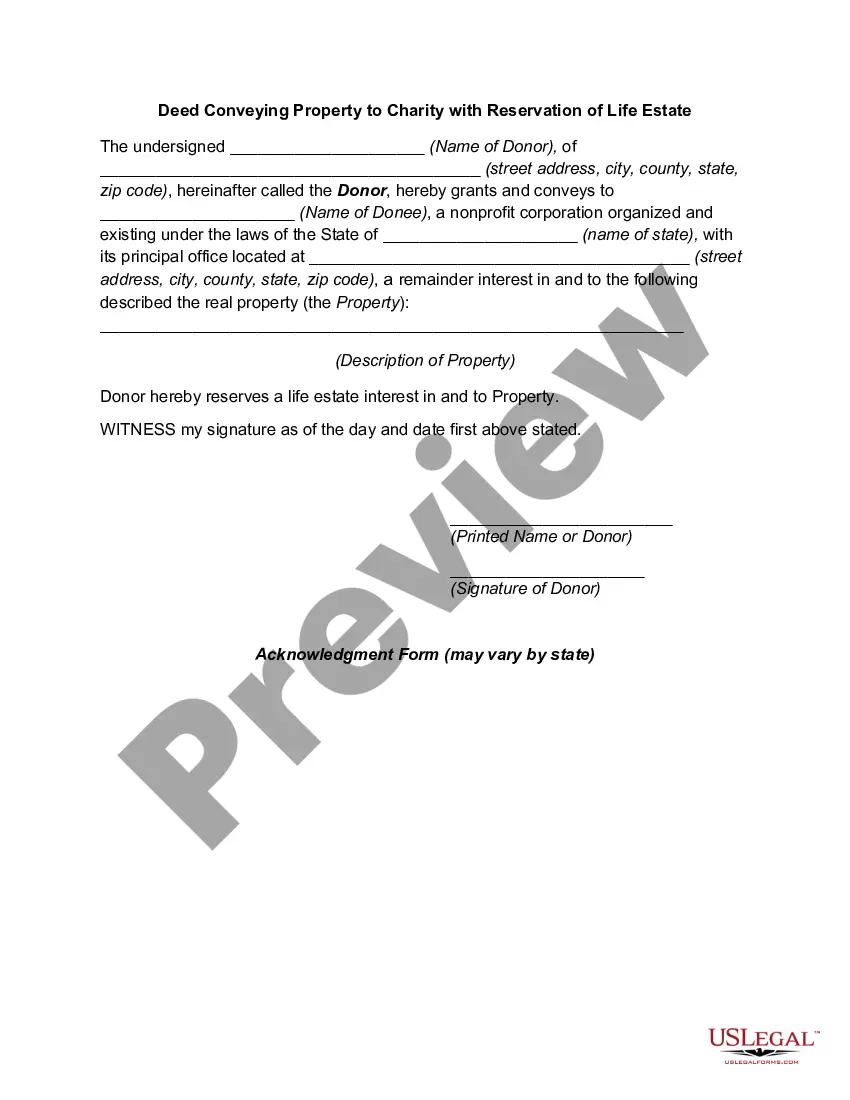
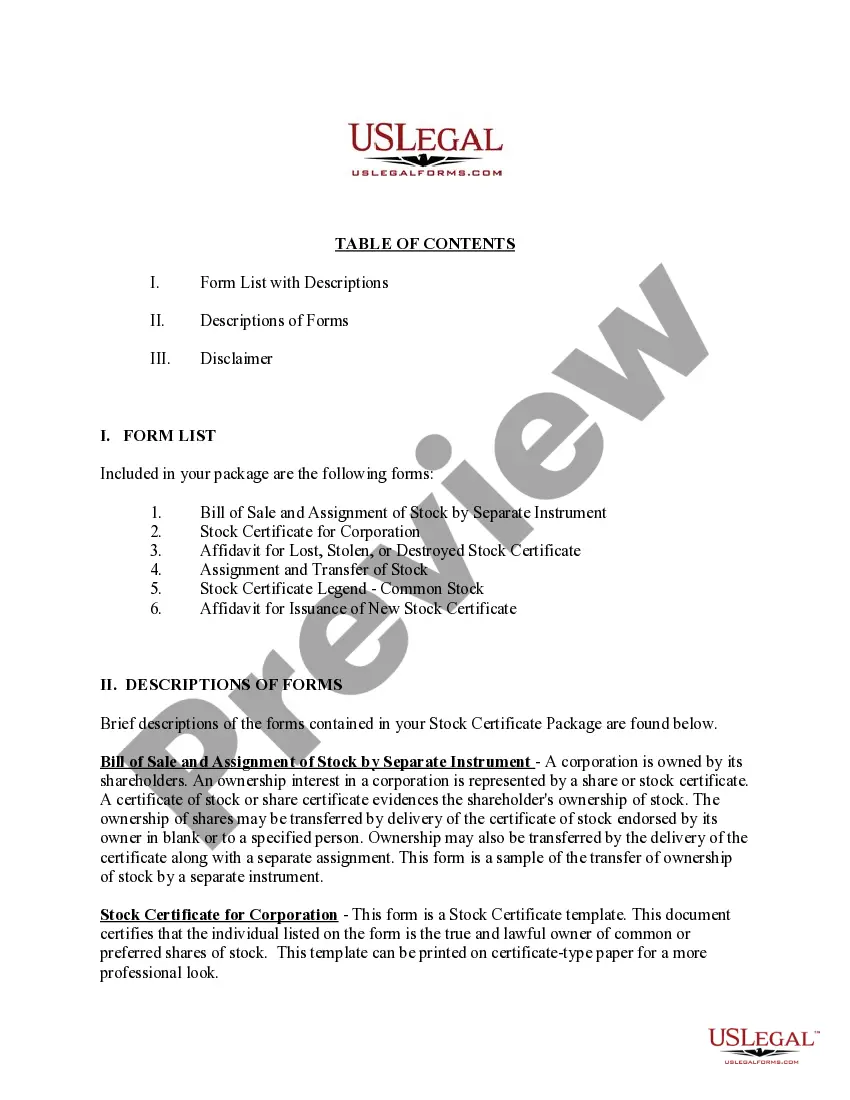
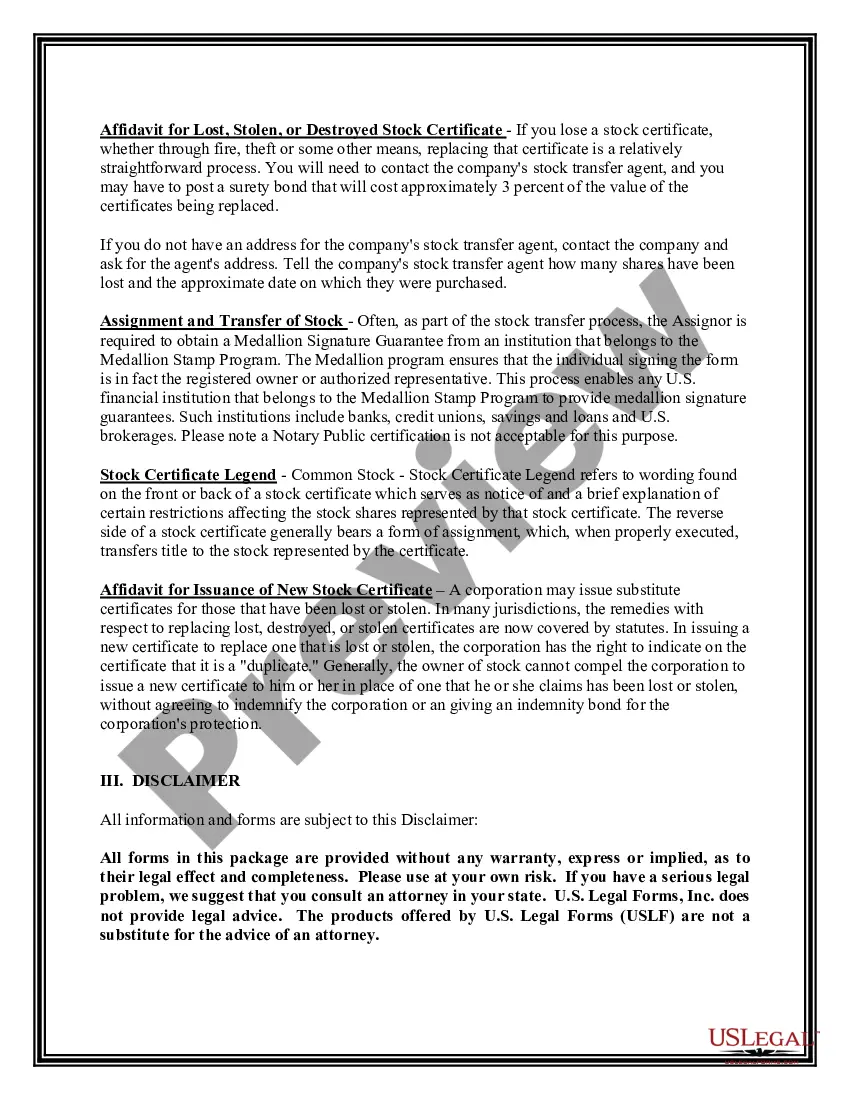
District of Columbia Stock Certificate Package
Description

Get your form ready online
Our built-in tools help you complete, sign, share, and store your documents in one place.
Make edits, fill in missing information, and update formatting in US Legal Forms—just like you would in MS Word.
Download a copy, print it, send it by email, or mail it via USPS—whatever works best for your next step.
Sign and collect signatures with our SignNow integration. Send to multiple recipients, set reminders, and more. Go Premium to unlock E-Sign.
If this form requires notarization, complete it online through a secure video call—no need to meet a notary in person or wait for an appointment.
We protect your documents and personal data by following strict security and privacy standards.

Make edits, fill in missing information, and update formatting in US Legal Forms—just like you would in MS Word.

Download a copy, print it, send it by email, or mail it via USPS—whatever works best for your next step.

Sign and collect signatures with our SignNow integration. Send to multiple recipients, set reminders, and more. Go Premium to unlock E-Sign.

If this form requires notarization, complete it online through a secure video call—no need to meet a notary in person or wait for an appointment.

We protect your documents and personal data by following strict security and privacy standards.
Looking for another form?




How to fill out Stock Certificate Package?
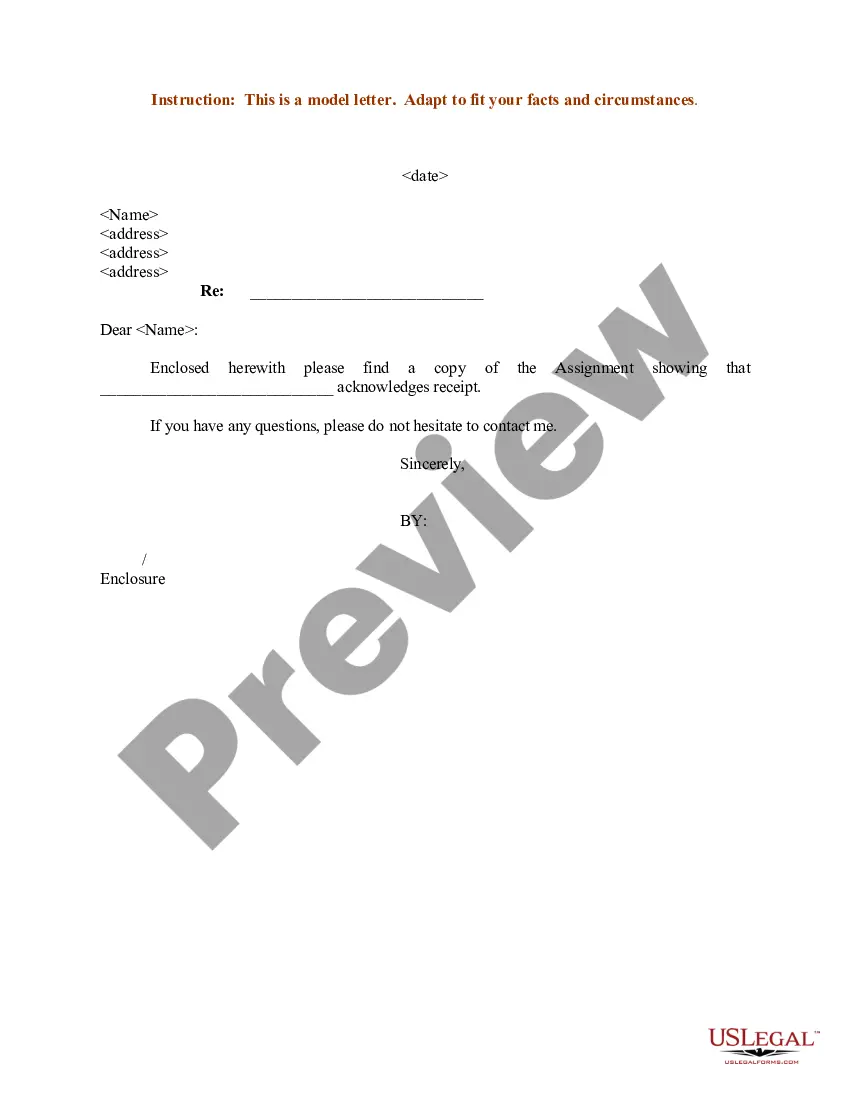
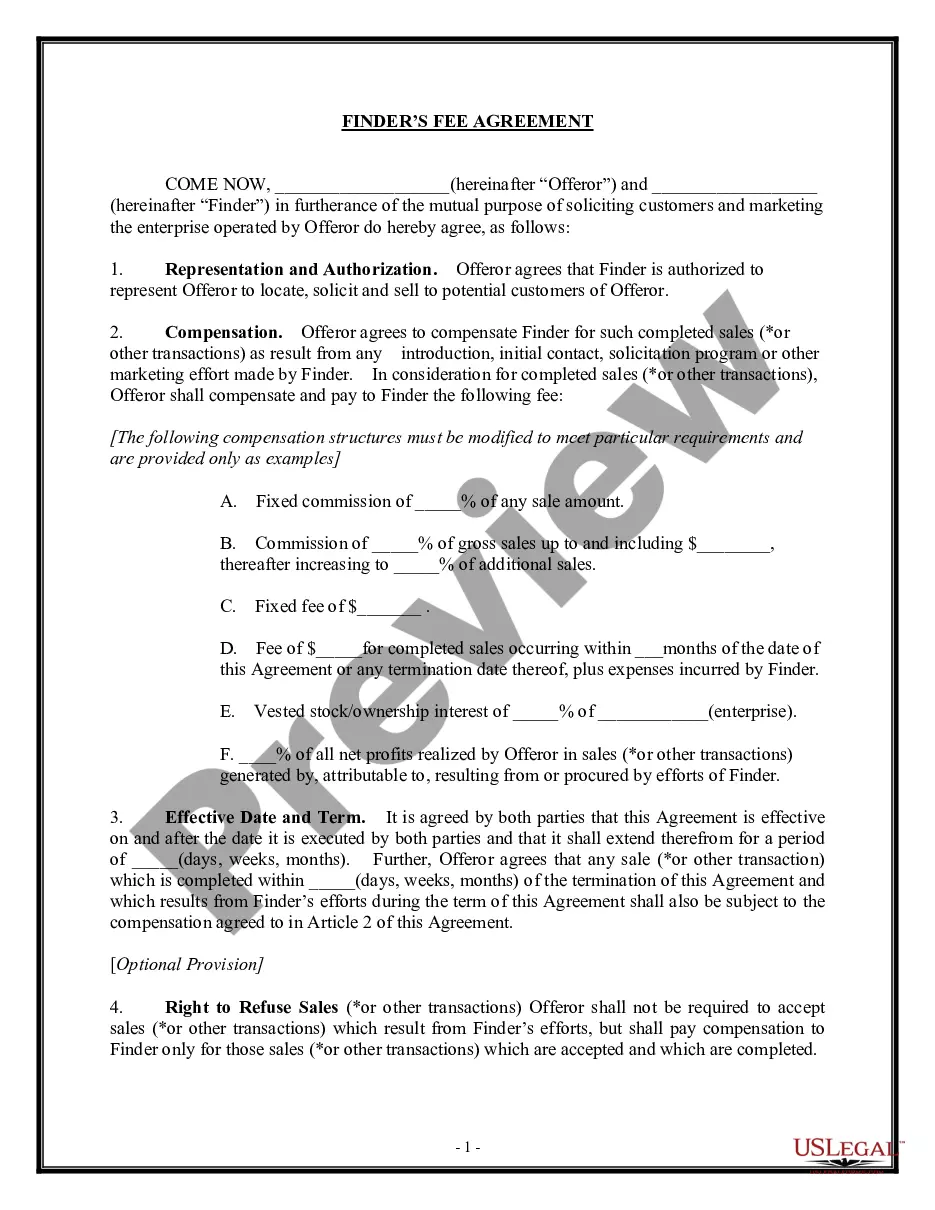
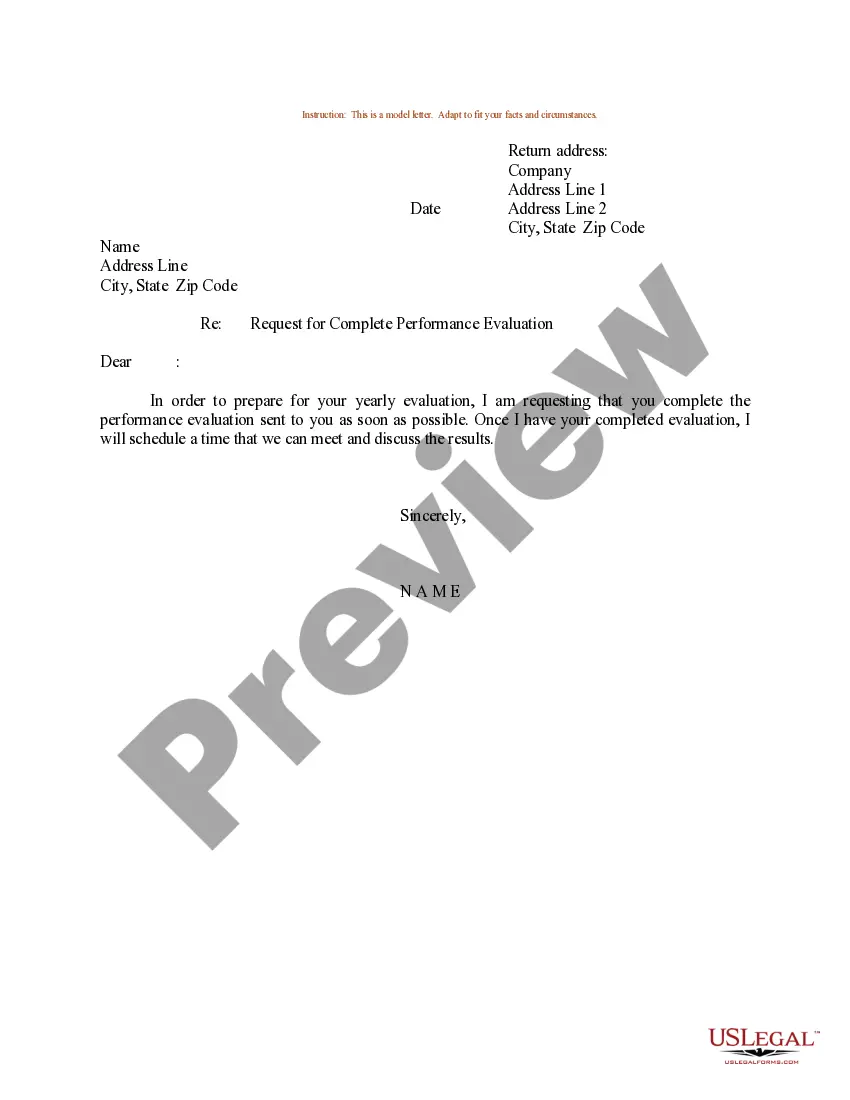
If you have to comprehensive, download, or print out authorized papers templates, use US Legal Forms, the largest collection of authorized forms, that can be found online. Use the site`s simple and practical look for to obtain the documents you require. Numerous templates for business and individual uses are categorized by groups and suggests, or search phrases. Use US Legal Forms to obtain the District of Columbia Stock Certificate Package in just a few mouse clicks.
When you are currently a US Legal Forms buyer, log in to the account and then click the Obtain switch to obtain the District of Columbia Stock Certificate Package. Also you can entry forms you formerly delivered electronically within the My Forms tab of the account.
Should you use US Legal Forms the first time, refer to the instructions beneath:
- Step 1. Be sure you have chosen the form to the correct metropolis/country.
- Step 2. Make use of the Preview solution to check out the form`s articles. Don`t overlook to read the explanation.
- Step 3. When you are unsatisfied using the kind, utilize the Research industry towards the top of the display to discover other versions of your authorized kind format.
- Step 4. After you have located the form you require, click on the Buy now switch. Choose the costs program you choose and add your references to sign up to have an account.
- Step 5. Method the financial transaction. You may use your charge card or PayPal account to perform the financial transaction.
- Step 6. Pick the formatting of your authorized kind and download it in your product.
- Step 7. Total, revise and print out or indicator the District of Columbia Stock Certificate Package.
Every single authorized papers format you acquire is the one you have for a long time. You possess acces to each and every kind you delivered electronically with your acccount. Select the My Forms area and pick a kind to print out or download once more.
Be competitive and download, and print out the District of Columbia Stock Certificate Package with US Legal Forms. There are millions of professional and state-distinct forms you can utilize for the business or individual demands.
Form popularity
FAQ
To sell a security for which you hold a physical certificate: check with your broker-dealer to see if they accept delivery of physical certificates, and if so, deliver the certificate to your broker-dealer ing to the firm's instructions and with your instructions to sell; or.
Proving securities ownership is easier if you can remember how the security was acquired. If you bought the security through a brokerage firm, contact the firm and ask if they have a record of your ownership. Brokerage firms are required to keep records for only six years.
Although any director can produce a share certificate, using templates, frequently smaller details of what makes a share certificate legal are neglected. We, as Swiftreg provide quick and easy methods for you to print your share certificates, and to have the legal papers that go with them.
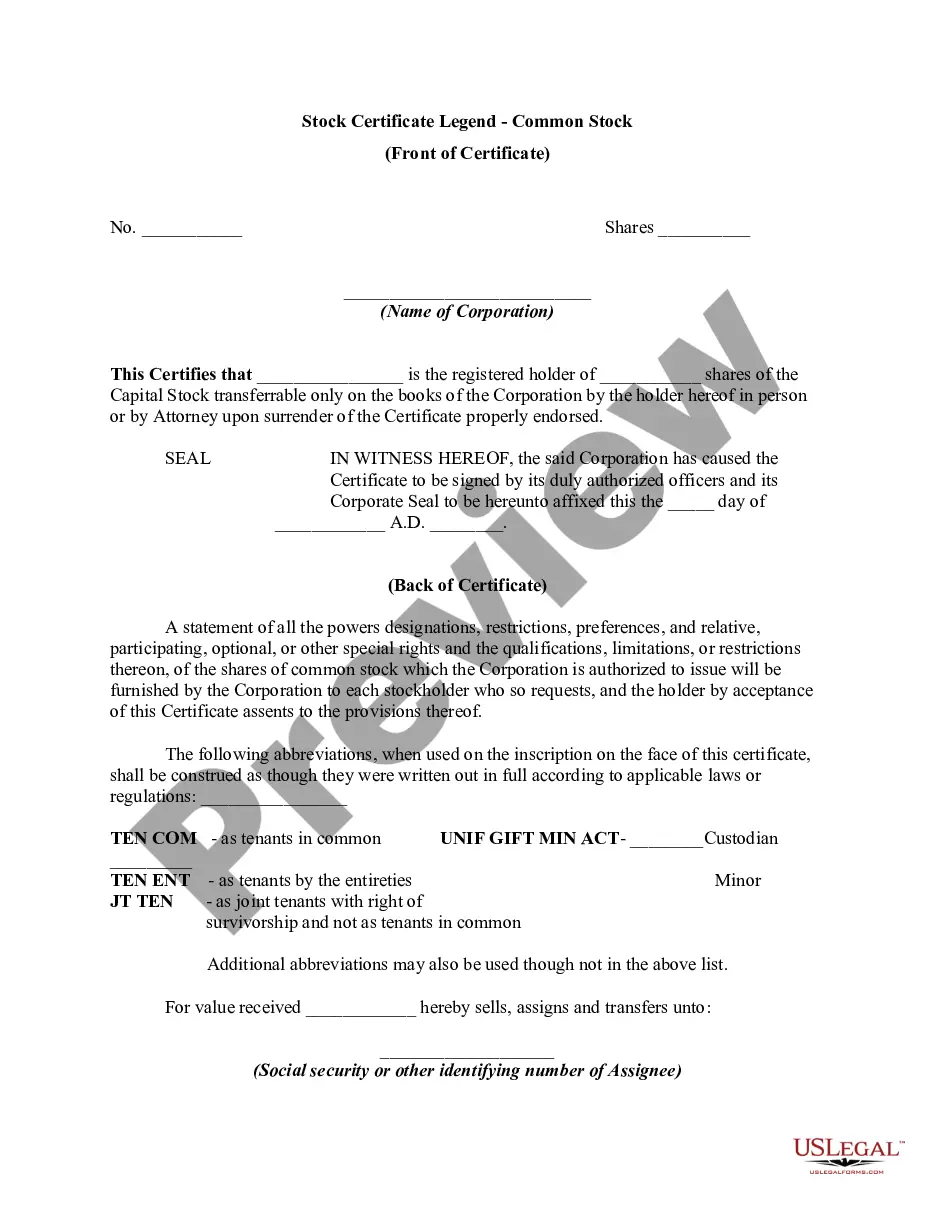
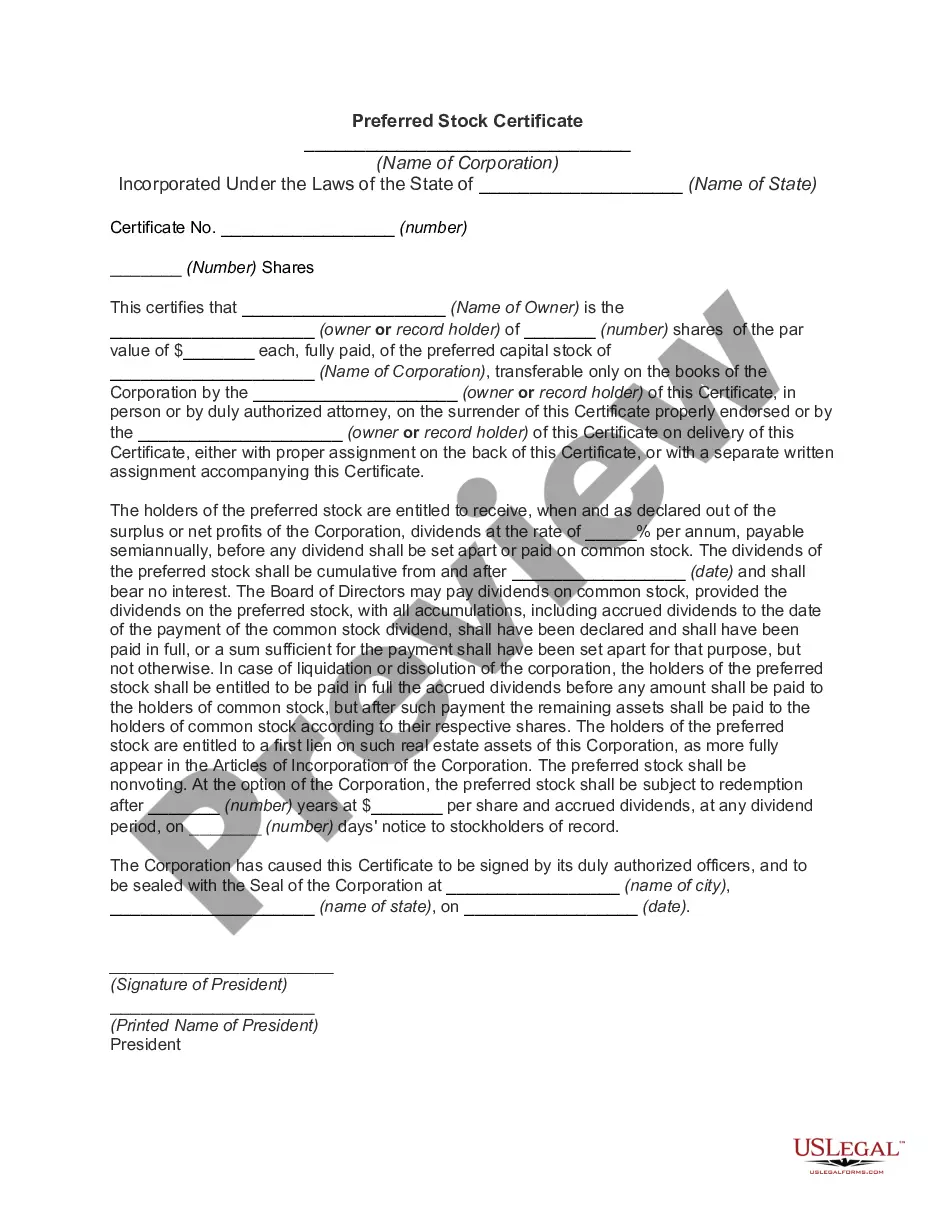
To fill out a stock certificate, you fill in the name of the shareholder, the name of the corporation, the number of shares represented by the certificate, the date, and possibly an identification number. There is also a space for a corporate officer to sign on behalf of the corporation and to affix the corporate seal.
Start by looking at a few things on the certificate. Look for the company name and location of incorporation, a CUSIP number, and the name of the person with whom the security is registered. All of these items are important and can likely be found on the certificate's face.