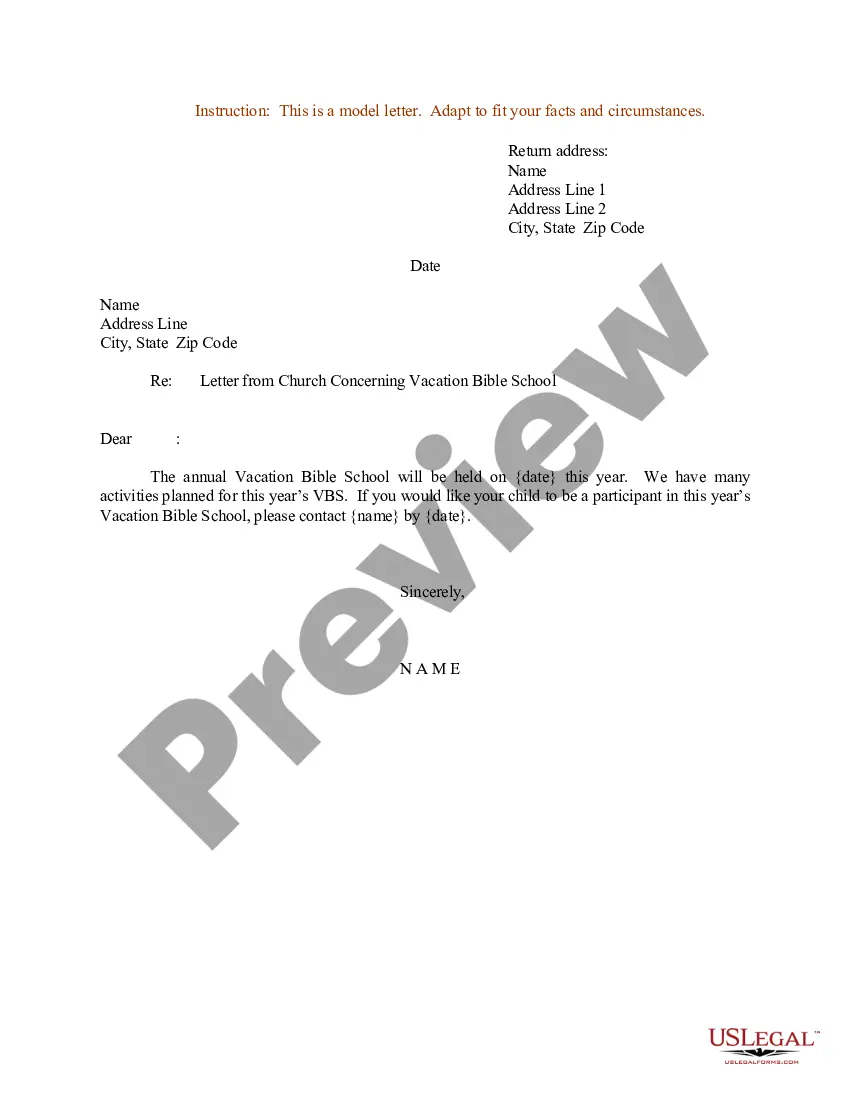
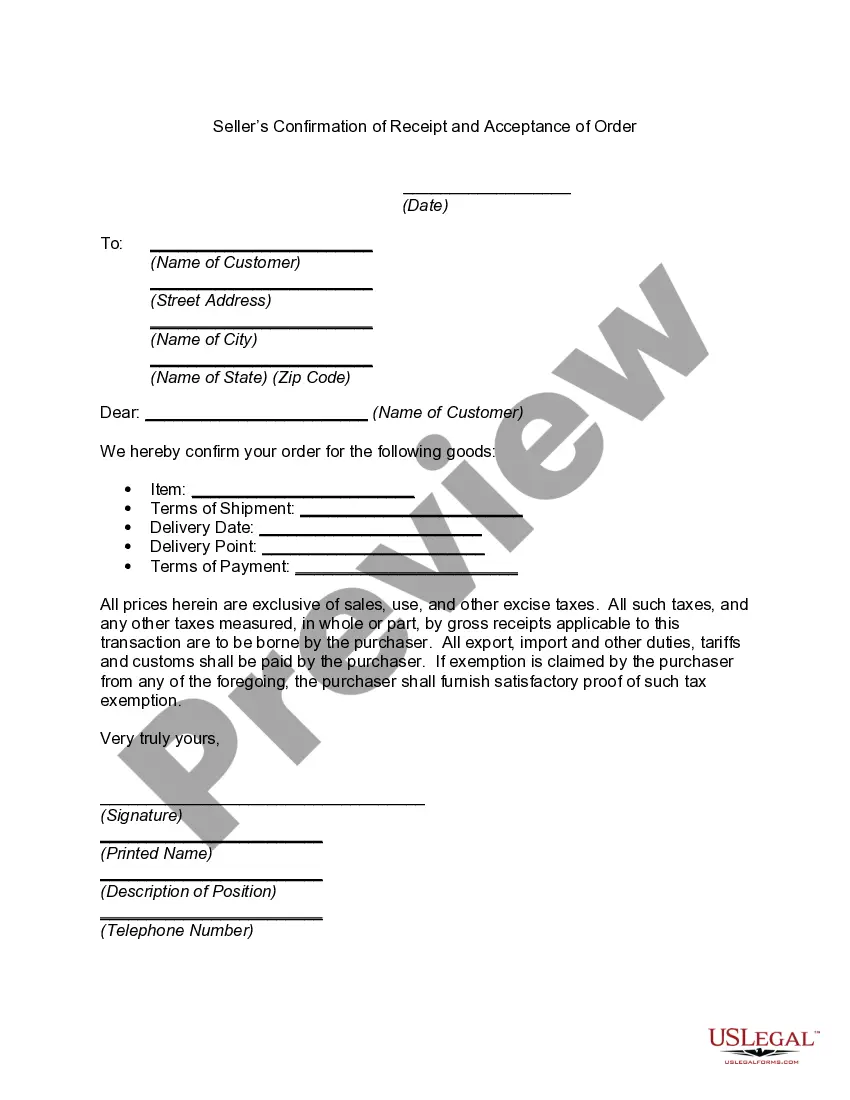
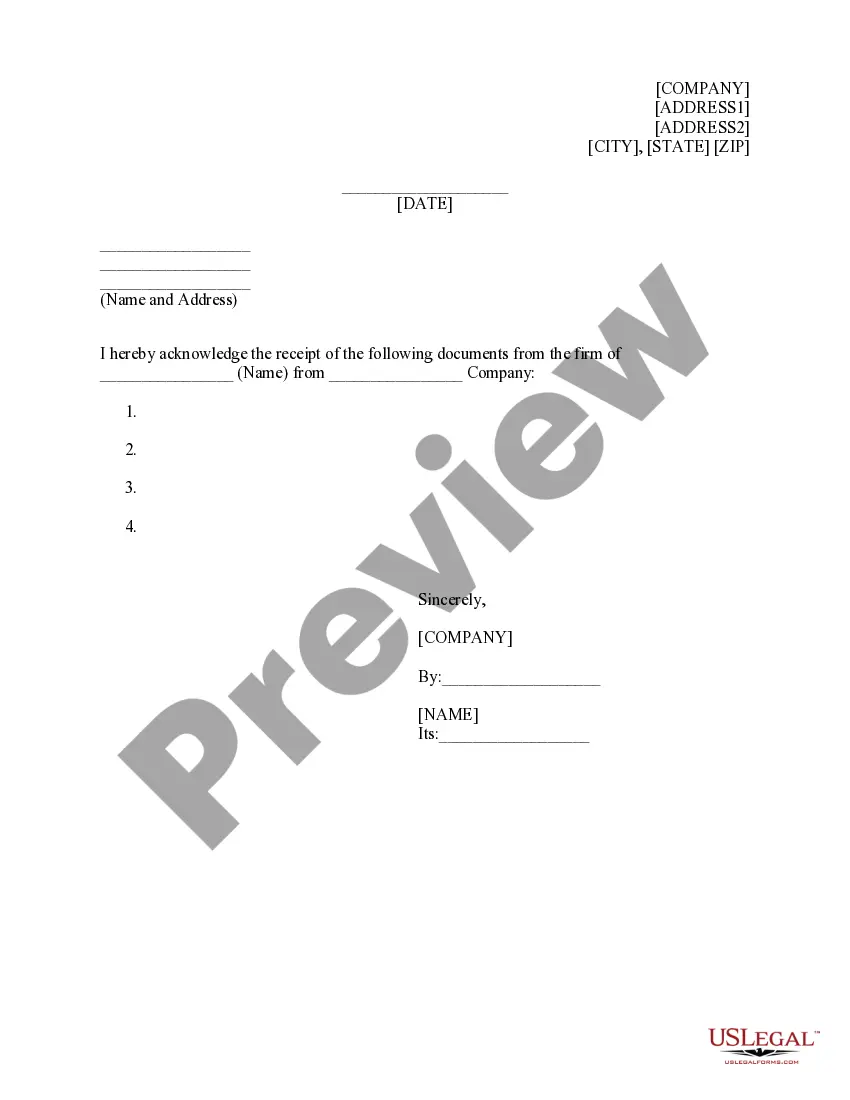
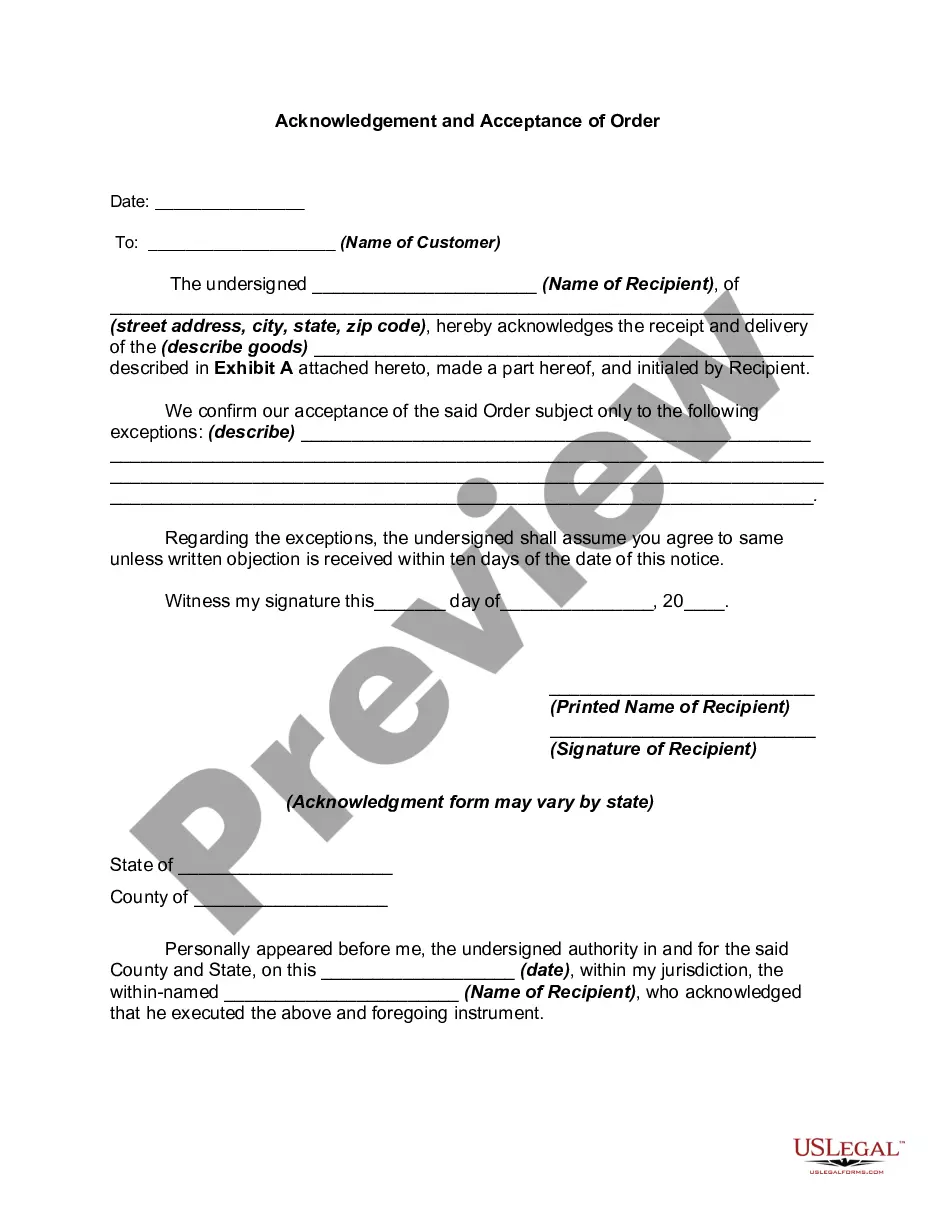
District of Columbia Seller's Confirmation of Receipt and Acceptance of Order
State:
Multi-State
Control #:
US-13327BG
Format:
Word;
Rich Text
Instant download
Description
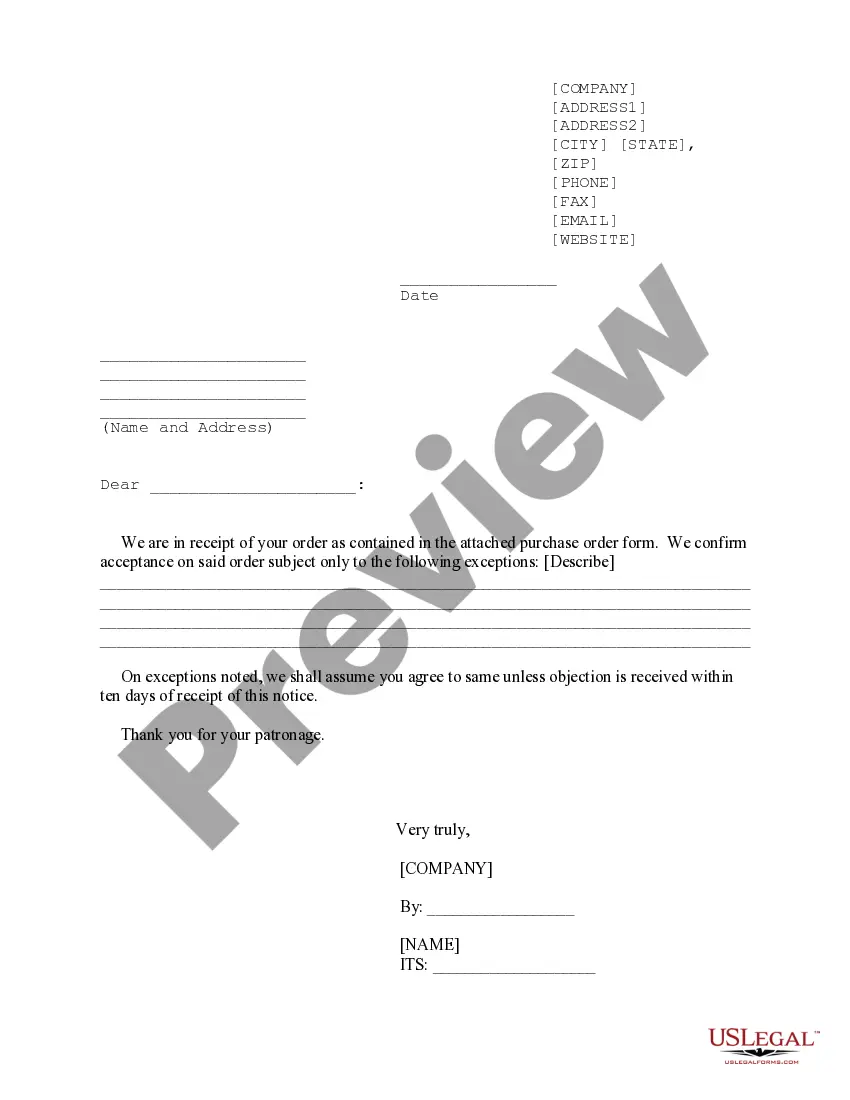
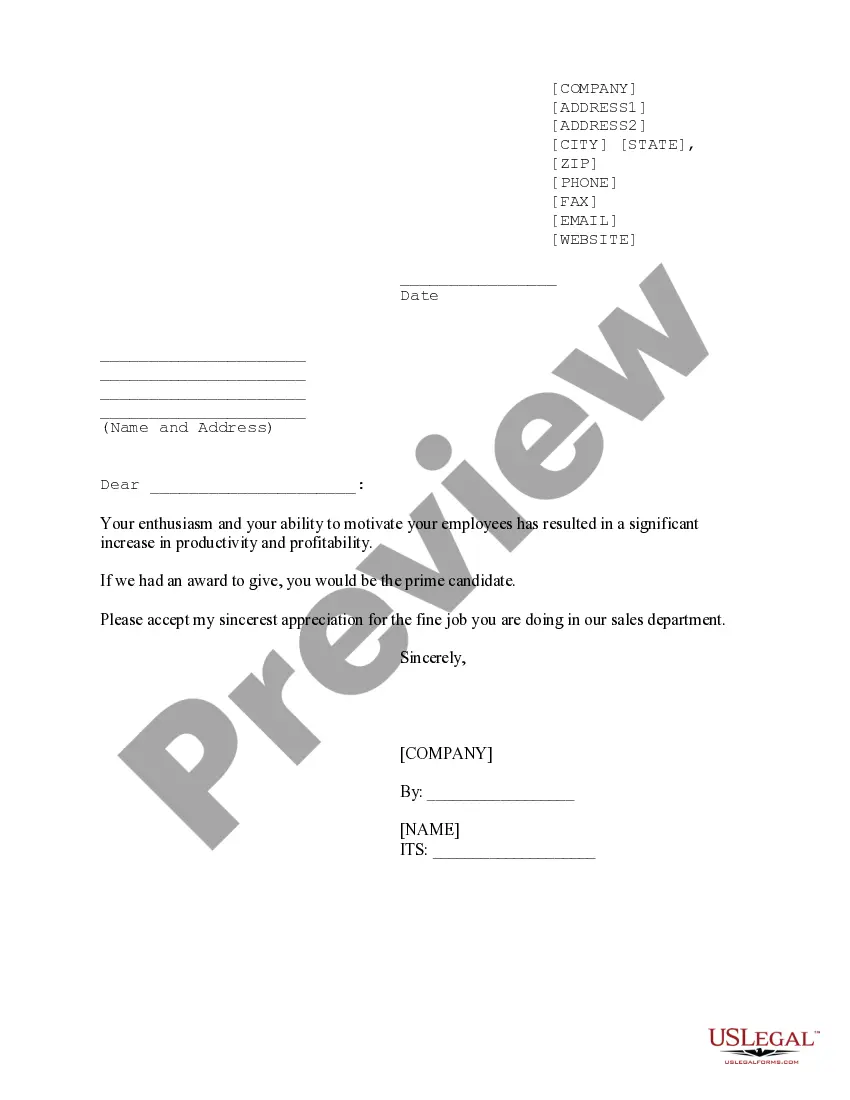
This document s designed to let your customers know you have received their order and how you plan to proceed.


How to fill out Seller's Confirmation Of Receipt And Acceptance Of Order?
If you intend to finalize, obtain, or print legitimate document templates, utilize US Legal Forms, the largest compilation of legal forms available online.
Utilize the website's straightforward and efficient search to find the documents you need.
A range of templates for business and personal purposes are organized by categories and states, or keywords.
Step 4. Once you’ve identified the form you need, click the Acquire now button. Select the payment plan you prefer and provide your details to register for an account.
Step 5. Process the transaction. You can use your Visa or MasterCard or PayPal account to complete the transaction.
- Utilize US Legal Forms to acquire the District of Columbia Seller’s Confirmation of Receipt and Acceptance of Order in just a few clicks.
- If you are already a US Legal Forms member, Log In to your account and then click the Obtain button to get the District of Columbia Seller’s Confirmation of Receipt and Acceptance of Order.
- You can also access forms you previously obtained in the My documents section of your account.
- If you are using US Legal Forms for the first time, follow the steps outlined below.
- Step 1. Ensure you have selected the form for the correct city/state.
- Step 2. Use the Preview method to browse through the form’s content. Remember to read the details.
- Step 3. If you are not satisfied with the form, utilize the Search field at the top of the screen to find alternative versions of the legal form template.