New employees can be a reliable source of information for a company. Most companies ignore the wealth of information that new employees are likely to bring from their previous experiences. As a result, a lot of valuable information gets swept away in the process of incorporating the new employee into the company.
New employee surveys can be done for many purposes. One of them is the new employee orientation survey. This survey is generally done after a few days of orientation to determine any potential issues relating to productivity, turnover, attitudes and other aspects. It would also help the management to understand the productivity of the orientation or training program that the new employee went through in the initial days. The employee's experiences in the early days of employment are also important determinants, since they represent the company's image through the eyes of a new person.
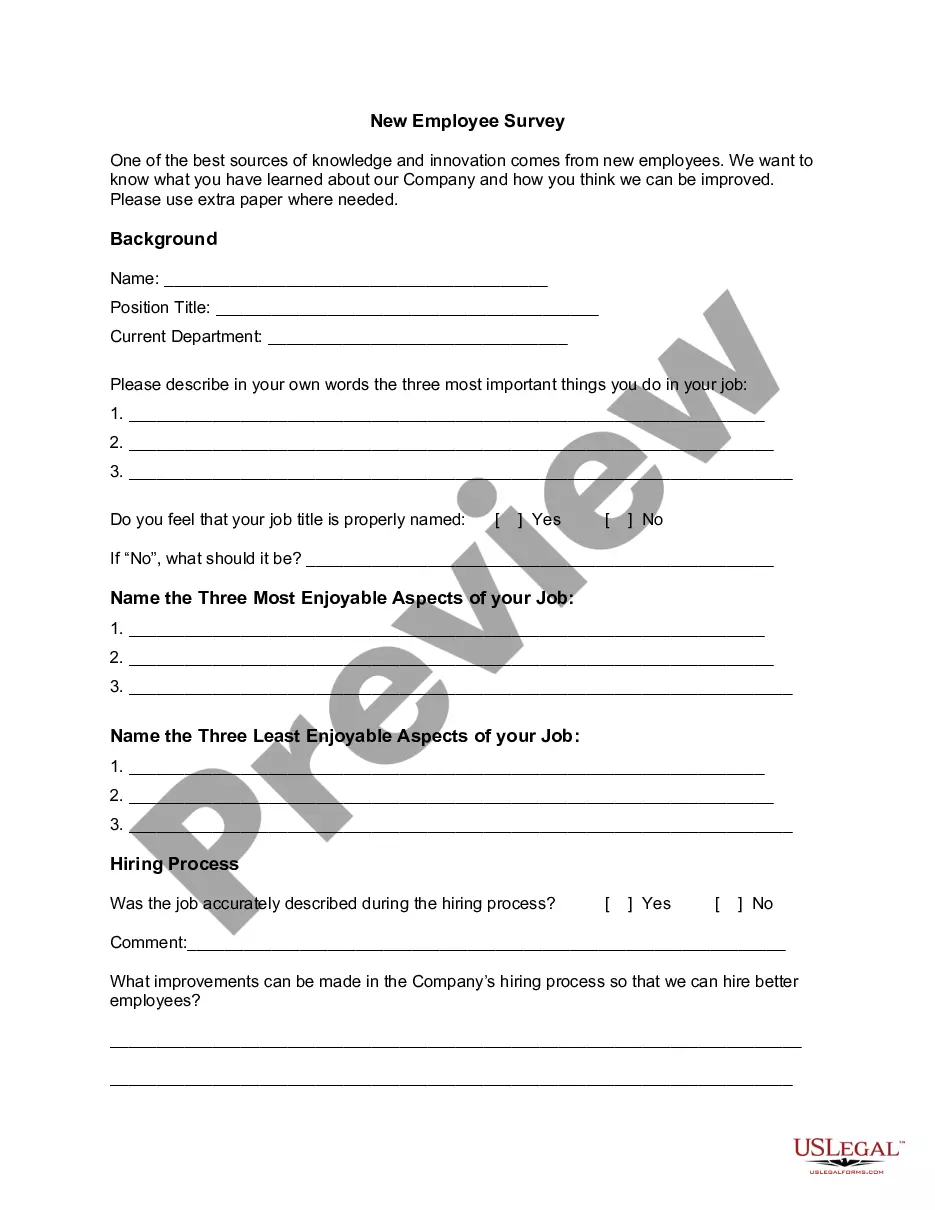
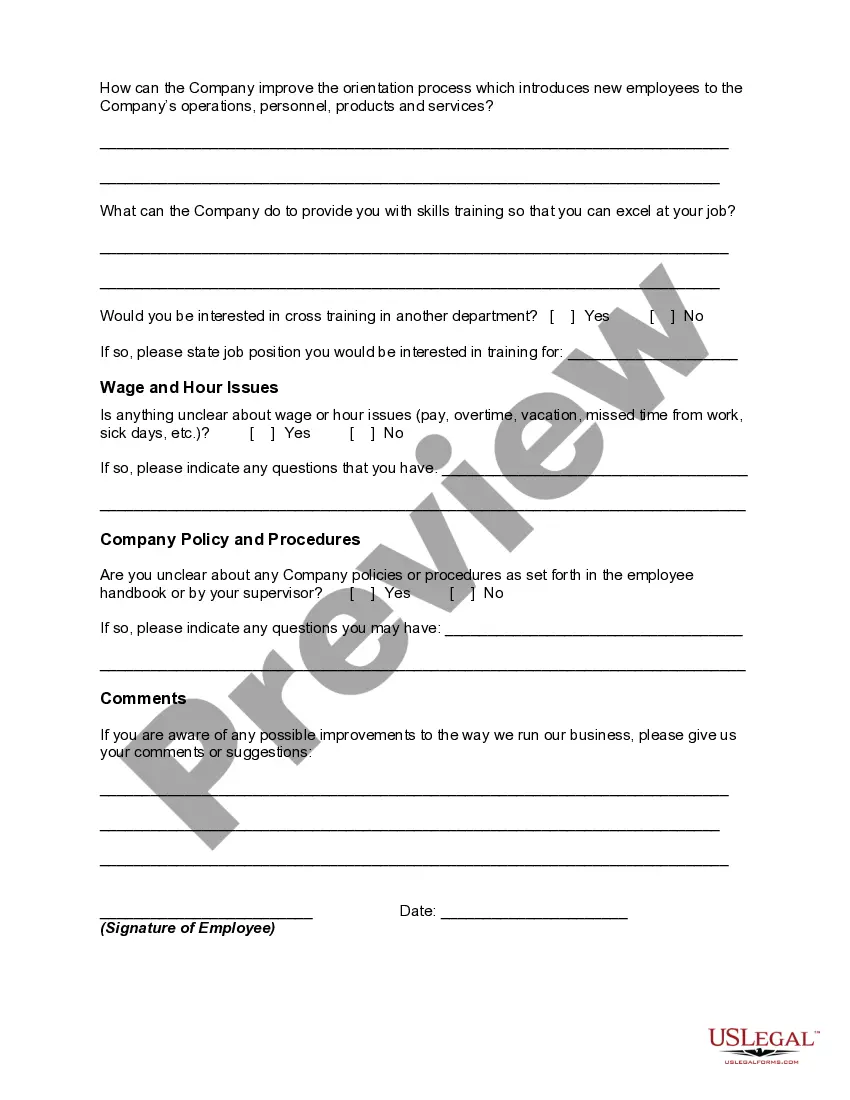
Another kind of new employee survey can be undertaken to know whether the employee has completely understood all the aspects of the new job or not. This can include the job analysis and description, the basics of the job, the most enjoyable and least enjoyable parts of the job, and so on. New employee survey can include information relating to corporate culture, training, supervisor relations, work environment, pay and benefits, communications, feedback, leadership, corporate vision, and overall satisfaction.
District of Columbia New Employee Survey
Instant download
Description
Free preview
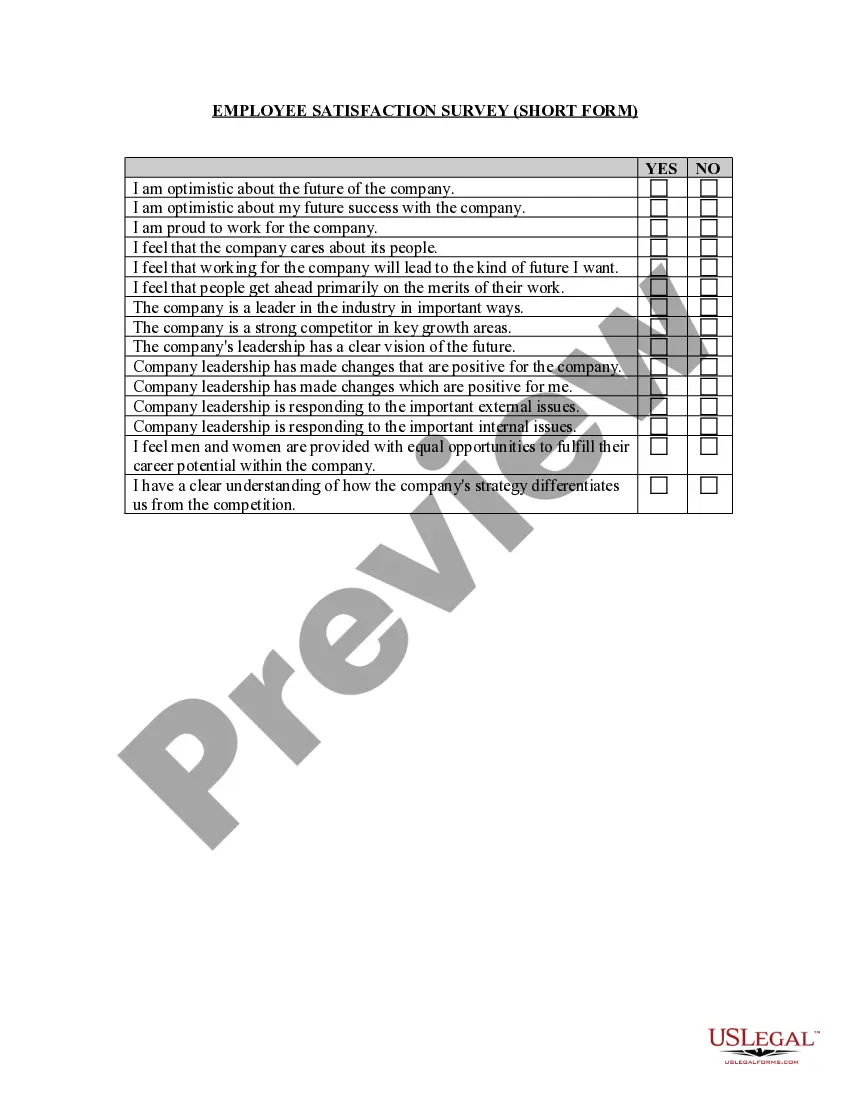
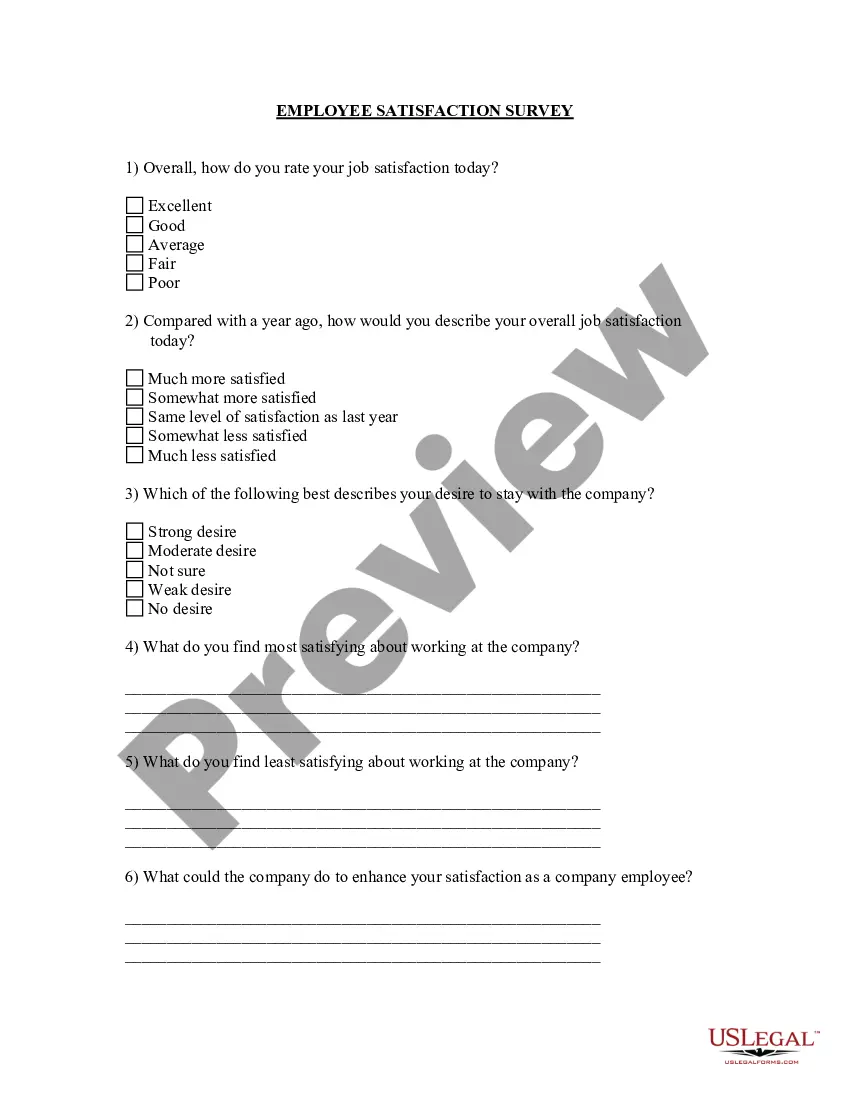
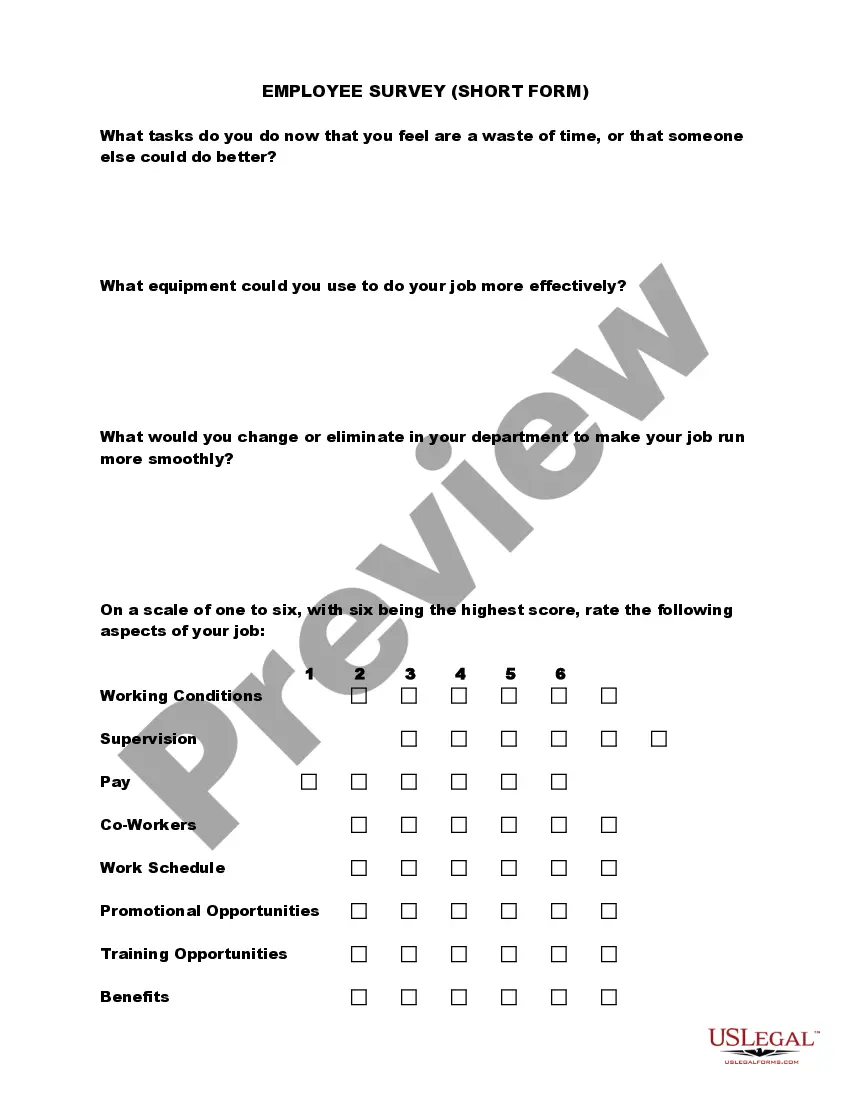
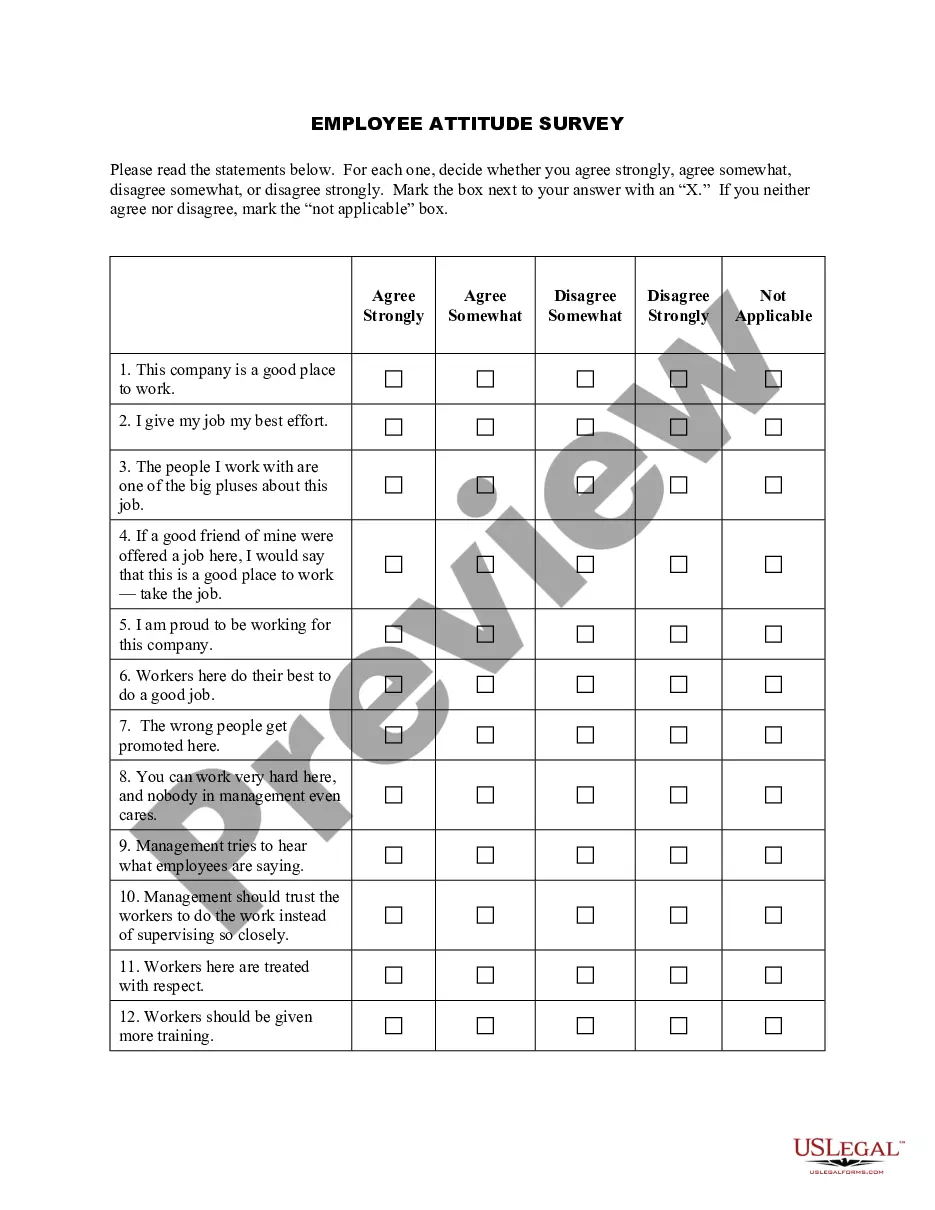
Get your form ready online
Our built-in tools help you complete, sign, share, and store your documents in one place.
Built-in online Word editor
Make edits, fill in missing information, and update formatting in US Legal Forms—just like you would in MS Word.
Export easily
Download a copy, print it, send it by email, or mail it via USPS—whatever works best for your next step.
E-sign your document
Sign and collect signatures with our SignNow integration. Send to multiple recipients, set reminders, and more. Go Premium to unlock E-Sign.
Notarize online 24/7
If this form requires notarization, complete it online through a secure video call—no need to meet a notary in person or wait for an appointment.
Store your document securely
We protect your documents and personal data by following strict security and privacy standards.

Make edits, fill in missing information, and update formatting in US Legal Forms—just like you would in MS Word.

Download a copy, print it, send it by email, or mail it via USPS—whatever works best for your next step.

Sign and collect signatures with our SignNow integration. Send to multiple recipients, set reminders, and more. Go Premium to unlock E-Sign.

If this form requires notarization, complete it online through a secure video call—no need to meet a notary in person or wait for an appointment.

We protect your documents and personal data by following strict security and privacy standards.
Looking for another form?

How to fill out New Employee Survey?
US Legal Forms - one of the most important collections of legal forms in the United States - provides a variety of legal document templates that you can download or create.
By utilizing the website, you can access thousands of forms for business and personal purposes, categorized by types, states, or keywords. You can find the most recent editions of forms such as the District of Columbia New Employee Survey in a matter of minutes.
If you already have a subscription, Log In and retrieve the District of Columbia New Employee Survey from your US Legal Forms repository. The Download button will appear on every form you view. You can find all previously downloaded forms in the My documents section of your account.
Select the format and download the form to your device.
Make changes. Fill out, edit, and print and sign the downloaded District of Columbia New Employee Survey. Each template you add to your account has no expiration date and is yours indefinitely. Therefore, if you wish to download or print another copy, just navigate to the My documents section and click on the form you need.
Gain access to the District of Columbia New Employee Survey with US Legal Forms, one of the most extensive collections of legal document templates. Utilize a vast array of professional and state-specific templates that fulfill your business or individual requirements.
- If you are using US Legal Forms for the first time, here are simple steps to help you get started.
- Ensure you have selected the correct form for your city/county. Click the Preview button to review the form's content.
- Examine the form summary to ensure you have chosen the right form.
- If the form does not meet your needs, use the Search box at the top of the screen to locate one that does.
- Once you are satisfied with the form, confirm your choice by clicking the Buy now button. Then, select the pricing plan you prefer and provide your credentials to register for an account.
- Process the purchase. Use a credit card or PayPal account to finalize the transaction.
Form popularity
FAQ
'New hires' refers to individuals who have recently joined a company or organization. This term encompasses various aspects of employment, including onboarding and integration into teams. Understanding the context of new hires is vital, especially when utilizing resources like the District of Columbia New Employee Survey, which aids employers in effectively managing their new employees.
New hire reporting generally requires specific forms such as the W-4 for tax withholding, the I-9 for employment eligibility verification, and other state-specific documents. Ensuring you have all required forms ready is crucial for compliance and effective onboarding. The District of Columbia New Employee Survey can guide you in identifying and collecting all the necessary paperwork for seamless new hire reporting.