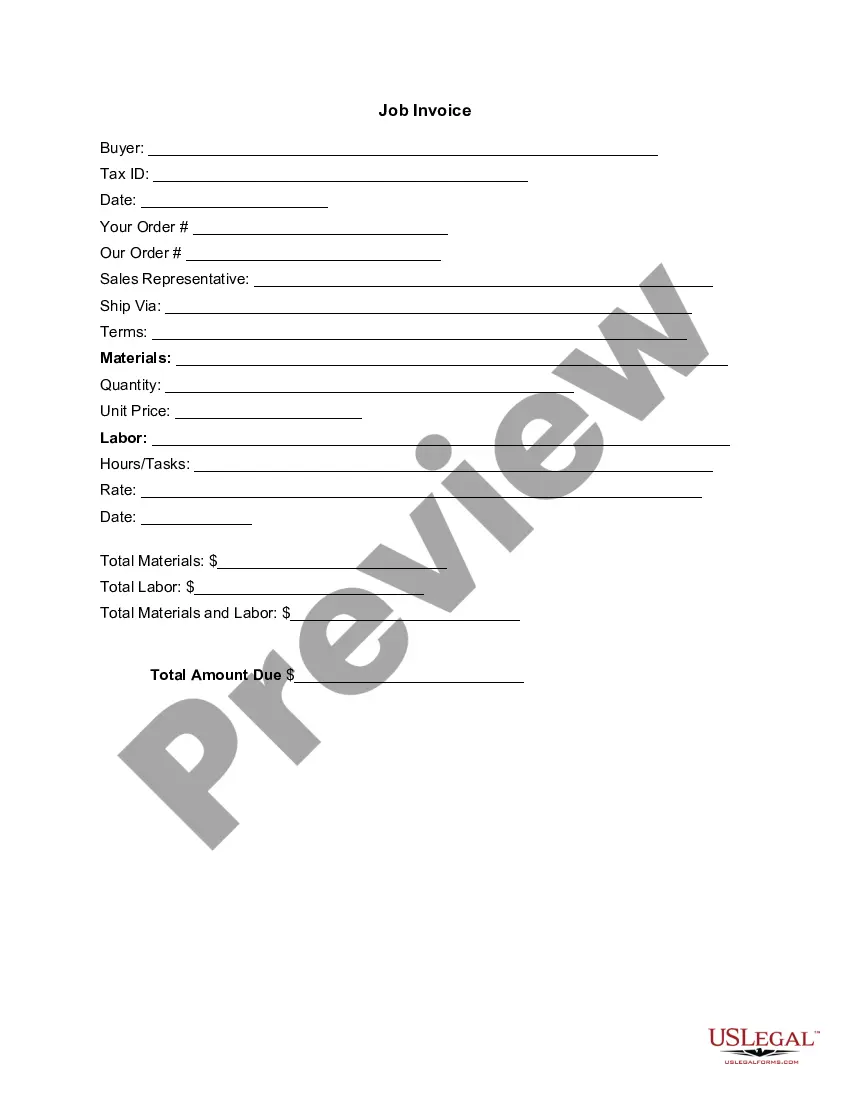
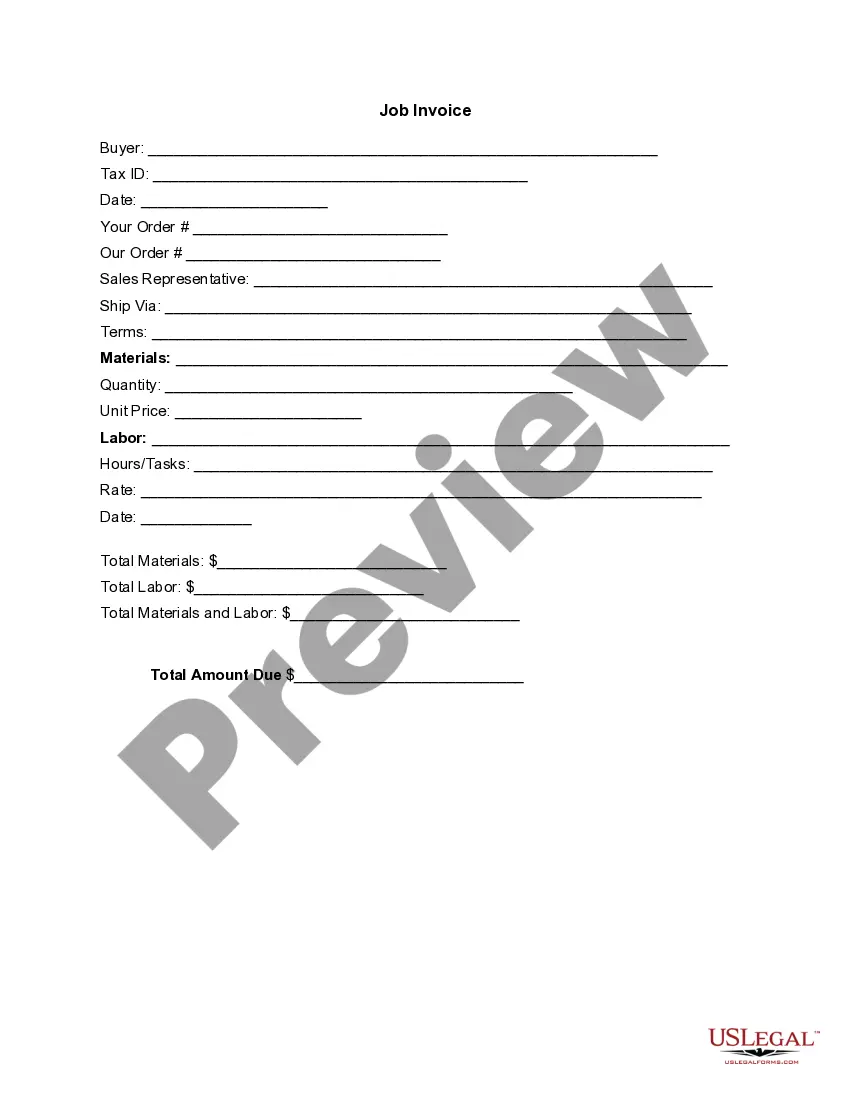
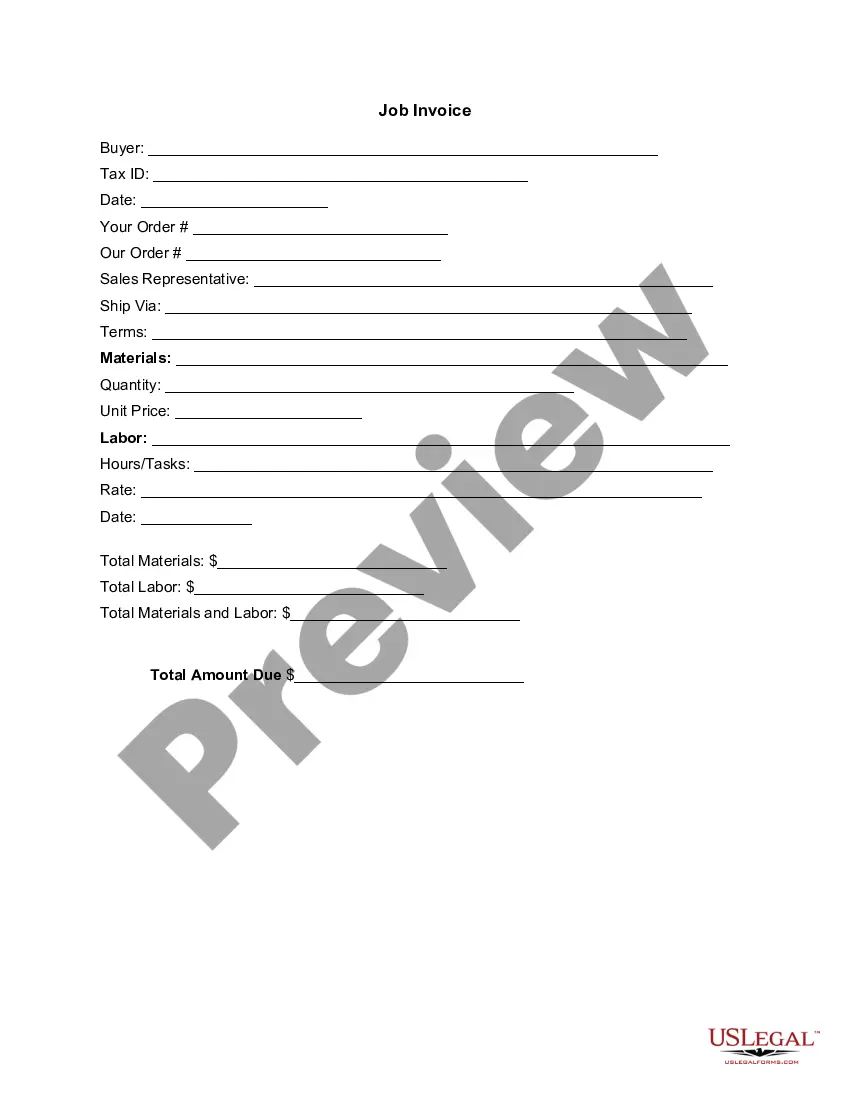
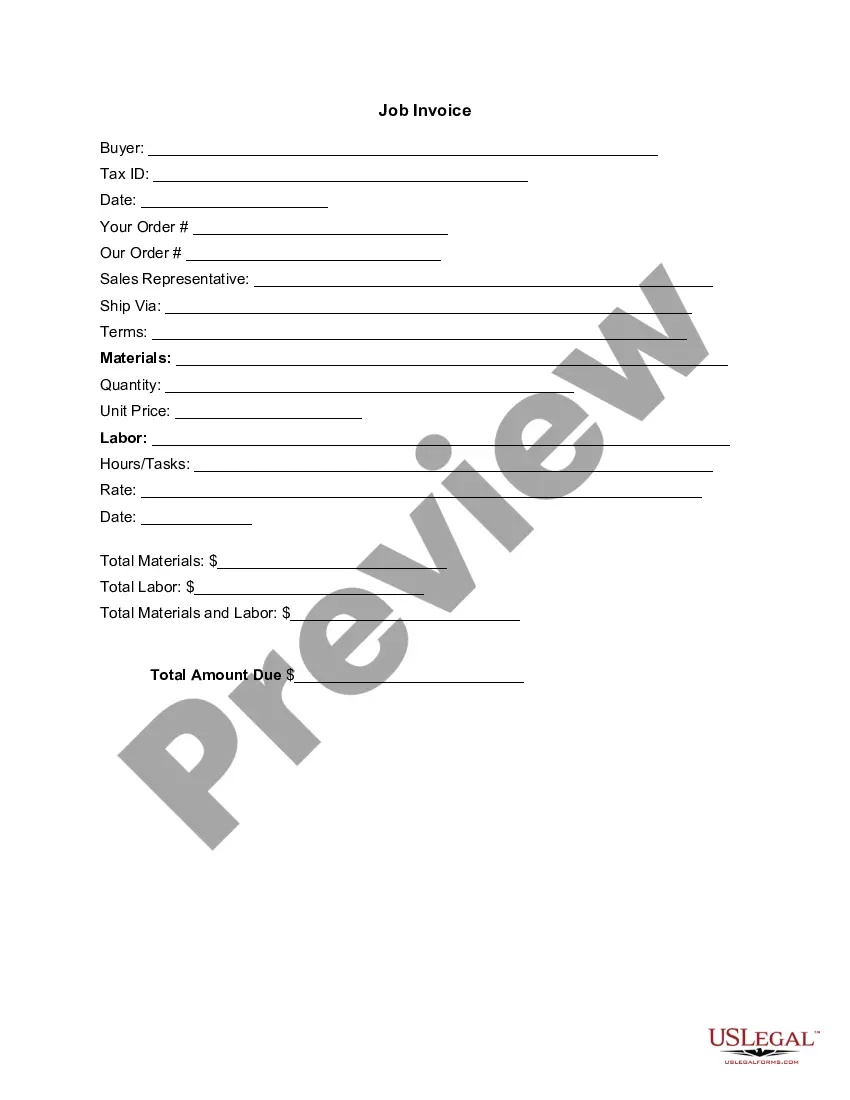
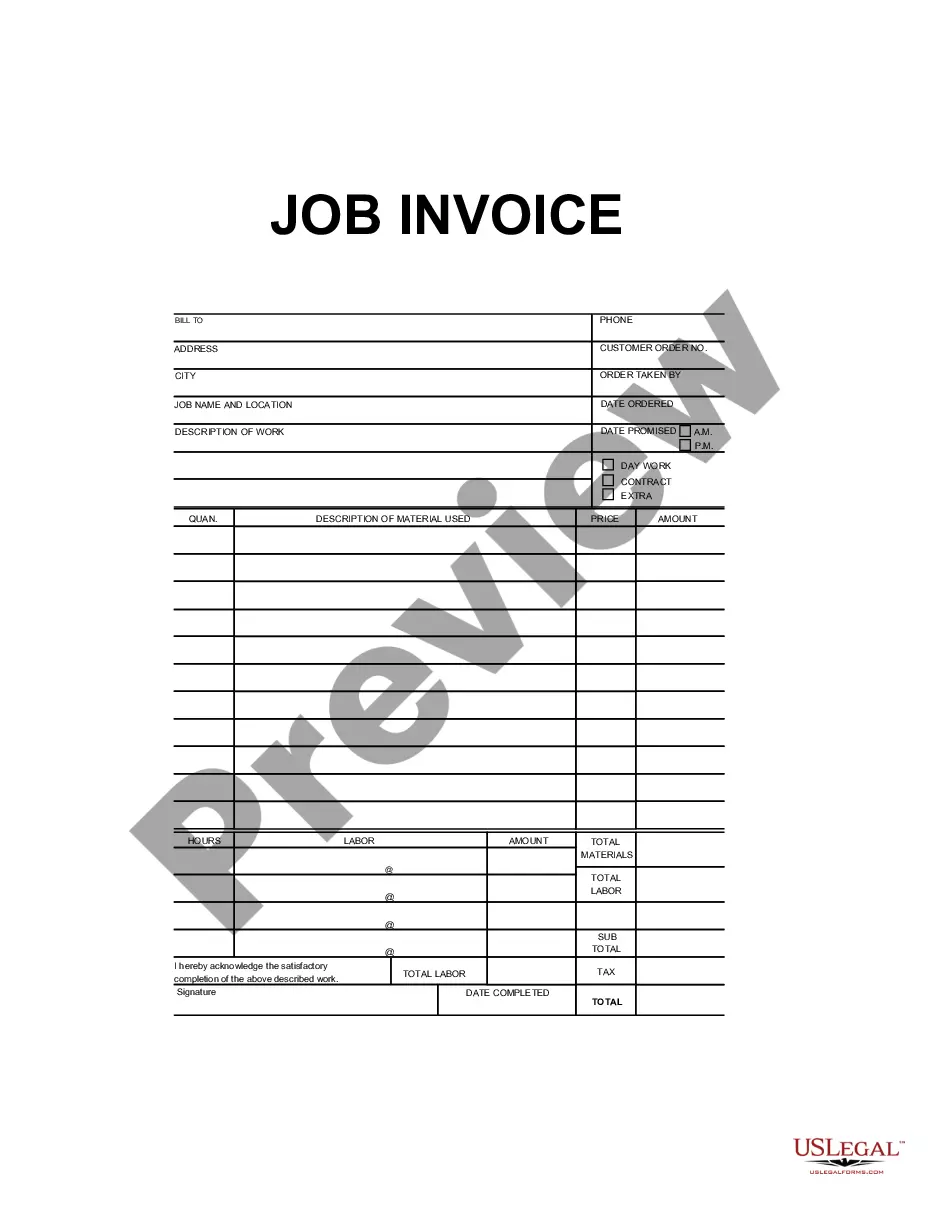
District of Columbia Invoice Template for Nurse
Description
Get your form ready online
Our built-in tools help you complete, sign, share, and store your documents in one place.
Make edits, fill in missing information, and update formatting in US Legal Forms—just like you would in MS Word.
Download a copy, print it, send it by email, or mail it via USPS—whatever works best for your next step.
Sign and collect signatures with our SignNow integration. Send to multiple recipients, set reminders, and more. Go Premium to unlock E-Sign.
If this form requires notarization, complete it online through a secure video call—no need to meet a notary in person or wait for an appointment.
We protect your documents and personal data by following strict security and privacy standards.
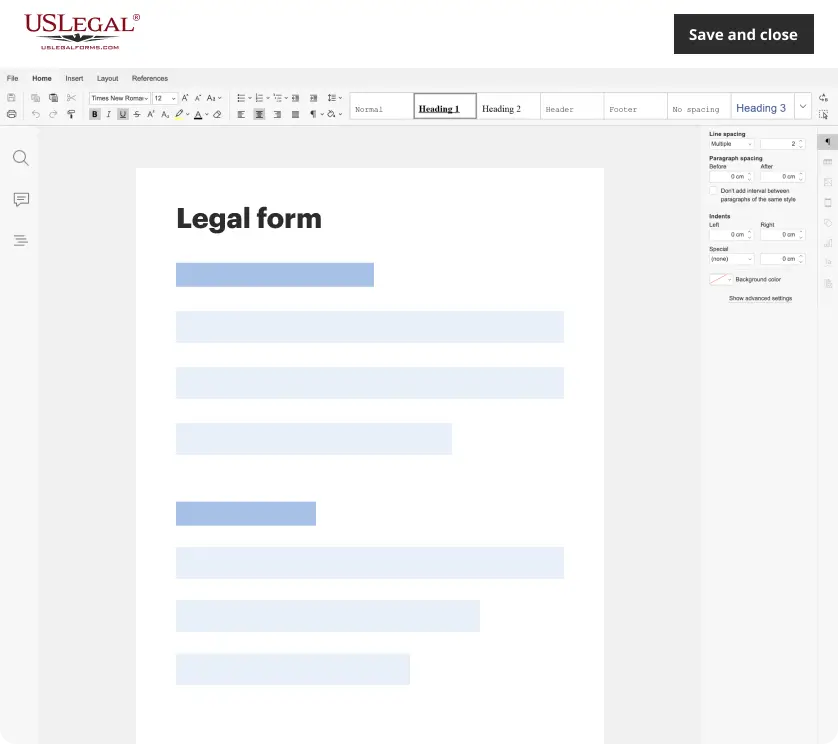
Make edits, fill in missing information, and update formatting in US Legal Forms—just like you would in MS Word.
Download a copy, print it, send it by email, or mail it via USPS—whatever works best for your next step.
Sign and collect signatures with our SignNow integration. Send to multiple recipients, set reminders, and more. Go Premium to unlock E-Sign.
If this form requires notarization, complete it online through a secure video call—no need to meet a notary in person or wait for an appointment.
We protect your documents and personal data by following strict security and privacy standards.
Looking for another form?


How to fill out Invoice Template For Nurse?
You can spend time online trying to find the legal document template that fulfills the state and federal standards you desire.
US Legal Forms provides a vast array of legal forms that can be examined by experts.
You can easily download or print the District of Columbia Invoice Template for Nurse from your account.
If you wish to obtain another version of your document, use the Search field to find the template that suits your needs. Once you have found the template you want, click Buy Now to proceed. Select the pricing plan you prefer, enter your details, and create a free account on US Legal Forms. Complete the purchase. You may use your Visa or Mastercard or PayPal account to buy the legal document. Choose the format of your document and download it to your system. Make edits to your document if feasible. You can complete, modify, sign, and print the District of Columbia Invoice Template for Nurse. Obtain and print numerous document templates using the US Legal Forms site, which offers the largest collection of legal forms. Utilize professional and state-specific templates to meet your business or personal needs.
- If you already have a US Legal Forms account, you may Log In and click the Acquire button.
- Then, you can fill out, edit, print, or sign the District of Columbia Invoice Template for Nurse.
- Every legal document template you obtain belongs to you forever.
- To get another copy of any purchased document, navigate to the My documents tab and click the corresponding button.
- If this is your first time using the US Legal Forms website, follow the simple instructions below.
- First, ensure you have selected the correct document template for the region/city of your choice. Check the document description to confirm you have selected the right document.
- If available, utilize the Review button to browse the document template as well.
Form popularity
FAQ
Filling out an invoice in PDF format starts by opening your PDF invoice template using a PDF editor or form filler. Then, input your business and client details, along with the service descriptions and amounts. Using the District of Columbia Invoice Template for Nurse in PDF format allows you to maintain the integrity of the document while providing a polished and professional appearance.
Creating a digital invoice requires selecting an invoice template and entering your service details into the designated fields. You can use tools or software that support the District of Columbia Invoice Template for Nurse, as this can streamline the creation process and ensure all necessary components are included. Once complete, save it in a digital format, such as PDF, to share with your clients.
Filling out an invoice template involves entering all relevant details into pre-designated fields. First, provide your business and client details, and then list the services rendered along with their prices. Utilizing the District of Columbia Invoice Template for Nurse ensures that you have a structured format, which simplifies the process and helps maintain professionalism.
To fill out an invoice, start by entering your business information at the top, including your name, address, and contact details. Then, include the client's information, the date, and invoice number. With the District of Columbia Invoice Template for Nurse, you can easily enter the services provided, their costs, and any applicable taxes, ensuring clarity for your clients.
An e-invoice and a digital invoice serve the same purpose but differ in delivery format. An e-invoice is typically sent through an electronic network, allowing automatic processing, while a digital invoice is often created and shared in a digital file format, like PDF. When using a District of Columbia Invoice Template for Nurse, you can choose the format that best meets your needs.