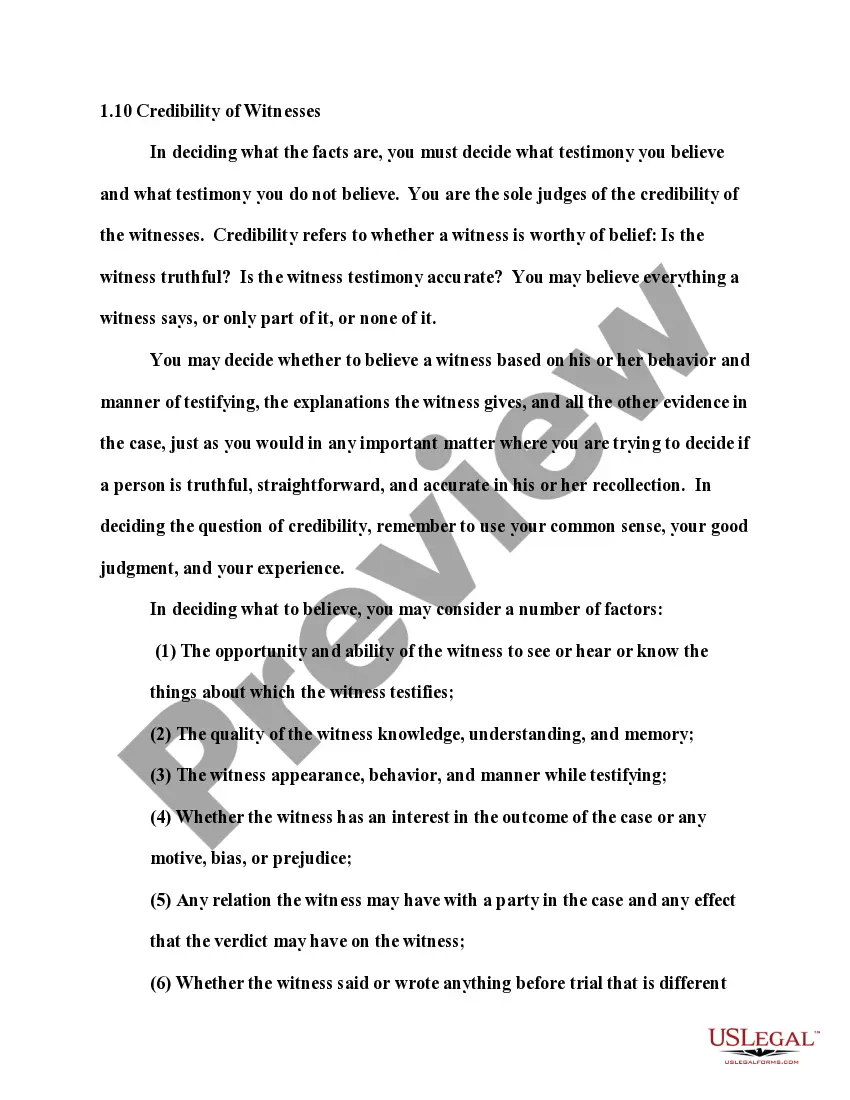
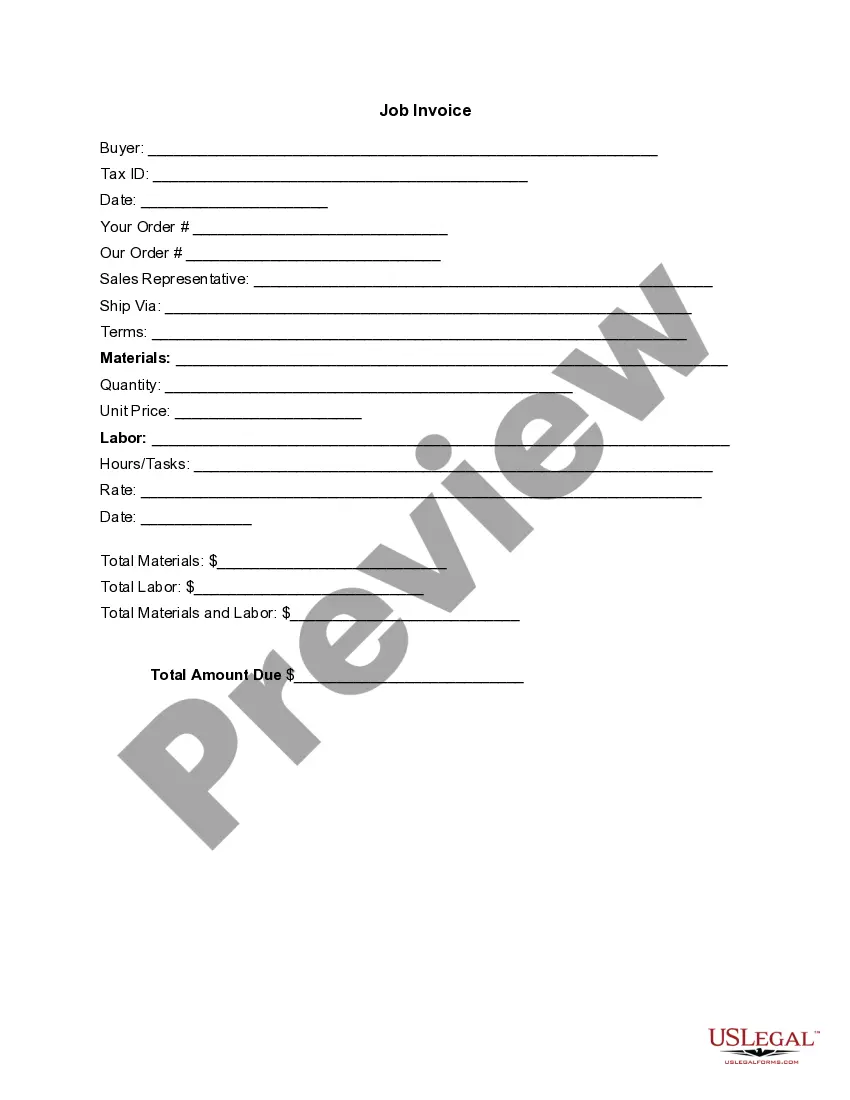
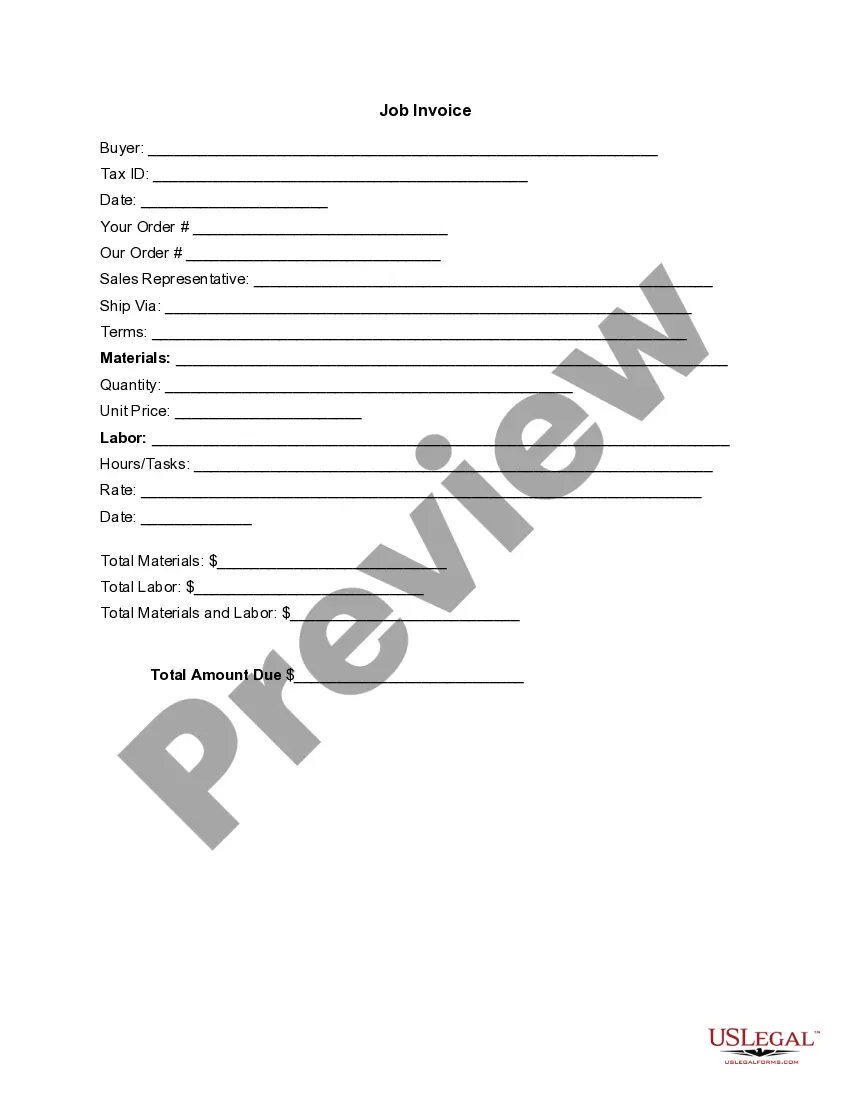
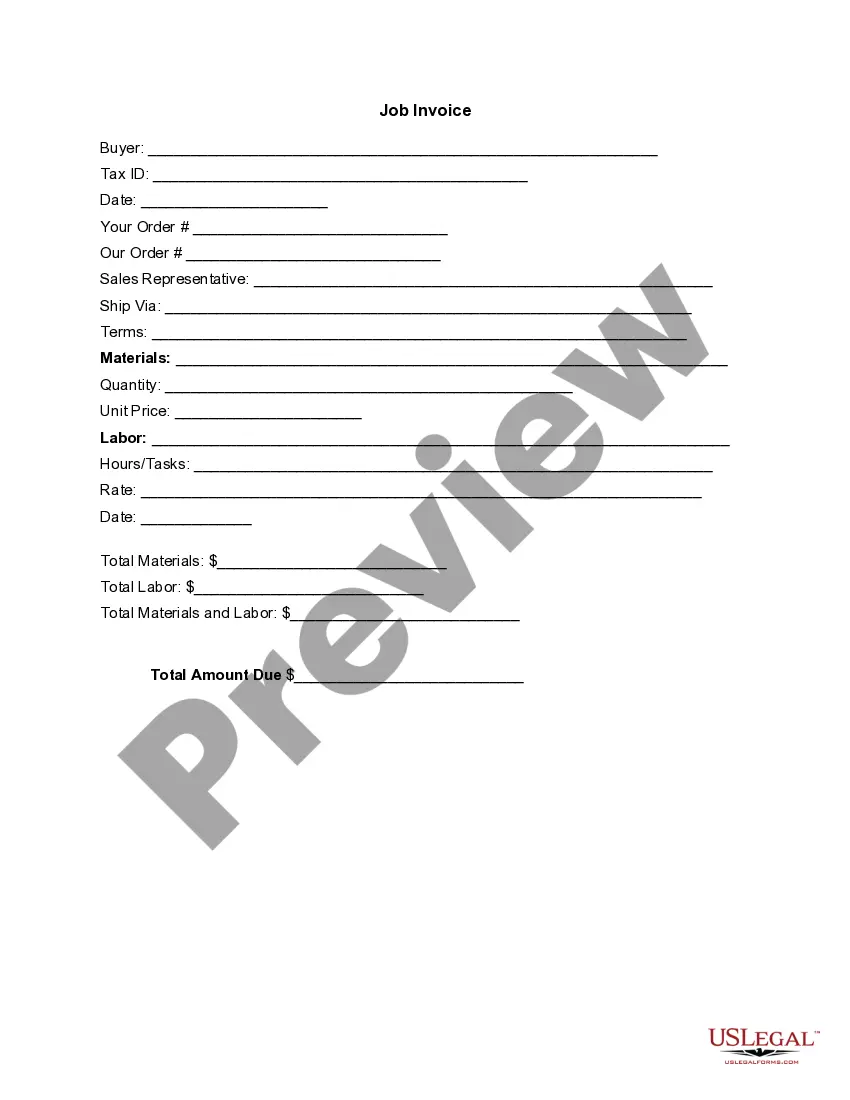
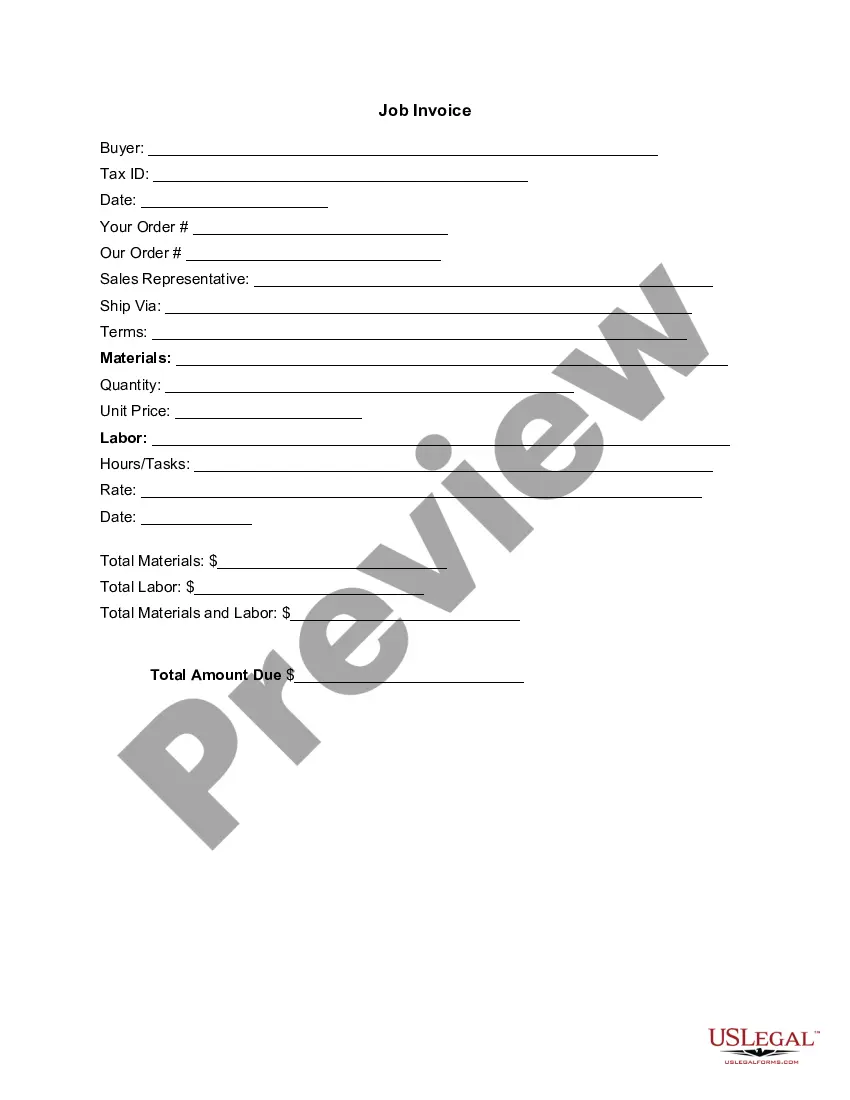
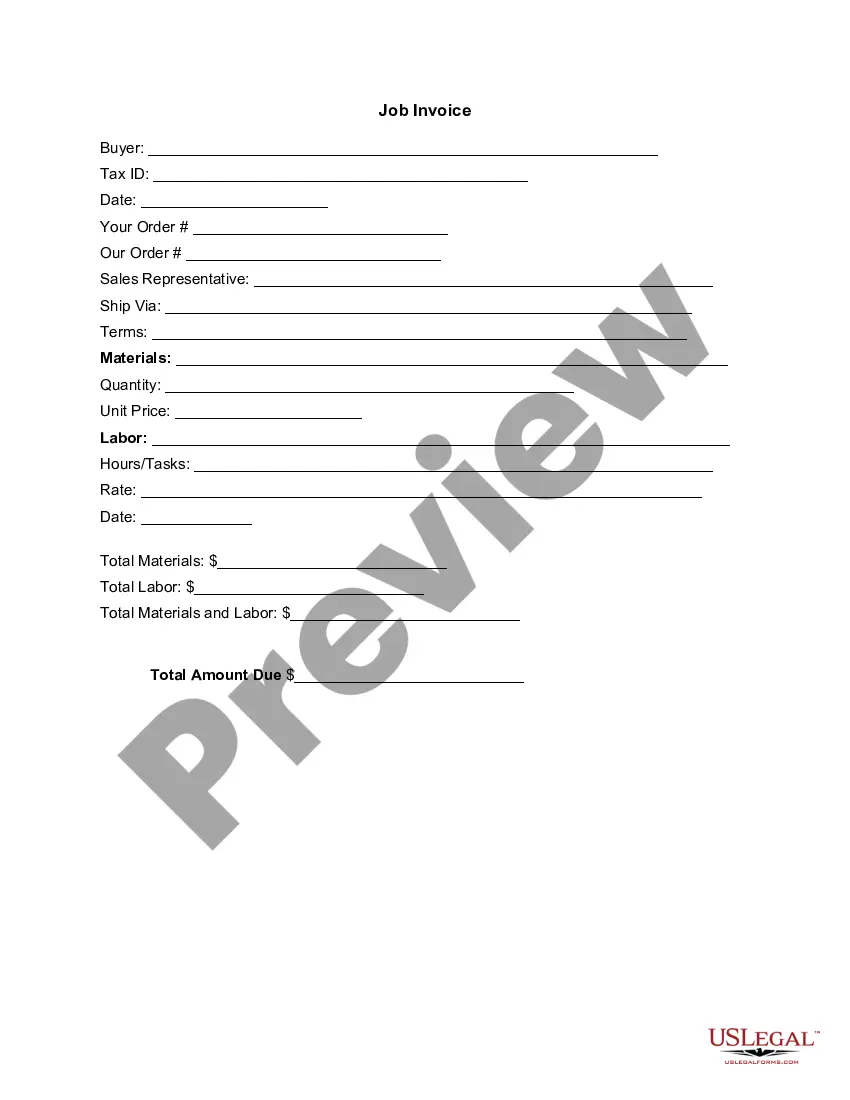
District of Columbia Invoice Template for Designer
Description

Get your form ready online
Our built-in tools help you complete, sign, share, and store your documents in one place.
Make edits, fill in missing information, and update formatting in US Legal Forms—just like you would in MS Word.
Download a copy, print it, send it by email, or mail it via USPS—whatever works best for your next step.
Sign and collect signatures with our SignNow integration. Send to multiple recipients, set reminders, and more. Go Premium to unlock E-Sign.
If this form requires notarization, complete it online through a secure video call—no need to meet a notary in person or wait for an appointment.
We protect your documents and personal data by following strict security and privacy standards.

Make edits, fill in missing information, and update formatting in US Legal Forms—just like you would in MS Word.

Download a copy, print it, send it by email, or mail it via USPS—whatever works best for your next step.

Sign and collect signatures with our SignNow integration. Send to multiple recipients, set reminders, and more. Go Premium to unlock E-Sign.

If this form requires notarization, complete it online through a secure video call—no need to meet a notary in person or wait for an appointment.

We protect your documents and personal data by following strict security and privacy standards.
Looking for another form?







How to fill out Invoice Template For Designer?
Are you in a situation where you require documents for both business or personal reasons almost every day.
There are numerous legal document templates available online, but locating versions you can trust is challenging.
US Legal Forms provides thousands of form templates, such as the District of Columbia Invoice Template for Designer, which are designed to fulfill federal and state regulations.
Once you find the correct form, click Purchase now.
Select the pricing plan you prefer, provide the necessary information to create your account, and pay for the transaction using your PayPal or credit card.
- If you are already familiar with the US Legal Forms website and have an account, simply Log In.
- After that, you can download the District of Columbia Invoice Template for Designer.
- If you don’t have an account and wish to start using US Legal Forms, follow these instructions.
- Find the form you need and verify it is for your correct city/county.
- Use the Preview button to examine the form.
- Check the details to ensure you have selected the right form.
- If the form isn’t what you’re looking for, utilize the Research area to discover the form that suits your needs.
Form popularity
FAQ
To create an invoice in Studio Designer, start by navigating to the invoicing section and selecting the District of Columbia Invoice Template for Designer for customization. Input your company details along with client information and the services rendered. Review the invoice for accuracy before sending it, ensuring it reflects your professional style and enhances client relations. Leveraging this template can significantly simplify your invoicing process.
Invoicing as a designer involves using a District of Columbia Invoice Template for Designer to streamline the process. Begin by detailing your design services, including any project descriptions and timelines. Make sure to include your business information, client details, and a breakdown of costs. By presenting a professional invoice, you enhance your business's credibility and improve the odds of timely payments.
Creating a modeling invoice is straightforward when you use a District of Columbia Invoice Template for Designer. Start by including your name, contact information, and the client's details. Next, list the services you provided, along with their corresponding rates and any applicable taxes or discounts. Finally, specify the total amount due and the payment terms to ensure clarity.
For beginners, invoicing starts with using a District of Columbia Invoice Template for Designer that clearly outlines services. Include your contact information, a unique invoice number, and an itemized list of services with their respective costs. Don’t forget to state payment terms and due dates to encourage timely payments.
You can create a PDF invoice template using various software programs or online platforms. Simply format your District of Columbia Invoice Template for Designer in a word processor or design tool, then save or export the document as a PDF. This format ensures your template maintains its layout and appears professional when sent to clients.
To fill in a District of Columbia Invoice Template for Designer, start by entering your business details at the top, including your name, address, and contact information. Next, fill in the client's information and the services provided. Be sure to include a detailed description of each service, the corresponding rates, and the total amount due.
Creating a design invoice is straightforward with the right tools. Start by outlining your services clearly, including itemized costs and project details. You can use a District of Columbia Invoice Template for Designer to ensure compliance with local regulations while also showcasing your brand. Utilizing a template streamlines the process, saves time, and gives you a professional appearance to clients.