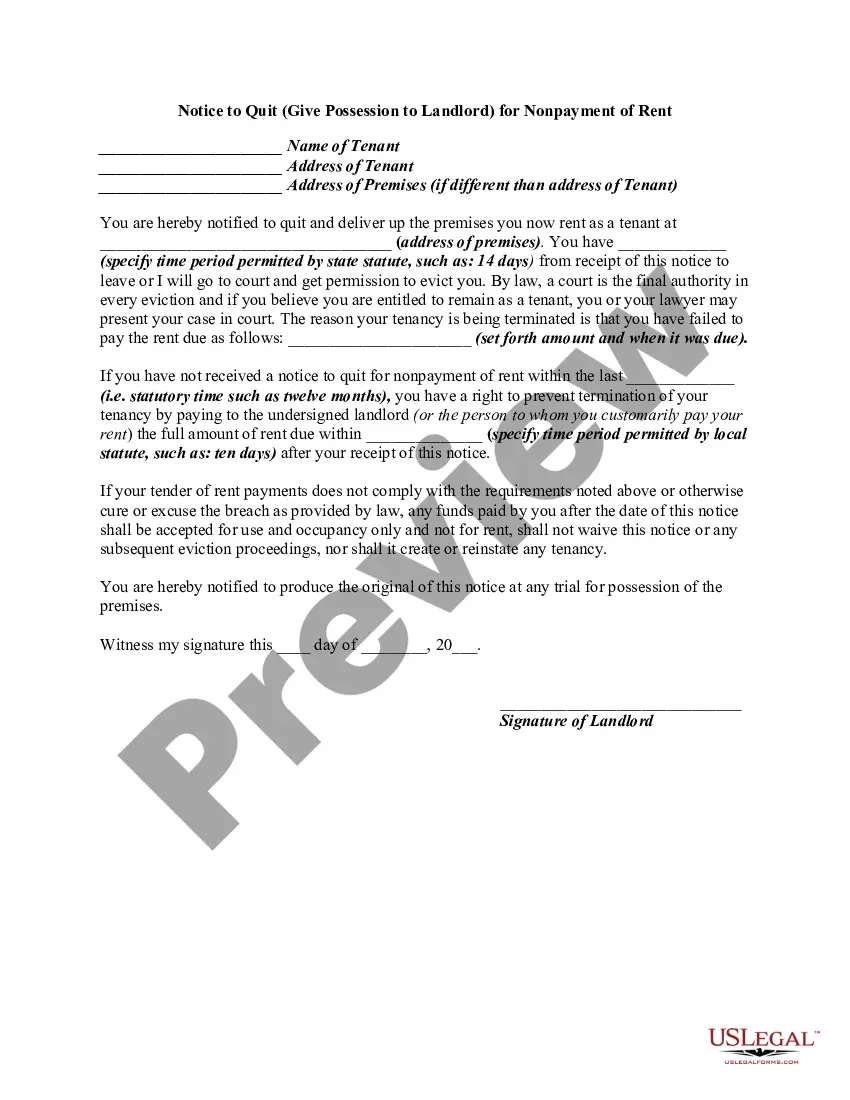
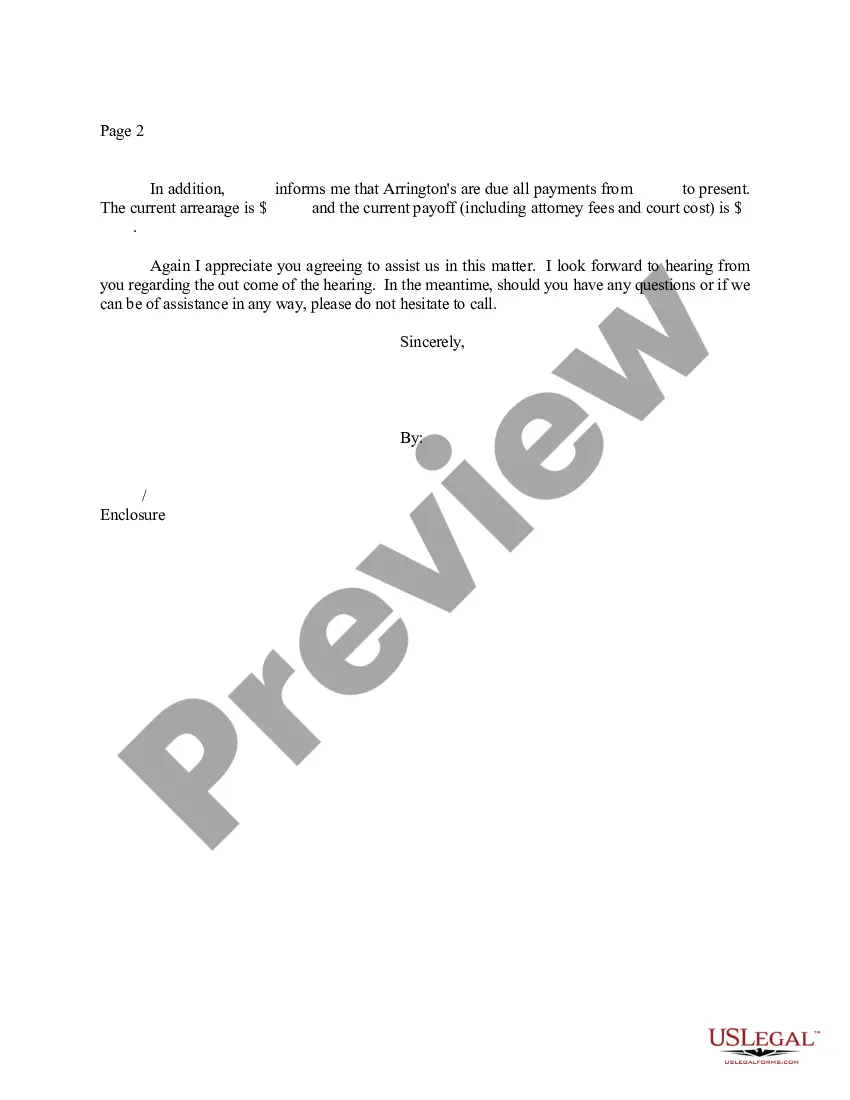
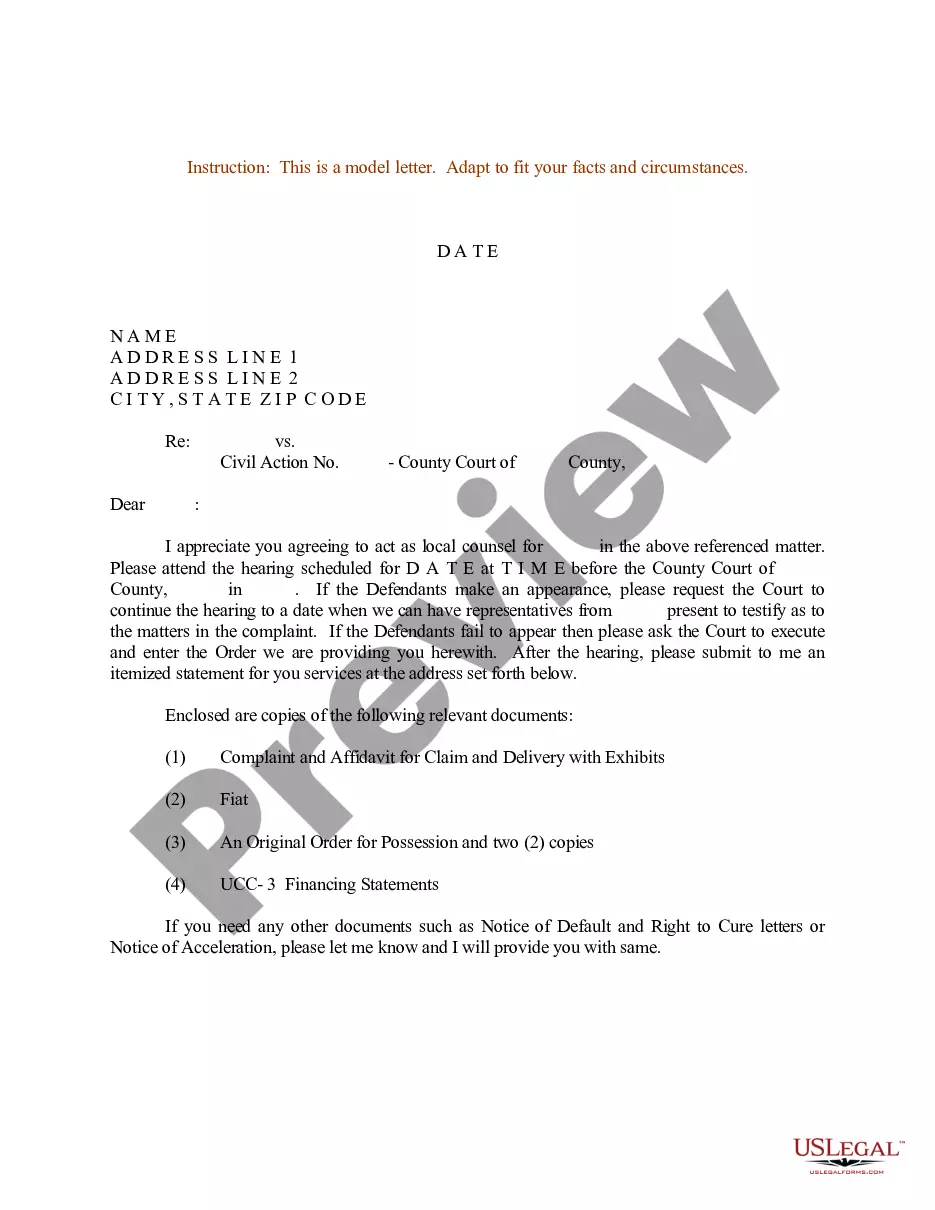
District of Columbia Sample Letter for Instructions to Appointed - Local Counsel - UCC-1
Description
Get your form ready online
Our built-in tools help you complete, sign, share, and store your documents in one place.
Make edits, fill in missing information, and update formatting in US Legal Forms—just like you would in MS Word.
Download a copy, print it, send it by email, or mail it via USPS—whatever works best for your next step.
Sign and collect signatures with our SignNow integration. Send to multiple recipients, set reminders, and more. Go Premium to unlock E-Sign.
If this form requires notarization, complete it online through a secure video call—no need to meet a notary in person or wait for an appointment.
We protect your documents and personal data by following strict security and privacy standards.

Make edits, fill in missing information, and update formatting in US Legal Forms—just like you would in MS Word.

Download a copy, print it, send it by email, or mail it via USPS—whatever works best for your next step.

Sign and collect signatures with our SignNow integration. Send to multiple recipients, set reminders, and more. Go Premium to unlock E-Sign.

If this form requires notarization, complete it online through a secure video call—no need to meet a notary in person or wait for an appointment.

We protect your documents and personal data by following strict security and privacy standards.
Looking for another form?

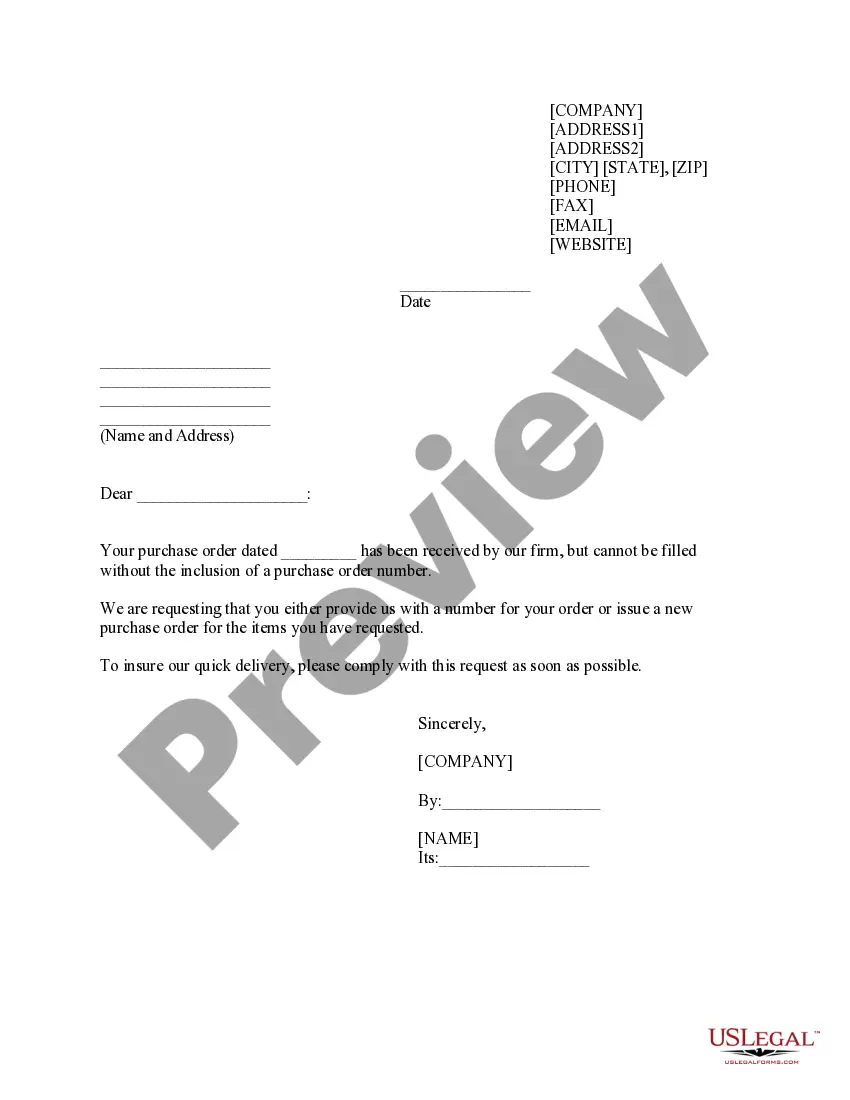



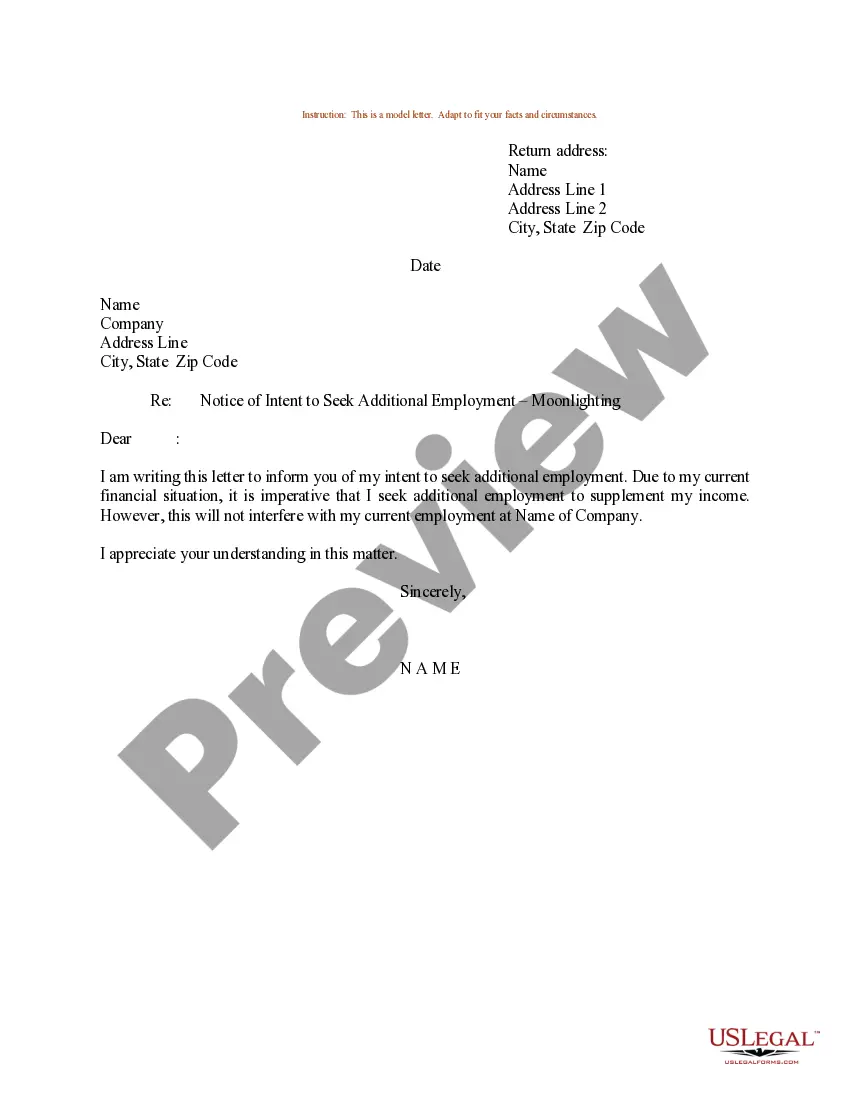

How to fill out Sample Letter For Instructions To Appointed - Local Counsel - UCC-1?
Discovering the right authorized papers template can be quite a struggle. Obviously, there are a lot of web templates available on the Internet, but how can you obtain the authorized form you want? Take advantage of the US Legal Forms site. The services provides a large number of web templates, including the District of Columbia Sample Letter for Instructions to Appointed - Local Counsel - UCC-1, that can be used for business and personal needs. All of the varieties are inspected by pros and meet up with state and federal specifications.
If you are previously authorized, log in for your account and click on the Down load key to get the District of Columbia Sample Letter for Instructions to Appointed - Local Counsel - UCC-1. Use your account to look from the authorized varieties you might have acquired in the past. Check out the My Forms tab of your respective account and have one more version in the papers you want.
If you are a new consumer of US Legal Forms, listed here are straightforward guidelines for you to stick to:
- Very first, make sure you have selected the proper form to your area/state. You can check out the form while using Review key and look at the form description to make sure it is the best for you.
- When the form is not going to meet up with your needs, make use of the Seach industry to find the right form.
- Once you are certain that the form is proper, select the Acquire now key to get the form.
- Opt for the pricing program you want and enter in the required details. Make your account and pay for an order using your PayPal account or bank card.
- Opt for the file formatting and download the authorized papers template for your device.
- Comprehensive, modify and printing and sign the attained District of Columbia Sample Letter for Instructions to Appointed - Local Counsel - UCC-1.
US Legal Forms is the biggest library of authorized varieties that you will find different papers web templates. Take advantage of the service to download expertly-manufactured paperwork that stick to express specifications.
Form popularity
FAQ
A good letter of instruction should contain the following information: A complete list of all assets. The whereabouts of any tangible assets that are not readily accessible. Necessary information about all liquid assets, including bank, brokerage, retirement, and investment accounts.
Here are six steps to write a letter of instruction: Create a header. Before you write the content of the letter, create a header at the top left-hand corner of the document. ... Address the reader. ... Explain the project or task. ... List each step. ... Conclude your letter. ... Revise the document.
How to write a letter of instruction Create a header. Before you write the content of the letter, create a header at the top left-hand corner of the document. ... Address the reader. ... Explain the project or task. ... List each step. ... Conclude your letter. ... Revise the document.
How to write a good set of instructions Start all instruction writing pieces with a clear title and brief introduction. List the equipment/materials the reader will need underneath the title. Order each instruction, step by step, using numbers. Ensure that each step follows a logical sequence.
A letter of instruction is a document that lists all relevant financial information that your family members or executor need if something happens to you. It also lists contact information for important people in your financial life.