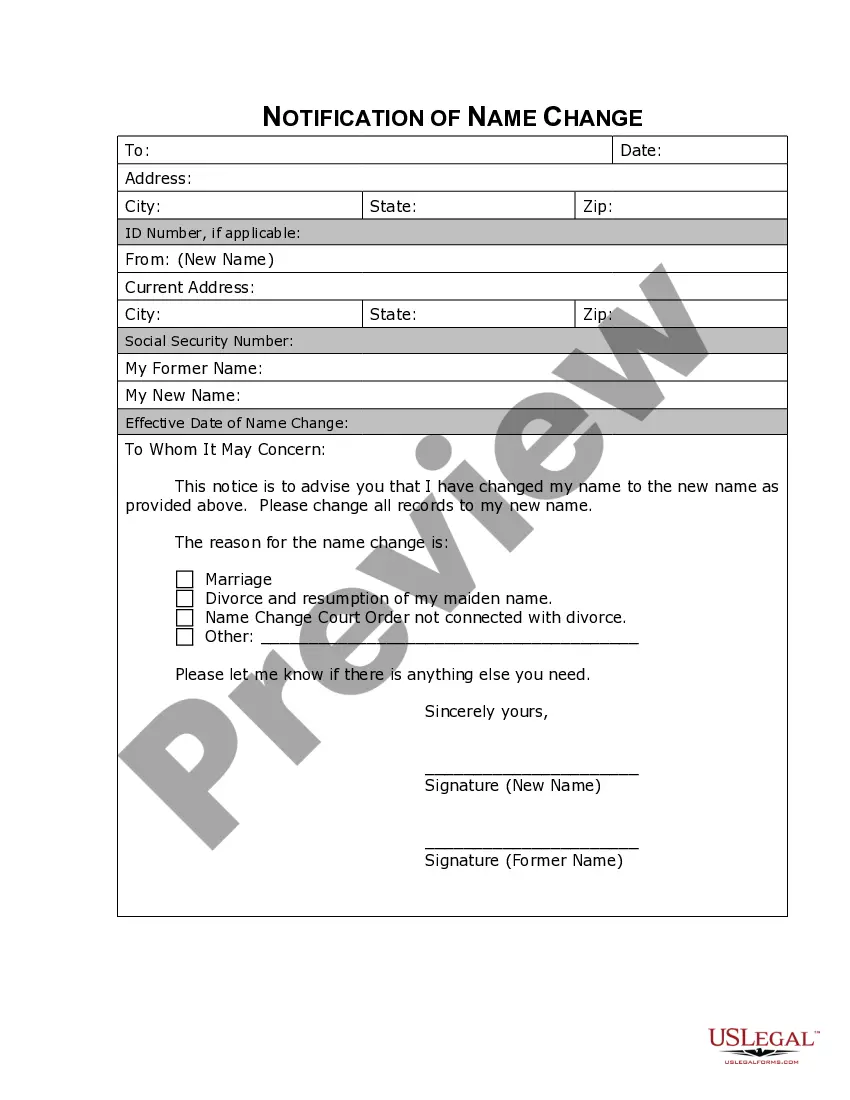
District of Columbia Name Change Notification Form
Overview of this form
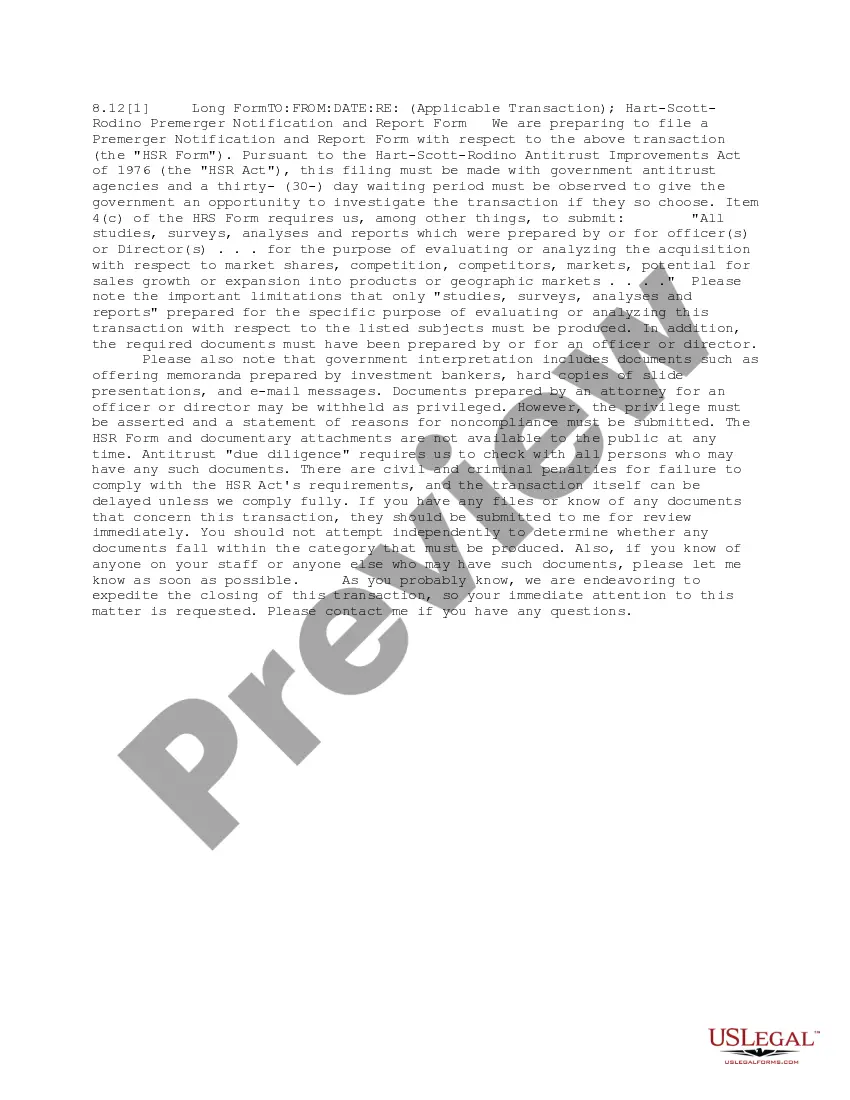
The Name Change Notification Form is a legal document that you use after officially changing your name. Its primary purpose is to notify companies, organizations, government agencies, and other relevant parties about your new name. This differs from other name change forms, which may be used during the legal process of changing a name rather than for the notification of the change.
What’s included in this form
- Personal information: Your old name and new name.
- Contact information: Your current address and phone number.
- Recipient details: Names and addresses of organizations and agencies being notified.
- Date of name change: The date on which the legal name change was finalized.
- Signature: Your signature to validate the notification.


When to use this form
You should use the Name Change Notification Form immediately after you have legally changed your name. This is crucial for ensuring that your new name is recognized by banks, employers, government bodies, and other institutions. It helps to prevent complications with identification and personal records.
Who this form is for
This form is intended for individuals who have completed a legal name change and need to inform various institutions about their new name. This may include:
- Individuals who have changed their name due to marriage or divorce.
- People who have legally changed their name for personal reasons.
- Those who need to update official documents to reflect their new name.
How to prepare this document
- Identify your old and new names clearly.
- Provide your current contact information, including your address and phone number.
- List the names and addresses of all parties you need to notify.
- Enter the date of your legal name change.
- Sign and date the form to validate the notification.
Is notarization required?
This form does not typically require notarization to be legally valid. However, some jurisdictions or document types may still require it. US Legal Forms provides secure online notarization powered by Notarize, available 24/7 for added convenience.
Get your form ready online
Our built-in tools help you complete, sign, share, and store your documents in one place.
Make edits, fill in missing information, and update formatting in US Legal Forms—just like you would in MS Word.
Download a copy, print it, send it by email, or mail it via USPS—whatever works best for your next step.
Sign and collect signatures with our SignNow integration. Send to multiple recipients, set reminders, and more. Go Premium to unlock E-Sign.
If this form requires notarization, complete it online through a secure video call—no need to meet a notary in person or wait for an appointment.
We protect your documents and personal data by following strict security and privacy standards.

Make edits, fill in missing information, and update formatting in US Legal Forms—just like you would in MS Word.

Download a copy, print it, send it by email, or mail it via USPS—whatever works best for your next step.

Sign and collect signatures with our SignNow integration. Send to multiple recipients, set reminders, and more. Go Premium to unlock E-Sign.

If this form requires notarization, complete it online through a secure video call—no need to meet a notary in person or wait for an appointment.

We protect your documents and personal data by following strict security and privacy standards.
Typical mistakes to avoid
- Neglecting to notify all relevant organizations.
- Failing to sign or date the form.
- Forgetting to include your old name.
- Not providing complete contact information.
Why use this form online
- Immediate access to a professionally drafted legal form.
- Convenient download and customization options.
- Secure and efficient means of notifying multiple parties.
Legal use & context
- Ensures that your new name is officially recognized by various organizations.
- Helps to maintain accurate personal records.
- Legal validity is supported as long as it is completed fully and accurately.
Main things to remember
- The Name Change Notification Form is essential for informing others of your new name.
- Ensure all sections are completed accurately to avoid complications.
- This form does not typically require notarization, simplifying the process.
Looking for another form?

Form popularity
FAQ
To change your name at the DMV in DC, first, ensure that you have your court order or a copy of the District of Columbia Name Change Notification Form. Visit your local DMV office with proper identification and the completed documents. You may also need to fill out a DMV form for name changes. After processing, your new name will reflect on your driver's license and other documents.
The duration to change your name in the District of Columbia typically ranges from several weeks to a few months. The time depends on court schedules and the specific details of your application. Once you submit the District of Columbia Name Change Notification Form, a hearing date will be set. Following approval, processing your new documents may take additional time.
To change your name in the District of Columbia, start by completing a District of Columbia Name Change Notification Form. You will need to file this form with the relevant court. After filing, you may need to attend a hearing where you can present your reasons for the name change. Once approved, ensure to update your personal documents, like your ID and social security card.
To change the name of your LLC in the District of Columbia, you first need to complete the District of Columbia Name Change Notification Form. This form is essential for notifying the state about your LLC's new name. Once filled, submit it along with any required fees to the Department of Consumer and Regulatory Affairs. Consider using the resources on USLegalForms, which can help guide you through this process smoothly.
To change your name, you will need to visit a DMV Service Center and bring your current DC driver license, learner permit, or non-driver identification card along with one of the following original documents: Certified marriage certificate (name change due to marriage)
To legally change your name in DC, you will need to take the following materials to the DC Superior Court Judge-In-Chambers office, located in the Moultrie Courthouse, 500 Indiana Ave., NW, Room 4220, Washington, DC 20001; phone: (202) 879-1450; fax: (202) 879-1579.
To change your name, you will need to visit a DMV Service Center and bring your current DC driver license, learner permit, or non-driver identification card along with one of the following original documents: Certified marriage certificate (name change due to marriage) Divorce decree (name change due to divorce)
When you file your name change forms, you'll have to pay the California state filing fee. The California name change cost is $435.
Social Security Administration. Department of Motor Vehicles. Passport Office. Post Office. IRS. Voter Registration. Banks and other financial institutions. Credit Card companies (or issuers)
An affidavit duly signed by the applicant and attested by Judicial Magistrate/Notary. Original newspaper in which name change ad is given. Prescribed proforma (should be computer typed and not handwritten) with signatures of applicant and two witnesses.