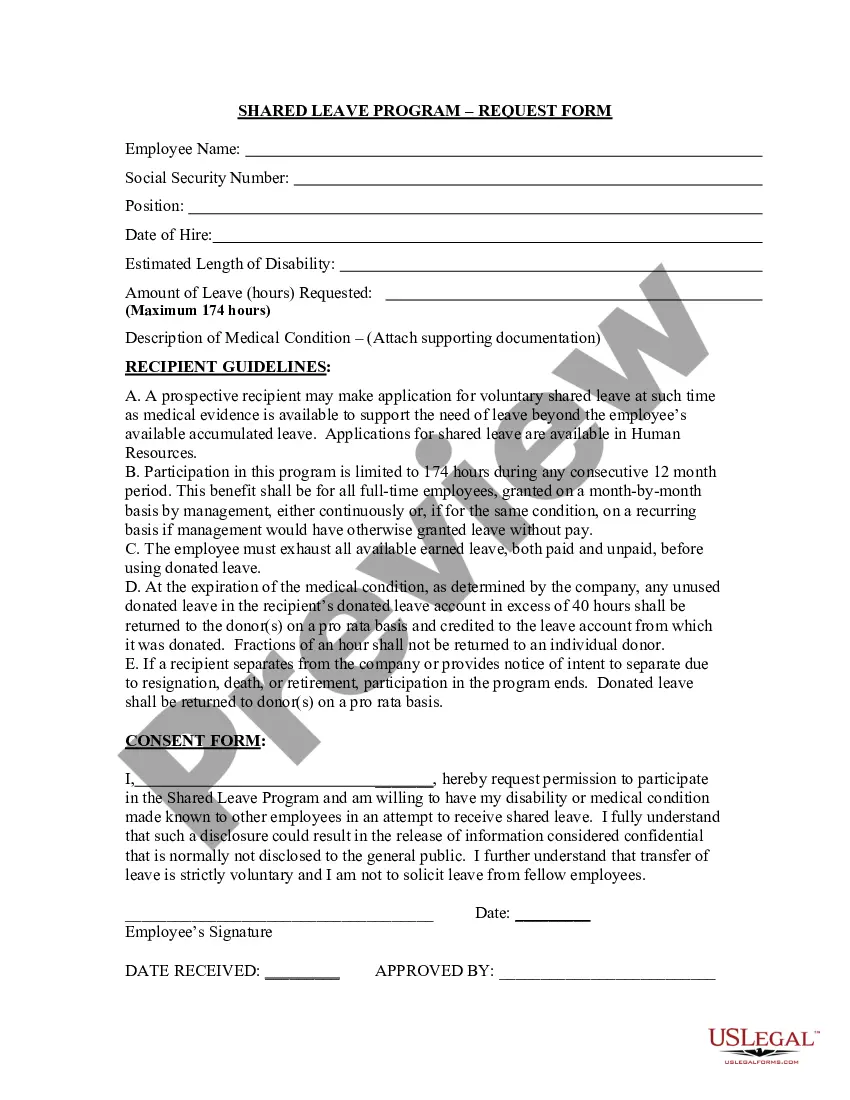
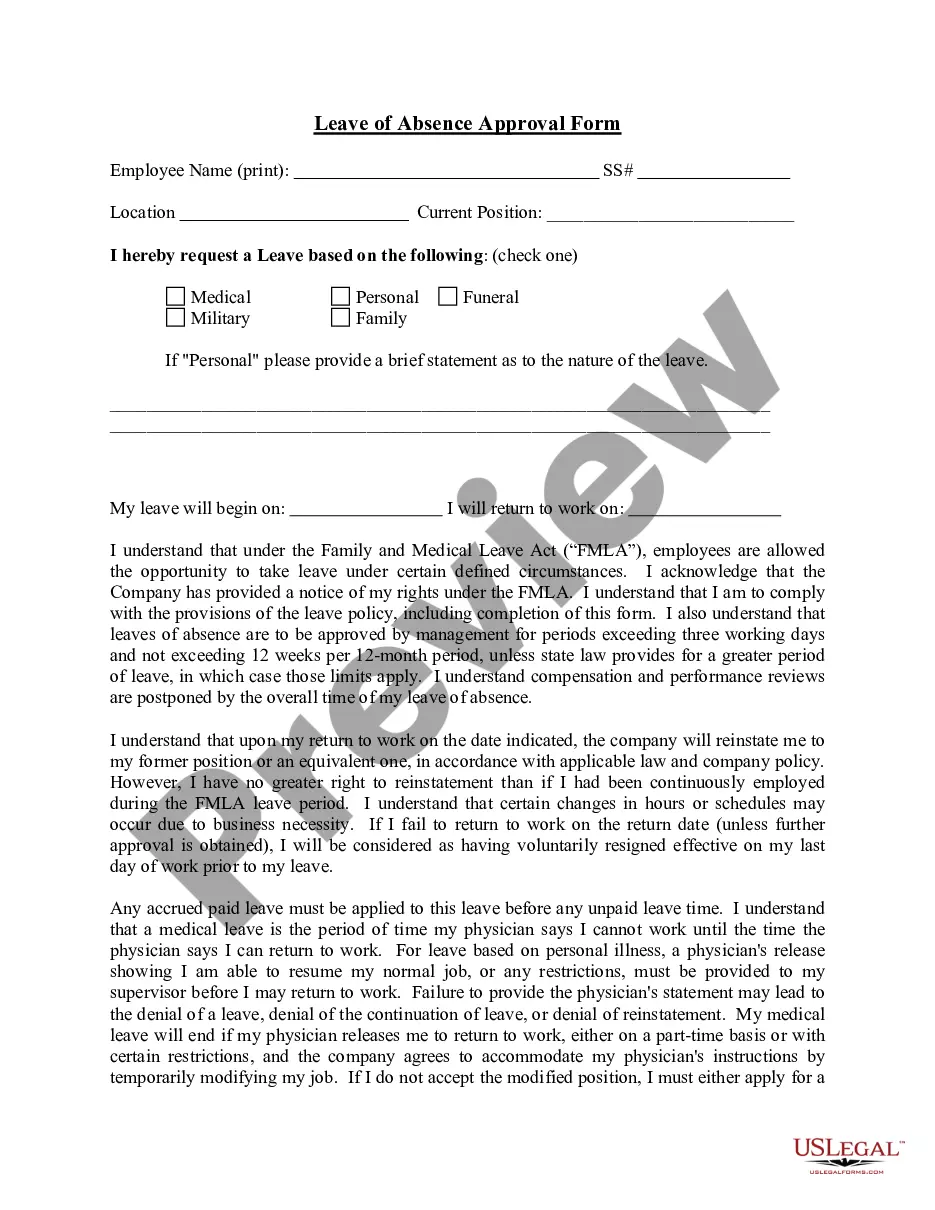
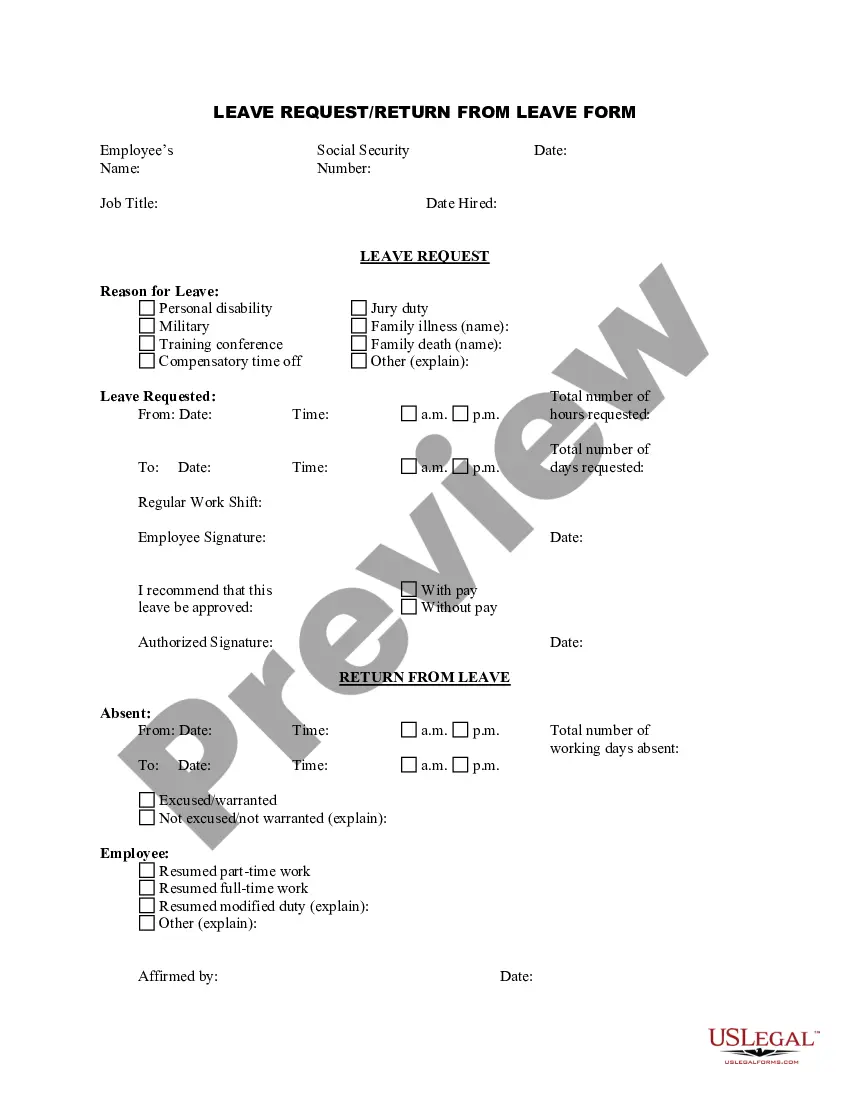
Connecticut Shared Leave Request Form
Description



Get your form ready online
Our built-in tools help you complete, sign, share, and store your documents in one place.
Make edits, fill in missing information, and update formatting in US Legal Forms—just like you would in MS Word.
Download a copy, print it, send it by email, or mail it via USPS—whatever works best for your next step.
Sign and collect signatures with our SignNow integration. Send to multiple recipients, set reminders, and more. Go Premium to unlock E-Sign.
If this form requires notarization, complete it online through a secure video call—no need to meet a notary in person or wait for an appointment.
We protect your documents and personal data by following strict security and privacy standards.

Make edits, fill in missing information, and update formatting in US Legal Forms—just like you would in MS Word.

Download a copy, print it, send it by email, or mail it via USPS—whatever works best for your next step.

Sign and collect signatures with our SignNow integration. Send to multiple recipients, set reminders, and more. Go Premium to unlock E-Sign.

If this form requires notarization, complete it online through a secure video call—no need to meet a notary in person or wait for an appointment.

We protect your documents and personal data by following strict security and privacy standards.
Looking for another form?


How to fill out Shared Leave Request Form?
It is feasible to spend hours online searching for the legitimate document format that aligns with the state and federal requirements you need.
US Legal Forms offers an extensive array of legal forms that are evaluated by experts.
You can truly download or print the Connecticut Shared Leave Request Form from our platform.
If available, utilize the Preview button to review the document format at the same time.
- If you possess a US Legal Forms account, you can Log In and click the Acquire button.
- Following that, you can complete, modify, print, or sign the Connecticut Shared Leave Request Form.
- Each legal document format you obtain is yours indefinitely.
- To retrieve an additional copy of any purchased form, visit the My documents section and click the corresponding button.
- If you are using the US Legal Forms website for the first time, follow the simple instructions below.
- First, ensure that you have selected the correct document format for your state/city of choice.
- Review the form description to confirm you have chosen the right one.
Form popularity
FAQ
To download our Shared Work Application Document. submit it to CTDOL Shared Work (Questions and Participants List). are to email the application to DOL.sharedwork@ct.gov or fax it to (860) 263-6681. notified within 30 days of the status of their application via mail or email.
Administered through the CT Paid Leave Authority, the Paid Family and Medical Leave Act (PFMLA) offers Connecticut workers the opportunity to take time to attend to personal and family health needs without worrying about lost income.
You can apply online or call the toll-free application line at (877) 499-8606. To apply online, create an account with CT Paid Leave. Get started with this step-by-step instructional video. If you know when you will be taking leave, submit your application no more than 30 days before the leave start date.
How to File a Paid Family Leave (PFL) Claim by MailVisit Online Forms and Publications and order a form online. A form will be mailed to you.Obtain the form from your physician/practitioner or employer.Visit an SDI Office.Call 1-877-238-4373. California Relay Service (711) Provide the PFL number (1-877-238-4373)
The state of Connecticut FMLA allows up to 16 weeks of unpaid leave in a 24-month period (or up to 24 weeks if you are a state of Connecticut employee). Pregnancy: The Connecticut FMLA allows up to 12 weeks of unpaid leave in a 12-month period.
You can apply online or call the toll-free application line at (877) 499-8606. To apply online, create an account with CT Paid Leave. Get started with this step-by-step instructional video. If you know when you will be taking leave, submit your application no more than 30 days before the leave start date.
The Connecticut Department of Labor's Shared Work Program helps businesses prevent layoffs by allowing them to temporarily reduce employee hours and use partial unemployment benefits to supplement lost wages.
Connecticut Department of Labor's Shared Work program offers an alternative a way to keep your skilled workers on the job while reducing the financial pressure on your business. Instead of cutting employees, you cut hours, enabling employees to collect unemployment for the time they've lost.
Who is Eligible for the Program? The Connecticut Paid Leave (CTPL) program covers all employers with one or more employees and is accessible to all employees who have met certain earned-wage thresholds. Those who are self-employed or are sole proprietors are eligible to opt-in to the program.
A program called work sharing, or short-time compensation, encourages employers to temporarily reduce the hours of their employees rather than lay them off during an economic downturn. Work sharing allows employers to keep their skilled workforce and reestablish a full-time schedule when economic conditions improve.