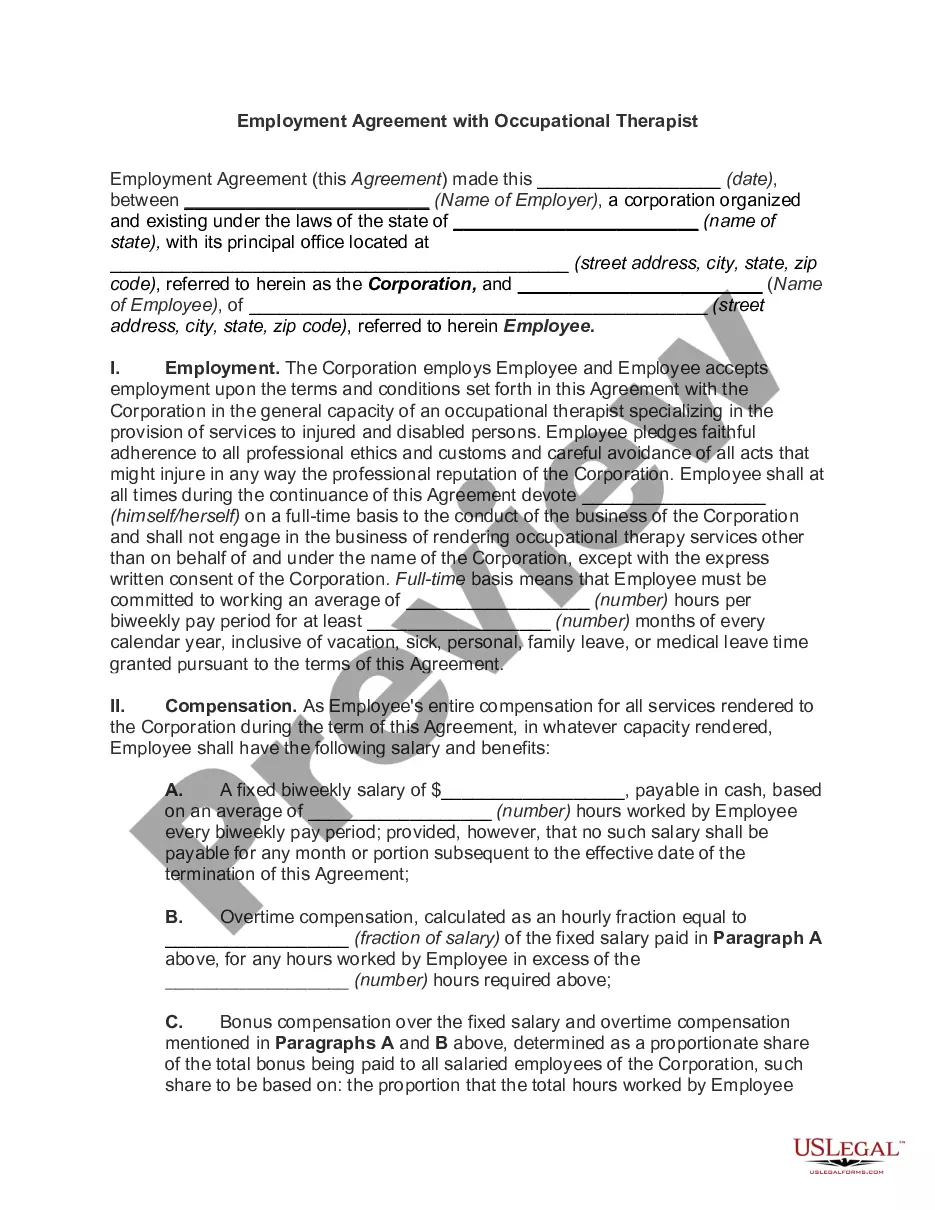
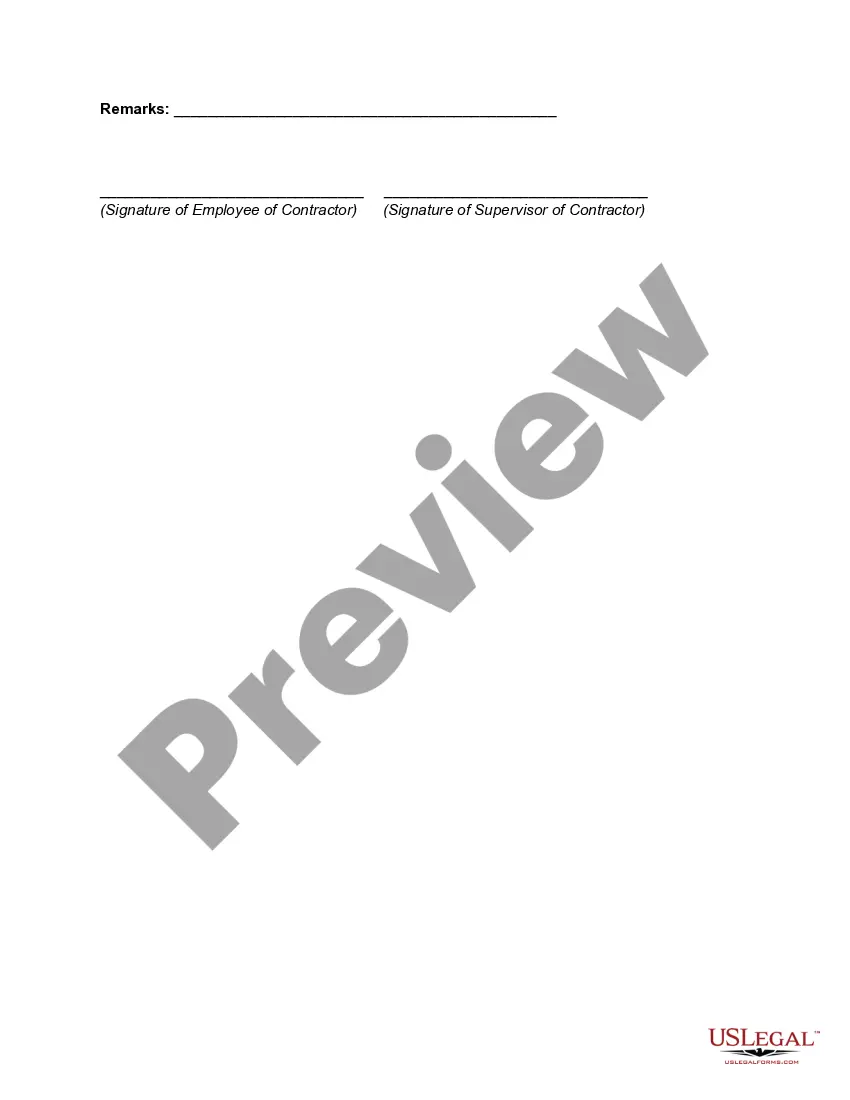
Connecticut Construction Work Order
Description
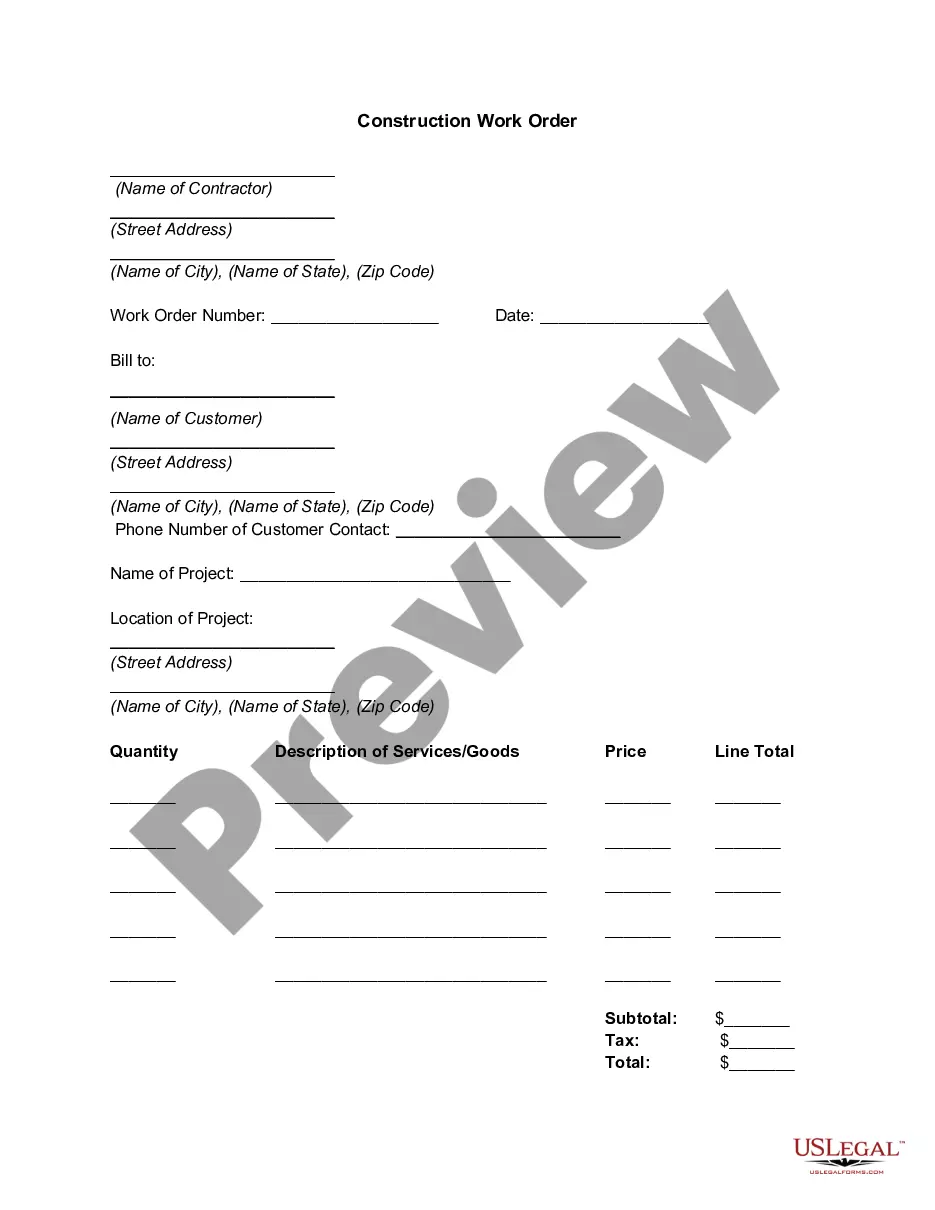
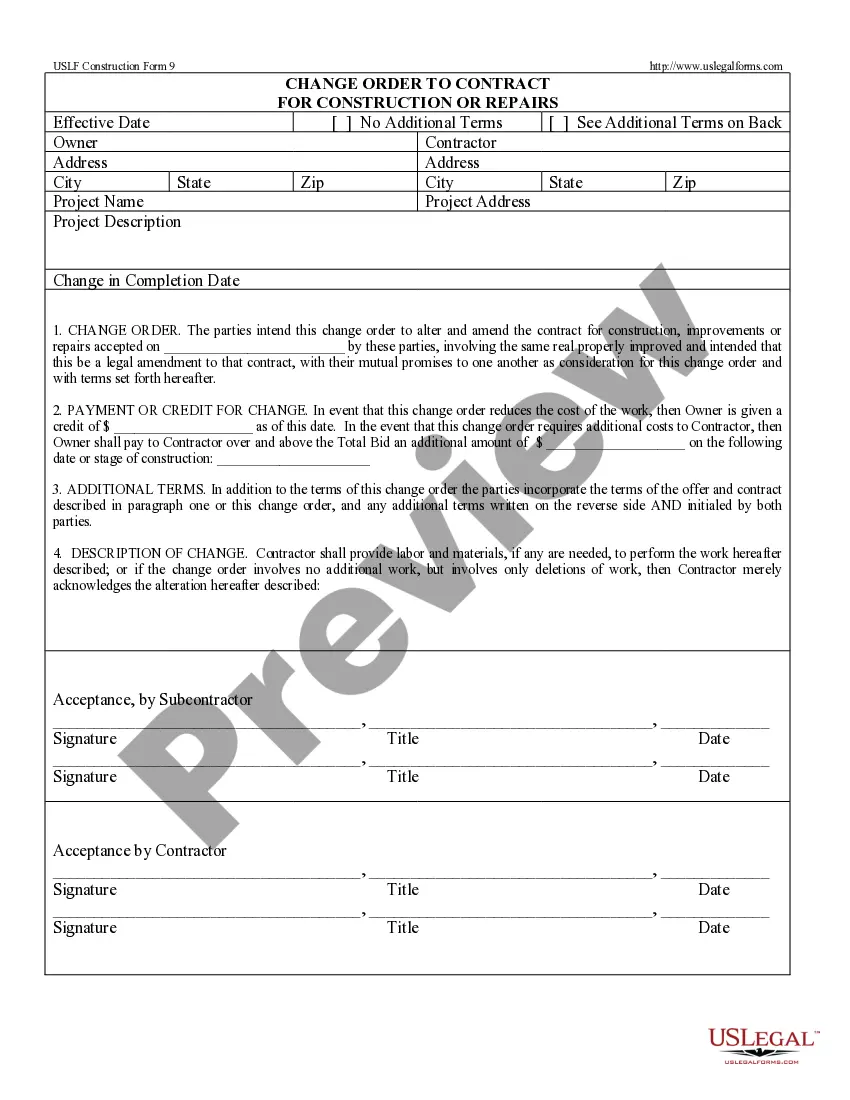
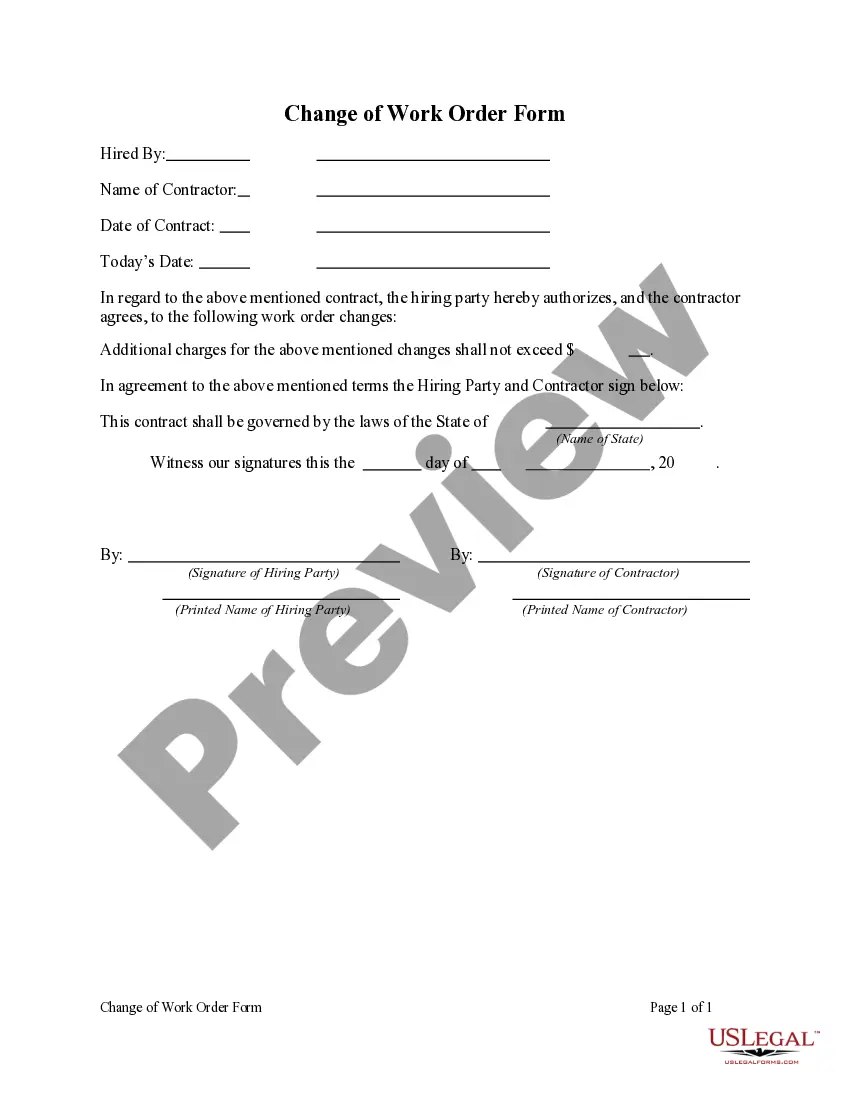
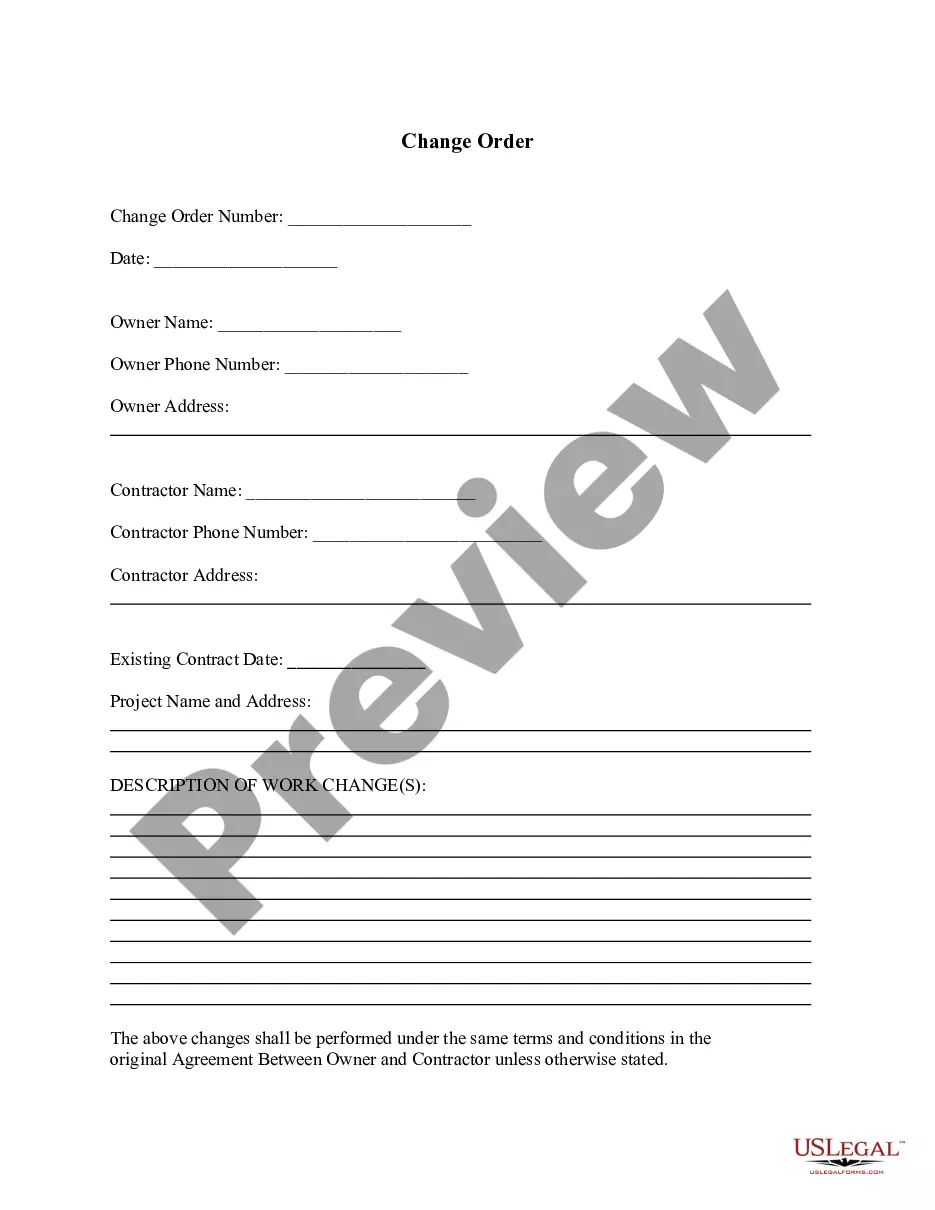
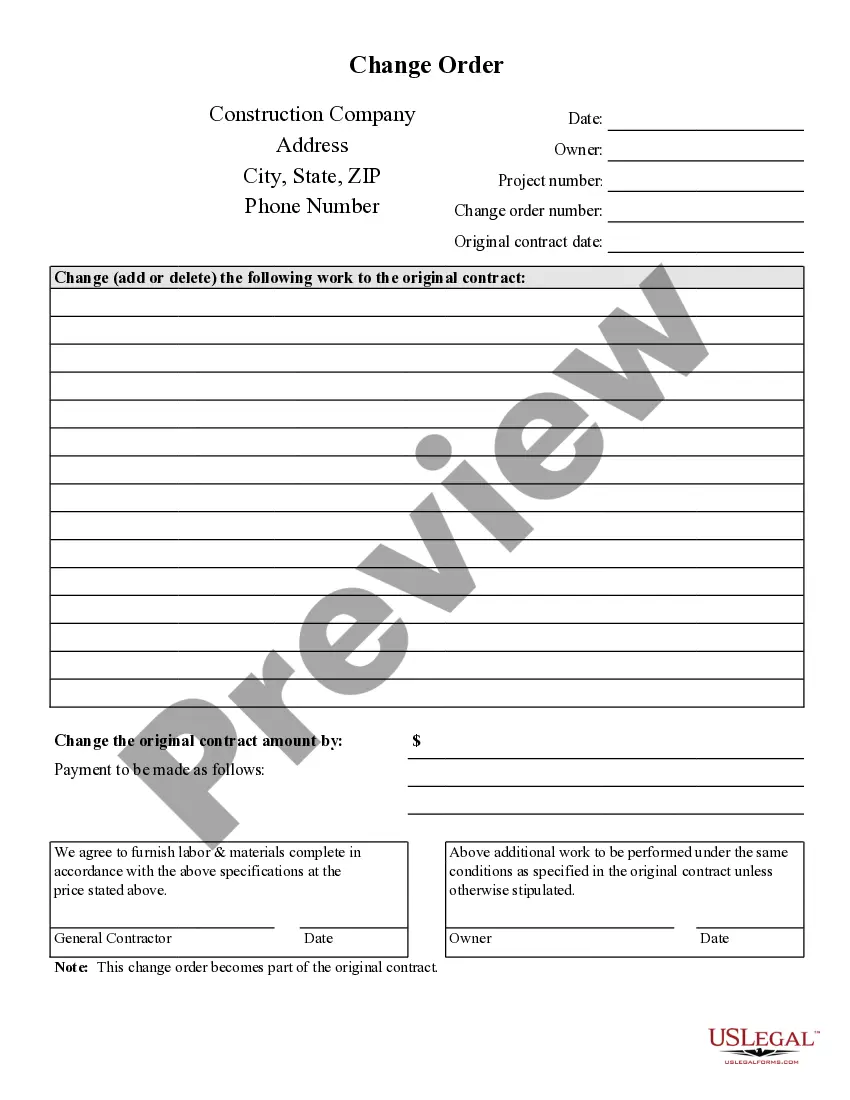
Get your form ready online
Our built-in tools help you complete, sign, share, and store your documents in one place.
Make edits, fill in missing information, and update formatting in US Legal Forms—just like you would in MS Word.
Download a copy, print it, send it by email, or mail it via USPS—whatever works best for your next step.
Sign and collect signatures with our SignNow integration. Send to multiple recipients, set reminders, and more. Go Premium to unlock E-Sign.
If this form requires notarization, complete it online through a secure video call—no need to meet a notary in person or wait for an appointment.
We protect your documents and personal data by following strict security and privacy standards.

Make edits, fill in missing information, and update formatting in US Legal Forms—just like you would in MS Word.

Download a copy, print it, send it by email, or mail it via USPS—whatever works best for your next step.

Sign and collect signatures with our SignNow integration. Send to multiple recipients, set reminders, and more. Go Premium to unlock E-Sign.

If this form requires notarization, complete it online through a secure video call—no need to meet a notary in person or wait for an appointment.

We protect your documents and personal data by following strict security and privacy standards.
Looking for another form?




How to fill out Construction Work Order?
If you need to compile, obtain, or print legal document templates, utilize US Legal Forms, the primary source of legal forms available online.
Take advantage of the site's straightforward and user-friendly search to find the documents you require.
Various templates for business and personal purposes are categorized by types and regions, or by keywords.
Every legal document template you purchase is yours forever. You will have access to each form you've saved in your account. Visit the My documents section and select a form to print or download again.
Stay competitive and download, and print the Connecticut Construction Work Order with US Legal Forms. There are millions of professional and state-specific forms available for your business or personal needs.
- Utilize US Legal Forms to acquire the Connecticut Construction Work Order in just a few clicks.
- If you are already a US Legal Forms user, Log In to your account and click the Download button to retrieve the Connecticut Construction Work Order.
- You can also access forms you previously saved from the My documents tab in your account.
- If this is your first time using US Legal Forms, follow the instructions below.
- Step 1. Ensure you have selected the form for the appropriate area/region.
- Step 2. Use the Review option to examine the form's content. Be sure to read the details.
- Step 3. If you are dissatisfied with the form, utilize the Search field at the top of the screen to find other variations of the legal form template.
- Step 4. Once you have located the form you need, click the Buy now button. Choose the pricing plan you prefer and provide your credentials to register for an account.
- Step 5. Complete the transaction. You can use your credit card or PayPal account to finalize the transaction.
- Step 6. Select the format of the legal form and download it to your device.
- Step 7. Complete, modify, and print or sign the Connecticut Construction Work Order.
Form popularity
FAQ
5 Best Practices to Ensure Change Orders are not Bringing Your Company DownCheck Your Contract. Check it Twice:Clearly Communicate Cost:Understand the Full Cost of Changes:Make Sure Change Orders are in Writing:Make the Change Order Process Easier:
District Construction personnel may approve all change orders, except those requiring Division of Construction approval. Division of Construction approval is required on the following types of change orders: Any change order that has a total absolute value exceeding $200,000.
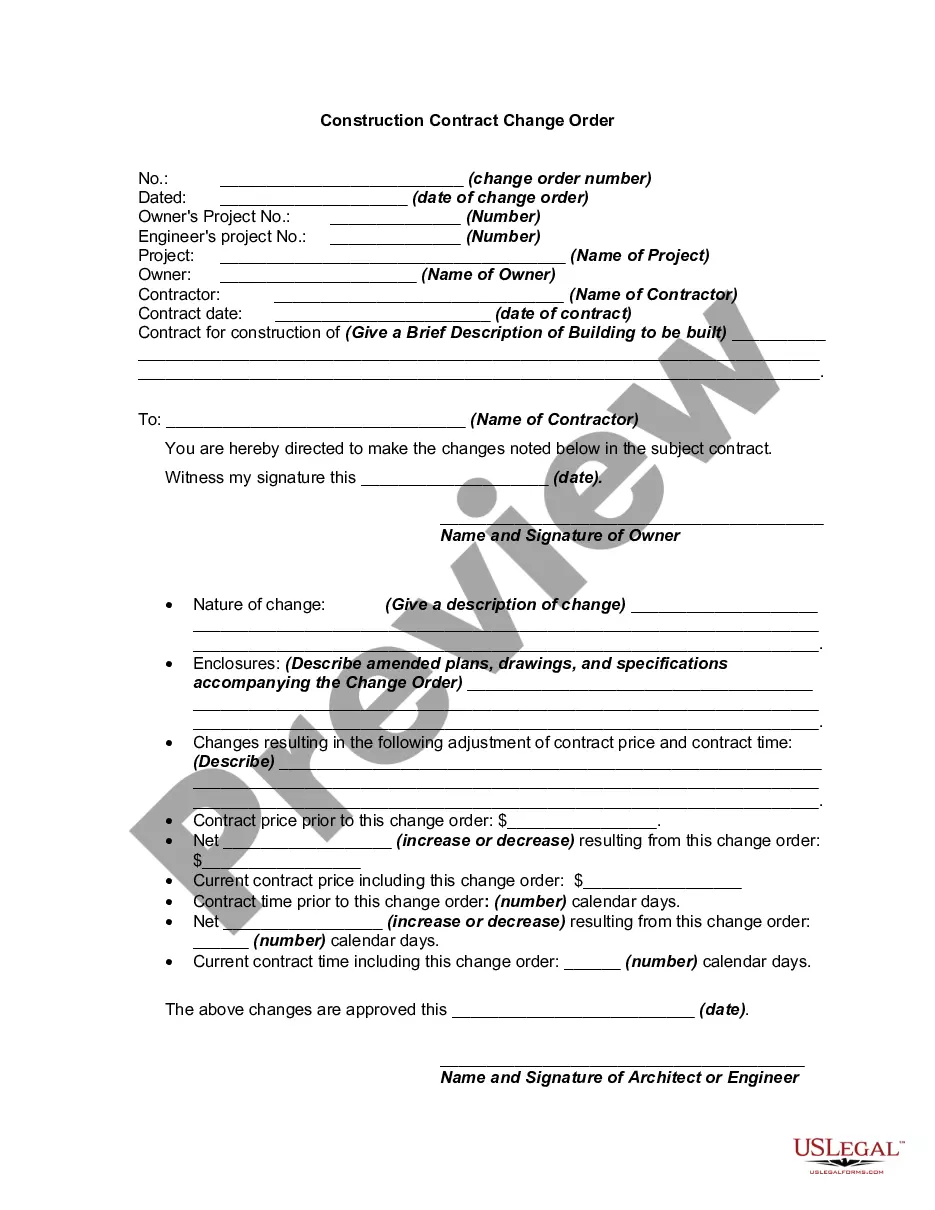
The contractor prepares a "change order proposal" quoting a price for the extra work. Once the owner and contractor have agreed on scope, price, and schedule, a formal, written change order is prepared and signed by all parties. Then, the contractor proceeds to perform the changed work.
Mastering the Change Order Process in ConstructionStart With the Contract.Review Plans and Specifications.Don't Ignore or Delay Change Orders.Communicate With All Parties Involved.Negotiating the Change Order.Document Everything.
Once all parties agree, the architect prepares the change order. The description of the change should be clear, succinct, and complete. It should be adequate for a third-party to generally understand the change and its impacts.
The contractor prepares a "change order proposal" quoting a price for the extra work. Once the owner and contractor have agreed on scope, price, and schedule, a formal, written change order is prepared and signed by all parties. Then, the contractor proceeds to perform the changed work.
Reducing Change Orders: 9 Tips for Managing Project Cost and ScheduleEstablish a change order process up front.Provide a clear statement of work.Eliminate or minimize change orders resulting from incomplete design.Coordinate design among the project's various disciplines.Coordinate all project elements.More items...?
The contractor prepares a "change order proposal" quoting a price for the extra work. Once the owner and contractor have agreed on scope, price, and schedule, a formal, written change order is prepared and signed by all parties. Then, the contractor proceeds to perform the changed work.
What Should a Construction Change Order Form Include?The name and address of the project.The owner's name.The name and phone number of the person requesting the change.A complete description of the planned work.The price of the change (including a breakdown of the costs as well as the total)More items...?
The Construction Manual contains policies and procedures related to the duties of Caltrans Division of Construction personnel, is for information only, and is intended as a resource for personnel engaged in contract administration.