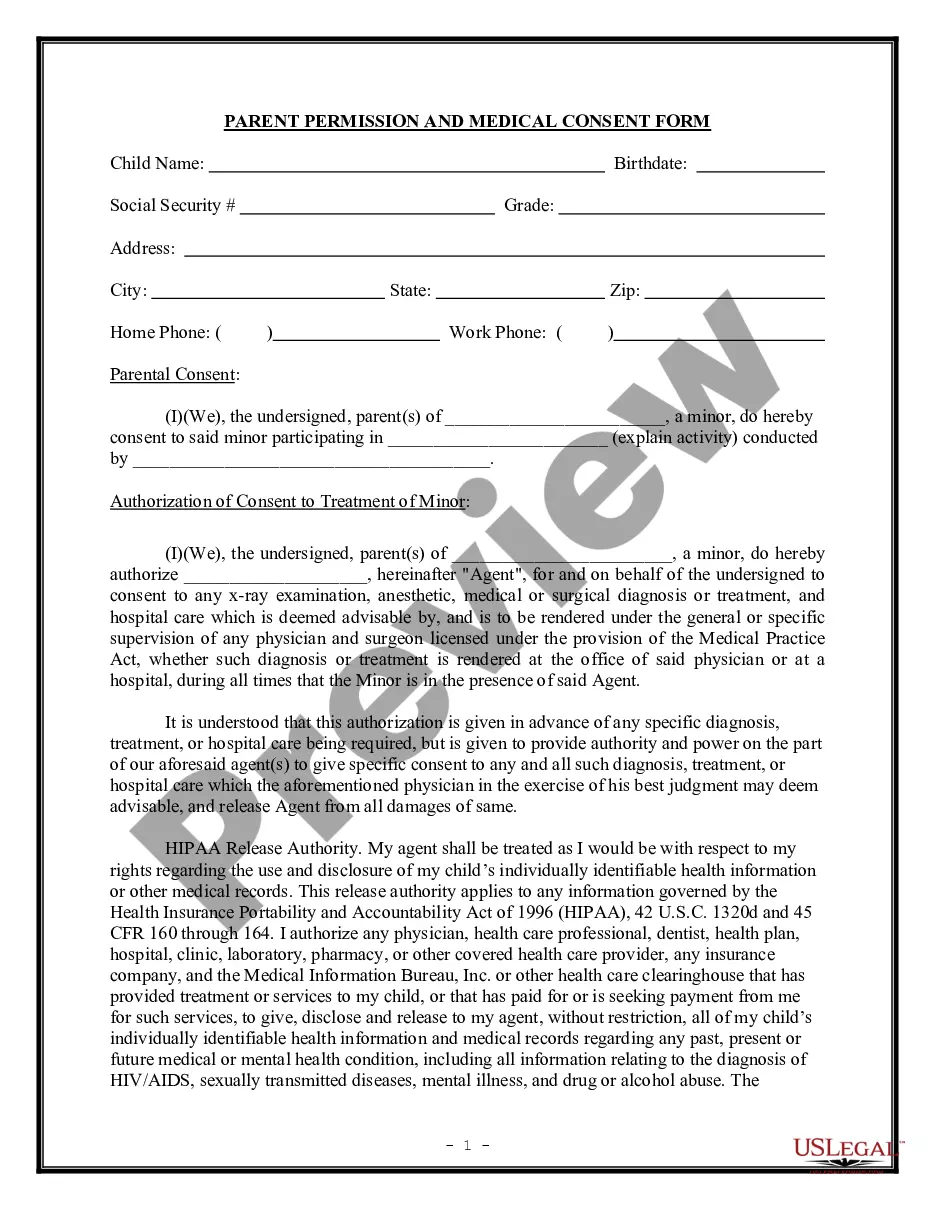
Connecticut Website Affiliate Agreement
Description
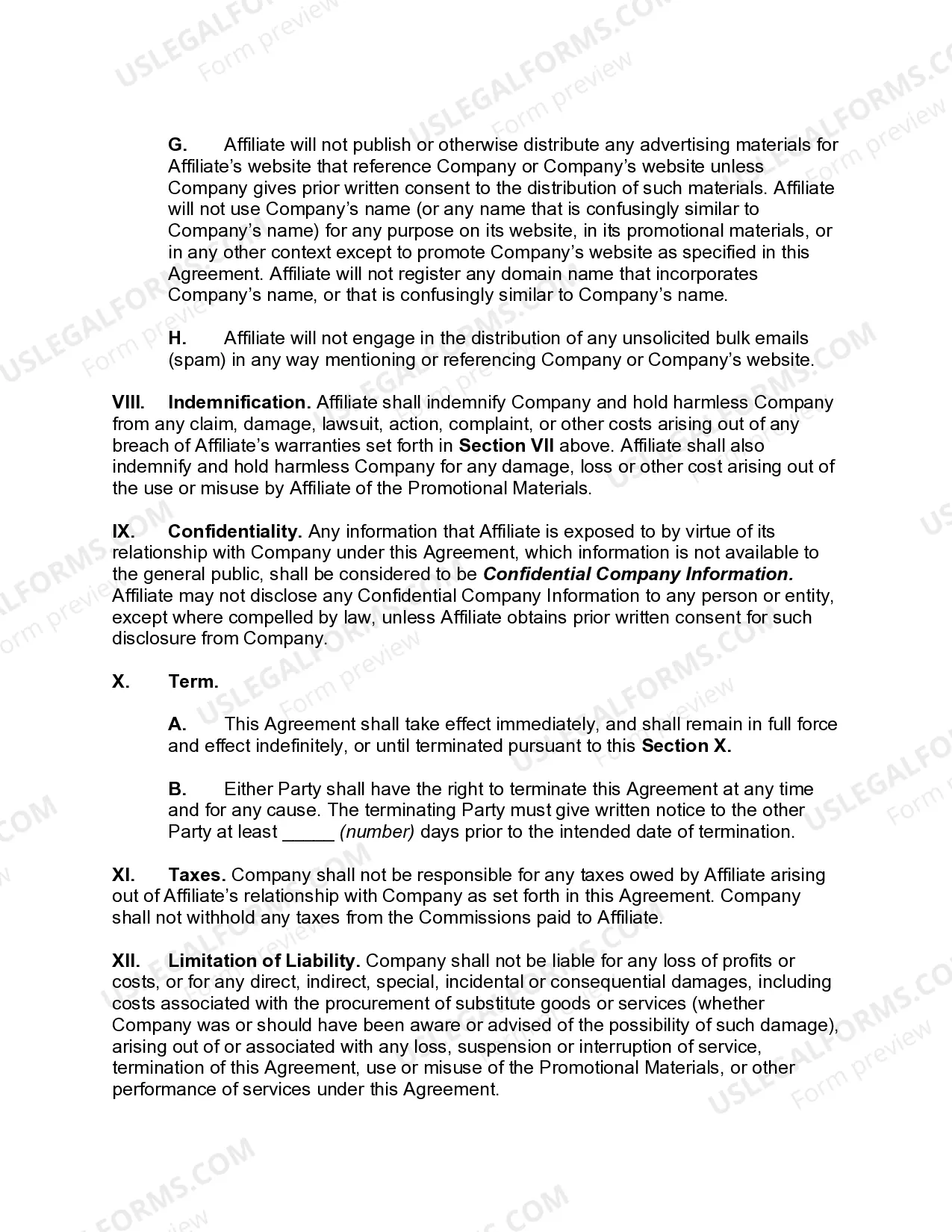
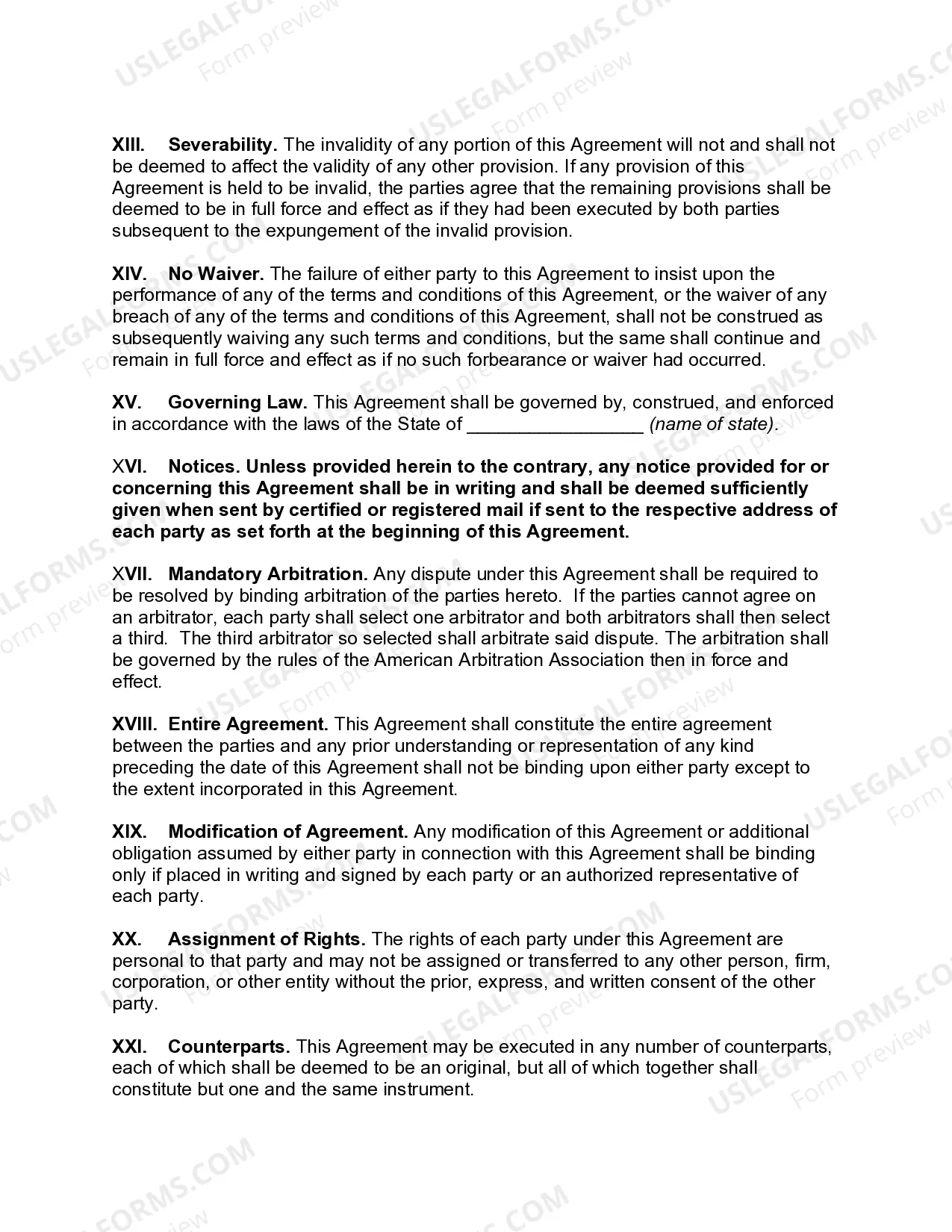
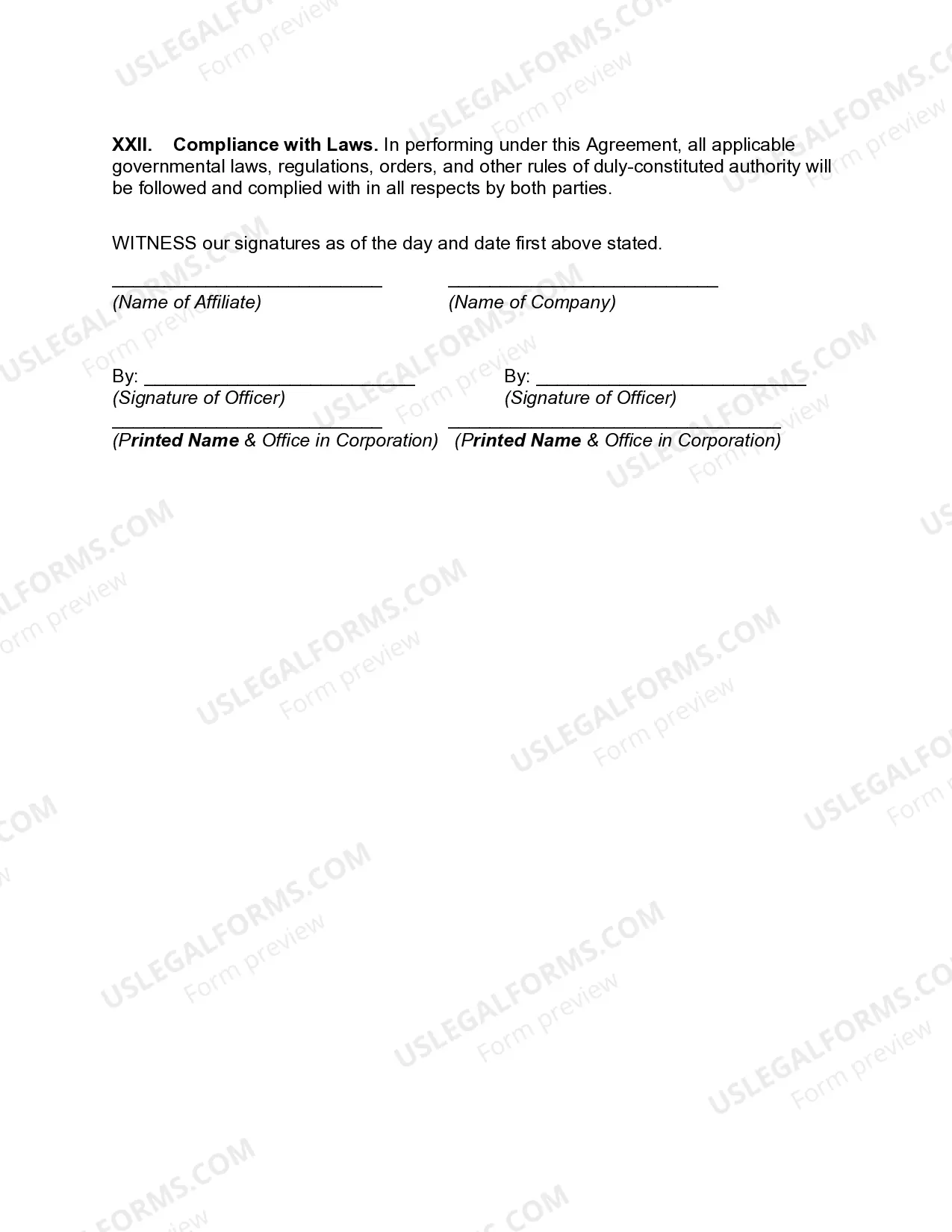
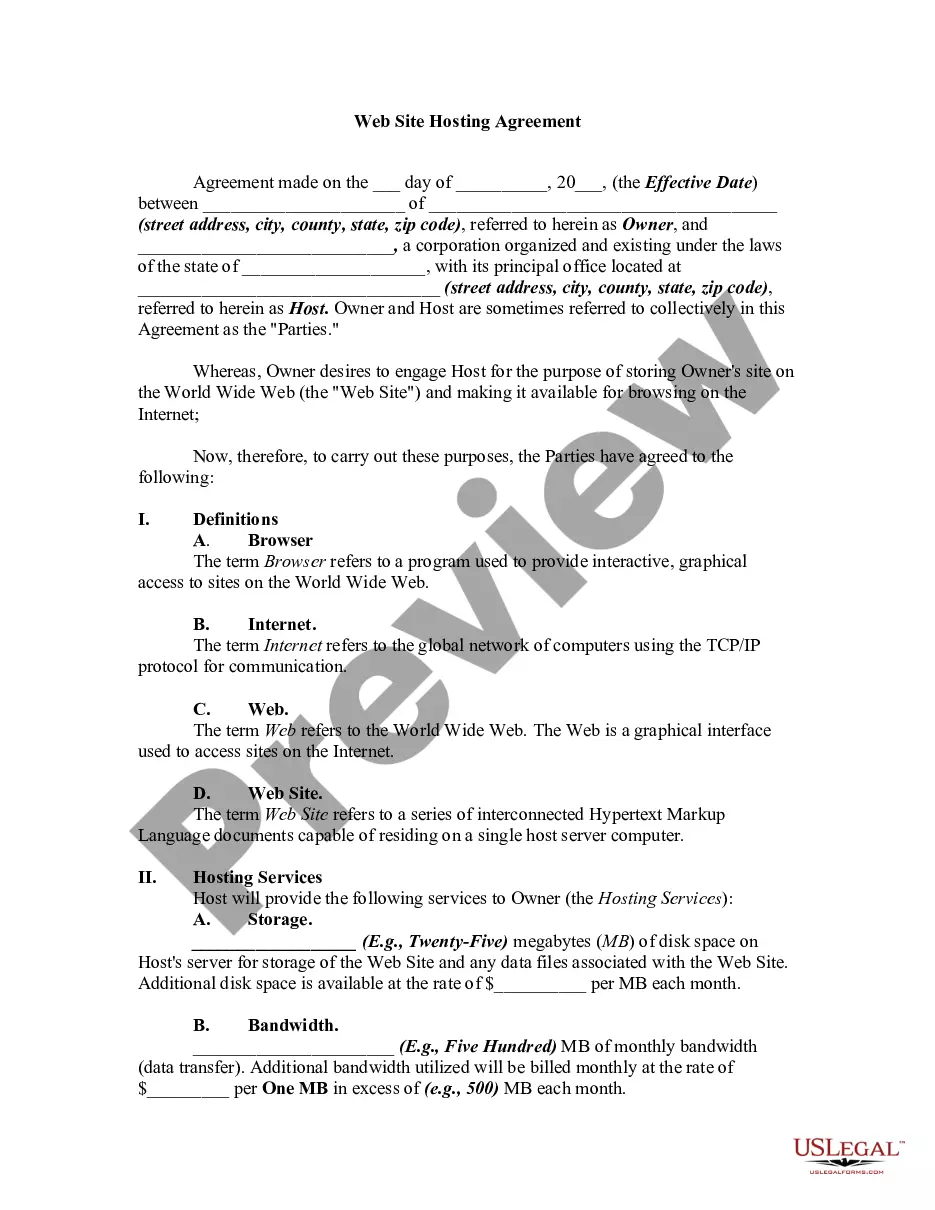
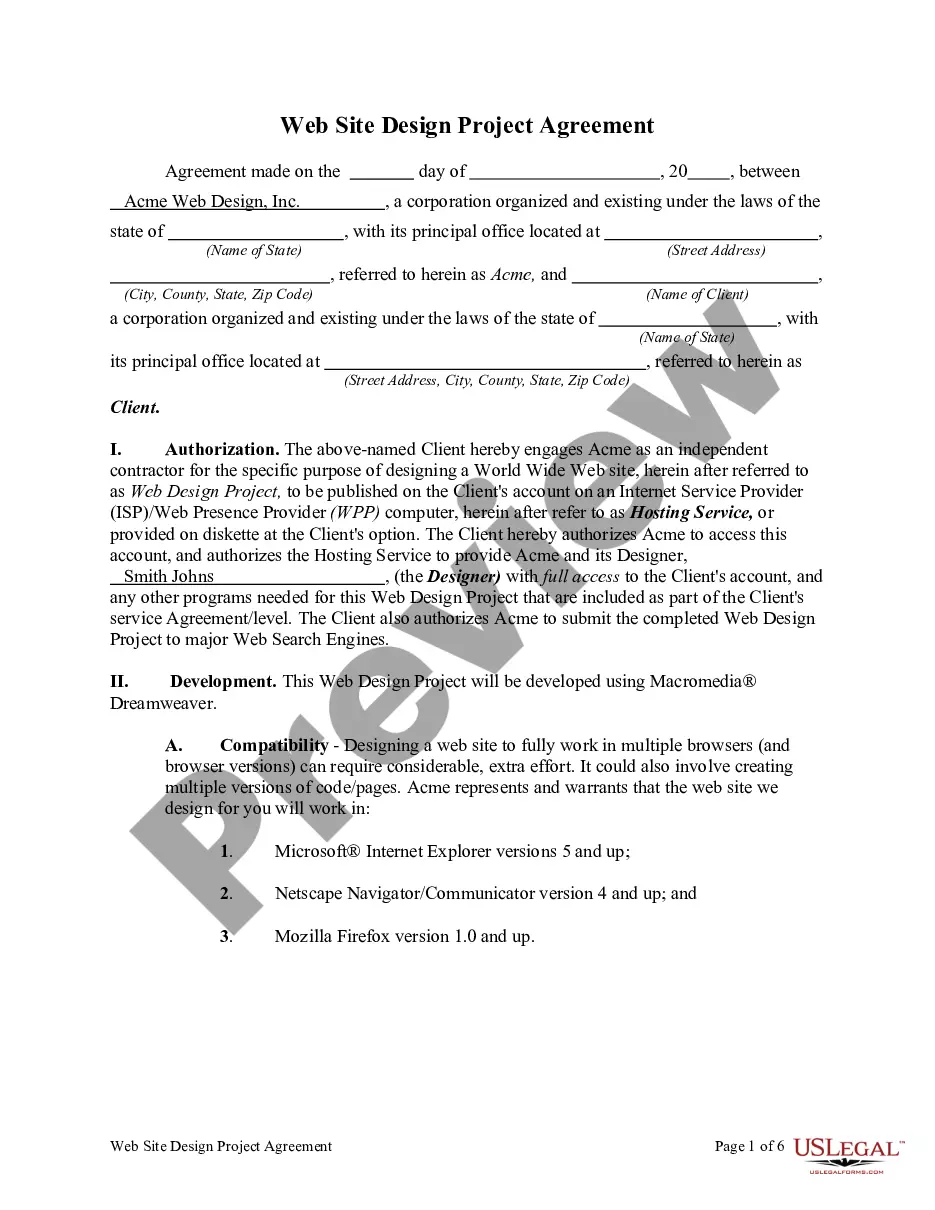
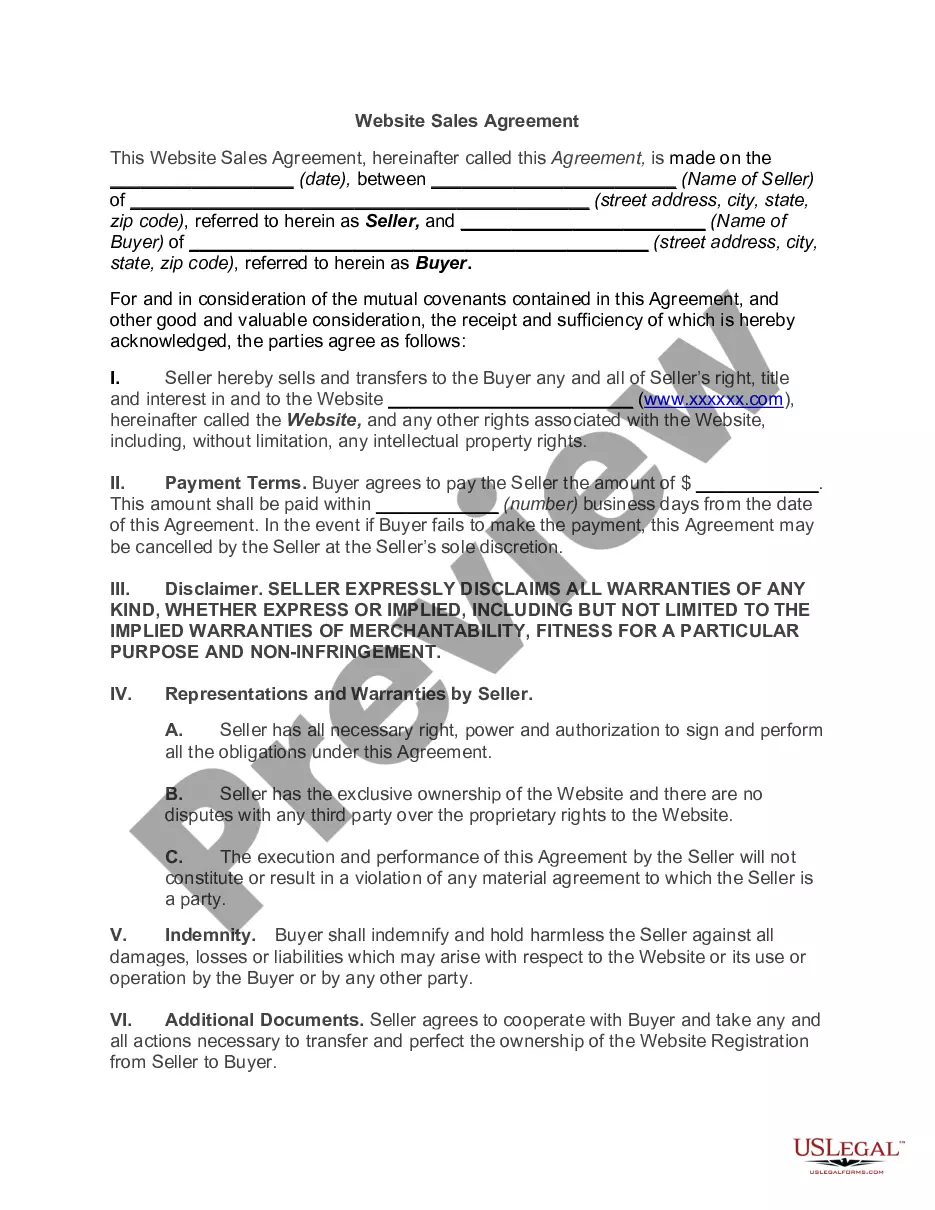
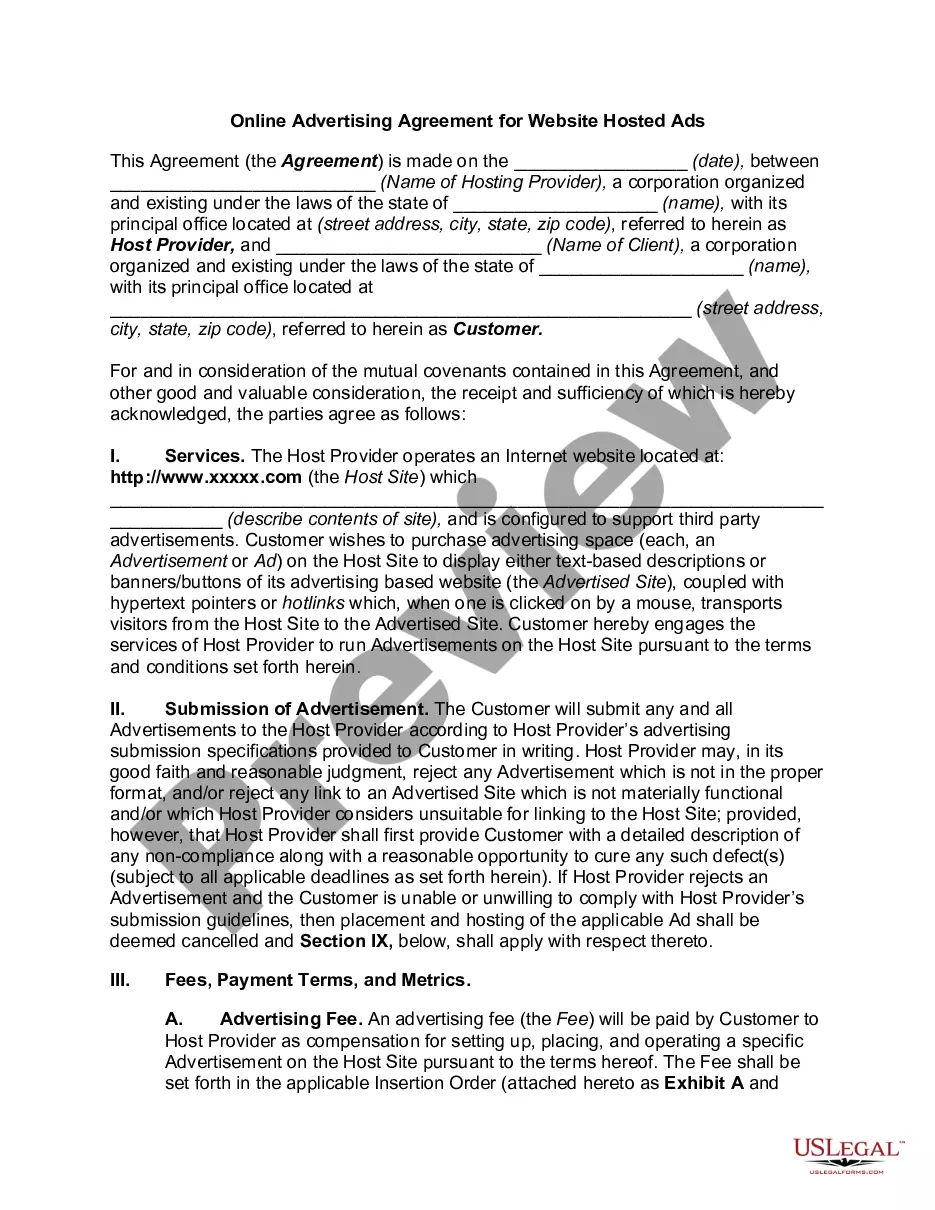
Get your form ready online
Our built-in tools help you complete, sign, share, and store your documents in one place.
Make edits, fill in missing information, and update formatting in US Legal Forms—just like you would in MS Word.
Download a copy, print it, send it by email, or mail it via USPS—whatever works best for your next step.
Sign and collect signatures with our SignNow integration. Send to multiple recipients, set reminders, and more. Go Premium to unlock E-Sign.
If this form requires notarization, complete it online through a secure video call—no need to meet a notary in person or wait for an appointment.
We protect your documents and personal data by following strict security and privacy standards.

Make edits, fill in missing information, and update formatting in US Legal Forms—just like you would in MS Word.

Download a copy, print it, send it by email, or mail it via USPS—whatever works best for your next step.

Sign and collect signatures with our SignNow integration. Send to multiple recipients, set reminders, and more. Go Premium to unlock E-Sign.

If this form requires notarization, complete it online through a secure video call—no need to meet a notary in person or wait for an appointment.

We protect your documents and personal data by following strict security and privacy standards.
Looking for another form?
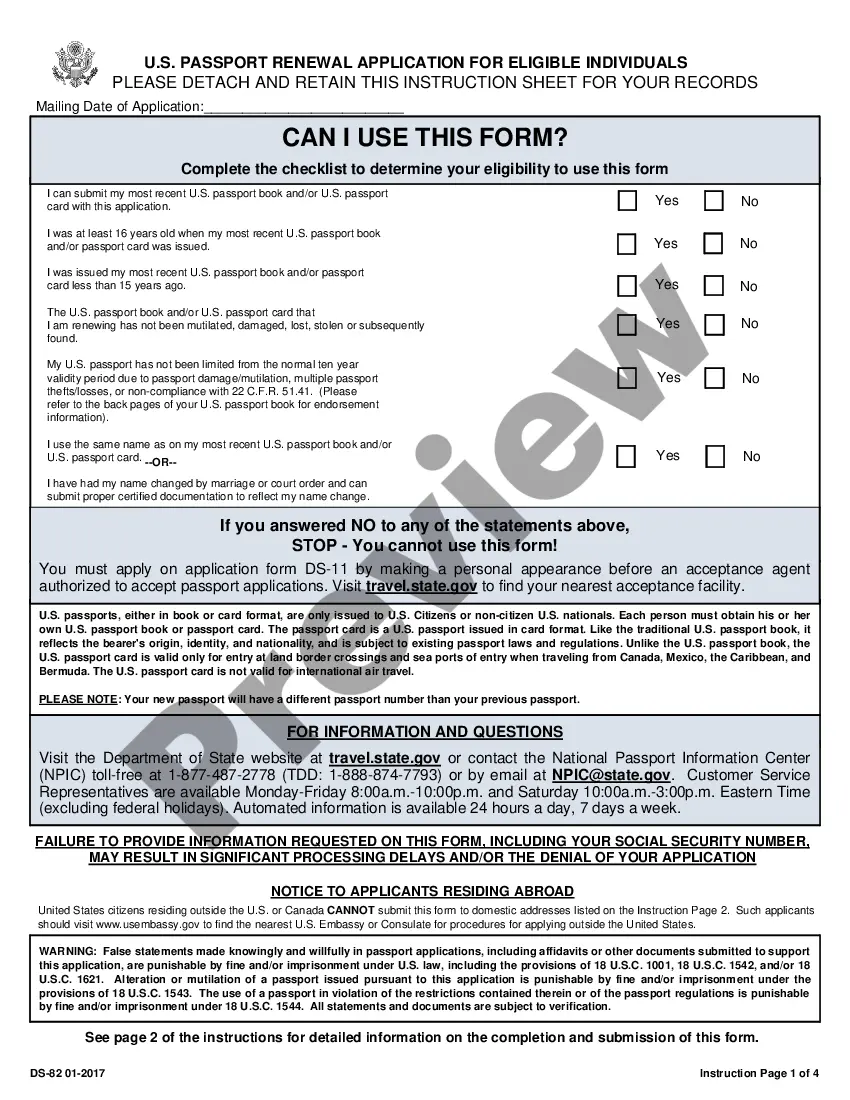
How to fill out Website Affiliate Agreement?
US Legal Forms - one of the biggest collections of legal forms in the United States - offers a variety of legal document templates that you can download or print.
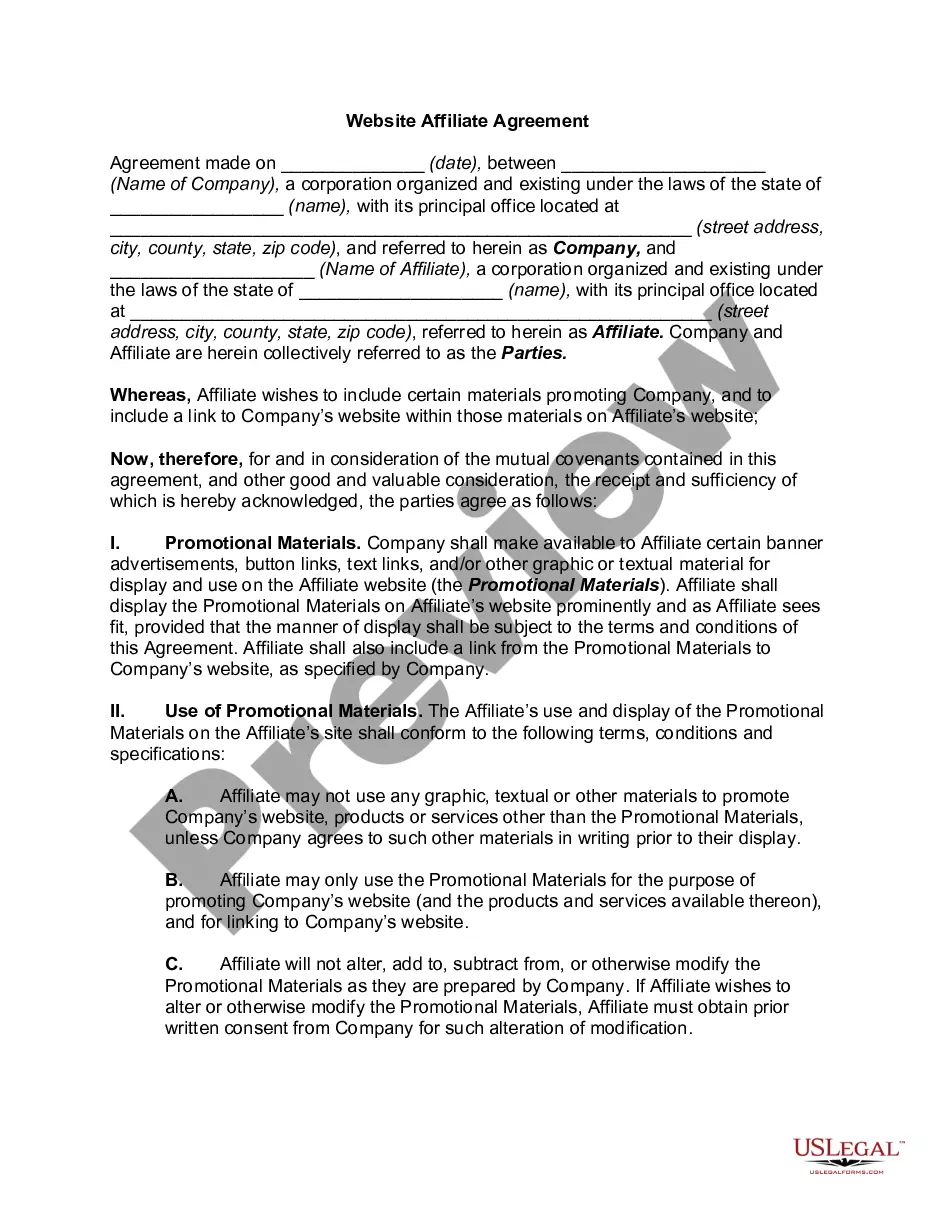
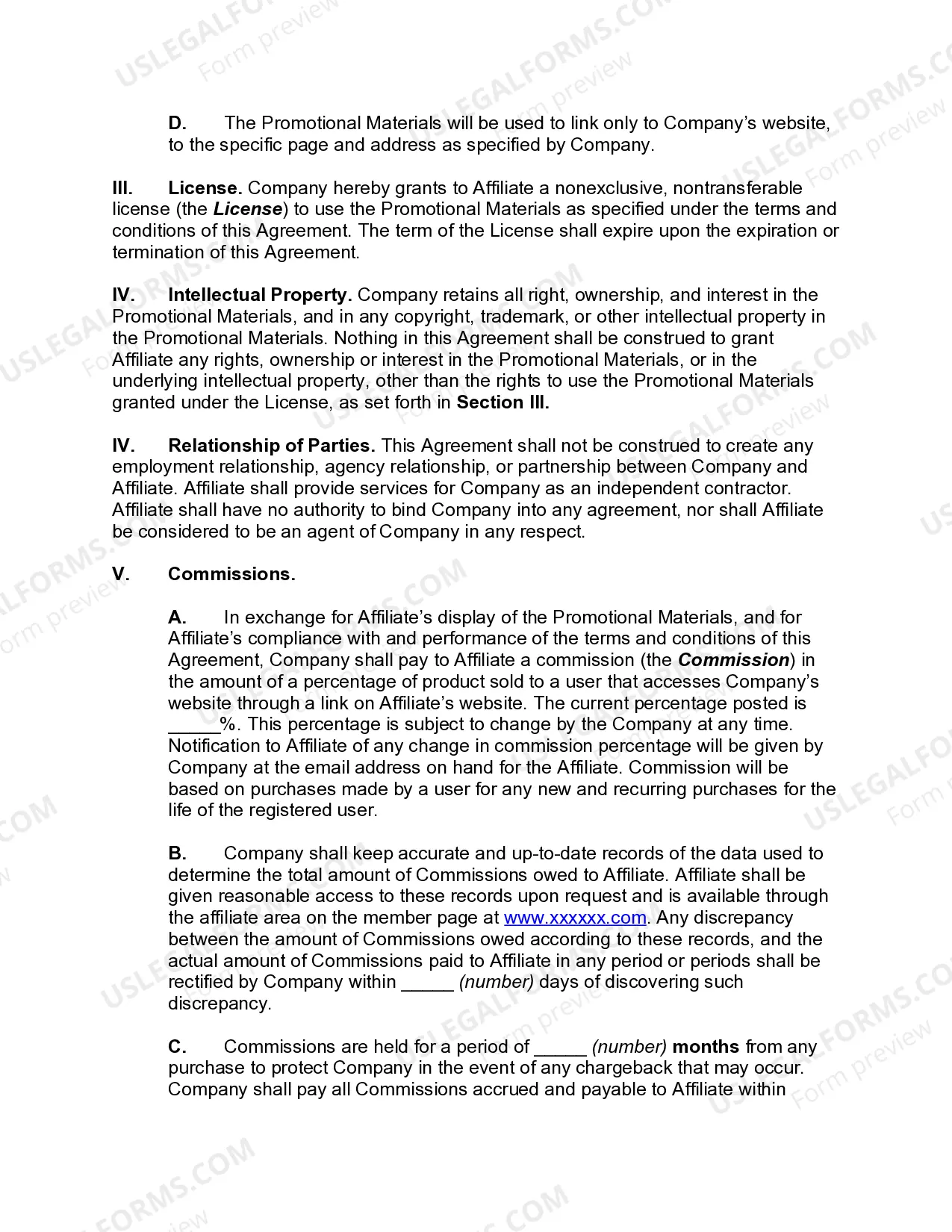
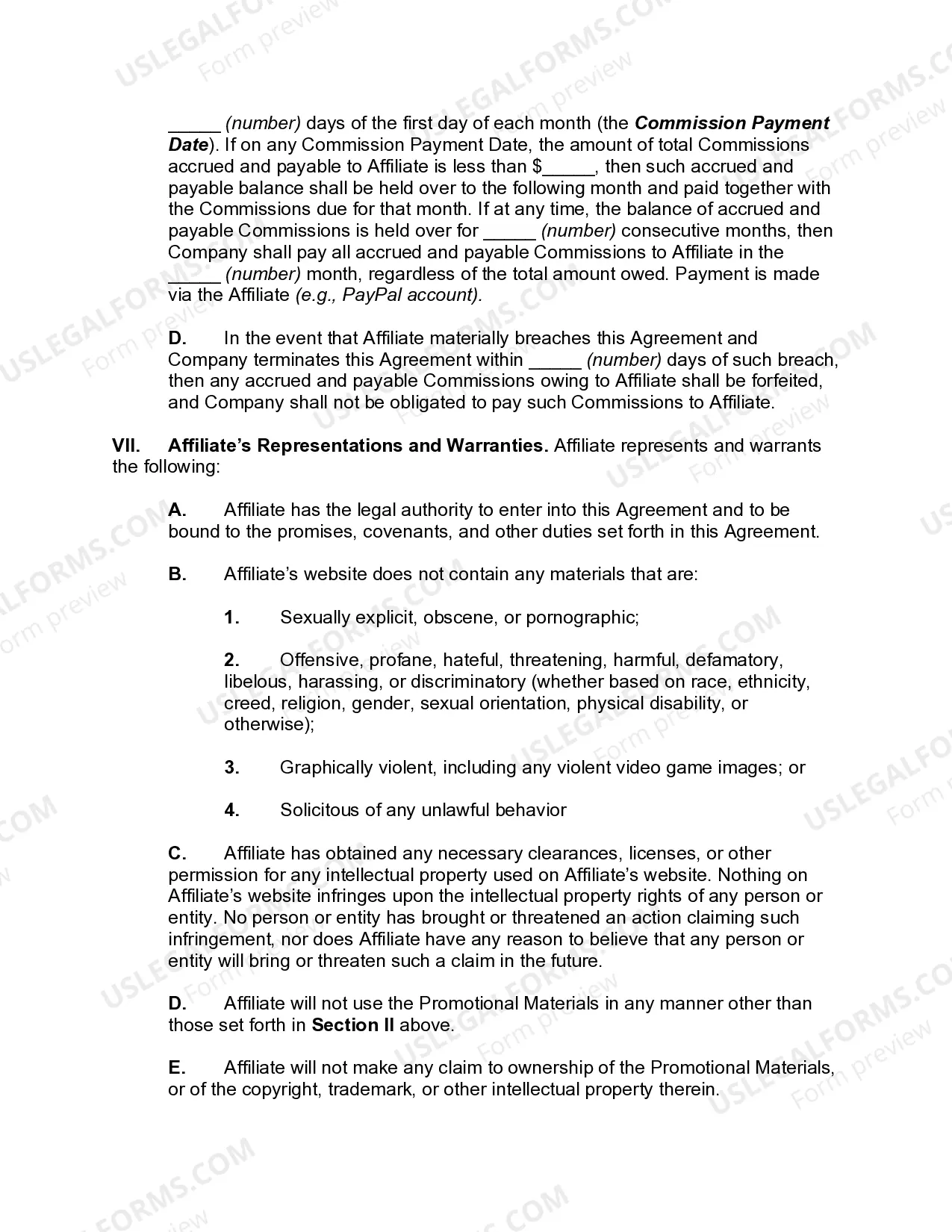
By using the website, you can find thousands of forms for business and personal purposes, organized by categories, states, or keywords. You can access the most recent versions of forms like the Connecticut Website Affiliate Agreement within minutes.
If you already have a subscription, Log In and download the Connecticut Website Affiliate Agreement from the US Legal Forms library. The Download button will appear on every form you view. You can find all previously downloaded forms in the My documents section of your account.
Make edits. Complete, modify, and print and sign the downloaded Connecticut Website Affiliate Agreement.
Each template you've added to your account has no expiration date and is yours indefinitely. So, if you wish to download or print another copy, simply visit the My documents section and click on the form you need.
- If you're using US Legal Forms for the first time, here are easy steps to get started.
- Make sure you have selected the correct form for your city/state. Click the Review button to view the contents of the form. Check the form description to confirm you have chosen the right document.
- If the form doesn't meet your needs, use the Search field at the top of the page to find the one that does.
- If you are satisfied with the form, confirm your selection by clicking the Get now button. Then, choose your preferred payment plan and provide your details to register for an account.
- Process the transaction. Use your credit card or PayPal account to complete the payment.
- Select the format and download the form to your device.
Form popularity
FAQ
How to Add an Affiliate Program to WordPressStep 1: Install AffiliateWP.Step 2: Activate Your License.Step 3: Set Up the Affiliate Area.Step 4: Set Your Referral Rates.Step 5: Integrate Your Other Tools.Step 6: Paying Your Affiliates.
Simply put, affiliate programs, also called associate programs, are arrangements in which an online merchant Web site pays affiliate Web sites a commission to send them traffic. These affiliate Web sites post links to the merchant site and are paid according to a particular agreement.
How to create an affiliate program, step by stepChoose high average order value (AOV) products to promote. Your first step is to choose which products you want to include in your affiliate program.Decide your affiliate pricing and commission.Choose an affiliate management app.Recruit your affiliates.Manage affiliates.
Items that should be included in an affiliate agreement are:The terms of the agreement.Under which circumstances the agreement can be terminated.The relationship of all parties.The responsibilities of both the affiliate and the business.The types of promotional and advertising that the affiliate can utilize.More items...
How to start affiliate marketingDecide on a niche.Choose your platform.Find relevant affiliate marketing programs.Create valuable content.Build an audience.Follow FTC regulations.01-Jan-2022
How to create an affiliate program, step by stepChoose high average order value (AOV) products to promote. Your first step is to choose which products you want to include in your affiliate program.Decide your affiliate pricing and commission.Choose an affiliate management app.Recruit your affiliates.Manage affiliates.
An affiliate agreement refers to the terms of services between an advertiser and an affiliate (generally a publisher or website) that oversee and define the affiliate relationship.
Just login, add a new post, and click on the Insert link button in WordPress editor. Then, add your affiliate link and specify what description to use as the clickable text. You can also just match the part of your copy before you click on 'insert link' and then this part will become your anchor by default.
5 steps to create a successful affiliate marketing program for your brandStep #1. Decide which products you want to include in your affiliate program.Step #2. Decide on your affiliate pricing and commission rates.Step #3. Choose an affiliate management tool to set up your affiliate site.Step #4.Step #5.20-May-2021
Anyone can sign up and then generate a custom affiliate link to Amazon products. If someone purchases through your link, you earn a small commission. With the basic terms clarified, let's get an overview of how you can best get started with building your affiliate marketing business.