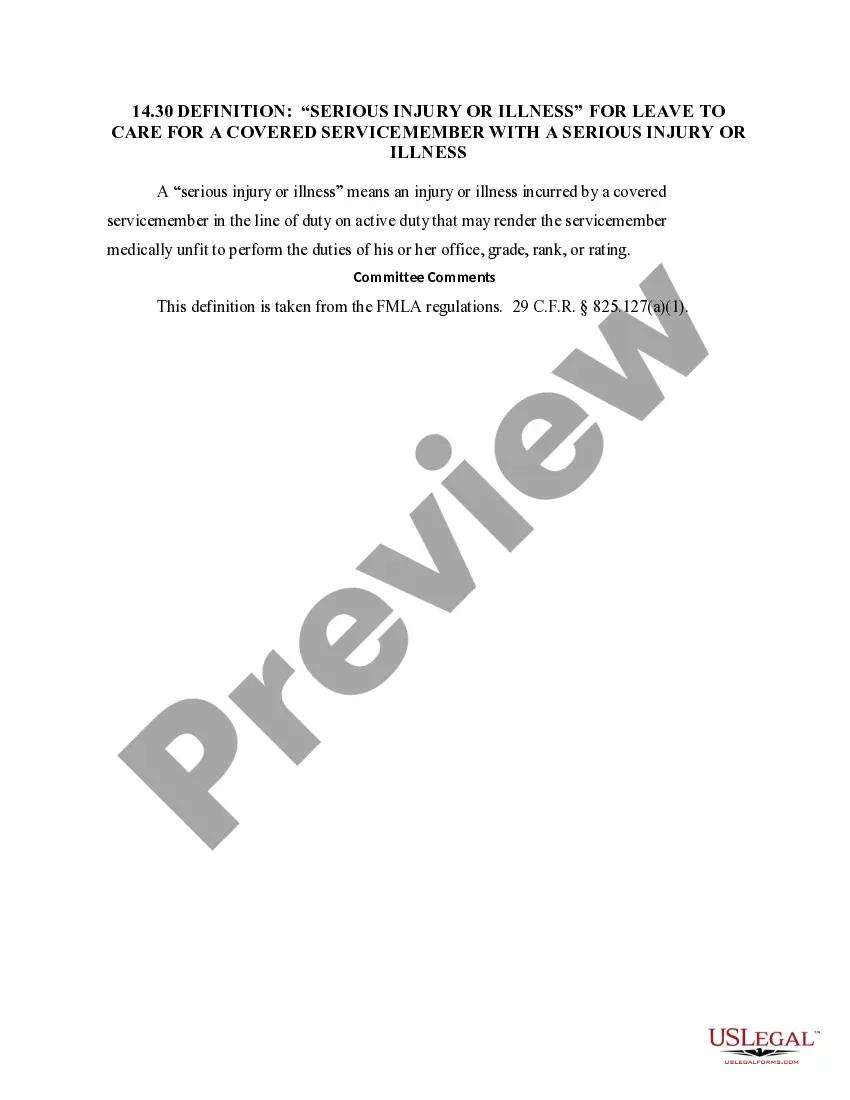
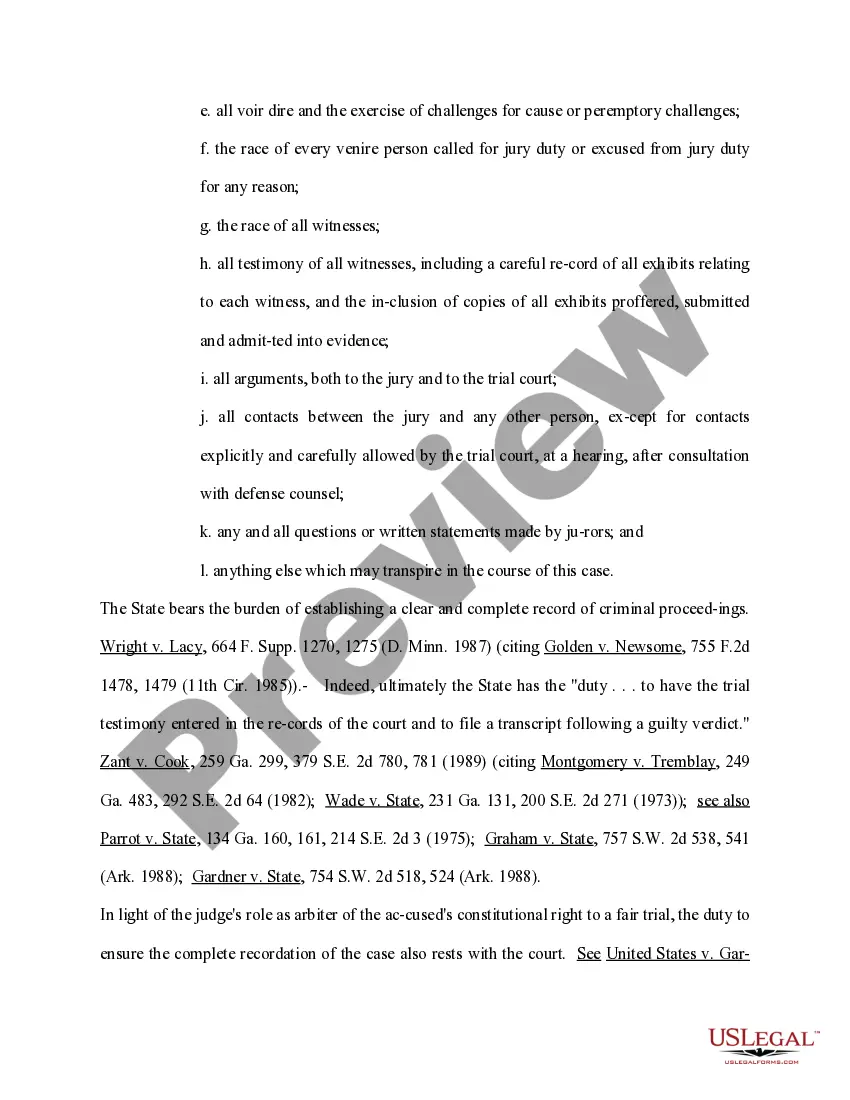
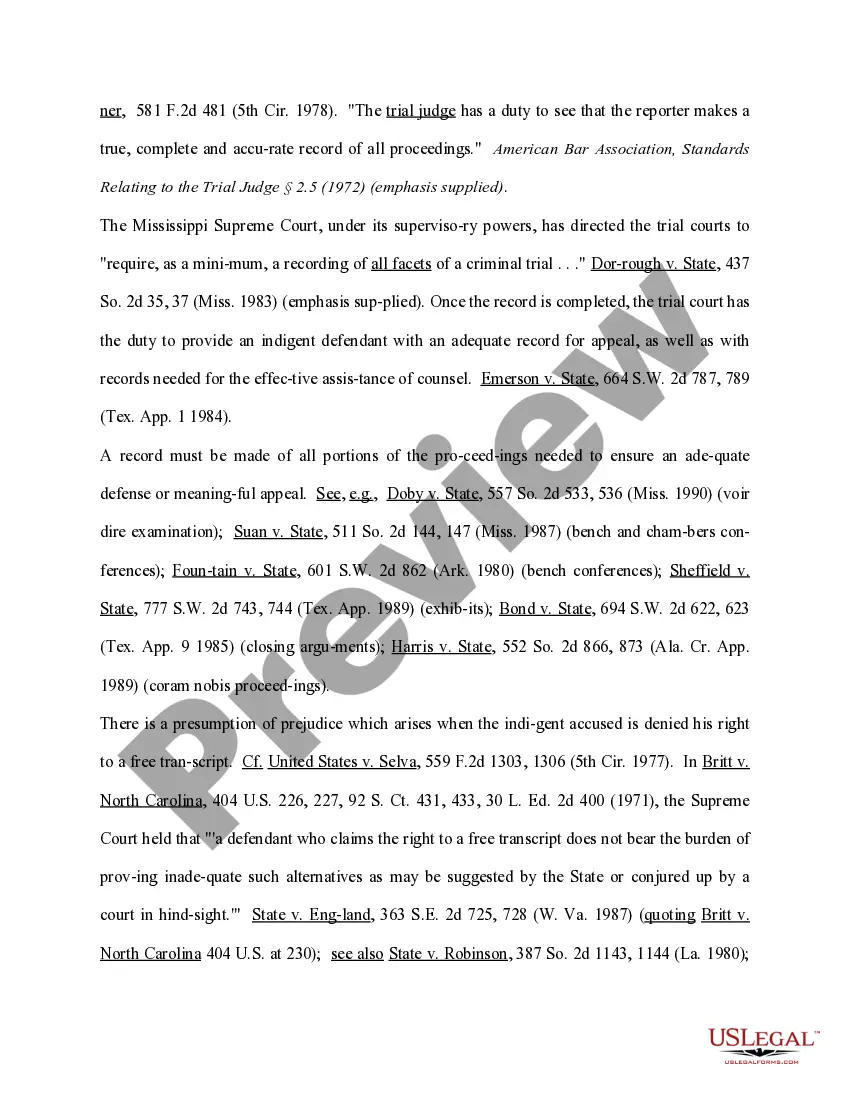
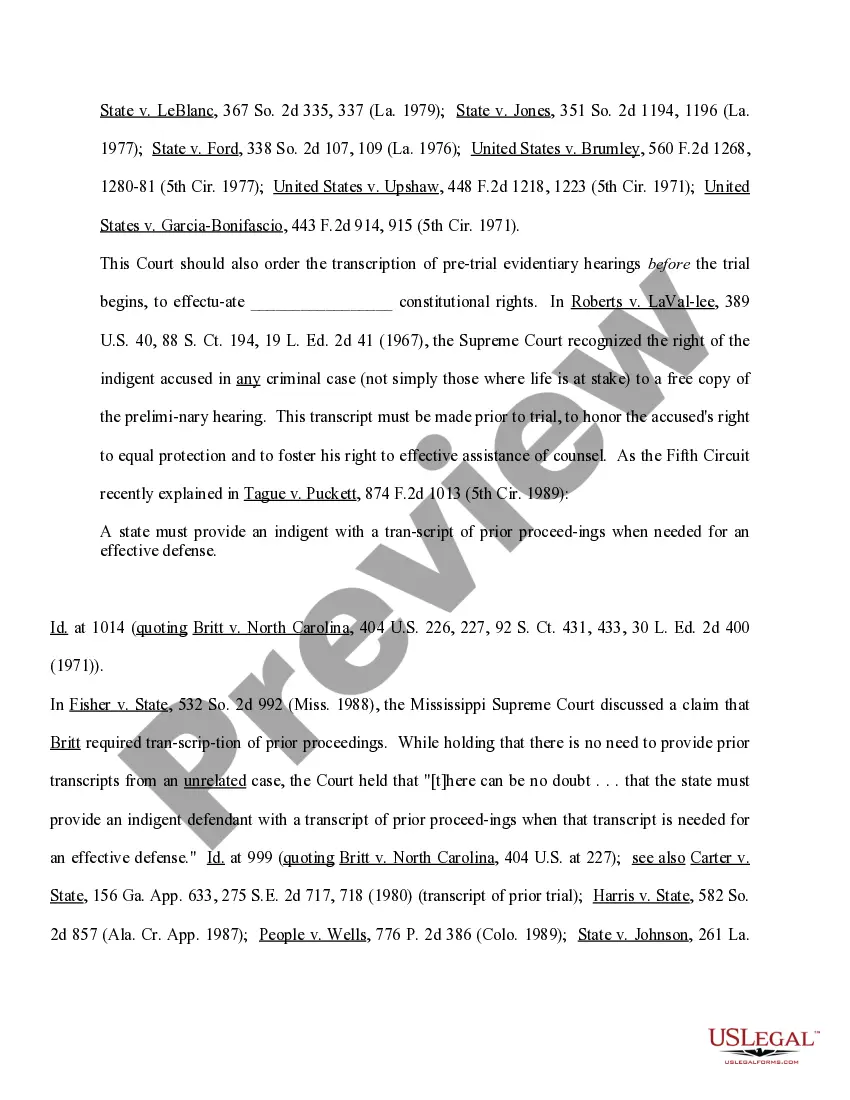
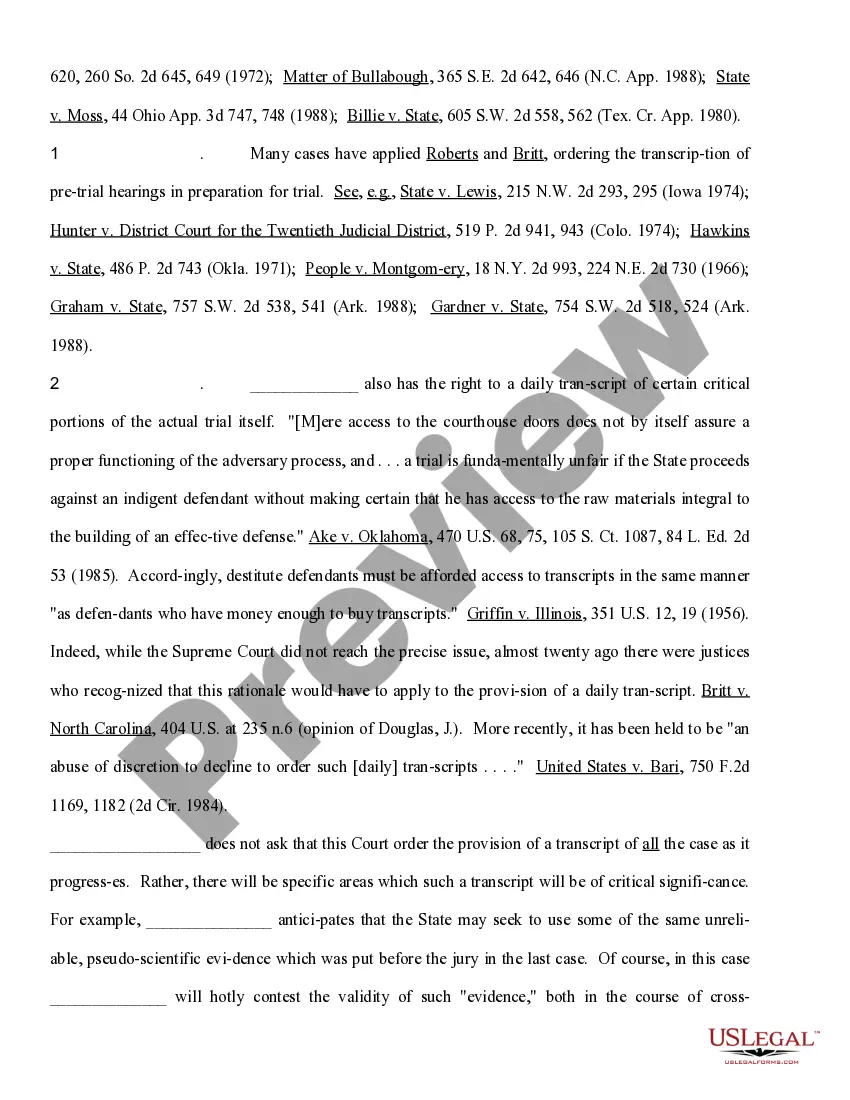
Connecticut Motion for Complete Recordation for a Transcript of All Pretrial Proceedings and For A Daily Transcript of Specified Portions of the Evidence
Description

Get your form ready online
Our built-in tools help you complete, sign, share, and store your documents in one place.
Make edits, fill in missing information, and update formatting in US Legal Forms—just like you would in MS Word.
Download a copy, print it, send it by email, or mail it via USPS—whatever works best for your next step.
Sign and collect signatures with our SignNow integration. Send to multiple recipients, set reminders, and more. Go Premium to unlock E-Sign.
If this form requires notarization, complete it online through a secure video call—no need to meet a notary in person or wait for an appointment.
We protect your documents and personal data by following strict security and privacy standards.

Make edits, fill in missing information, and update formatting in US Legal Forms—just like you would in MS Word.

Download a copy, print it, send it by email, or mail it via USPS—whatever works best for your next step.

Sign and collect signatures with our SignNow integration. Send to multiple recipients, set reminders, and more. Go Premium to unlock E-Sign.

If this form requires notarization, complete it online through a secure video call—no need to meet a notary in person or wait for an appointment.

We protect your documents and personal data by following strict security and privacy standards.
Looking for another form?






How to fill out Motion For Complete Recordation For A Transcript Of All Pretrial Proceedings And For A Daily Transcript Of Specified Portions Of The Evidence?
Have you ever found yourself in a situation where you require documents for either business or specific reasons almost daily.
There are numerous legal document templates available online, but finding ones you can rely on is not easy.
US Legal Forms offers a vast array of form templates, such as the Connecticut Motion for Complete Recordation for a Transcript of All Pretrial Proceedings and For A Daily Transcript of Specified Portions of the Evidence, designed to meet state and federal requirements.
Once you have the right form, simply click Get now.
Select the pricing plan you prefer, fill in the required information to create your account, and complete your purchase using your PayPal or credit card.
- If you are already familiar with the US Legal Forms website and have an account, just Log In.
- After that, you can download the Connecticut Motion for Complete Recordation for a Transcript of All Pretrial Proceedings and For A Daily Transcript of Specified Portions of the Evidence template.
- If you do not have an account and wish to start using US Legal Forms, follow these steps.
- Locate the form you need and ensure it is for the correct city/county.
- Utilize the Review option to look over the form.
- Read the description to confirm you have selected the correct form.
- If the form isn’t what you are looking for, use the Search box to find the form that fits your needs.
Form popularity
FAQ
Rule 1.10 - Imputation of Conflicts of Interest: General Rule (a) While lawyers are associated in a firm, none of them shall knowingly represent a client when any one of them practicing alone would be prohibited from doing so by Rules 1.7, 1.8(c), or 1.9, unless the prohibition is based on a personal interest of the ...
Rule 1.7 - Conflict of Interest: General Rule (a) Except as provided in paragraph (b), a lawyer shall not represent a client if the representation involves a concurrent conflict of interest.
Rule 4.2 of the Rules of Professional Conduct provides that ?[i]n representing a client, a lawyer shall not communicate about the subject of the representation with a party the lawyer knows to be represented by another lawyer in the matter, unless the lawyer has the consent of the other lawyer or is authorized by law ...
Regulatory Scheme: Connecticut Rule of Professional Conduct 7.4A permits attorneys to state or imply that they are certified specialists where certification is granted "by a board or other entity which is approved by the Rules Committee of the Superior Court." [Rule 7.4A].
The online transcript ordering system is located within eServices at . If you are not an attorney but are enrolled in eServices, you may also use the online transcript ordering system.
Rule 8.4(7) defines ?professional misconduct? by a Connecticut attorney as including speech that the lawyer knows or reasonably should know ?is harassment or discrimination on the basis of? any of 15 listed characteristics?among them race, sex, religion, disability, sexual orientation, and gender identity.
Rule 7.1. A lawyer shall not make a false or misleading communication about the lawyer or the lawyer's services.