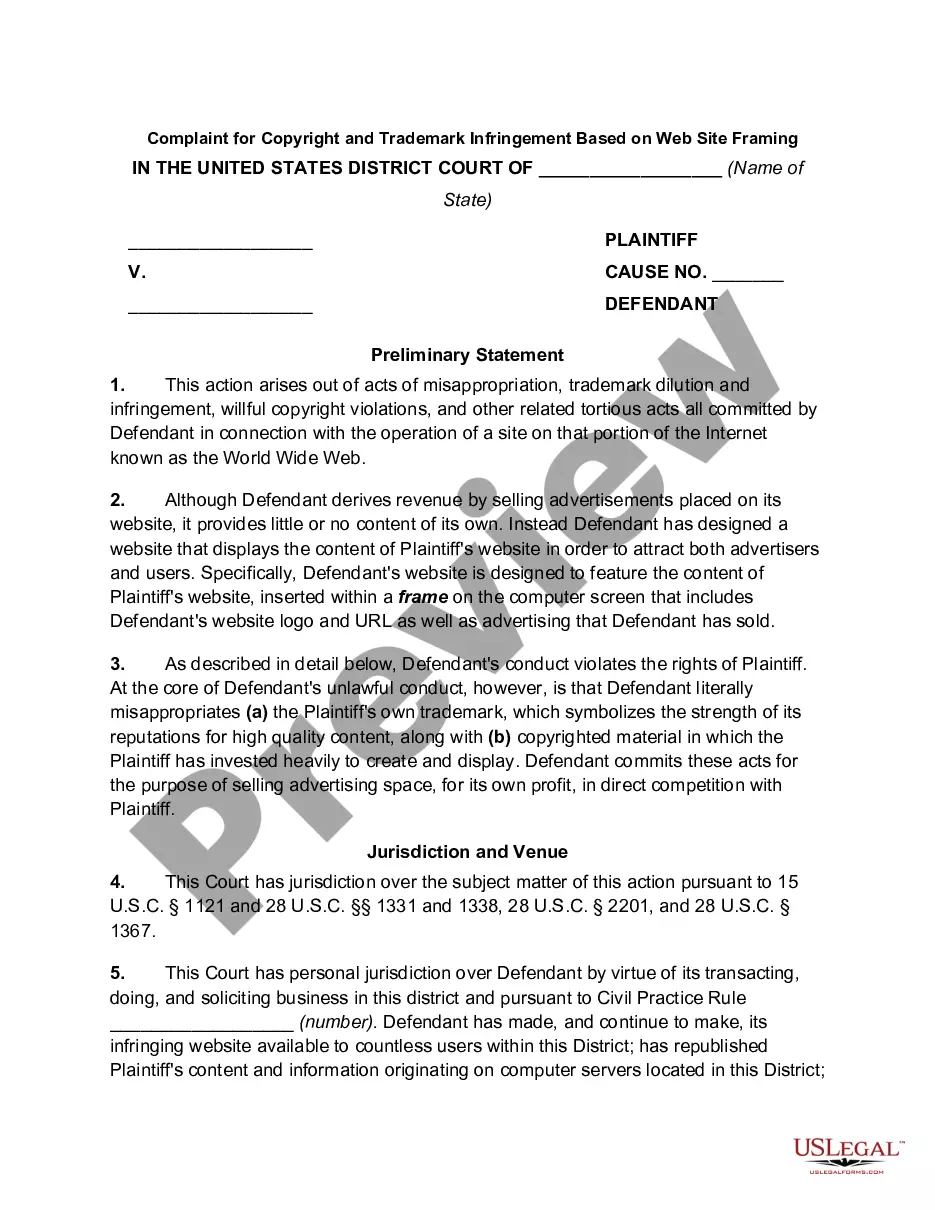
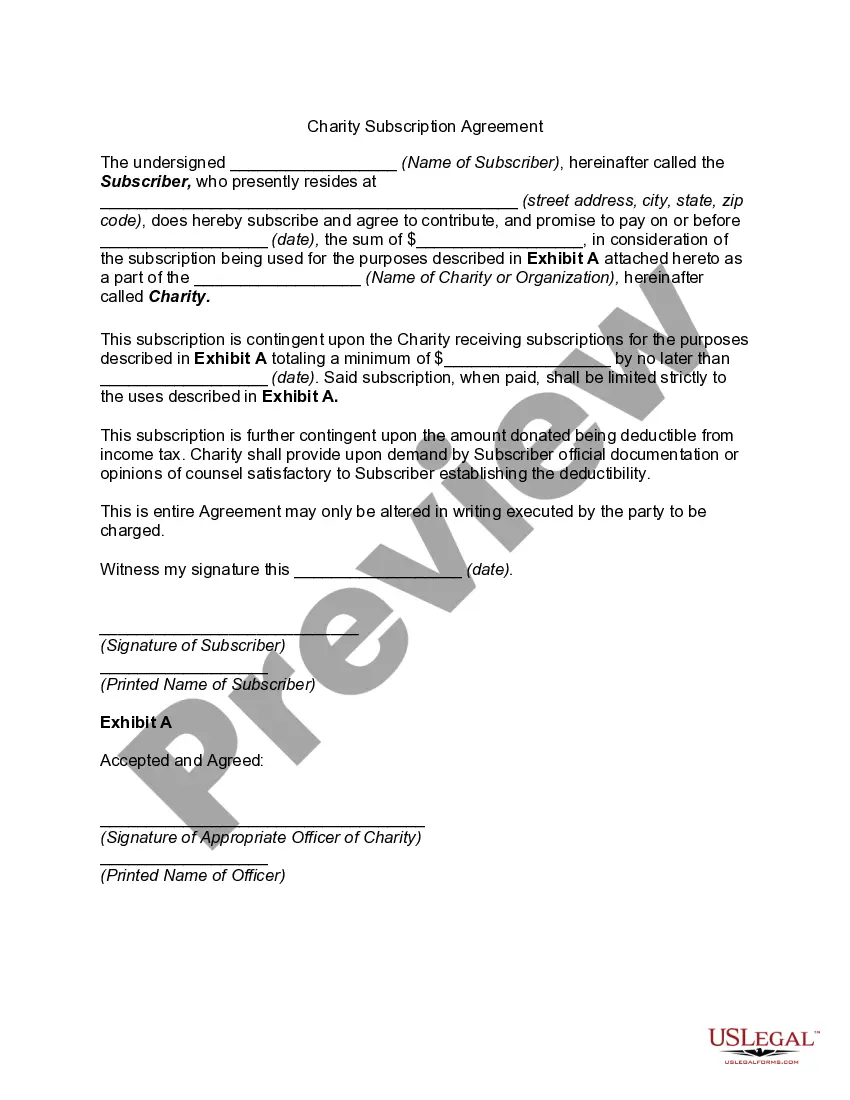
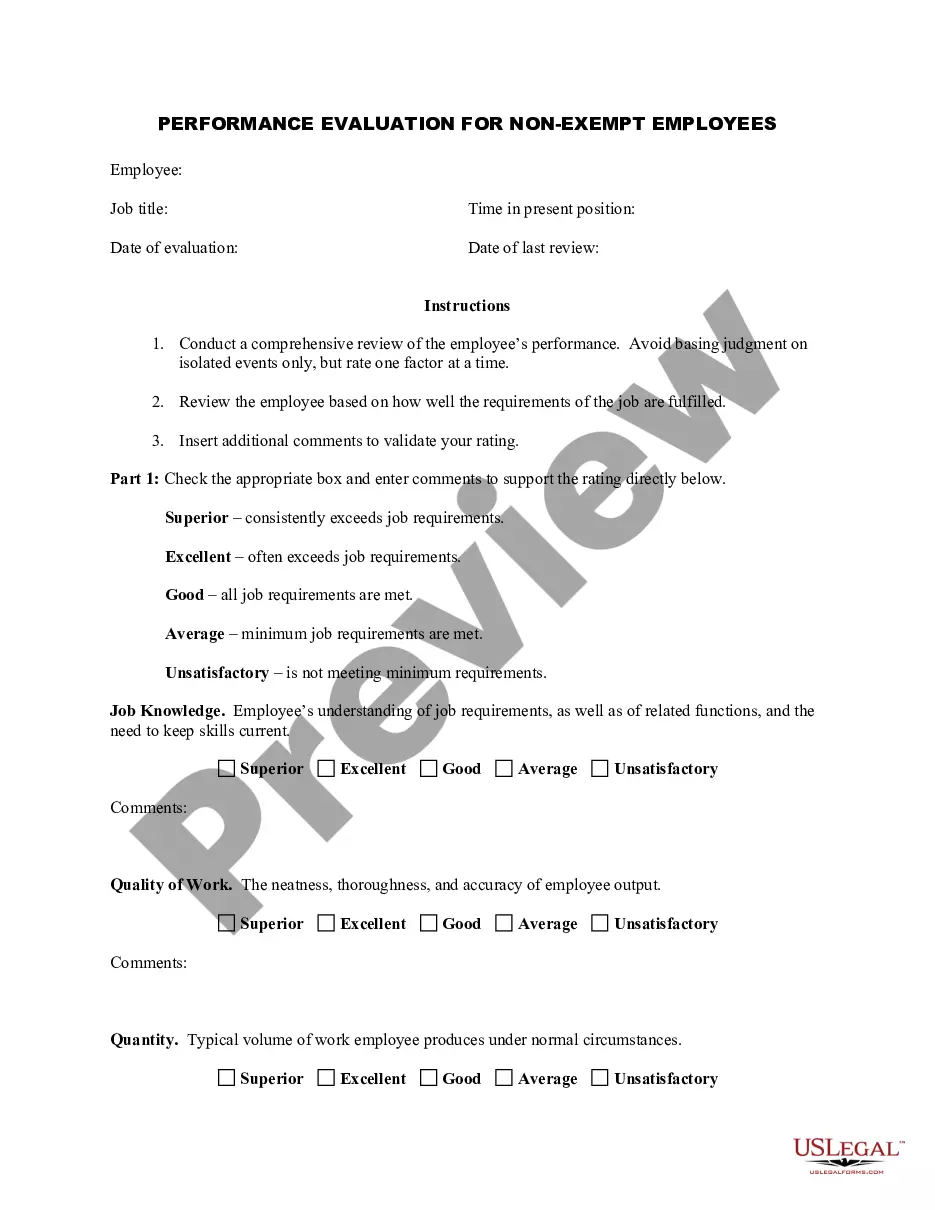
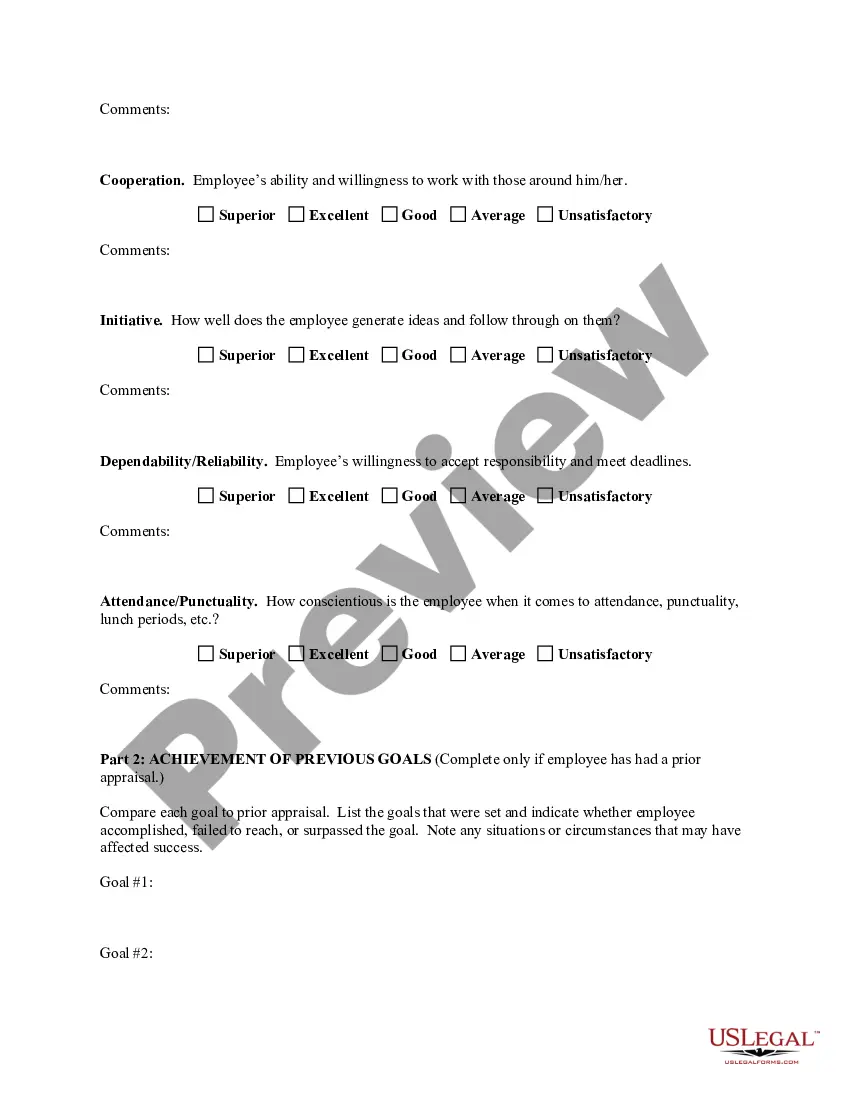
Colorado Employee Evaluation Form for Restaurant Manager
Description
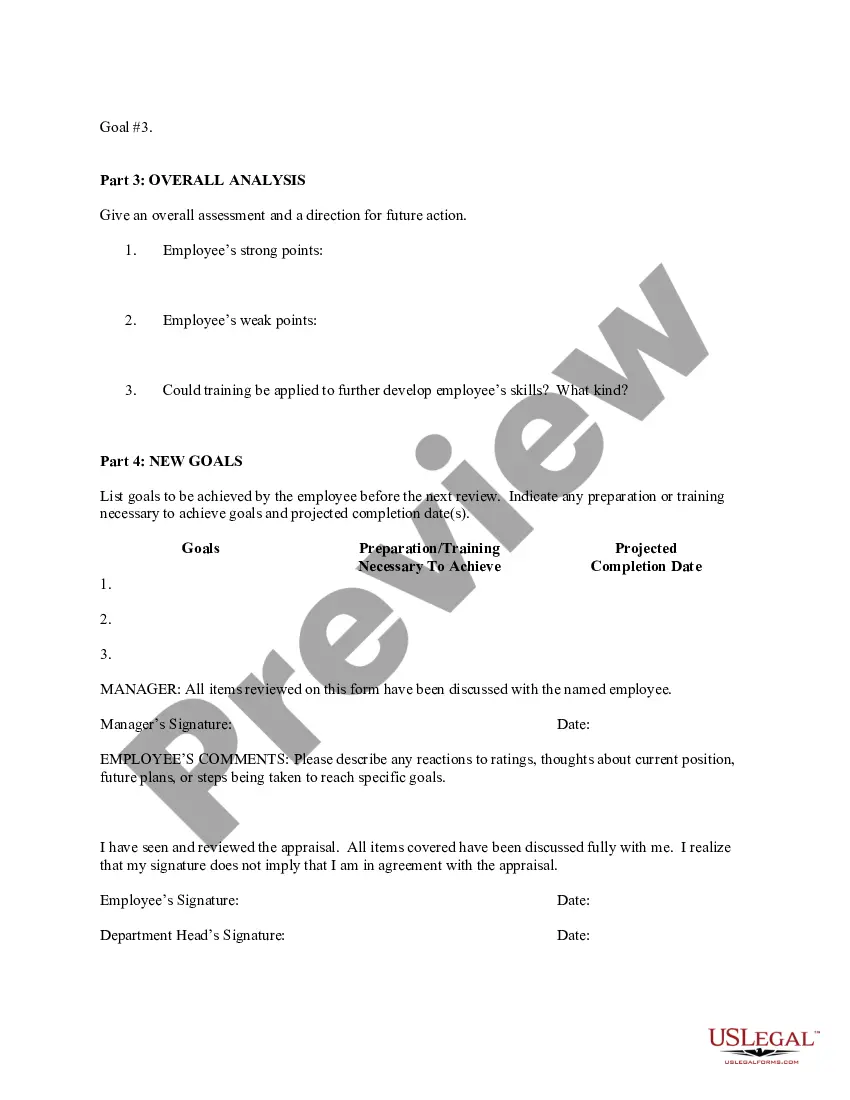
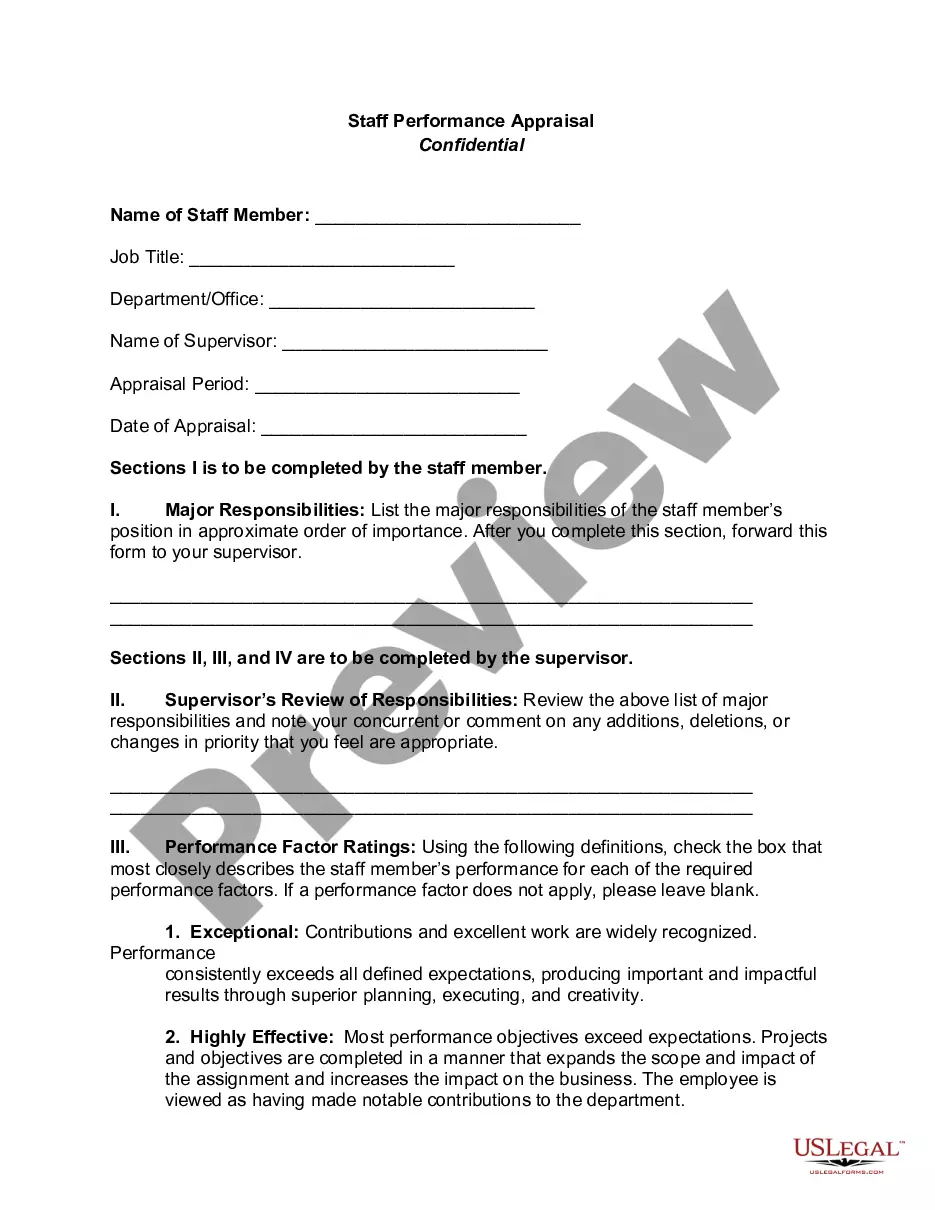
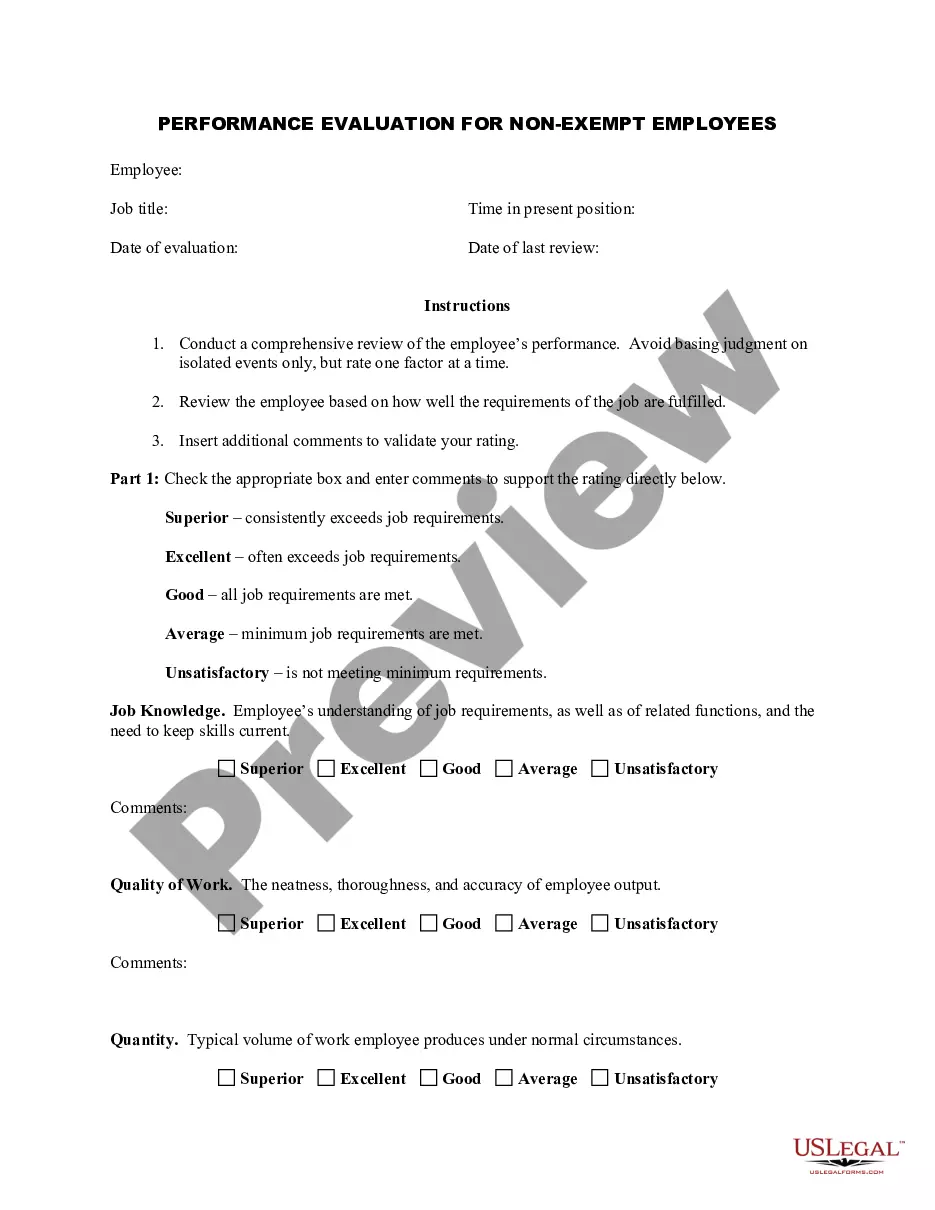
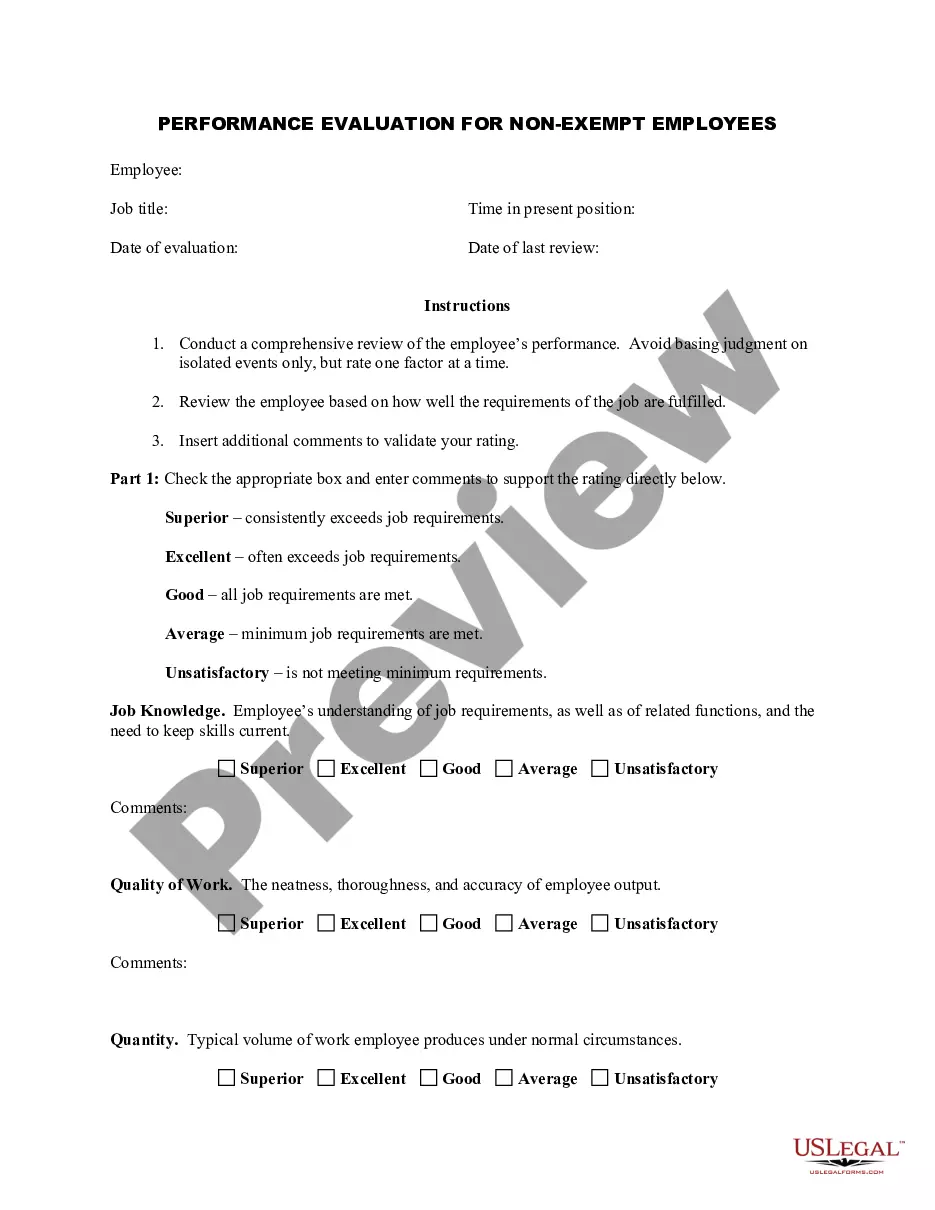
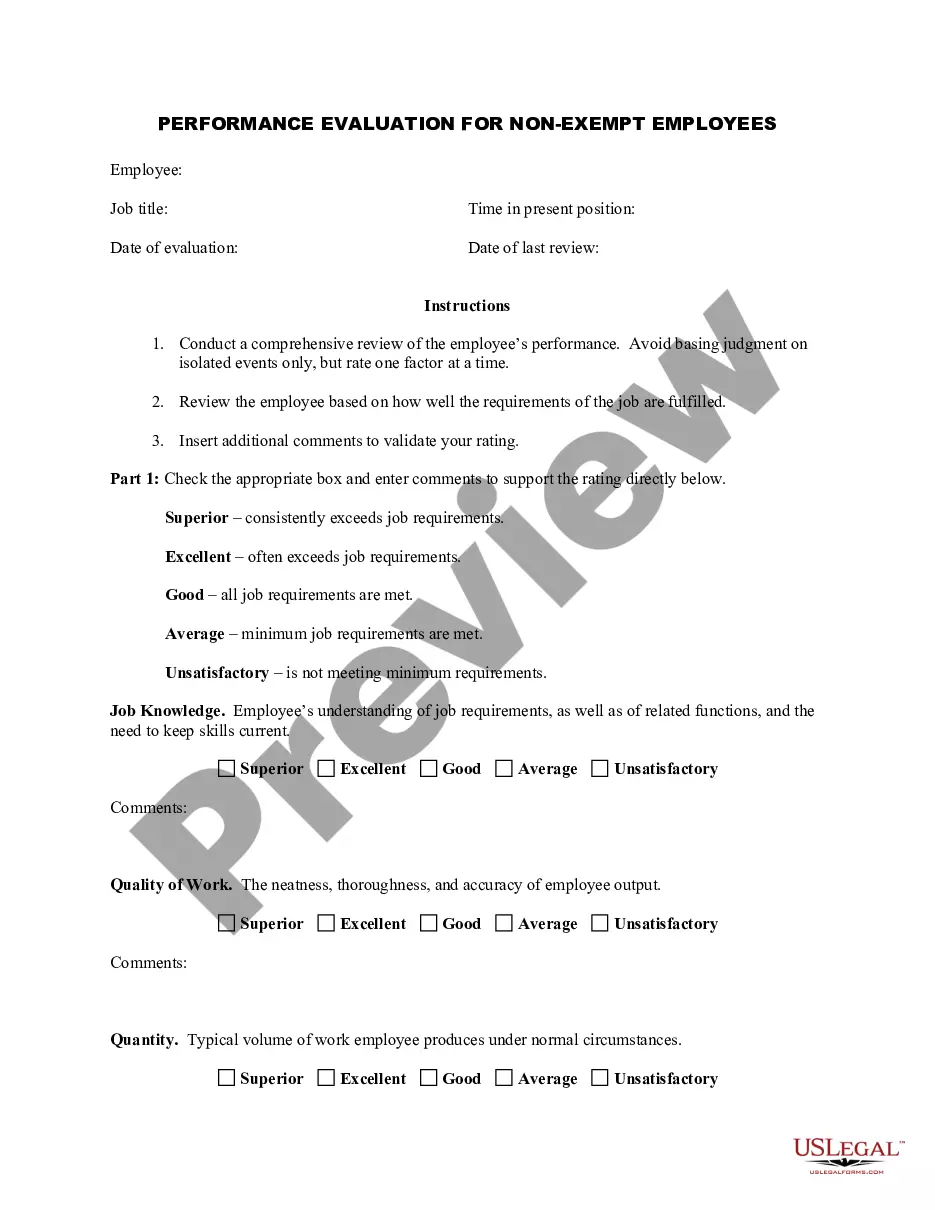
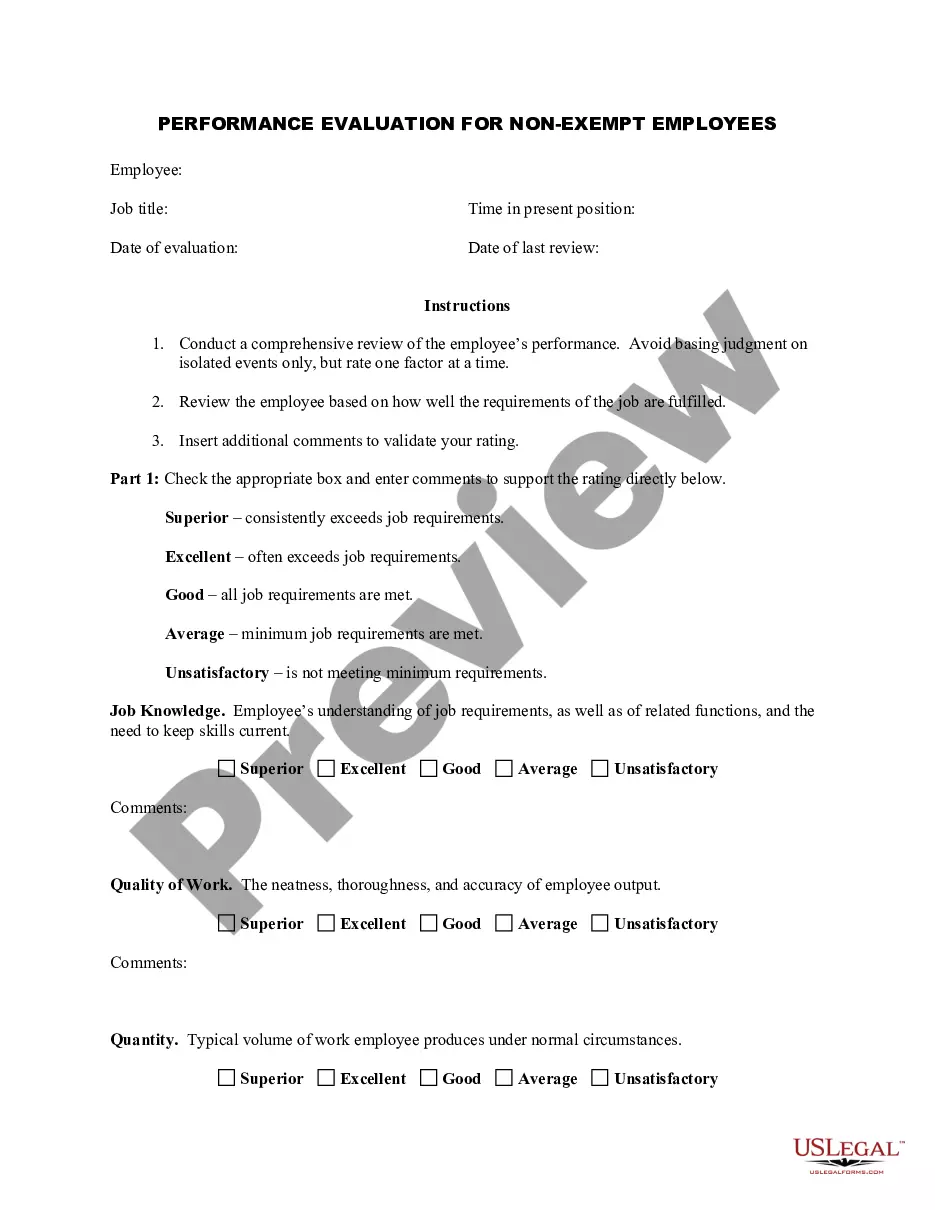
Get your form ready online
Our built-in tools help you complete, sign, share, and store your documents in one place.
Make edits, fill in missing information, and update formatting in US Legal Forms—just like you would in MS Word.
Download a copy, print it, send it by email, or mail it via USPS—whatever works best for your next step.
Sign and collect signatures with our SignNow integration. Send to multiple recipients, set reminders, and more. Go Premium to unlock E-Sign.
If this form requires notarization, complete it online through a secure video call—no need to meet a notary in person or wait for an appointment.
We protect your documents and personal data by following strict security and privacy standards.

Make edits, fill in missing information, and update formatting in US Legal Forms—just like you would in MS Word.

Download a copy, print it, send it by email, or mail it via USPS—whatever works best for your next step.

Sign and collect signatures with our SignNow integration. Send to multiple recipients, set reminders, and more. Go Premium to unlock E-Sign.

If this form requires notarization, complete it online through a secure video call—no need to meet a notary in person or wait for an appointment.

We protect your documents and personal data by following strict security and privacy standards.
Looking for another form?


How to fill out Employee Evaluation Form For Restaurant Manager?
If you require to aggregate, download, or create legal document templates, utilize US Legal Forms, the best variety of legal forms available online.
Take advantage of the site's straightforward and user-friendly search to locate the documents you need.
Numerous templates for business and personal applications are sorted by categories and states, or keywords.
Step 5. Complete the payment. You can use your credit card or PayPal account to finalize the payment.
Step 6. Select the format of the legal document and download it to your device.Step 7. Fill out, edit, print, or sign the Colorado Employee Review Form for Restaurant Manager. Every legal document format you purchase is your property indefinitely. You have access to each form you downloaded with your account. Click the My documents section and choose a form to print or download again. Stay competitive and download and print the Colorado Employee Review Form for Restaurant Manager using US Legal Forms. There are countless professional and state-specific forms you can use for your business or personal needs.
- Use US Legal Forms to find the Colorado Employee Review Form for Restaurant Manager in just a few clicks.
- If you are already a US Legal Forms user, Log In to your account and click the Download button to get the Colorado Employee Review Form for Restaurant Manager.
- You can also access forms you previously downloaded from the My documents section of your account.
- If you are using US Legal Forms for the first time, refer to the guidelines below.
- Step 1. Ensure you have selected the form for the appropriate region/state.
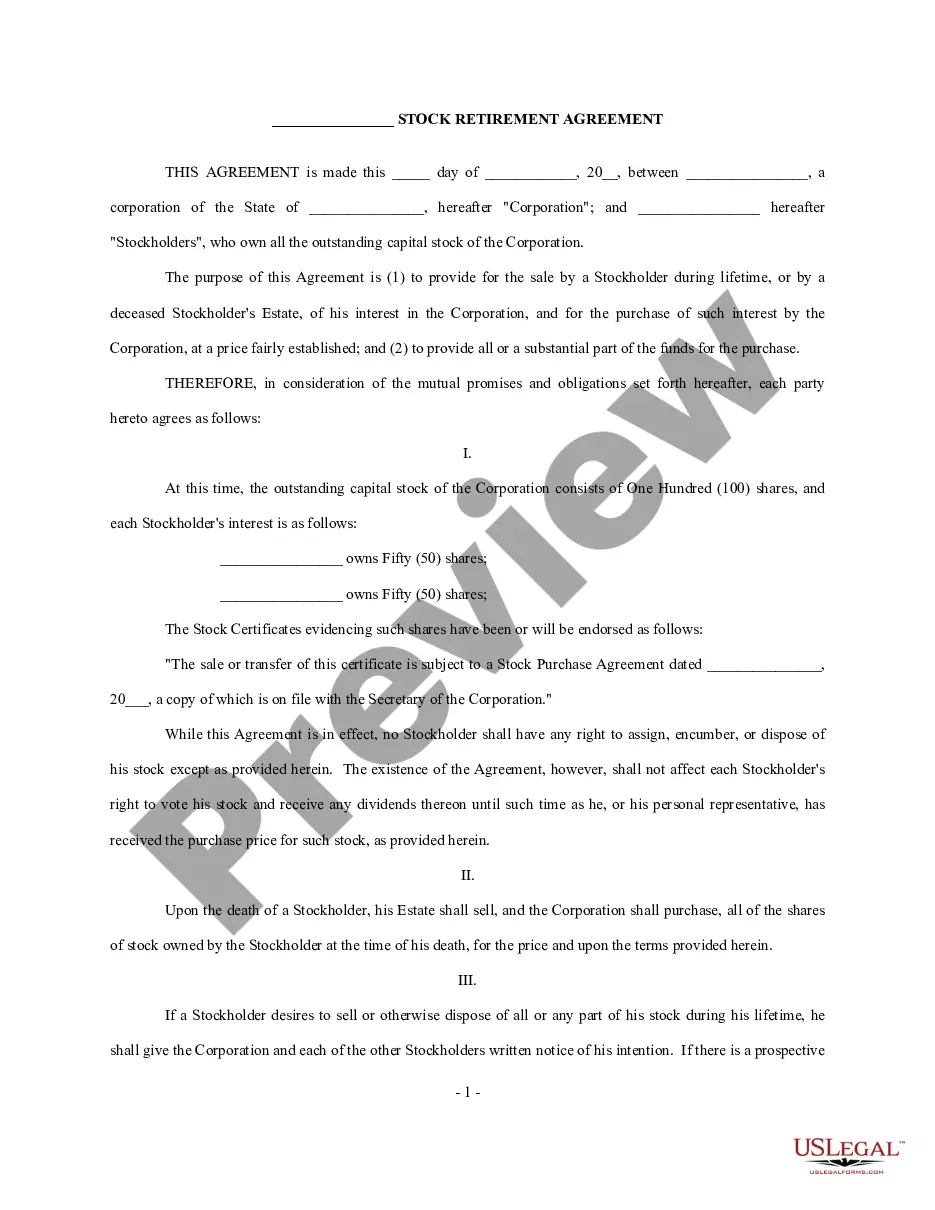
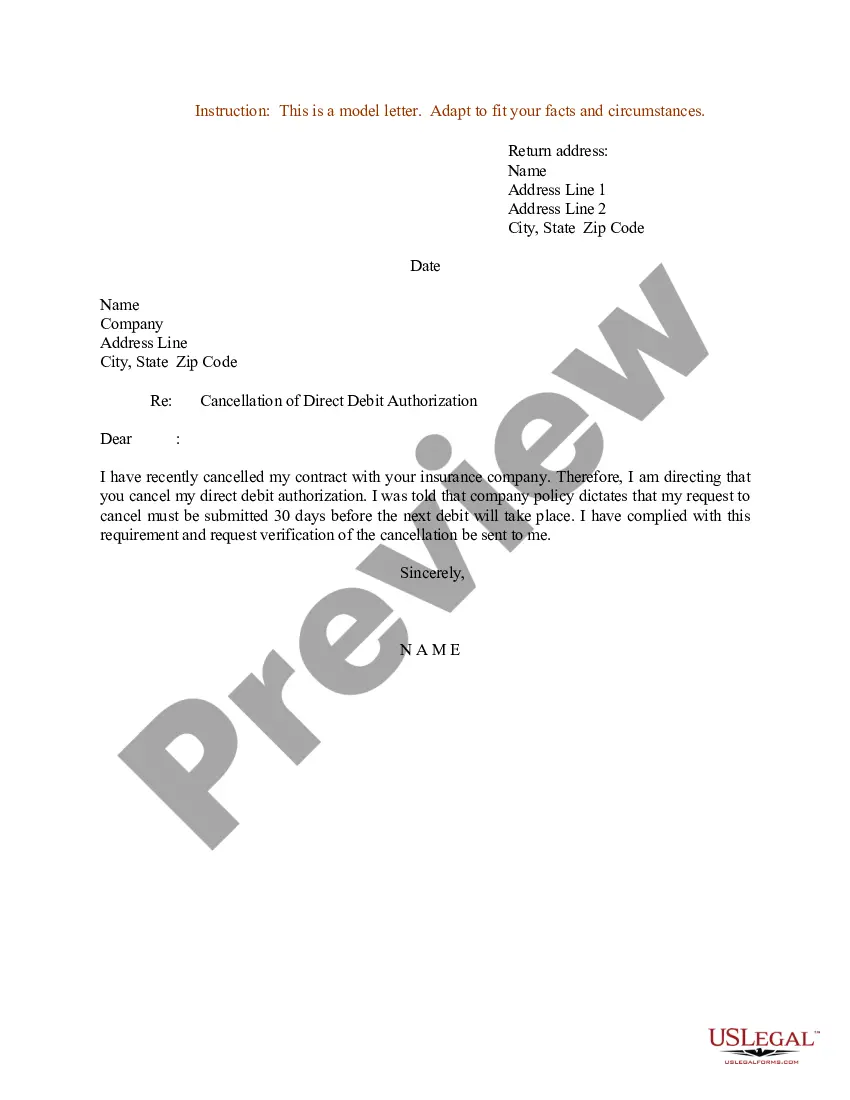
- Step 2. Use the Preview feature to review the form's content. Don't forget to read the summary.
- Step 3. If you are not satisfied with the form, use the Search box at the top of the page to find other models from the legal document format.
- Step 4. When you find the form you need, click the Download now button. Choose the pricing plan you want and provide your details to sign up for an account.
Form popularity
FAQ
What to Include in an Employee Evaluation Form?Employee and reviewer information. The form must have basic information about both parties involved.Review period.An easy-to-understand rating system.Evaluation points.Goals.Extra space for comments.Signatures.Scorecard.More items...?
A good evaluation form provides plenty of space for supervisor comments and suggestions and will include an easily understandable rating system. When you create an evaluation form, they can be as simple or complex as you would like.
4 Tips for Writing an Effective Self-EvaluationBe specific and provide examples.Back up your contributions with metrics.Frame weaknesses as opportunities.Keep track of your accomplishments throughout the year.Communication and Cooperation.Achievements.Teamwork and Collaboration.Creativity and Innovation.More items...?
A restaurant evaluation form collects customer feedback and helps restaurant owners learn how to improve their business.
Most businesses conduct employee evaluations on a regular basis, usually at least once a year. The evaluation typically includes a review of how the employee's various work duties and habits compare with expectations. Often, the evaluation results are a key consideration for promotions, bonuses and raises.
How to write an employee evaluationReview the employee's job description. Get a current copy of each person's job description and review the requirements.Highlight areas of improvement.Compare strengths and weaknesses.Recommend actionable goals.Provide constructive feedback.Welcome employee input.
Writing Your Manager ReviewAddress what is observable about outcomes, behaviors, and tasks.Describe how the performance has met or has not met expectations.Be direct and accountable by using "I" statements.Be specific, not global or broad, about the gaps (positive and negative) between performance and expectations.
8 Steps to Implementing a Restaurant Employee Evaluation FormIntroduce the Form to Staff.Explain Reasons and Benefits.Schedule Performance Reviews.Ask Staff for a Self-Evaluation.Evaluate Employee Performance.Share and Review Results.Encourage Professional Development Plans.More items...?
What to include in an employee performance reviewCommunication.Collaboration and teamwork.Problem-solving.Quality and accuracy of work.Attendance, punctuality and reliability.The ability to accomplish goals and meet deadlines.
Here's how to successfully incorporate an employee evaluation form into your performance review process:Familiarize staff with the evaluation form.Explain why your restaurant uses employee evaluation forms.Schedule performance reviews.Ask employees to evaluate themselves.Evaluate employee performance.More items...?