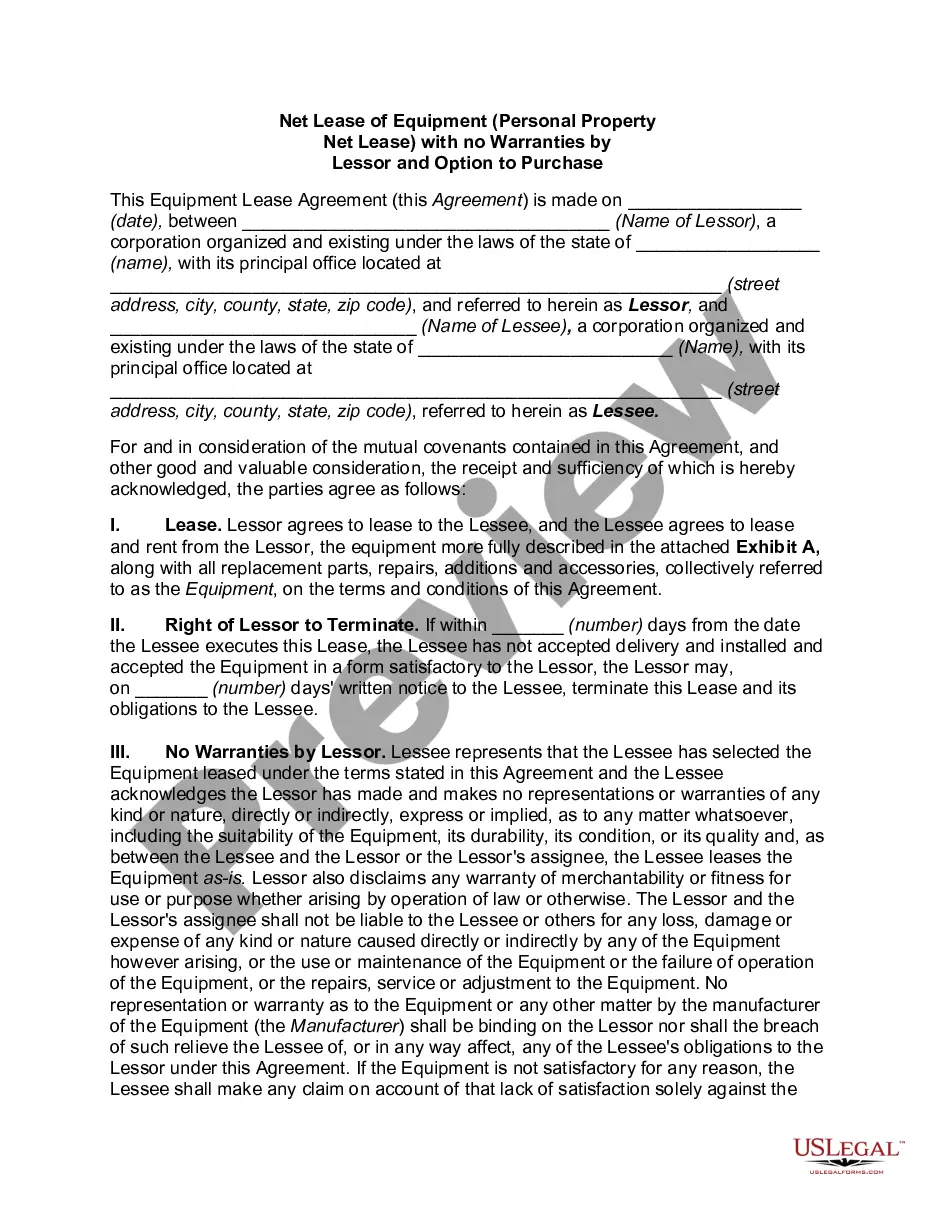
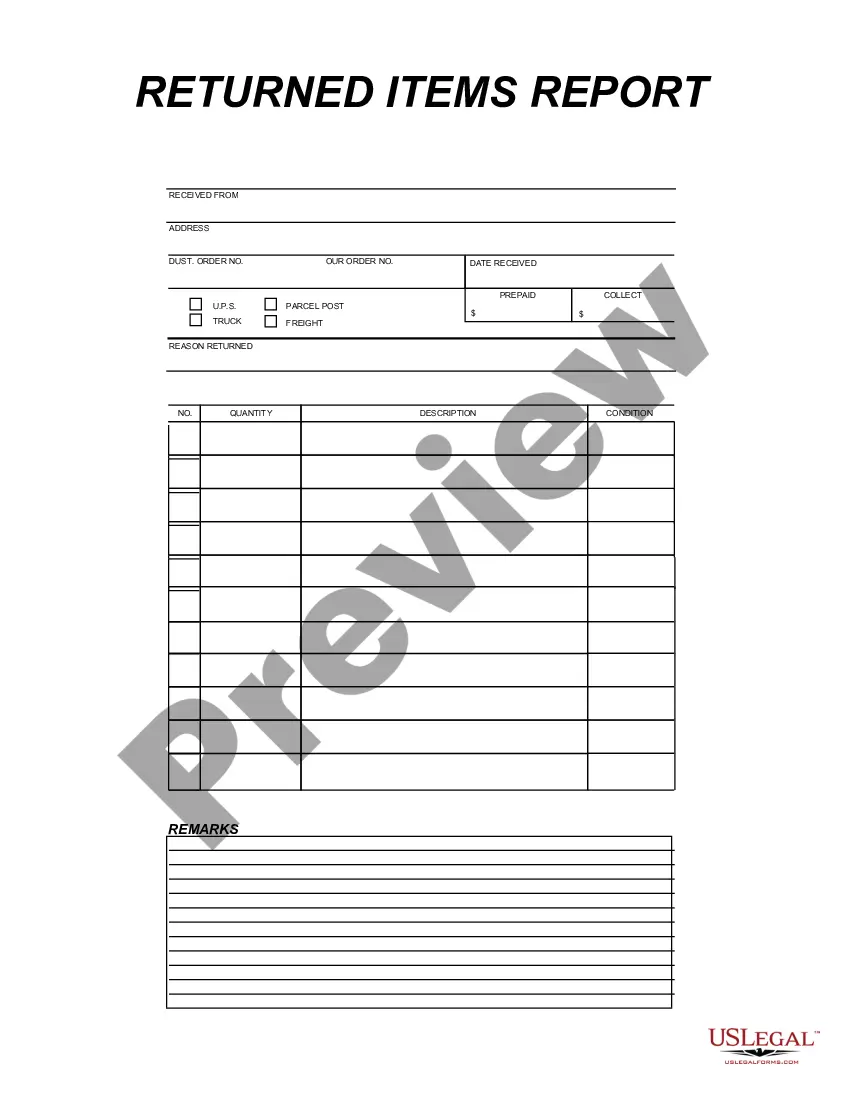
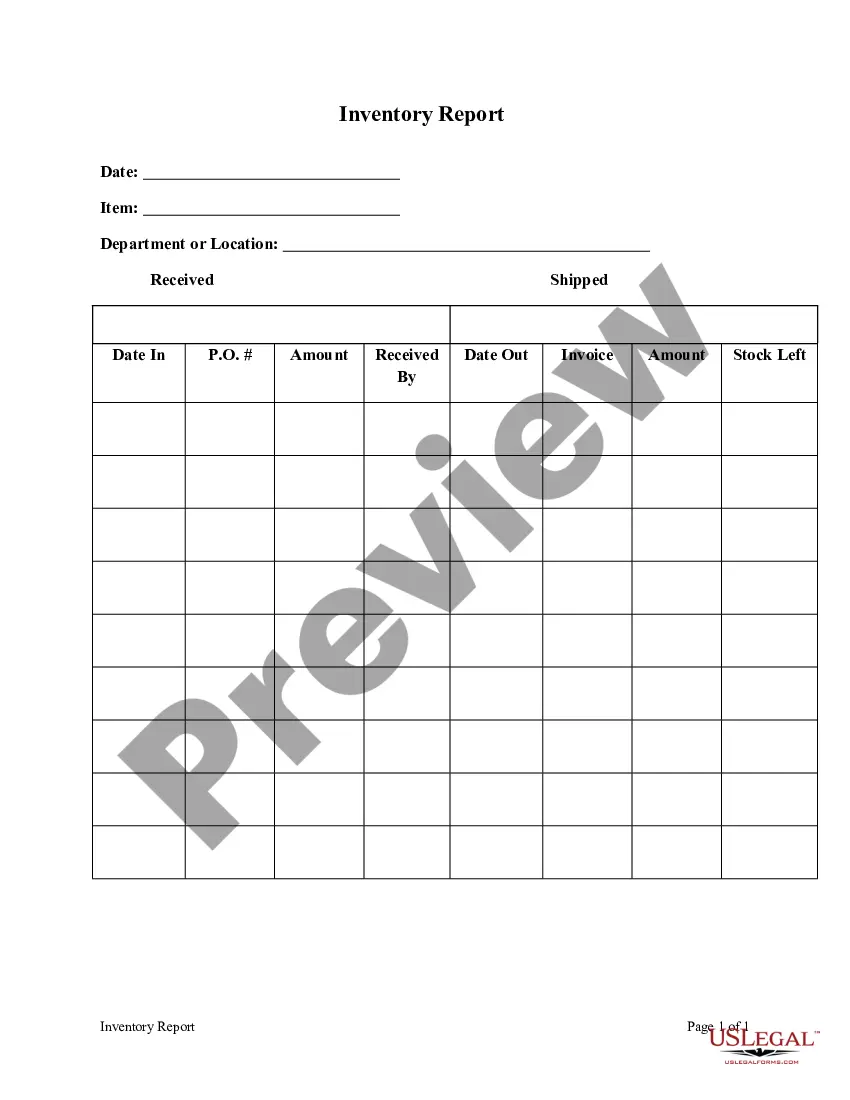
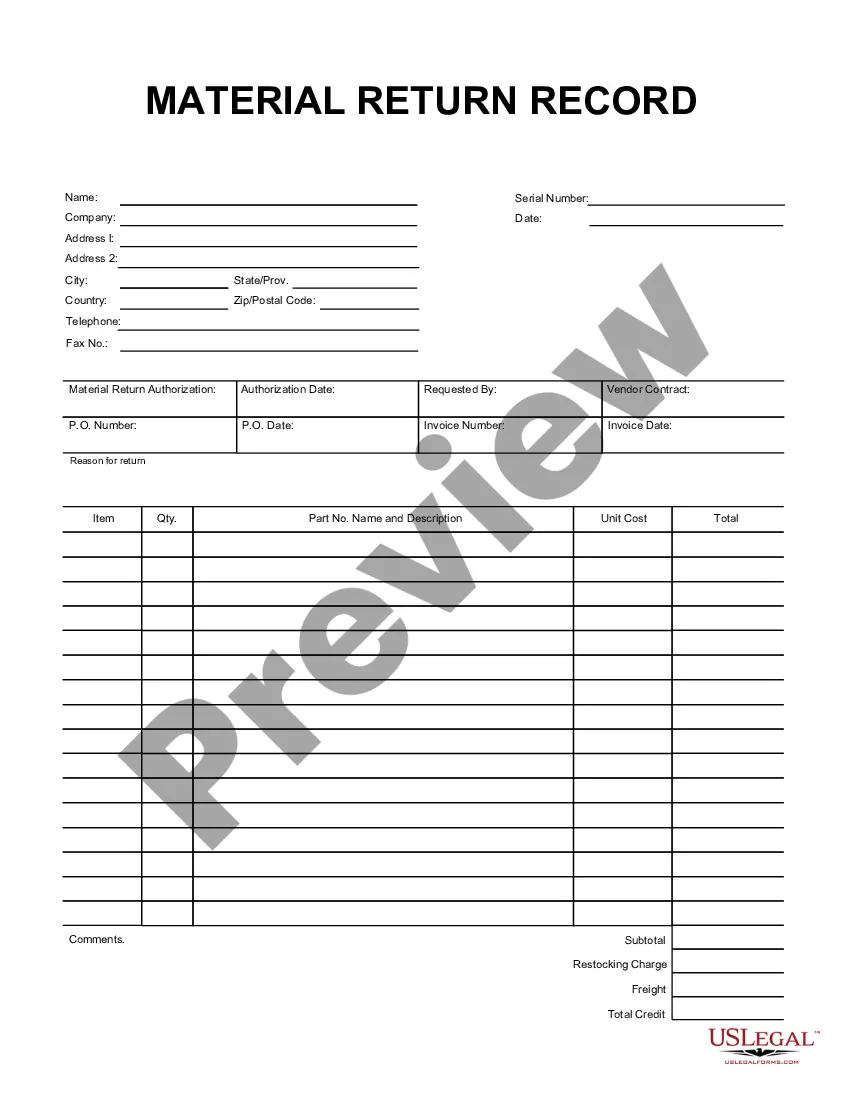
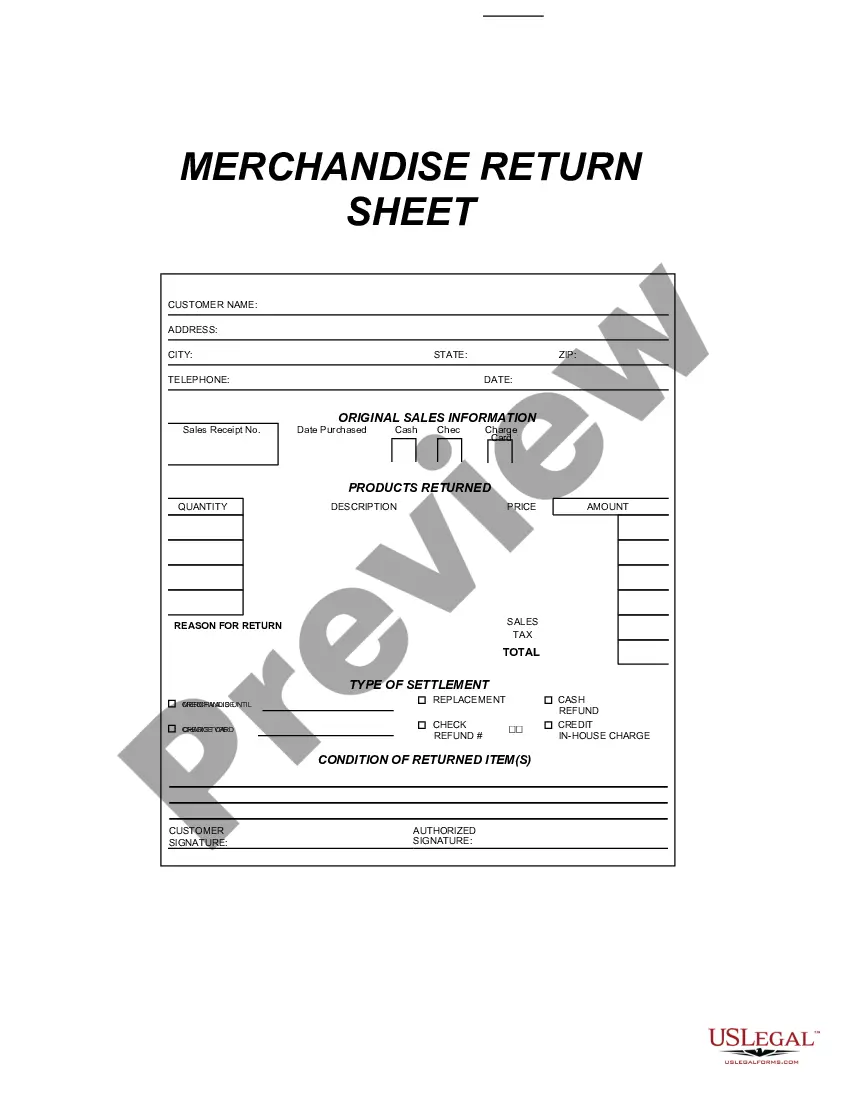
This form is a business type form that is formatted to allow you to complete the form using Adobe Acrobat or Word. The word files have been formatted to allow completion by entry into fields. Some of the forms under this category are rather simple while others are more complex. The formatting is worth the small cost.
Colorado Returned Items Report
Category:
State:
Multi-State
Control #:
US-199-AZ
Format:
Word;
PDF;
Rich Text
Instant download
Description
Get your form ready online
Our built-in tools help you complete, sign, share, and store your documents in one place.
Built-in online Word editor
Make edits, fill in missing information, and update formatting in US Legal Forms—just like you would in MS Word.
Export easily
Download a copy, print it, send it by email, or mail it via USPS—whatever works best for your next step.
E-sign your document
Sign and collect signatures with our SignNow integration. Send to multiple recipients, set reminders, and more. Go Premium to unlock E-Sign.
Notarize online 24/7
If this form requires notarization, complete it online through a secure video call—no need to meet a notary in person or wait for an appointment.
Store your document securely
We protect your documents and personal data by following strict security and privacy standards.

Make edits, fill in missing information, and update formatting in US Legal Forms—just like you would in MS Word.

Download a copy, print it, send it by email, or mail it via USPS—whatever works best for your next step.

Sign and collect signatures with our SignNow integration. Send to multiple recipients, set reminders, and more. Go Premium to unlock E-Sign.

If this form requires notarization, complete it online through a secure video call—no need to meet a notary in person or wait for an appointment.

We protect your documents and personal data by following strict security and privacy standards.
Looking for another form?
How to fill out Returned Items Report?
Are you presently in a situation where you require documentation for various organizational or personal reasons almost daily.
There are numerous legal document templates accessible online, but locating reliable versions can be challenging.
US Legal Forms offers a vast array of form templates, including the Colorado Returned Items Report, which are designed to comply with federal and state regulations.
If you identify the appropriate form, simply click Get now.
Select the pricing plan you desire, fill out the necessary information to create your account, and pay for the order using your PayPal or credit card.
- If you are already familiar with the US Legal Forms website and have an account, just Log In.
- After that, you can download the Colorado Returned Items Report template.
- If you do not possess an account and wish to start using US Legal Forms, follow these steps.
- Obtain the form you require and ensure it corresponds to your specific town/county.
- Utilize the Preview button to review the form.
- Read the description to confirm that you have selected the correct form.
- If the form does not meet your requirements, use the Search field to find the form that aligns with your needs and criteria.
Form popularity
FAQ
If you have your final pay stub that includes the amount of taxes withheld for Colorado, you can use this information to electronically file your state income tax return or to fill out a Substitute Colorado W-2 Form (DR 0084) to send with your paper return.
If you meet the criteria outlined in this FYI and have qualifying pension or annuity income included in your federal taxable income, you can claim the pension and annuity subtraction by entering the appropriate amount on the applicable line (Primary Taxpayer Pension, Annuity, IRA, Social Security, or Disability Income
Do I need to attach a copy of my federal return? No, the Colorado Department of Revenue does not require taxpayers to attach a copy of the federal return to the Colorado return.
You may be required to file a state income tax return, Colorado Form 104, if you had any taxable income, or if you expect to receive a refund of state income tax that was deducted from your pay.
If claiming a subtraction and filing by paper, you must submit this schedule with your return. Use this schedule to report any subtractions from your Federal Taxable Income.
The DR 1778 serves as a kind of "cover letter" for the documents when they arrive at the Department by mail and ensures that your supporting documentation is matched up with your return.
Steps for filling out the DR 0563 Colorado Sales Tax Exemption CertificateStep 1 Begin by downloading the Colorado Sales Tax Exemption Certificate Form DR 0563.Step 2 Identify the business name and business address of the seller.Step 3 Identify the name and business address of the buyer.More items...?
The subtraction applies only to the net capital gains earned from property located in Colorado. Thus, capital gains realized from the sale of real property or tangible personal property, qualifies for this subtraction only if the property is located in Colorado at the time of the transaction that gave rise to the gain.
Colorado Form 104 is the state's standard individual income tax form. This form is used for anyone who earned income in Colorado, whether a full-year resident of the state, a part-year resident or a nonresident; part-year residents and nonresidents will need to complete the additional Colorado Form 104PN.
Colorado Form 104 is the state's standard individual income tax form. This form is used for anyone who earned income in Colorado, whether a full-year resident of the state, a part-year resident or a nonresident; part-year residents and nonresidents will need to complete the additional Colorado Form 104PN.