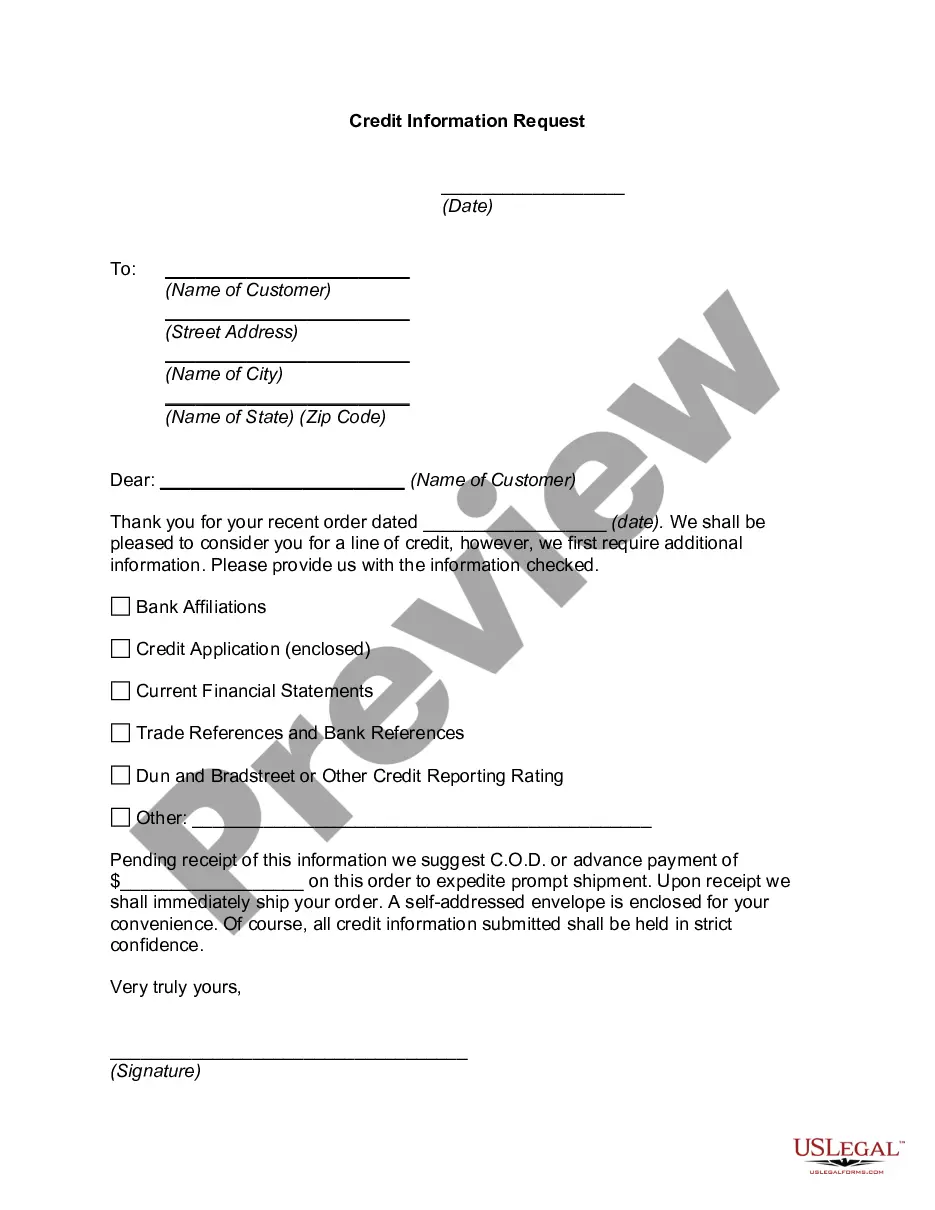
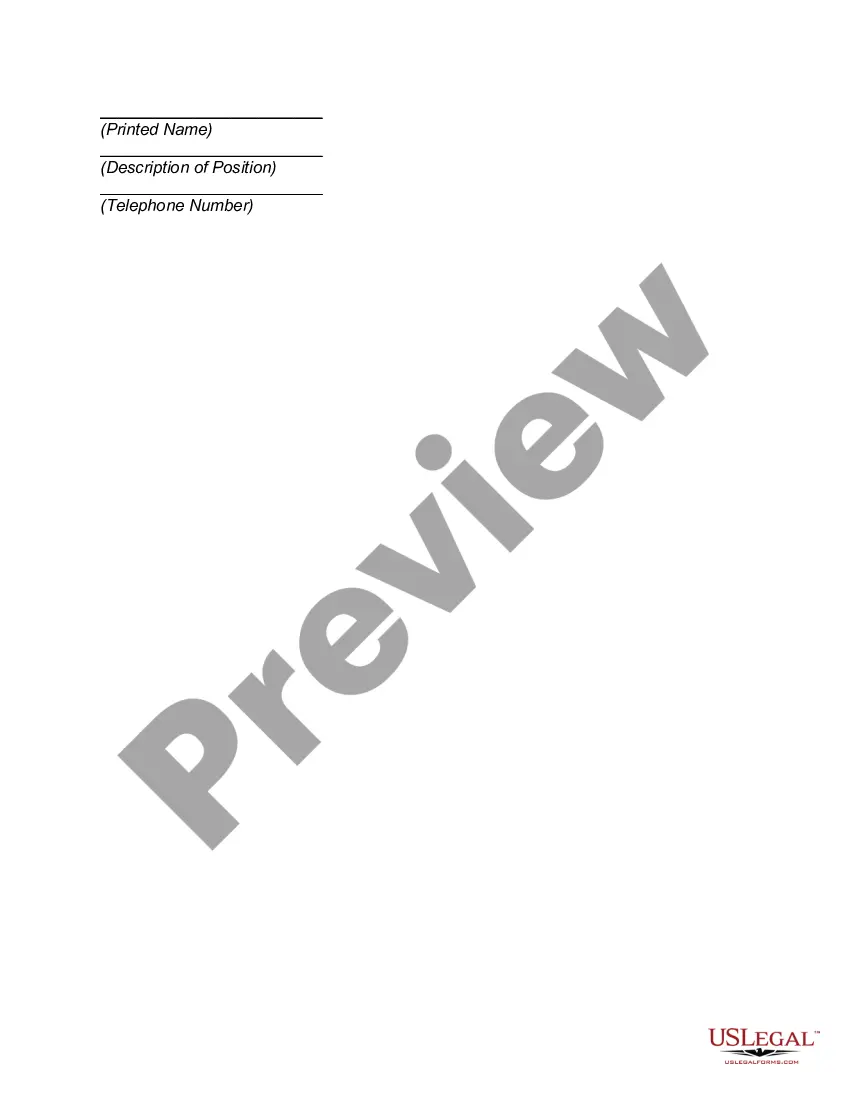
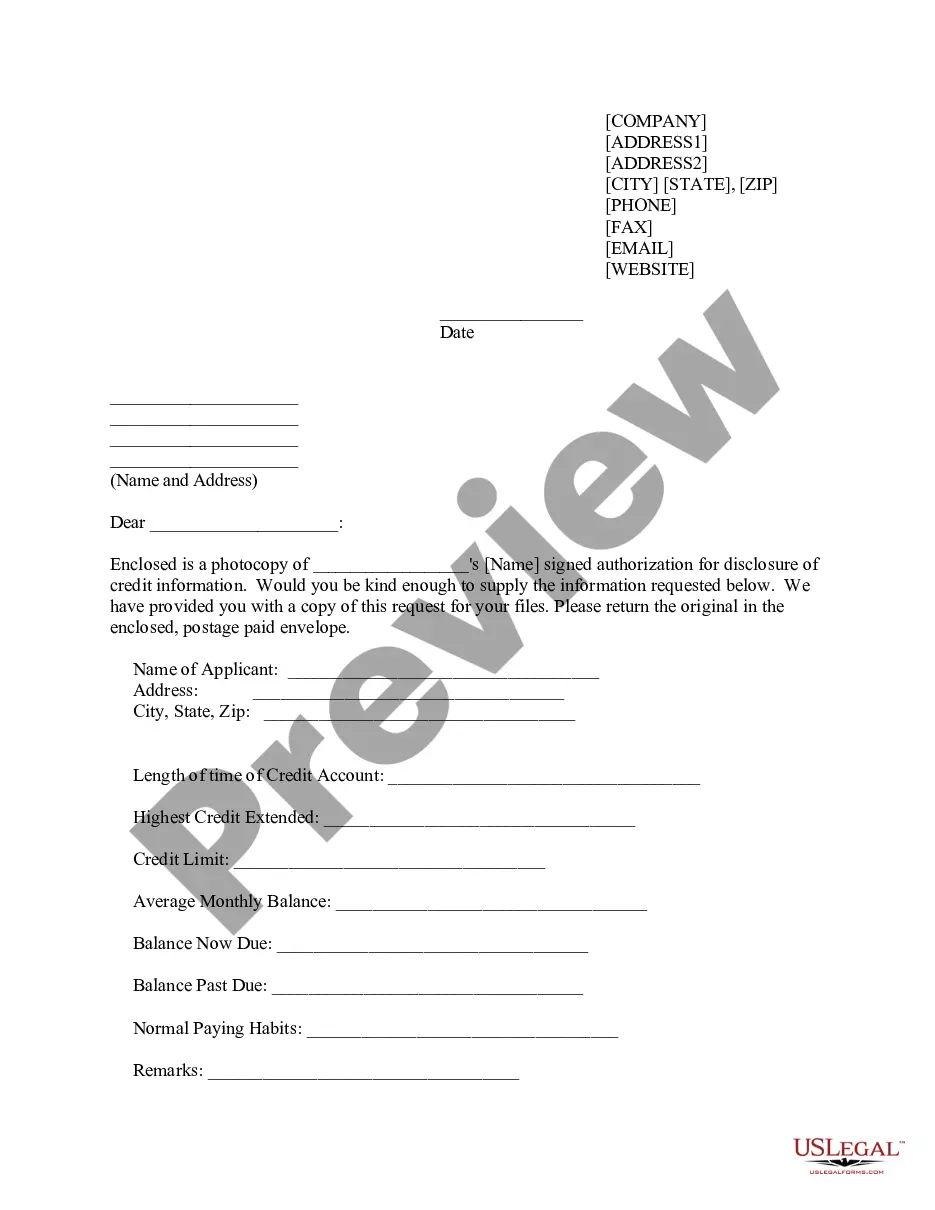
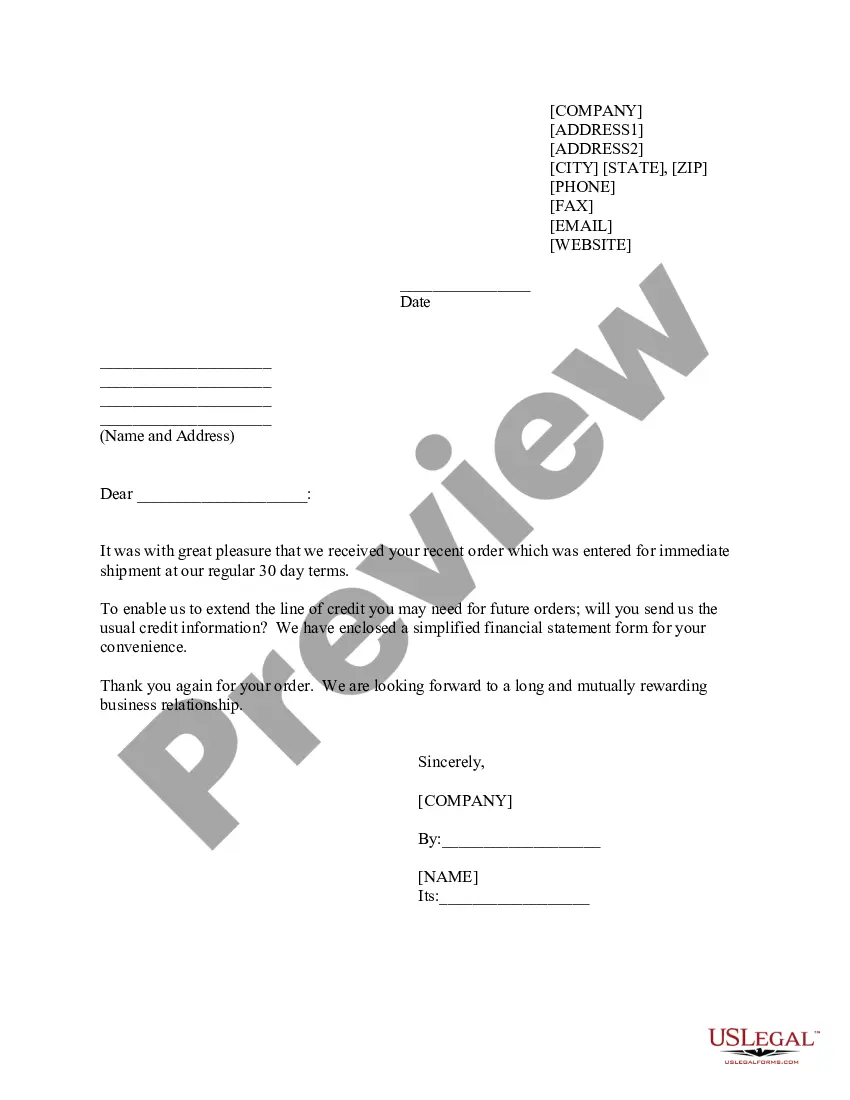
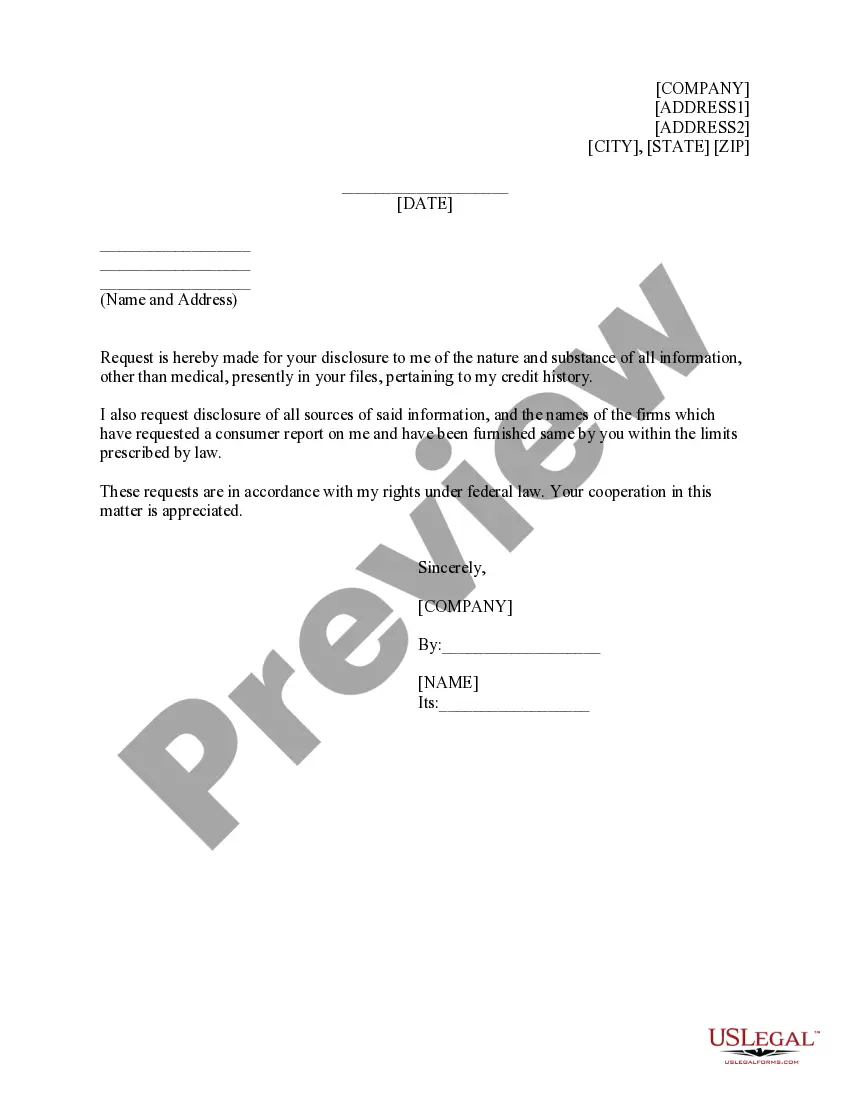
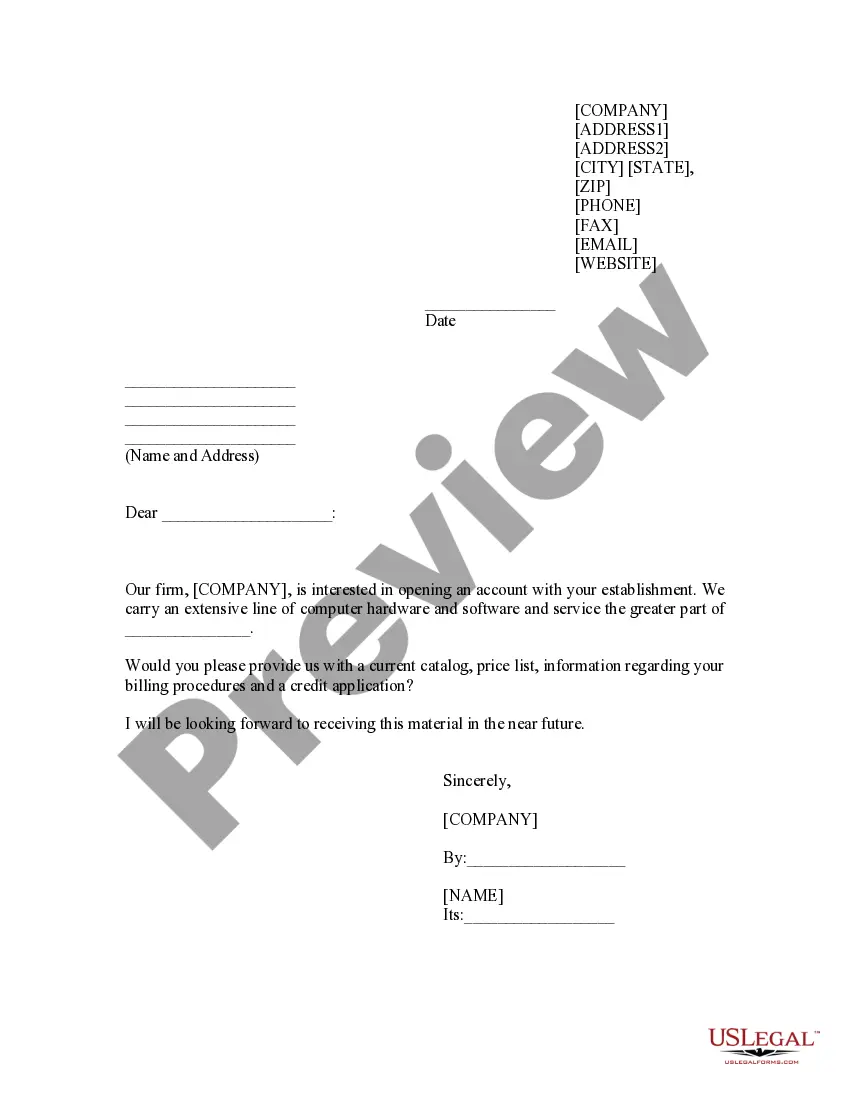
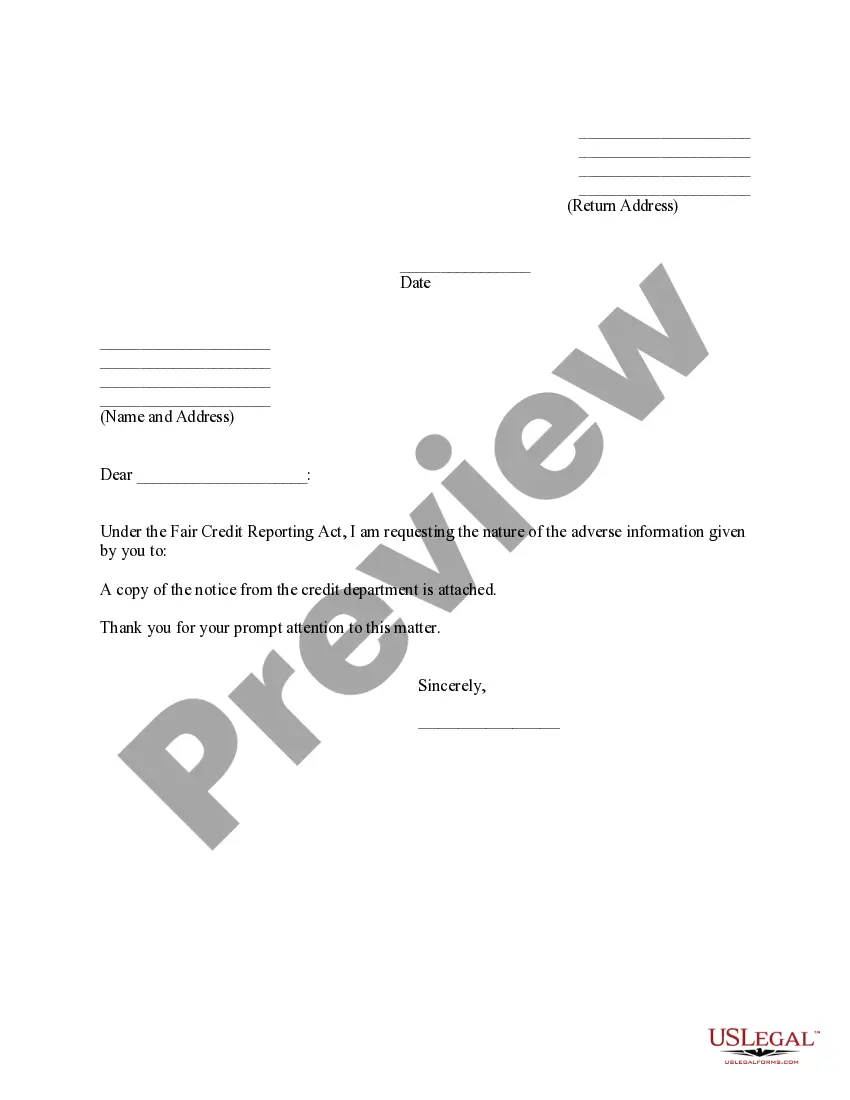
Colorado Credit Information Request
Description
Get your form ready online
Our built-in tools help you complete, sign, share, and store your documents in one place.
Make edits, fill in missing information, and update formatting in US Legal Forms—just like you would in MS Word.
Download a copy, print it, send it by email, or mail it via USPS—whatever works best for your next step.
Sign and collect signatures with our SignNow integration. Send to multiple recipients, set reminders, and more. Go Premium to unlock E-Sign.
If this form requires notarization, complete it online through a secure video call—no need to meet a notary in person or wait for an appointment.
We protect your documents and personal data by following strict security and privacy standards.

Make edits, fill in missing information, and update formatting in US Legal Forms—just like you would in MS Word.

Download a copy, print it, send it by email, or mail it via USPS—whatever works best for your next step.

Sign and collect signatures with our SignNow integration. Send to multiple recipients, set reminders, and more. Go Premium to unlock E-Sign.

If this form requires notarization, complete it online through a secure video call—no need to meet a notary in person or wait for an appointment.

We protect your documents and personal data by following strict security and privacy standards.
Looking for another form?
How to fill out Credit Information Request?
If you wish to finish, download, or print sanctioned document templates, utilize US Legal Forms, the largest collection of legal forms, available online.
Employ the site's straightforward and convenient search to find the documents you require.
Various templates for business and personal purposes are sorted by categories and claims, or keywords.
Every legal document template you purchase is yours permanently. You have access to every form you acquired within your account. Select the My documents section and choose a form to print or download again.
Be proactive and download, and print the Colorado Credit Information Request using US Legal Forms. There are thousands of professional and state-specific forms available for your business or personal needs.
- Utilize US Legal Forms to obtain the Colorado Credit Information Request in just a few clicks.
- If you are already a US Legal Forms user, Log In to your account and click on the Download button to access the Colorado Credit Information Request.
- You can also retrieve forms you previously obtained from the My documents section of your account.
- If you are using US Legal Forms for the first time, follow the steps outlined below.
- Step 1. Ensure you have selected the correct form for the appropriate city/state.
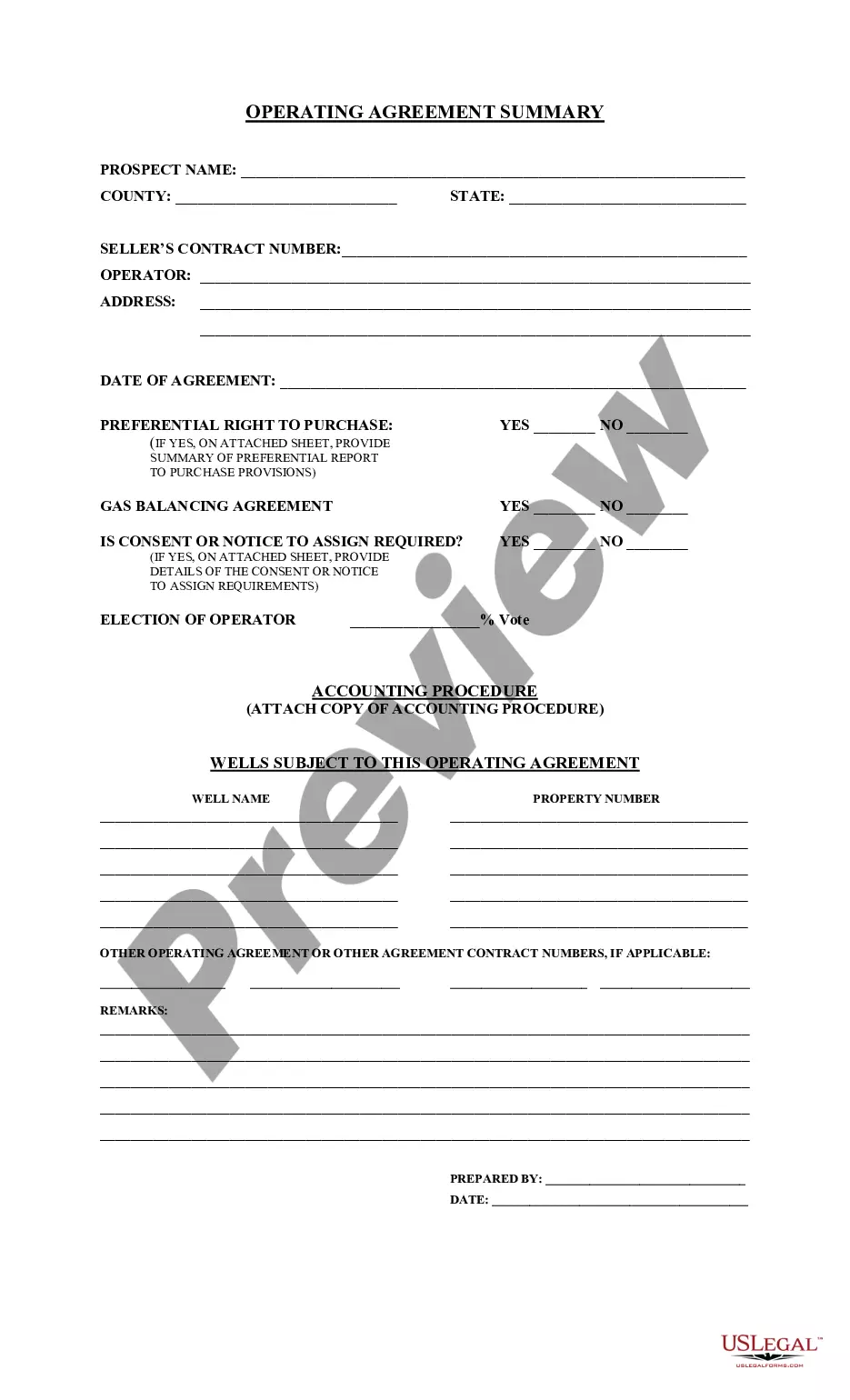
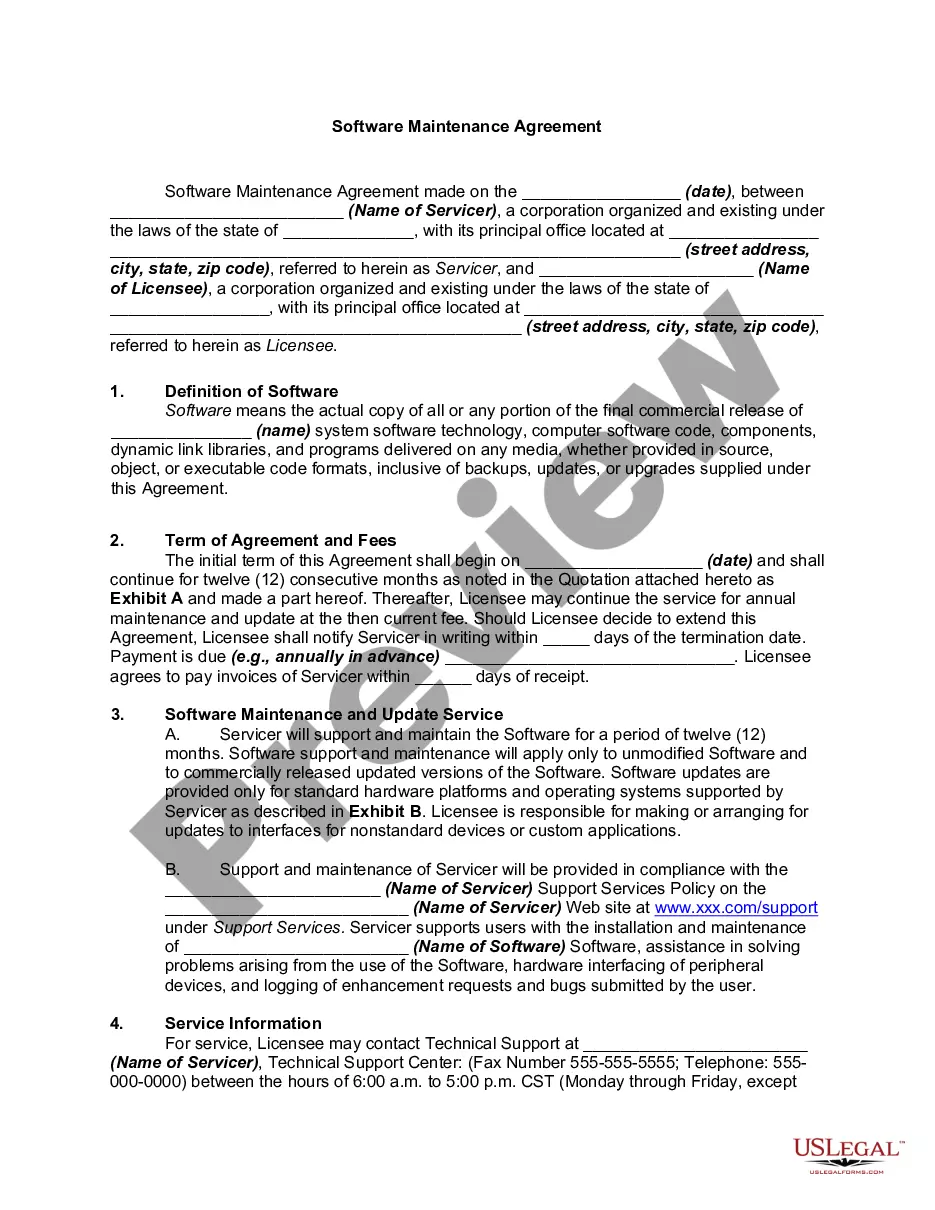
- Step 2. Utilize the Preview option to review the form's content. Don’t forget to examine the summary.
- Step 3. If you are not satisfied with the document, use the Search area at the top of the screen to find other types in the legal document template.
- Step 4. Once you have found the form you need, click the Get now button. Choose your preferred pricing plan and provide your details to register for an account.
- Step 5. Process the payment. You may use your credit card or PayPal account to complete the transaction.
- Step 6. Select the format of the legal document and download it to your device.
- Step 7. Complete, edit, and print or sign the Colorado Credit Information Request.
Form popularity
FAQ
Receiving a letter from the Department of Revenue in Colorado usually means they require additional information or clarification regarding your tax return. It could also indicate a tax issue or a request for payment. If you're unsure about the letter's content or further instructions, utilizing the Colorado Credit Information Request can help you decipher the communication effectively.
The DR 1778 serves as a kind of "cover letter" for the documents when they arrive at the Department by mail and ensures that your supporting documentation is matched up with your return.
The State of Colorado requires you to file a periodic report annually for your SMLLC. You must file the report online at the SOS website. The report is due during the three-month period beginning with the first day of the anniversary month of your SMLLC's formation.
While the Department is required by law to send the Notice of Deficiency or Rejection of Refund Claim letter, the main purpose of this letter is to provide you with the following information: Any adjustment made to the return you filed and the detail of that adjustment. The outstanding balance for a specified tax year.
You might get an IRS letter or notice for several reasons other than an audit, including: You owe money. Your refund is going to be larger or smaller than you thought it would be. The agency has a question about the tax return you filed.
DENVER If you were expecting your Colorado tax refund to be sent as a direct deposit, check your mailbox. The Colorado Department of Revenue says because of potential fraudulent activity, some taxpayers may receive their refunds as paper checks rather than direct deposits.
Quick Tip: Colorado Department of Revenue uses 2 third party collection agencies to assist in collecting back-tax debts. If your case is transferred to either collection agency, you will have to deal directly with them.
Colorado Form 106 For any year that your S corp is doing business in Colorado, you must file Form 106: Income Tax Returns for Pass-Through Entities. The form is due three-and-a-half months after the end of the S corp's tax year, or April 17 for tax years that end in December.
All Colorado S corporations are required to file a tax return at the federal level. More specifically, as an S-Corp in the state of Colorado, you need to file Form 1120S. Your Colorado tax return will refer to your federal tax return, so it is important that you complete all federal paperwork first.
Colorado Department of RevenueAddress 1375 Sherman Street. Denver, CO 80261.Phone 303-238-7378 Helpline.
