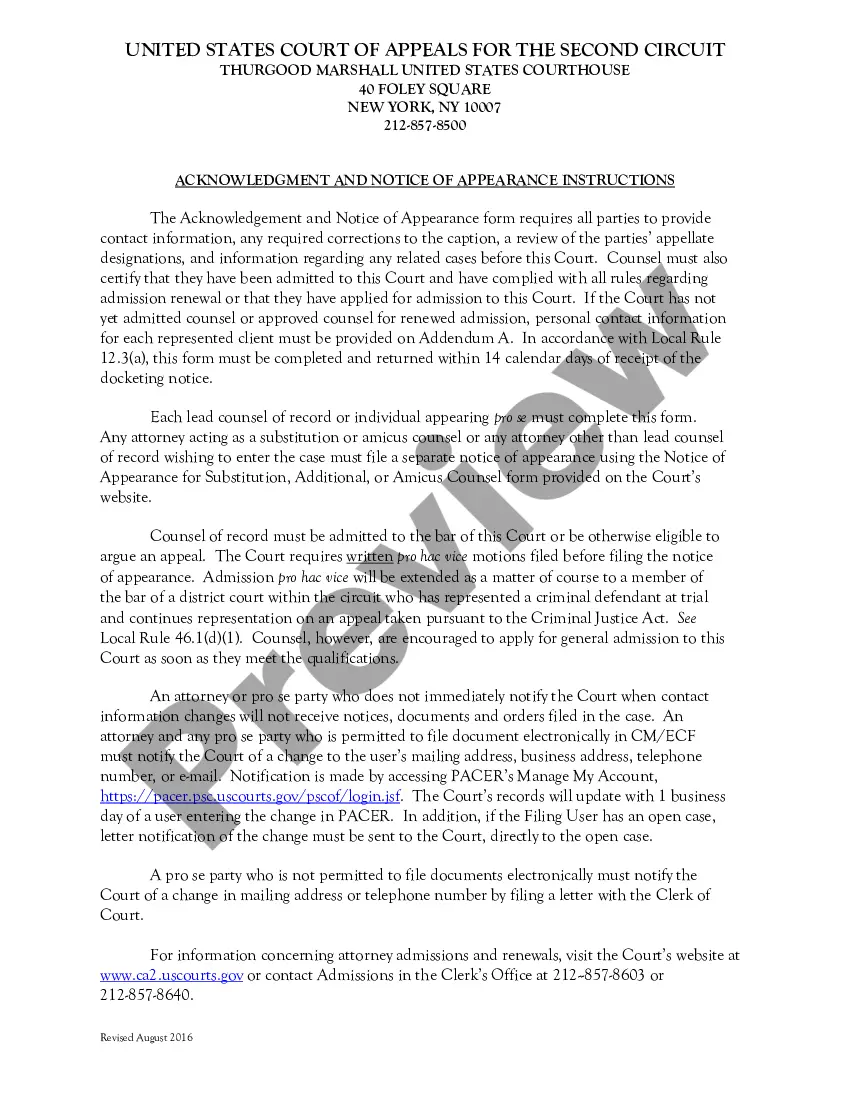
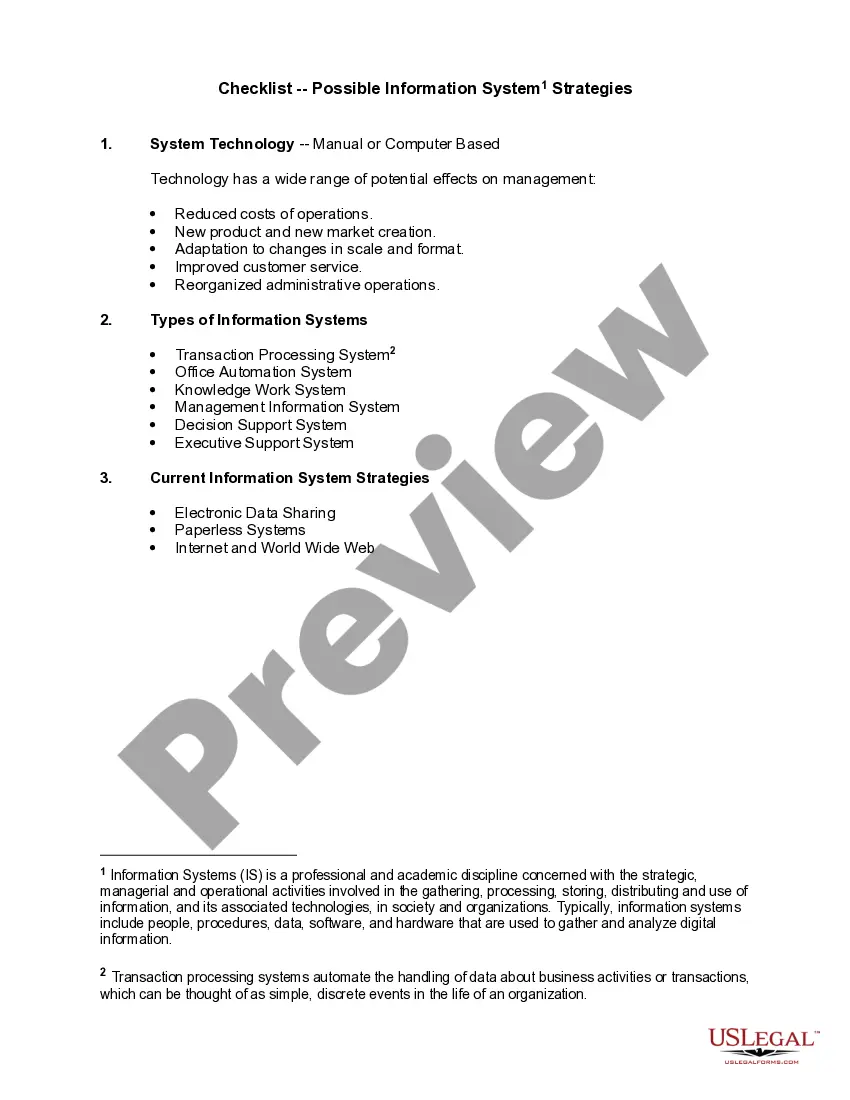
Colorado Checklist - Possible Information System Strategies
Description
Get your form ready online
Our built-in tools help you complete, sign, share, and store your documents in one place.
Make edits, fill in missing information, and update formatting in US Legal Forms—just like you would in MS Word.
Download a copy, print it, send it by email, or mail it via USPS—whatever works best for your next step.
Sign and collect signatures with our SignNow integration. Send to multiple recipients, set reminders, and more. Go Premium to unlock E-Sign.
If this form requires notarization, complete it online through a secure video call—no need to meet a notary in person or wait for an appointment.
We protect your documents and personal data by following strict security and privacy standards.

Make edits, fill in missing information, and update formatting in US Legal Forms—just like you would in MS Word.

Download a copy, print it, send it by email, or mail it via USPS—whatever works best for your next step.

Sign and collect signatures with our SignNow integration. Send to multiple recipients, set reminders, and more. Go Premium to unlock E-Sign.

If this form requires notarization, complete it online through a secure video call—no need to meet a notary in person or wait for an appointment.

We protect your documents and personal data by following strict security and privacy standards.
Looking for another form?


How to fill out Checklist - Possible Information System Strategies?
Have you found yourself in a situation where you require documents for either organizational or personal purposes nearly every day.
There are numerous legal document templates available online, but locating reliable forms can be challenging.
US Legal Forms provides a vast collection of document templates, such as the Colorado Checklist - Potential Information System Strategies, which are designed to comply with federal and state regulations.
Once you find the correct form, click on Get now.
Choose the pricing plan you prefer, fill in the required details to create your account, and pay for the order using your PayPal or Visa or Mastercard.
- If you are currently familiar with the US Legal Forms website and have an account, simply Log In.
- Then, you can download the Colorado Checklist - Potential Information System Strategies template.
- If you do not have an account and wish to start using US Legal Forms, follow these steps.
- Obtain the form you need and ensure it is appropriate for the correct jurisdiction/county.
- Use the Review button to verify the form.
- Check the description to make sure you have selected the correct form.
- If the form isn’t what you are looking for, use the Search section to find the form that suits your needs and specifications.
Form popularity
FAQ
House Bill 21 in Colorado is significant legislation that addresses the accessibility of public services and digital content. This bill outlines specific requirements for organizations to follow in order to improve accessibility standards. To navigate the requirements effectively, integrating the Colorado Checklist - Possible Information System Strategies is an invaluable step for compliance and implementing robust accessibility practices.
The Technology Accessibility Program in Colorado focuses on bridging the gap between technology and accessibility for individuals with disabilities. It provides essential tools, resources, and training to ensure that technology is usable for all. By implementing the Colorado Checklist - Possible Information System Strategies, organizations can make significant progress toward meeting accessibility goals.
The digital accessibility law in Colorado mandates that digital content and services must be accessible to individuals with disabilities. This law helps create an inclusive digital environment for all users by enforcing compliance with recognized accessibility standards. Organizations can leverage the Colorado Checklist - Possible Information System Strategies to remain compliant and enhance their online presence.
The ADA law, or Americans with Disabilities Act, is a federal law that prohibits discrimination against individuals with disabilities. In Colorado, this law ensures that public spaces, services, and websites are accessible to everyone. Utilizing the Colorado Checklist - Possible Information System Strategies can help businesses align their digital presence with ADA requirements and improve user experience.
The House Bill for accessibility in Colorado refers to legislation that establishes guidelines for improving accessibility across various public services and facilities. This bill emphasizes the responsibility of organizations to follow best practices in accessibility, including compliance with digital platforms. By integrating the Colorado Checklist - Possible Information System Strategies, organizations can clarify their path to meeting these legal requirements.