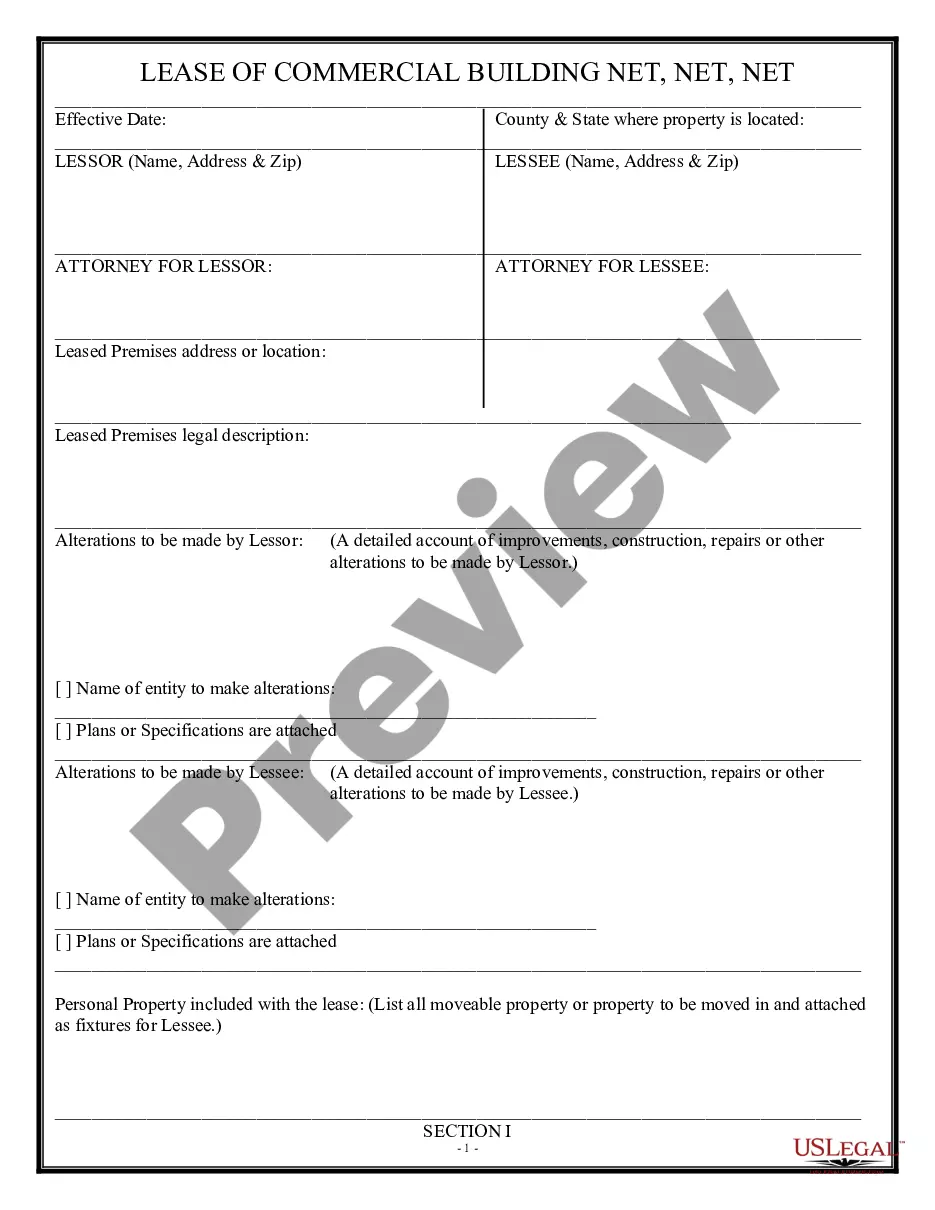
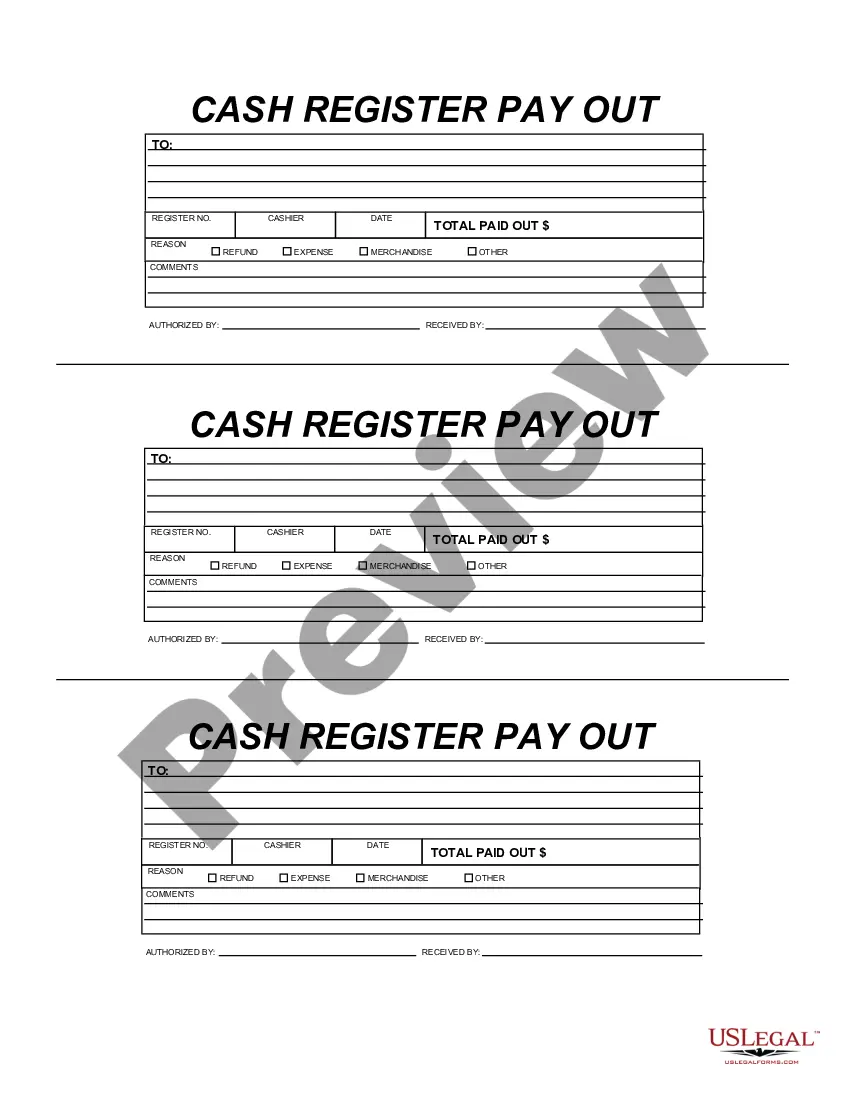
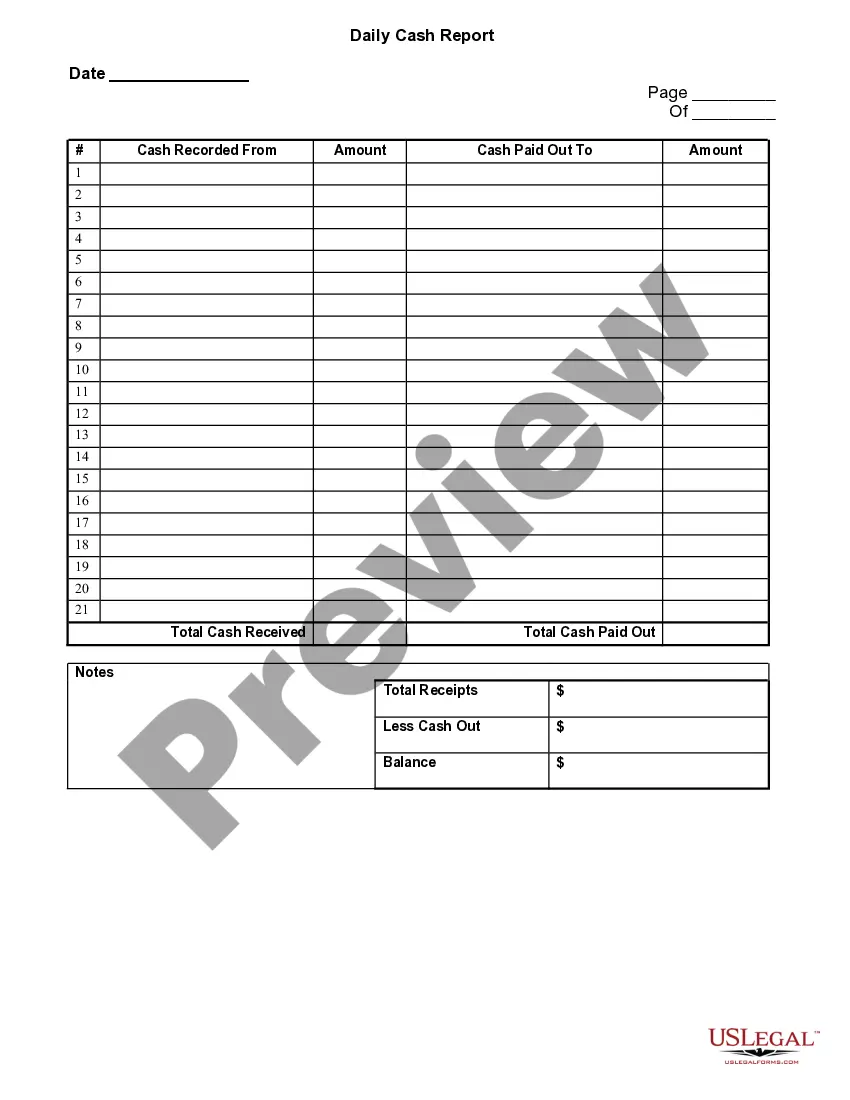
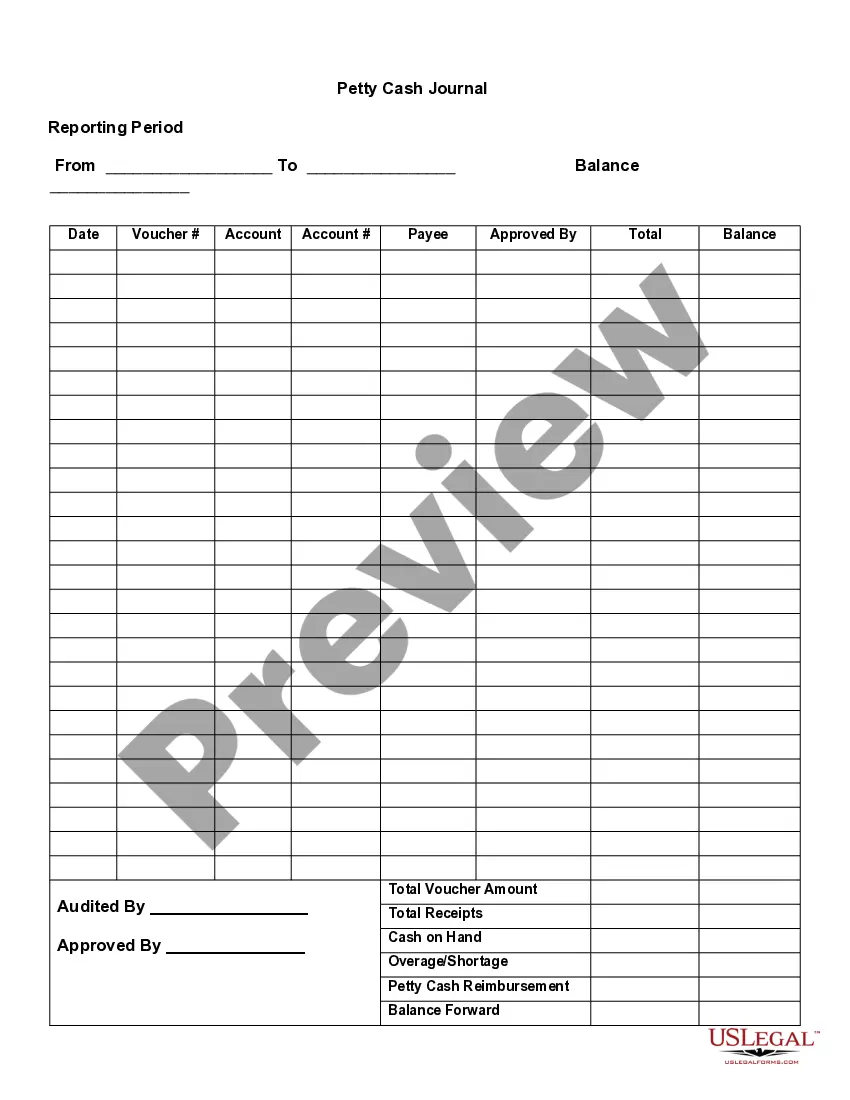
This form is a business type form that is formatted to allow you to complete the form using Adobe Acrobat or Word. The word files have been formatted to allow completion by entry into fields. Some of the forms under this category are rather simple while others are more complex. The formatting is worth the small cost.
California Cash Register Payout
Category:
State:
Multi-State
Control #:
US-127-AZ
Format:
Word;
PDF;
Rich Text
Instant download
Description
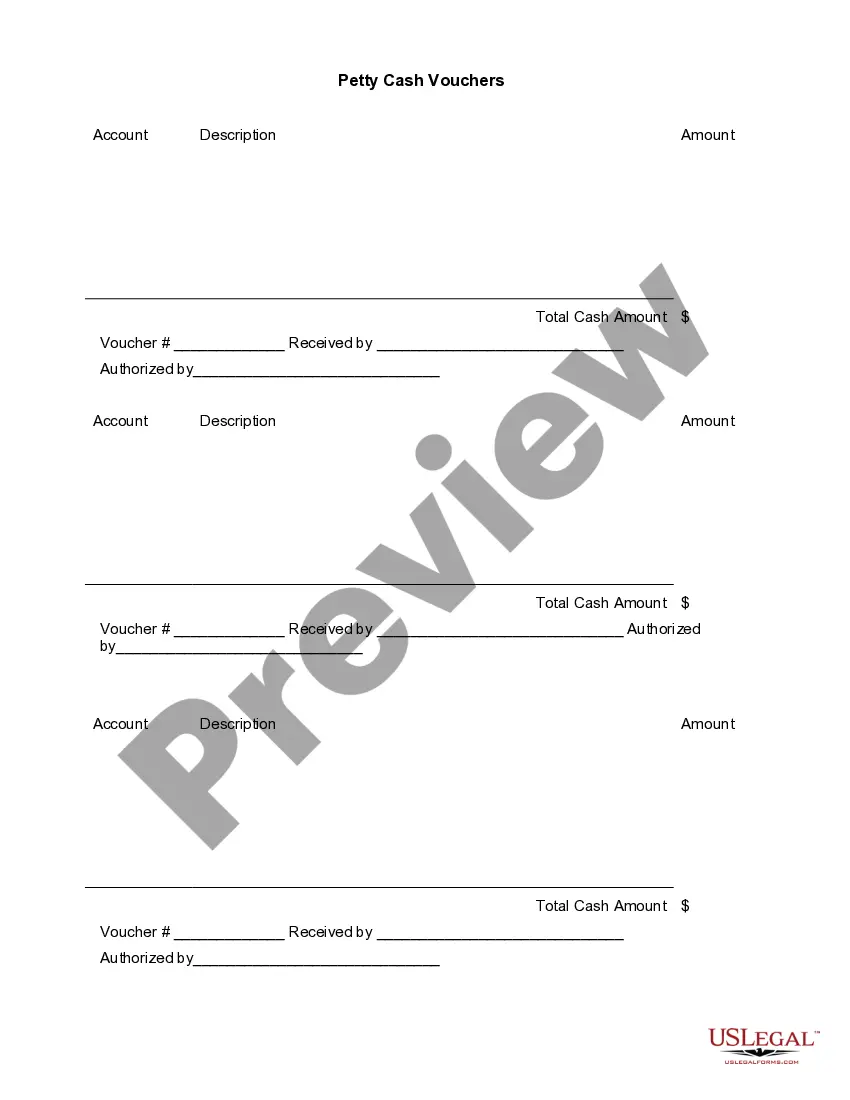
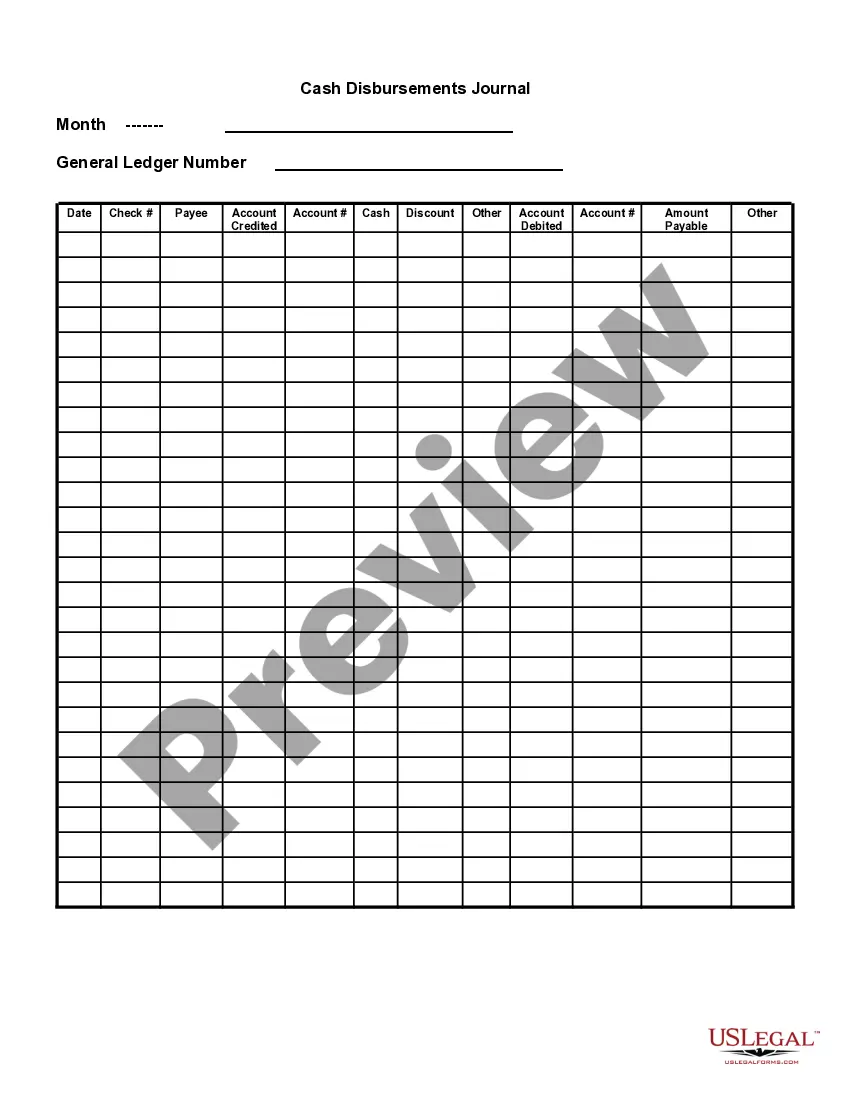
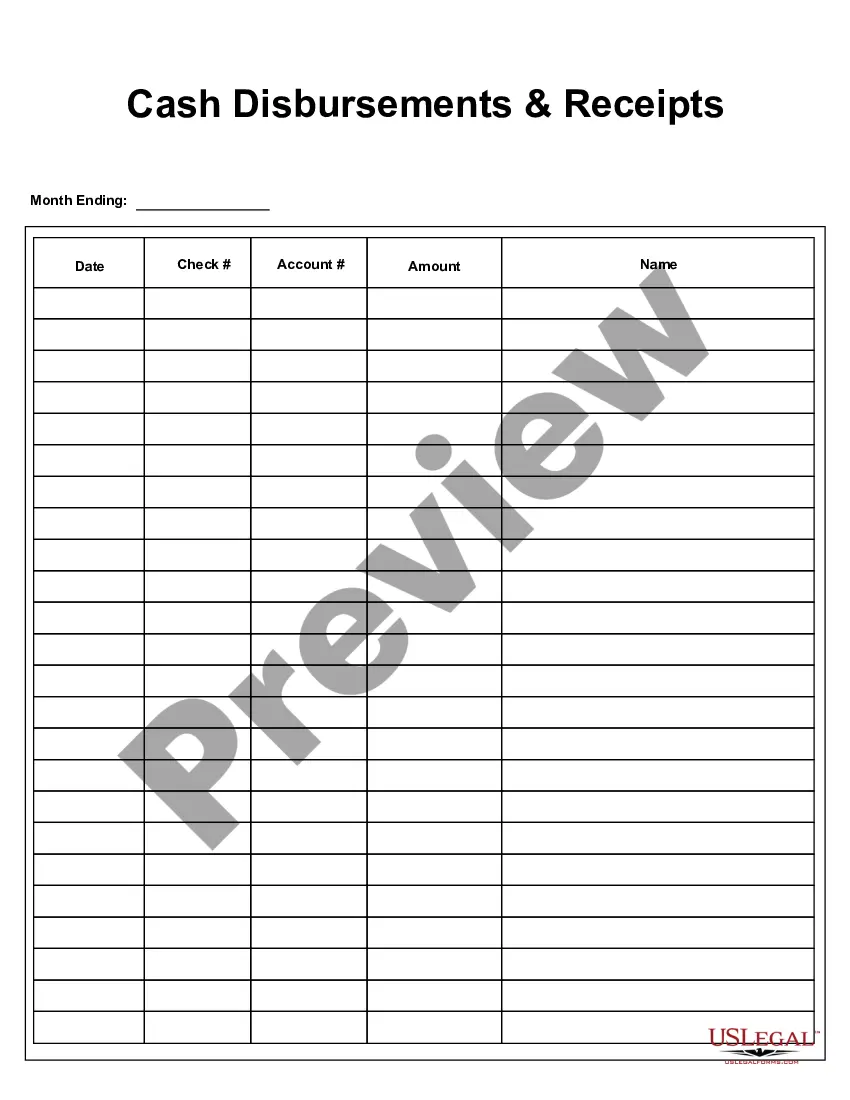




How to fill out Cash Register Payout?
Finding the appropriate authentic document template can be a challenge. Of course, there are numerous templates available online, but how do you find the authentic form you need.
Utilize the US Legal Forms website. The service offers thousands of templates, such as the California Cash Register Payout, that can be utilized for business and personal purposes.
All of the forms are reviewed by professionals and comply with state and federal regulations.
Once you are certain that the form is appropriate, click the Purchase now button to acquire the document. Choose the pricing plan you prefer and fill in the necessary information. Create your account and complete the transaction using your PayPal account or credit card. Select the file format and download the legal document template to your device. Fill out, modify, print, and sign the completed California Cash Register Payout. US Legal Forms is the largest collection of legal forms, where you can find various document templates. Utilize the service to download professionally crafted documents that adhere to state regulations.
- If you are already registered, sign in to your account and click the Download button to obtain the California Cash Register Payout.
- Use your account to search through the legal forms you have previously purchased.
- Navigate to the My documents section of your account to obtain another copy of the document you desire.
- If you are a new user of US Legal Forms, here are simple steps to guide you.
- First, ensure you have selected the correct form for your city/county. You can preview the form using the Preview button and review the form outline to ensure it is suitable for you.
- If the form does not meet your needs, use the Search field to find the appropriate form.
Form popularity
FAQ
Pay Ins & Payouts. Perform a pay in or payout to balance the cash drawer if you need to add or remove cash from the drawer while a register shift is open.
PayoutsGo to the Orders tab then Cash Register.Click New Payment.Specify Employee / Vendor - Select Employee if you are removing cash tips from the drawer.Amount - Enter the total amount of money you are removing from the cash register.Date - Select the date when the money was removed.More items...
Cashier balancing is a process usually conducted in businesses such as grocery stores, restaurants and banks that takes place at the closing of the business day or at the end of a cashier's shift. This balancing process makes the cashier responsible for the money in their cash register.
When you count your till at the end of each shift or day, count your cash and total up your checks, credit card receipts, and other transactions. To make the process less tedious, consider investing in a counting machine. With a counting machine, you don't have to worry about manually counting cash or change by hand.
When you count your till at the end of each shift or day, count your cash and total up your checks, credit card receipts, and other transactions. To make the process less tedious, consider investing in a counting machine. With a counting machine, you don't have to worry about manually counting cash or change by hand.
Your employer may subject you to disciplinary action, up to and including termination of employment. Additionally, your employer can bring an action in court to try to recover any damages and/or losses it has suffered.
A cash register logs transactions that occur in your store, creating a record of the money coming in and going out. It can also calculate and add taxes, generate receipts, and offer basic sales tracking. Many major grocery stores and department stores use cash registers.
1. On the Main Menu Dashboard, scroll down to Cash Management and select Pay Out....After entering a Pay Out, the following information will be printed on the receipt:Date and time.Employee or user name.Reason for pay out.Comment (if applicable)Cash drawer that the pay out was taken from.Total amount of pay out.
How to Count Down Cash DrawersTake your starting cash total and the amount of cash receipts for the day.Start with the largest bills first.Count down the twenties, tens, fives and ones and lay them out in piles according to denomination.Count down the change.More items...