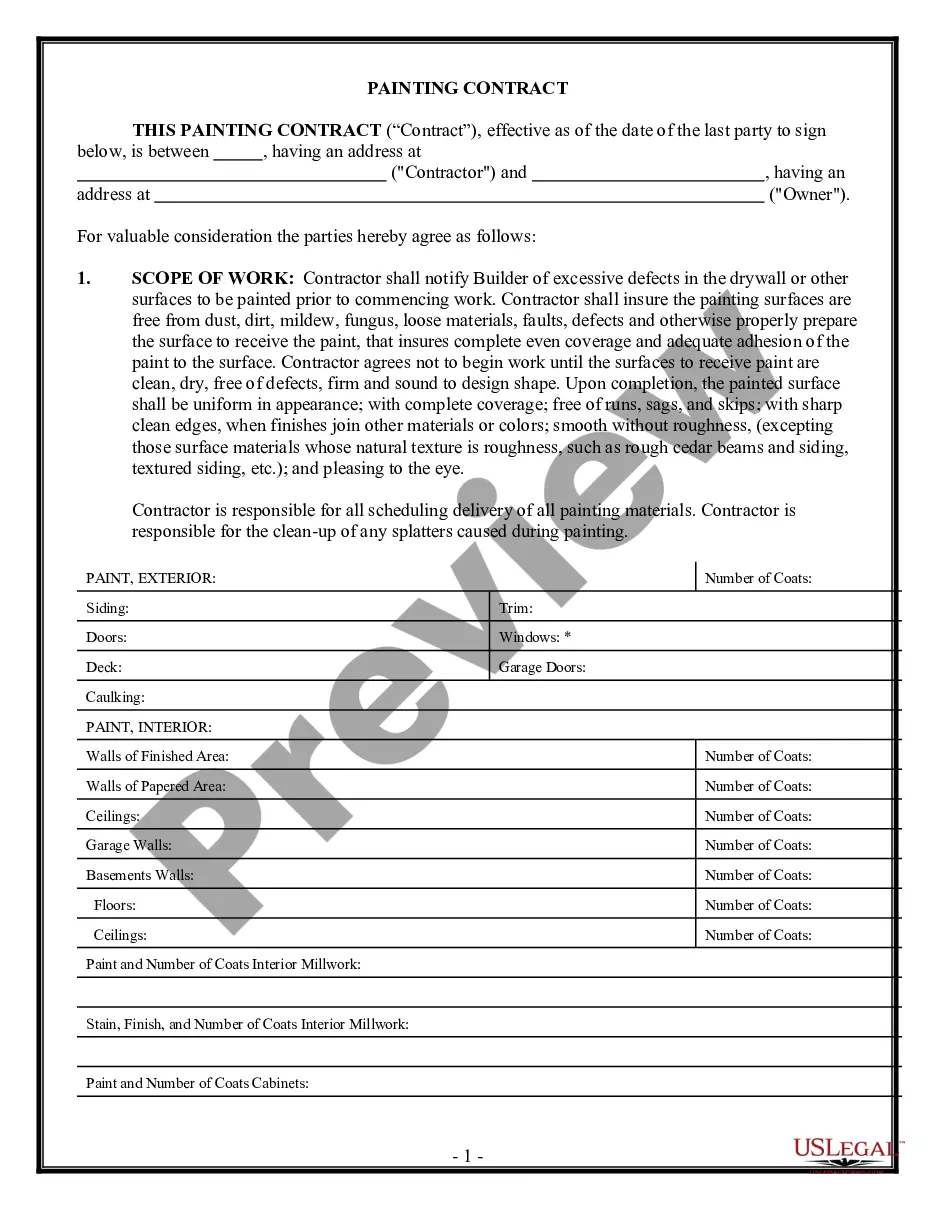
California Social Security Mismatch Notice
What is this form?
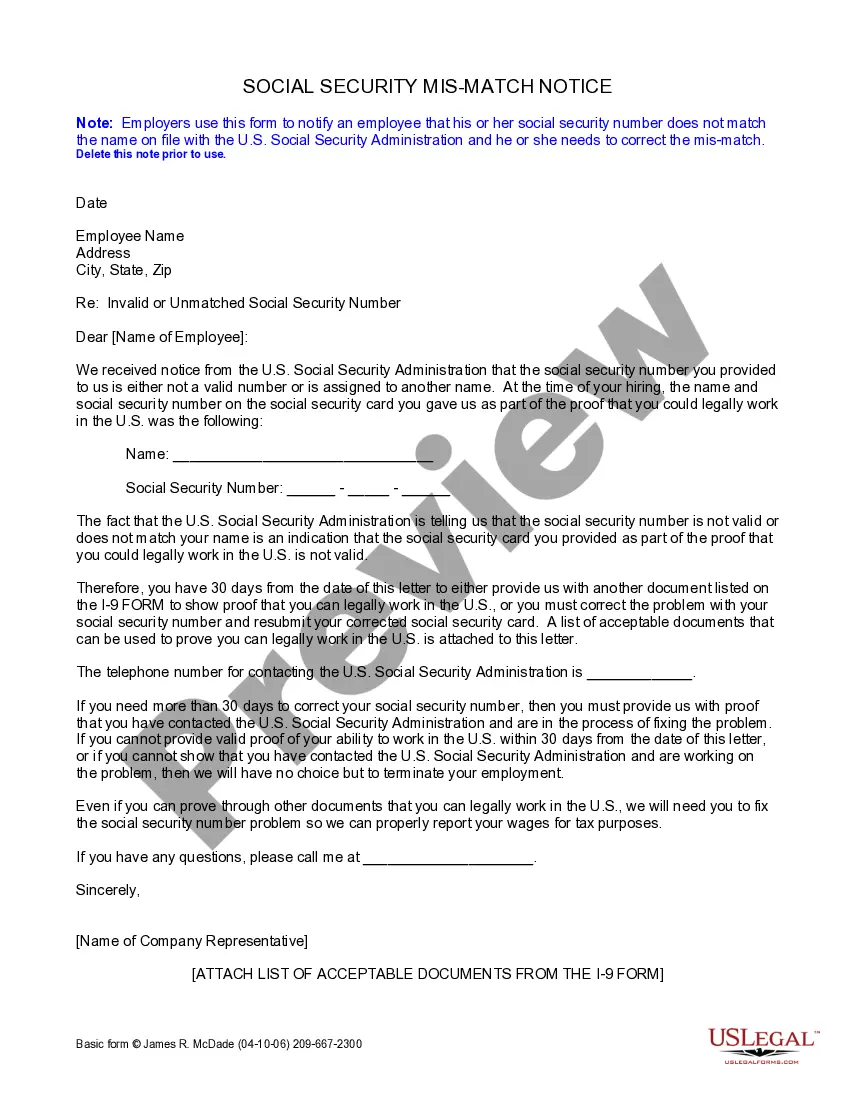
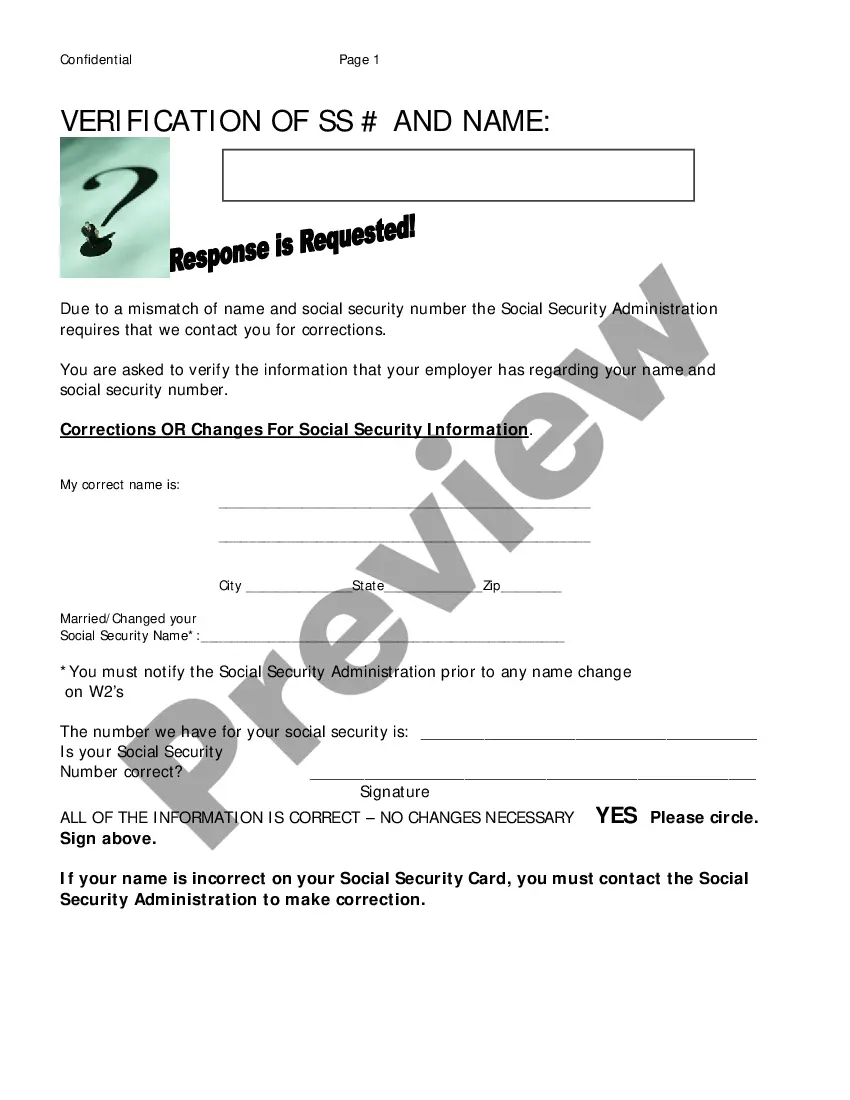
The Social Security Mismatch Notice is a document used by employers to inform employees that their social security number does not match the name recorded with the U.S. Social Security Administration. This form is essential for ensuring compliance with federal regulations regarding employee verification and tax reporting.
Key parts of this document
- Date of the notice
- Employee's name and address
- Details of the social security number discrepancy
- Instructions for correcting the mismatch
- Contact information for the U.S. Social Security Administration
- List of acceptable documents for proof of work eligibility

When this form is needed
This form should be used when an employer receives notification from the U.S. Social Security Administration that an employee's social security number is invalid or does not match their name. It is crucial to address these discrepancies promptly to avoid issues with employment and tax reporting.
Intended users of this form
- Employers who need to communicate a social security number issue to an employee
- HR professionals responsible for maintaining compliance with employment verification laws
- Businesses seeking to ensure accurate reporting of employee wages to the IRS
Instructions for completing this form
- Fill in the date at the top of the notice.
- Enter the employee's full name and address.
- Detail the social security number provided by the employee.
- Outline the steps the employee must take to correct the mismatch.
- Include the contact information for the U.S. Social Security Administration.
- Attach a list of acceptable documents needed for proof of work eligibility.
Notarization requirements for this form
Notarization is generally not required for this form. However, certain states or situations might demand it. You can complete notarization online through US Legal Forms, powered by Notarize, using a verified video call available anytime.
Get your form ready online
Our built-in tools help you complete, sign, share, and store your documents in one place.
Make edits, fill in missing information, and update formatting in US Legal Forms—just like you would in MS Word.
Download a copy, print it, send it by email, or mail it via USPS—whatever works best for your next step.
Sign and collect signatures with our SignNow integration. Send to multiple recipients, set reminders, and more. Go Premium to unlock E-Sign.
If this form requires notarization, complete it online through a secure video call—no need to meet a notary in person or wait for an appointment.
We protect your documents and personal data by following strict security and privacy standards.

Make edits, fill in missing information, and update formatting in US Legal Forms—just like you would in MS Word.

Download a copy, print it, send it by email, or mail it via USPS—whatever works best for your next step.

Sign and collect signatures with our SignNow integration. Send to multiple recipients, set reminders, and more. Go Premium to unlock E-Sign.

If this form requires notarization, complete it online through a secure video call—no need to meet a notary in person or wait for an appointment.

We protect your documents and personal data by following strict security and privacy standards.
Typical mistakes to avoid
- Incorrectly filling out the employee's name or social security number.
- Failing to attach the list of acceptable documents.
- Not providing the correct contact information for the U.S. Social Security Administration.
Benefits of completing this form online
- Instant access to a professionally drafted form.
- Easy to download and print for immediate use.
- Edit the form as needed to fit specific situations.
Legal use & context
- Ensures compliance with federal laws regarding employee verification.
- Protects employers from penalties related to improper tax reporting.
- Facilitates resolution of discrepancies with the U.S. Social Security Administration.
Main things to remember
- The Social Security Mismatch Notice is essential for addressing social security discrepancies.
- Employers need to act quickly to resolve any noted discrepancies to maintain compliance.
- Clear communication with employees about their social security number is vital for legal employment.
Looking for another form?


Form popularity
FAQ
The letters at the end of a SSN indicate the claim number for a SSI or Social Security beneficiary."If you are an SSI beneficiary, your claim number is your nine-digit Social Security Number (SSN) (000-00-0000) followed by two letters such as EI, DI, DS, DC.
Inform affected employees of the no-match notice and ask that they confirm the name and Social Security number reflected in their employment records. Advise the workers to contact the SSA to correct their SSA records. Give employees a reasonable period of time to do this.
Any employer that uses the failure of the information to match SSA records to take inappropriate adverse action against a worker may violate State or Federal law. The information you receive from SSNVS does not make any statement regarding a worker's immigration status.
Once you have gathered your documents, contact Social Security at 800-772-1213 to begin the process of correcting your earnings record. What are possible reasons for the error? An employer may have reported your earnings incorrectly or reported your earnings using the wrong name or Social Security number.
If you did look at your earnings record and notice a mistake, the burden is yours to prove it. You might want to start by checking out the SSA's Request For Correction of Earnings Record form. You should be prepared to locate documents that prove the error such as tax forms, W-2 forms or pay stubs.
A no-match letter can expose an employer to liability under IRCA for knowingly continuing to employ an unauthorized individual.Employers cannot simply ignore them, but can potentially face discrimination lawsuits for being too keen in responding to no-match letters.
"No-match letters notify employers of a discrepancy in an employee's information between the SSA's records and the employee's Form W-2," Karcutskie said.
To seek correction of information related to individual records, benefits, or earnings, please call us at 1-800-772-1213 or contact us. The Social Security Administration has received no requests for correction to information under Section 515.