California PDL Request Response and Notice
Understanding this form
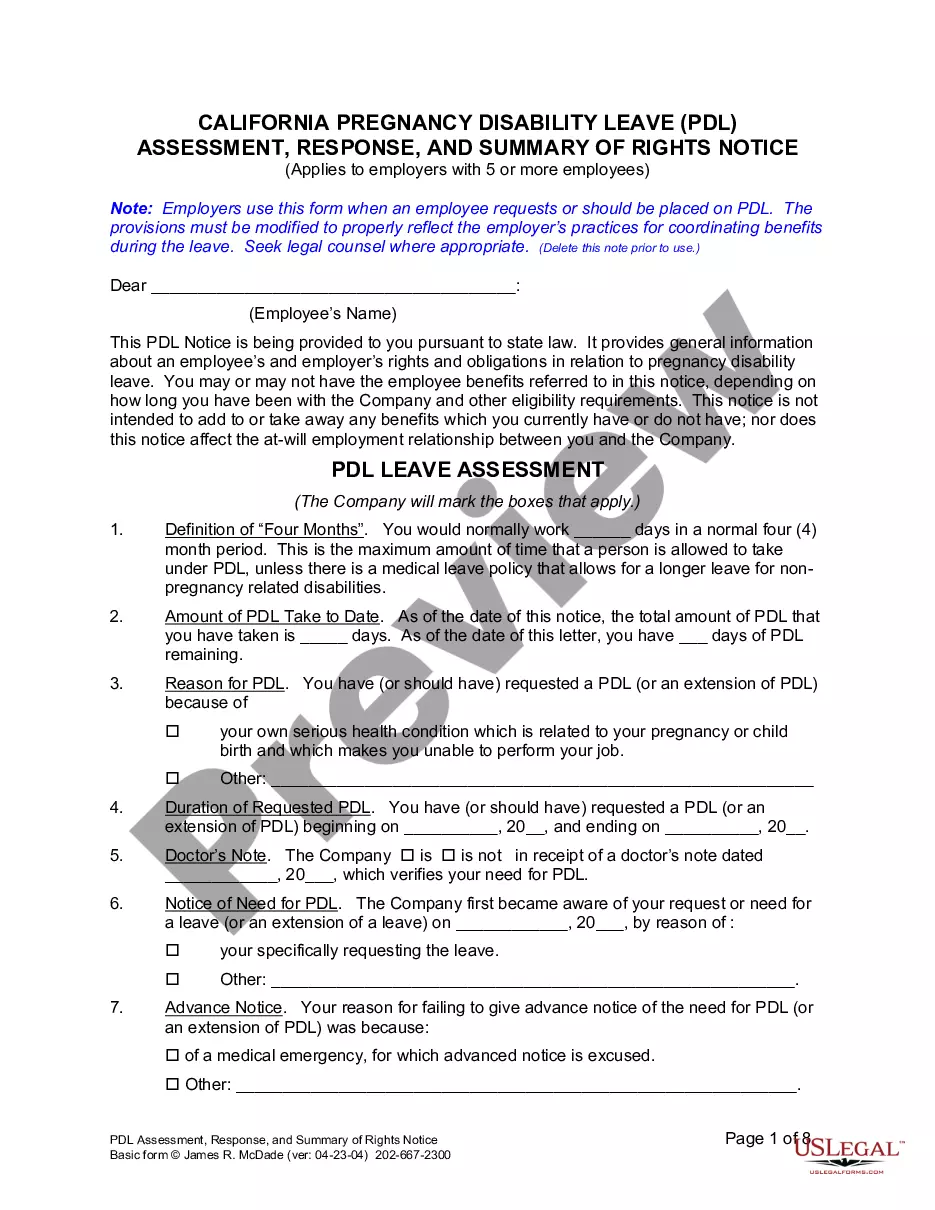
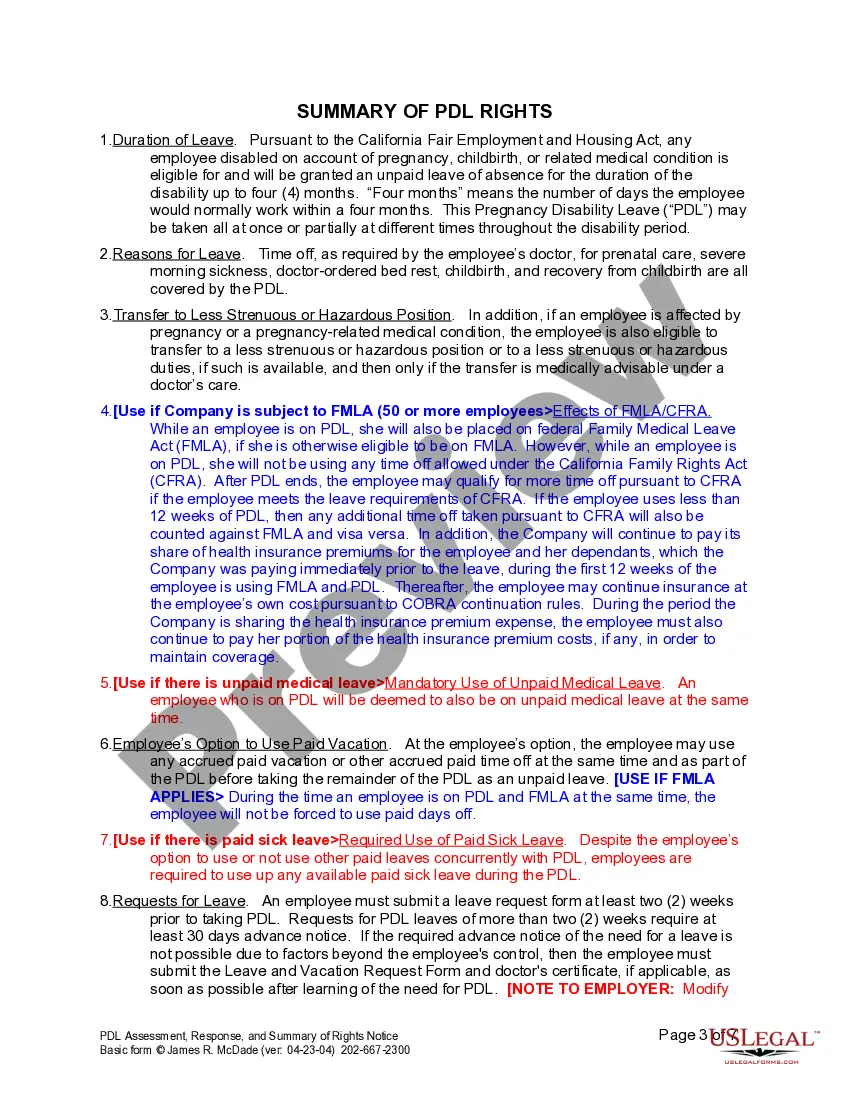
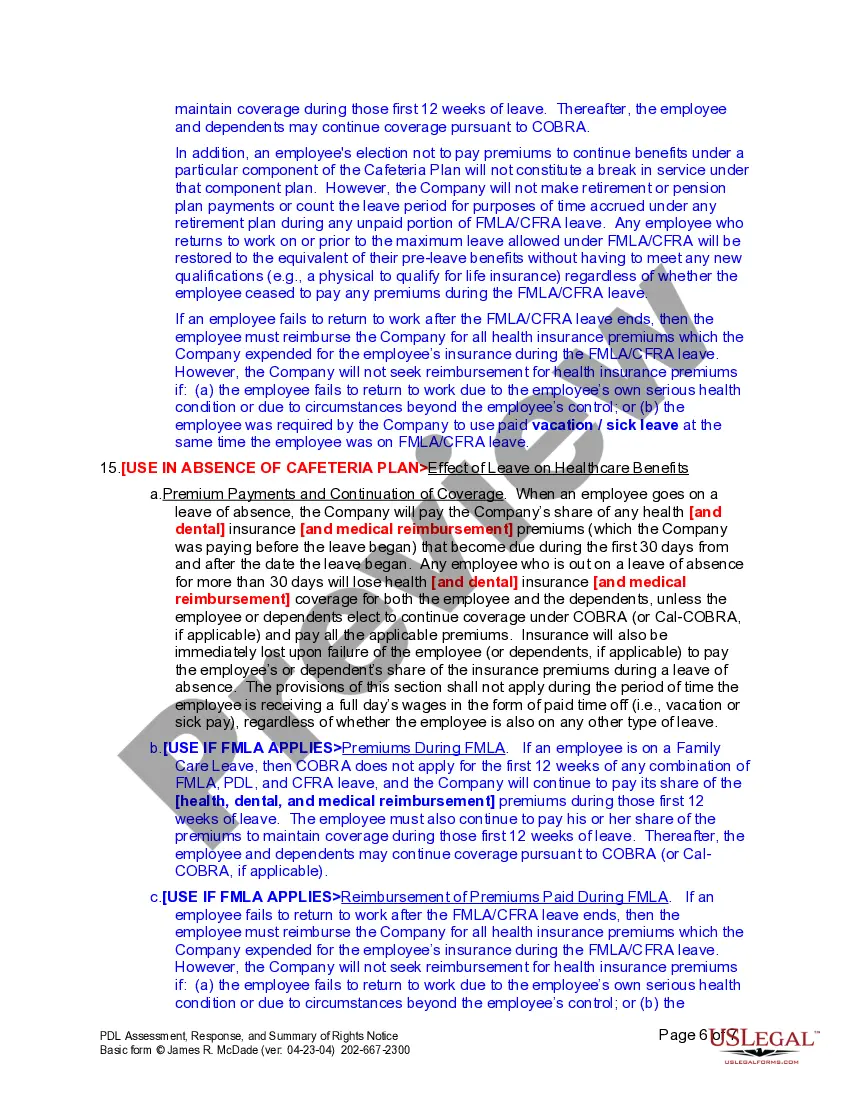
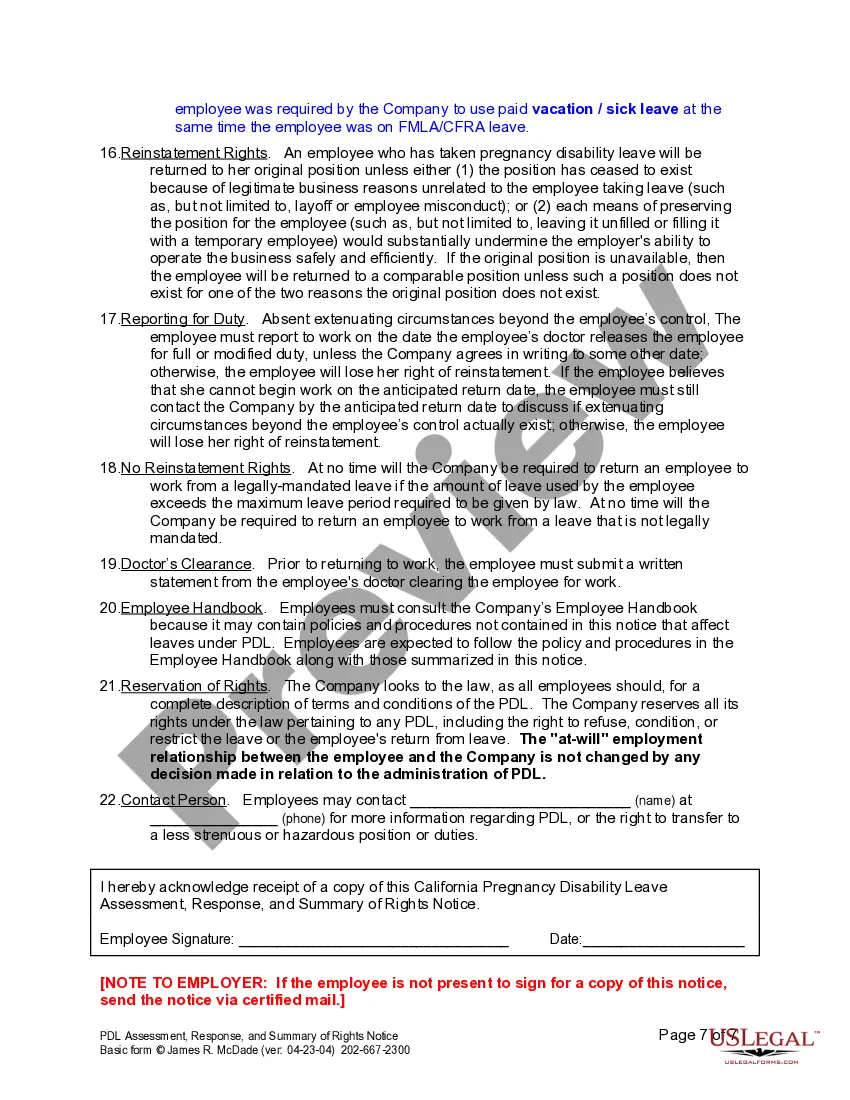
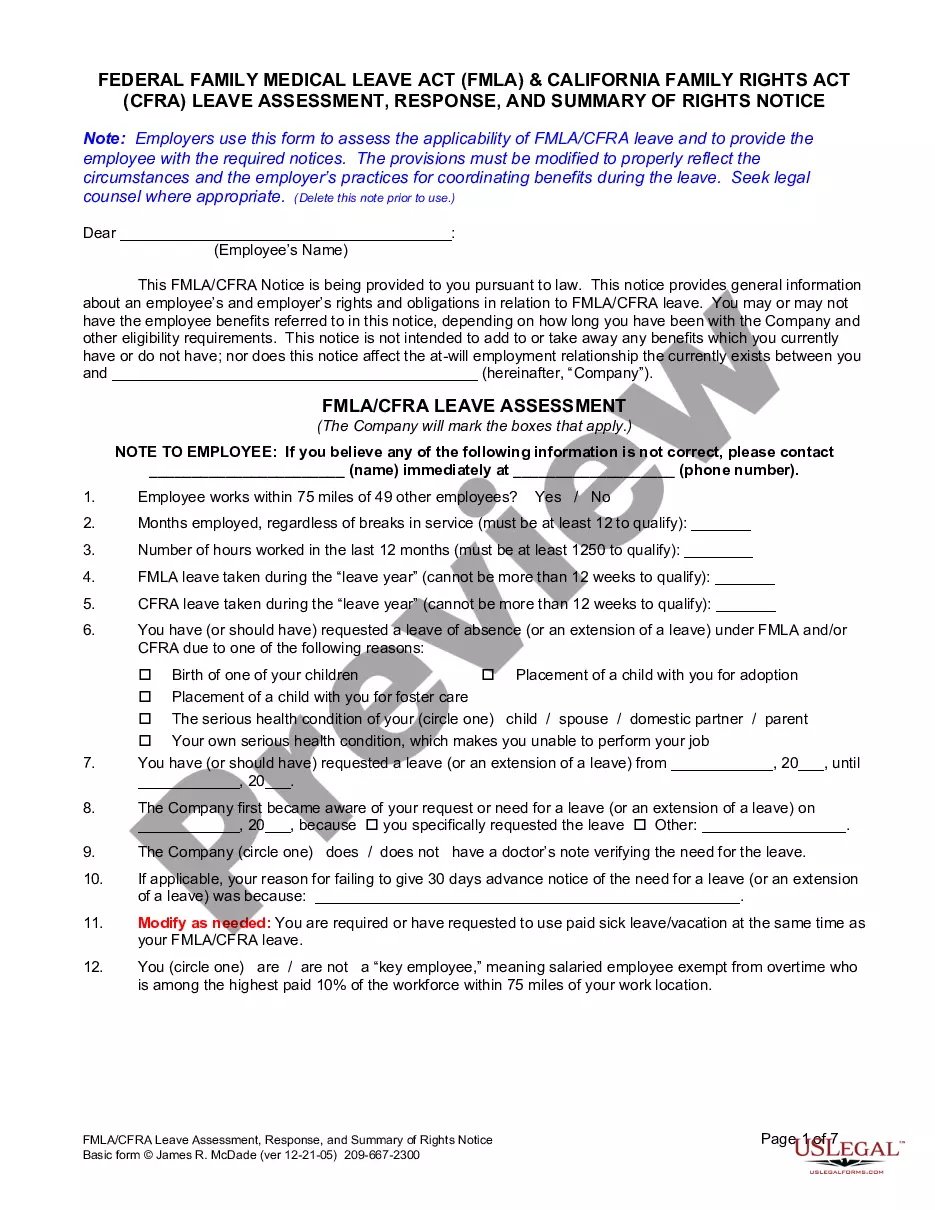
The Pregnancy Disability Leave (PDL) Request Response and Notice form is designed for employers to respond to an employee's request for pregnancy disability leave. This form provides essential information about the rights and responsibilities of both the employer and employee during the leave. It is an important tool in ensuring compliance with state laws related to pregnancy disability, distinguishing it from other leave forms like medical leave requests.
Main sections of this form
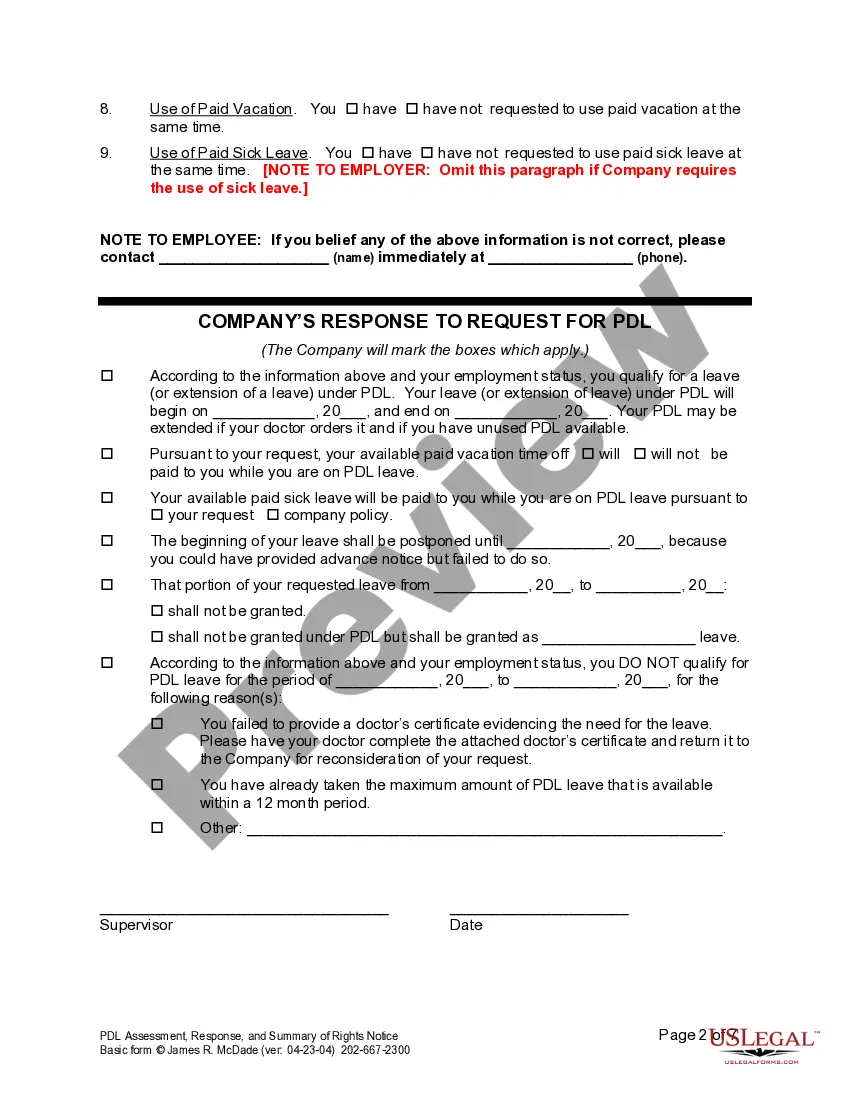
- Assessment of the employee's length of PDL and any remaining days.
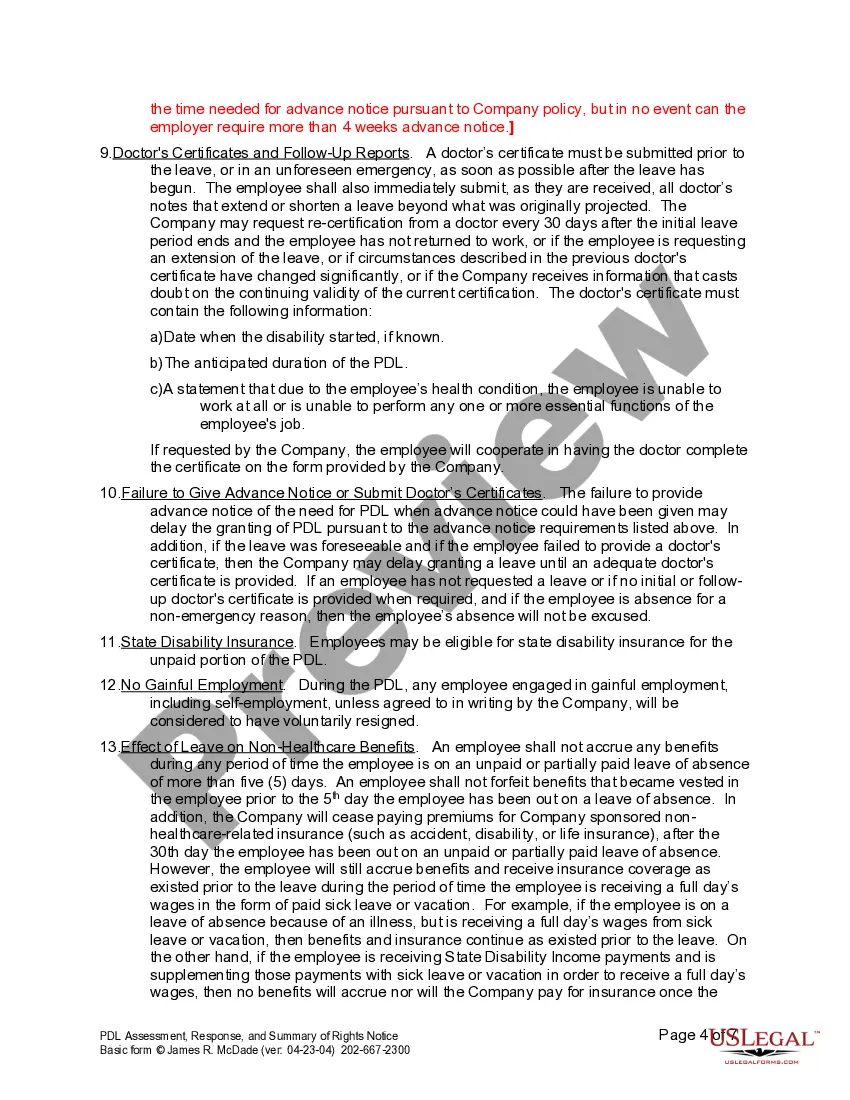
- Details regarding the reason for the leave request and required medical documentation.
- Company's response including approval or denial of the leave request.
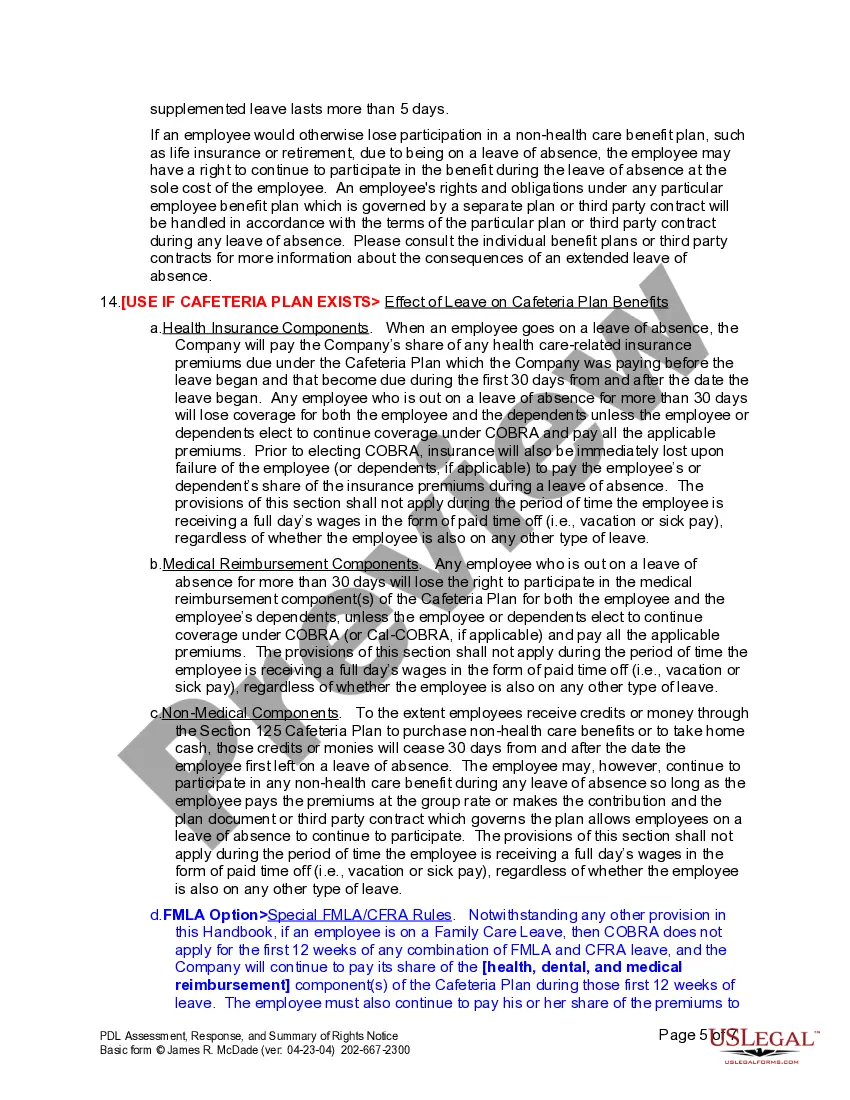
- Summary of rights under the California Fair Employment and Housing Act.
- Instructions for contacting the employer for clarification or disputes regarding the leave.
When to use this document
Employers should use this form when an employee either requests pregnancy disability leave or is deemed eligible for such leave based on a medical condition related to pregnancy or childbirth. This form should be used to assess and document both the request and the employerâs response to ensure proper compliance with legal requirements.
Who can use this document
- Employers with five or more employees who need to manage pregnancy disability leave requests.
- HR professionals responsible for handling employee leave policies.
- Employees requesting pregnancy disability leave or needing clarification on their entitlements.
How to prepare this document
- Fill in the employee's name and the date of the request.
- Indicate the total number of days the employee has taken and the remaining PDL days.
- Provide reasons for the leave, including any required physicianâs notes.
- Mark the appropriate boxes in the company's response section to indicate approval or reasons for denial.
- Ensure the document is signed by the supervisor and the employee for acknowledgment.
Does this form need to be notarized?
This form does not typically require notarization unless specified by local law. Ensure that all completed forms are kept on file according to your companyâs policies.
Get your form ready online
Our built-in tools help you complete, sign, share, and store your documents in one place.
Make edits, fill in missing information, and update formatting in US Legal Forms—just like you would in MS Word.
Download a copy, print it, send it by email, or mail it via USPS—whatever works best for your next step.
Sign and collect signatures with our SignNow integration. Send to multiple recipients, set reminders, and more. Go Premium to unlock E-Sign.
If this form requires notarization, complete it online through a secure video call—no need to meet a notary in person or wait for an appointment.
We protect your documents and personal data by following strict security and privacy standards.

Make edits, fill in missing information, and update formatting in US Legal Forms—just like you would in MS Word.

Download a copy, print it, send it by email, or mail it via USPS—whatever works best for your next step.

Sign and collect signatures with our SignNow integration. Send to multiple recipients, set reminders, and more. Go Premium to unlock E-Sign.

If this form requires notarization, complete it online through a secure video call—no need to meet a notary in person or wait for an appointment.

We protect your documents and personal data by following strict security and privacy standards.
Mistakes to watch out for
- Failing to provide accurate information regarding the employee's leave balance.
- Not obtaining necessary medical documentation or doctor's notes in a timely manner.
- Using outdated versions of the form without the latest legal compliance.
- Not addressing employee questions or concerns promptly.
Benefits of completing this form online
- Convenience of downloading and completing the form at any time.
- Editability allows for easy updates to reflect the most accurate information.
- Reliable templates drafted by licensed attorneys ensure legal compliance.
- The PDL Request Response and Notice is legally valid when completed according to state requirements.
- Employers must adhere to the California Fair Employment and Housing Act to ensure compliance.
- This form serves as necessary documentation in case of disputes regarding leave requests and employee rights.
What to keep in mind
- The PDL Request Response and Notice is essential for managing pregnancy disability leave correctly.
- It outlines important rights and obligations for both employers and employees.
- Filling out the form accurately can help prevent misunderstandings and ensure compliance with state laws.
Looking for another form?

Form popularity
FAQ
The form is a California-specific template used by employers to formally respond to an employee's pregnancy disability leave request. It clarifies the rights and responsibilities of both sides, sets forth the leave duration and eligibility, and outlines any benefits applicable during the leave to support compliant communication and accurate recordkeeping.
A PDL request is an employee's formal request for pregnancy disability leave. This form is used by employers to respond with eligibility, the duration of the leave, information on accrued benefits such as sick or vacation days, and a recap of the employee's rights and obligations under California law.
The form captures the employer’s formal response to a pregnancy disability leave request, including the leave duration, eligibility assessment, and applicable benefits. It helps ensure California employers communicate clearly and stay compliant with pregnancy disability leave requirements by documenting the terms and any adjustments.
The form notes that leave may involve accrued benefits like sick or vacation days, but it does not promise payment. Pay during PDL depends on employer policy and applicable California law; the form helps document benefits and rights while the employee coordinates with payroll and HR.
This form asks for and communicates the leave duration as part of the employer’s response. The exact length depends on medical need and California law; the form ensures the duration is clearly documented and communicated to the employee so expectations are aligned.
This form uniquely serves as both the response to the employee’s PDL request and a notice of rights and obligations. It combines eligibility assessment, duration details, accrued-benefits information, and any employer adjustments in one California-specific document for employers with five or more employees.