Arizona Aging Accounts Payable
Description
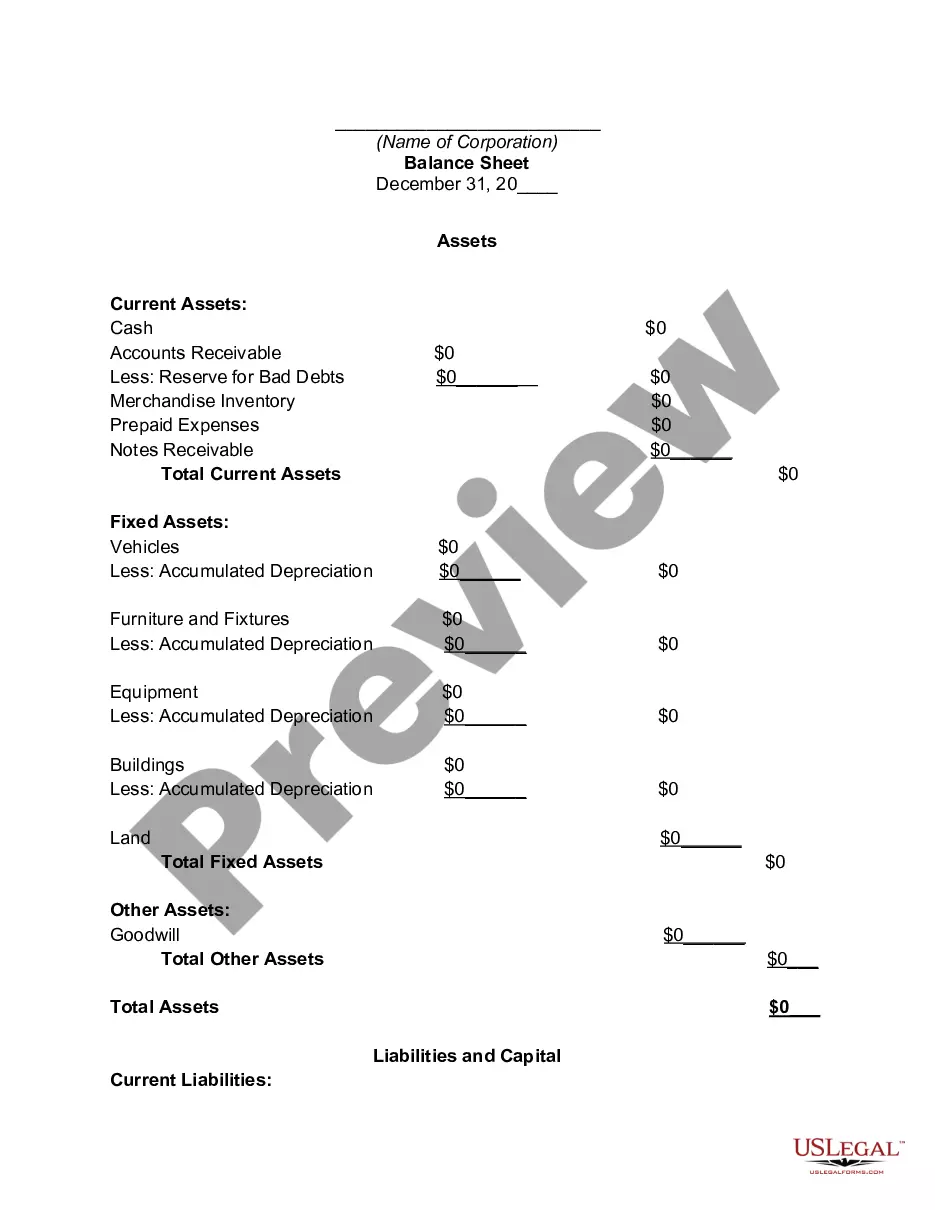
Get your form ready online
Our built-in tools help you complete, sign, share, and store your documents in one place.
Make edits, fill in missing information, and update formatting in US Legal Forms—just like you would in MS Word.
Download a copy, print it, send it by email, or mail it via USPS—whatever works best for your next step.
Sign and collect signatures with our SignNow integration. Send to multiple recipients, set reminders, and more. Go Premium to unlock E-Sign.
If this form requires notarization, complete it online through a secure video call—no need to meet a notary in person or wait for an appointment.
We protect your documents and personal data by following strict security and privacy standards.

Make edits, fill in missing information, and update formatting in US Legal Forms—just like you would in MS Word.

Download a copy, print it, send it by email, or mail it via USPS—whatever works best for your next step.

Sign and collect signatures with our SignNow integration. Send to multiple recipients, set reminders, and more. Go Premium to unlock E-Sign.

If this form requires notarization, complete it online through a secure video call—no need to meet a notary in person or wait for an appointment.

We protect your documents and personal data by following strict security and privacy standards.
Looking for another form?


How to fill out Aging Accounts Payable?
If you require to accumulate, acquire, or produce legal document templates, utilize US Legal Forms, the largest selection of legal documents available online.
Take advantage of the site´s straightforward and convenient search to find the forms you need.
Various templates for businesses and specific purposes are organized by categories and claims, or keywords and terms.
Every legal document format you acquire is yours permanently.
You have access to every document you saved within your account. Select the My documents section and choose a document to print or download again. Be proactive and download, and print the Arizona Aging Accounts Payable with US Legal Forms. There are thousands of professional and state-specific documents you can use for your business or individual needs.
- Utilize US Legal Forms to find the Arizona Aging Accounts Payable with just a few clicks.
- If you are already a US Legal Forms user, Log In to your account and click on the Download button to find the Arizona Aging Accounts Payable.
- You can also access forms you previously saved from the My documents tab of your account.
- If you are using US Legal Forms for the first time, follow the instructions below.
- Step 1. Ensure you have selected the form for the appropriate area/country.
- Step 2. Use the Review option to examine the form’s content. Don’t forget to check the overview.
- Step 3. If you are not satisfied with the form, use the Search area at the top of the screen to find other variations of the legal document format.
- Step 4. Once you have found the form you need, click the Get now button. Choose the pricing plan you prefer and input your details to register for an account.
- Step 5. Complete the transaction. You can utilize your credit card or PayPal account to finalize the transaction.
- Step 6. Choose the format of the legal document and download it to your device.
- Step 7. Complete, edit, and print or sign the Arizona Aging Accounts Payable.
Form popularity
FAQ
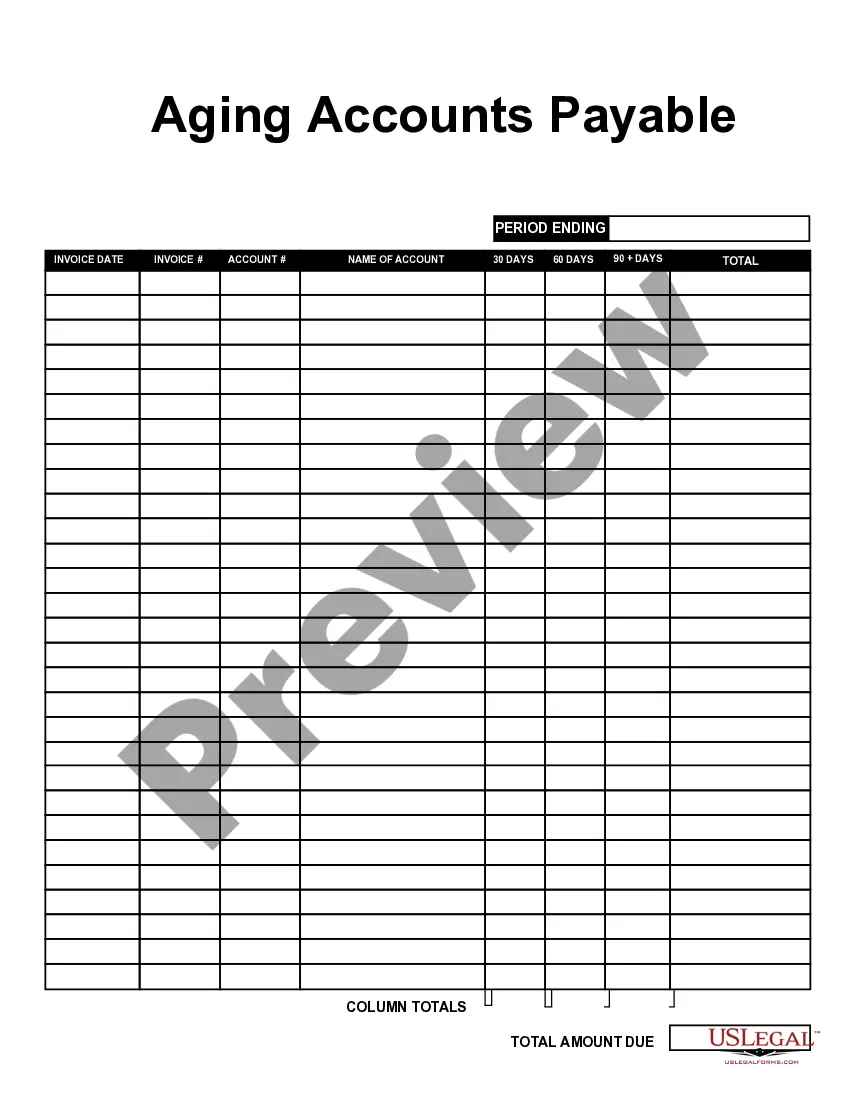
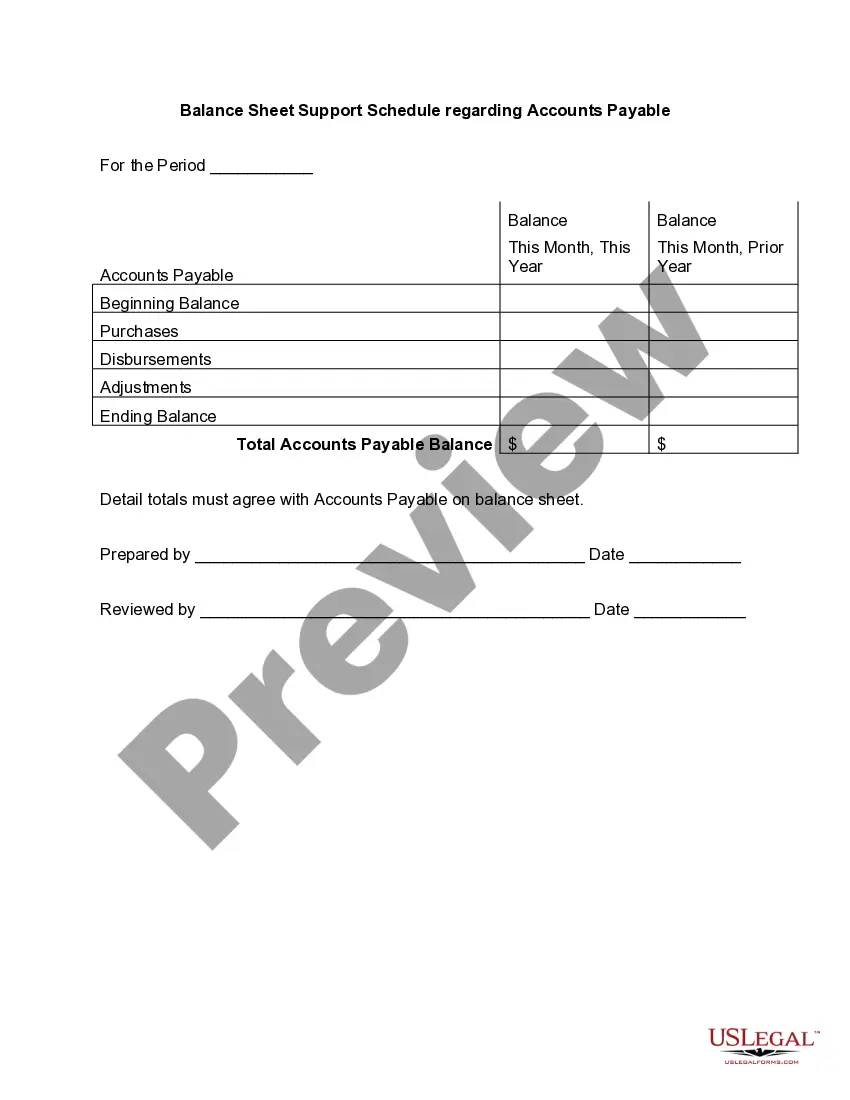
The Accounts Payable Aging Report lists vendors to which you owe money in the rows. The columns separate your bills by how many days they are overdue, with the first column being bills that are not overdue, and the fifth column being bills that are more than 90 days overdue.
An accounts payable aging report (or AP aging report) is a vital accounting document that outlines the due dates of the bills and invoices a business needs to pay. The opposite of an AP aging report is an accounts receivable aging report, which offers a timeline of when a business can expect to receive payments.
An accounts payable aging report (or AP aging report) is a vital accounting document that outlines the due dates of the bills and invoices a business needs to pay. The opposite of an AP aging report is an accounts receivable aging report, which offers a timeline of when a business can expect to receive payments.
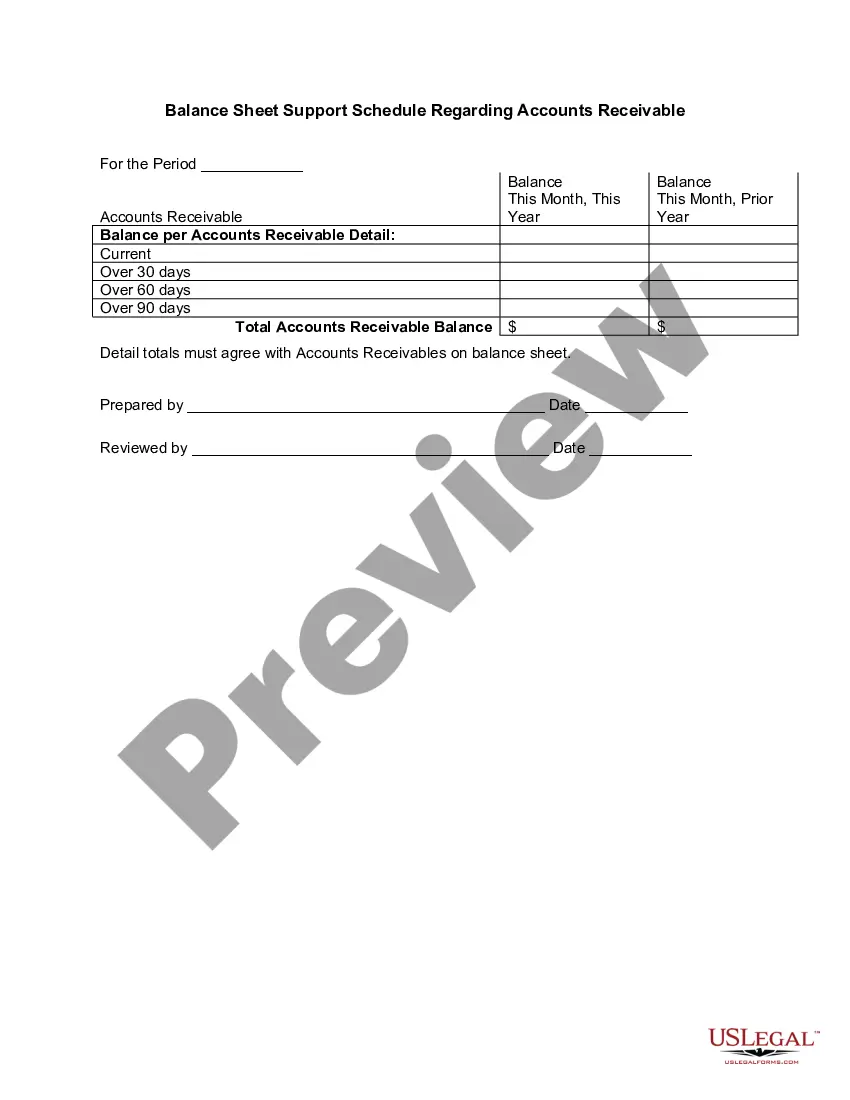
How to create an accounts receivable aging reportStep 1: Review open invoices.Step 2: Categorize open invoices according to the aging schedule.Step 3: List the names of customers whose accounts are past due.Step 4: Organize customers based on the number of days outstanding and the total amount due.
What is 2/10 Net 30? 2/10 net 30 means that buyers are eligible to get a 2% discount on trade credit if the amount due is paid within 10 days. After those 10 days pass, the full invoice amount is due within 30 days without the 2% discount according to the terms for 2/0 net 30.
The accounts payable turnover in days shows the average number of days that a payable remains unpaid. To calculate the accounts payable turnover in days, simply divide 365 days by the payable turnover ratio. Therefore, over the fiscal year, the company takes approximately 60.53 days to pay its suppliers.
AP Aging ReportsGo to Reports on the top menu.Choose Vendors and Payables.Select A/P Aging Detail.Tick the Customize Report tab.In the Dates field choose Custom.Enter the date for April in the From and To field.Tap OK.16-Feb-2021
The accounts payable turnover in days shows the average number of days that a payable remains unpaid. To calculate the accounts payable turnover in days, simply divide 365 days by the payable turnover ratio. Therefore, over the fiscal year, the company takes approximately 60.53 days to pay its suppliers.
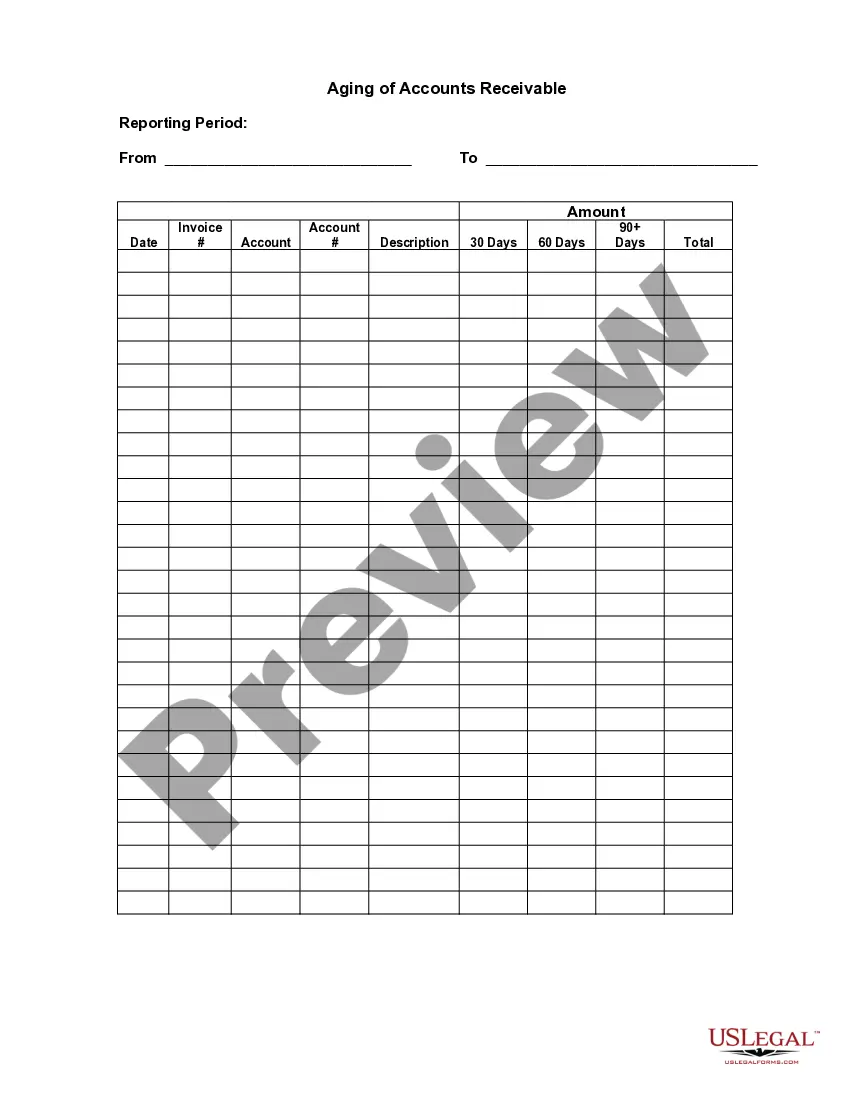
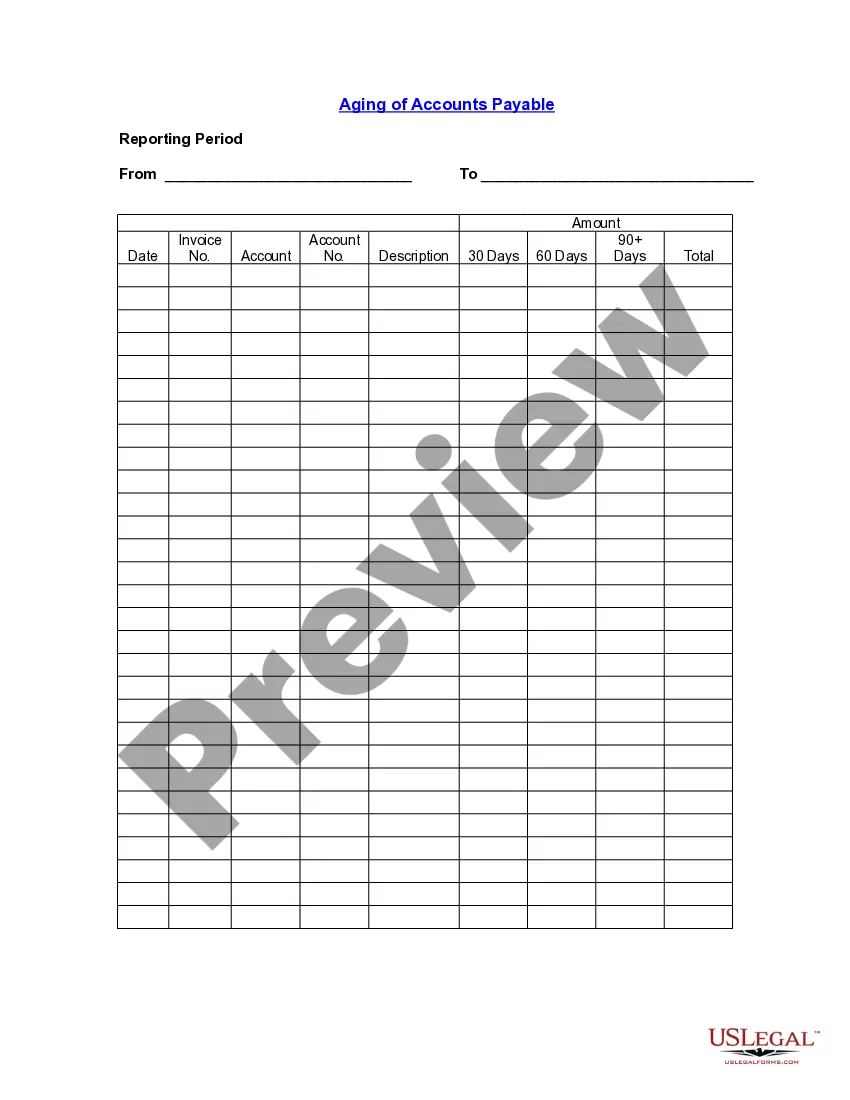
An accounts payable aging summary report shows the balances you owe to others. The report helps you organize and visualize the amounts you owe. Typically, an aging of accounts payable includes: Vendor names. How much you owe each vendor.
When you pay off an invoice, remove the current or past due amount from your report. For example, say you paid off the $100 invoice that's 61 90 days past due for Vendor 3. After you pay Vendor 3 the $100, make sure you change the 61 90 days column to say $0.