Arizona Cash Flow Statement
Overview of this form
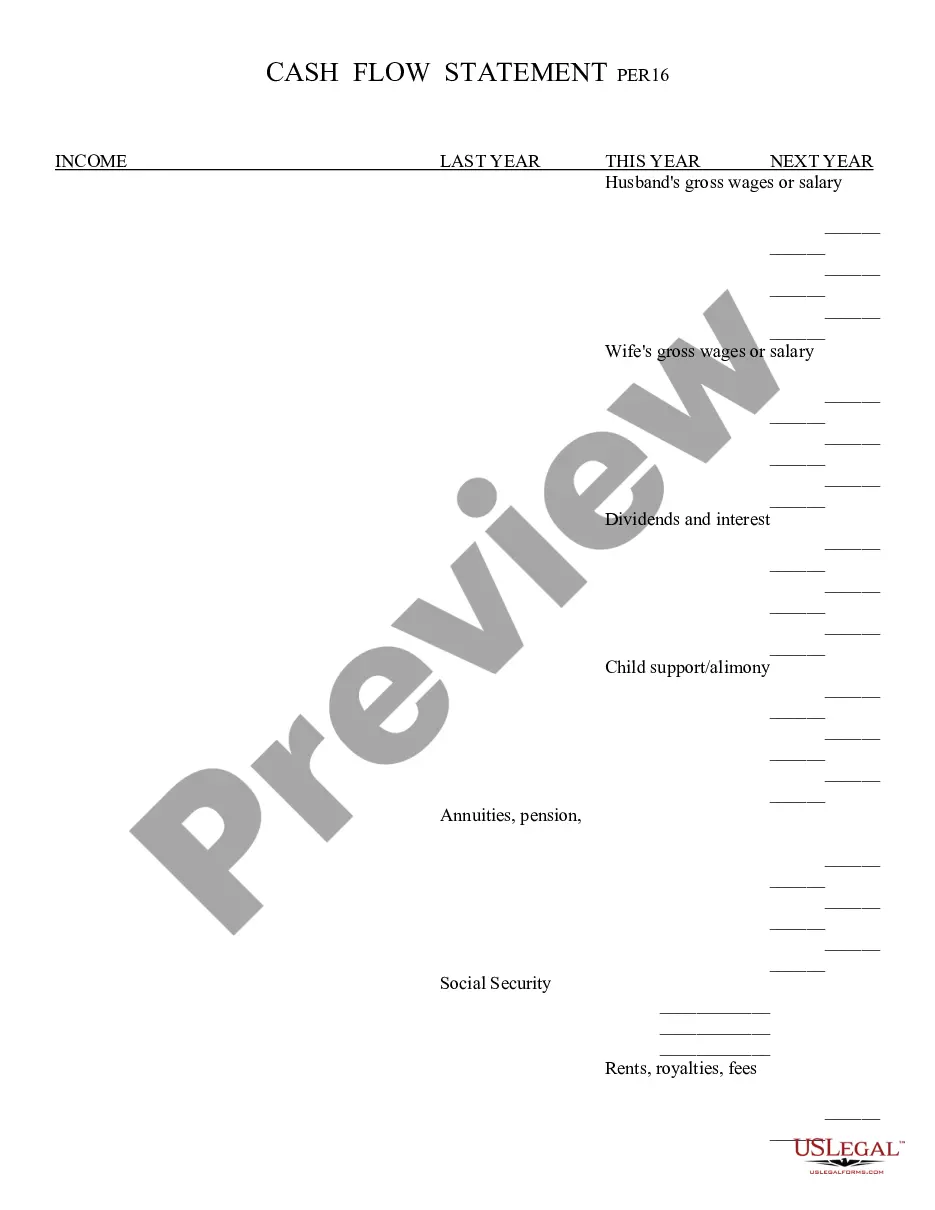
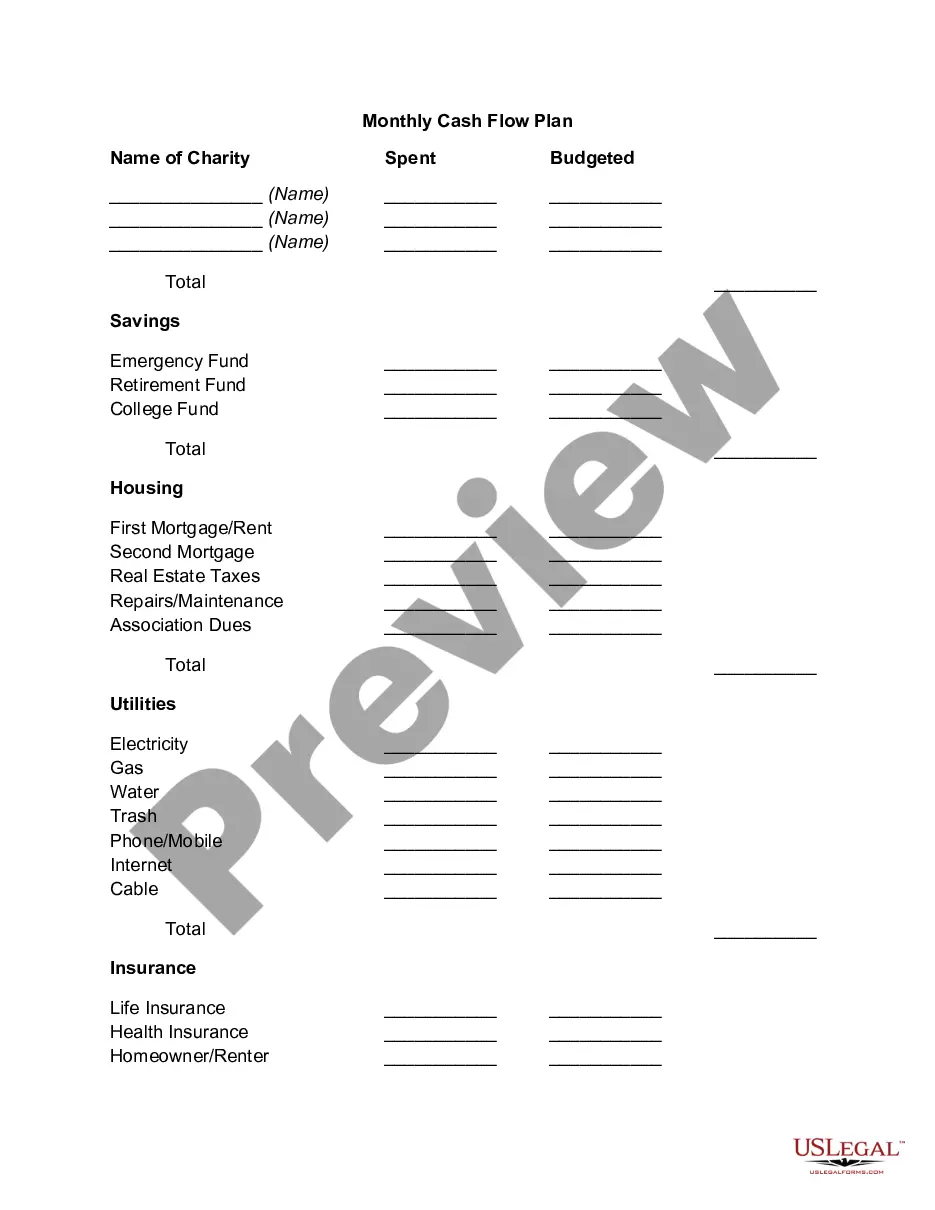
The Cash Flow Statement is a financial document that tracks the inflow and outflow of cash within a certain period, typically broken down by month. This form helps individuals or households understand their income sources and expenses, giving a clearer picture of their financial stability. Unlike other financial statements, it specifically focuses on cash transactions, providing insight into liquidity.
What’s included in this form
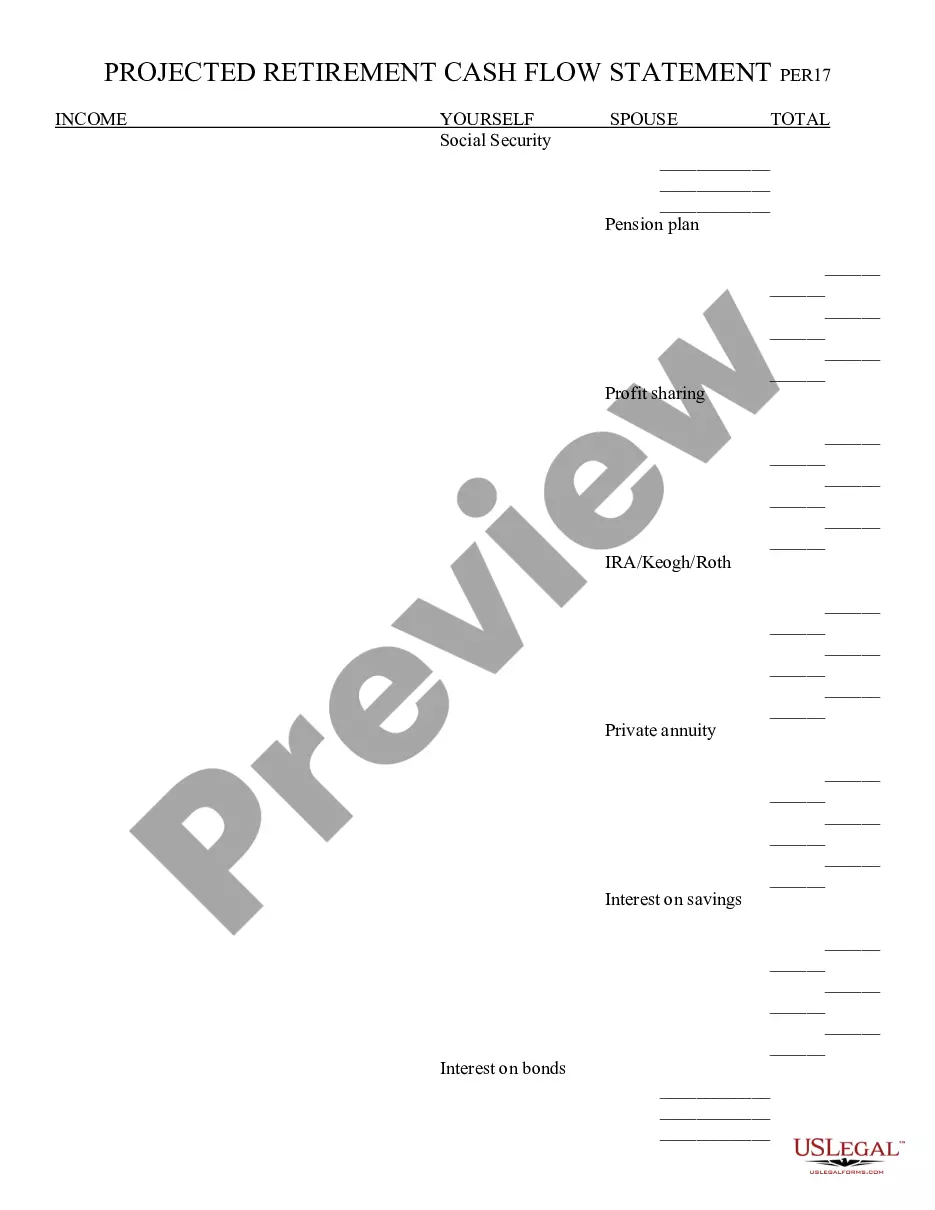
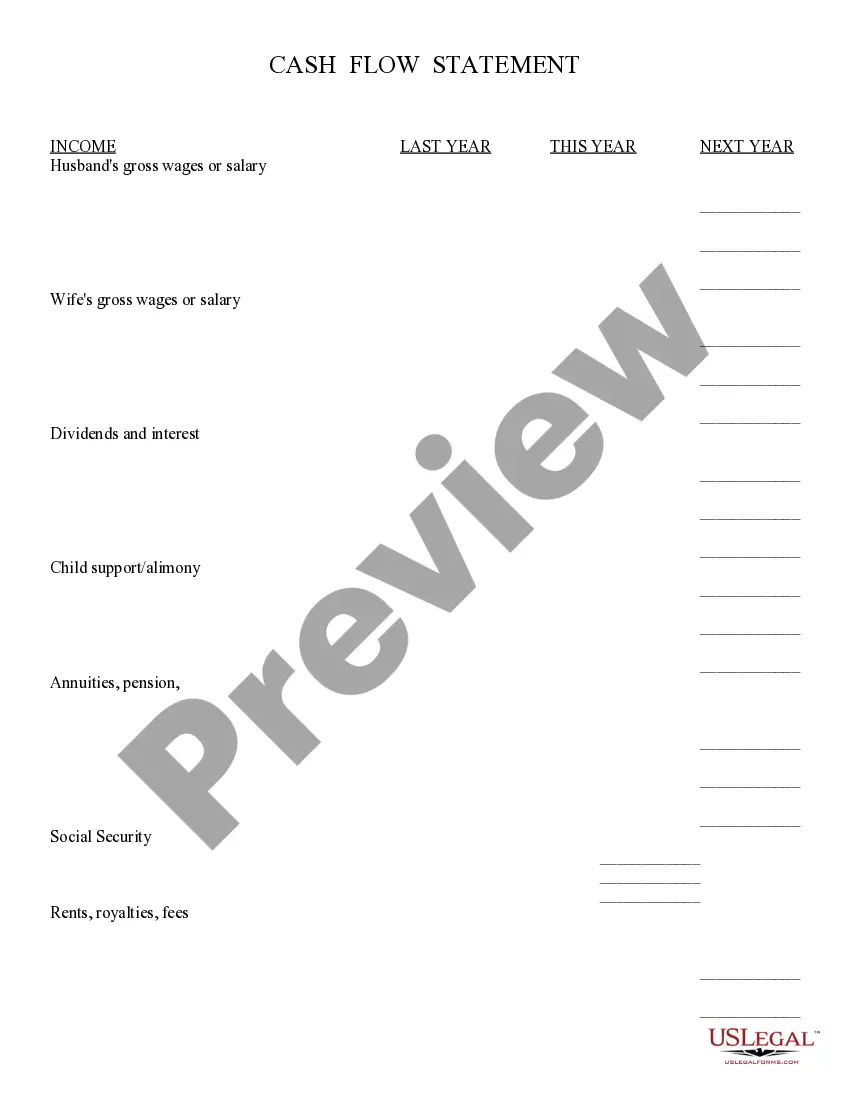
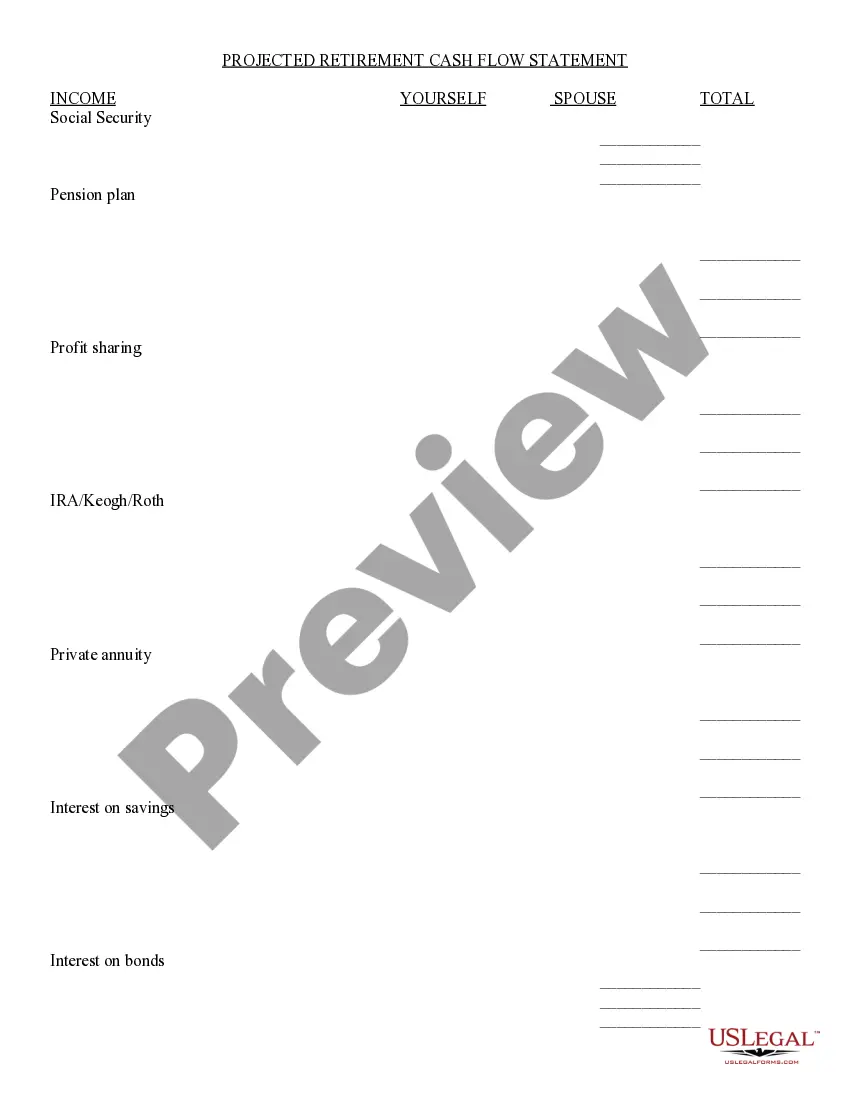
- Income section for listing various revenue sources like wages, dividends, and rent.
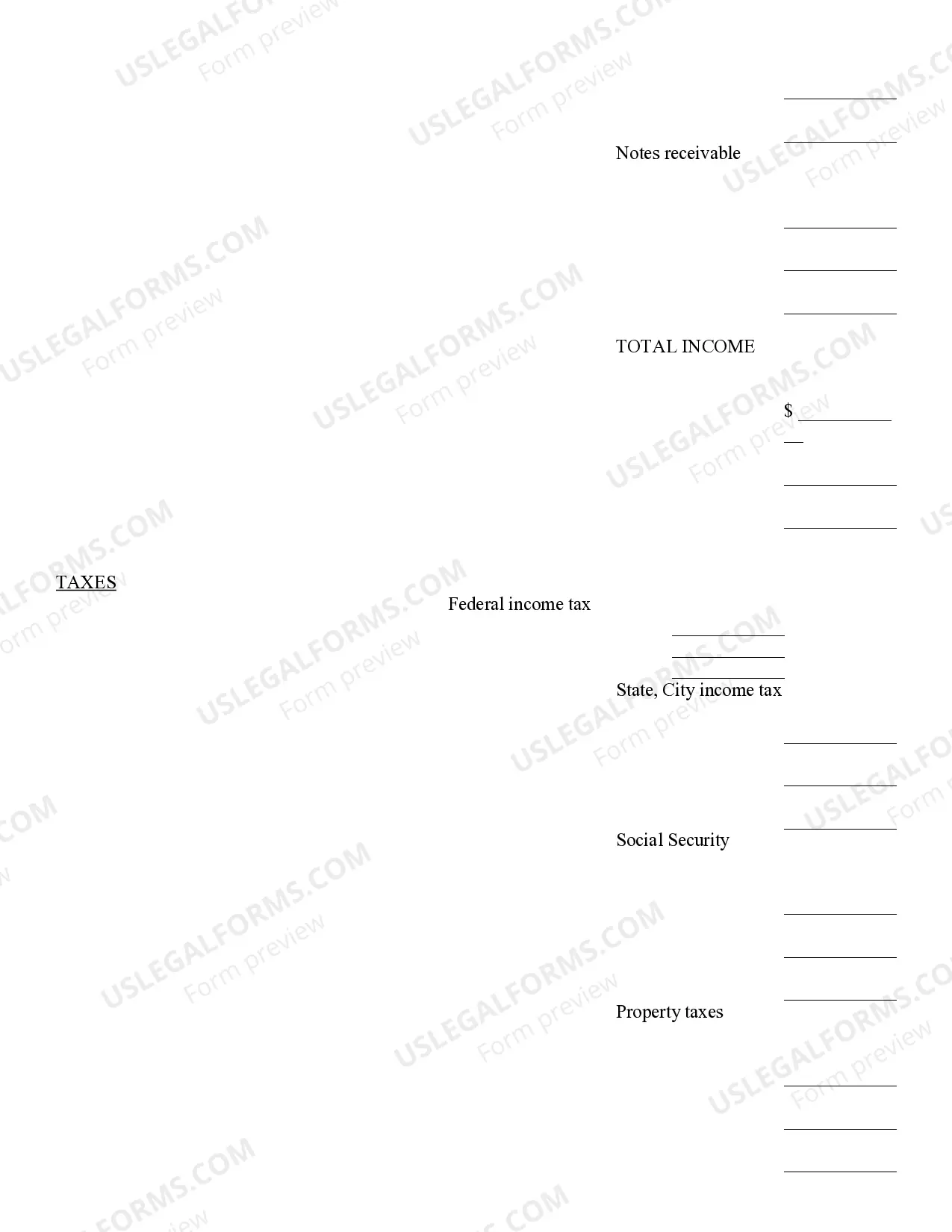
- Taxes section for detailing federal and state income taxes, as well as other tax obligations.
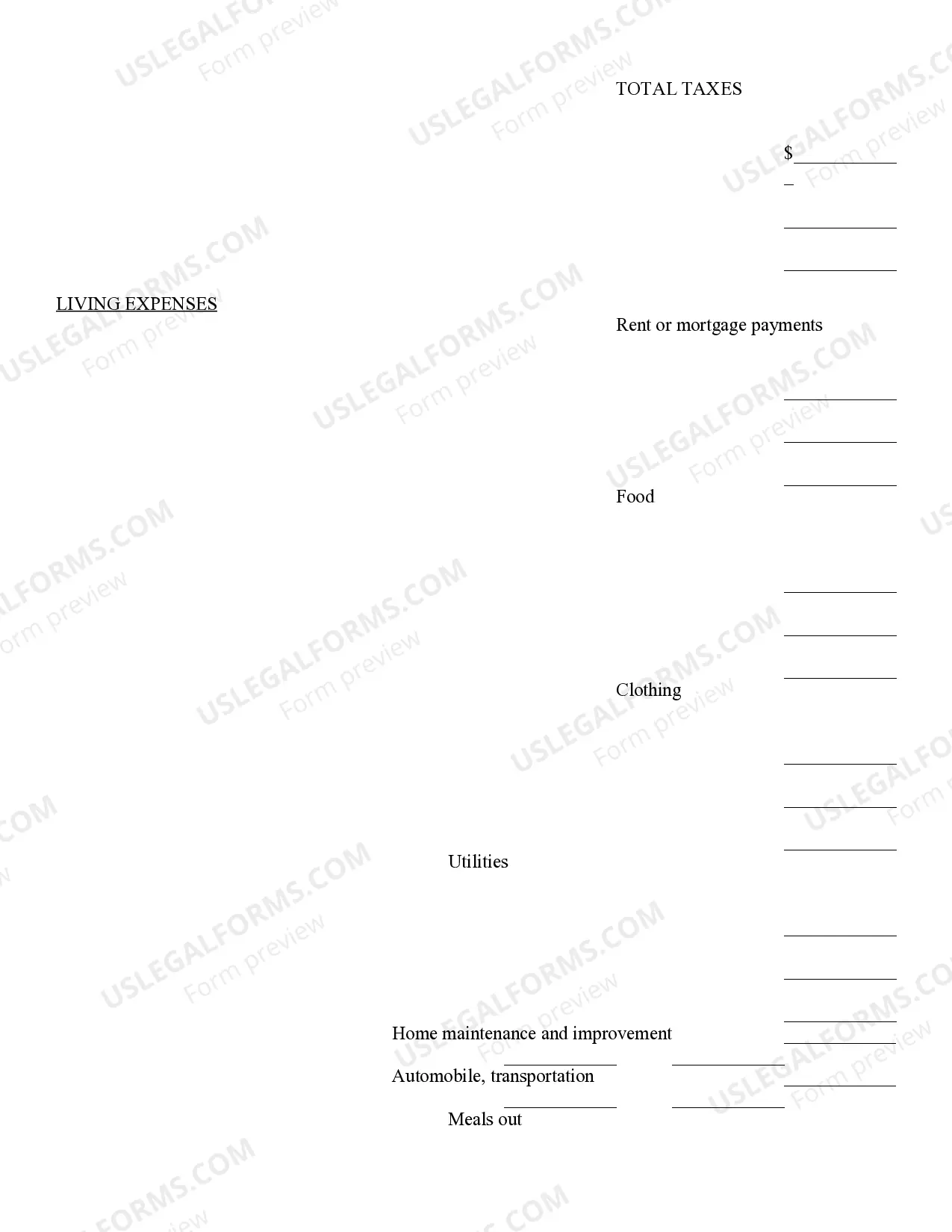
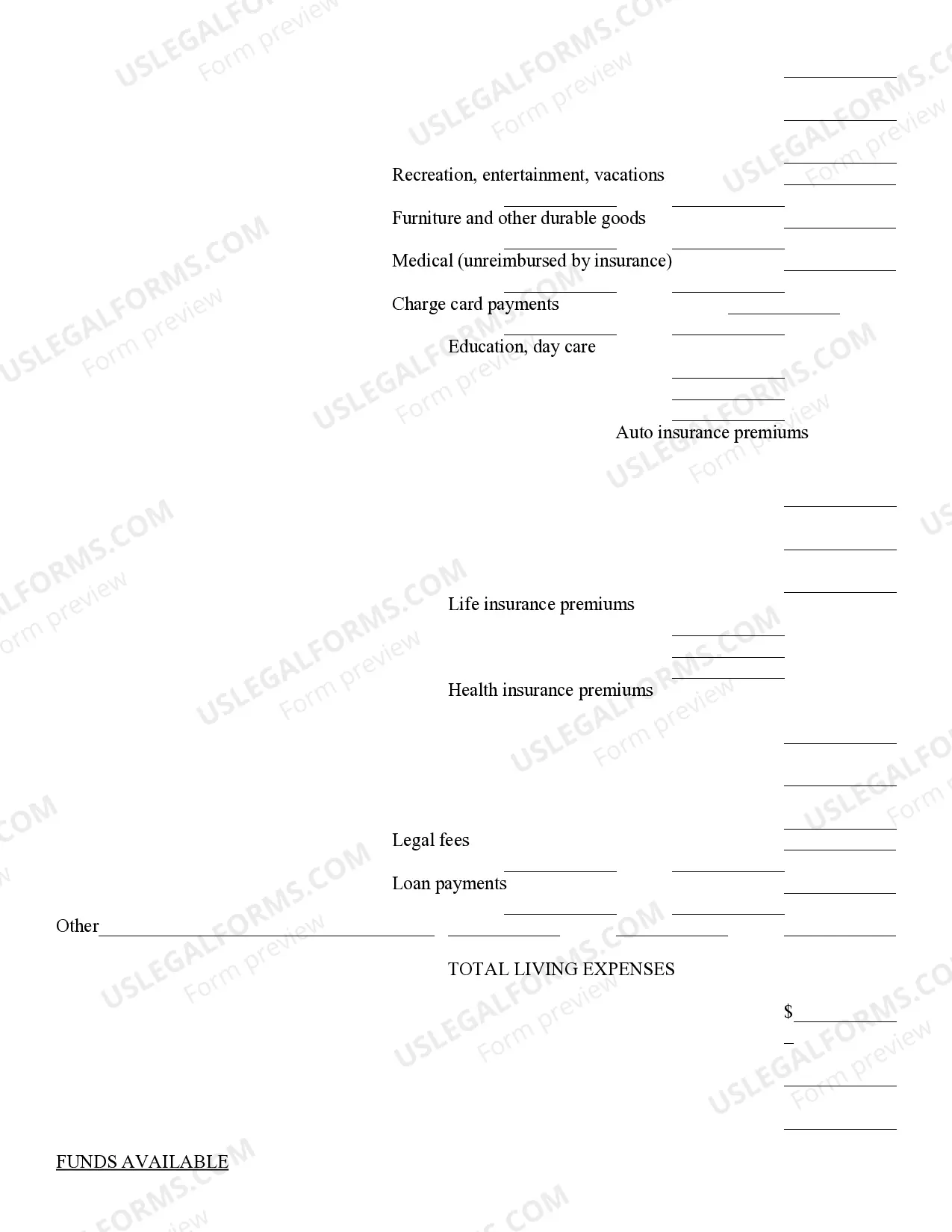
- Living expenses section to outline regular monthly costs such as housing, food, and utilities.
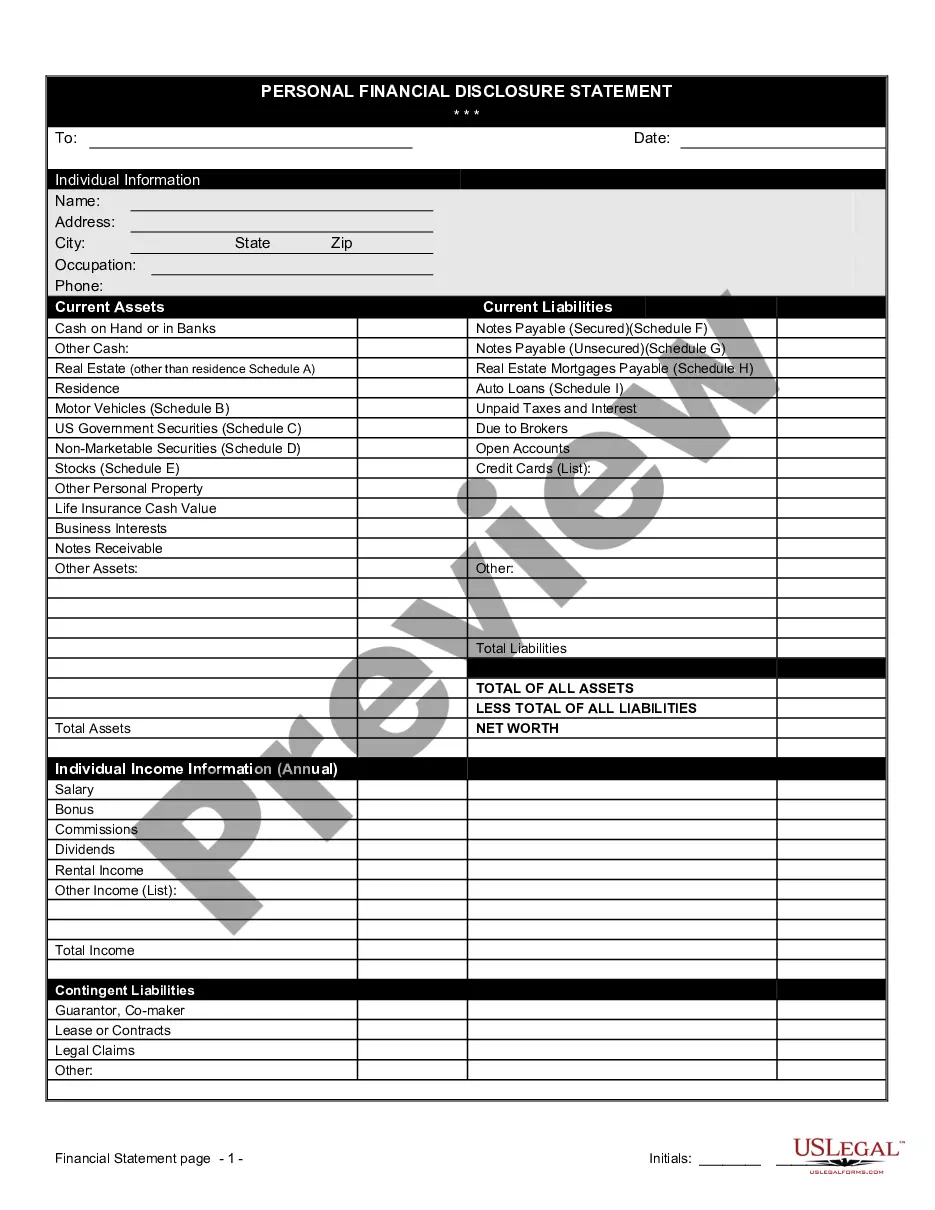
- Funds available for savings and investments, helping users identify potential savings.

When to use this document
This Cash Flow Statement is useful for anyone who wants to assess their monthly financial situation. It can be utilized when creating a budget, applying for loans, or preparing for significant financial decisions like purchasing a home or investing. This form is also helpful for tracking changes in income or expenses over time.
Intended users of this form
This form is suitable for:
- Individuals and families wanting to manage personal finances effectively.
- Business owners tracking cash flow in their operations.
- Financial advisors assisting clients with budgeting and financial planning.
Completing this form step by step
- Start by entering the gross wages or salary for both partners in the income section.
- Detail all other income sources, including dividends, child support, and pensions.
- List all applicable taxes under the taxes section, providing details for federal and state taxes.
- Fill out the living expenses section with monthly costs for housing, food, and all other expenses.
- Calculate and enter the total income, total taxes, and total living expenses to determine available funds for savings or investments.
Is notarization required?
Notarization is generally not required for this form. However, certain states or situations might demand it. You can complete notarization online through US Legal Forms, powered by Notarize, using a verified video call available anytime.
Get your form ready online
Our built-in tools help you complete, sign, share, and store your documents in one place.
Make edits, fill in missing information, and update formatting in US Legal Forms—just like you would in MS Word.
Download a copy, print it, send it by email, or mail it via USPS—whatever works best for your next step.
Sign and collect signatures with our SignNow integration. Send to multiple recipients, set reminders, and more. Go Premium to unlock E-Sign.
If this form requires notarization, complete it online through a secure video call—no need to meet a notary in person or wait for an appointment.
We protect your documents and personal data by following strict security and privacy standards.

Make edits, fill in missing information, and update formatting in US Legal Forms—just like you would in MS Word.

Download a copy, print it, send it by email, or mail it via USPS—whatever works best for your next step.

Sign and collect signatures with our SignNow integration. Send to multiple recipients, set reminders, and more. Go Premium to unlock E-Sign.

If this form requires notarization, complete it online through a secure video call—no need to meet a notary in person or wait for an appointment.

We protect your documents and personal data by following strict security and privacy standards.
Typical mistakes to avoid
- Overlooking additional income sources, such as side jobs or freelance work.
- Failing to accurately calculate total taxes, leading to underreporting of expenses.
- Neglecting to update the form regularly as income or expenses change.
Advantages of online completion
- Easy to download and edit, allowing for quick adaptations to your financial situation.
- Accessible from anywhere, ensuring you can manage your finances on the go.
- Templates are drafted by licensed attorneys, ensuring legal compliance and accuracy.
Legal use & context
- The Cash Flow Statement can be presented as part of financial documentation for loan applications.
- It serves as a financial planning tool to help users understand their spending habits and cash availability.
Quick recap
- The Cash Flow Statement is essential for understanding monthly cash flow.
- Accurate completion can highlight financial strengths and areas for improvement.
- This form is easy to obtain and customize for individual needs.
Looking for another form?

Form popularity
FAQ
Step 1: Remember the Interconnectivity Between P&L and Balance Sheet. Step 2: The Cash Account Can Be Expressed as a Sum and Subtraction of All Other Accounts. Step 3: Break Down and Rearrange the Accounts. Step 4: Convert the Rearranged Balance Sheet Into a Cash Flow Statement.
Enter Your Beginning Balance. For the first month, start your projection with the actual amount of cash your business will have in your bank account. Estimate Cash Coming In. Fill in all amounts you expect to take in during the month. Estimate Cash Going Out. Subtract Outlays From Income.
Step 1: Remember the Interconnectivity Between P&L and Balance Sheet. Step 2: The Cash Account Can Be Expressed as a Sum and Subtraction of All Other Accounts. Step 3: Break Down and Rearrange the Accounts. Step 4: Convert the Rearranged Balance Sheet Into a Cash Flow Statement.
Step 1: Remember the Interconnectivity Between P&L and Balance Sheet. Step 2: The Cash Account Can Be Expressed as a Sum and Subtraction of All Other Accounts. Step 3: Break Down and Rearrange the Accounts. Step 4: Convert the Rearranged Balance Sheet Into a Cash Flow Statement.
Start with the Opening Balance. Calculate the Cash Coming in (Sources of Cash) Determine the Cash Going Out (Uses of Cash) Subtract Uses of Cash (Step 3) from your Cash Balance (sum of Steps 1 and 2) An Alternative Method.
Download both the PDF file and the Excel file by clicking the links as indicated in the above image. After downloading Excel file clean the data for P&L account and Balance sheet and make it in a presentable format as below.
Step 1: PrepareGather Basic Documents and Data. Step 2: Calculate Changes in the Balance Sheet. Step 3: Put Each Change in B/S to the Statement of Cash Flows.
A balance sheet is a summary of the financial balances of a company, while a cash flow statement shows how the changes in the balance sheet accountsand income on the income statementaffect a company's cash position.
Prepare the operating activities section by converting net income from an accrual basis to a cash basis. Prepare the investing activities section by presenting cash activity for noncurrent assets.