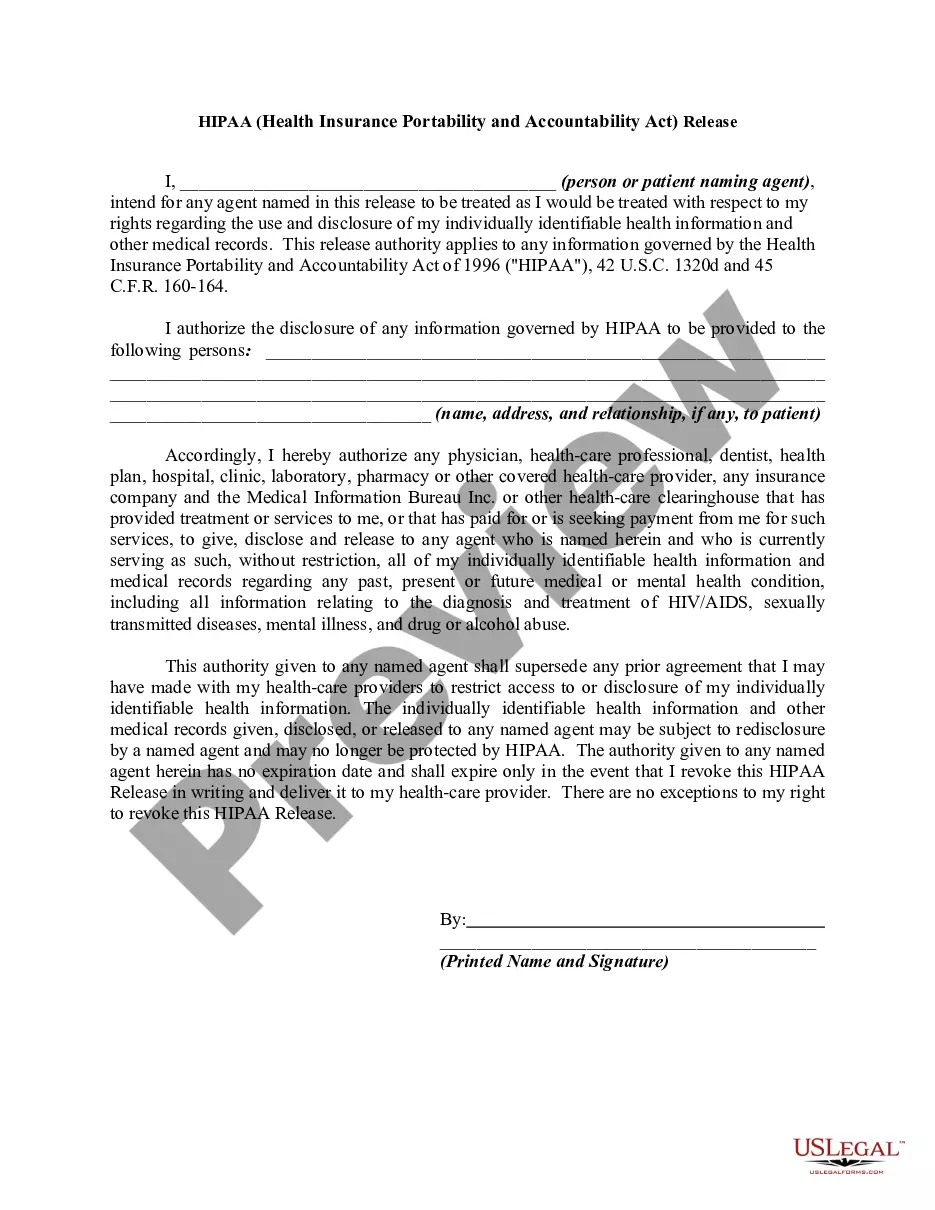
Arkansas The (Name of Family) Screen Time Agreement
Description
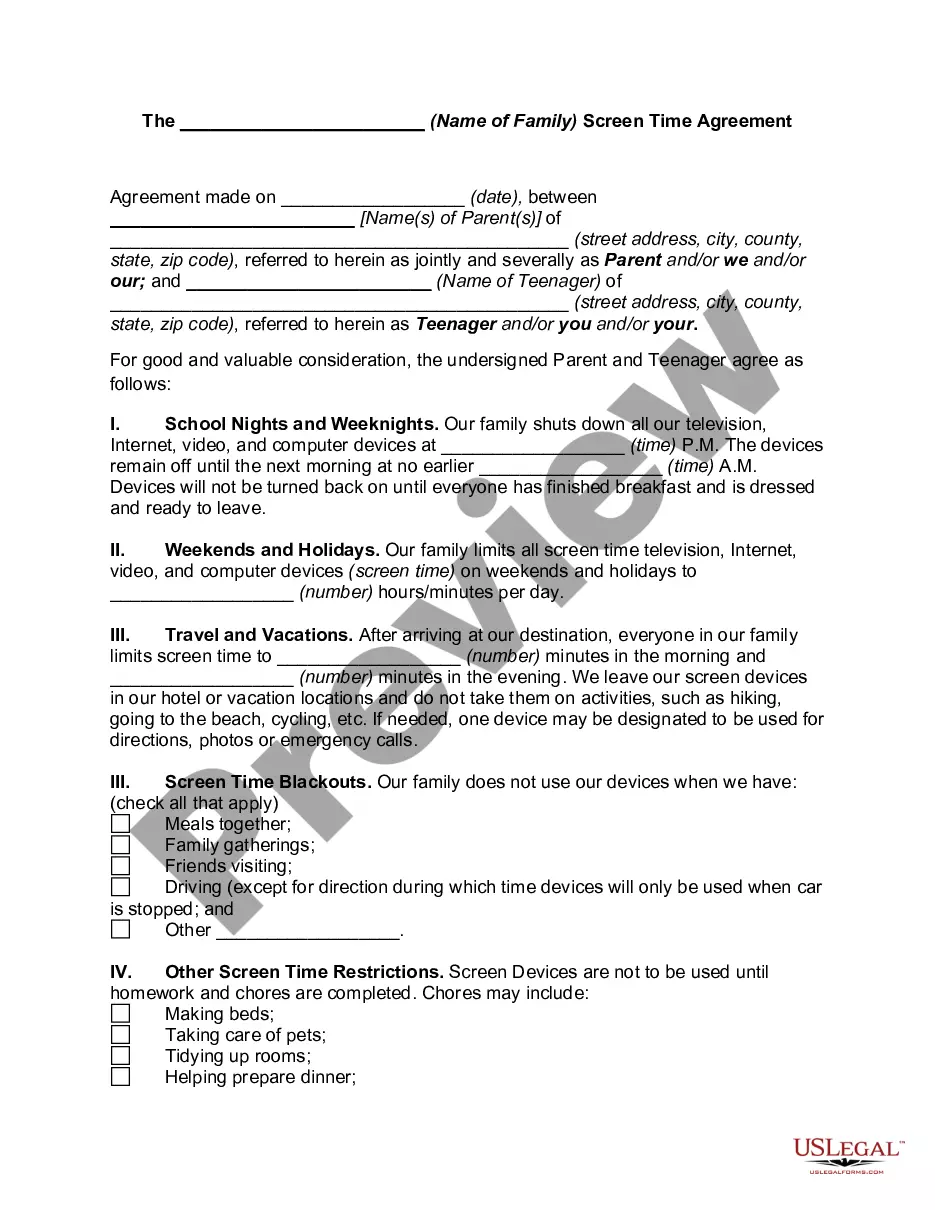
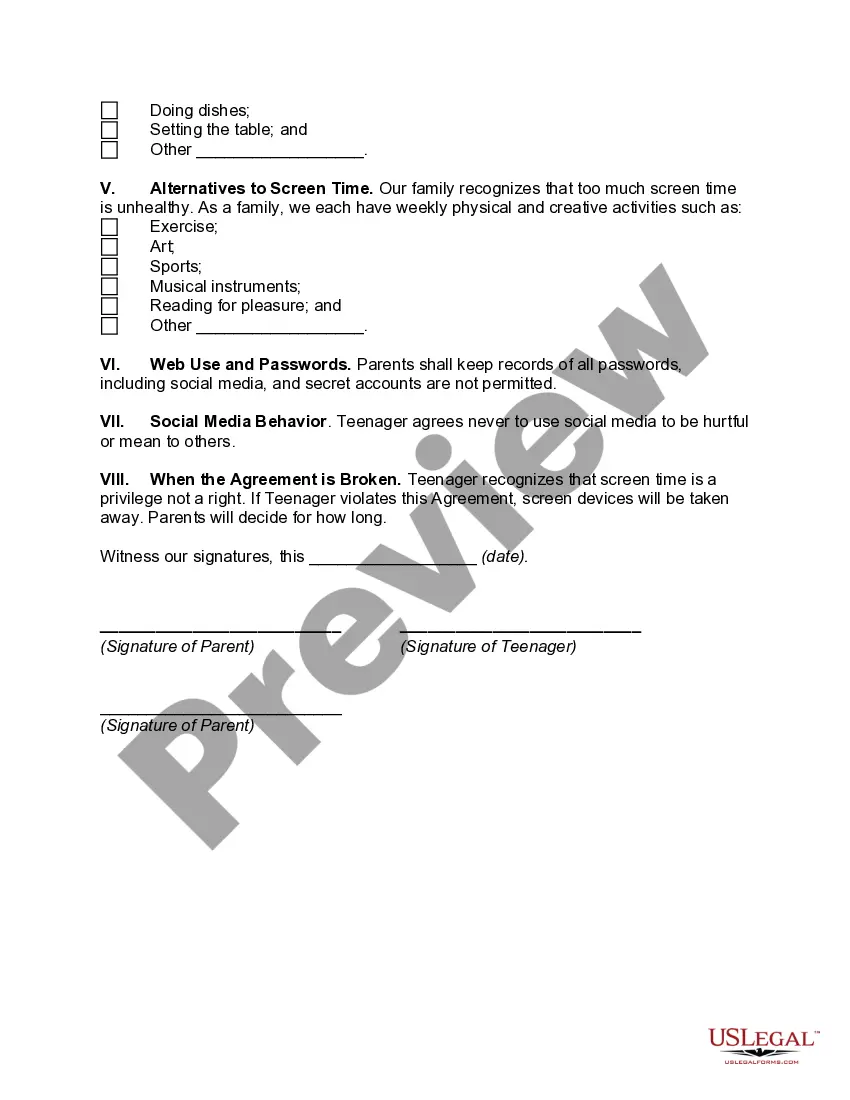
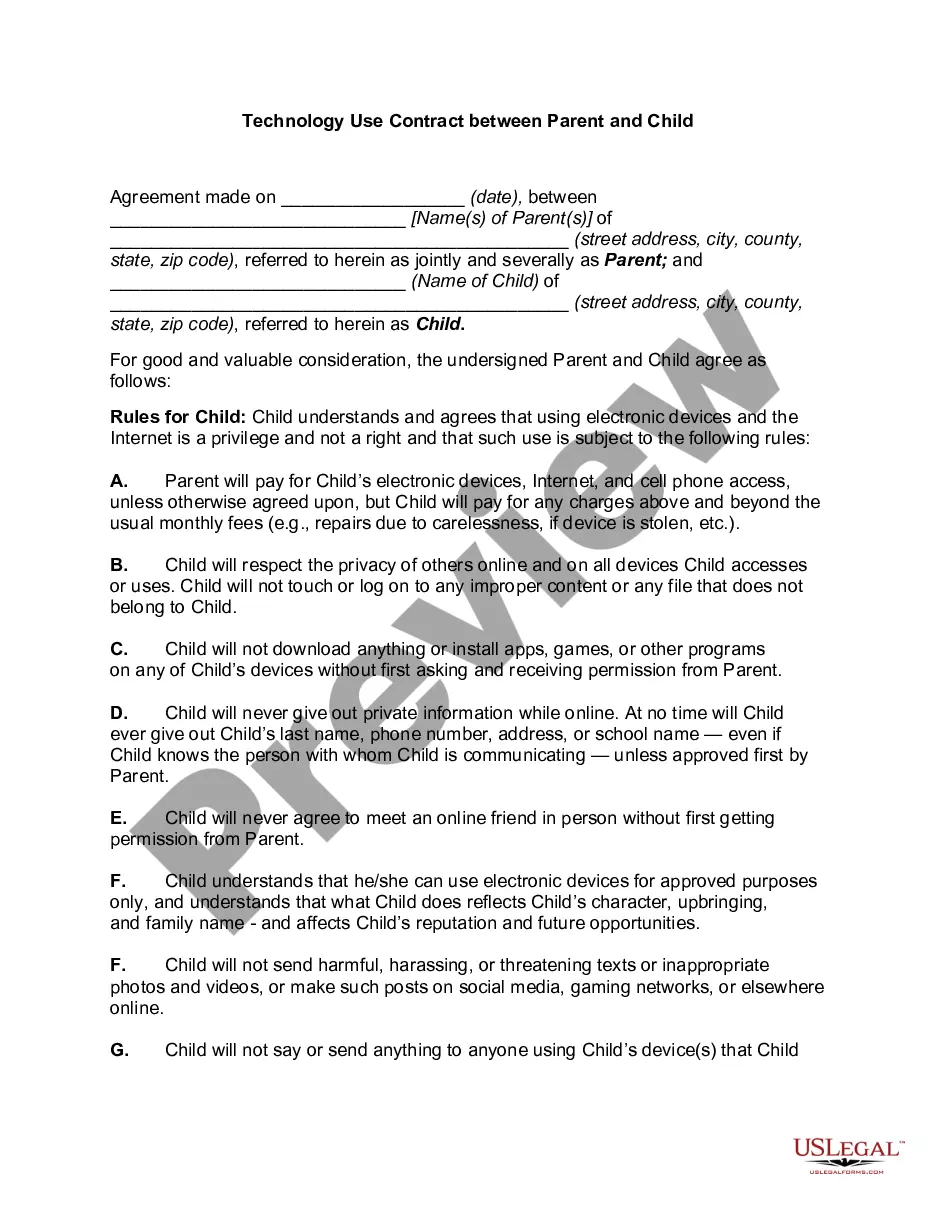
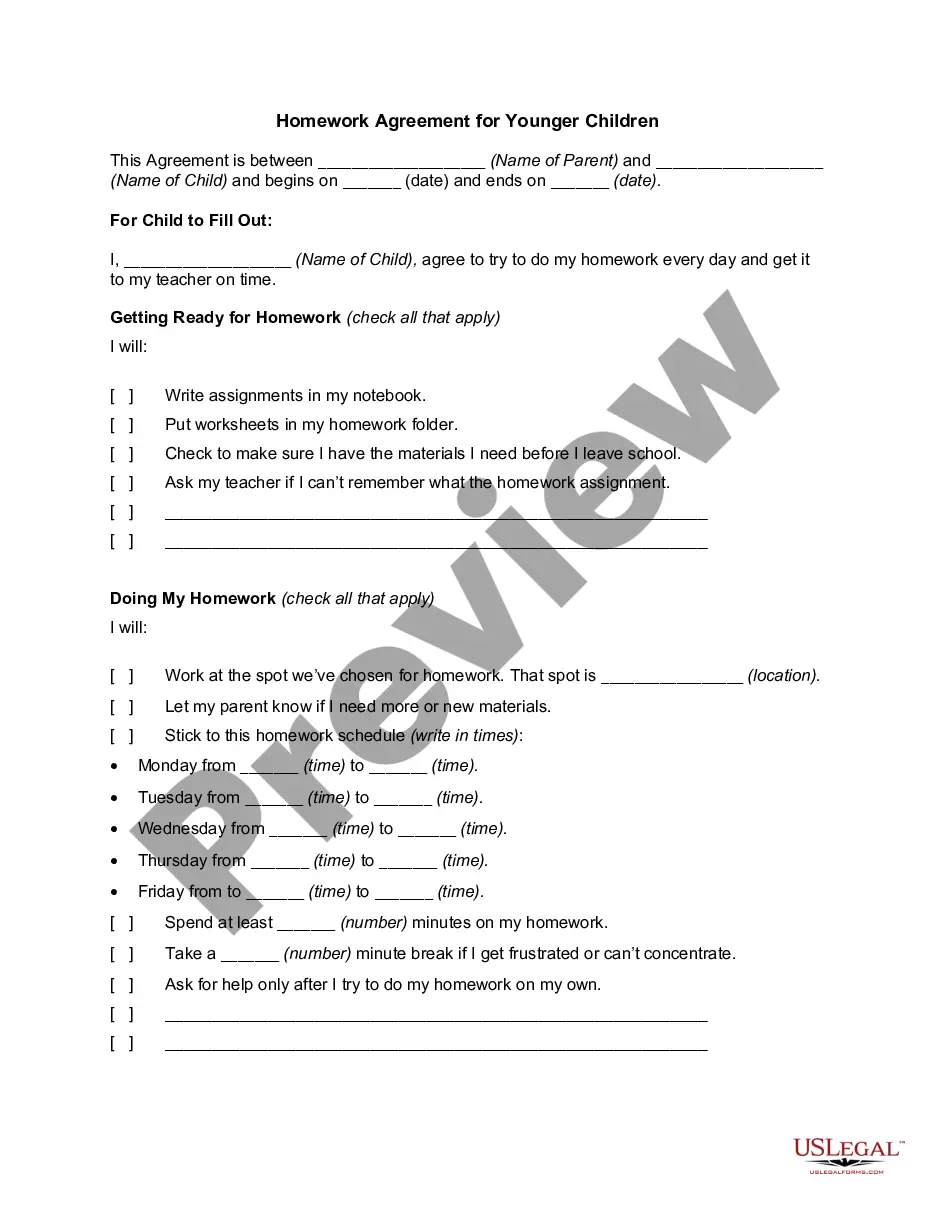
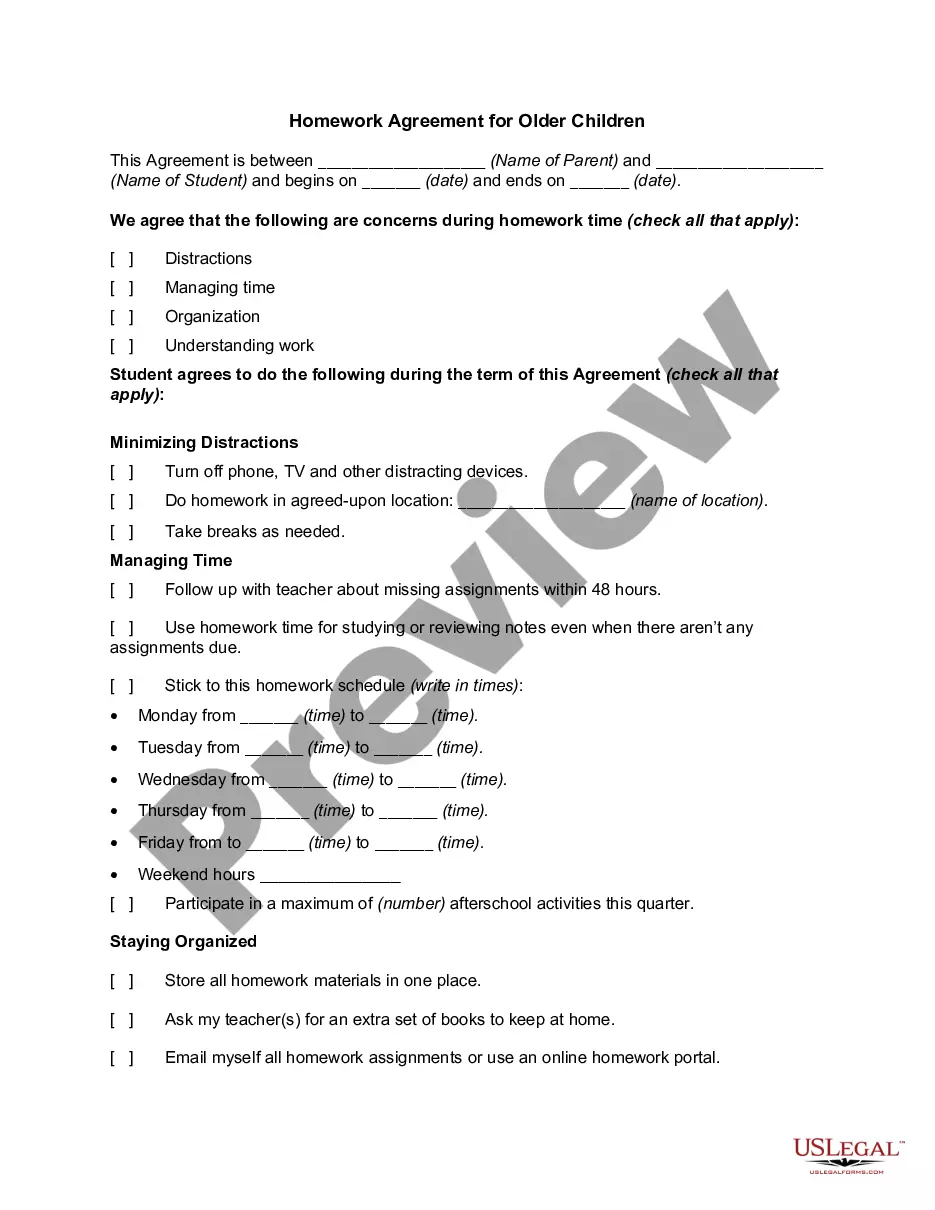
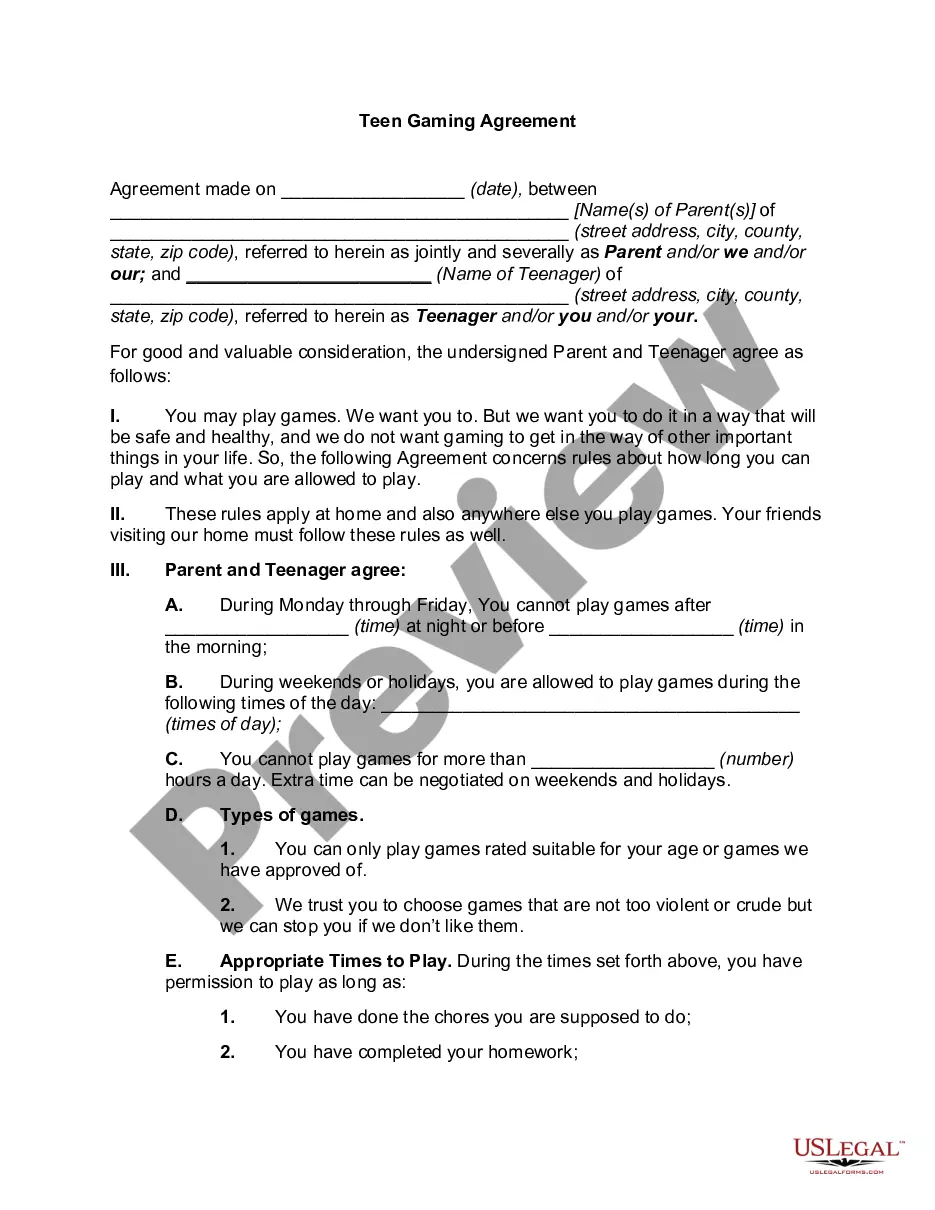
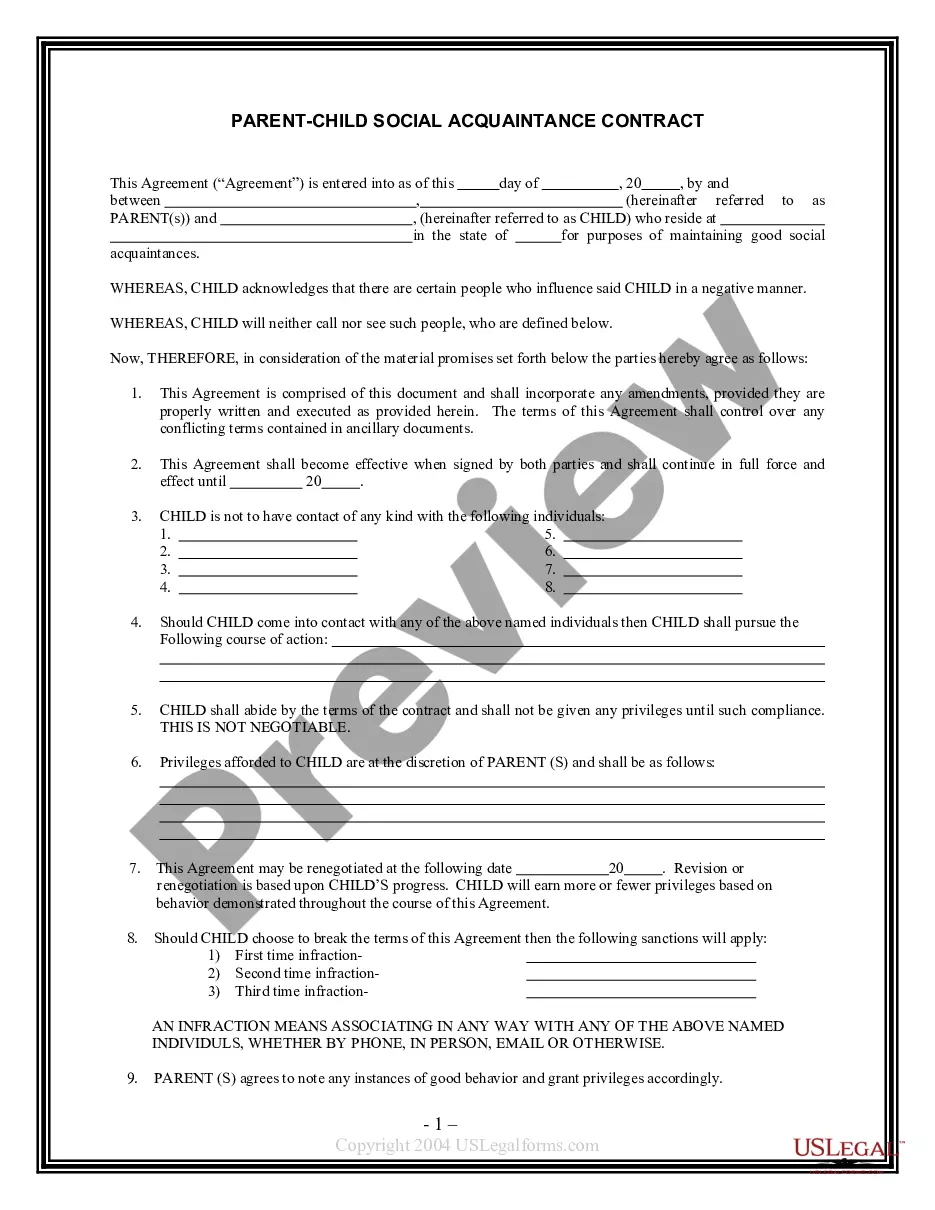
How to fill out The (Name Of Family) Screen Time Agreement?
Are you currently in a location where you require documents for either organizational or specific purposes nearly every day.
There are numerous legal document templates available online, but locating ones you can trust is challenging.
US Legal Forms offers thousands of form templates, including the Arkansas The (Name of Family) Screen Time Agreement, which are designed to meet state and federal regulations.
If you find the right form, simply click Purchase now.
Choose the pricing plan you prefer, fill in the required details to create your account, and complete your purchase using your PayPal or Visa or Mastercard.
- If you are already familiar with the US Legal Forms website and have an account, simply Log In.
- Then, you can download the Arkansas The (Name of Family) Screen Time Agreement template.
- If you do not have an account and want to start using US Legal Forms, follow these steps.
- Obtain the form you need and ensure it is for the correct city/county.
- Use the Preview option to check the form.
- Review the description to confirm that you have selected the correct form.
- If the form is not what you are looking for, use the Lookup field to find the form that meets your needs.
Form popularity
FAQ
child screen time contract is a specific agreement focusing on screen time usage between parents and their children. The Arkansas The (Name of Family) Screen Time Agreement can serve as a template to establish limits and responsibilities. This contract promotes mutual understanding and ensures both parties are accountable.
Set up Screen Time for a childGo to Settings > your name > Family Sharing > Screen Time.Tap the name of a child in your family group, tap Turn On Screen Time, then follow the onscreen instructions. For information about Screen Time settings, see Set up Screen Time for a family member on iPhone.
Check if Family Sharing members have accepted their invites. Members must opt into Family Sharing for Screen Time reports to work. Go to Family Sharing settings to view the status of your invites if you're the group Organizer. Under each parent or child's name, check if they've accepted your invitation or not.
Screen Time Limit (App Limits) not working? First, check that Block at End of Limit is toggled ON. If this is not turned on, your child sees a message just letting them know the limit has been reached and allowing them to ignore the limit. If your child clicks ignore for today, then the limit is useless.
Go to Settings>Screen Time>Family>Your Child's Name. Select an individual app or app category and tap NEXT. Enable Block at End of Limit.
If Screen Time with isn't working properly with Family Sharing, here are a few things you can try to fix it: Make sure your child's device is updated to the latest version of iOS, iPadOS, or macOS. Disable and re-enable Screen Time from the Settings on both devices.
Family Sharing only lets you control the Screen Time for children's accounts in your family. This is anyone under 13 years old. You can't create a Screen Time passcode for your child's device if they already had Screen Time turned on.
Limit screen time for specific appsOpen the Family Link app .Select your child.On the "App activity" card, tap Set limits.Next to your desired app, tap Set limit .Set a daily time limit for the app.Tap Set.
To use Screen Time with Family Sharing, you need to be the family organizer or parent/guardian in your family group, on iOS 12. Your child must be under age 18, in your family group with their own Apple ID, and on iOS 12. Go to Settings and tap Screen Time.
When you create a Google Account for your child using Family Link, you can set screen time limits on their Android device or Chromebook. That way, you can lock your child's Android device or Chromebook at bedtime, after they've used it for a certain amount of time, or when you think they need a break.