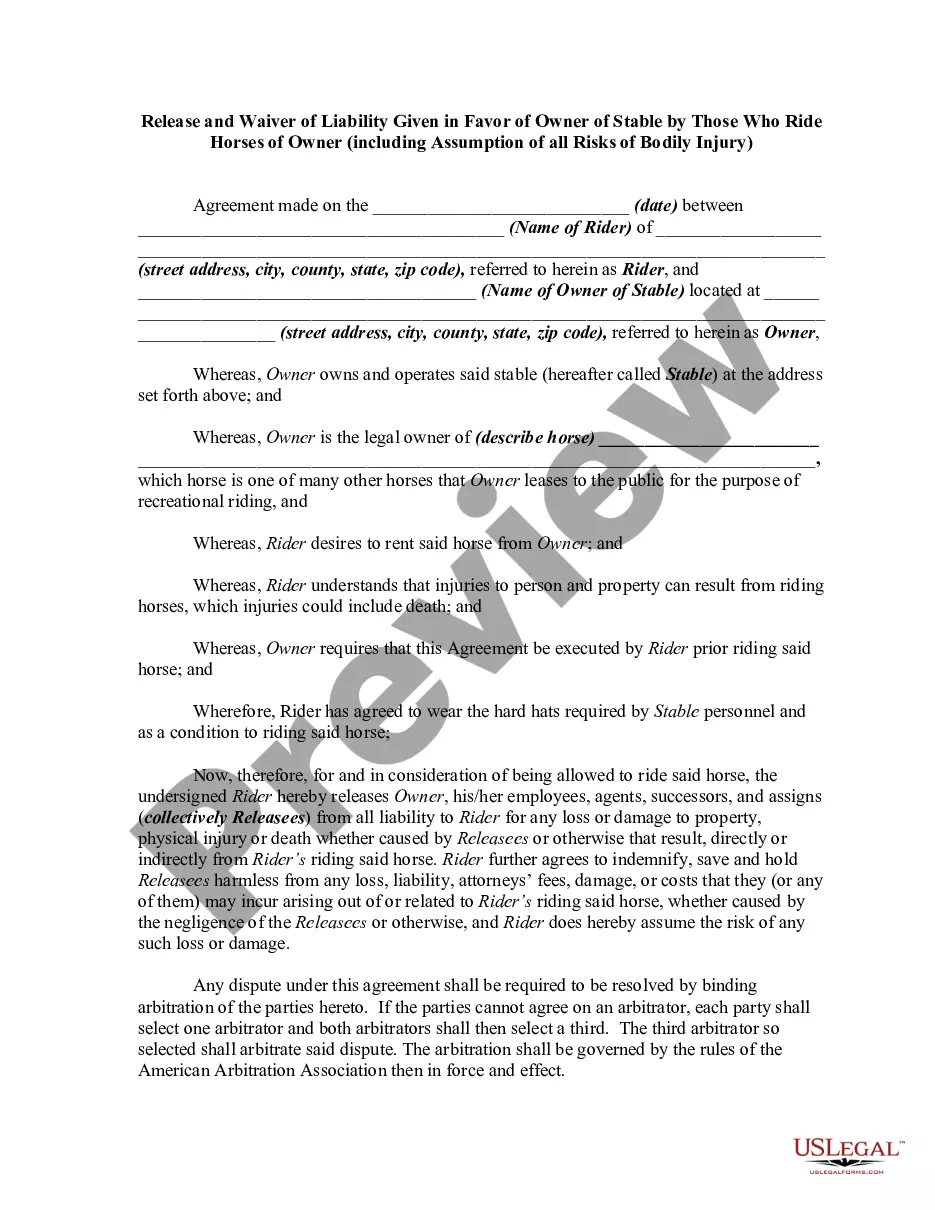
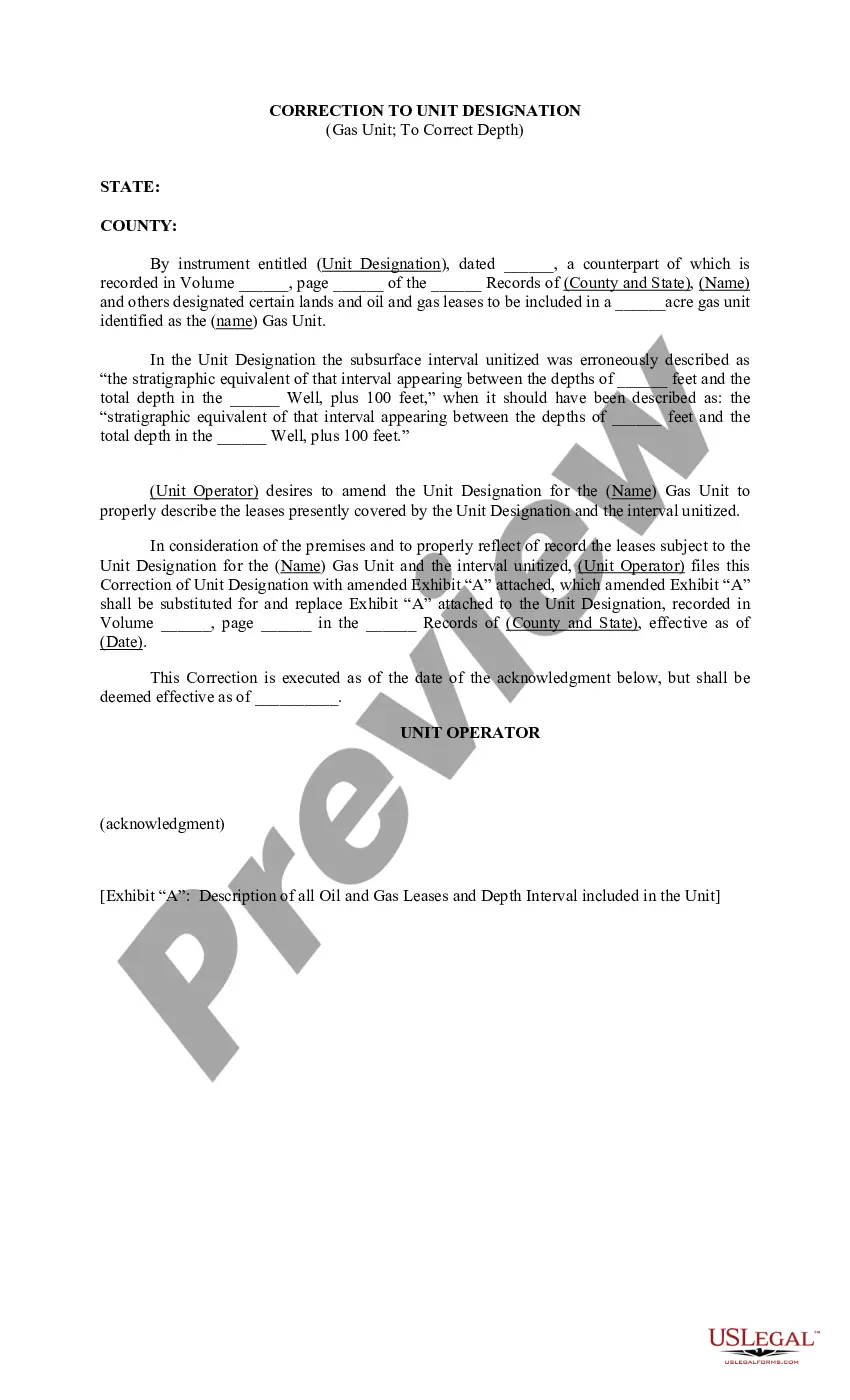
Alabama Correction to Unit Designation to Correct Depth
Description
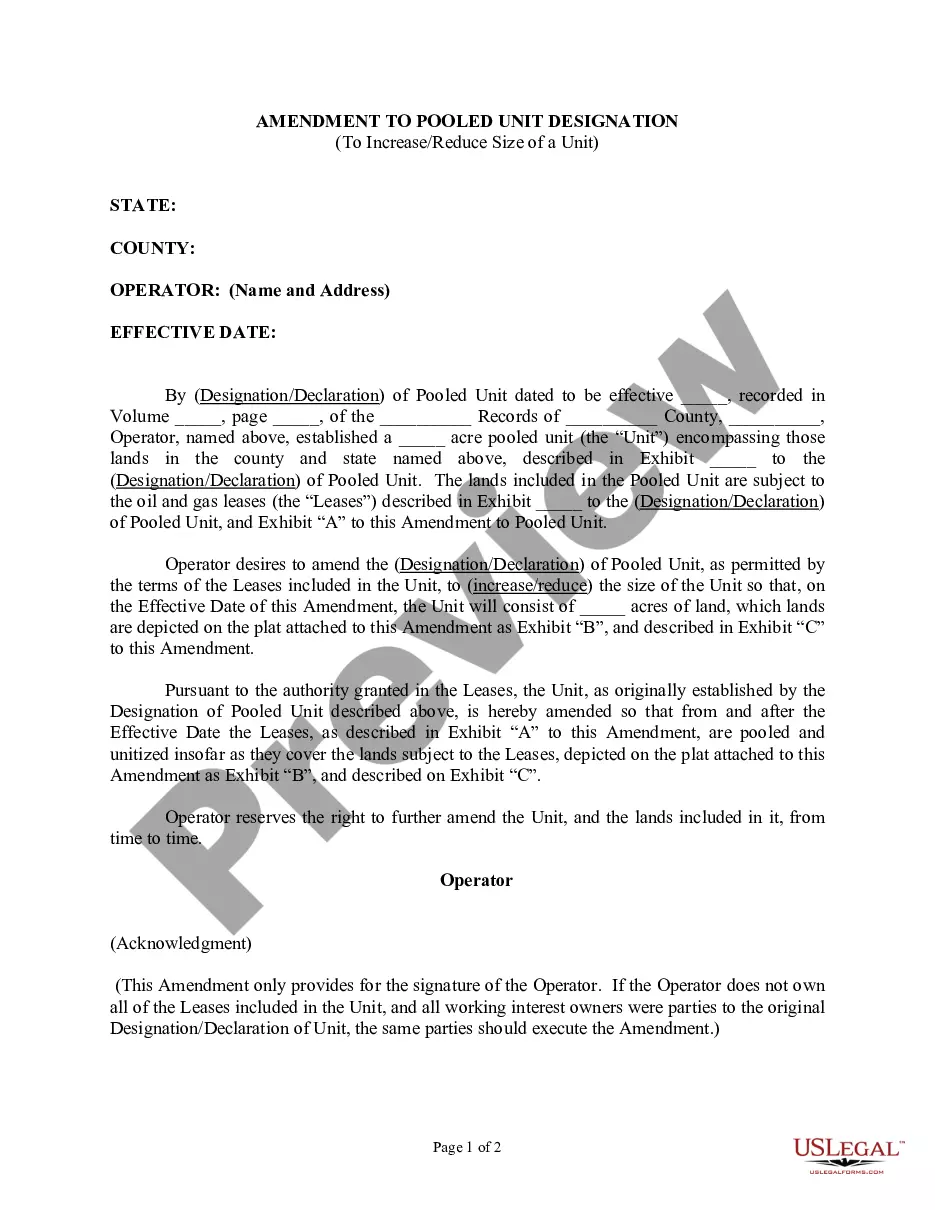
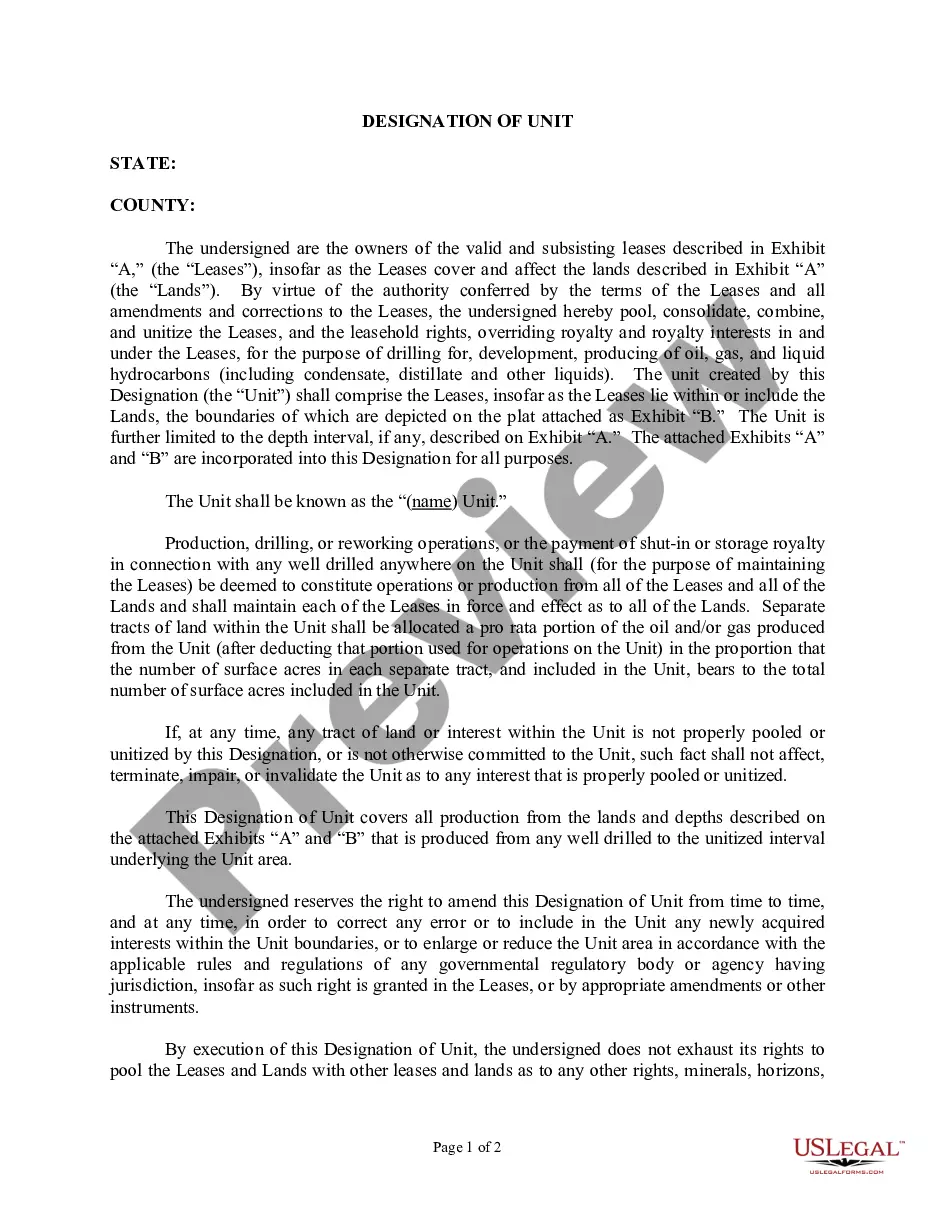
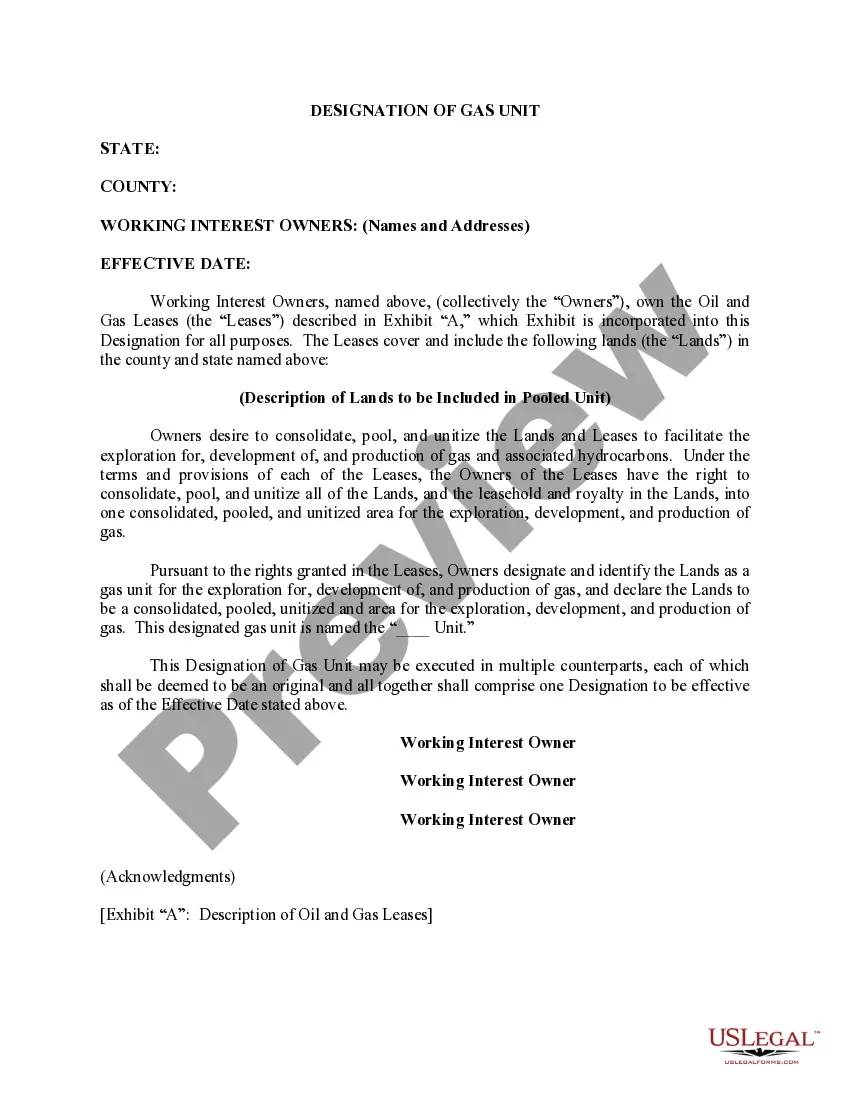
Get your form ready online
Our built-in tools help you complete, sign, share, and store your documents in one place.
Make edits, fill in missing information, and update formatting in US Legal Forms—just like you would in MS Word.
Download a copy, print it, send it by email, or mail it via USPS—whatever works best for your next step.
Sign and collect signatures with our SignNow integration. Send to multiple recipients, set reminders, and more. Go Premium to unlock E-Sign.
If this form requires notarization, complete it online through a secure video call—no need to meet a notary in person or wait for an appointment.
We protect your documents and personal data by following strict security and privacy standards.

Make edits, fill in missing information, and update formatting in US Legal Forms—just like you would in MS Word.

Download a copy, print it, send it by email, or mail it via USPS—whatever works best for your next step.

Sign and collect signatures with our SignNow integration. Send to multiple recipients, set reminders, and more. Go Premium to unlock E-Sign.

If this form requires notarization, complete it online through a secure video call—no need to meet a notary in person or wait for an appointment.

We protect your documents and personal data by following strict security and privacy standards.
Looking for another form?




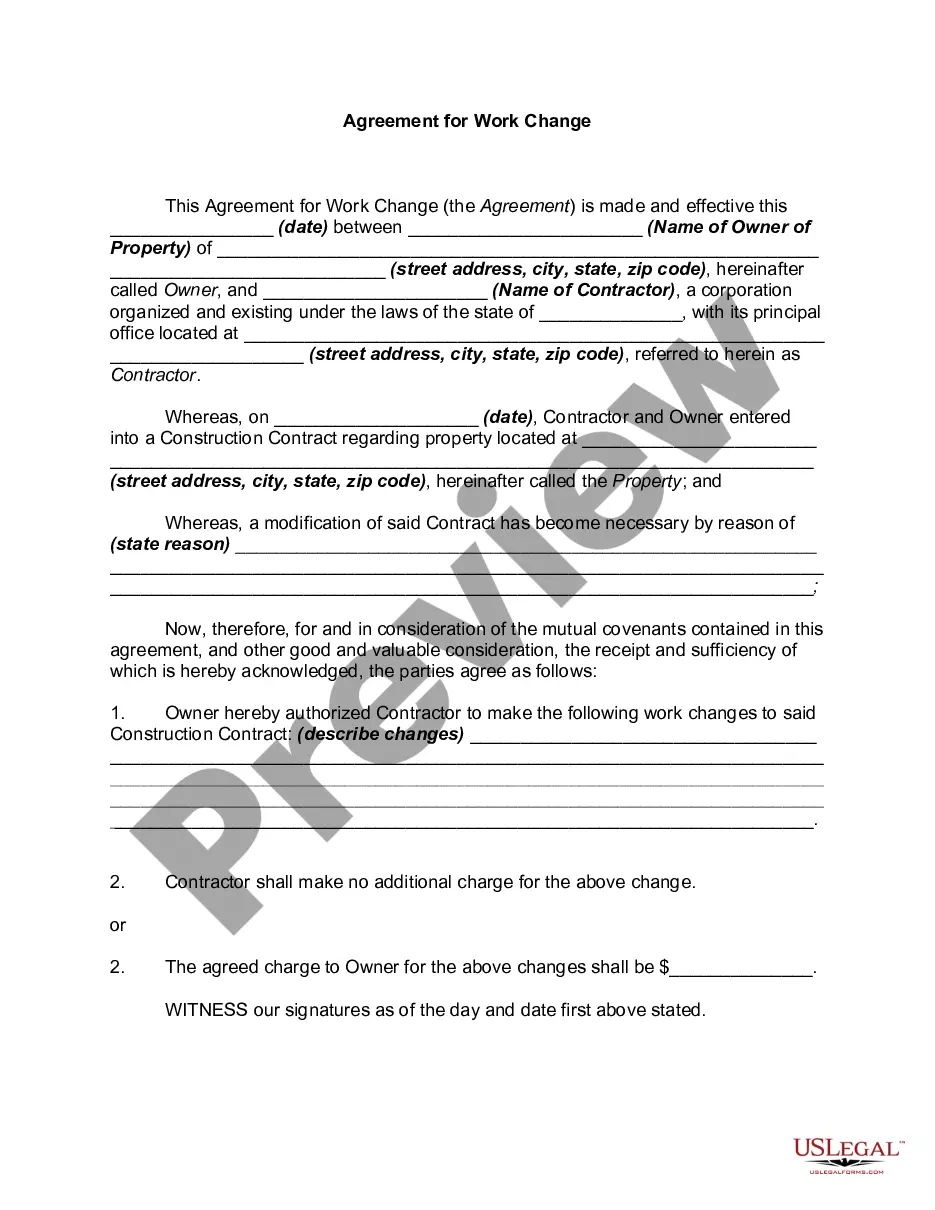
How to fill out Correction To Unit Designation To Correct Depth?
If you wish to total, acquire, or printing authorized papers web templates, use US Legal Forms, the greatest selection of authorized varieties, that can be found on the web. Utilize the site`s simple and practical look for to discover the files you require. Numerous web templates for enterprise and individual functions are categorized by classes and claims, or key phrases. Use US Legal Forms to discover the Alabama Correction to Unit Designation to Correct Depth in a handful of click throughs.
Should you be previously a US Legal Forms buyer, log in to your profile and then click the Acquire key to obtain the Alabama Correction to Unit Designation to Correct Depth. Also you can accessibility varieties you earlier downloaded inside the My Forms tab of your respective profile.
If you work with US Legal Forms for the first time, refer to the instructions listed below:
- Step 1. Be sure you have chosen the form for that right metropolis/nation.
- Step 2. Make use of the Preview option to look over the form`s content material. Don`t neglect to learn the explanation.
- Step 3. Should you be unhappy using the type, take advantage of the Search field near the top of the display screen to locate other versions of the authorized type design.
- Step 4. After you have found the form you require, click the Acquire now key. Opt for the pricing strategy you like and add your qualifications to register on an profile.
- Step 5. Approach the financial transaction. You should use your charge card or PayPal profile to finish the financial transaction.
- Step 6. Find the file format of the authorized type and acquire it on the system.
- Step 7. Comprehensive, revise and printing or indication the Alabama Correction to Unit Designation to Correct Depth.
Each authorized papers design you buy is yours eternally. You have acces to each type you downloaded with your acccount. Click on the My Forms portion and select a type to printing or acquire again.
Be competitive and acquire, and printing the Alabama Correction to Unit Designation to Correct Depth with US Legal Forms. There are thousands of expert and express-certain varieties you can use for your personal enterprise or individual demands.
Form popularity
FAQ
To correct an error on the face of an Alabama title, the owner or lienholder of record, must make application for a new certificate of title through a designated agent.
Both parties must fill out the transfer of ownership on the title and fill out the Application for Replacement Title. Bring the Application and the original title to the County Office where the new owner resides along with: Proof of Alabama auto insurance. Driver's license of the new owner.
To correct an error in a title assignment, the MVT 5-7 Affidavit to Correct an Assignment on a Certificate of Title must be completed and submitted with the title application. See Administrative Rule: 810-5-75-. 39 Corrections to Title Documents, for more details.
Alabama is a title state. A title is a document which proves ownership. State law requires an Alabama resident who owns a motor vehicle to obtain a title for that motor vehicle if it is 35 years old or newer.
The titled owner(s) or recorded lienholder can apply for a replacement title online by using the Public Title Portal. Once the title application is complete, it can be electronically uploaded and submitted for payment. The application fee is $15.00 and is non-refundable.