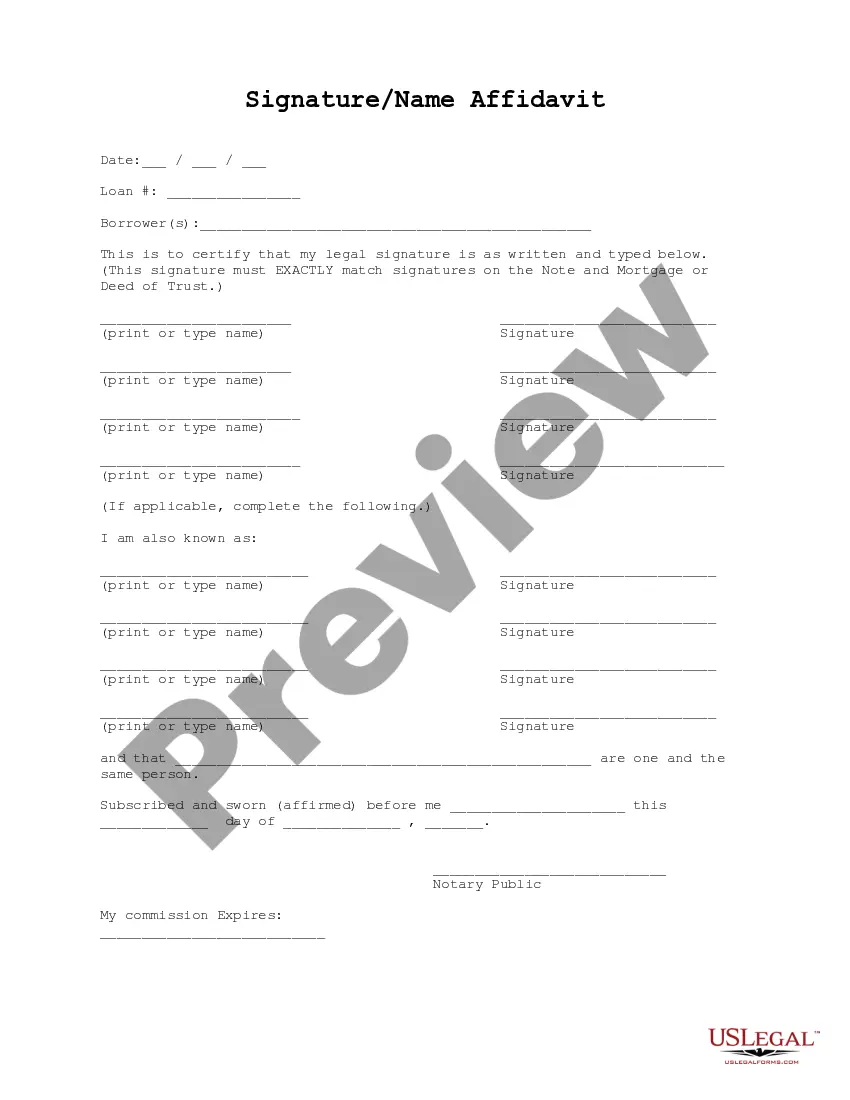
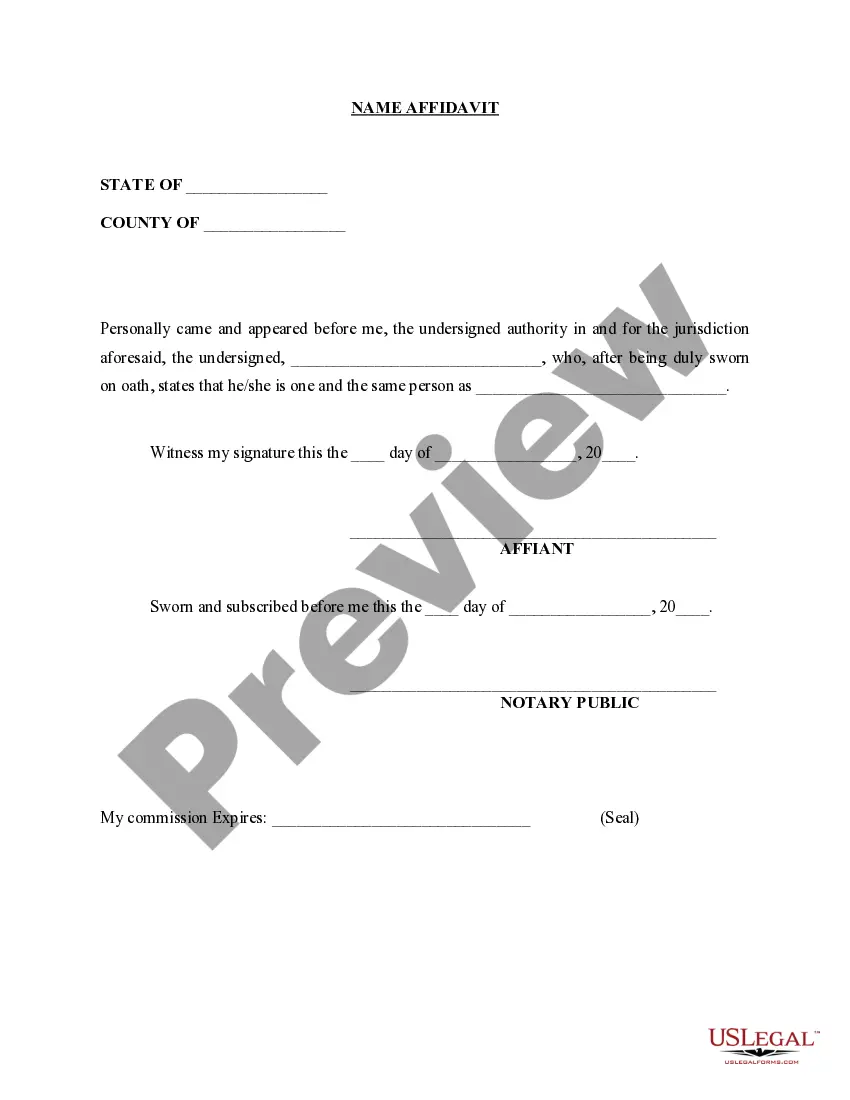
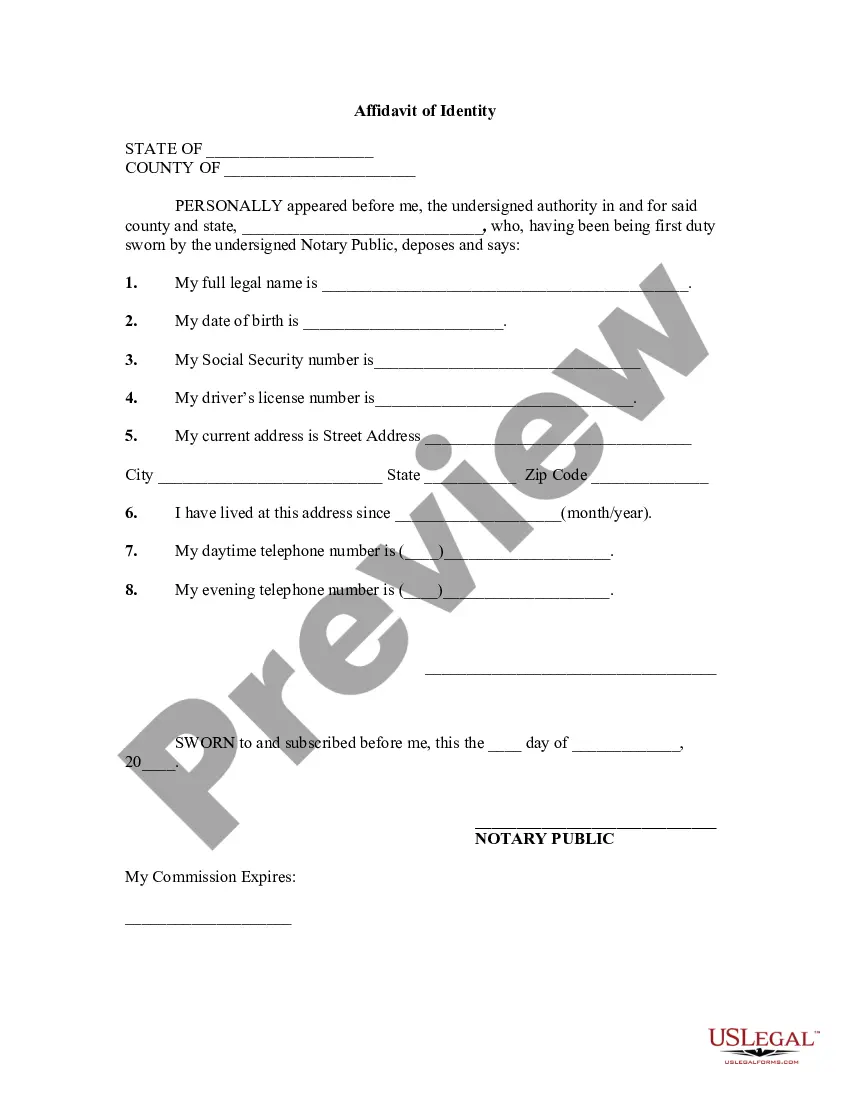
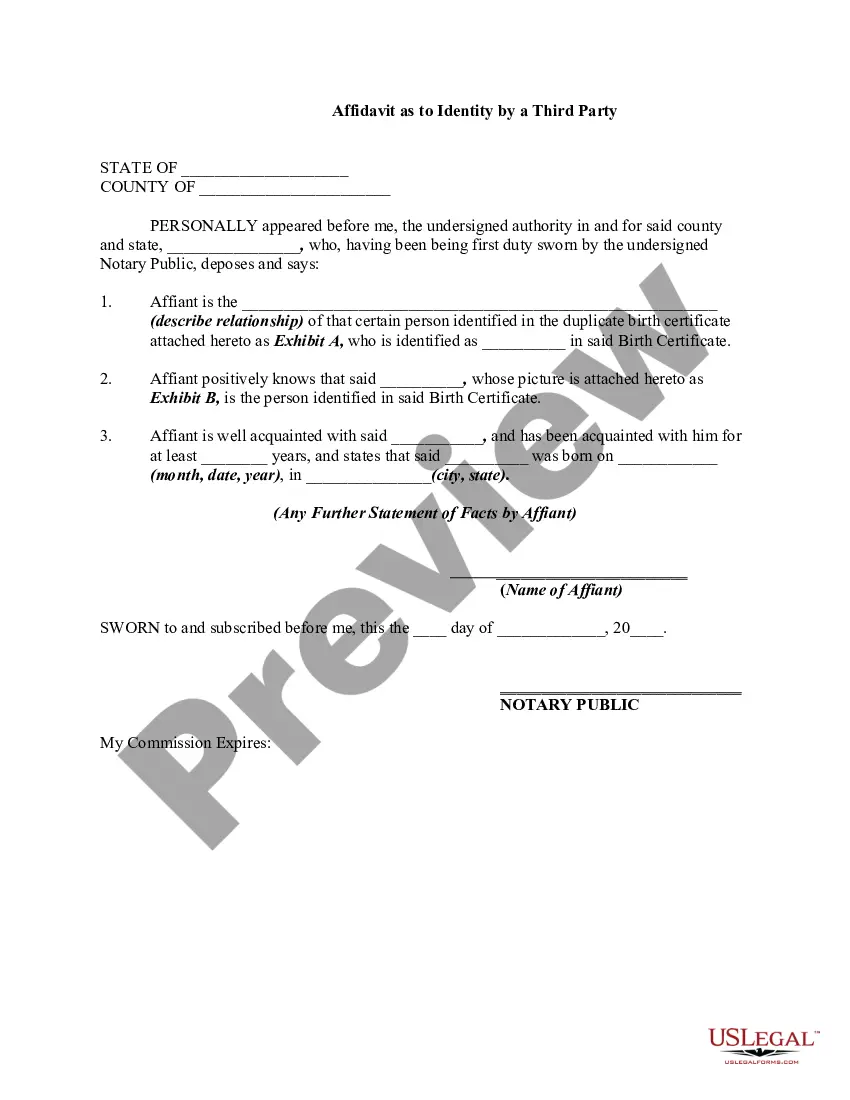
Alabama Signature and Name Affidavit
Description
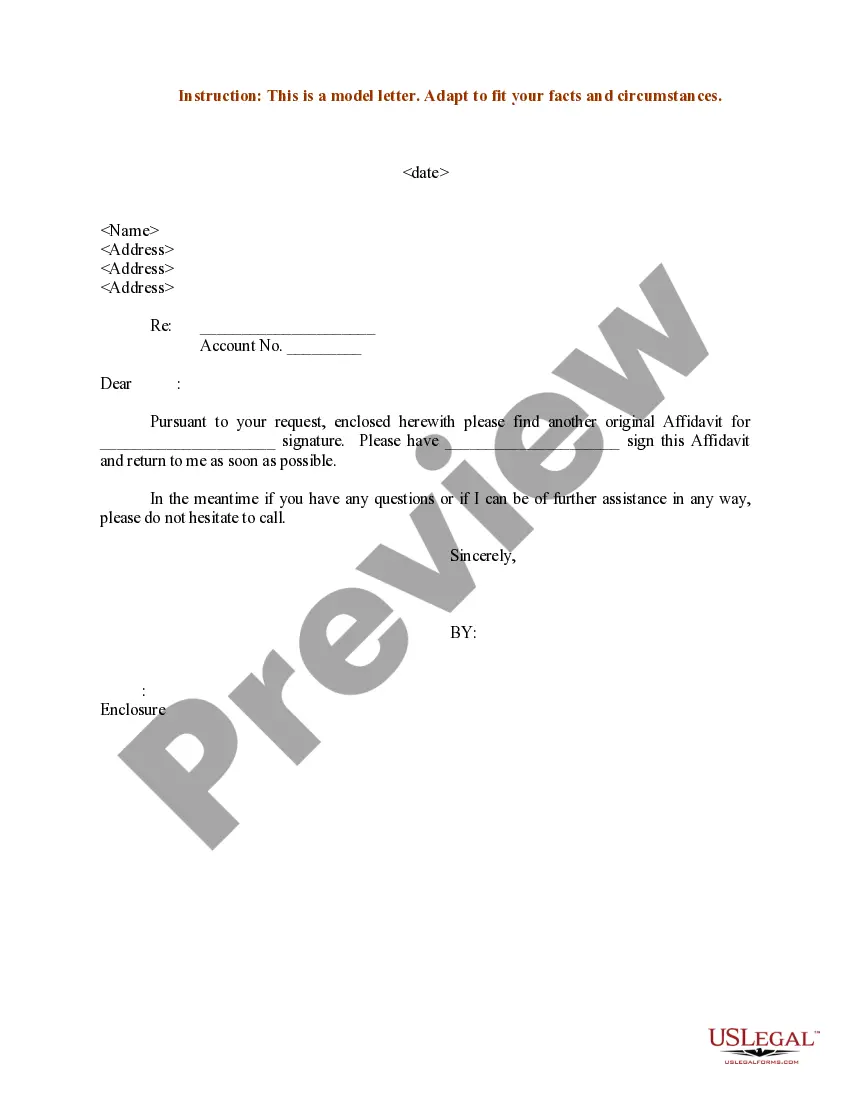
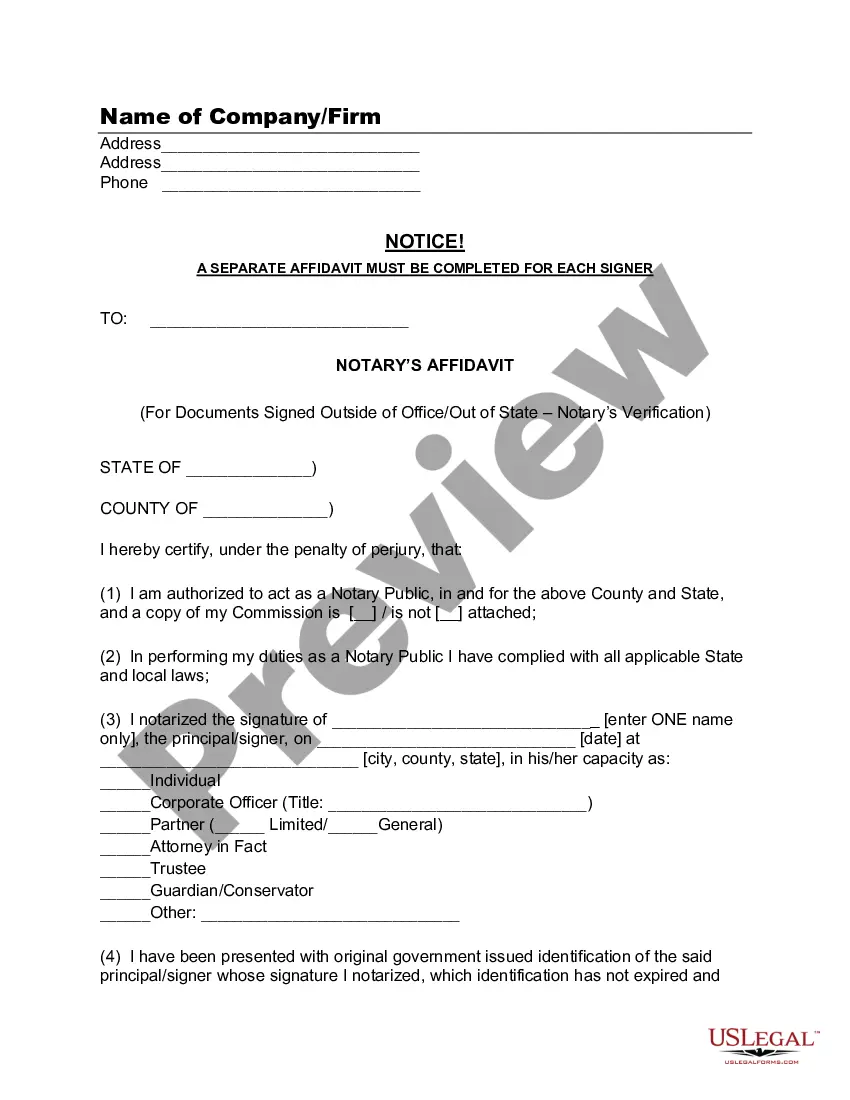
Get your form ready online
Our built-in tools help you complete, sign, share, and store your documents in one place.
Make edits, fill in missing information, and update formatting in US Legal Forms—just like you would in MS Word.
Download a copy, print it, send it by email, or mail it via USPS—whatever works best for your next step.
Sign and collect signatures with our SignNow integration. Send to multiple recipients, set reminders, and more. Go Premium to unlock E-Sign.
If this form requires notarization, complete it online through a secure video call—no need to meet a notary in person or wait for an appointment.
We protect your documents and personal data by following strict security and privacy standards.

Make edits, fill in missing information, and update formatting in US Legal Forms—just like you would in MS Word.

Download a copy, print it, send it by email, or mail it via USPS—whatever works best for your next step.

Sign and collect signatures with our SignNow integration. Send to multiple recipients, set reminders, and more. Go Premium to unlock E-Sign.

If this form requires notarization, complete it online through a secure video call—no need to meet a notary in person or wait for an appointment.

We protect your documents and personal data by following strict security and privacy standards.
Looking for another form?
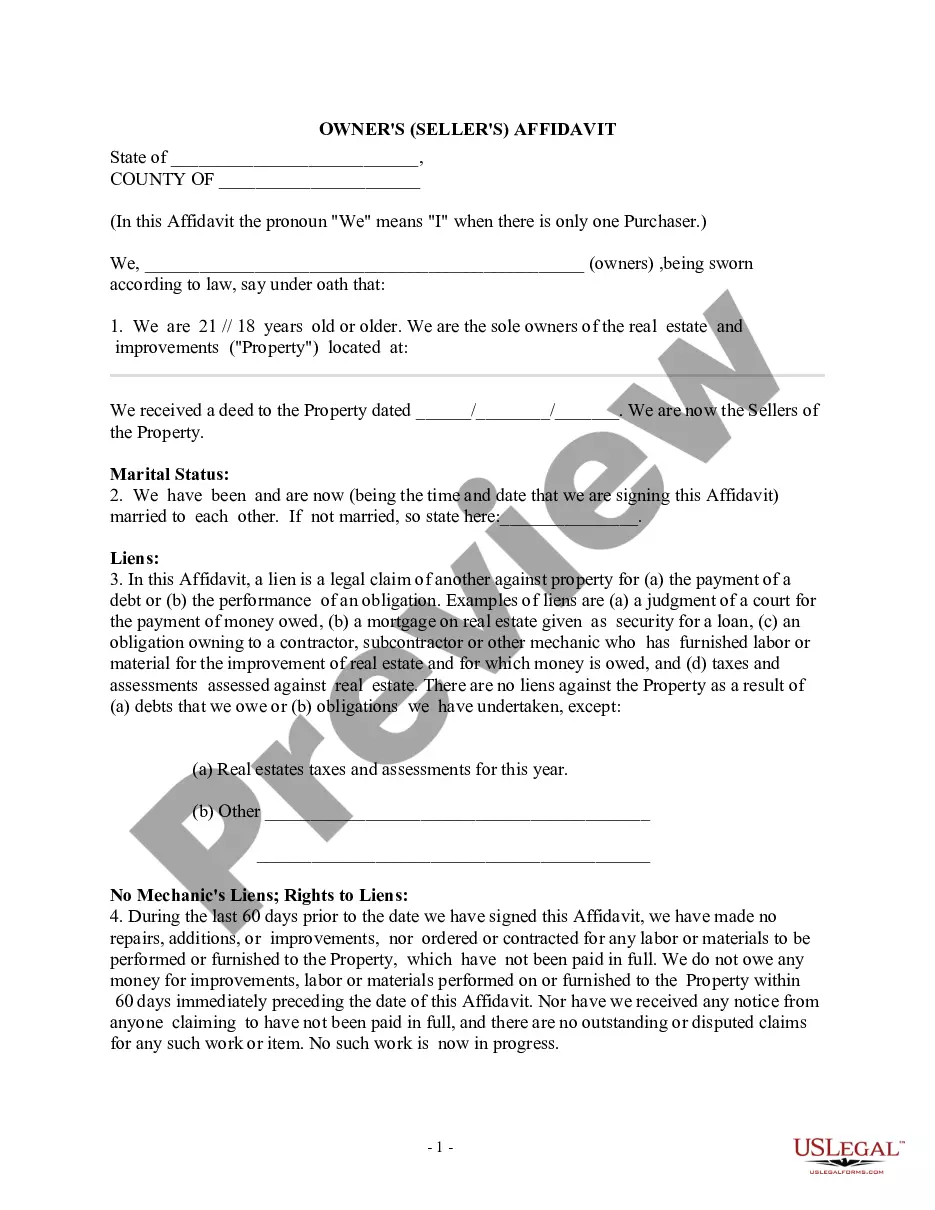
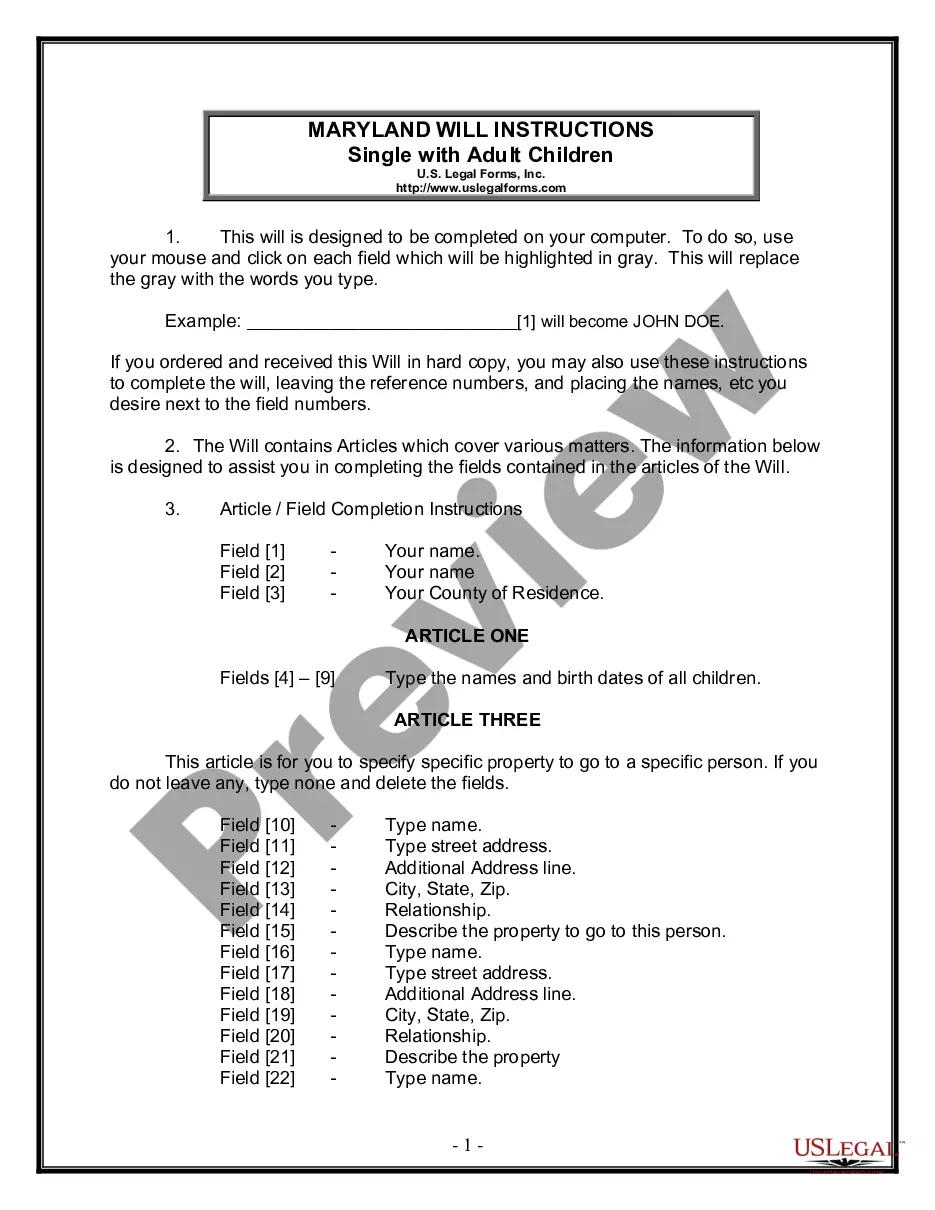
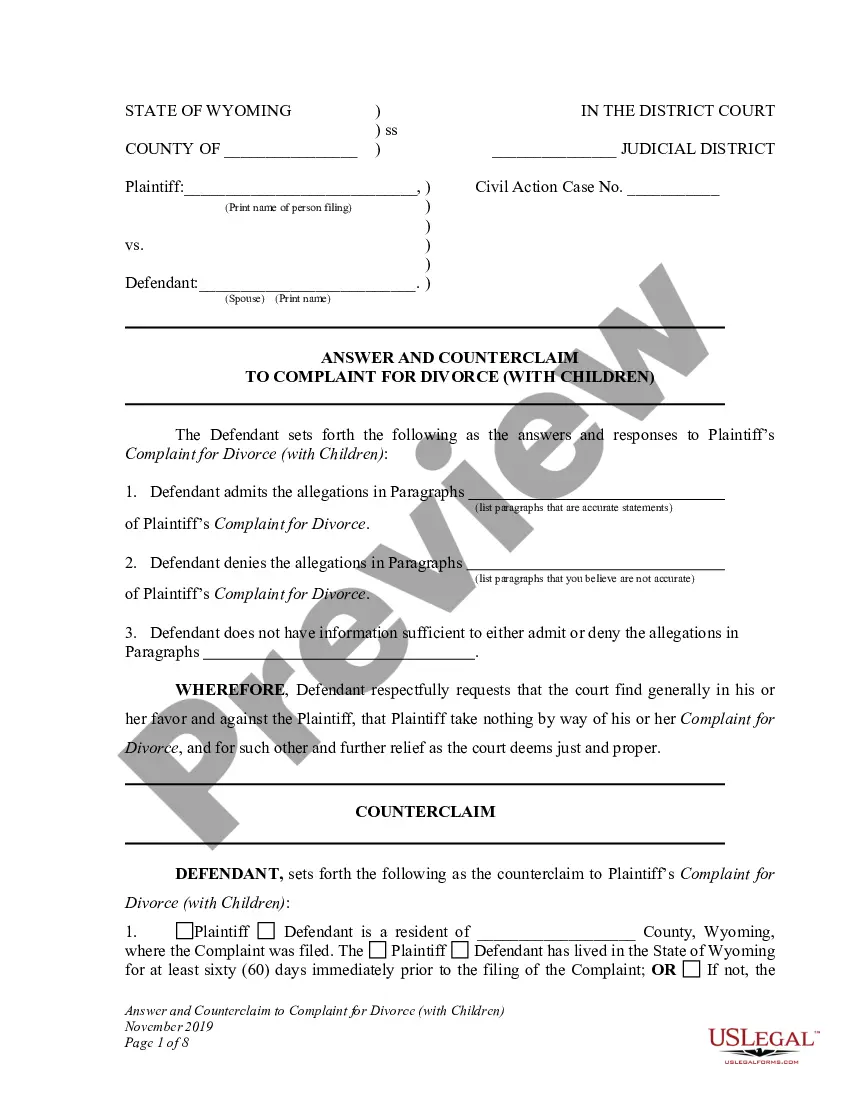
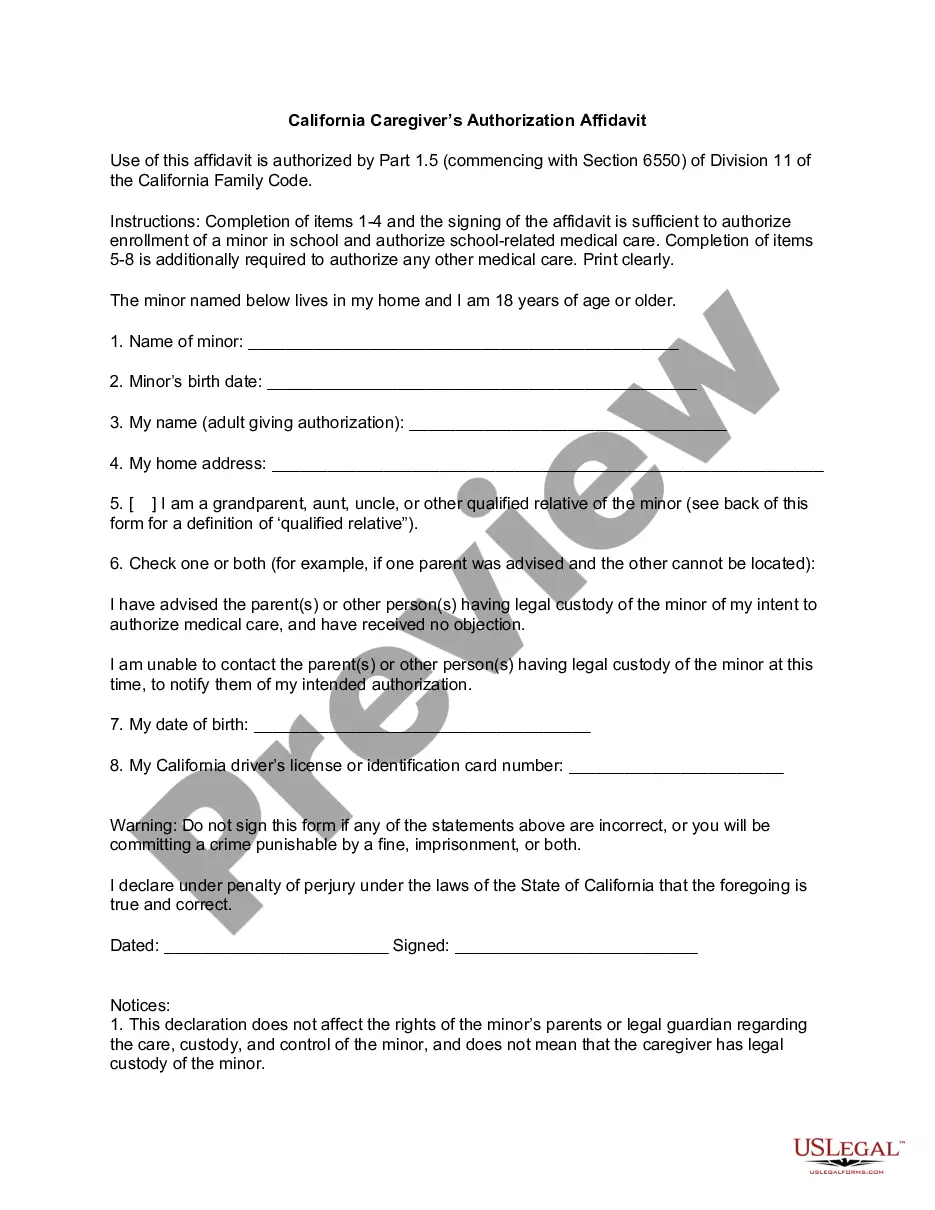
How to fill out Signature And Name Affidavit?
Locating the suitable legal document template could prove to be a struggle.
Clearly, there is an array of templates available online, but how can you identify the legal form you require.
Utilize the US Legal Forms website. The service offers a vast selection of templates, including the Alabama Signature and Name Affidavit, which can serve both business and personal purposes.
First, ensure that you have selected the correct form for your city/state. You can review the form using the Review button and read the form description to confirm that it is the right one for you.
- All of the documents are verified by specialists and comply with federal and state regulations.
- If you are already registered, sign in to your account and click the Download button to obtain the Alabama Signature and Name Affidavit.
- Access your account to view the legal documents you have previously acquired.
- Navigate to the My documents tab of your account and download an additional copy of the document you need.
- If you are a new user of US Legal Forms, here are straightforward steps you should follow.
Form popularity
FAQ
If you need to get a title for a car without one in Alabama, you must provide documentation proving ownership. You can start by gathering any available evidence, such as a bill of sale or repair receipts. Completing an Alabama Signature and Name Affidavit can also support your claim of ownership. Once documented, you can apply for a replacement title through your county's title office.
Under Alabama law, a self-proving affidavit must be signed in the presence of two (2) witnesses who are at least eighteen (18) years of age and a notary public. After completion, the affidavit should be attached to the last will and testament.
In case it is required, you will need to look for a registered and legitimate notary public. Another easy way to get a document notarized is to see if there is a notary available near your office or house. stamp besides your signature. This provides security and verification that it is you who signed the document.
Affidavits A written statement stating the truth of a document. It is not written by the notary, but by the affiant.
Alabama Bill of Sale Requirements Bills of sale are always required to register vessels in the state. All bills of sale must be notarized or have two witnesses to the requisite signatures. While there are official bills of sale provided, there is no general form that covers all of Alabama.
During the transfer process, you may be required to provide a notarized bill of sale or a vehicle gift affidavit (Form MV IRP-15).
To become a notary, individuals must meet all of their state's qualifications, submit an application, and purchase a $25,000 bond. The application fee varies from county to county. For information on becoming a notary public, please contact the probate judge in your county.
5 Steps To A Proper NotarizationStep 1: Require Personal Appearance. Almost every state requires the signer to personally appear before you during the notarization.Step 2: Check Over The Document.Step 3: Carefully Identify The Signer.Step 4: Record Your Journal Entry.Step 5: Complete The Notarial Certificate.
Please Note: Affidavit should be notarized by Notary only (Code of Civil Procedure, 1908) and same should not be attested either by Chartered Accountant or Company Secretary or Cost Accountant.
Do I need a notary seal as a Notary Public? The notarial document MUST have a seal or stamp. This is a requirement in the state statute because it helps prevent fraudulent acts, and it makes the notary public an impartial witness. 11.