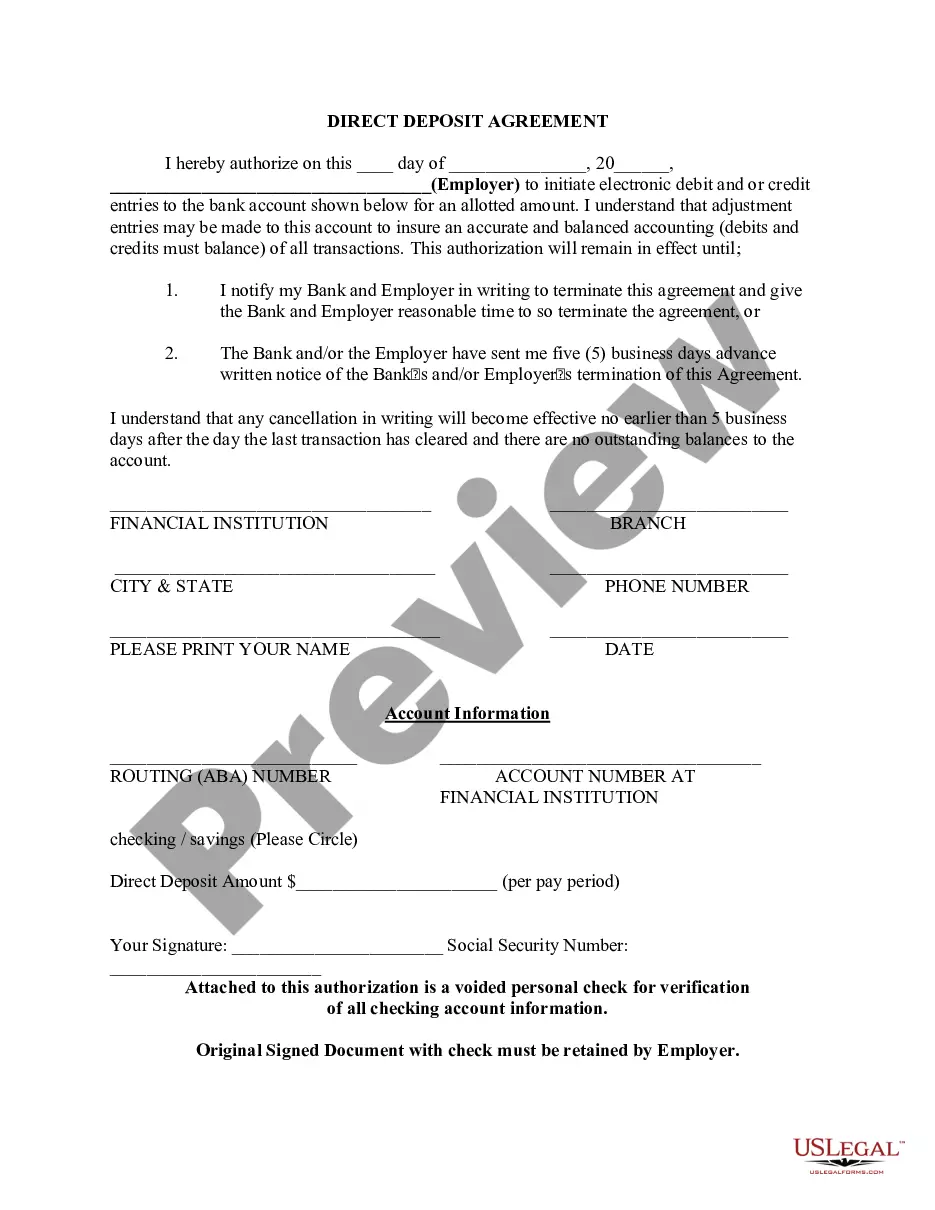
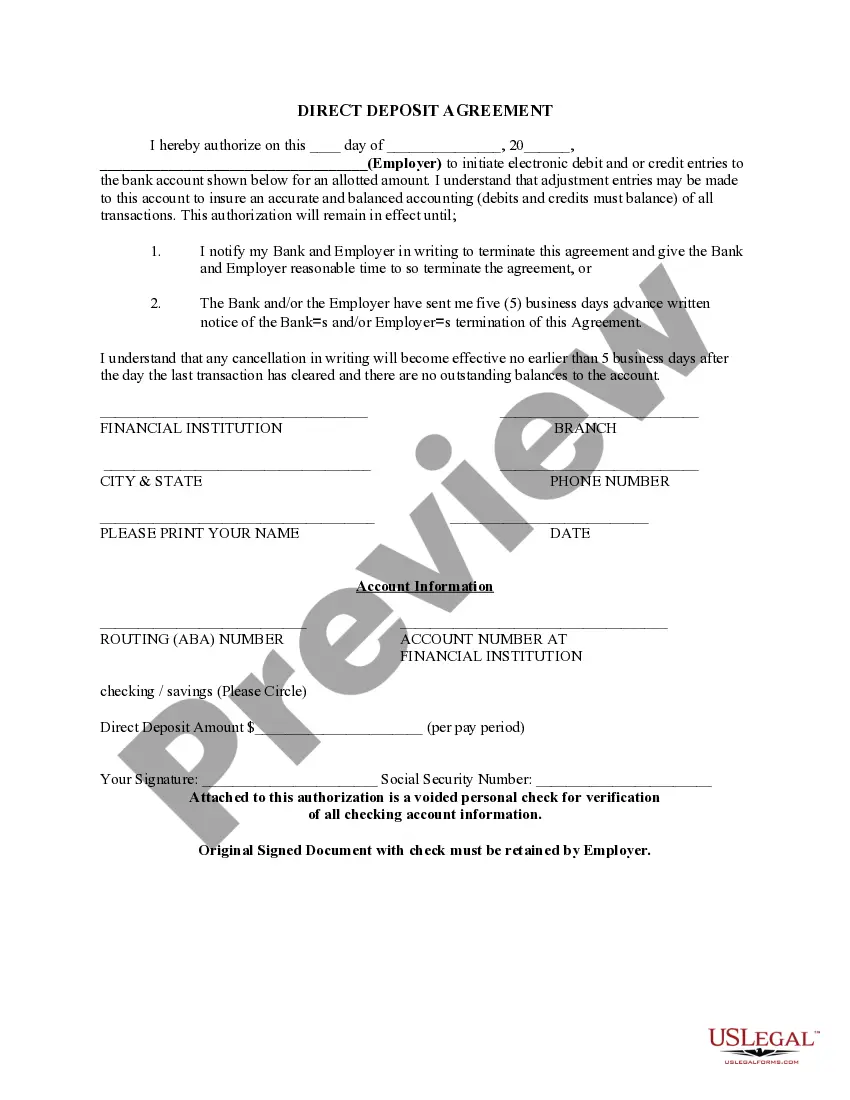
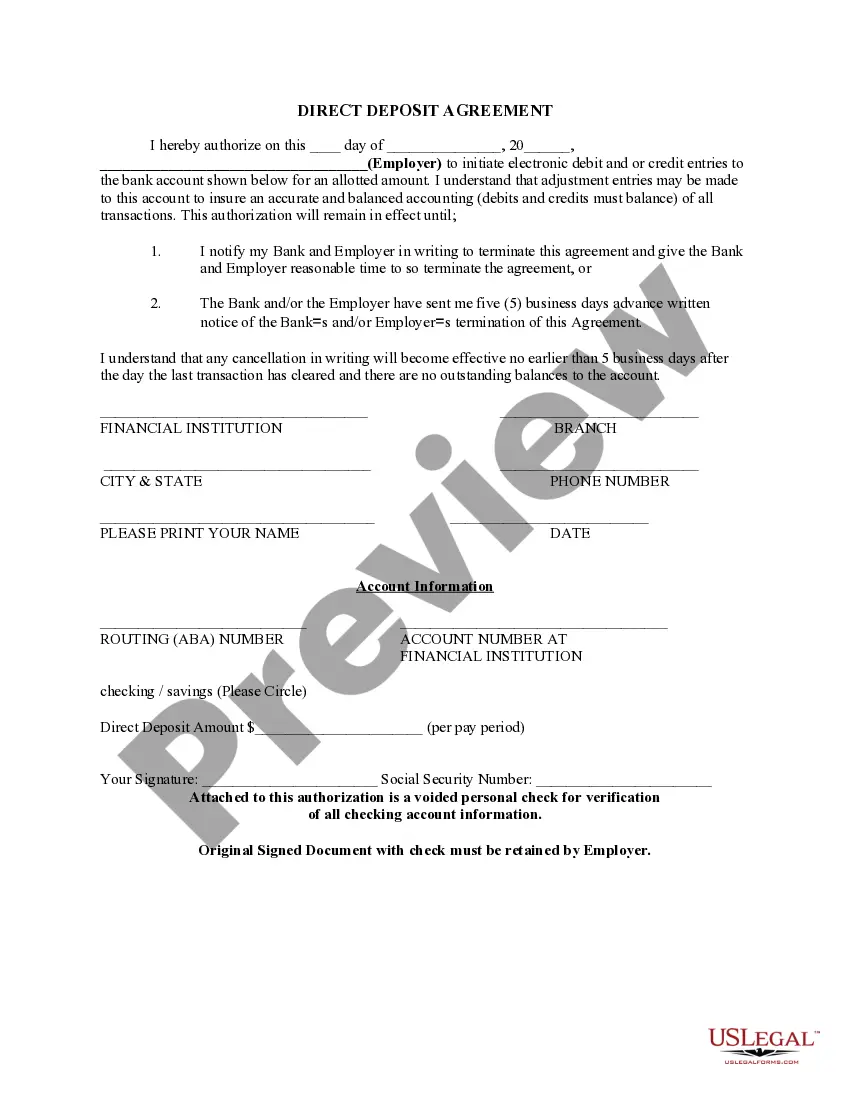
Alabama Direct Deposit Form for Chase
Description


Get your form ready online
Our built-in tools help you complete, sign, share, and store your documents in one place.
Make edits, fill in missing information, and update formatting in US Legal Forms—just like you would in MS Word.
Download a copy, print it, send it by email, or mail it via USPS—whatever works best for your next step.
Sign and collect signatures with our SignNow integration. Send to multiple recipients, set reminders, and more. Go Premium to unlock E-Sign.
If this form requires notarization, complete it online through a secure video call—no need to meet a notary in person or wait for an appointment.
We protect your documents and personal data by following strict security and privacy standards.

Make edits, fill in missing information, and update formatting in US Legal Forms—just like you would in MS Word.

Download a copy, print it, send it by email, or mail it via USPS—whatever works best for your next step.

Sign and collect signatures with our SignNow integration. Send to multiple recipients, set reminders, and more. Go Premium to unlock E-Sign.

If this form requires notarization, complete it online through a secure video call—no need to meet a notary in person or wait for an appointment.

We protect your documents and personal data by following strict security and privacy standards.
Looking for another form?

How to fill out Direct Deposit Form For Chase?
Are you currently in a situation where you require documents for both business or personal reasons almost every day.
There are numerous document templates available online, but finding ones you can trust is not easy.
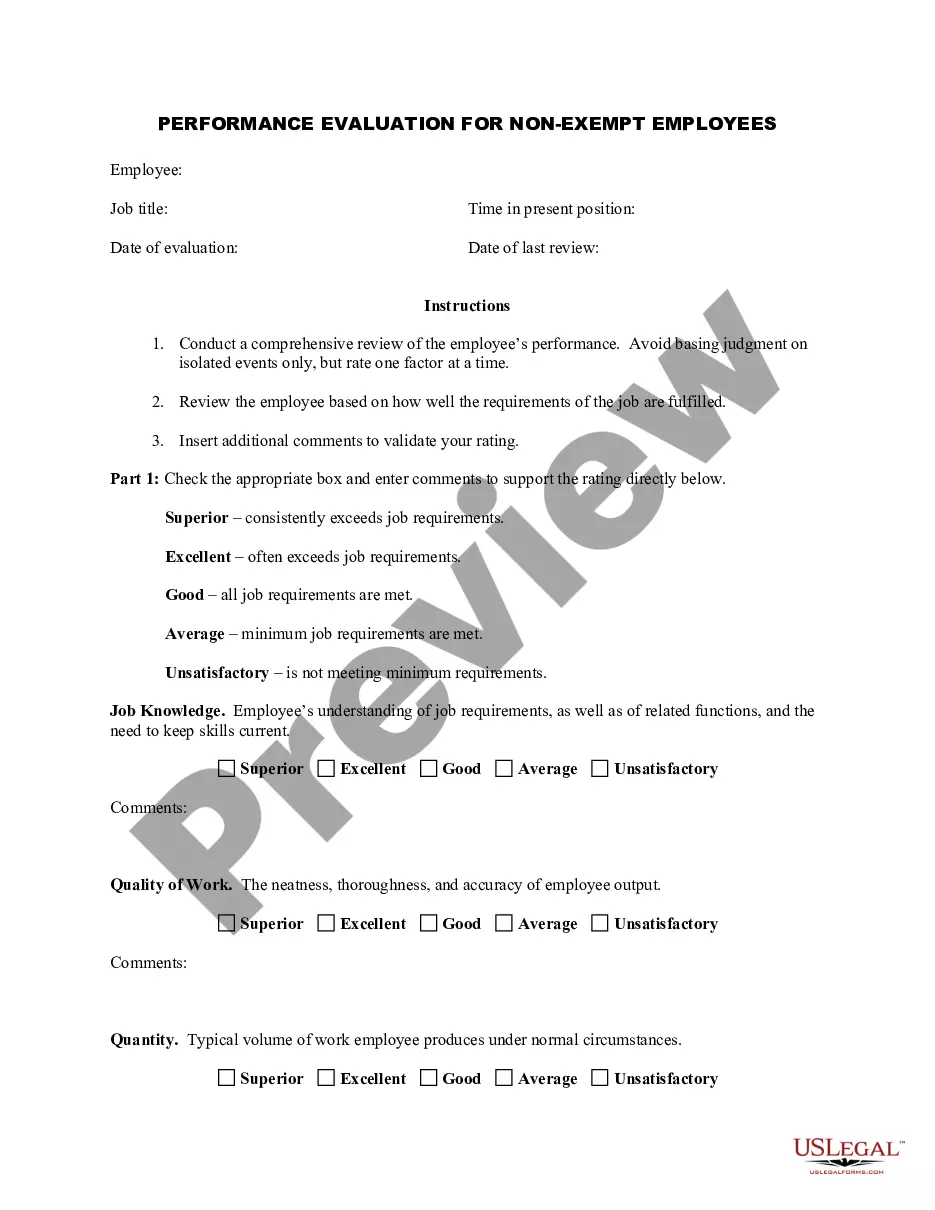
US Legal Forms offers thousands of template forms, including the Alabama Direct Deposit Form for Chase, which are designed to meet state and federal regulations.
Use US Legal Forms, the most extensive collection of legal forms, to save time and avoid errors.
The service provides well-crafted document templates that can be utilized for a variety of purposes. Create an account on US Legal Forms and start simplifying your life.
- If you are already familiar with the US Legal Forms website and have an account, simply Log In.
- After that, you can download the Alabama Direct Deposit Form for Chase template.
- If you don’t have an account and want to start using US Legal Forms, follow these steps.
- Obtain the form you need and ensure it is for the correct state/region.
- Utilize the Preview feature to examine the document.
- Check the description to ensure you have selected the right form.
- If the form is not what you are looking for, use the Search bar to find the form that meets your requirements.
- Once you locate the correct form, click on Buy now.
- Choose the pricing plan you prefer, fill in the necessary information to create your account, and pay for your order using PayPal or a credit card.
- Select a suitable document format and download your copy.
- Access all the document templates you have purchased in the My documents section.
- You can obtain another copy of the Alabama Direct Deposit Form for Chase at any time, simply click the needed form to download or print the document template.
Form popularity
FAQ
To obtain the direct deposit form from Chase, access your account through the Chase app or website. Look for the direct deposit setup option under account services. You can download or print the Alabama Direct Deposit Form for Chase directly from your account. If you need further assistance, consider using USLegalForms, which can provide additional resources and templates.
To get a void check on the Chase app, start by logging into your account. Navigate to the account for which you need the void check. Then, select the option to view your checks. You can easily print or save a voided check directly from the application, which can be useful for setting up your Alabama Direct Deposit Form for Chase.
Direct deposit is often associated with paychecks from your job, but it's not limited to that. You can also set up direct deposit for other payments such as tax refunds, government benefits and more. This way, you don't have to spend time in line at a bank or waiting by your mailbox for an important check.
To obtain a bank confirmation letter from your bank you may request in-person at a bank branch from one of the bankers, by a phone call to the bank, and depending on the financial institution, through their online platform.
After signing in, tap the account where you want to receive your direct deposit. Swipe up and tap "Set up direct deposit form" Check that the info is correct or make updates, then tap "Create form" Download, print or email the form.
After signing in, tap the account where you want to receive your direct deposit. Swipe up and tap "Set up direct deposit form" Check that the info is correct or make updates, then tap "Create form" Download, print or email the form.
From the My Accounts page, choose the account for which you want to view a statement and click the ?Statements? link. Note: an exclamation point icon will appear next to the ?Statements? link when a new statement is available.
Here's how: After signing in, tap the account where you want to receive your direct deposit. Swipe up and tap "Set up direct deposit form" Check that the info is correct or make updates, then tap "Create form" Download, print or email the form.
Get a direct deposit form from your employer. Fill in account information. Confirm the deposit amount. Attach a voided check or deposit slip, if required. Submit the form.
To obtain a bank confirmation letter from your bank you may request in-person at a bank branch from one of the bankers, by a phone call to the bank, and depending on the financial institution, through their online platform.