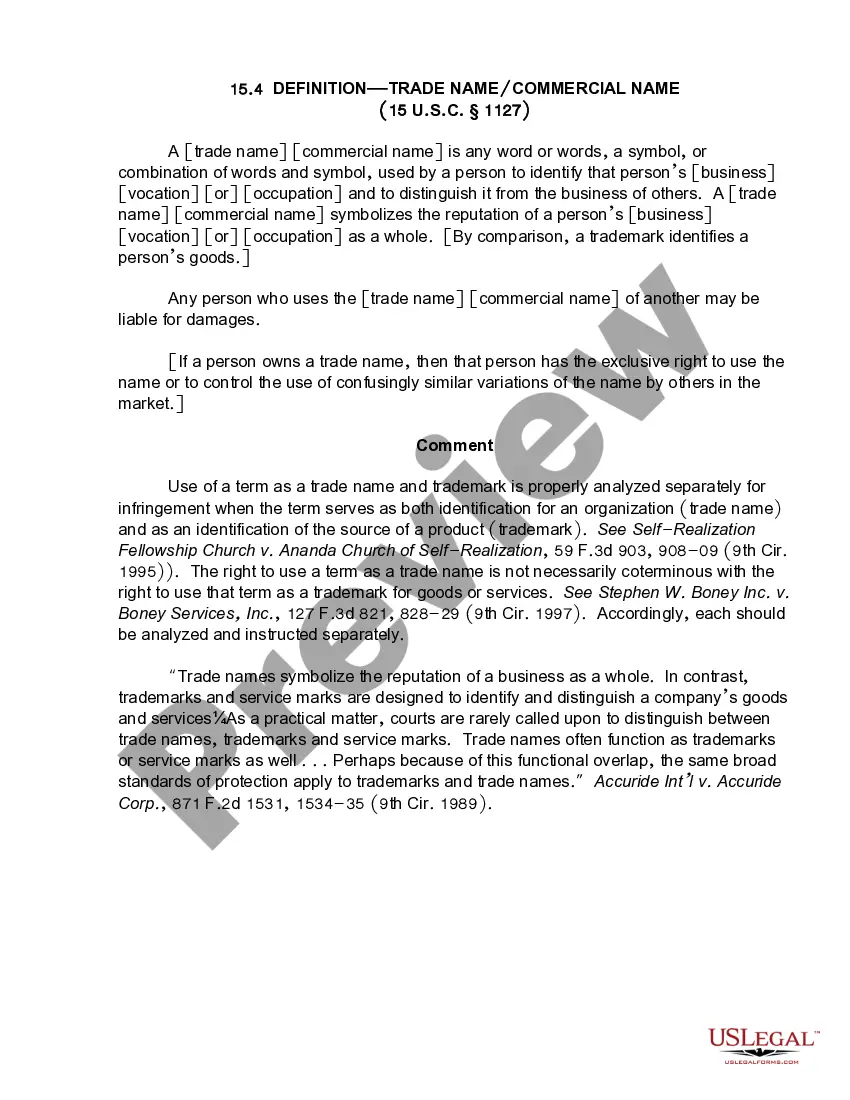
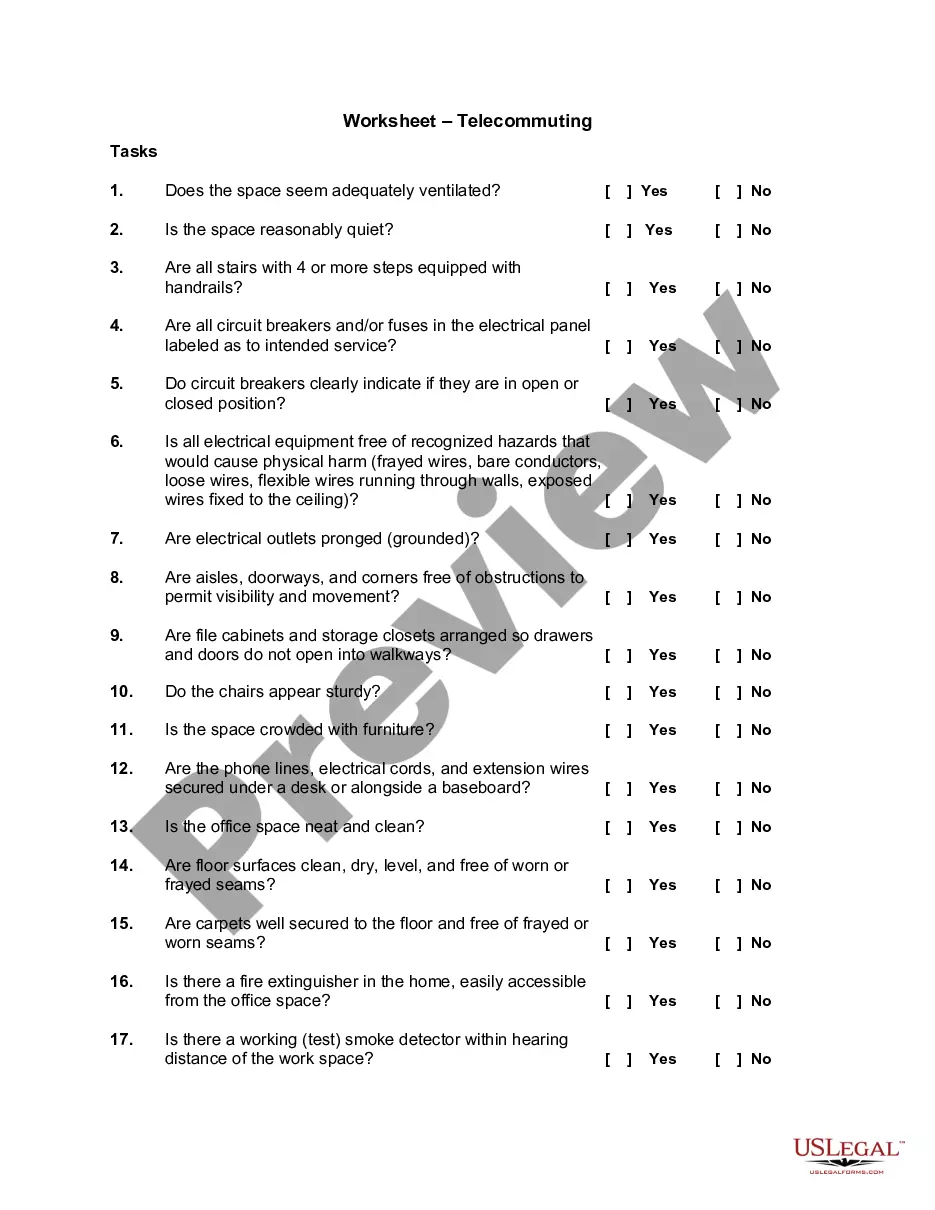
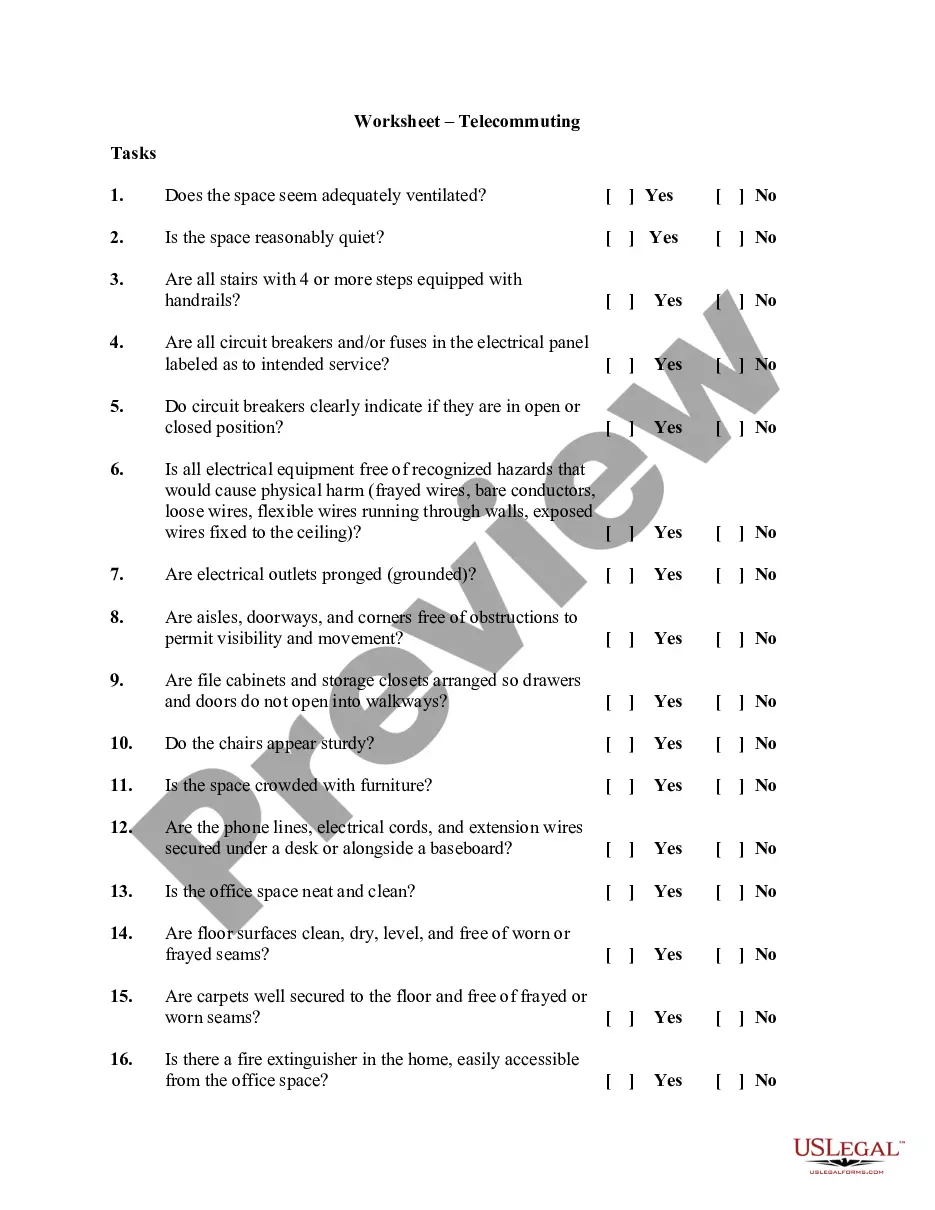
Alaska Telecommuting Worksheet
Description




Get your form ready online
Our built-in tools help you complete, sign, share, and store your documents in one place.
Make edits, fill in missing information, and update formatting in US Legal Forms—just like you would in MS Word.
Download a copy, print it, send it by email, or mail it via USPS—whatever works best for your next step.
Sign and collect signatures with our SignNow integration. Send to multiple recipients, set reminders, and more. Go Premium to unlock E-Sign.
If this form requires notarization, complete it online through a secure video call—no need to meet a notary in person or wait for an appointment.
We protect your documents and personal data by following strict security and privacy standards.

Make edits, fill in missing information, and update formatting in US Legal Forms—just like you would in MS Word.

Download a copy, print it, send it by email, or mail it via USPS—whatever works best for your next step.

Sign and collect signatures with our SignNow integration. Send to multiple recipients, set reminders, and more. Go Premium to unlock E-Sign.

If this form requires notarization, complete it online through a secure video call—no need to meet a notary in person or wait for an appointment.

We protect your documents and personal data by following strict security and privacy standards.
Looking for another form?

How to fill out Telecommuting Worksheet?
You can invest hours online searching for the legal document format that meets your state and federal criteria.
US Legal Forms offers thousands of legal templates that are reviewed by professionals.
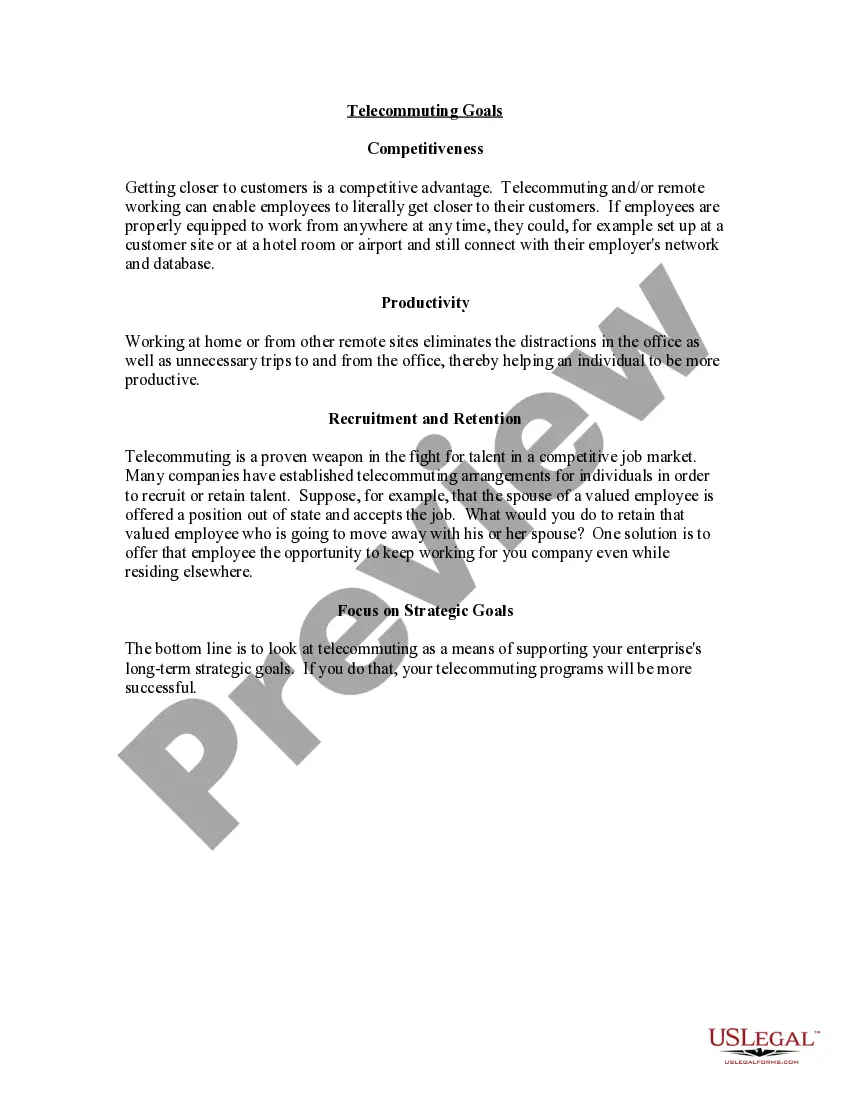
You can purchase or print the Alaska Telecommuting Worksheet from our platform.
If available, use the Review button to browse the document format as well.
- If you already have a US Legal Forms account, you can Log In and click on the Obtain button.
- After that, you can fill out, amend, print, or sign the Alaska Telecommuting Worksheet.
- Every legal document template you purchase is yours indefinitely.
- To obtain another copy of any acquired form, go to the My documents tab and click on the relevant button.
- If you are using the US Legal Forms website for the first time, follow the simple instructions below.
- First, ensure you have selected the correct document format for the area/town of your choice.
- Review the form details to ensure you have chosen the right form.
Form popularity
FAQ
5 Key Characteristics of Successful TelecommutersFocus.Collaborative attitude.Adaptabilty.While you may have established a routine that works well for your day-to-day work, it's vital that those working from home are flexible.Trust.Self-starter.
The self-employed do not qualify as telecommuters because they lack employee status.
If you're having trouble getting started with your telecommuting policy, here's a list of things to include:Define which positions are eligible to work from home.Be specific about the policy.Create an effective power structure.Outline which tools your employees should use.Be open.
A telecommuter performs work remotely, usually from home. The telecommuter does not regularly commute to the company's office to clock in and work. Companies who employ workers remotely usually provide a secure virtual network that the employee logs in to complete tasks.
How to Create a Remote Work PolicyDetermine how employees will be expected to work and communicate at your organization.Provide the right tools for successful and secure work.Establish clear rules about working from home.Plan time for collaborating and socializing.More items...
It should include:Days and hours the employee is expected to be working in the department.Hours the employee is expected to be working and reachable at the telecommuting site.Methods of contact (such as dedicated phone line, voice mail, email, videoconference, etc.)Times and frequency of contact (in both directions)More items...
For example, teleworking employees must be able to take telephone calls and participate in online video meetings with minimal distraction and while maintaining appropriate confidentiality.
Teleworking staff must adhere to all departmental and institutional policies including, but not limited to policies regarding confidentiality of information, work schedules, work hours, use of equipment, ethics, performance, leave use and tracking of work hours.
Use these steps to create a work-from-home policy for your company:Determine who can work from home.Set expectations.Select and if necessary, facilitate, a communication method.Ensure digital security.Clarify the covered expenses.Explain the approval process.Provide information regarding timekeeping.