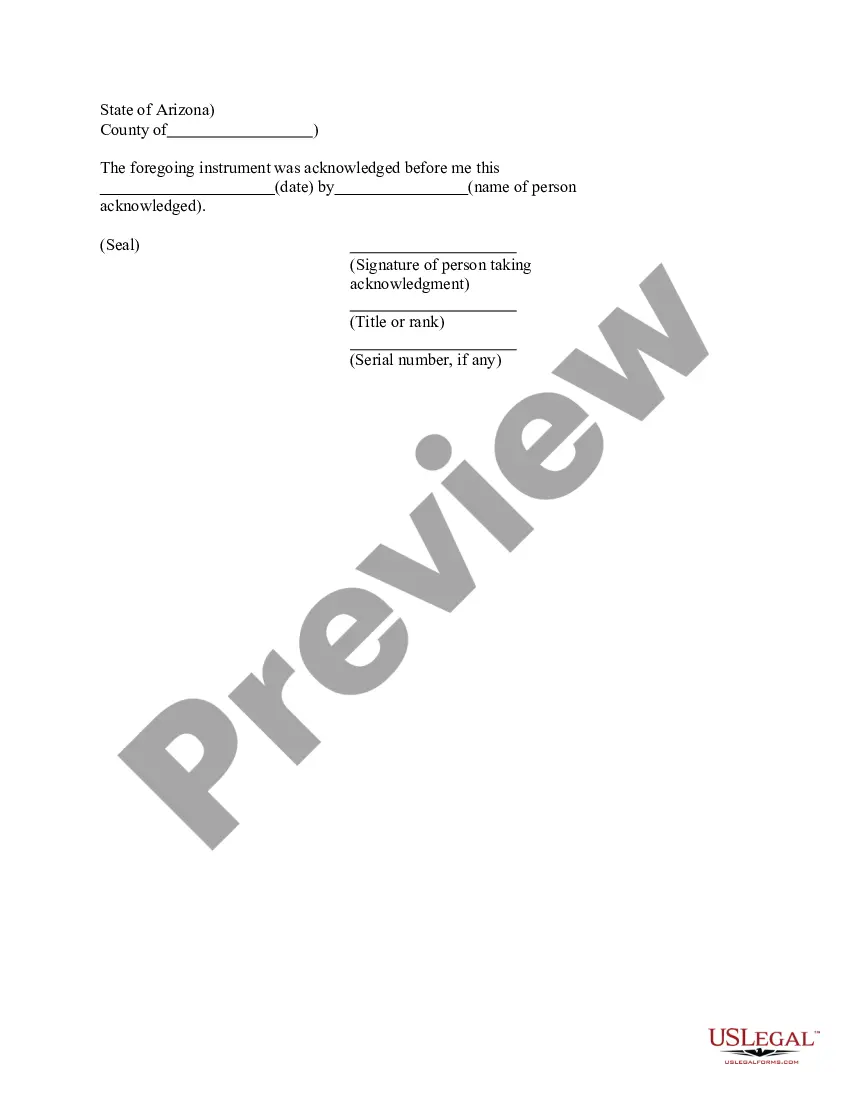
Alaska Jurat Acknowledgment
What is this form?
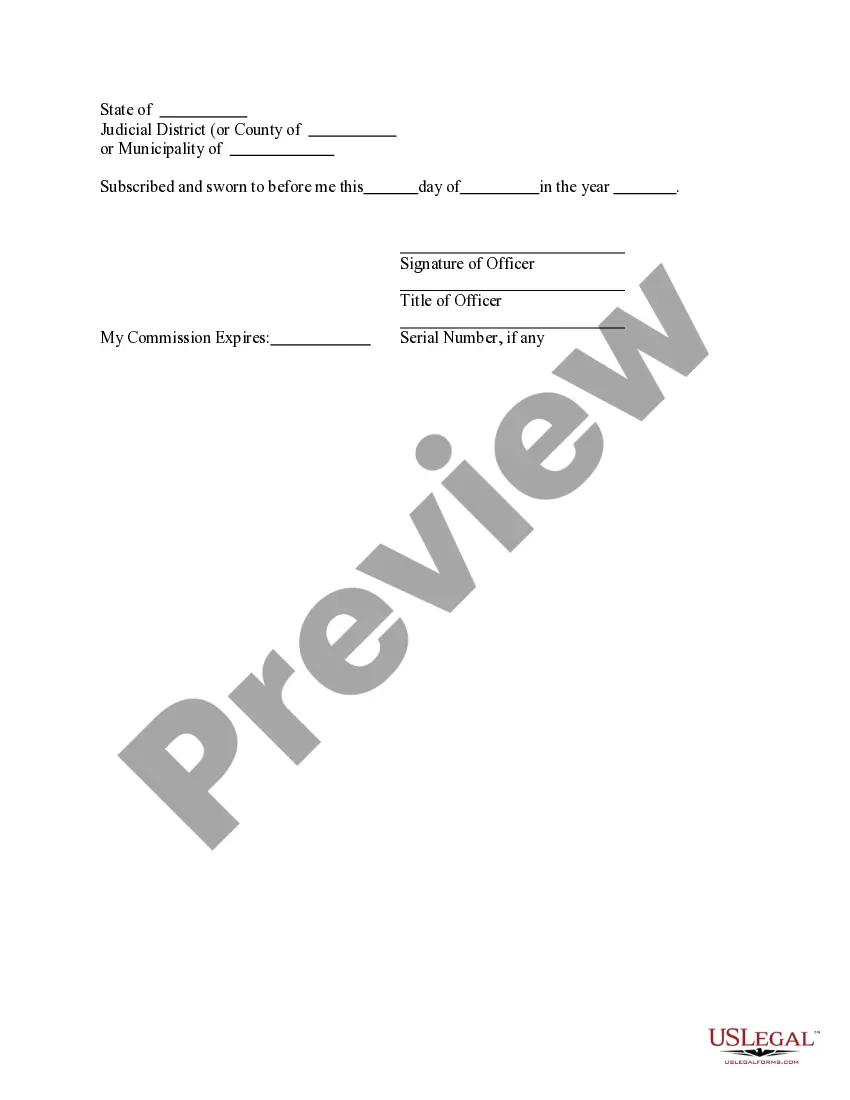
The Jurat Acknowledgment is a legal document used primarily in the context of sworn statements or affidavits. This form certifies that a person has taken an oath or affirmed the truthfulness of a statement in front of a notary or authorized official. Unlike a standard acknowledgment form, the jurat specifically includes a clause about taking an oath, making it essential for documents that require legally binding affirmations of truth.
What’s included in this form
- Signature of Officer: The section where the notary or authorized official signs the document.
- Title of Officer: The official title of the person witnessing the jurat.
- Commission Expires: The date when the officerâs commission expires, ensuring their authority is valid.
- Subscribed and sworn: A declaration indicating the statement has been made under oath.
- Date of jurat: The specific date on which the jurat is executed.

When to use this form
This form is needed when a person must provide a sworn statement as evidence in a legal proceeding or official matter. It is often used in cases where integrity and truthfulness are essential, such as in affidavit submissions for court, applying for licenses, or in any situation requiring a verified declaration of facts.
Intended users of this form
- Individuals submitting affidavits to courts.
- Professionals needing to provide sworn statements, such as real estate agents or notaries.
- Anyone required to affirm the truthfulness of documents under oath in various legal or governmental contexts.
Instructions for completing this form
- Enter the full name of the person making the sworn statement.
- Specify the details of the statement being sworn to, ensuring clarity and accuracy.
- Complete the section for the notary or authorized officialâs name and title.
- Provide the date the jurat is executed.
- Sign the document in front of the notary or authorized official.
Notarization requirements for this form
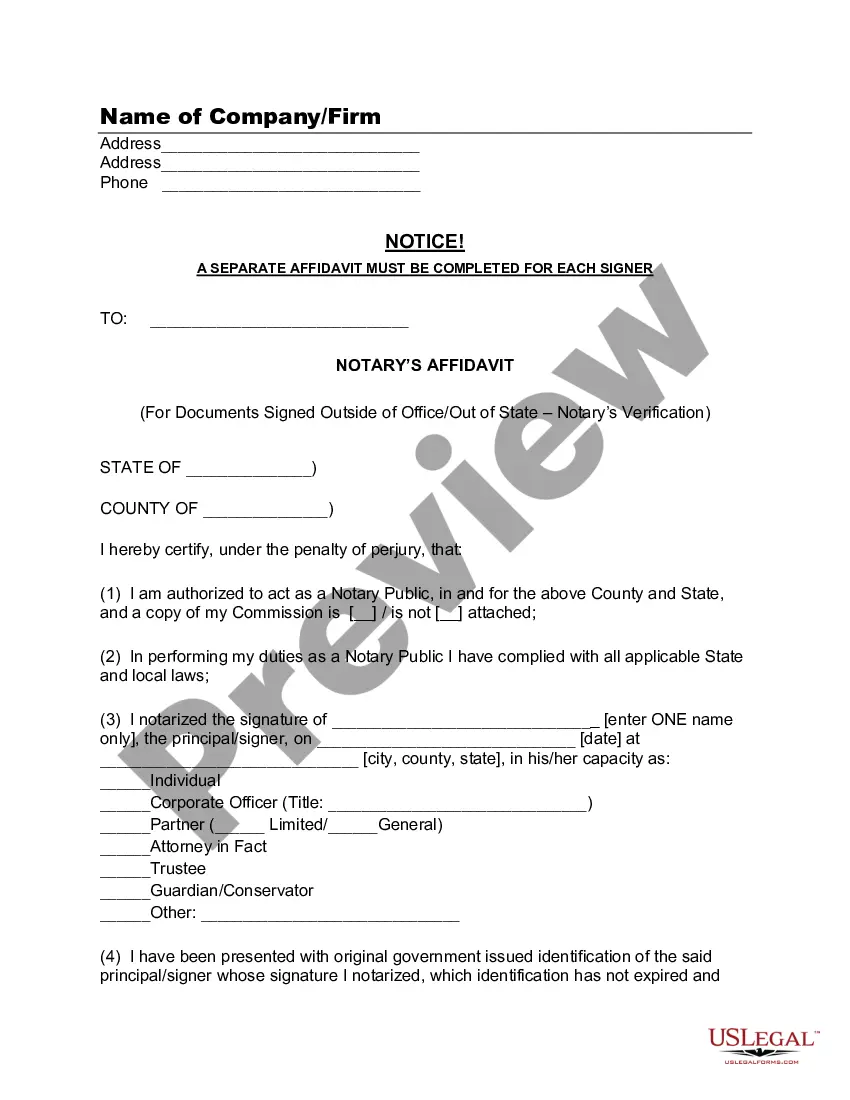
Yes, this form must be notarized to be legally valid. Notarization ensures the authenticity of the signatures and the integrity of the sworn statements. US Legal Forms provides integrated online notarization services, available 24/7 through secure video calls, allowing users to notarize documents conveniently without the need to travel.
Get your form ready online
Our built-in tools help you complete, sign, share, and store your documents in one place.
Make edits, fill in missing information, and update formatting in US Legal Forms—just like you would in MS Word.
Download a copy, print it, send it by email, or mail it via USPS—whatever works best for your next step.
Sign and collect signatures with our SignNow integration. Send to multiple recipients, set reminders, and more. Go Premium to unlock E-Sign.
If this form requires notarization, complete it online through a secure video call—no need to meet a notary in person or wait for an appointment.
We protect your documents and personal data by following strict security and privacy standards.

Make edits, fill in missing information, and update formatting in US Legal Forms—just like you would in MS Word.

Download a copy, print it, send it by email, or mail it via USPS—whatever works best for your next step.

Sign and collect signatures with our SignNow integration. Send to multiple recipients, set reminders, and more. Go Premium to unlock E-Sign.

If this form requires notarization, complete it online through a secure video call—no need to meet a notary in person or wait for an appointment.

We protect your documents and personal data by following strict security and privacy standards.
Common mistakes to avoid
- Submitting a jurat that lacks a signature from the officer.
- Failing to include the date of the jurat.
- Ignoring the need for the officer's title and commission expiration date.
- Not signing the document in the presence of the notary.
Why complete this form online
- Convenience: Download the form anytime and complete it at your own pace.
- Editability: Customize the form as needed to fit your specific requirements.
- Reliability: Access professionally drafted templates that comply with legal standards.
Legal use & context
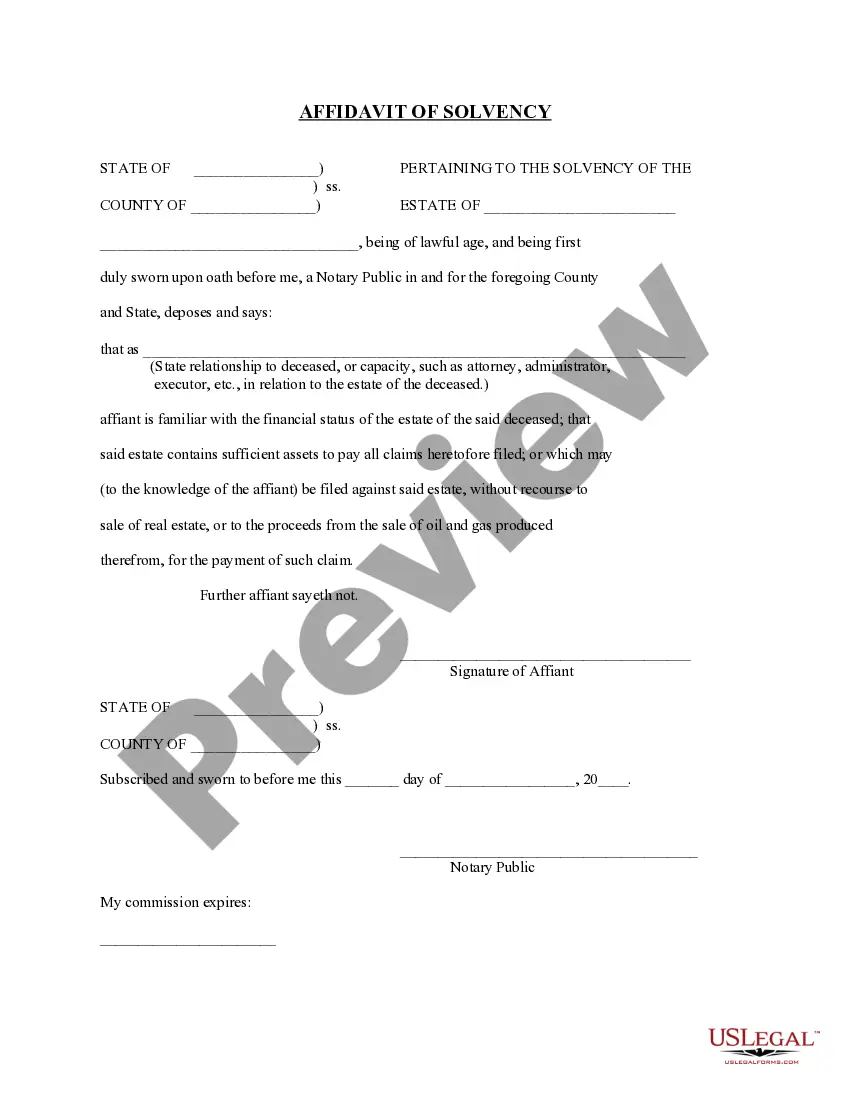
- The jurat adds a layer of legal protection and credibility to sworn statements.
- It is enforceable in court and often required for certain legal documents.
- Limitations may apply depending on state-specific laws regarding jurats.
Quick recap
- The Jurat Acknowledgment is essential for affirming the truth of sworn statements.
- Proper execution requires the presence of a notary public.
- Common mistakes can undermine the document's validity; ensure accuracy and completeness.
Looking for another form?
Form popularity
FAQ
For an oath: "Do you solemnly state that the evidence you shall give in this issue (or matter) shall be the truth, the whole truth, and nothing but the truth, so help you God?"
An oath is a solemn promise about your behavior or your actions. Often, when you take an oath, the promise invokes a divine being. For example, you might swear to God that something is true or swear on the Bible that something is true.
Yes, you may notarize a signature on a document that includes handwritten paragraphs. A document can be typed or handwritten. If the notarial certificate under the signature is not included, be sure to attach a loose certificate chosen by your customer.
As nouns the difference between oath and jurat is that oath is a solemn pledge or promise to a god, king, or another person, to attest to the truth of a statement or contract while jurat is (legal) the written statement by a notary public that he or she has administered and witnessed an oath or affirmation.
The purpose of an acknowledgment is for a signer, whose identity has been verified, to declare to a Notary or notarial officer that he or she has willingly signed a document.The signer may either sign the document before appearing before you, or in your presence.
Unlike jurats, an acknowledgment does not need to be signed in the presence of a notary. However, the affiant does need to swear or affirm that they signed under their own free will.
It depends. You may notarize a document that does not have pre-printed notarial wording as long as the signer tells you what type of notarization is needed.As nonattorneys, Notaries cannot decide the type of notarization to perform on a document because the choice can have important legal ramifications.
The appropriate verbal wording for an oath for a jurat is as follows: Do you solemnly swear that the statements in this document are true to the best of your knowledge and belief, so help you God?