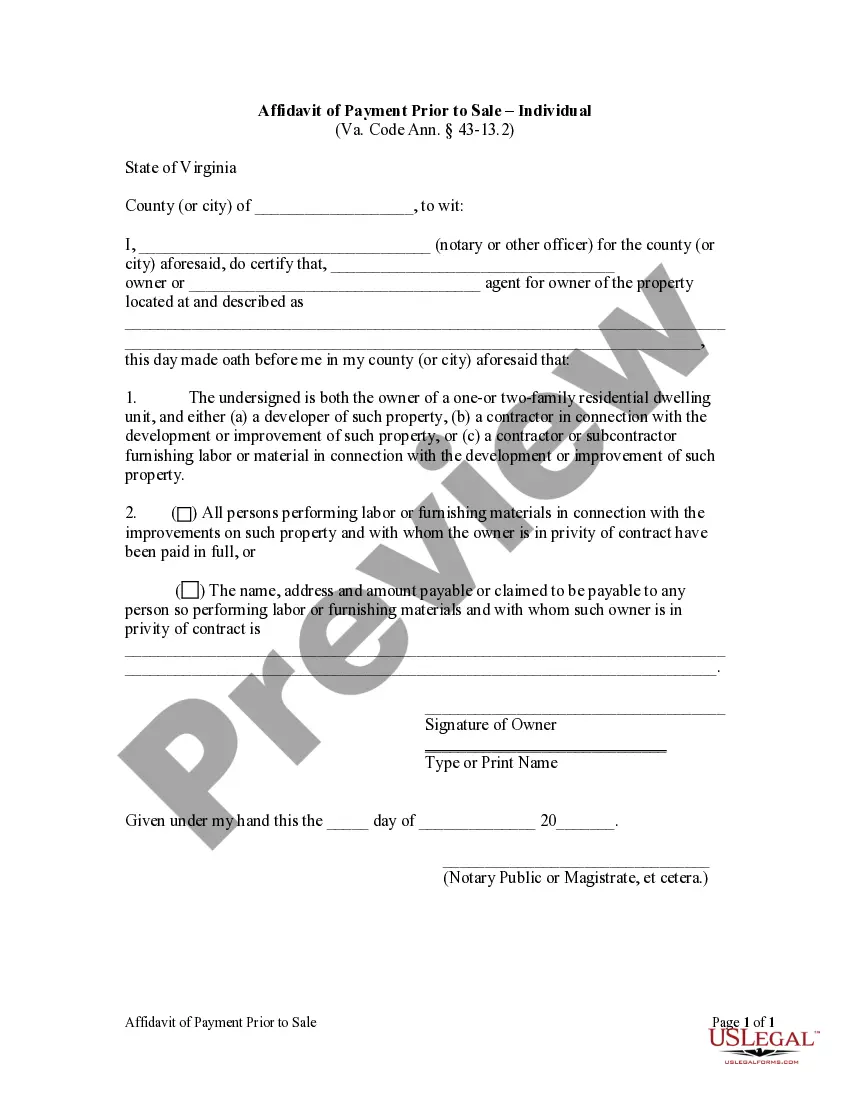
Virginia Affidavit of Payment Prior to Sale - Individual
What is this form?
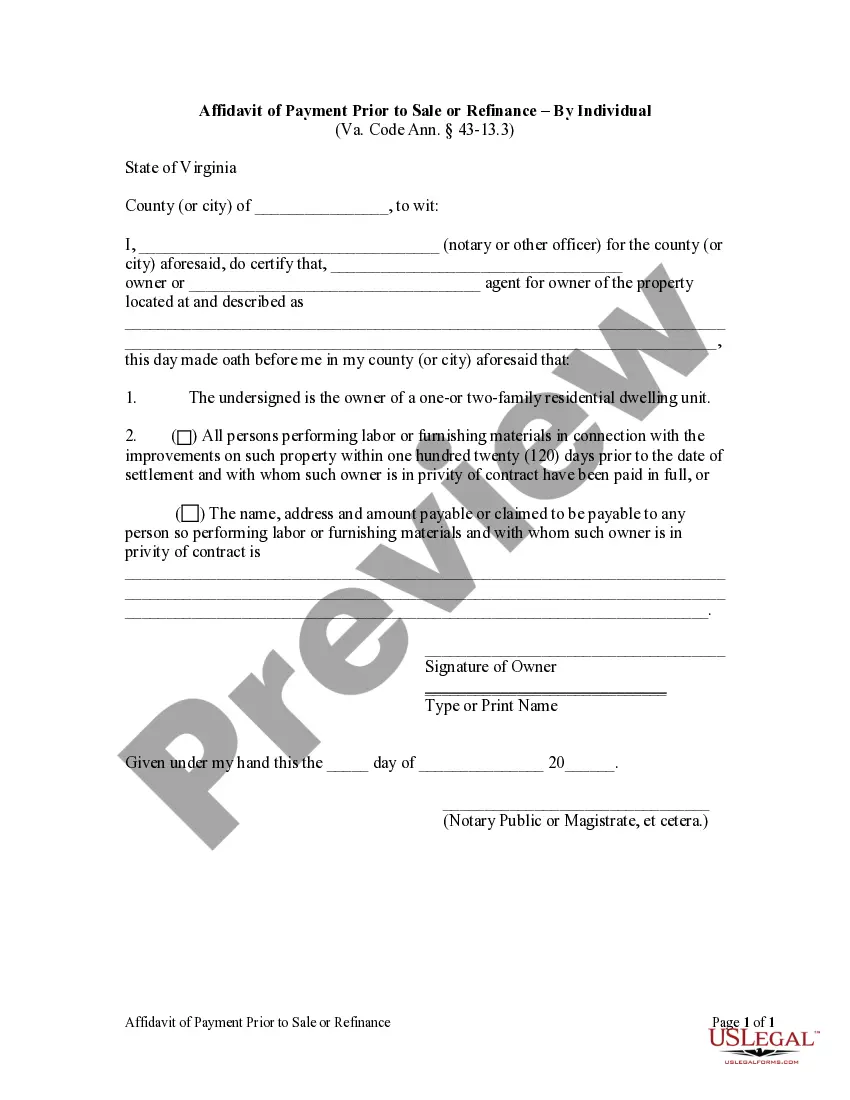
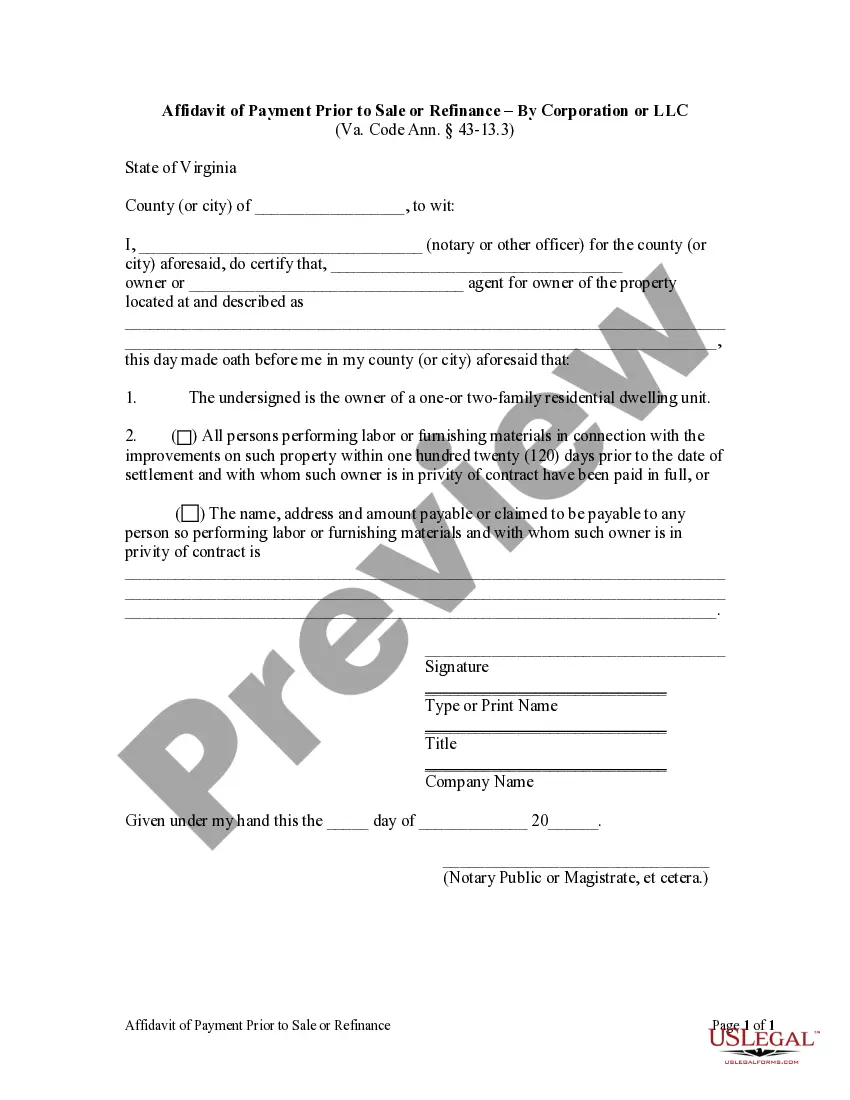
The Affidavit of Payment Prior to Sale - Individual is a legal document required in certain real estate transactions. It serves as a confirmation by the owner of a one- or two-family residential unit that all laborers and material suppliers involved in the propertyâs development or improvement have been compensated. This form is crucial for protecting buyers from potential liens claims in relation to unpaid subcontractors or suppliers, distinguishing it from general sale agreements.
Form components explained
- Certification of ownership status of the property.
- Statement confirming payment to all contractors and suppliers, or listing unpaid claims.
- Signature of the owner or the ownerâs agent.
- Notary acknowledgment to validate the document.
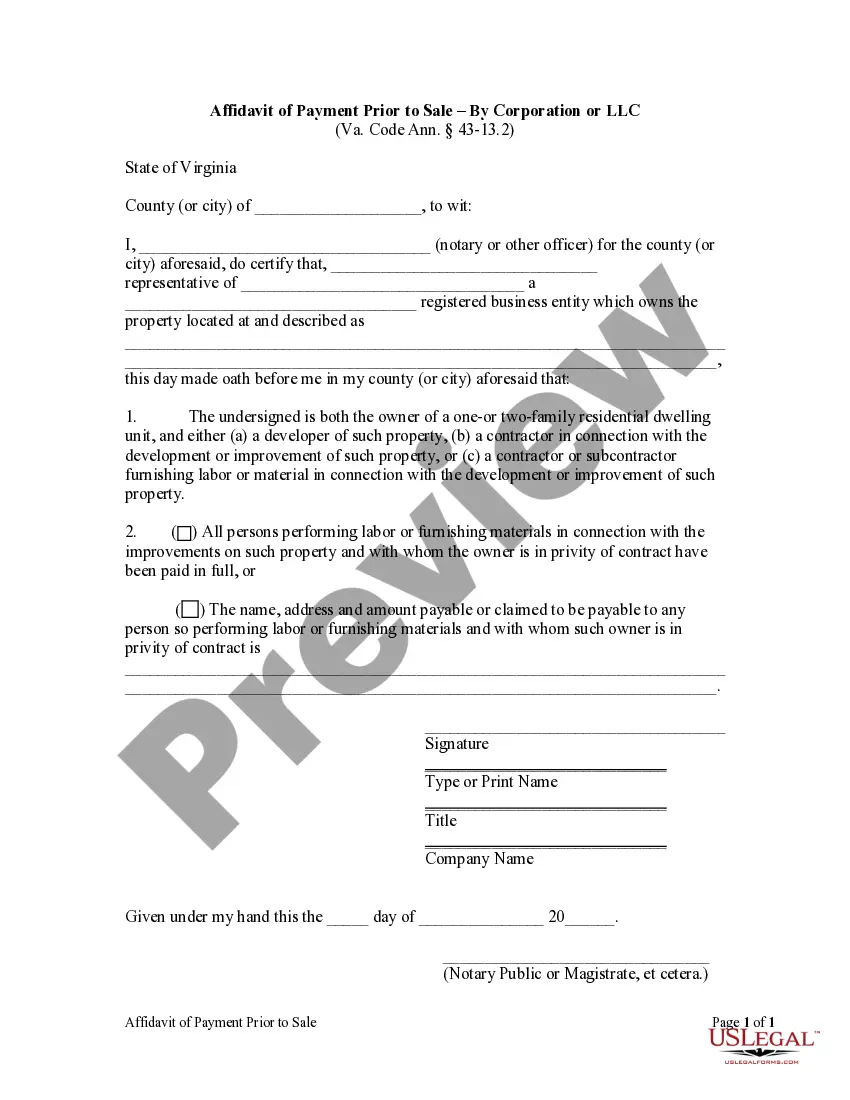
Common use cases
This form should be used during the settlement phase of a residential property sale when the seller is required to provide assurance that all contractors and suppliers have been paid for their work. It is particularly important when selling a property that has undergone significant improvements or renovations, ensuring the purchaser is protected from potential financial liabilities related to unpaid labor or materials.
Who should use this form
- Homeowners selling a one- or two-family residential property.
- Developers involved in the construction or improvement of residential units.
- Contractors and subcontractors responsible for labor or material supplies related to the property.
How to complete this form
- Identify the county or city where the property is located.
- Specify the name of the owner or the agent representing the owner.
- Provide a description of the property being sold.
- Indicate whether all laborers and suppliers have been paid in full or list any unpaid claims with details.
- Sign the affidavit and have it notarized for legal validation.
Notarization requirements for this form
Yes, this form must be notarized to be legally valid. The notarization process provides an official verification of the signatures, adding credibility and legal weight to the affidavit. US Legal Forms offers integrated online notarization services, making it easy to complete your document securely via a video call, without the need for in-person appointments.
Get your form ready online
Our built-in tools help you complete, sign, share, and store your documents in one place.
Make edits, fill in missing information, and update formatting in US Legal Forms—just like you would in MS Word.
Download a copy, print it, send it by email, or mail it via USPS—whatever works best for your next step.
Sign and collect signatures with our SignNow integration. Send to multiple recipients, set reminders, and more. Go Premium to unlock E-Sign.
If this form requires notarization, complete it online through a secure video call—no need to meet a notary in person or wait for an appointment.
We protect your documents and personal data by following strict security and privacy standards.

Make edits, fill in missing information, and update formatting in US Legal Forms—just like you would in MS Word.

Download a copy, print it, send it by email, or mail it via USPS—whatever works best for your next step.

Sign and collect signatures with our SignNow integration. Send to multiple recipients, set reminders, and more. Go Premium to unlock E-Sign.

If this form requires notarization, complete it online through a secure video call—no need to meet a notary in person or wait for an appointment.

We protect your documents and personal data by following strict security and privacy standards.
Mistakes to watch out for
- Failing to fully complete the property description section.
- Not listing all subcontractors or suppliers if there are outstanding payments.
- Omitting the notary signature or seal, which can invalidate the document.
Why complete this form online
- Convenient access to downloadable templates from anywhere.
- Editable forms that allow for customization based on your specific situation.
- Reliable legal templates drafted by licensed attorneys, ensuring compliance with applicable laws.
Summary of main points
- The affidavit serves to protect buyers from financial claims related to unpaid contractors.
- It is essential to provide accurate information regarding payments to laborers and suppliers.
- Proper completion and notarization of the affidavit are critical for its validity.
Looking for another form?
Form popularity
FAQ
This typically takes two to three business days. During that time, your status will show as In Process. Once the bank confirms your payment, your status will change to Paid. You will then be able to open and complete the Form DS-260 Immigrant Visa Application.
To pay your fee, log into your case in CEAC and click the 'PAY NOW' button under Affidavit of Support Fee or IV Fee on your summary page. Please note you cannot pay these two fees simultaneously; the online system will ask you to pay them one at a time.
You must pay for your permanent resident card online. We do not accept other methods of payment. After you pay, print a receipt and include it with your paper application.
Once your payment has been processed, you can go online to file the DS-260 (immigrant visa application). This is the primary green card application for spouses living abroad, and is administered by the Department of State.
You can pay the fee with a valid credit card, debit card, or electronic checking or savings (ACH) payment from a U.S. bank account.The card must have enough money available to pay the total amount for all immigrants.
Once you log into your profile and while on the payment screen, you can select to pay using a debit card. After you pay the visa application fee, print your receipt for your records.
Credit card. Debit card with a MasterCard or Visa logo. Pre-paid debit card (such as a Visa gift card) If you pay with a pre-paid debit card, you may use only one card. The card must have enough money on it to pay for you and any family members.
To pay your NVC fees, navigate to http://ceac.state.gov. This is the State Department's Consular Electronic Application Center (CEAC) website. It will be used to receive your payment, and later to submit your online DS-260 visa application.
Visa. ® MasterCard. A® American Express. A® JCB. A® UnionPay. A®